Carteret County Unconditional Waiver on Progress Payment Form
Last validated October 16, 2026 by our Forms Development TeamFormatted for recording in Carteret County, for property anywhere in the county: rural and unincorporated areas as well as Atlantic, Atlantic Beach, Beaufort, Cedar Island, Davis, Emerald Isle, Gloucester, Harkers Island and 9 more.
- 3 documents included
- Immediate PDF download
- Formatting guarantee
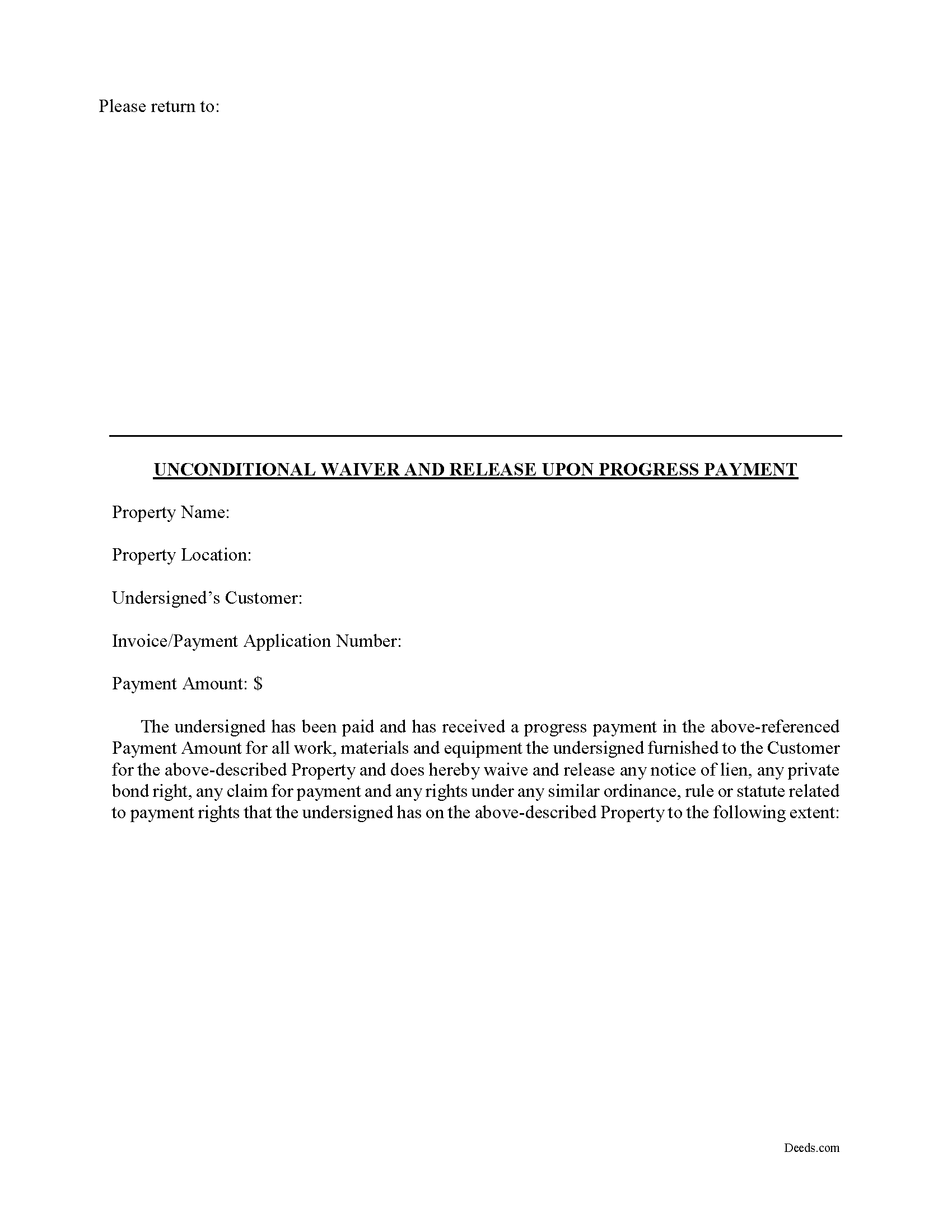
Carteret County Unconditional Waiver on Progress Payment Form
Fill in the blank Unconditional Waiver on Progress Payment form formatted to comply with all North Carolina recording and content requirements.
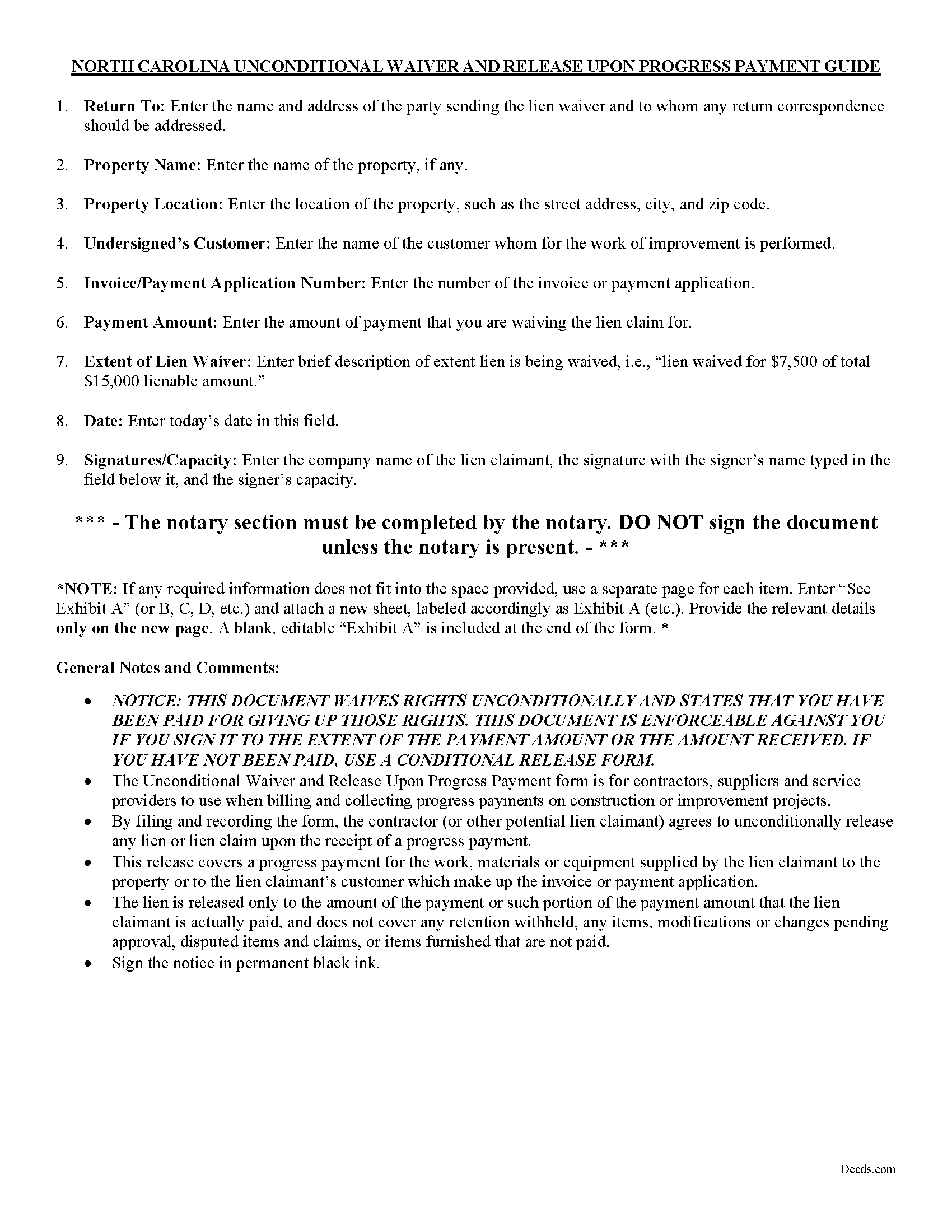
Carteret County Unconditional Waiver of Progress Payment Guide
Line by line guide explaining every blank on the form.
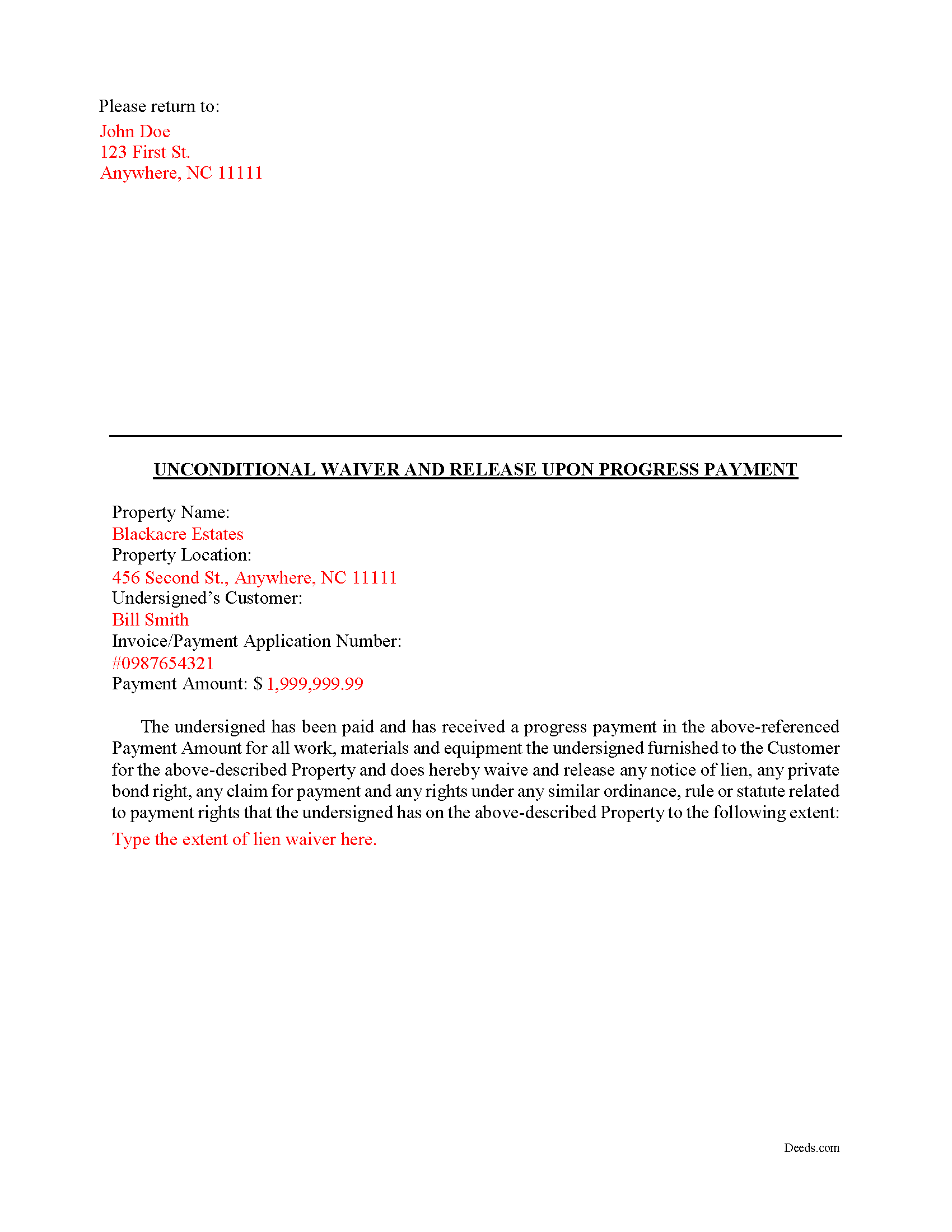
Carteret County Completed Example of the Unconditional Waiver on Progress Payment Document
Example of a properly completed form for reference.
All 3 documents above included • One-time purchase • No recurring fees
Immediate Download • Secure Checkout
Additional North Carolina and Carteret County documents included at no extra charge:
Where to Record Your Documents
Carteret County Recorder Of Deeds
Beaufort, North Carolina 28516
Hours: 8:00 a.m. to 5:00 p.m. Monday through Friday
Phone: (252) 728-8474
Recording Tips for Carteret County:
- Bring your driver's license or state-issued photo ID
- Ensure all signatures are in blue or black ink
- Leave recording info boxes blank - the office fills these
- Make copies of your documents before recording - keep originals safe
- Recorded documents become public record - avoid including SSNs
Cities and Jurisdictions in Carteret County
Properties in any of these areas use Carteret County forms:
- Atlantic
- Atlantic Beach
- Beaufort
- Cedar Island
- Davis
- Emerald Isle
- Gloucester
- Harkers Island
- Marshallberg
- Morehead City
- Newport
- Salter Path
- Sealevel
- Smyrna
- Stacy
- Stella
- Williston
Hours, fees, requirements, and more for Carteret County
How do I get my forms?
Forms are available for immediate download after payment. The Carteret County forms will be in your account ready to download to your computer. An account is created for you during checkout if you don't have one. Forms are NOT emailed.
Are these forms guaranteed to be recordable in Carteret County?
Yes. Our form blanks are guaranteed to meet or exceed the applicable formatting requirements used for recording in Carteret County, including margin requirements, font requirements, and other layout standards. This guarantee applies to formatting, not to the legal sufficiency of information entered by the user or the suitability of a form for a particular transaction.
Can I reuse these forms?
Yes. You can reuse the forms for your personal use. For example, if you have multiple properties in Carteret County you only need to order once.
What do I need to use these forms?
The forms are PDFs that you fill out on your computer. The free Adobe Acrobat Reader is recommended, and most PDF apps also work. You do NOT enter your property information online - you download the blank forms and complete them privately on your own computer.
Are there any recurring fees?
No. This is a one-time purchase. Nothing to cancel, no memberships, no recurring fees.
How much does it cost to record in Carteret County?
Recording fees in Carteret County vary. Contact the recorder's office at (252) 728-8474 for current fees.
Questions answered? Let's get started!
A lien waiver is a document drafted by a potential lien claimant such as a contractor, subcontractor, materials provider, equipment lessor or other party to the construction project (the claimant) that states they have received payment and thereby waive any future lien rights to the owner's property. Simply put, waiving a lien means giving up the right to a future lien in exchange for the payment of the potential lien amount in full or part.
Lien waivers generally fall into two categories: conditional and unconditional. A conditional waiver is effective only upon the triggering of a specific event, such as the payment check clearing. An unconditional waiver is an absolute abandonment of the claimant's right to a future lien whether or not payment is ever made to the possible claimant. North Carolina does not provide for lien waivers by statute, although waivers are still permissible and will be recognized by a state court under the principles of contract law.
An unconditional waiver upon progress payment releases all claimant rights through a specific date unconditionally (meaning that the release of rights is not dependent upon the payment clearing the bank). Because this is an unconditional waiver, only use it after a progress payment has actually been made and received.
By filing the form, the lien claimant represents that he or she either has already paid or will use the money he or she receives from this progress payment in order to make prompt payment in full to all his or her laborers, subcontractors, materialmen and suppliers for all work, materials or equipment that are the subject of this waiver and release.
Getting a lien waiver also allows property owners to shield the title to their property from the general contractor, material suppliers and subcontractors involved with a project. With a partial lien release upon a progress payment, the property owner works toward regaining clear title and the ability to obtain financing or sell the property.
The property owner should require lien and labor waivers to be submitted with the contractor's invoices and should not authorize payment of any invoice without properly signed lien and labor waivers. Proper lien waivers can protect the property owner from liens filed by the contractor's subcontractors, suppliers and laborers who might record a lien if they are not paid by the contractor.
This article is provided for informational purposes only and should not be relied upon as a substitute for the advice of a legal professional. Please contact an attorney with questions about using lien waivers, or for any other issues related to liens in North Carolina.
Important: Your property must be located in Carteret County to use these forms. Documents should be recorded at the county recording office listed above.
This Unconditional Waiver on Progress Payment meets all recording requirements specific to Carteret County.
Our Promise
The documents you receive here are guaranteed to meet or exceed the applicable Carteret County recording format requirements. If there is a rejection caused by our formatting, we will correct the issue or refund your payment. This guarantee applies to document formatting only and does not extend to information entered by the user, the selection of the form, or the legal effect of the completed document.
Save Time and Money
Get your Carteret County Unconditional Waiver on Progress Payment form done right the first time with Deeds.com Uniform Conveyancing Blanks. At Deeds.com, we understand that your time and money are valuable resources, and we don't want you to face a penalty fee or rejection imposed by a county recorder for submitting nonstandard documents. We constantly review and update our forms to meet rapidly changing state and county recording requirements for roughly 3,500 counties and local jurisdictions.
4.8 out of 5 - ( 4,836 Reviews )
Patricia E. 5 out of 5 stars
Easy to understand and download!
Thank you!
Jennifer T. 5 out of 5 stars
I got instant access to the exact forms I needed! The guide to completing the form was very thorough and easy to understand. I am very thankful for this service!
Thank you for the kind words Jennifer. We appreciate you!
Roger J. 5 out of 5 stars
I found the service easy to use and very helpful.
Thank you!
Betty B. 5 out of 5 stars
Thank you . I appreciate your assistance Once again thanks
Thank you!
Ivory J. 5 out of 5 stars
Haven't processed any deed documents so far. I do agree that Deed.com website browsing tool will be helpful.
Thank you!
Dr. Rev. Cheryl T. 5 out of 5 stars
five stars thanks so m,uch so easy to use and save. Good Job... Peace & many Blessings Sincerely, dr. Rev. Cheryl israel tibbrine
Thank you for your feedback. We really appreciate it. Have a great day!
Ernest E. 5 out of 5 stars
No problem whatsoever navigating the forms. I hope the filing is this easy.
Thanks, Ernest! We’re glad the forms were easy to navigate. Recording in Virginia Beach City is typically straightforward, but it’s always a good idea to confirm any local requirements with the clerk before filing.
Inara X. 5 out of 5 stars
Great service
Thank you for your positive words! We’re thrilled to hear about your experience.
Lajeanne F. 5 out of 5 stars
Your service was as you promoted and I was able to get a copy of my deed and find the information on it I needed. Thank you.
Thank you for your feedback. We really appreciate it. Have a great day!
Jimmy P. 5 out of 5 stars
Works well. Very satisfied.
Thank you!
Barbara C. 5 out of 5 stars
I have used these forms now at least 3 times in order to sell the same parcel of land. The forms are great and I'm happy that I could use them more than once. To no fault of Deeds.com I used them many times to sell the same land. First the man died that was buying, before it got recorded. Then his wife was going to finish it, but then decided it should be sold to another party who was a friend of hers.
We appreciate your business and value your feedback. Thank you. Have a wonderful day!
Michael G. S. 5 out of 5 stars
The process was quite easy, following the instructional guide. I have yet to find out if the deed was accepted, but your site was very user friendly.
We appreciate your business and value your feedback. Thank you. Have a wonderful day!
JAMES S. 5 out of 5 stars
Saved me 1-2 hours' time dictating. Will use again.
Thank you!
Maria-Luisa: M. 5 out of 5 stars
So far so good!
Thank you!
Annie R. 5 out of 5 stars
Excellent service. Documents easy to understand and use.
We appreciate your business and value your feedback. Thank you. Have a wonderful day!