Steele County Contract for Deed Form
Last validated November 5, 2026 by our Forms Development TeamFormatted for recording in Steele County, for property anywhere in the county: rural and unincorporated areas as well as Finley, Hope, Luverne, Sharon.
- 6 documents included
- Immediate PDF download
- Formatting guarantee
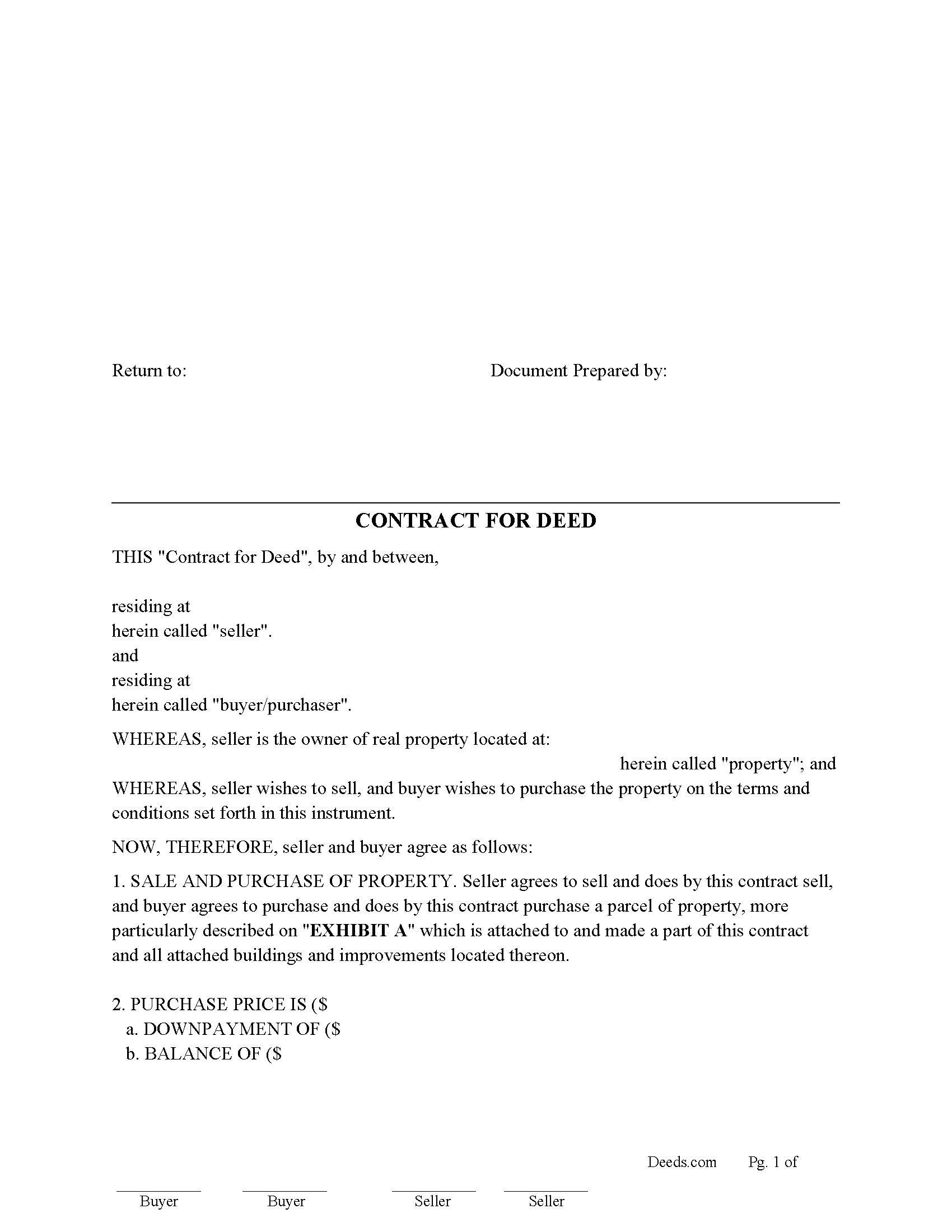
Steele County Contract for Deed Form
Fill in the blank Contract for Deed form formatted to comply with all North Dakota recording and content requirements.
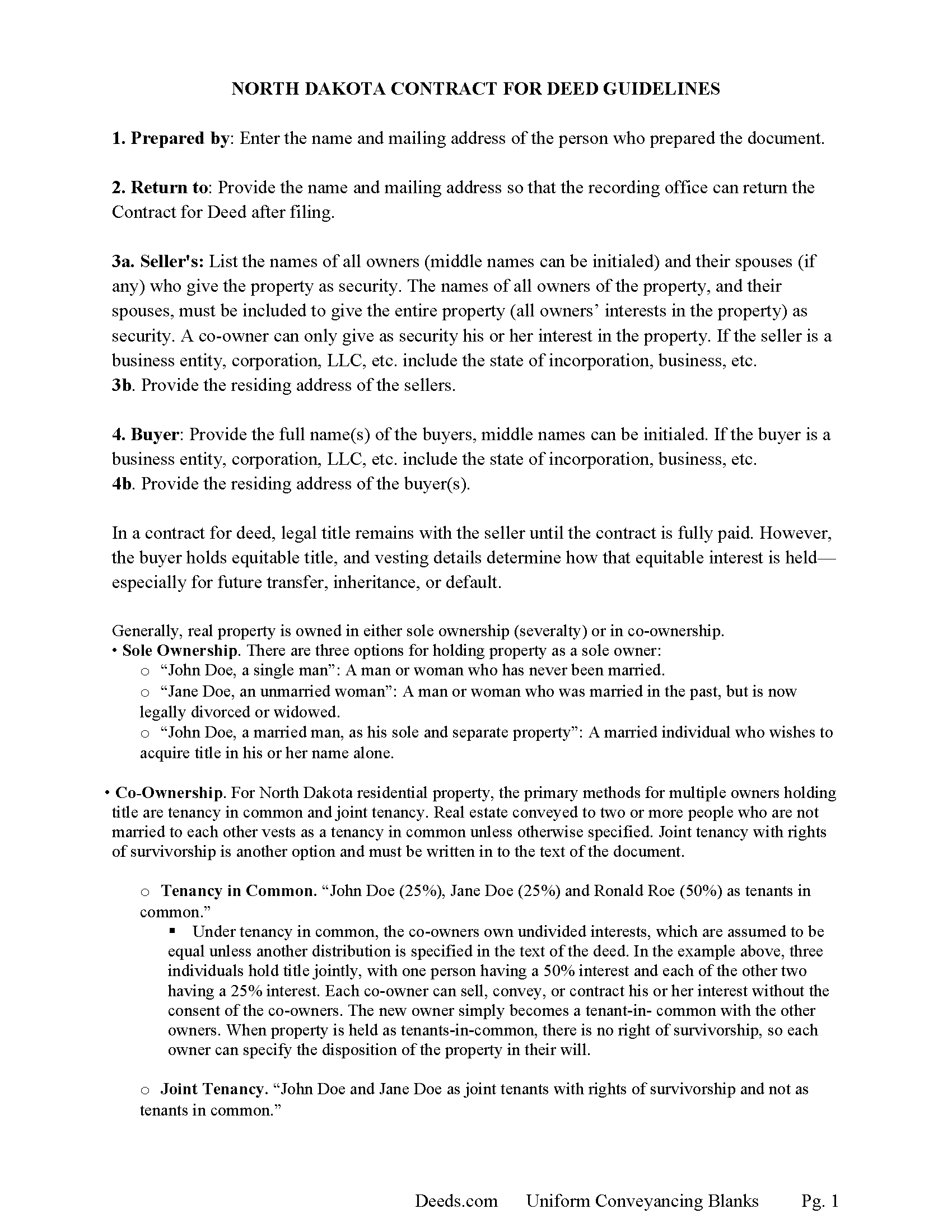
Steele County Contract for Deed Guide
Line by line guide explaining every blank on the Contract for Deed form.
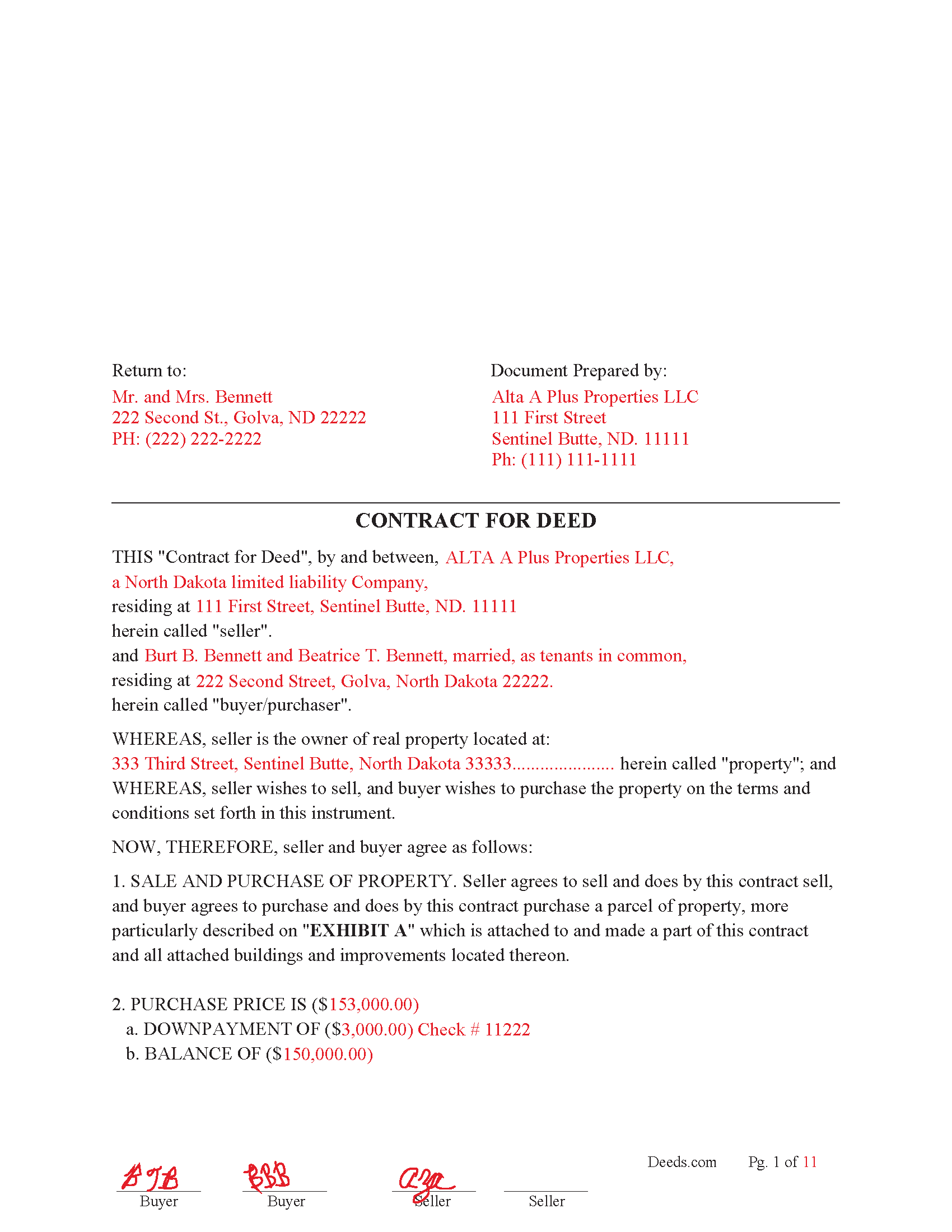
Steele County Completed Example of the Contract for Deed Document
Example of a properly completed North Dakota Contract for Deed document for reference.
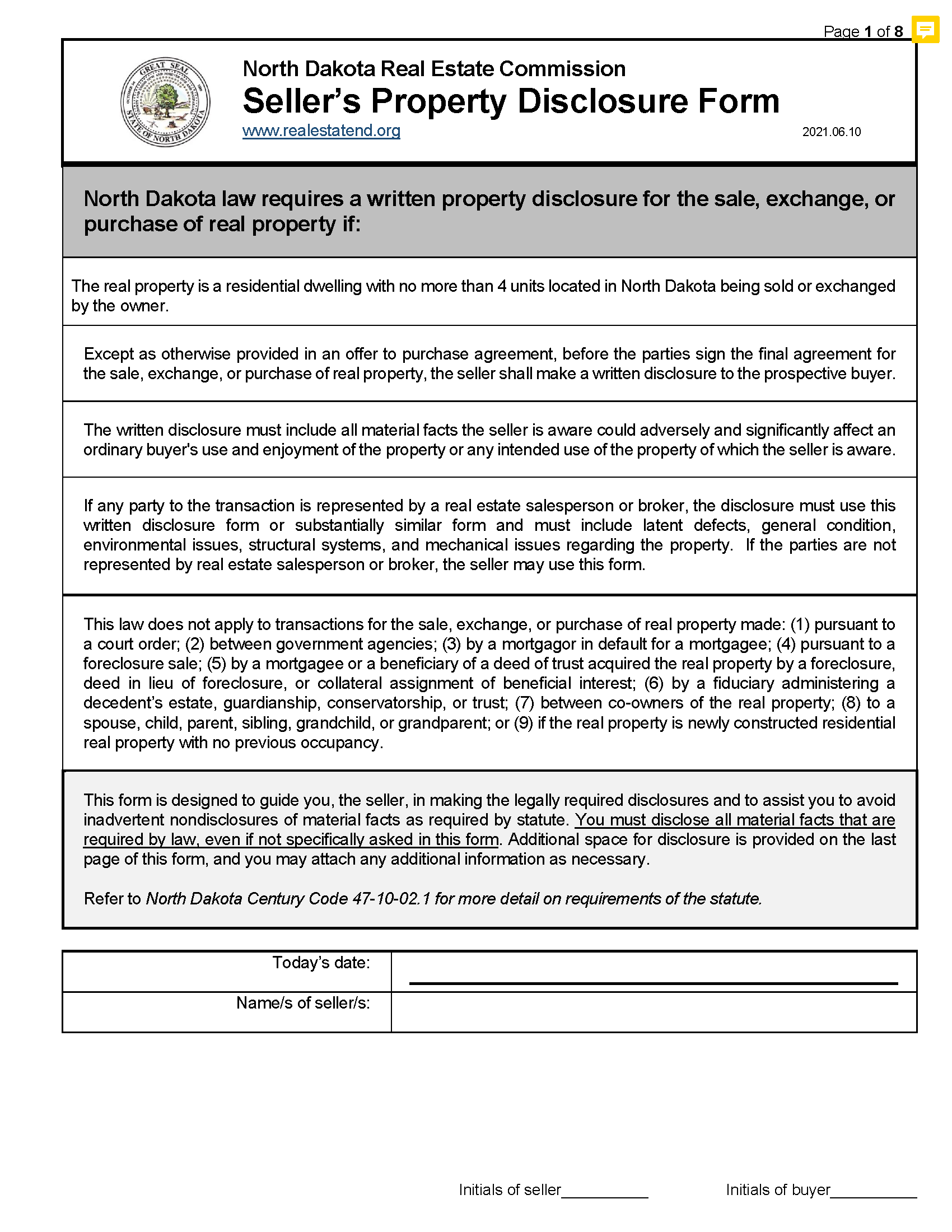
Steele County Sellers Residential Property Disclosure Form
residential real estate with up to four dwelling units, See Statute N.D.C.C. § 47-10-02.1
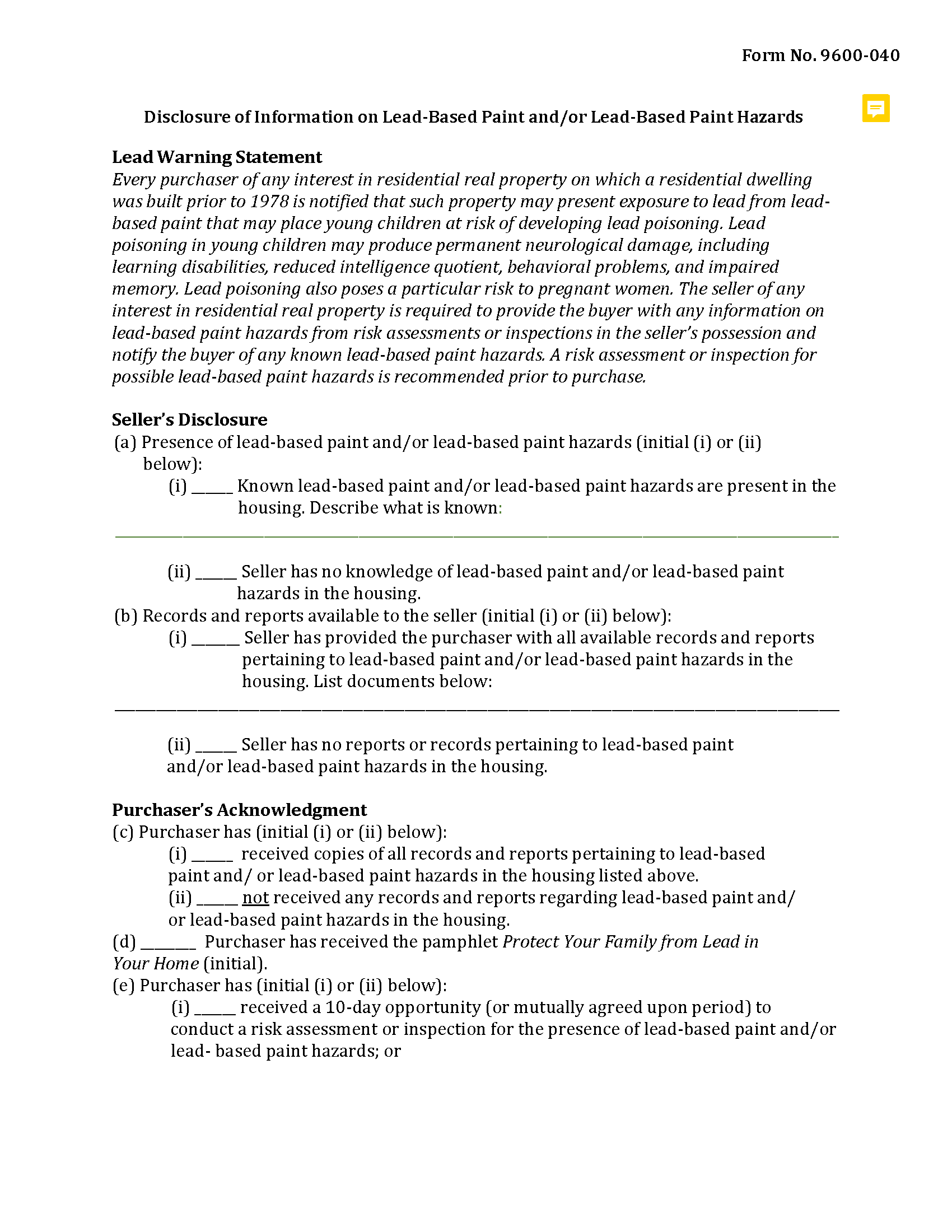
Steele County Lead Based Paint Disclosure Form
Applicable to residential property built before 1978
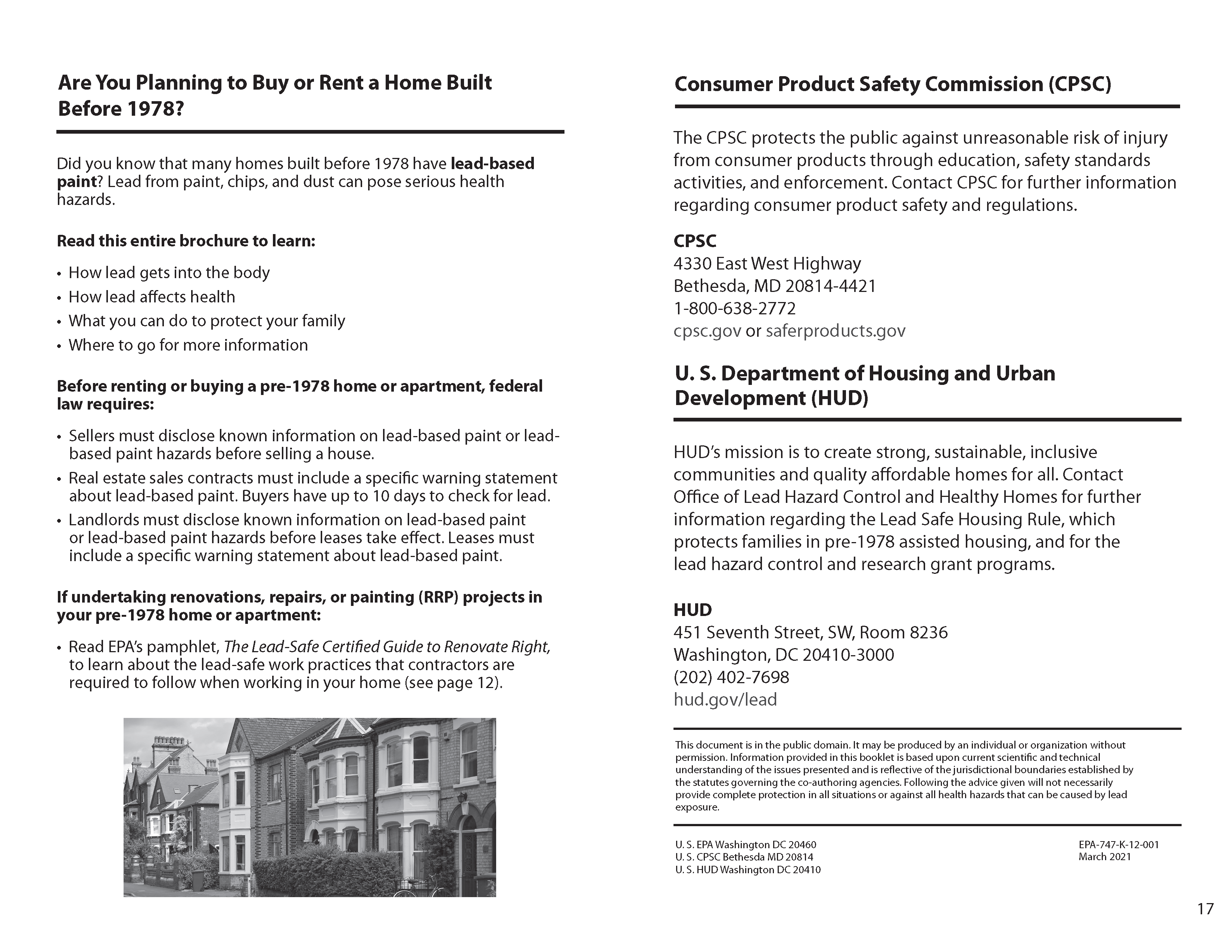
Steele County Lead Based Paint Brochure
Issue to buyers if applicable.
All 6 documents above included • One-time purchase • No recurring fees
Immediate Download • Secure Checkout
Additional North Dakota and Steele County documents included at no extra charge:
Where to Record Your Documents
Steele County Recorder
Finley, North Dakota 58230-0296
Hours: 8:00 to 12:00 & 1:00 to 4:30 Mon-Fri
Phone: (701) 524-2152
Recording Tips for Steele County:
- Bring your driver's license or state-issued photo ID
- Ensure all signatures are in blue or black ink
- Make copies of your documents before recording - keep originals safe
- Recorded documents become public record - avoid including SSNs
- Recording fees may differ from what's posted online - verify current rates
Cities and Jurisdictions in Steele County
Properties in any of these areas use Steele County forms:
- Finley
- Hope
- Luverne
- Sharon
Hours, fees, requirements, and more for Steele County
How do I get my forms?
Forms are available for immediate download after payment. The Steele County forms will be in your account ready to download to your computer. An account is created for you during checkout if you don't have one. Forms are NOT emailed.
Are these forms guaranteed to be recordable in Steele County?
Yes. Our form blanks are guaranteed to meet or exceed the applicable formatting requirements used for recording in Steele County, including margin requirements, font requirements, and other layout standards. This guarantee applies to formatting, not to the legal sufficiency of information entered by the user or the suitability of a form for a particular transaction.
Can I reuse these forms?
Yes. You can reuse the forms for your personal use. For example, if you have multiple properties in Steele County you only need to order once.
What do I need to use these forms?
The forms are PDFs that you fill out on your computer. The free Adobe Acrobat Reader is recommended, and most PDF apps also work. You do NOT enter your property information online - you download the blank forms and complete them privately on your own computer.
Are there any recurring fees?
No. This is a one-time purchase. Nothing to cancel, no memberships, no recurring fees.
How much does it cost to record in Steele County?
Recording fees in Steele County vary. Contact the recorder's office at (701) 524-2152 for current fees.
Questions answered? Let's get started!
Common uses:
1. Buyer Cannot Obtain Traditional Financing
The buyer may not qualify for a mortgage due to:
Poor credit
Limited employment history
Lack of down payment
A Contract for Deed allows the buyer to make monthly payments directly to the seller, like a private loan.
2. Seller Wants to Keep Control Until Paid in Full
Seller retains legal title as security.
If the buyer defaults, the seller can cancel the contract through statutory forfeiture under N.D.C.C. Chapter 32‑18.
3. Family or Private Sales
Often used in:
Intra-family transactions (e.g., selling to children)
"Rent-to-own" type arrangements
Private seller-financed sales of rural or agricultural property
4. Agricultural or Rural Property Sales
Used to allow gradual ownership over larger tracts of land.
Reduces need for third-party financing and fees.
5. Investor or Rehab Property Sales
Sellers may use a contract for deed to sell fixer-uppers or homes needing repair to investors or owner-occupants who intend to renovate during the term of the contract.
For use in North Dakota only
Important: Your property must be located in Steele County to use these forms. Documents should be recorded at the county recording office listed above.
This Contract for Deed meets all recording requirements specific to Steele County.
Our Promise
The documents you receive here are guaranteed to meet or exceed the applicable Steele County recording format requirements. If there is a rejection caused by our formatting, we will correct the issue or refund your payment. This guarantee applies to document formatting only and does not extend to information entered by the user, the selection of the form, or the legal effect of the completed document.
Save Time and Money
Get your Steele County Contract for Deed form done right the first time with Deeds.com Uniform Conveyancing Blanks. At Deeds.com, we understand that your time and money are valuable resources, and we don't want you to face a penalty fee or rejection imposed by a county recorder for submitting nonstandard documents. We constantly review and update our forms to meet rapidly changing state and county recording requirements for roughly 3,500 counties and local jurisdictions.
4.8 out of 5 - ( 4,851 Reviews )
Patrick P. 5 out of 5 stars
Great service! I found out how easy it was for me to record a deed. I saved about $200 using deeds.com. The sample form really helped. Thanks!
Thank you!
Lois S. 5 out of 5 stars
This website made it easy to quickly research what was recorded/released on the title of my home.
Thank you for your feedback. We really appreciate it. Have a great day!
Johnny A. 5 out of 5 stars
My complete name is Johnny Alicea Rodriguez And the DEED is on my half brother and mine name. Jimmy Dominguez and myself Thanks
Sylvia O. 5 out of 5 stars
Very efficient, and the samples and instructions are very easy to follow. Thank you Deeds.com
Thank you!
David D. 5 out of 5 stars
Two thumbs up!
Thank you!
Janet M. 5 out of 5 stars
Deed.com is an amazing site. After calling many places and going on many websites to figure out what I needed to submit (most counties cannot help with questions and the place I needed to turn the documents into could not help either, they are not allowed to give legal advice) I came across Deeds.com. It has been so helpful and I was able to research what documents I needed. I purchased one document and after more research I realized I needed a different document. Deed.com refunded my first purchase. I then purchased an Affidavit of Death and a Deed for the county and state I needed them for. Both the example and guide were very helpful and I will be submitting my documents after I have them notarized. I give five stars
Your feedback is greatly appreciated. Thank you for taking the time to share your experience!
Robert J. 5 out of 5 stars
Ordered the quitclaim forms. Amazing value! Received everything I needed and then some. The forms were easy to use and understand with the help of the guide. The best part was that once completed I used deeds.com's e-recording service to submit the document for recording (our county offices are still closed). Outstanding!
Thank you for the kinds words Robert, glad we could help.
Allison M. 5 out of 5 stars
Completely painless process! Great customer service! Thank you for everything!
Your words of encouragement and feedback are greatly appreciated. They motivate us to maintain high standards in our service.
Joy V. 5 out of 5 stars
Very helpful and efficient!
Thank you for your feedback. We really appreciate it. Have a great day!
Rex M. 5 out of 5 stars
fulfilled all NC requirements
Thank you!
Kirsten Z. 5 out of 5 stars
Thank you! Including the Guide and completed example was especially helpful.
Thank you for your feedback. We really appreciate it. Have a great day!
Angela W. 5 out of 5 stars
Very helpful and very quick to respond. Thank you!
We appreciate your business and value your feedback. Thank you. Have a wonderful day!
John P. 4 out of 5 stars
Working with one document at a time every thing was great, but the program will not let multiple documents save independently. When I saved a document and created another document the changes I made on the second document were on the 1st document. No big deal if your printing, but if your saving to email later, its an issue.
Thank you for your feedback. We really appreciate it. Have a great day!
Marsha C. 5 out of 5 stars
Awesome so far! What a great service!
Thank you Marsha, we really appreciate your feedback.
JEFFREY C. 5 out of 5 stars
This is pretty amazing...! Very simple and immediate. I would definitely recommend deed.com
Thank you!