Fulton County Assignment of Mortgage Form
Last validated October 9, 2026 by our Forms Development TeamFormatted for recording in Fulton County, for property anywhere in the county: rural and unincorporated areas as well as Archbold, Delta, Fayette, Lyons, Metamora, Pettisville, Swanton, Wauseon.
- 6 documents included
- Immediate PDF download
- Formatting guarantee
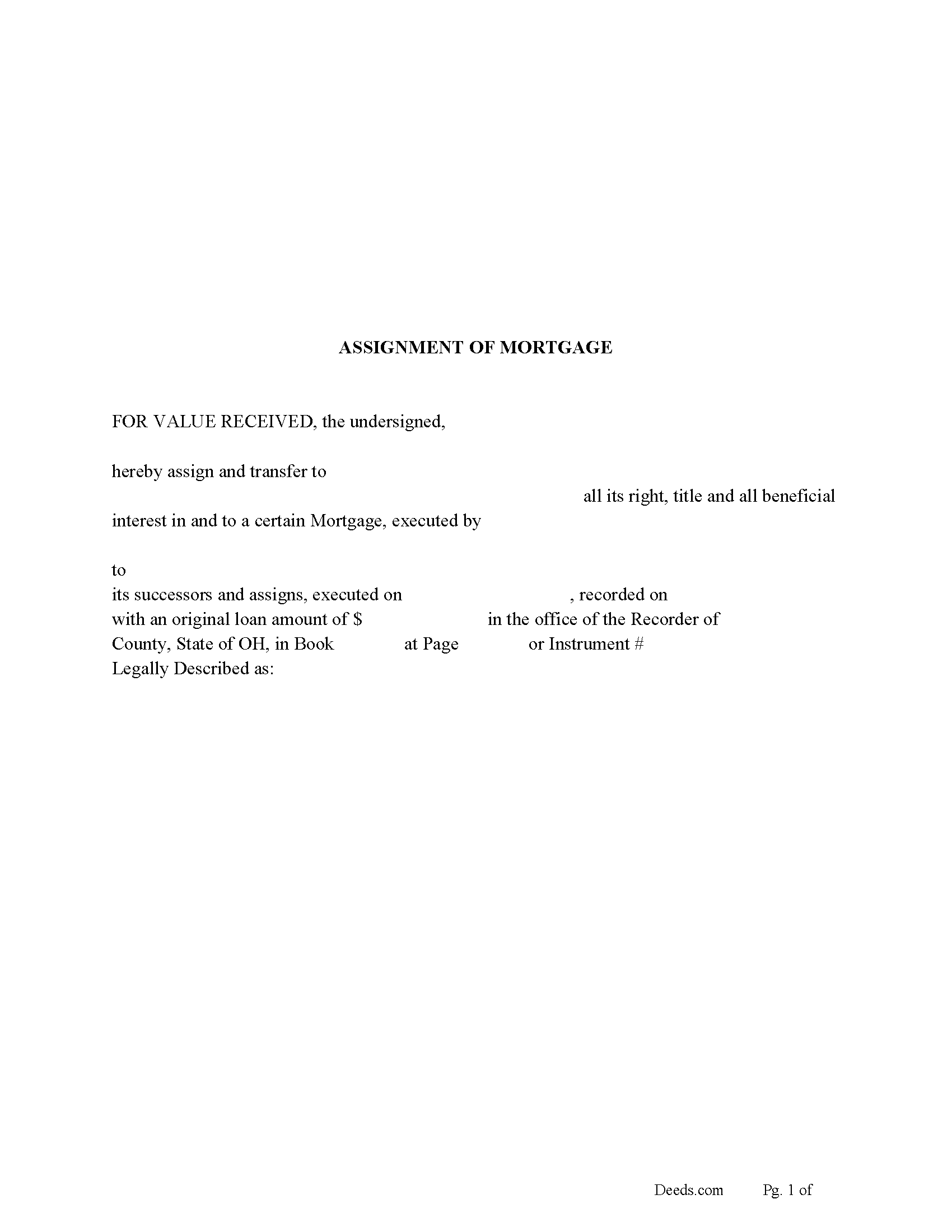
Fulton County Assignment of Mortgage Form
Fill in the blank form formatted to comply with all recording and content requirements.
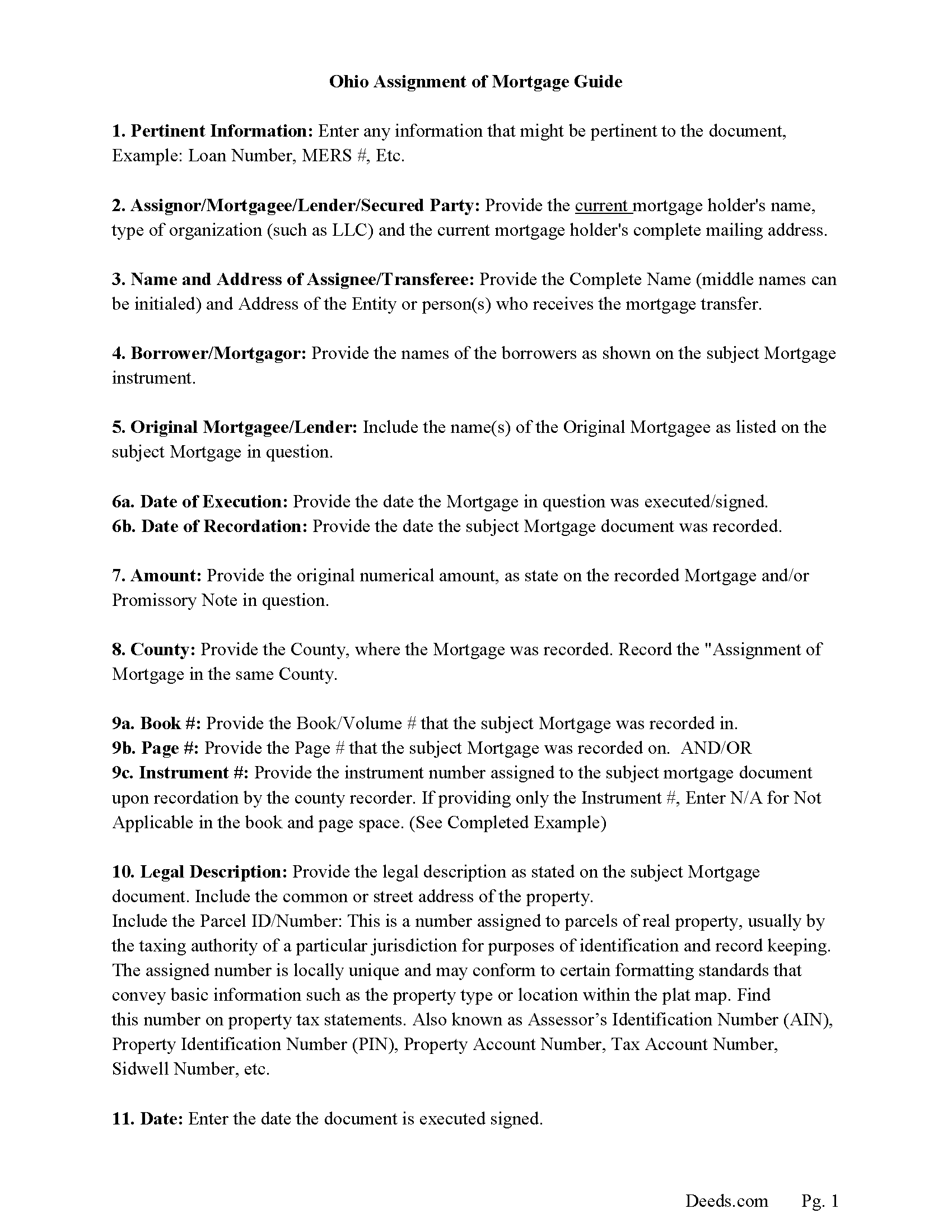
Fulton County Assignment of Mortgage Guidelines
Line by line guide explaining every blank on the form.
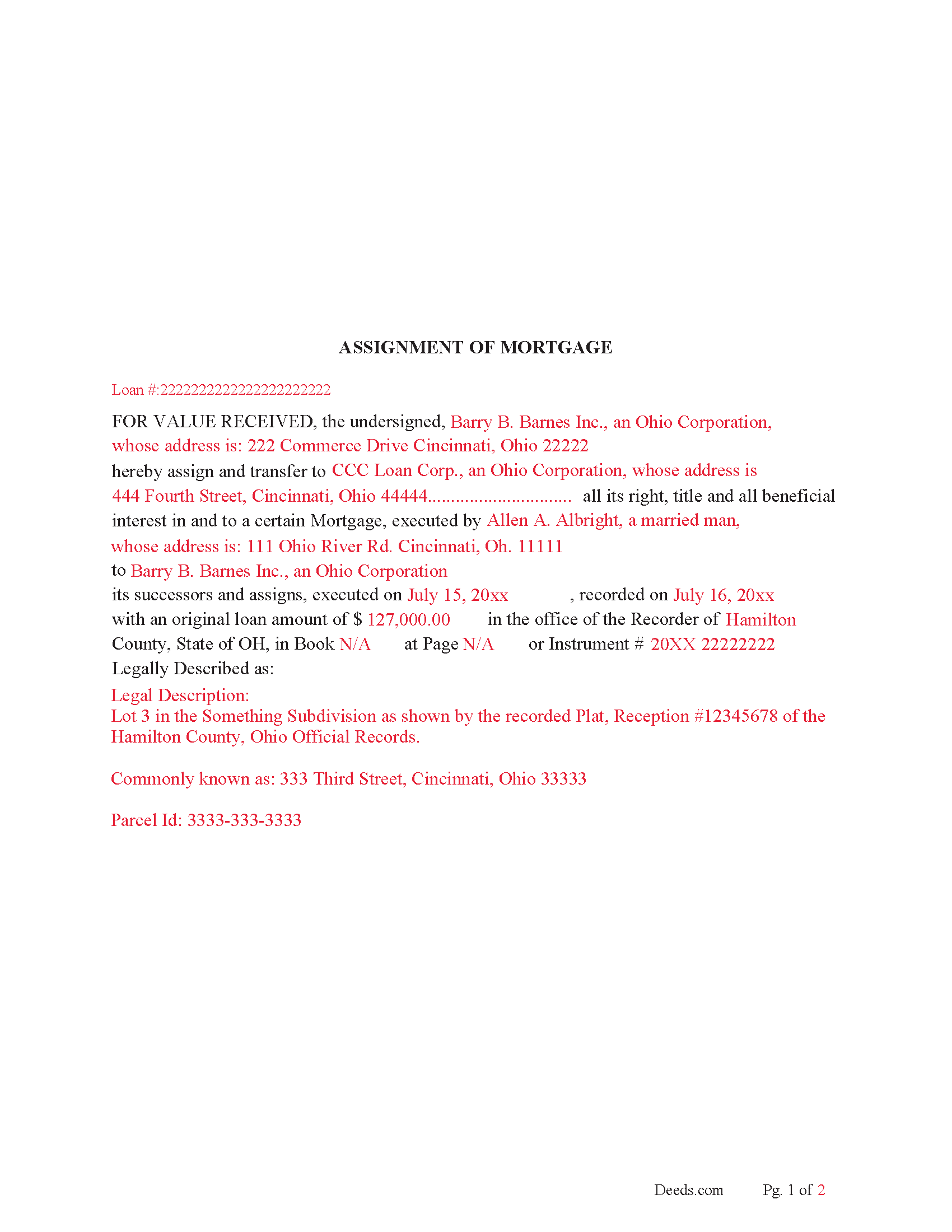
Fulton County Completed Example of the Assignment of Mortgage Document
Example of a properly completed form for reference.
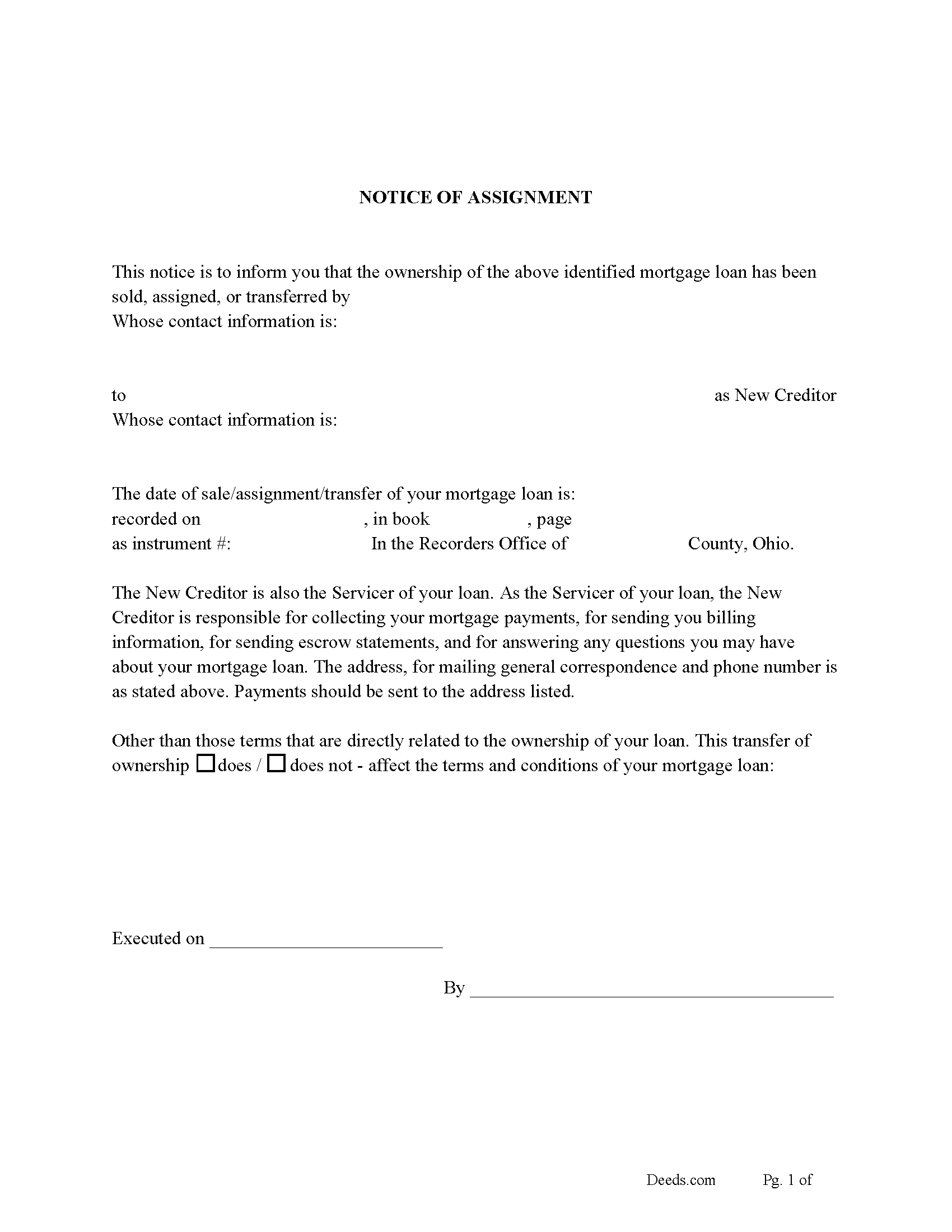
Fulton County Notice of Assignment of Mortgage Form
Fill in the blank form formatted to comply with content requirements.
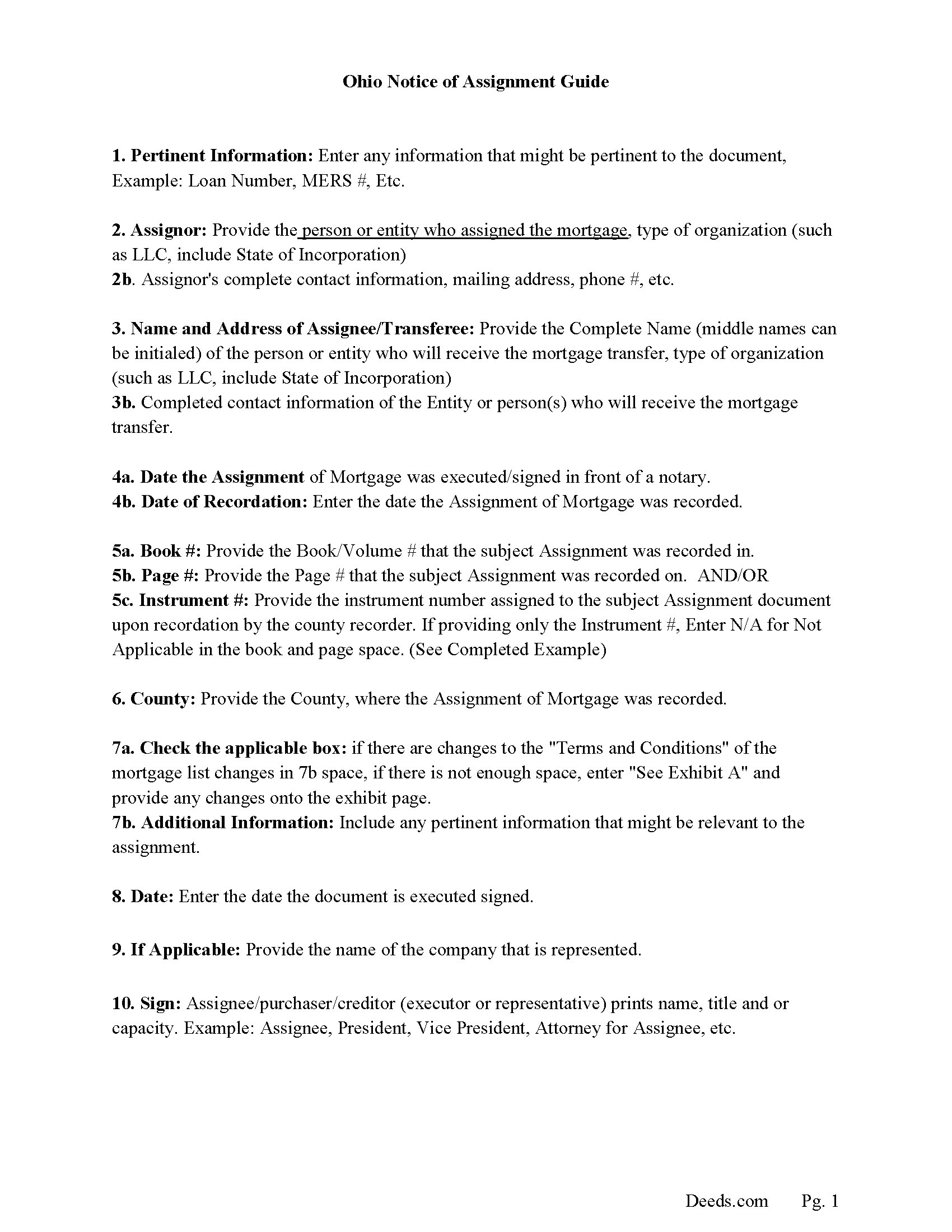
Fulton County Notice of Assignment Guidelines
Line by line guide explaining every blank on the form.
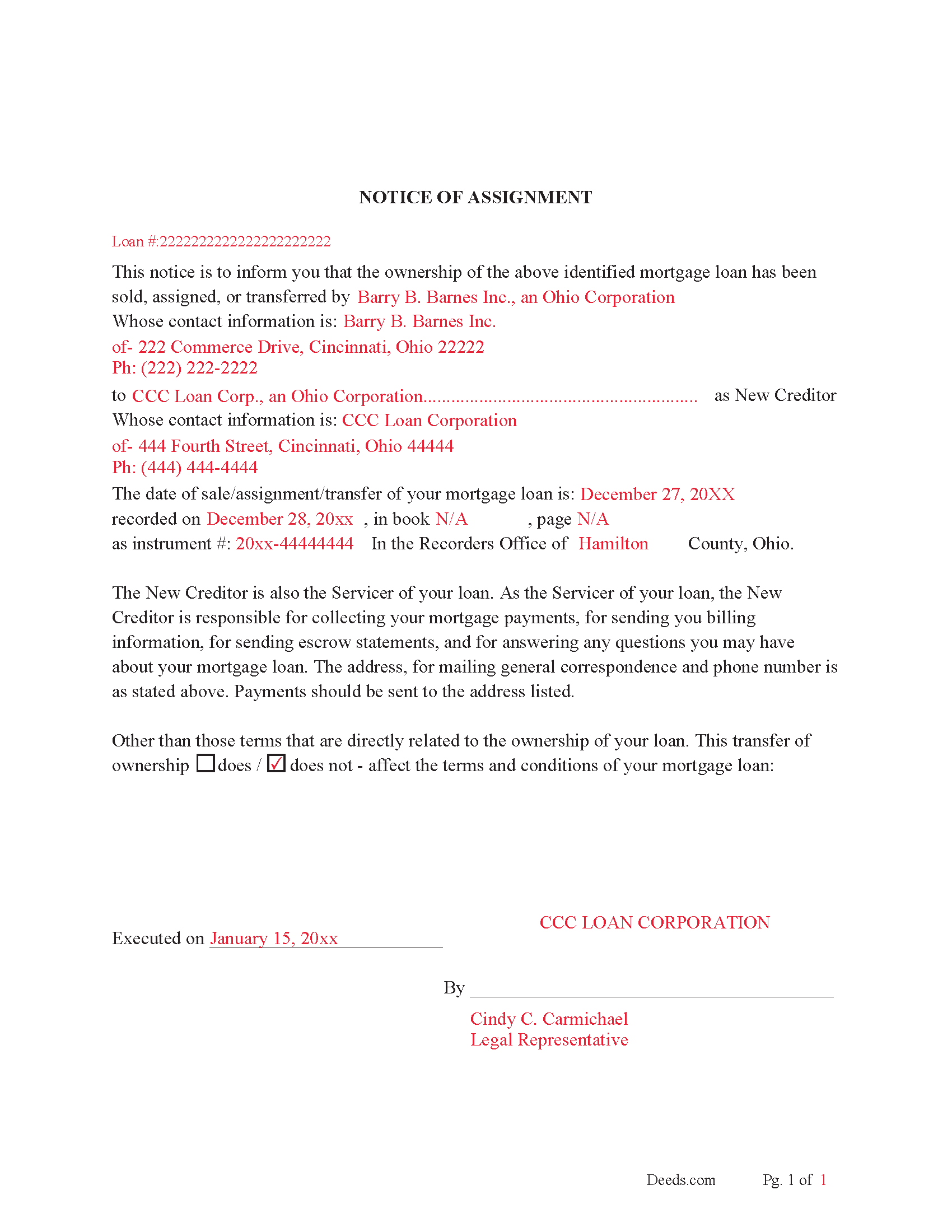
Fulton County Completed Example of Notice of Assignment Document
Example of a properly completed form for reference.
All 6 documents above included • One-time purchase • No recurring fees
Immediate Download • Secure Checkout
Additional Ohio and Fulton County documents included at no extra charge:
Where to Record Your Documents
Fulton County Recorder
Wauseon, Ohio 43567
Hours: 8:30 to 4:30 M-F
Phone: 419-337-9232
Recording Tips for Fulton County:
- Bring your driver's license or state-issued photo ID
- Ensure all signatures are in blue or black ink
- Ask if they accept credit cards - many offices are cash/check only
- Check that your notary's commission hasn't expired
- Documents must be on 8.5 x 11 inch white paper
Cities and Jurisdictions in Fulton County
Properties in any of these areas use Fulton County forms:
- Archbold
- Delta
- Fayette
- Lyons
- Metamora
- Pettisville
- Swanton
- Wauseon
Hours, fees, requirements, and more for Fulton County
How do I get my forms?
Forms are available for immediate download after payment. The Fulton County forms will be in your account ready to download to your computer. An account is created for you during checkout if you don't have one. Forms are NOT emailed.
Are these forms guaranteed to be recordable in Fulton County?
Yes. Our form blanks are guaranteed to meet or exceed the applicable formatting requirements used for recording in Fulton County, including margin requirements, font requirements, and other layout standards. This guarantee applies to formatting, not to the legal sufficiency of information entered by the user or the suitability of a form for a particular transaction.
Can I reuse these forms?
Yes. You can reuse the forms for your personal use. For example, if you have multiple properties in Fulton County you only need to order once.
What do I need to use these forms?
The forms are PDFs that you fill out on your computer. The free Adobe Acrobat Reader is recommended, and most PDF apps also work. You do NOT enter your property information online - you download the blank forms and complete them privately on your own computer.
Are there any recurring fees?
No. This is a one-time purchase. Nothing to cancel, no memberships, no recurring fees.
How much does it cost to record in Fulton County?
Recording fees in Fulton County vary. Contact the recorder's office at 419-337-9232 for current fees.
Questions answered? Let's get started!
Use this form to assign and transfer an existing mortgage to another party, this is often done when a mortgage has been sold. This form is considered (by a separate instrument).
5301.28 Release of mortgage - assignment.
When the mortgagee of property within this state, or the party to whom the mortgage has been assigned, either (by a separate instrument), or in writing on that mortgage, or on the margin of the record of the mortgage, which assignment, if in writing on the mortgage or on the margin of the record of the mortgage, need not be acknowledged, receives payment of any part of the money due the holder of the mortgage, and secured by the mortgage, and enters satisfaction or a receipt for the payment, either on the mortgage or its record, that satisfaction or receipt, when entered on the record, or copied on the record from the original mortgage by the county recorder, will release the mortgage to the extent of the receipt. In all cases when a mortgage has been assigned in writing on that mortgage, the recorder shall copy the assignment from the original mortgage upon the margin of the record of the mortgage before the satisfaction or receipt is entered upon the record of the mortgage.
In a county in which the county recorder has determined to use the microfilm process as provided by section 9.01 of the Revised Code, the county recorder may require that all satisfactions of mortgages be made by separate instrument. The original instrument bearing the proper endorsement may be used as such a separate instrument. That separate instrument shall be recorded in the county recorder's official records.
Current Borrowers must be notified of the assignment. Notification consists of contact information of the new creditor, recording dates, recording instrument numbers, changes in loan, etc. Included are "Notice of Assignment of Mortgage" forms.
The Truth and lending act requires that borrowers be notified when their Mortgage has been sold, transferred, or assigned to a new creditor. Generally, within 30 days to avoid up to $2,000.00 in statutory damages, plus reasonable attorney's fees. Systematic violations can reach up $500,000.00.
(Ohio Assignment of Mortgage Package includes form, guidelines, and completed example) For use in Ohio Only.
Important: Your property must be located in Fulton County to use these forms. Documents should be recorded at the county recording office listed above.
This Assignment of Mortgage meets all recording requirements specific to Fulton County.
Our Promise
The documents you receive here are guaranteed to meet or exceed the applicable Fulton County recording format requirements. If there is a rejection caused by our formatting, we will correct the issue or refund your payment. This guarantee applies to document formatting only and does not extend to information entered by the user, the selection of the form, or the legal effect of the completed document.
Save Time and Money
Get your Fulton County Assignment of Mortgage form done right the first time with Deeds.com Uniform Conveyancing Blanks. At Deeds.com, we understand that your time and money are valuable resources, and we don't want you to face a penalty fee or rejection imposed by a county recorder for submitting nonstandard documents. We constantly review and update our forms to meet rapidly changing state and county recording requirements for roughly 3,500 counties and local jurisdictions.
4.8 out of 5 - ( 4,829 Reviews )
Stephanie B. 5 out of 5 stars
Really great, relevant and straight forward forms. Deeds.com is excellent and helps you avoid costly errors on documents.
Thank you for your feedback. We really appreciate it. Have a great day!
Harold F. 5 out of 5 stars
You're a creditable company that performs well and provides what I requested.
Thank you!
Justin S. 5 out of 5 stars
Very useful information
Thank you!
Devra R. 5 out of 5 stars
A refreshingly easy service to use. They offer auxiliary forms as a courtesy. Theres no "gotcha" capitalism. You pay the reasonable fee and the needed forms are accessible instantly to download. I've used it twice so far and it worked perfectly!
We appreciate your business and value your feedback. Thank you. Have a wonderful day!
SUSAN R. 5 out of 5 stars
So easy to download and print. Also the examples are very helpful.
Thank you for your feedback. We really appreciate it. Have a great day!
Robert J. 5 out of 5 stars
Ordered the quitclaim forms. Amazing value! Received everything I needed and then some. The forms were easy to use and understand with the help of the guide. The best part was that once completed I used deeds.com's e-recording service to submit the document for recording (our county offices are still closed). Outstanding!
Thank you for the kinds words Robert, glad we could help.
Lutz P. 5 out of 5 stars
Your forms are great but I couldn’t use them with my computer and acrobats reader didn’t work. And then my thermal printer would only print 1/3 size pages with no way to fix it. I ordered a new color printer and we’ll see what happens.
Thank you, Lutz. We're glad you like the forms, and we're sorry getting them working turned into such a hassle. That shrunken page is typical of thermal printers: most use narrow receipt or label paper, so a full page gets scaled down to fit, and no setting can change that. Thermal paper also fades over time, which you don't want on a document you're recording, so the new printer is the right call. When it arrives, print on plain white paper with “Actual size” selected in the print settings so the page comes out full size with its margins intact. If Acrobat Reader gives you trouble again, save the form to your computer first and open the saved file in Acrobat Reader rather than in your web browser. Still stuck? Contact our support team and we'll walk you through it.
Edward B. 5 out of 5 stars
Thank you for the rapid response. I shall persevere in my search using other public records. I shall keep your website handy for other such searches in the future.
Thank you!
Beata K. 5 out of 5 stars
Loved it! Extremely easy to use. Quick and efficient. I was able to officially record my documents within a day.
We appreciate your business and value your feedback. Thank you. Have a wonderful day!
Evelyn L. 5 out of 5 stars
very easy to print
Thank you!
Linda M. 5 out of 5 stars
Quick easy
Thank you!
Herbert L. 5 out of 5 stars
Creating my enhanced lifde estate deed was rather easy but I am not happy. After buying the 3 form package for about $29 and crating my legal form... was not happy with your disclaimer than you cannot guarantee the form will meet required legal standards. I was convinced you all knew what you're doing since the forms are supposedly specific to Polk county, Florida.
Herbert, thank you for your feedback.
Our deed forms are prepared to meet the statutory and recording requirements for the state listed, including common formatting and content requirements used by county recorders.
The disclaimer exists because we are not acting as your attorney and cannot evaluate each customer’s specific facts, property history, or intended use of the document. For that reason, we cannot guarantee that a document will meet every possible legal need or circumstance.
Many customers successfully prepare and record their deeds using these materials, but anyone needing legal advice about their particular situation should consult a licensed attorney.
Edward M. 5 out of 5 stars
Thank you very much Very satisfied
Thank you for your feedback. We really appreciate it. Have a great day!
Steven b. 5 out of 5 stars
We used this document in 2018 and it was acceptable to Jackson County Missouri. It worked and is valid. Very happy with the product.
Thanks for the kind words, glad to see you back again. Have a great day!
JOYCE R. 5 out of 5 stars
I am a tax attorney and had worked as a Valuation Engineer with Internal Revenue Service. I can access (almost immediately) complete title reports and transactions history of real estate transfers. It is a joy to have access to your valuable service. JOYCE REBHUN,JD,MBA,PhD,EA
Thank you for your feedback. We really appreciate it. Have a great day!