Scioto County Limited Warranty Deed Form
Last validated October 21, 2026 by our Forms Development TeamFormatted for recording in Scioto County, for property anywhere in the county: rural and unincorporated areas as well as Franklin Furnace, Friendship, Haverhill, Lucasville, Mc Dermott, Minford, Otway, Portsmouth and 5 more.
- 3 documents included
- Immediate PDF download
- Formatting guarantee
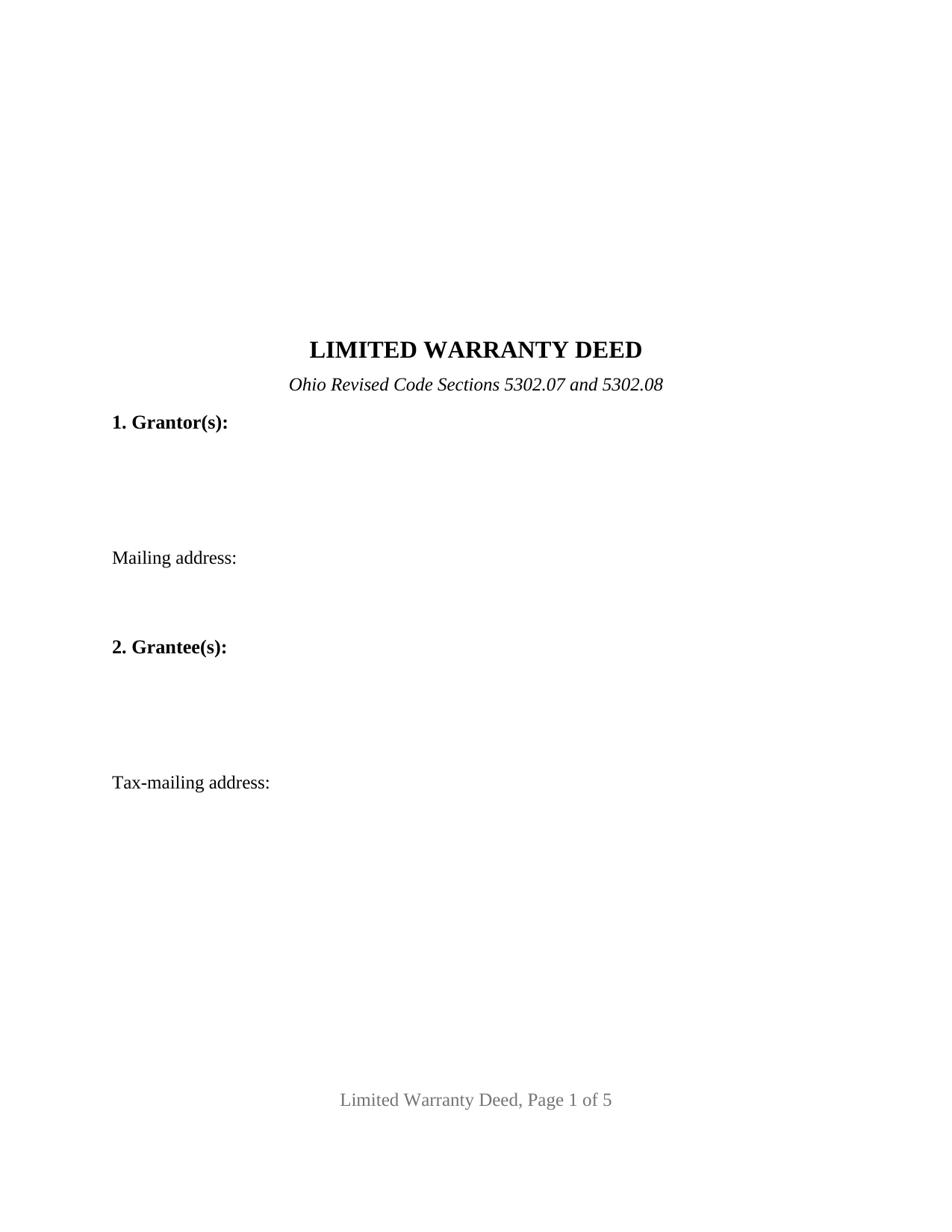
Scioto County Limited Warranty Deed Form
Fill in the blank Limited Warranty Deed form formatted to comply with all Ohio recording and content requirements.
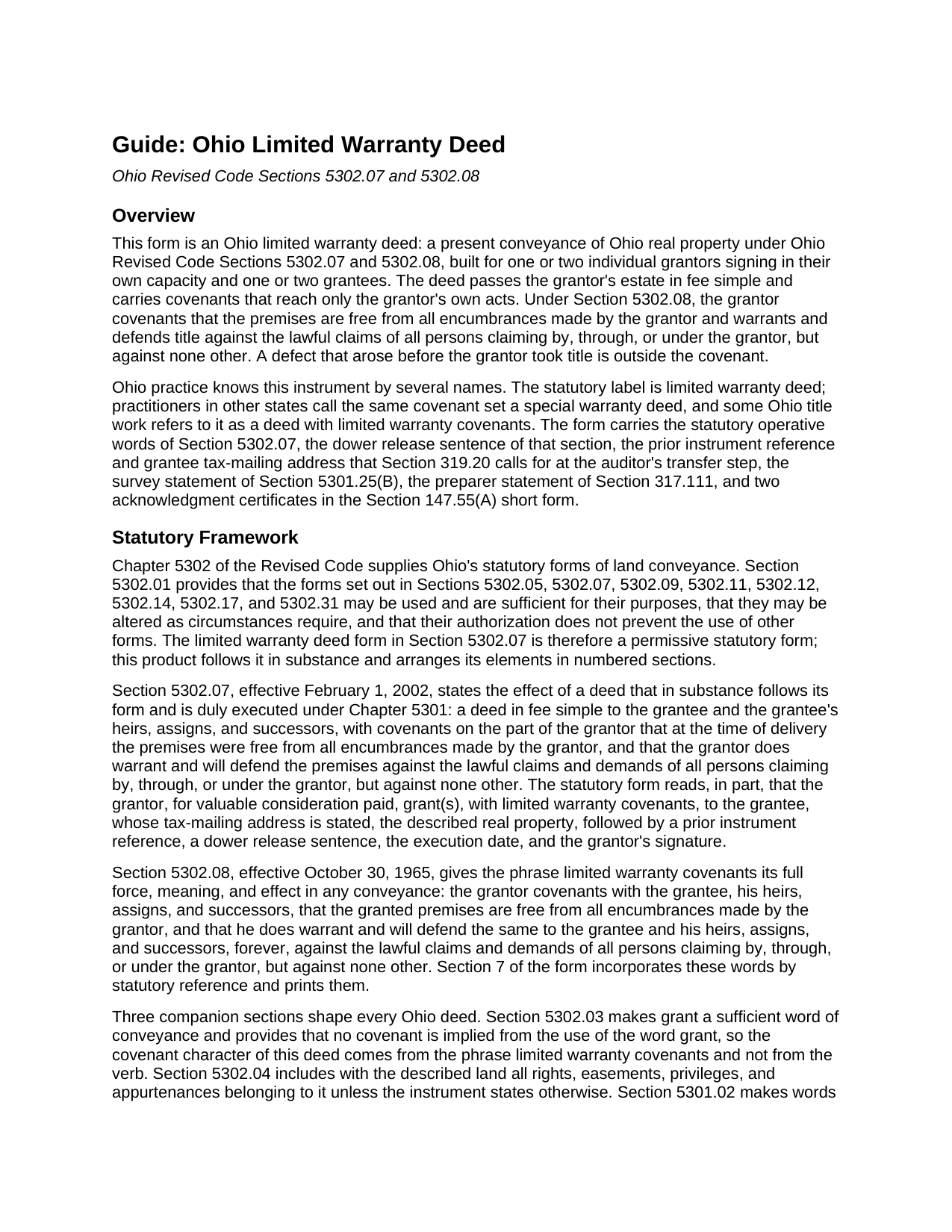
Scioto County Limited Warranty Deed Guide
Line by line guide explaining every blank on the Limited Warranty Deed form.
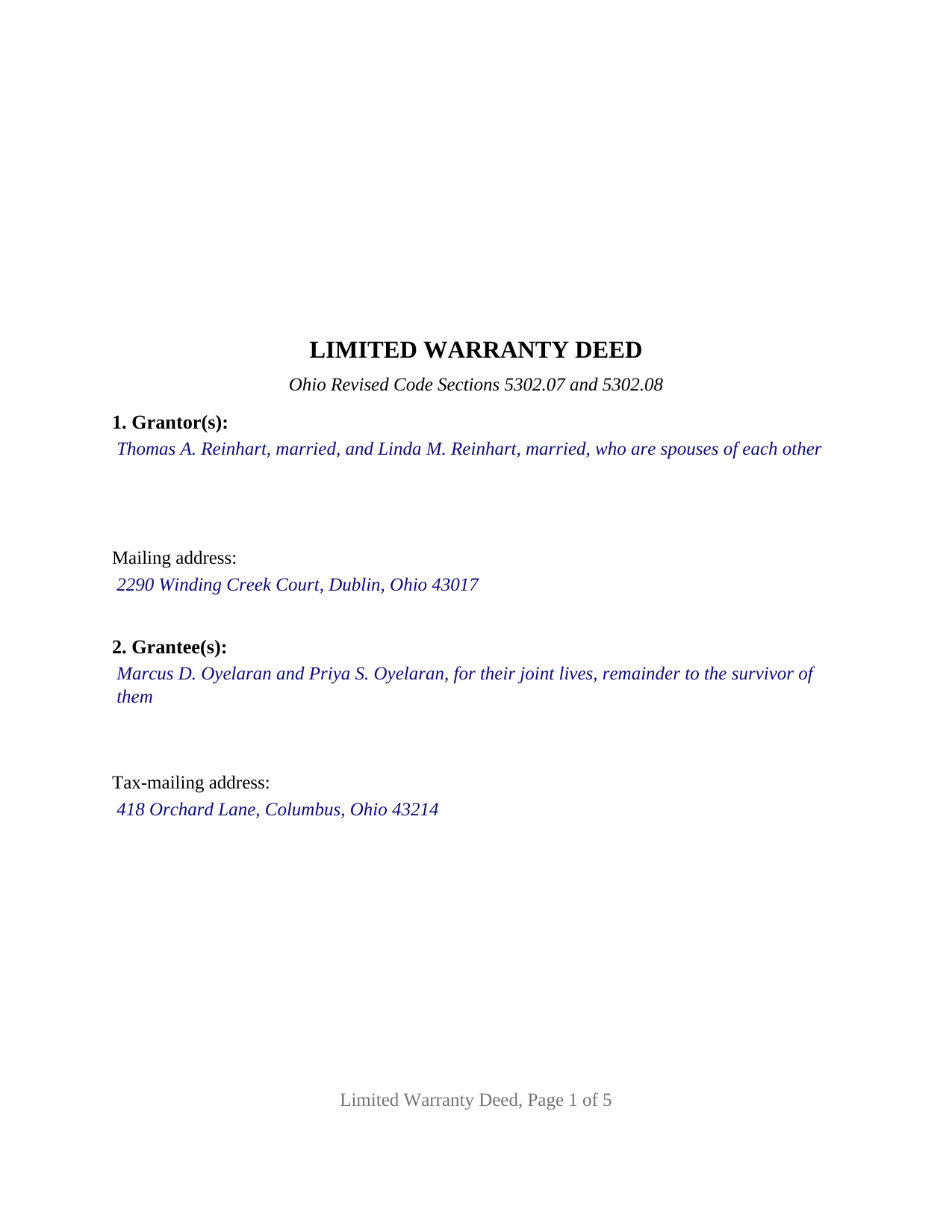
Scioto County Completed Example of the Limited Warranty Deed Document
Example of a properly completed Ohio Limited Warranty Deed document for reference.
All 3 documents above included • One-time purchase • No recurring fees
Immediate Download • Secure Checkout
Additional Ohio and Scioto County documents included at no extra charge:
Where to Record Your Documents
Scioto County Recorder
Portsmouth, Ohio 45662
Hours: 8:00am - 4:30pm Monday - Friday // No filing after 4:00pm
Phone: 740-355-8304
Recording Tips for Scioto County:
- Bring your driver's license or state-issued photo ID
- Ensure all signatures are in blue or black ink
- Leave recording info boxes blank - the office fills these
- Make copies of your documents before recording - keep originals safe
- Recorded documents become public record - avoid including SSNs
Cities and Jurisdictions in Scioto County
Properties in any of these areas use Scioto County forms:
- Franklin Furnace
- Friendship
- Haverhill
- Lucasville
- Mc Dermott
- Minford
- Otway
- Portsmouth
- Rarden
- Scioto Furnace
- South Webster
- West Portsmouth
- Wheelersburg
Hours, fees, requirements, and more for Scioto County
How do I get my forms?
Forms are available for immediate download after payment. The Scioto County forms will be in your account ready to download to your computer. An account is created for you during checkout if you don't have one. Forms are NOT emailed.
Are these forms guaranteed to be recordable in Scioto County?
Yes. Our form blanks are guaranteed to meet or exceed the applicable formatting requirements used for recording in Scioto County, including margin requirements, font requirements, and other layout standards. This guarantee applies to formatting, not to the legal sufficiency of information entered by the user or the suitability of a form for a particular transaction.
Can I reuse these forms?
Yes. You can reuse the forms for your personal use. For example, if you have multiple properties in Scioto County you only need to order once.
What do I need to use these forms?
The forms are PDFs that you fill out on your computer. The free Adobe Acrobat Reader is recommended, and most PDF apps also work. You do NOT enter your property information online - you download the blank forms and complete them privately on your own computer.
Are there any recurring fees?
No. This is a one-time purchase. Nothing to cancel, no memberships, no recurring fees.
How much does it cost to record in Scioto County?
Recording fees in Scioto County vary. Contact the recorder's office at 740-355-8304 for current fees.
Questions answered? Let's get started!
An Ohio limited warranty deed conveys real property in fee simple with a promise that stops at the grantor's own conduct. Under Ohio Revised Code Section 5302.08, the grantor covenants that the premises are free from all encumbrances made by the grantor and warrants title against everyone claiming by, through, or under the grantor, but against none other. This fillable form prepares that deed for one or two individual grantors conveying to one or two grantees, in the words of the Section 5302.07 statutory form.
A warranty that ends where the grantor's ownership began
The phrase by, through, or under the grantor is the whole mechanism. A mortgage the grantor never released, an easement the grantor signed, a judgment lien that attached during the grantor's ownership: these are matters made by the grantor, and the covenant answers for them. A defect already in the chain when the grantor took title is outside the covenant entirely. Ohio's general warranty deed under Section 5302.05 reaches that earlier history; the quitclaim deed under Section 5302.11 carries no covenants. The limited warranty deed, which practitioners in other states call a special warranty deed, sits between them, the covenant set found in many Ohio purchase contracts and lender-owned sales. The form prints the statutory operative words and the Section 5302.08 definition in the statute's own language, so the covenant reads on the face of the deed.
Dower, and why the spouse signs
Under Section 2103.02, the spouse of a property owner holds a life estate in one third of the real property the owner held during the marriage unless that interest is released or barred, and the Section 5302.07 form carries a sentence by which the grantor's spouse releases all rights of dower to the grantee. This deed carries that release in its conveyance section: each grantor who signs, and the spouse of a grantor who signs, releases dower. Section 5301.071(A) provides that a recorded conveyance is not defective because dower was not specifically released, so long as the spouse executed the instrument under Section 5301.01. The guide shows how the grantor entries read for a married couple conveying together, a sole owner whose spouse joins, and an unmarried grantor.
One form, one or two grantors
The form recites nothing about marital status, existing ownership, or capacity; those facts are the entries. The grantor section receives one or two natural persons signing in their own right, the grantee section receives one or two grantees with any designation of how they take title, and the signature section carries two blocks, GRANTOR and SECOND GRANTOR (if applicable), each followed by its own acknowledgment certificate in the Section 147.55(A) short form. One grantor leaves the second block and certificate blank. Two owners selling a home they hold together, and a parent conveying to a child with the parent's spouse joining to release dower, present the pattern this deed recites. The form is not set up as a conveyance by a corporation, a limited liability company, a trustee, an executor, or an attorney-in-fact, and not for three or more grantors or grantees.
Built for the auditor's desk and the recorder's counter
An Ohio deed is recorded in two stops. Section 319.20 requires the grantee's tax-mailing address and a reference to the prior recorded instrument in the grantor's chain of title before the county auditor transfers the parcel, so the form carries a tax-mailing address line and a prior instrument reference section. Section 5301.25(B) calls for a statement naming the surveyor when a survey was made, and Section 317.111 requires the preparer's name; the form carries both. The grantor pays the state conveyance fee of ten cents per hundred dollars of value under Section 319.54, plus any county transfer tax, and the auditor stamps the deed before the recorder accepts it under Section 317.22. The page meets the Section 317.114 format standard, with the three-inch blank top margin on the first page and one-inch side and bottom margins, so the deed records at the base fee rather than with the twenty-dollar nonconforming-format surcharge. Each grantor acknowledges before a notary public or another officer Section 5301.01 names; no witnesses are required.
The package includes the fillable limited warranty deed form, a completed example filled in for a Franklin County fact pattern, and a guide that walks through every section, the dower release, and the recording process. This description and the guide describe the form and the governing Ohio statutes in general terms; they are not legal advice.
Important: Your property must be located in Scioto County to use these forms. Documents should be recorded at the county recording office listed above.
This Limited Warranty Deed meets all recording requirements specific to Scioto County.
Our Promise
The documents you receive here are guaranteed to meet or exceed the applicable Scioto County recording format requirements. If there is a rejection caused by our formatting, we will correct the issue or refund your payment. This guarantee applies to document formatting only and does not extend to information entered by the user, the selection of the form, or the legal effect of the completed document.
Save Time and Money
Get your Scioto County Limited Warranty Deed form done right the first time with Deeds.com Uniform Conveyancing Blanks. At Deeds.com, we understand that your time and money are valuable resources, and we don't want you to face a penalty fee or rejection imposed by a county recorder for submitting nonstandard documents. We constantly review and update our forms to meet rapidly changing state and county recording requirements for roughly 3,500 counties and local jurisdictions.
4.8 out of 5 - ( 4,832 Reviews )
Sarah H. 5 out of 5 stars
Very helpful and great price
Thank you!
Lori A. 5 out of 5 stars
It was quick and easy. A little expensive but convient
We appreciate your business and value your feedback. Thank you. Have a wonderful day!
Christine L. 5 out of 5 stars
I would like the ability to edit the document.
Thank you for your feedback Christine.
Larry L. 5 out of 5 stars
Great product, worked as it advertised.
Thank you!
Anthony F. 5 out of 5 stars
quick, easy and simple. Also thank you for having the e-submission area particularly with the Covid-19 /Shelter in place things happening.
Thank you for your feedback. We really appreciate it. Have a great day!
Forrest D. 1 out of 5 stars
Requires you work in Adobe Acrobat. Too difficult to edit, add and erase for an attorney.
Sorry to hear of your struggle. We do hope that you find something more suitable to your needs elsewhere. Have a wonderful day.
Vonnie F. 5 out of 5 stars
This service is very user-friendly and efficient.
Thank you!
Sidney L. 3 out of 5 stars
Not a fan. Filling in the WI RE transfer return was simple enough. However, it downloaded as a DOR file and I can't find a program to open it. So, I have no way to print the form to complete the process.
Thank you for your feedback. We really appreciate it. Have a great day!
Nancy E. 5 out of 5 stars
Easy to complete. I would suggest, since it is 2 pages, make a bigger space for land descriptions & sources.
Thank you for your feedback. We really appreciate it. Have a great day!
Linda A. 5 out of 5 stars
This was perfect for providing the necessary forms. Easy to enter needed information. I would recommend this for legal documents.
We appreciate your business and value your feedback. Thank you. Have a wonderful day!
Roy P. 5 out of 5 stars
The forms were just what I needed, very helpful.
Thank you for your feedback. We really appreciate it. Have a great day!
george k. 5 out of 5 stars
Thank u the site helped me get the quick deed forms I needed for TN.i will use it in the furture.
Thank you for your feedback. We really appreciate it. Have a great day!
Griselle M. 5 out of 5 stars
This is my third time using Deeds.com and they don't disappoint. Their customer service is outstanding - absolutely excellent - via messages, I communicated with them immediately and 24/7 - on weekends and at night. I would not even try another service as they provide excellence which is so rare these days.
We appreciate your business and value your feedback. Thank you. Have a wonderful day!
David K. 5 out of 5 stars
My 1st trip to your site. I give it a full 5-star rating! Thank you. I'll be back.
Thank you for your feedback. We really appreciate it. Have a great day!
James A. 5 out of 5 stars
As advertised.
Thank you!