Geauga County Ohio Limited Power of Attorney for Real Property Form
Last validated October 6, 2026 by our Forms Development TeamFormatted for recording in Geauga County, for property anywhere in the county: rural and unincorporated areas as well as Burton, Chagrin Falls, Chardon, Chesterland, East Claridon, Huntsburg, Middlefield, Montville and 4 more.
- 3 documents included
- Immediate PDF download
- Formatting guarantee
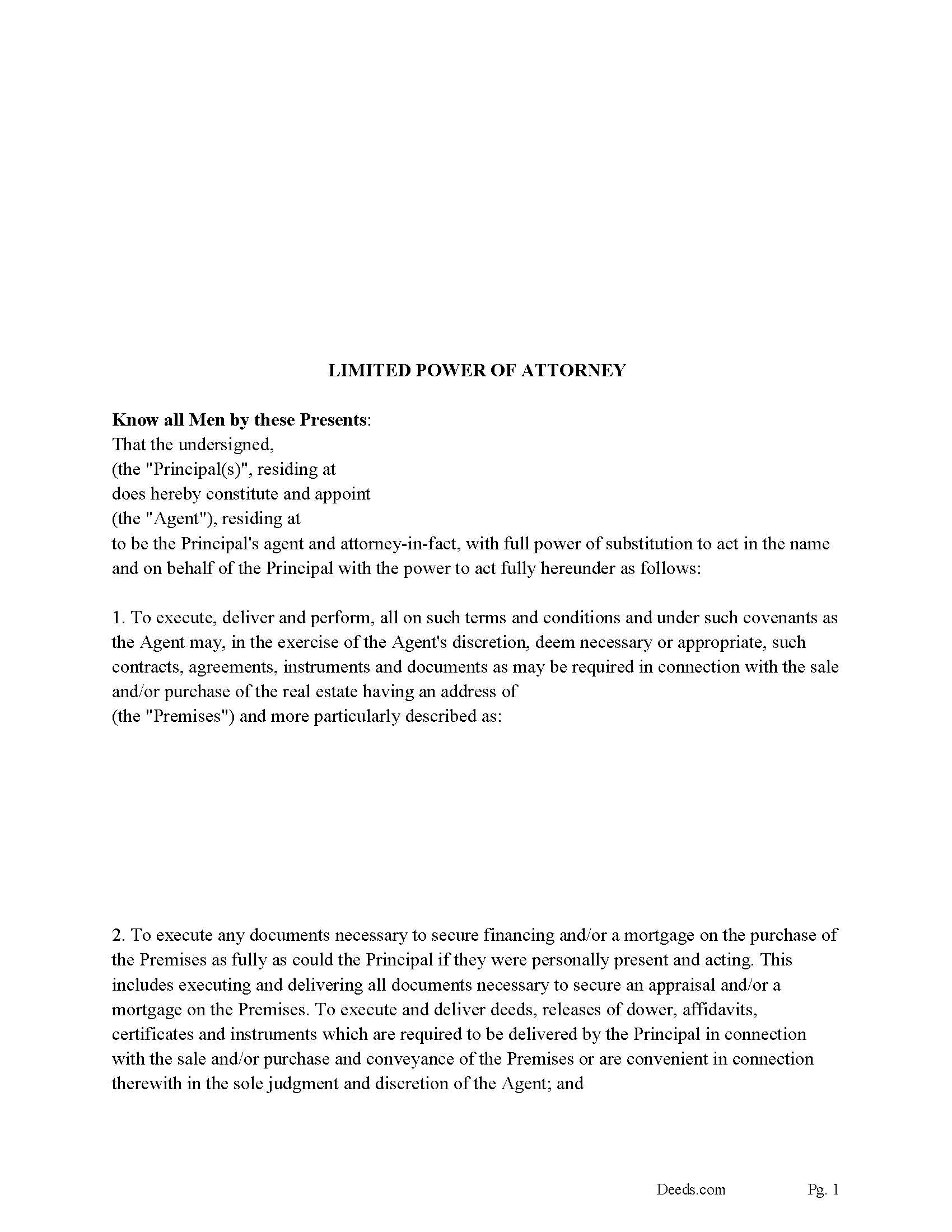
Geauga County Limited Power of Attorney Form
Fill in the blank form formatted to comply with all recording and content requirements.
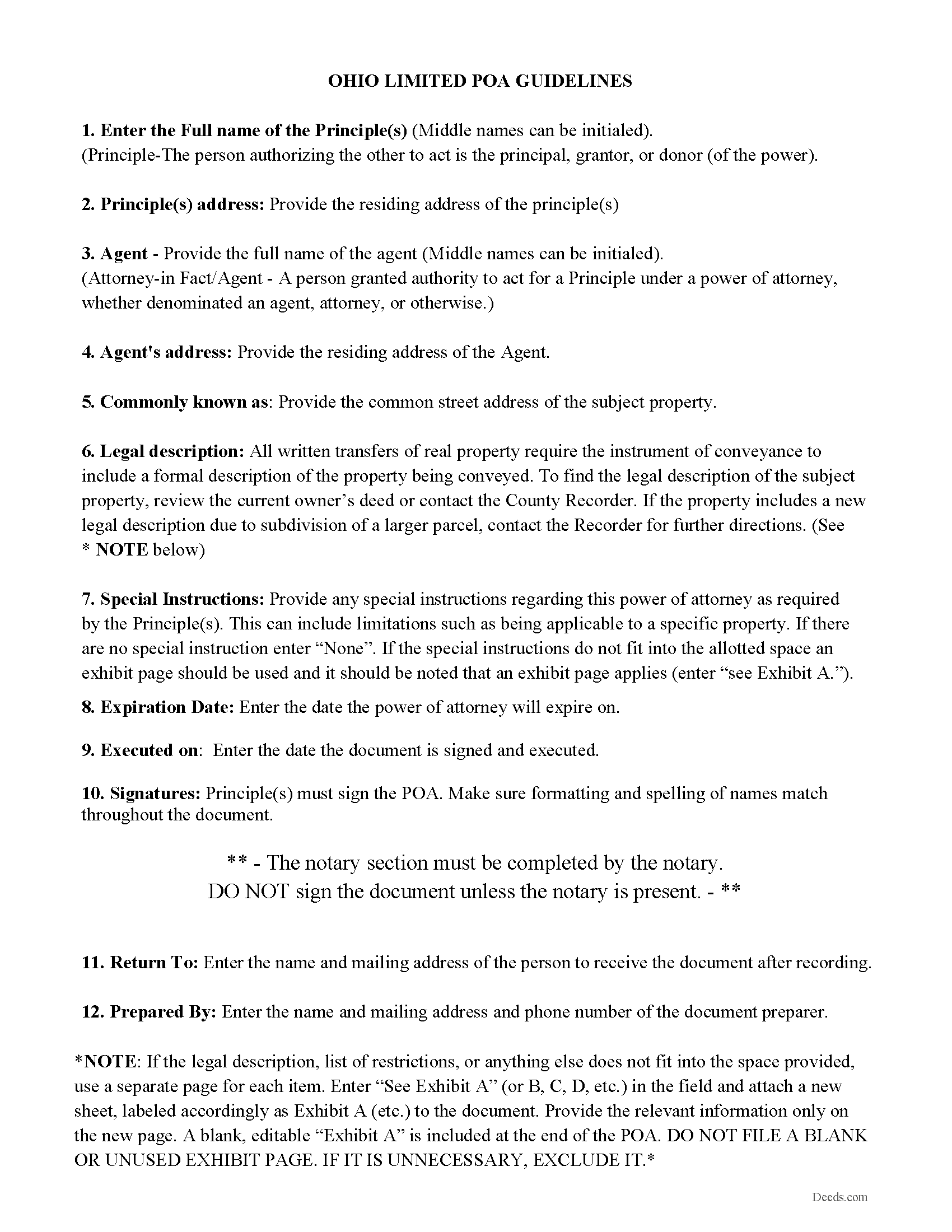
Geauga County Limited POA Guidelines
Line by line guide explaining every blank on the form.
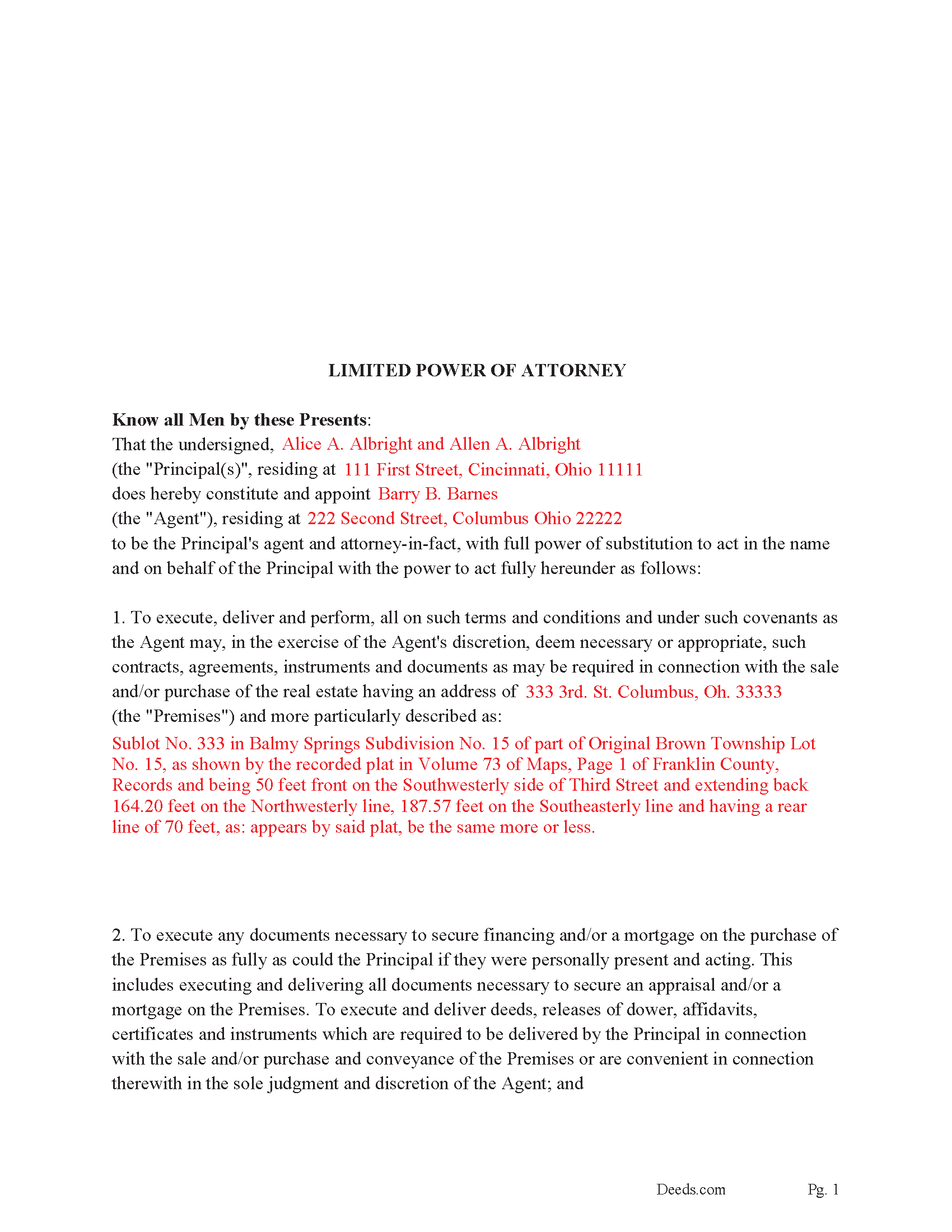
Geauga County Completed Example of the Limited POA
Example of a properly completed form for reference.
All 3 documents above included • One-time purchase • No recurring fees
Immediate Download • Secure Checkout
Additional Ohio and Geauga County documents included at no extra charge:
Where to Record Your Documents
Geauga County Recorder
Chardon, Ohio 44024
Hours: 8:00 a.m. - 4:30 p.m. Monday - Friday / Recording until 4:15 pm
Phone: 440-285-2222 ext 2020 or 279-2020 (direct line)
Recording Tips for Geauga County:
- Bring your driver's license or state-issued photo ID
- Ensure all signatures are in blue or black ink
- Ask if they accept credit cards - many offices are cash/check only
- Check that your notary's commission hasn't expired
- Documents must be on 8.5 x 11 inch white paper
Cities and Jurisdictions in Geauga County
Properties in any of these areas use Geauga County forms:
- Burton
- Chagrin Falls
- Chardon
- Chesterland
- East Claridon
- Huntsburg
- Middlefield
- Montville
- Newbury
- Novelty
- Parkman
- Thompson
Hours, fees, requirements, and more for Geauga County
How do I get my forms?
Forms are available for immediate download after payment. The Geauga County forms will be in your account ready to download to your computer. An account is created for you during checkout if you don't have one. Forms are NOT emailed.
Are these forms guaranteed to be recordable in Geauga County?
Yes. Our form blanks are guaranteed to meet or exceed the applicable formatting requirements used for recording in Geauga County, including margin requirements, font requirements, and other layout standards. This guarantee applies to formatting, not to the legal sufficiency of information entered by the user or the suitability of a form for a particular transaction.
Can I reuse these forms?
Yes. You can reuse the forms for your personal use. For example, if you have multiple properties in Geauga County you only need to order once.
What do I need to use these forms?
The forms are PDFs that you fill out on your computer. The free Adobe Acrobat Reader is recommended, and most PDF apps also work. You do NOT enter your property information online - you download the blank forms and complete them privately on your own computer.
Are there any recurring fees?
No. This is a one-time purchase. Nothing to cancel, no memberships, no recurring fees.
How much does it cost to record in Geauga County?
Recording fees in Geauga County vary. Contact the recorder's office at 440-285-2222 ext 2020 or 279-2020 (direct line) for current fees.
Questions answered? Let's get started!
This is a LIMITED power of attorney for real property. What is a limited power of attorney? A "limited power of attorney" gives the agent authority to conduct a specific act. For example, a person might use a limited power of attorney to sell and/or purchase a home in another state by delegating authority to another person to handle the transaction locally. Such a power could be "limited" to selling and/or purchasing a home/property or to other specified acts. This form includes a "Special Instructions" section where the principal can further define or limit the Agent's powers.
When the Agent is authorized to transfer interest in real property by (a power of attorney), it (shall be signed, acknowledged, and certified as provided in section 5301.01 of the Revised Code.) (1337.01)
(No deed executed by a person acting for another, under a power of attorney, acknowledged, and recorded, is invalid or defective because he, instead of his principal, is named in such deed as such attorney as grantor; nor because his name, as such attorney, is subscribed to such deed, instead of the name of his principal; nor because the certificate of acknowledgment, instead of setting forth that the deed was acknowledged by the principal, by his attorney, sets forth that it was acknowledged by the person who executed it, as such attorney. All such deeds shall be as valid and effectual, in all respects, within the authority conferred by such powers of attorney, as if they had been executed by the principals of such attorneys, in person.) (1337.03)
(A power of attorney for the conveyance, mortgage, or lease of an interest in real property must be recorded in the office of the county recorder of the county in which such property is situated, previous to the recording of a deed, mortgage, or lease by virtue of such power of attorney.) (1337.04)
(Ohio Limited POA Package includes form, guidelines, and completed example)
Important: Your property must be located in Geauga County to use these forms. Documents should be recorded at the county recording office listed above.
This Ohio Limited Power of Attorney for Real Property meets all recording requirements specific to Geauga County.
Our Promise
The documents you receive here are guaranteed to meet or exceed the applicable Geauga County recording format requirements. If there is a rejection caused by our formatting, we will correct the issue or refund your payment. This guarantee applies to document formatting only and does not extend to information entered by the user, the selection of the form, or the legal effect of the completed document.
Save Time and Money
Get your Geauga County Ohio Limited Power of Attorney for Real Property form done right the first time with Deeds.com Uniform Conveyancing Blanks. At Deeds.com, we understand that your time and money are valuable resources, and we don't want you to face a penalty fee or rejection imposed by a county recorder for submitting nonstandard documents. We constantly review and update our forms to meet rapidly changing state and county recording requirements for roughly 3,500 counties and local jurisdictions.
4.8 out of 5 - ( 4,833 Reviews )
Margaret M. 4 out of 5 stars
Quick and easy, but the 2MB file limit ended up causing some big headaches. Had I known the limit could be easily increased, it would have saved me a lot of time and trouble.
We appreciate your business and value your feedback. Thank you. Have a wonderful day!
Jennifer K. 5 out of 5 stars
Thank you!
Thank you for your feedback. We really appreciate it. Have a great day!
Kimberly G. 3 out of 5 stars
It would be helpful if there were a specific example of putting a deed into a trust. Also, the limitation of characters on the description of the property was not enough.
Thank you for your feedback. We really appreciate it. Have a great day!
Cynthia S. 4 out of 5 stars
Good find, provides guide to use.
We appreciate your business and value your feedback. Thank you. Have a wonderful day!
ROSA C. 5 out of 5 stars
Very happy with the service. Easy to use.
Thank you for your feedback. We really appreciate it. Have a great day!
Virginia C. 5 out of 5 stars
I had a nice surprise seeing how fast the process was to download in a safe manner the documents. The example and guide to fill the original document are very valuable to facilitate the filling in. Thank you!!
Thank you for your feedback. We really appreciate it. Have a great day!
Linda S. 5 out of 5 stars
I am quite pleased with this website. I was able to complete my task with relative ease thanks to all the help these forms provided .The example forms really helped me to navigate the process. I would recommend this service highly.
Thank you Linda, we really appreciate your feedback.
Armando R. 5 out of 5 stars
Great service and support!
Thank you!
Mary R. 5 out of 5 stars
Very easy to load on computer and print off.
Thank you for your feedback. We really appreciate it. Have a great day!
Philip C. 5 out of 5 stars
The product I purchased looks great and I added Adobe to be able to copy it, but for some reason I can't,so I will delete Adobe and then try again to copy what i paid for. I have all the PDFS' and my computer and printer are fairly new (windows 10),I should have tried to copy it first, I'll get it! Thanks
Thank you for your feedback. We really appreciate it. Have a great day!
Kateri S. 4 out of 5 stars
I had to add a section on the form to accomodate the former Grantor/Grantee informtion before it could be recorded
Your insights are invaluable to us and help us strive for better service. Thank you for taking the time to share your thoughts.
Margaret L. 1 out of 5 stars
I was not able to use the form after paying for it. The words in red would not let me type over them and I could not get a blank document. Useless.
Each forms package includes a blank form, a guide, and a completed example. The red text appears in the completed example to show how a finished document may look; the blank form is the editable document intended for customer use. Because our products are do-it-yourself legal forms, we canceled the order and payment when it was clear the customer was not able to identify and use the blank form included in the package.
MARY LACEY M. 5 out of 5 stars
The service provided by the staff at Deeds.com is consistently excellent with prompt replies and smooth recording transactions. I am grateful to have their service available as driving to downtown Phoenix to record documents is always a daunting prospect. Their assistance in recording our firm's documents has been 100% accurate and a pleasure.
Thank you for your positive words! We’re thrilled to hear about your experience.
Roger S. 1 out of 5 stars
status was canceled. said i needed to record directly. would be 5 stars if it worked.
Sorry for the inconvenience Roger. Unfortunately, not all jurisdictions in the country have progressed to the point of being able to accept all document types for e-recording.
Alan C. 5 out of 5 stars
The Transfer on Death Deed paperwork was easy to complete, as it included a detailed guide and a completed example. We encountered no issues recording the document with our County. Thanks to Deeds.com, we were also able to save time and money by utilizing a DIY approach for our situation.
We are delighted to have been of service. Thank you for the positive review!