Meigs County Quitclaim Deed (Divorce) Form
Last validated October 28, 2026 by our Forms Development TeamFormatted for recording in Meigs County, for property anywhere in the county: rural and unincorporated areas as well as Chester, Langsville, Long Bottom, Middleport, Pomeroy, Portland, Racine, Reedsville and 3 more.
- 3 documents included
- Immediate PDF download
- Formatting guarantee
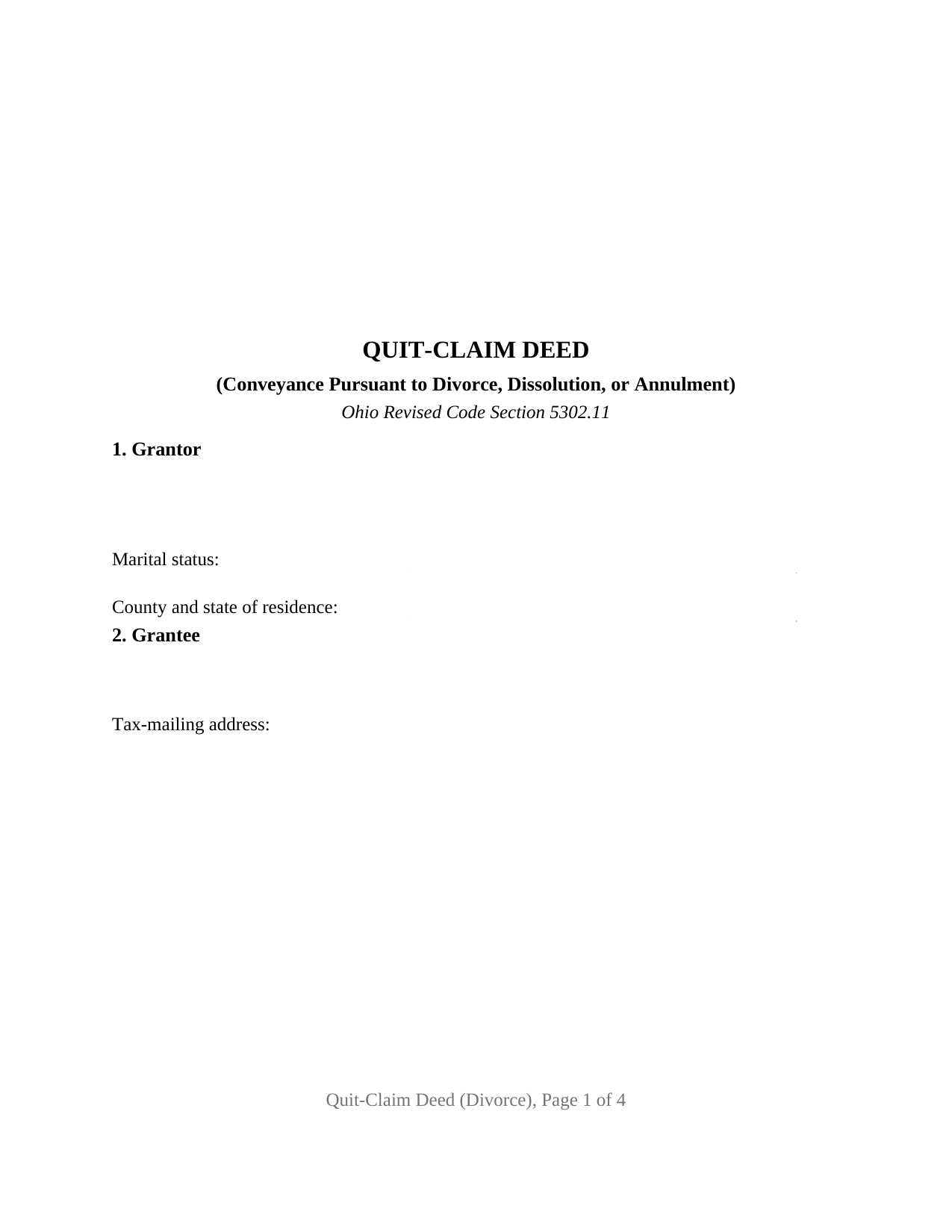
Meigs County Quitclaim Deed (Divorce) Form
Fill in the blank Quitclaim Deed (Divorce) form formatted to comply with all Ohio recording and content requirements.
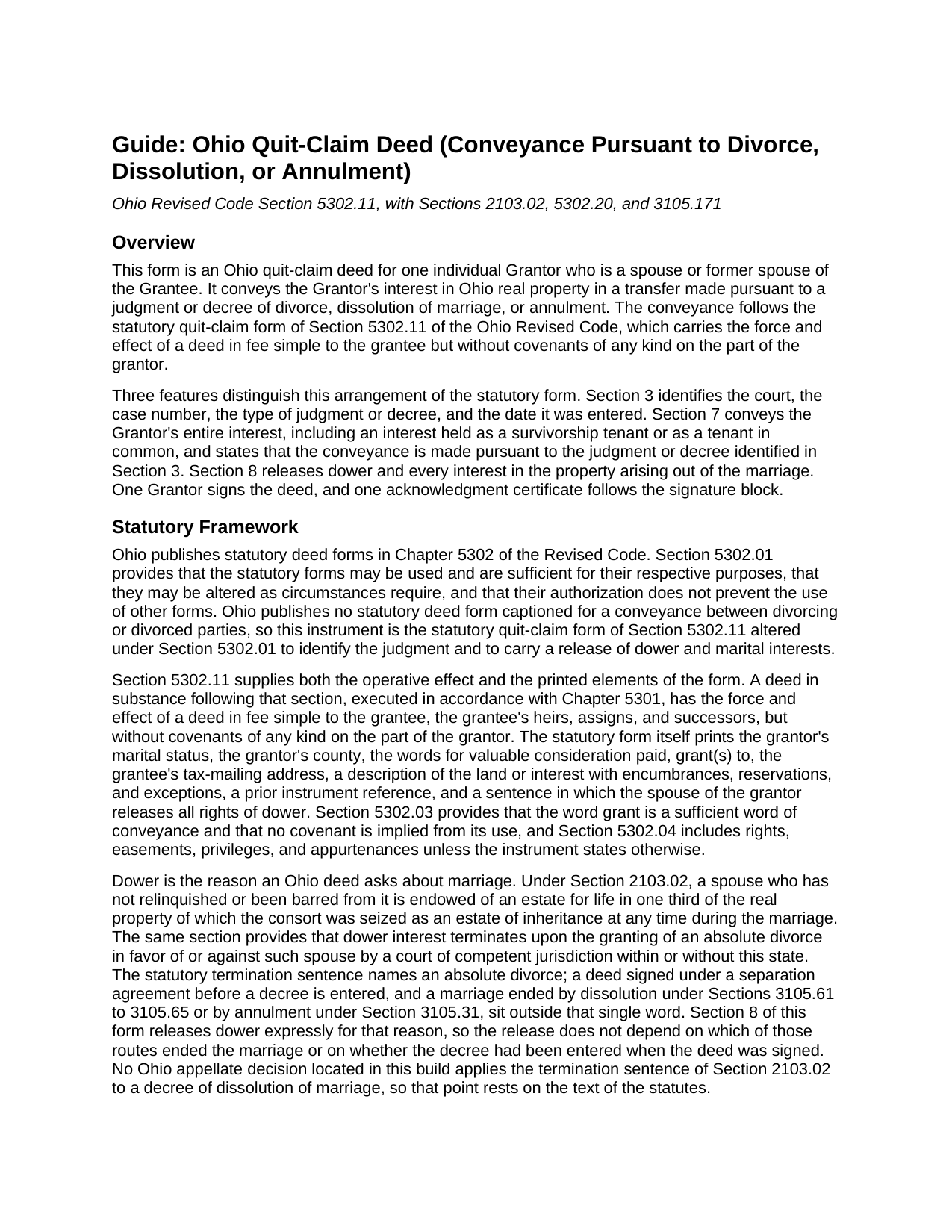
Meigs County Quitclaim Deed (Divorce) Guide
Line by line guide explaining every blank on the Quitclaim Deed (Divorce) form.
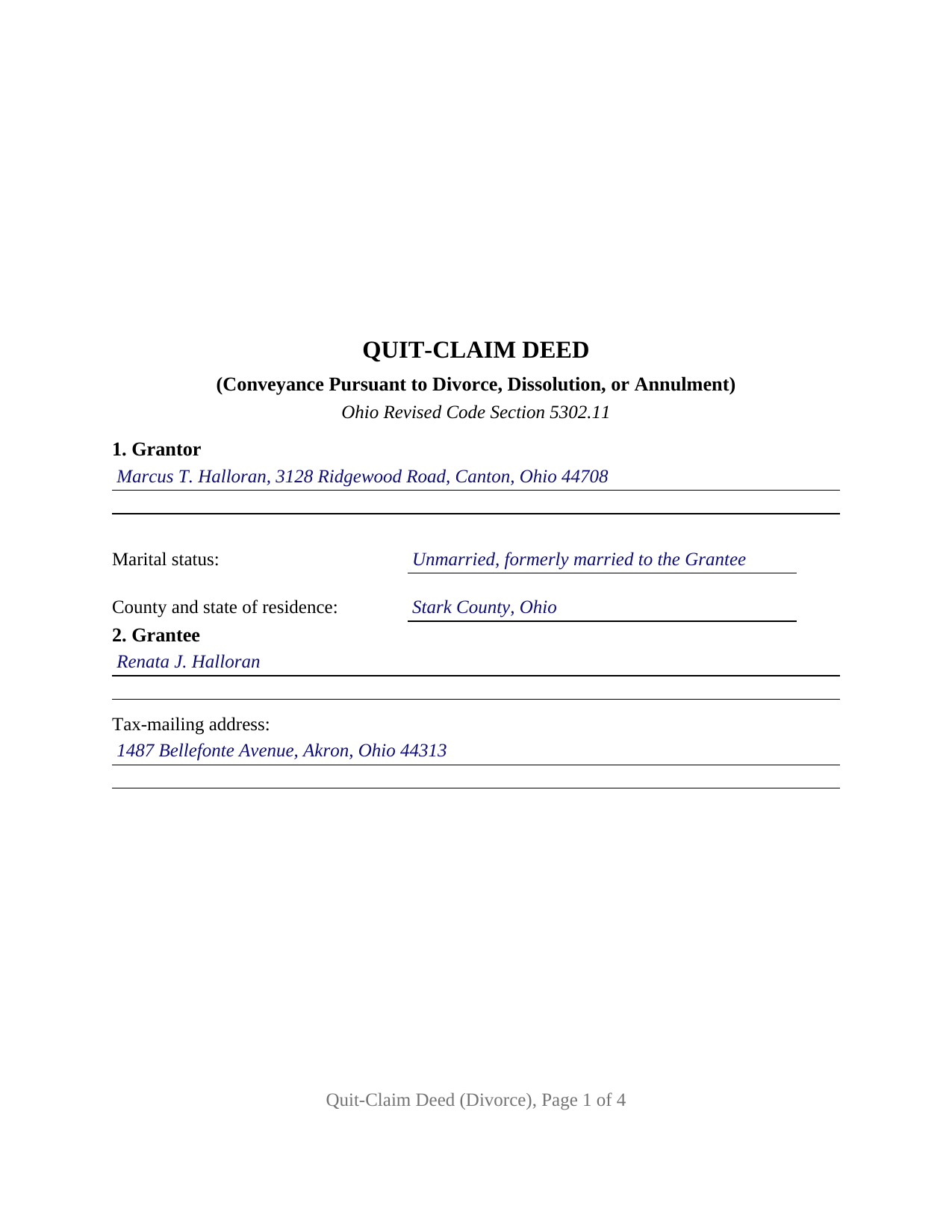
Meigs County Completed Example of the Quitclaim Deed (Divorce) Document
Example of a properly completed Ohio Quitclaim Deed (Divorce) document for reference.
All 3 documents above included • One-time purchase • No recurring fees
Immediate Download • Secure Checkout
Additional Ohio and Meigs County documents included at no extra charge:
Where to Record Your Documents
Meigs County Recorder
Pomeroy, Ohio 45769
Hours: Monday through Friday 8:00 AM - 4:00 PM
Phone: 740-992-3806
Recording Tips for Meigs County:
- Bring your driver's license or state-issued photo ID
- Ensure all signatures are in blue or black ink
- Leave recording info boxes blank - the office fills these
- Make copies of your documents before recording - keep originals safe
- Recorded documents become public record - avoid including SSNs
Cities and Jurisdictions in Meigs County
Properties in any of these areas use Meigs County forms:
- Chester
- Langsville
- Long Bottom
- Middleport
- Pomeroy
- Portland
- Racine
- Reedsville
- Rutland
- Syracuse
- Tuppers Plains
Hours, fees, requirements, and more for Meigs County
How do I get my forms?
Forms are available for immediate download after payment. The Meigs County forms will be in your account ready to download to your computer. An account is created for you during checkout if you don't have one. Forms are NOT emailed.
Are these forms guaranteed to be recordable in Meigs County?
Yes. Our form blanks are guaranteed to meet or exceed the applicable formatting requirements used for recording in Meigs County, including margin requirements, font requirements, and other layout standards. This guarantee applies to formatting, not to the legal sufficiency of information entered by the user or the suitability of a form for a particular transaction.
Can I reuse these forms?
Yes. You can reuse the forms for your personal use. For example, if you have multiple properties in Meigs County you only need to order once.
What do I need to use these forms?
The forms are PDFs that you fill out on your computer. The free Adobe Acrobat Reader is recommended, and most PDF apps also work. You do NOT enter your property information online - you download the blank forms and complete them privately on your own computer.
Are there any recurring fees?
No. This is a one-time purchase. Nothing to cancel, no memberships, no recurring fees.
How much does it cost to record in Meigs County?
Recording fees in Meigs County vary. Contact the recorder's office at 740-992-3806 for current fees.
Questions answered? Let's get started!
A divorce decree can award the marital home to one spouse, and the county record still reads both names the next morning. Ohio closes that gap with a deed, and this form is that deed: one spouse or former spouse conveys Ohio real property to the other under the statutory quit-claim form of Ohio Revised Code Section 5302.11, with the court, the case number, the judgment type, and the date of entry on its face.
The court divides, the deed conveys
Section 3105.171 has the domestic relations court divide marital property equitably, and division (H) adds that the way title is held does not decide whether property is marital or separate. What a judgment settles between two people is not what a title examiner reads. Record title moves through a recorded conveyance, and Section 319.20 has the auditor enter that transfer from two entries this deed prints: the grantee's tax-mailing address, and the reference to the instrument through which the grantor claims title.
Dower the decree already ended, released again in writing
Ohio keeps dower. Section 2103.02 endows a spouse with a life estate in one third of the real property the other spouse was seized of as an estate of inheritance during the marriage, and terminates that interest upon the granting of an absolute divorce by a court of competent jurisdiction within or without this state. That termination sentence names one route out of a marriage, while Ohio also ends marriages by dissolution and by annulment, and a deed drafted under a separation agreement is sometimes signed before entry of any decree. Section 8 answers all of that in one place, releasing dower and every interest arising out of the marriage from grantor to grantee, so the release turns neither on which proceeding ended the marriage nor on the calendar.
A survivorship tenancy that ended without anyone signing
Section 5302.20(C)(5) has done its work before this deed is drafted. Where two survivorship tenants married to each other have the marriage terminated by divorce, annulment, or dissolution, the title immediately ceases to be a survivorship tenancy and becomes a tenancy in common, unless the judgment expressly states that it continues. No instrument records that conversion, so the chain keeps reading as a survivorship deed until one does. Section 7 accordingly grants whatever the grantor holds, whether as a survivorship tenant, as a tenant in common, or through the marriage itself.
One grantor, one grantee, and the judgment between them
The form recites exactly one individual grantor, a spouse or former spouse of the single grantee, with one signature block and one acknowledgment certificate. Section 3 takes the court, case number, judgment type, and date of entry, and Section 5 carries the legal description with its encumbrances, reservations, and exceptions. Former spouses consolidating a survivorship title into one name, and a spouse who never appeared on the deed releasing whatever the marriage produced, present the record this deed recites. Its edges are its entries: two record owners signing call for a wider arrangement, and a grantor who remarried after the decree raises a dower interest belonging to a nonparty. Searches for a quit claim deed, the hyphenated quit-claim spelling Ohio's code prints, or a divorce deed arrive here.
Exemption (f) at the auditor's window
An Ohio deed clears the county auditor before the recorder sees it, and a court-ordered transfer has its own line on the exemption list. Section 319.54(G)(3) charges ten cents per hundred dollars of value, never under a dollar, and item (f) reaches a transfer made pursuant to court order to the extent it is not the result of a sale effected or completed pursuant to that order. Form DTE 100EX prints that item in the same words, and Section 322.01 keeps an exempt instrument outside the county permissive transfer tax. An auditor may call for a copy of the judgment or an affidavit of facts, filings prepared apart from the deed itself. Section 317.22 holds the instrument out of the record until the auditor's stamp and endorsement appear.
Three files arrive with the purchase: the deed as a fillable PDF drawn to the standard document format of Section 317.114, a completed example carrying a Summit County transfer between former spouses through every numbered entry, and a plain language guide to the nine sections, the dower and survivorship statutes, the title forms an Ohio grantee may take, and the two county offices. Everything here describes Ohio law and this form in general terms and is not legal advice.
Important: Your property must be located in Meigs County to use these forms. Documents should be recorded at the county recording office listed above.
This Quitclaim Deed (Divorce) meets all recording requirements specific to Meigs County.
Our Promise
The documents you receive here are guaranteed to meet or exceed the applicable Meigs County recording format requirements. If there is a rejection caused by our formatting, we will correct the issue or refund your payment. This guarantee applies to document formatting only and does not extend to information entered by the user, the selection of the form, or the legal effect of the completed document.
Save Time and Money
Get your Meigs County Quitclaim Deed (Divorce) form done right the first time with Deeds.com Uniform Conveyancing Blanks. At Deeds.com, we understand that your time and money are valuable resources, and we don't want you to face a penalty fee or rejection imposed by a county recorder for submitting nonstandard documents. We constantly review and update our forms to meet rapidly changing state and county recording requirements for roughly 3,500 counties and local jurisdictions.
4.8 out of 5 - ( 4,845 Reviews )
DON O. 2 out of 5 stars
needs to be more user friendly
Thank you for your feedback. We really appreciate it. Have a great day!
Terreva B. 5 out of 5 stars
Yes it helped with some things but I need more info
Thank you!
Michael C. 5 out of 5 stars
Thank you very much. I received the exact information I was seeking.
Great to hear Michael, thanks for taking the time to leave your feedback.
Sheneda A. 5 out of 5 stars
Great!
Thank you!
Doug C. 5 out of 5 stars
Great Job guys! I would not even have thought to look for this service. The county recorder's office and kiosks are all closed because of covid. I was directed to you because of a referral on the county site. I wish I had known you had forms available as well. I searched for a day to find the appropriate form.
Thank you for your feedback. We really appreciate it. Have a great day!
James S. 5 out of 5 stars
easy to use
Thank you James.
Marci C. 5 out of 5 stars
Excellent Service! Quick and easy! Will definitely be using again!
Knowing our customers are happy is our top priority. Thank you for the wonderful feedback!
Maria M. 5 out of 5 stars
EASY, PAINLESS, LOVED THE USER FRIENDLY INSTRUCTIONS
Thank you for your feedback. We really appreciate it. Have a great day!
FE P. 5 out of 5 stars
Looked into a good number of DIY deeds on the internet. Very glad that I chose Deeds.com. They made it easy to make your own deed based on your state and the process based on the sample included was easy to follow. Also the cost was very reasonable. Great company.
We appreciate your business and value your feedback. Thank you. Have a wonderful day!
Stephanie S. 5 out of 5 stars
I received my information almost immediately. I read a few more things on the website and then refreshed and it was there! SO much easier than having to go to the office myself - thanks!!
Thank you!
Christopher S. 4 out of 5 stars
Easy to use, having a completed example of the forms is handy. Relatively inexpensive.
We are delighted to have been of service. Thank you for the positive review!
Phoenix D. 5 out of 5 stars
I was looking for the proper quit claim deed for my state. I found it on deeds.com along with instructions and a sample. I couldn't have filed without them.
Thank you for your feedback. We really appreciate it. Have a great day!
Michael V. 5 out of 5 stars
Exactly what I needed and VERY fair price. I paid $19.97 for what a local attorney wanted $200 to do. I filled out the form using the line by line guide and filed it at the court house today. Absolutely no problems.
We appreciate your business and value your feedback. Thank you. Have a wonderful day!
Catherine S. 3 out of 5 stars
Description of document could have been better
Thank you!
Samy K. 5 out of 5 stars
I searched on line for the blank forms I needed, everyone that said it's free was a part m they wanted to sign me up for a monthly membership, deeds.com had the forms that I can download and fill in, I paid $24 and got more than I needed, very easy company to deal with, I highly recommend them.
Thank you for your feedback. We really appreciate it. Have a great day!