Union County Quitclaim Deed (Reserving Life Estate) Form
Last validated November 2, 2026 by our Forms Development TeamFormatted for recording in Union County, for property anywhere in the county: rural and unincorporated areas as well as Broadway, Irwin, Magnetic Springs, Marysville, Milford Center, Raymond, Richwood, Unionville Center.
- 3 documents included
- Immediate PDF download
- Formatting guarantee
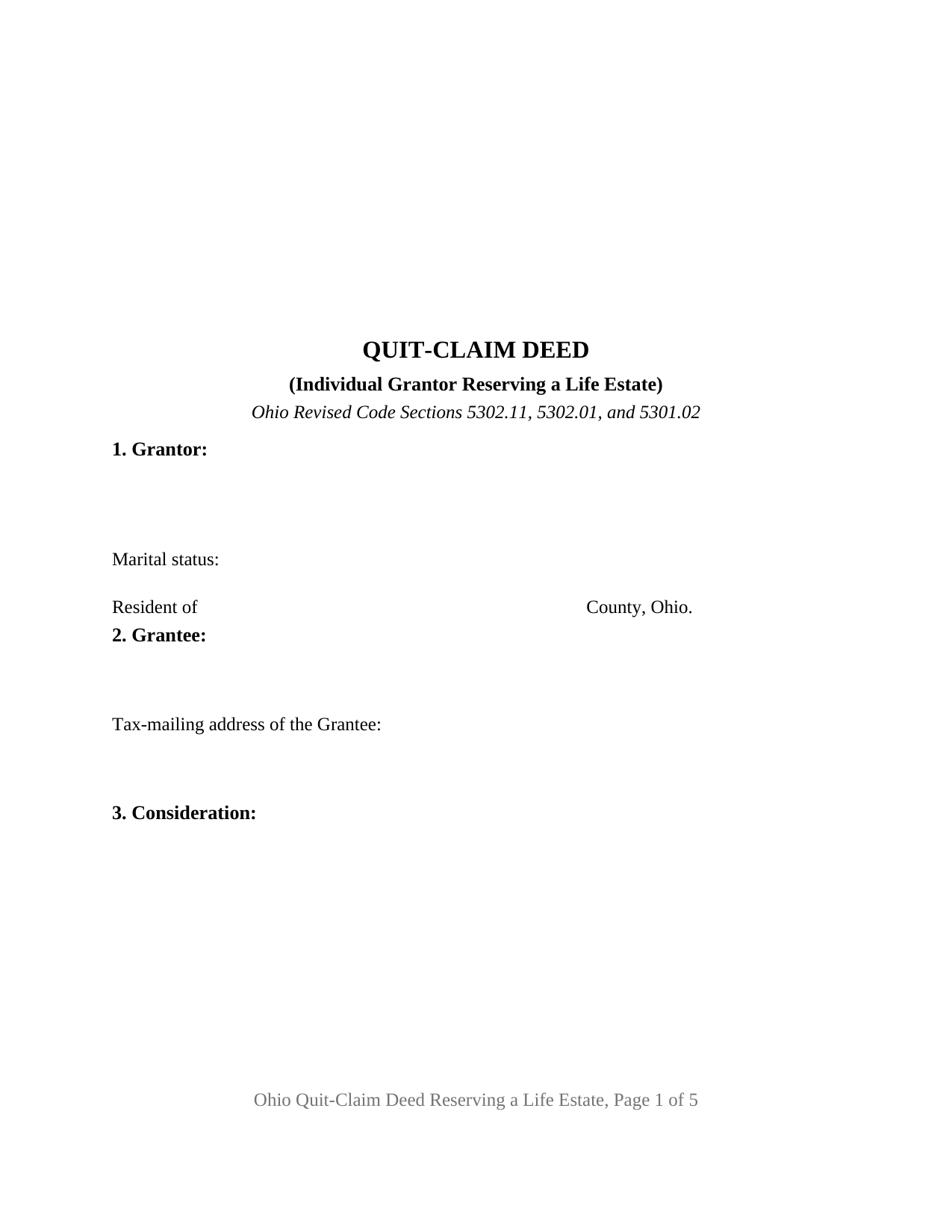
Union County Quitclaim Deed (Reserving Life Estate) Form
Fill in the blank Quitclaim Deed (Reserving Life Estate) form formatted to comply with all Ohio recording and content requirements.
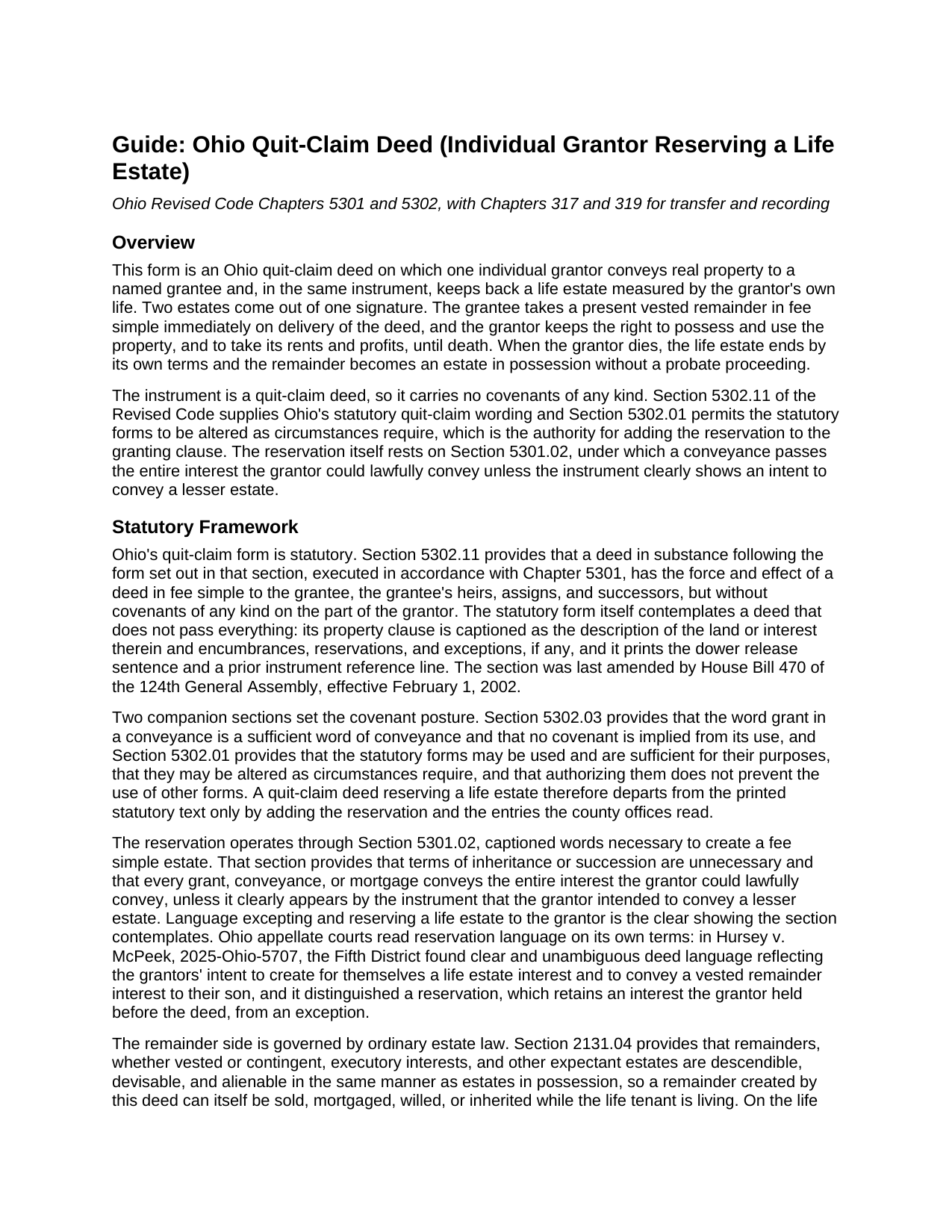
Union County Quitclaim Deed (Reserving Life Estate) Guide
Line by line guide explaining every blank on the Quitclaim Deed (Reserving Life Estate) form.
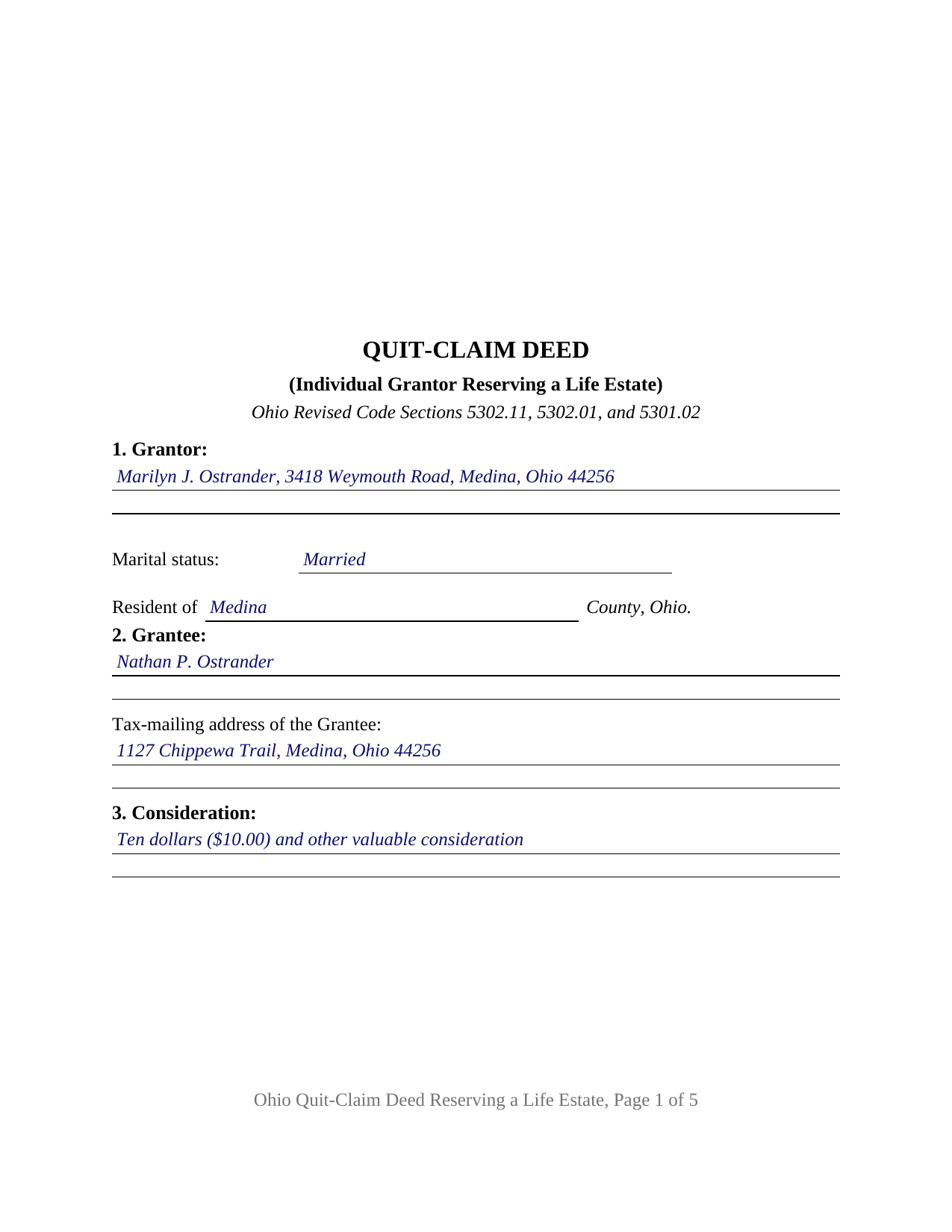
Union County Completed Example of the Quitclaim Deed (Reserving Life Estate) Document
Example of a properly completed Ohio Quitclaim Deed (Reserving Life Estate) document for reference.
All 3 documents above included • One-time purchase • No recurring fees
Immediate Download • Secure Checkout
Additional Ohio and Union County documents included at no extra charge:
Where to Record Your Documents
Union County Recorder
Marysville, Ohio 43040
Hours: 7:30 a.m. - 4:00 p.m. Monday - Friday
Phone: 937-645-3032
Recording Tips for Union County:
- Bring your driver's license or state-issued photo ID
- Ensure all signatures are in blue or black ink
- Recording fees may differ from what's posted online - verify current rates
- Request a receipt showing your recording numbers
- Ask about accepted payment methods when you call ahead
Cities and Jurisdictions in Union County
Properties in any of these areas use Union County forms:
- Broadway
- Irwin
- Magnetic Springs
- Marysville
- Milford Center
- Raymond
- Richwood
- Unionville Center
Hours, fees, requirements, and more for Union County
How do I get my forms?
Forms are available for immediate download after payment. The Union County forms will be in your account ready to download to your computer. An account is created for you during checkout if you don't have one. Forms are NOT emailed.
Are these forms guaranteed to be recordable in Union County?
Yes. Our form blanks are guaranteed to meet or exceed the applicable formatting requirements used for recording in Union County, including margin requirements, font requirements, and other layout standards. This guarantee applies to formatting, not to the legal sufficiency of information entered by the user or the suitability of a form for a particular transaction.
Can I reuse these forms?
Yes. You can reuse the forms for your personal use. For example, if you have multiple properties in Union County you only need to order once.
What do I need to use these forms?
The forms are PDFs that you fill out on your computer. The free Adobe Acrobat Reader is recommended, and most PDF apps also work. You do NOT enter your property information online - you download the blank forms and complete them privately on your own computer.
Are there any recurring fees?
No. This is a one-time purchase. Nothing to cancel, no memberships, no recurring fees.
How much does it cost to record in Union County?
Recording fees in Union County vary. Contact the recorder's office at 937-645-3032 for current fees.
Questions answered? Let's get started!
One signature on this deed produces two estates at once. The grantor conveys Ohio real property and keeps back the right to live in it, and the statutory quit-claim language does both inside a single granting sentence. This form is arranged for that split: one individual grantor grants under Section 5302.11 of the Ohio Revised Code, excepting and reserving a life estate measured by the grantor's own life, so the named grantee holds a vested remainder from the day of delivery and takes possession at the grantor's death.
Where the reservation gets its authority
Ohio prints no statutory form captioned as a life estate deed, so the estate is assembled from three sections. Section 5301.02 supplies the mechanism: a conveyance passes the entire interest the grantor could lawfully convey unless the instrument clearly shows that a lesser estate was intended, and words excepting and reserving a life estate are that showing. Section 5302.01 lets the statutory forms be altered as circumstances require, and Section 5302.11 gives the altered instrument its effect, a fee simple conveyance carrying no covenant of any kind. In Hursey v. McPeek, decided in 2025, the Fifth District read deed wording as clearly reflecting the grantors' intent to keep a life estate while conveying a vested remainder to their son.
What the grantor keeps, and what the grantee already owns
The reserved estate carries possession, use, and the rents and profits of the land for the length of the grantor's life, under the duties Section 2105.20 places on a tenant for life: waste committed or suffered forfeits the affected part of the property to the holder of the remainder and leaves the life tenant liable in damages. The remainder is not a promise about the future. It is present property: Section 2131.04 makes remainders descendible, devisable, and alienable in the same manner as estates in possession, so a grantee may sell, mortgage, or will that interest while the life tenant lives. The grantor cannot pull it back alone, and moving the whole fee to a buyer afterward takes both owners signing together. Searches for a quit claim deed, for the hyphenated quit-claim spelling Ohio's code itself prints, or for a life estate deed arrive at this instrument.
One grantor, one measuring life, one dower line
The form recites exactly one individual grantor, and the life measuring the reserved estate is that grantor's own. Section 1 takes the marital status entry Ohio transfer counters look for, Section 9 holds optional terms allocating taxes, insurance, and repairs between the two owners, and Section 12 prints the statutory release sentence with its own signature block and certificate, because Section 2103.02 still gives a spouse a life estate in one third of property the other spouse held as an estate of inheritance during the marriage. Two signers is the ceiling on the page. A homeowner deeding the family house to a son while keeping the right to occupy it for life, and an owner of tillable acreage passing the ground to a nephew while the cash rent stays behind, present the reserved life estate this deed records. A reservation running to somebody other than the grantor, successive life estates measured by two lives, and entity or fiduciary grantors each answer to a different drafting pattern.
A checkbox already waiting at the auditor's counter
Ohio hands a deed to the county auditor before the recorder sees it, and the auditor's form anticipates this transfer: the conditions of sale line on form DTE 100 carries a life estate box beside part interest transfer and gift, and the statement asks for the value of the interest conveyed. That form, or the DTE 100EX exemption statement, is filed under Section 319.202 separately from the deed. The auditor charges ten cents per hundred dollars of value, collects any county transfer tax levied under Chapter 322, and endorses the transfer which Section 317.22 makes a condition of recording.
What comes with the purchase
The layout answers Section 317.114, whose three inch recording reserve tops the first page. Three files arrive: the Ohio quitclaim deed reserving a life estate as a fillable PDF, a completed example worked through a Medina County conveyance from a married owner to an adult son, and a plain language guide covering the twelve numbered sections, the reservation and dower statutes, the ways an Ohio grantee may hold the remainder, and the county steps in order. The materials describe Ohio law and this form in general terms and are not legal advice.
Important: Your property must be located in Union County to use these forms. Documents should be recorded at the county recording office listed above.
This Quitclaim Deed (Reserving Life Estate) meets all recording requirements specific to Union County.
Our Promise
The documents you receive here are guaranteed to meet or exceed the applicable Union County recording format requirements. If there is a rejection caused by our formatting, we will correct the issue or refund your payment. This guarantee applies to document formatting only and does not extend to information entered by the user, the selection of the form, or the legal effect of the completed document.
Save Time and Money
Get your Union County Quitclaim Deed (Reserving Life Estate) form done right the first time with Deeds.com Uniform Conveyancing Blanks. At Deeds.com, we understand that your time and money are valuable resources, and we don't want you to face a penalty fee or rejection imposed by a county recorder for submitting nonstandard documents. We constantly review and update our forms to meet rapidly changing state and county recording requirements for roughly 3,500 counties and local jurisdictions.
4.8 out of 5 - ( 4,864 Reviews )
John K. 5 out of 5 stars
The sample completed form was a big help. While not exactly on point with my situation, it was enough to help me complete it on my own
We appreciate your business and value your feedback. Thank you. Have a wonderful day!
Jeannine G. 5 out of 5 stars
Very helpful and just what I needed for the job I was doing.
Thank you!
richard s. 5 out of 5 stars
had exactly what i needed and good price
Thank you Richard! Have an amazing day.
Judy K. 5 out of 5 stars
Your customer service is superb. I ordered the wrong form, and you were so quick to resolve my problem. I will be using your site again.
We appreciate your business and value your feedback. Thank you. Have a wonderful day!
LAWRENCE S. 5 out of 5 stars
I am mostly satisfied with my Deeds.Com experience. Not sure if you can do anything about this, but since it is fairly common, I thought the Quit Claim Form would have a section specifically for adding spouse to a deed.
Thank you for your feedback. We really appreciate it. Have a great day!
Patricia W. 3 out of 5 stars
The technology and service was excellent. The content was too limited. I was seeking to find out about 61b deeds on the property and that was not provided.
We appreciate your feedback Patricia.
MARISSA G. 5 out of 5 stars
I recomemed this webside
Thank you for your feedback. We really appreciate it. Have a great day!
John S. 1 out of 5 stars
You dont really know what your buying until after you spend the money. Cant use any of them
Thank you for your feedback. Best practice is to know what you need before purchasing. Buying legal documents should not be a exploratory endeavor. Your order has been canceled. We do hope that you find something more suitable to your needs elsewhere.
Barbara M. 5 out of 5 stars
Easy to do.
We appreciate your business and value your feedback. Thank you. Have a wonderful day!
Cynthia S. 5 out of 5 stars
I am an attorney assisting my son with some simple legal docs & this service saved me a lot of time and is user friendly!
We appreciate your business and value your feedback. Thank you. Have a wonderful day!
Madline J. 5 out of 5 stars
amazing job!!
Thank you!
Paul R. 5 out of 5 stars
So far, so good. Great looking site.
Thank you!
Daniel S. 5 out of 5 stars
It was easy to find the forms I was looking for and the guided steps and examples of how to use the form were beneficial.
Thank you for your feedback. We really appreciate it. Have a great day!
Thomas D. 2 out of 5 stars
The documents themselves are fine and the information provided with them is helpful. I find the actual processing of the documents, however, to be difficult particularly once the document has been saved. First, I note that the box for the date only allows entry of the last 2 digits of the year. Unfortunately, my download only allows me to enter one of the 2 digits required. When I delete it repeatedly, it eventually allows both digits to be entered but puts them in extremely small text and in superscrypt. I have not found a solution to this problem and am not sure the deed can even be recorded with this problem. Another problem is that if you try to revise the document after you have saved it the curser goes to the end of the line after each key entry. This means that there basically is no way to efficiently save the document for reworking later since you will have to delete everything you have entered in the text box unless you only need to make a single keystroke change or are willing to replace the curser after each entry. Try that with a long property description! Please note that I am using a Mac to prepare my documents and perhaps this is part of an "incompatibility problem". However, I didn't see a disclaimer regarding Mac use and so would expect the documents to perform correctly. Overall, I give the program a "2 star" rating because I am experiencing significant difficulties in entering dates in the documents even before saving them and because saving your work for later revision appears to be basically unworkable.
Thank you for your feedback Thomas, we appreciate you being specific about the issues you encountered. Adobe and Mac have a fairly long history of issues working together.
John B. 5 out of 5 stars
I bought a Quitclaim Deed package for Fayette County, Kentucky, to transfer my house into a Living Trust that I had set up previously. Creating my Quitclaim Deed was pretty straightforward, using the form, the instructions, and the sample Quitclaim Deed. I signed my Quitclaim Deed at a nearby Notary Public, then took it to the Fayette County Clerk's office to be recorded. The clerk there asked me to make two small changes to the Quitclaim Deed, which she let me do in pen on the spot: * In the signature block for the receiver of the property, filled in "Capacity" as "Grantee as Trustee ______________________________ Living Trust". * In the notary's section, changed "were acknowledged before me" to "were acknowledged and sworn to before me".
Thank you for your feedback. We really appreciate it. Have a great day!