Stark County Release and Satisfaction of Mortgage (Entity) Form
Last validated October 28, 2026 by our Forms Development TeamFormatted for recording in Stark County, for property anywhere in the county: rural and unincorporated areas as well as Alliance, Beach City, Brewster, Canal Fulton, Canton, East Canton, East Sparta, Greentown and 16 more.
- 3 documents included
- Immediate PDF download
- Formatting guarantee
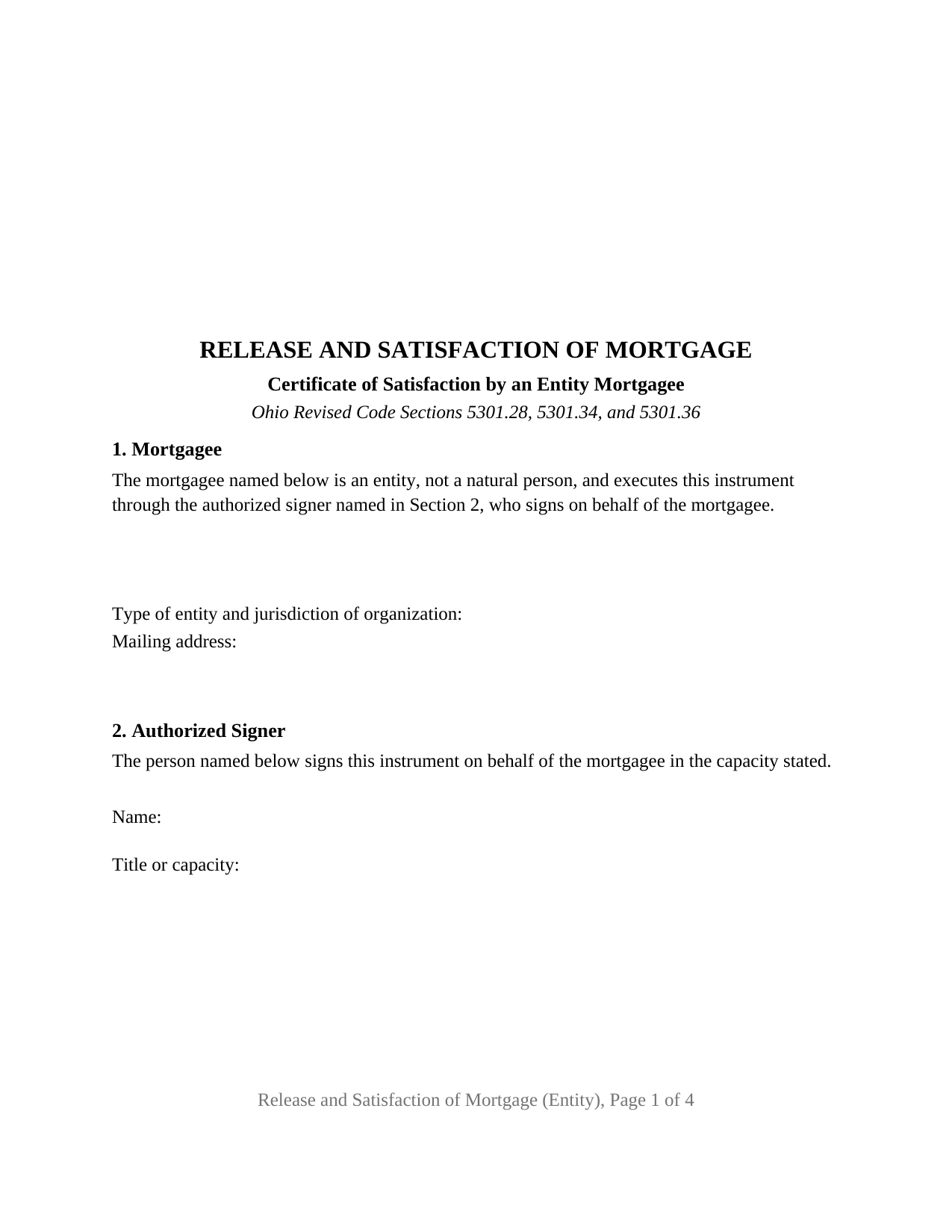
Stark County Release and Satisfaction of Mortgage (Entity) Form
Fill in the blank Release and Satisfaction of Mortgage (Entity) form formatted to comply with all Ohio recording and content requirements.
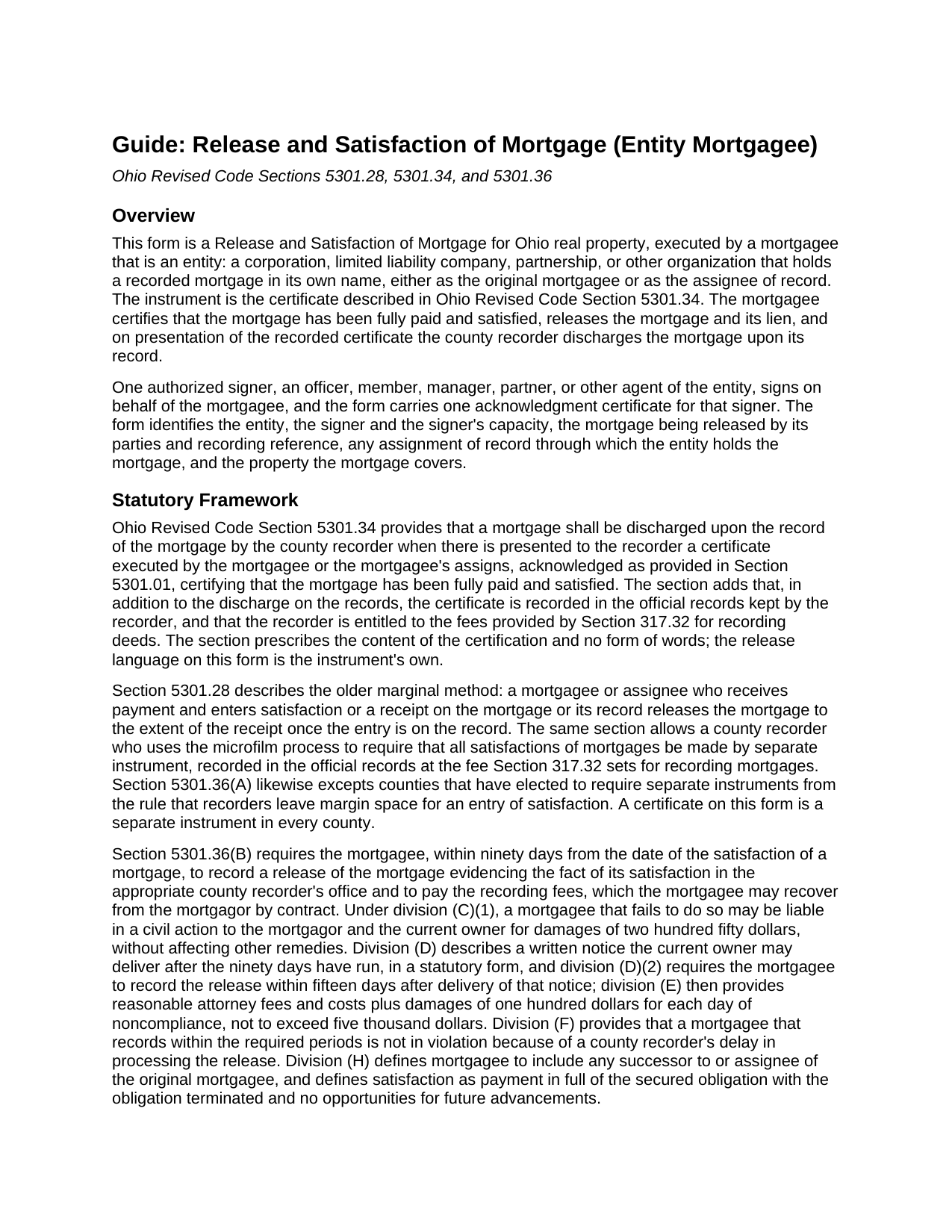
Stark County Release and Satisfaction of Mortgage (Entity) Guide
Line by line guide explaining every blank on the Release and Satisfaction of Mortgage (Entity) form.
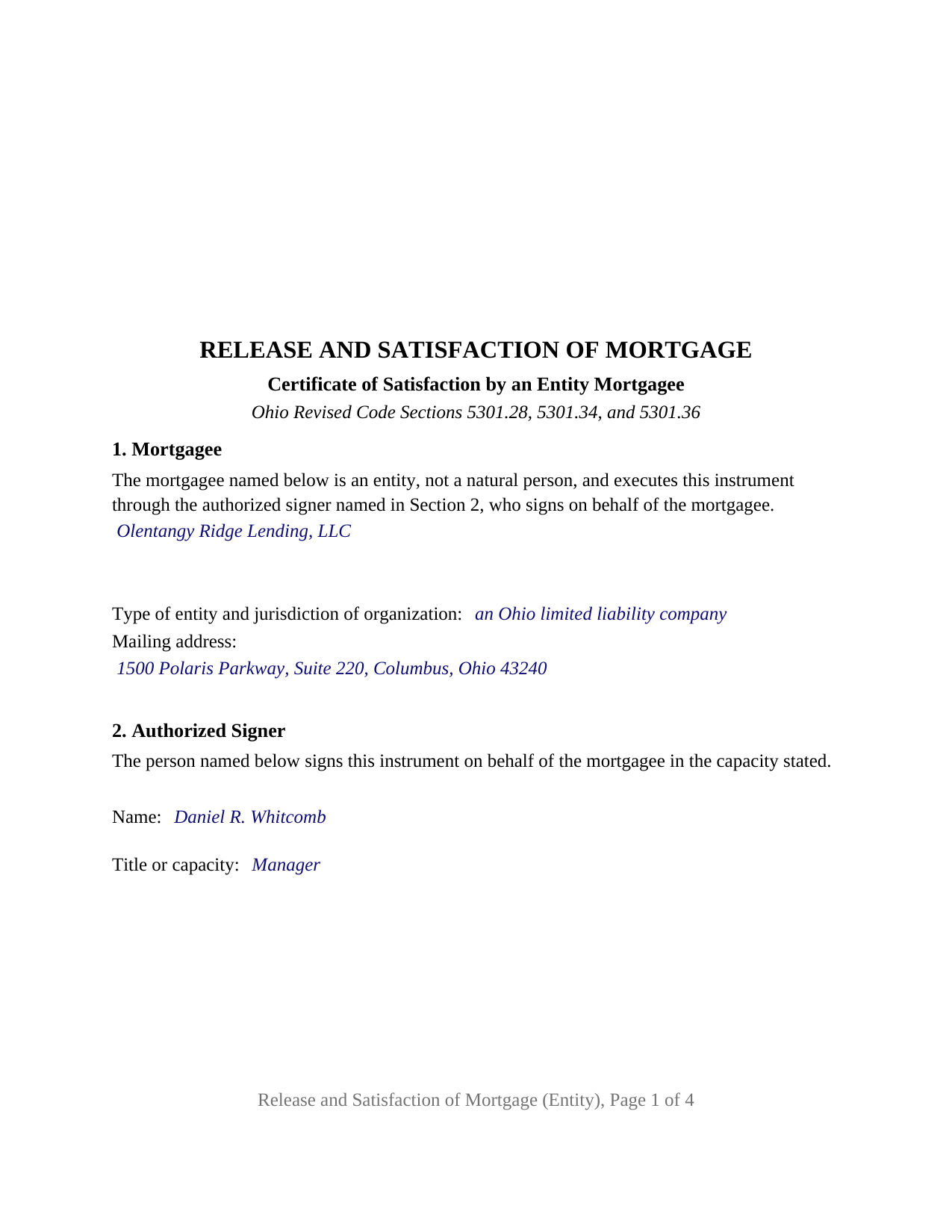
Stark County Completed Example of the Release and Satisfaction of Mortgage (Entity) Document
Example of a properly completed Ohio Release and Satisfaction of Mortgage (Entity) document for reference.
All 3 documents above included • One-time purchase • No recurring fees
Immediate Download • Secure Checkout
Additional Ohio and Stark County documents included at no extra charge:
Where to Record Your Documents
Stark County Recorder
Canton, Ohio 44702-1409
Hours: 8:00 to 4:30 M-F
Phone: 330-451-7443
Recording Tips for Stark County:
- Bring your driver's license or state-issued photo ID
- Ensure all signatures are in blue or black ink
- Bring extra funds - fees can vary by document type and page count
- Check margin requirements - usually 1-2 inches at top
- Leave recording info boxes blank - the office fills these
Cities and Jurisdictions in Stark County
Properties in any of these areas use Stark County forms:
- Alliance
- Beach City
- Brewster
- Canal Fulton
- Canton
- East Canton
- East Sparta
- Greentown
- Hartville
- Limaville
- Louisville
- Magnolia
- Massillon
- Maximo
- Middlebranch
- Minerva
- Navarre
- North Canton
- North Lawrence
- Paris
- Robertsville
- Uniontown
- Waynesburg
- Wilmot
Hours, fees, requirements, and more for Stark County
How do I get my forms?
Forms are available for immediate download after payment. The Stark County forms will be in your account ready to download to your computer. An account is created for you during checkout if you don't have one. Forms are NOT emailed.
Are these forms guaranteed to be recordable in Stark County?
Yes. Our form blanks are guaranteed to meet or exceed the applicable formatting requirements used for recording in Stark County, including margin requirements, font requirements, and other layout standards. This guarantee applies to formatting, not to the legal sufficiency of information entered by the user or the suitability of a form for a particular transaction.
Can I reuse these forms?
Yes. You can reuse the forms for your personal use. For example, if you have multiple properties in Stark County you only need to order once.
What do I need to use these forms?
The forms are PDFs that you fill out on your computer. The free Adobe Acrobat Reader is recommended, and most PDF apps also work. You do NOT enter your property information online - you download the blank forms and complete them privately on your own computer.
Are there any recurring fees?
No. This is a one-time purchase. Nothing to cancel, no memberships, no recurring fees.
How much does it cost to record in Stark County?
Recording fees in Stark County vary. Contact the recorder's office at 330-451-7443 for current fees.
Questions answered? Let's get started!
When a corporation, limited liability company, partnership, or other entity holds a mortgage on Ohio real estate and the loan is paid in full, the entity's own name goes on the release and one authorized officer, member, manager, or partner signs beneath it. This Ohio Release and Satisfaction of Mortgage prepares that certificate of satisfaction under Ohio Revised Code Section 5301.34 for a mortgagee that is an entity rather than an individual, with one signature block and one acknowledgment certificate shaped for a representative signer.
A certificate the recorder acts on
Section 5301.34 describes the instrument in one sentence: a mortgage is discharged upon its record when the county recorder is presented with a certificate, executed by the mortgagee or the mortgagee's assigns and acknowledged as Section 5301.01 provides, certifying that the mortgage has been fully paid and satisfied. The form carries that certification as operative text and follows it with the words that release, satisfy, and discharge the mortgage and its lien; Ohio prescribes no form of words for the release itself.
Signed in the name of the entity
The form recites in its first section that the mortgagee is an entity and not a natural person, acting through the authorized signer named in the second section. The entity's name, type, jurisdiction, and mailing address fill the first section; the signer's name and title fill the second. The signature block carries the entity's name on its own line, with the signer's signature, printed name, date, and title beneath it, because Section 5301.29(D) treats a corporate release executed by officers without the corporation's name as a defect of record that the statute cures only after twenty-one years. A lender releasing its own loan, a company that acquired the loan by recorded assignment, and a family limited liability company that financed a sale all present the single-entity pattern this form recites. The form is not set up as a release by an individual mortgagee, by co-mortgagees signing separately, by a trustee, or by an attorney-in-fact.
One certificate, three statutory short forms
Section 147.55 prints separate short forms of acknowledgment for a corporation, a limited liability company, and a partnership, and each opens with the same sentence: the foregoing instrument was acknowledged before me this date by. The acknowledgment on this form prints that common sentence and leaves the words after it to the notary, who enters the signer's name and title, the entity's name and type, and the words on behalf of the corporation, the limited liability company, or the partnership. The completed example shows the limited liability company version.
Ninety days, then damages
Section 5301.36(B) gives the mortgagee ninety days from the date of satisfaction to record a release in the appropriate county recorder's office, and defines mortgagee to include any successor or assignee of the original lender. A mortgagee that misses the deadline may owe two hundred fifty dollars in a civil action, and after the statutory written notice and fifteen more days, attorney fees plus one hundred dollars a day, capped at five thousand dollars. The form's fourth section identifies any recorded assignment through which the entity holds the mortgage.
Recording in the county where the mortgage is recorded
The certificate goes to the county recorder of the county where the property lies. Section 317.32 sets thirty-four dollars in statutory fees for the first two pages, eight dollars for each additional page, four dollars for the marginal reference to the released mortgage, and a county surcharge of up to five dollars. The form is built to the Section 317.114 page format, with the three inch blank margin at the top of the first page for the recorder's endorsement, and its property section collects the parcel number and municipality that Section 5301.46 names for a release by separate instrument.
The package includes the fillable form, a completed example filled in for an Ohio limited liability company releasing a Franklin County mortgage it acquired by assignment, and the guide that walks through every numbered section and the recording process. This description and the guide describe the form and the governing statutes in general terms; they are not legal advice.
Important: Your property must be located in Stark County to use these forms. Documents should be recorded at the county recording office listed above.
This Release and Satisfaction of Mortgage (Entity) meets all recording requirements specific to Stark County.
Our Promise
The documents you receive here are guaranteed to meet or exceed the applicable Stark County recording format requirements. If there is a rejection caused by our formatting, we will correct the issue or refund your payment. This guarantee applies to document formatting only and does not extend to information entered by the user, the selection of the form, or the legal effect of the completed document.
Save Time and Money
Get your Stark County Release and Satisfaction of Mortgage (Entity) form done right the first time with Deeds.com Uniform Conveyancing Blanks. At Deeds.com, we understand that your time and money are valuable resources, and we don't want you to face a penalty fee or rejection imposed by a county recorder for submitting nonstandard documents. We constantly review and update our forms to meet rapidly changing state and county recording requirements for roughly 3,500 counties and local jurisdictions.
4.8 out of 5 - ( 4,837 Reviews )
Terrill B. 5 out of 5 stars
I found it very difficult to find this website, had my accountant search for me. Instructions are invaluable through guide and example. Thank you for them.
We appreciate your business and value your feedback. Thank you. Have a wonderful day!
Jeffrey G. 5 out of 5 stars
We had a one-time-only recording to make in the District of Columbia. We could not have e-filed the document without the assistance Deeds.com! The service they provided was wonderful.
Thank you for your feedback. We really appreciate it. Have a great day!
Maureen M. 5 out of 5 stars
Easy to use and download. Will use in the future, if ever needed.
Thank you for your feedback. We really appreciate it. Have a great day!
Tyler B. 5 out of 5 stars
Great!
Thank you!
Sarjit K. 5 out of 5 stars
excellent
Thank you!
Vernon A L. 3 out of 5 stars
They are forms....no magic there. I still have to round up the details.
We appreciate your business and value your feedback. Thank you. Have a wonderful day!
Michael T. 5 out of 5 stars
Very easy to find what I was looking for and the cost was reasonable. The documents saved me a lot of time and were easy to use.
Thank you for your feedback. We really appreciate it. Have a great day!
John B. 5 out of 5 stars
Thorough. Thanks!
Thank you!
Thomas F. 5 out of 5 stars
Very convenient!
Thank you!
Robert B. 5 out of 5 stars
Excellent service. Unbelievably rapid and detailed responses. Was not happy to have to pay the fee but totally worth it.
Thank you for your feedback. We really appreciate it. Have a great day!
Lutz P. 5 out of 5 stars
Your forms are great but I couldn’t use them with my computer and acrobats reader didn’t work. And then my thermal printer would only print 1/3 size pages with no way to fix it. I ordered a new color printer and we’ll see what happens.
Thank you, Lutz. We're glad you like the forms, and we're sorry getting them working turned into such a hassle. That shrunken page is typical of thermal printers: most use narrow receipt or label paper, so a full page gets scaled down to fit, and no setting can change that. Thermal paper also fades over time, which you don't want on a document you're recording, so the new printer is the right call. When it arrives, print on plain white paper with “Actual size” selected in the print settings so the page comes out full size with its margins intact. If Acrobat Reader gives you trouble again, save the form to your computer first and open the saved file in Acrobat Reader rather than in your web browser. Still stuck? Contact our support team and we'll walk you through it.
alex b. 5 out of 5 stars
I appreciate the very quick response that I received and I am very impressed with the access that you provide to records. I'm still in the process of trying to find out what's there but that will take a bit of time. All in all, you are to be commended for a first class operation.
Thank you!
Russell B. 5 out of 5 stars
complete package as promised at a very reasonable cost. Easy forms to complete. Thank you. Definitely 5 stars!!!
Thank you for your feedback. We really appreciate it. Have a great day!
kathy d. 5 out of 5 stars
very easy make sense instructions. Thank you.
Thank you for your feedback Kathy. Have an amazing day!
Wayne S. 5 out of 5 stars
The website is quick and easy to navigate and the downloading of forms is a simple process.
Thank you, Wayne! We're thrilled to hear that you found our website quick and easy to navigate. Making the process simple for our customers is our goal! If you ever need anything, we're here to help. Appreciate your support!