Henry County Satisfaction of Assignment of Leases and Rents Form
Last validated October 30, 2026 by our Forms Development TeamFormatted for recording in Henry County, for property anywhere in the county: rural and unincorporated areas as well as Colton, Deshler, Grelton, Hamler, Holgate, Liberty Center, Malinta, Mc Clure and 4 more.
- 3 documents included
- Immediate PDF download
- Formatting guarantee
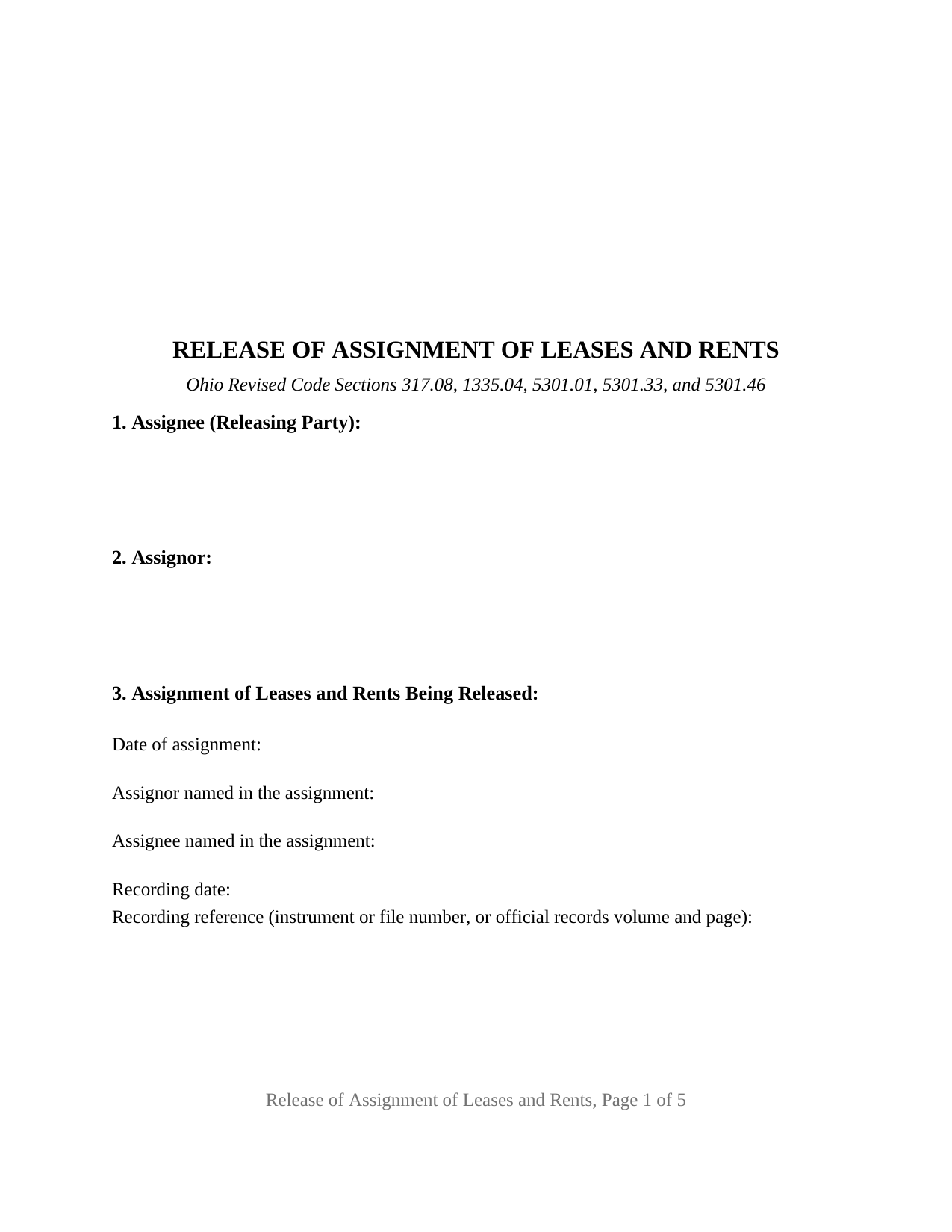
Henry County Satisfaction of Assignment of Leases and Rents Form
Fill in the blank Satisfaction of Assignment of Leases and Rents form formatted to comply with all Ohio recording and content requirements.
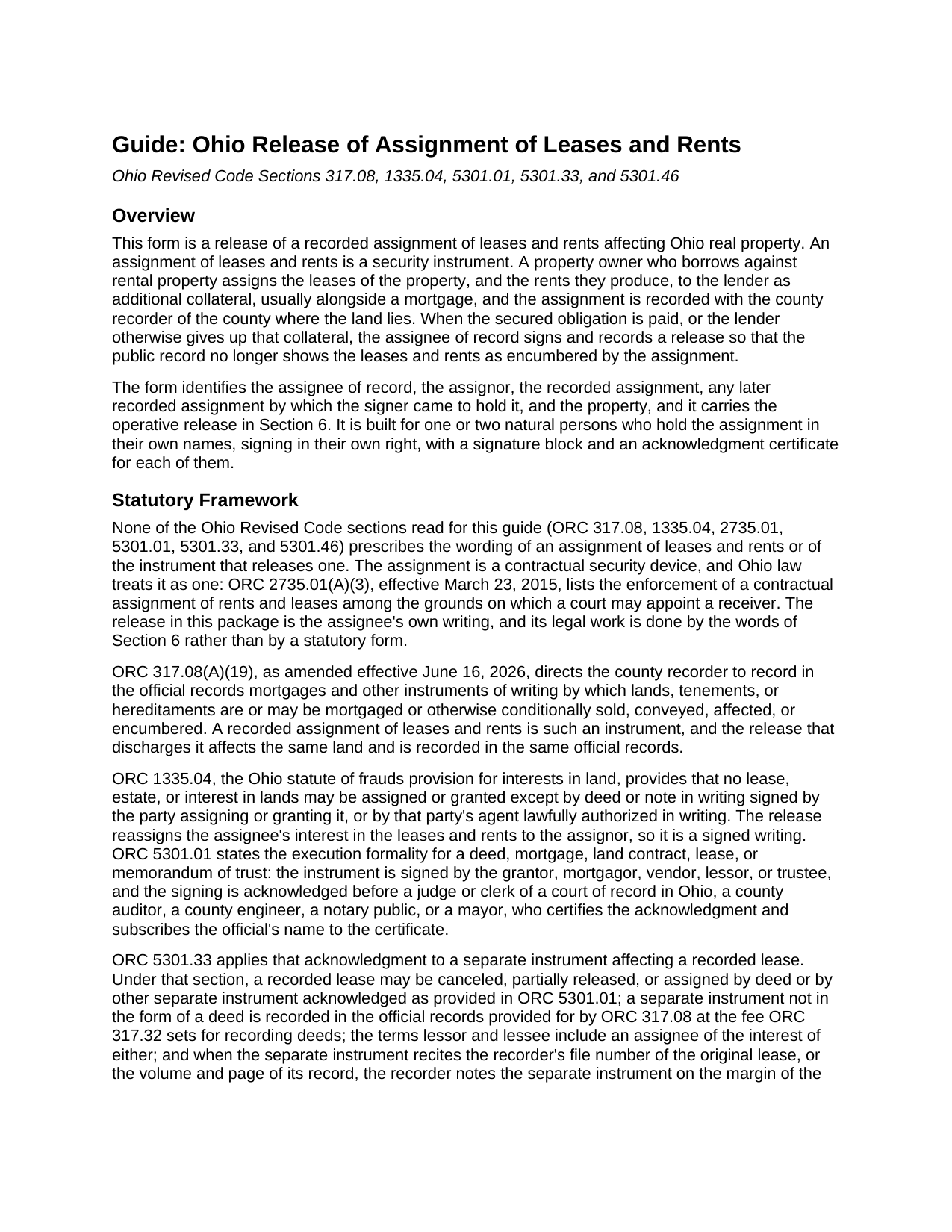
Henry County Satisfaction of Assignment of Leases and Rents Guide
Line by line guide explaining every blank on the Satisfaction of Assignment of Leases and Rents form.
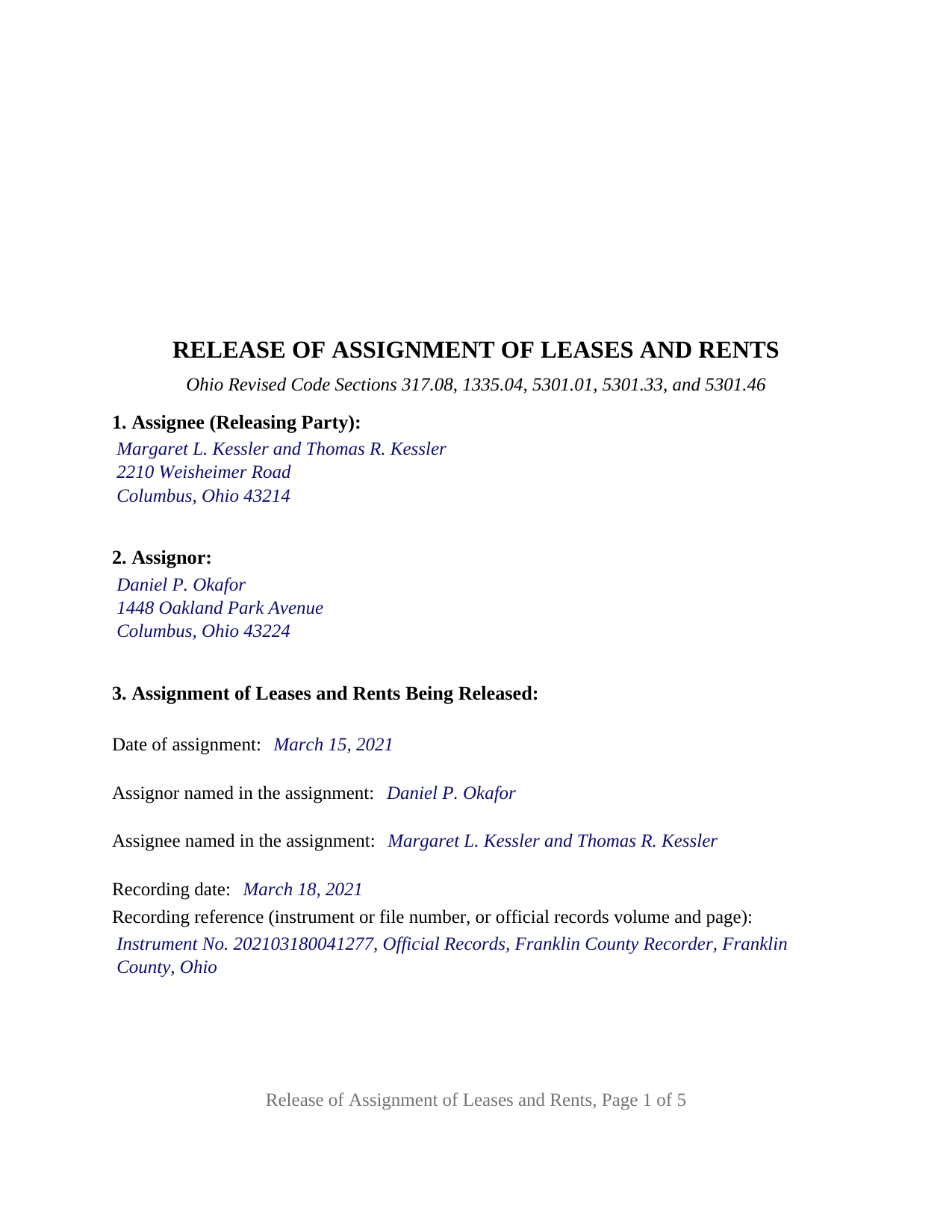
Henry County Completed Example of the Satisfaction of Assignment of Leases and Rents Document
Example of a properly completed Ohio Satisfaction of Assignment of Leases and Rents document for reference.
All 3 documents above included • One-time purchase • No recurring fees
Immediate Download • Secure Checkout
Additional Ohio and Henry County documents included at no extra charge:
Where to Record Your Documents
Henry County Recorder
Napoleon, Ohio 43545
Hours: 8:30am to 4:30pm Monday through Friday
Phone: (419) 592-1766
Recording Tips for Henry County:
- Bring your driver's license or state-issued photo ID
- Ensure all signatures are in blue or black ink
- Ask about accepted payment methods when you call ahead
- Ask for certified copies if you need them for other transactions
- Ask if they accept credit cards - many offices are cash/check only
Cities and Jurisdictions in Henry County
Properties in any of these areas use Henry County forms:
- Colton
- Deshler
- Grelton
- Hamler
- Holgate
- Liberty Center
- Malinta
- Mc Clure
- Napoleon
- New Bavaria
- Okolona
- Ridgeville Corners
Hours, fees, requirements, and more for Henry County
How do I get my forms?
Forms are available for immediate download after payment. The Henry County forms will be in your account ready to download to your computer. An account is created for you during checkout if you don't have one. Forms are NOT emailed.
Are these forms guaranteed to be recordable in Henry County?
Yes. Our form blanks are guaranteed to meet or exceed the applicable formatting requirements used for recording in Henry County, including margin requirements, font requirements, and other layout standards. This guarantee applies to formatting, not to the legal sufficiency of information entered by the user or the suitability of a form for a particular transaction.
Can I reuse these forms?
Yes. You can reuse the forms for your personal use. For example, if you have multiple properties in Henry County you only need to order once.
What do I need to use these forms?
The forms are PDFs that you fill out on your computer. The free Adobe Acrobat Reader is recommended, and most PDF apps also work. You do NOT enter your property information online - you download the blank forms and complete them privately on your own computer.
Are there any recurring fees?
No. This is a one-time purchase. Nothing to cancel, no memberships, no recurring fees.
How much does it cost to record in Henry County?
Recording fees in Henry County vary. Contact the recorder's office at (419) 592-1766 for current fees.
Questions answered? Let's get started!
When an Ohio rental property is financed, the closing often produces two recorded instruments instead of one: the mortgage, and a separate assignment of leases and rents that hands the lender the leases and the rent stream as additional collateral. This Ohio Release of Assignment of Leases and Rents is the second of those two: the instrument by which the assignee of record discharges the recorded assignment and reassigns the leases and rents to the owner who gave them.
Two instruments at the closing, two releases at the payoff
A mortgage satisfaction speaks to the mortgage and to nothing else. The assignment of leases and rents is a different instrument, recorded under its own number and indexed under its own parties, and it stays of record after the mortgage is released until an instrument addressed to it is recorded. Ohio Revised Code Section 317.08(A)(19) places mortgages and the other instruments by which land is affected or encumbered in the recorder's official records, and a release of an assignment of leases and rents goes into those same records, beside the assignment it ends.
Searched as a satisfaction of assignment of rents, a discharge of assignment of leases and rents, or a termination of assignment of rents, the act is the same: the holder of the collateral gives it back of record. The assignee, as holder of record, releases, discharges, and terminates the assignment, and releases, reassigns, and quitclaims to the assignor all of the assignee's right, title, and interest in the leases, rents, income, issues, and profits it carried. A second sentence confines the instrument to that one assignment; the mortgage satisfaction is a separate instrument, prepared and recorded separately and not included in this package.
What the release reassigns, and what it leaves alone
The form reaches the security interest and nothing more. It does not touch the leases themselves, which continue between the landlord and the tenants exactly as written, and it gives no tenant any direction about where to pay. It recites no payoff figure and operates by its own words whatever the reason for it.
Why the parcel number and the township are on the form
Ohio counties that keep sectional indexes under ORC 317.20 require a release made by separate instrument to describe the property well enough to index it. ORC 5301.46 names the items: the permanent parcel number, if there is one, together with the section, range, tract, subdivision, addition, lot, quarter, and municipal corporation, town, or township. The property section carries the legal description copied from the recorded assignment, the parcel number, the municipal corporation or township, and the street address, and the form identifies the released assignment by date, parties, and recording reference, the cross-reference ORC 5301.33 uses when the recorder notes a separate instrument on the margin of the original record.
Execution follows the Ohio acknowledgment pattern: ORC 5301.01 names the officers who take an acknowledgment, ORC 5301.33 attaches that acknowledgment to a separate instrument affecting a recorded lease, and the certificates print the ORC 147.55(A) short form for an individual signing in the individual's own right.
One or two assignees signing in their own names
The form is the general configuration for natural-person holders. It carries one free-form block for the assignee of record, a second for the assignor, two signature blocks headed ASSIGNEE and SECOND ASSIGNEE (if applicable), and a separate acknowledgment certificate for each signature, so two holders may acknowledge on different dates or before different notaries. A private lender who took the assignment alone, and a couple who financed a rental property from their own funds, present the patterns this form recites; on a single-assignee release the second block and its certificate stay blank. The form is not set up as a release by a bank or other entity signing through an officer, by a trustee, by an attorney-in-fact, or by three or more holders, and it releases the whole assignment rather than part of it.
The package includes the fillable release of assignment of leases and rents, a completed example filled in for a Franklin County rental property with two assignees and one assignor, and the guide that walks through every section, the governing Ohio statutes, and county recording practice. This description and the guide describe the form and the law in general terms and are not legal advice.
Important: Your property must be located in Henry County to use these forms. Documents should be recorded at the county recording office listed above.
This Satisfaction of Assignment of Leases and Rents meets all recording requirements specific to Henry County.
Our Promise
The documents you receive here are guaranteed to meet or exceed the applicable Henry County recording format requirements. If there is a rejection caused by our formatting, we will correct the issue or refund your payment. This guarantee applies to document formatting only and does not extend to information entered by the user, the selection of the form, or the legal effect of the completed document.
Save Time and Money
Get your Henry County Satisfaction of Assignment of Leases and Rents form done right the first time with Deeds.com Uniform Conveyancing Blanks. At Deeds.com, we understand that your time and money are valuable resources, and we don't want you to face a penalty fee or rejection imposed by a county recorder for submitting nonstandard documents. We constantly review and update our forms to meet rapidly changing state and county recording requirements for roughly 3,500 counties and local jurisdictions.
4.8 out of 5 - ( 4,850 Reviews )
Elena R. 4 out of 5 stars
Very helpful forms and guide. Would use again if needed.
Thank you for your feedback. We really appreciate it. Have a great day!
Harry B. 5 out of 5 stars
I received exactly what I was looking for on Deeds.com. Not only that, but this website provided instructions for form completion, and an example of a completed form. I'm certainly glad I chose this website.
Thank you for your feedback. We really appreciate it. Have a great day!
virginia a. 4 out of 5 stars
Thank you for the prompt instructions on the download and installation. The only problem I had was trying to input data into the form once I renamed the form.and saved it. I was unable to change the size of the font and was very frustrated. In the end I finally had to redo the entire form through Word using your format.
Thank you!
Daron S. 5 out of 5 stars
A download in word format would be a lot better than the pdf download.
Thank you for your feedback. We really appreciate it. Have a great day!
Tullea S. 5 out of 5 stars
Although I didn't get what I needed, the customer service is outstanding. I got a text asking if I needed any help. He canceled my subscription right away and was very helpful. He responded quickly each time.
We are delighted to have been of service. Thank you for the positive review!
Dean P. 5 out of 5 stars
Very fast, efficient, and convenient - thanks Deeds.com! I would recommend this service to everyone needing to record documents, especially out-of-state customers such as myself.
Thank you for your feedback. We really appreciate it. Have a great day!
Niki G. 5 out of 5 stars
Absolutely love the Golden Girls homage in the quit claim deed example. Funny stuff!
Thanks for the feedback Niki. Glad you enjoyed our attempt to spice up the mundane. Have an amazing day.
Valerie C. 5 out of 5 stars
Thanks
Thank you!
Freda S. 5 out of 5 stars
Excellent Services!
Thank you!
Kristie B. 1 out of 5 stars
Horrible. As an agent, trying to find a simple answer was never accomplished.
Sorry to hear that Kristie. We do hope that you found what you were looking for elsewhere.
Daniel A. 5 out of 5 stars
First time using Deeds.com. Downloaded the PDF forms for creating an Illinois Mortgage and Promissory Note. Filled them out, saved them, and printed them out. Going to send them to my Title Company for closing on a property. Save a bunch of money on not have to pay lawyer fees for creating the same legal documents that Deeds.com provided.
We appreciate your business and value your feedback. Thank you. Have a wonderful day!
Paula P. 2 out of 5 stars
Important: Click Download to save each PDF to your device. Open and complete the PDFs using Adobe Acrobat Reader (free). Get Adobe Acrobat Reader Browser PDF viewers (Chrome, Edge, Firefox, Mac Preview) may display fillable fields incorrectly. This information should be shared with the potential buyer BEFORE purchase. Messy formatting and a deeds.com advertisement on each page. I will not purchase from deeds.com again.
Paula, thank you for taking the time to leave feedback. As the product wasn’t a good fit for you, we’ve canceled your order and provided a full refund so there’s no need for you to use the documents.
scott m. 5 out of 5 stars
thanks- easy as pie.
Thank you!
Shonda S. 5 out of 5 stars
This is my first time using the site for business and I must say this site made it so easy for me. I was so lost, thank you so much.
Thank you!
Stephen M. 5 out of 5 stars
Easy to sign up and create an account. Lots of options.
Thank you!