Crawford County Unconditional Lien Waiver Form
Last validated October 8, 2026 by our Forms Development TeamFormatted for recording in Crawford County, for property anywhere in the county: rural and unincorporated areas as well as Bucyrus, Chatfield, Crestline, Galion, New Washington, North Robinson, Oceola, Sulphur Springs and 1 more.
- 3 documents included
- Immediate PDF download
- Formatting guarantee
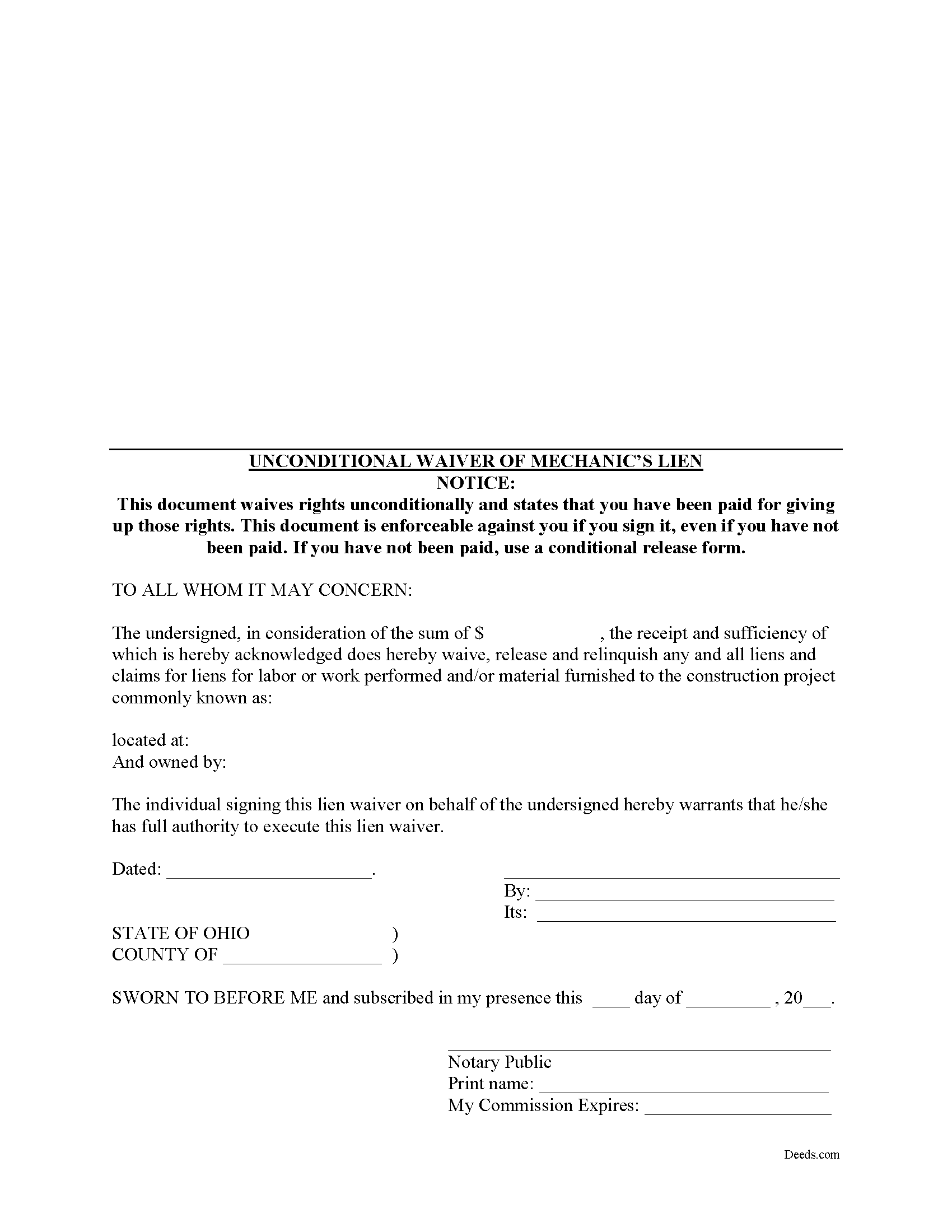
Crawford County Unconditional Lien Waiver Form
Fill in the blank Unconditional Lien Waiver form formatted to comply with all Ohio recording and content requirements.
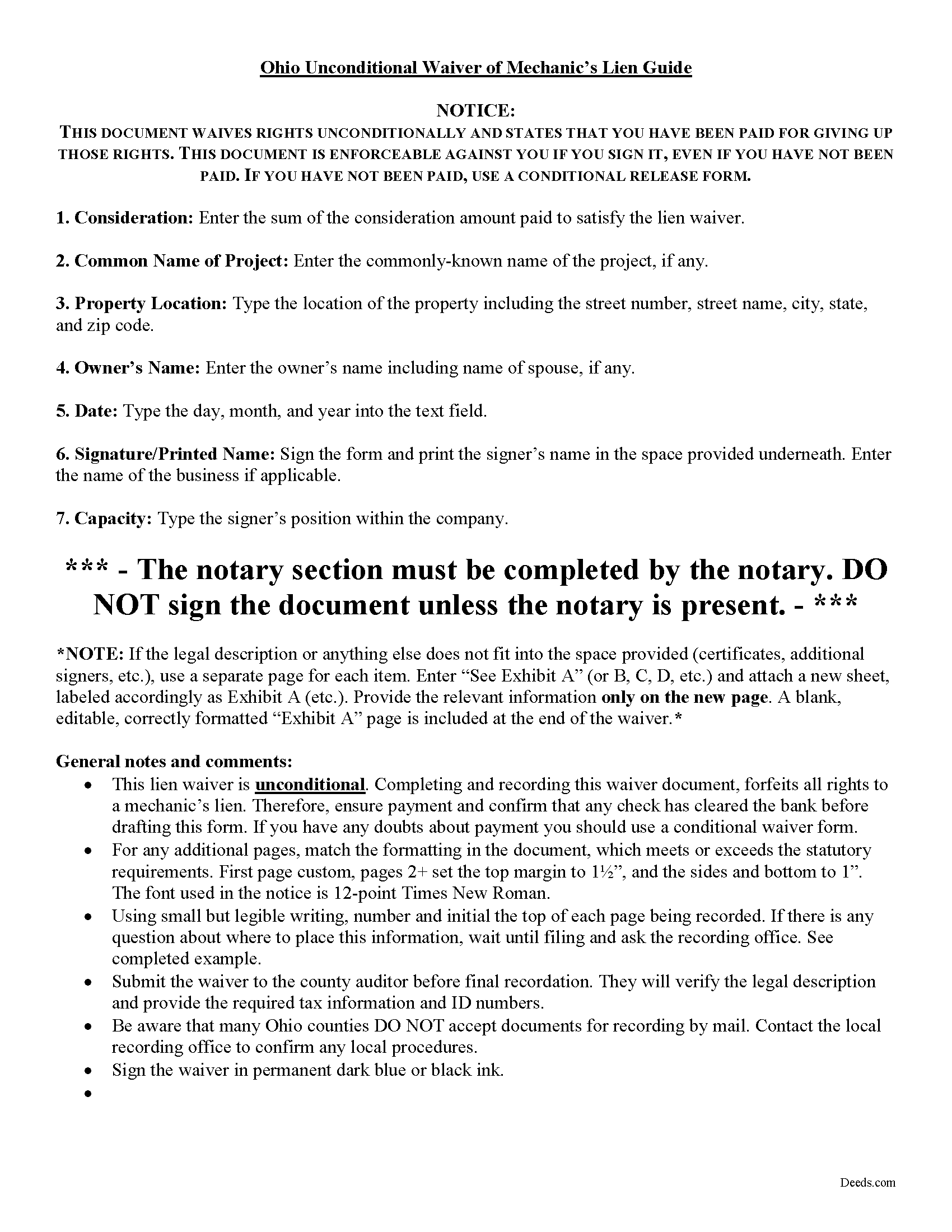
Crawford County Unconditional Lien Waiver Guide
Line by line guide explaining every blank on the form.
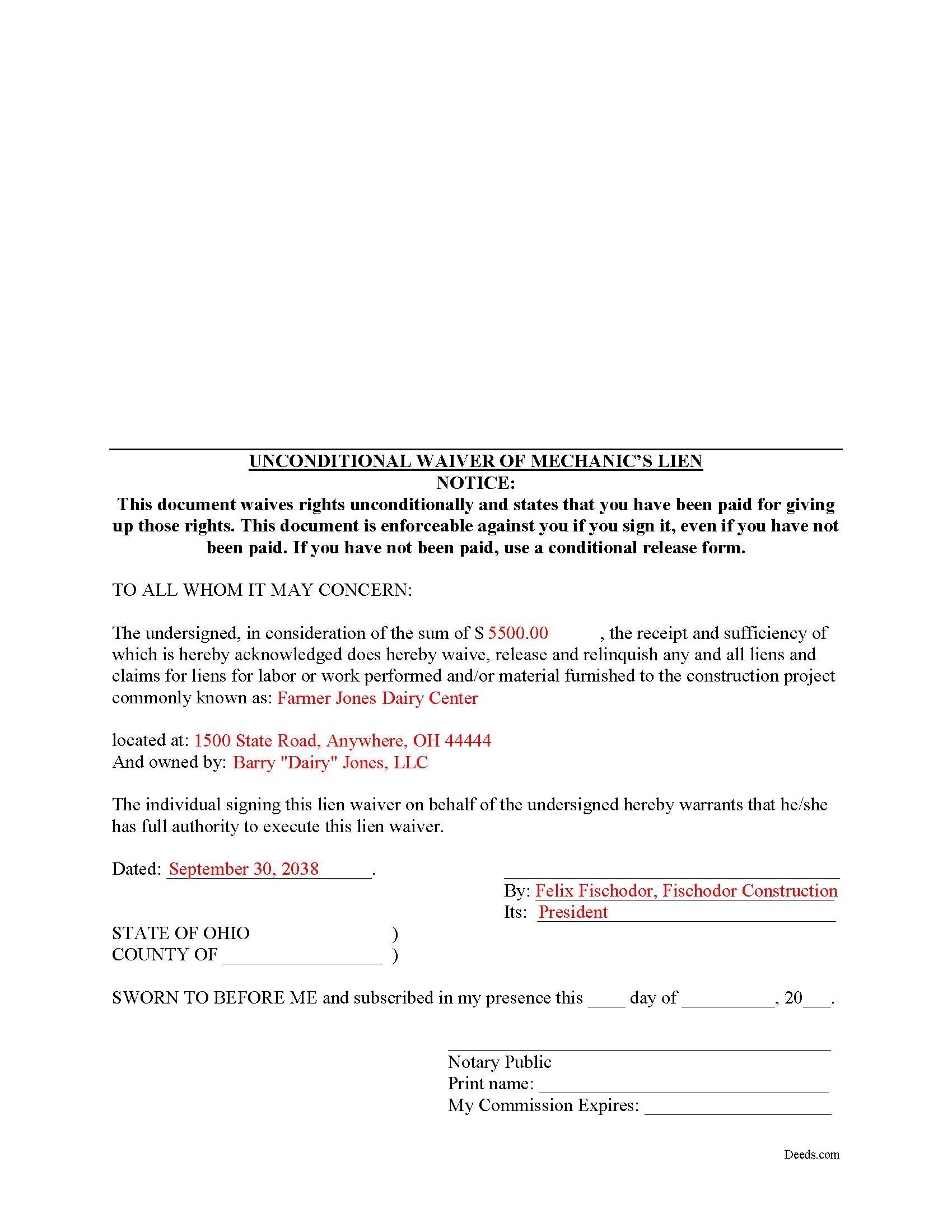
Crawford County Completed Example of the Unconditional Lien Waiver Document
Example of a properly completed form for reference.
All 3 documents above included • One-time purchase • No recurring fees
Immediate Download • Secure Checkout
Additional Ohio and Crawford County documents included at no extra charge:
Where to Record Your Documents
Crawford County Recorder
Bucyrus, Ohio 44820-0788
Hours: 8:30 to 4:30 M-F
Phone: 419-562-6961
Recording Tips for Crawford County:
- Bring your driver's license or state-issued photo ID
- Ensure all signatures are in blue or black ink
- Request a receipt showing your recording numbers
- Ask about accepted payment methods when you call ahead
- Ask for certified copies if you need them for other transactions
Cities and Jurisdictions in Crawford County
Properties in any of these areas use Crawford County forms:
- Bucyrus
- Chatfield
- Crestline
- Galion
- New Washington
- North Robinson
- Oceola
- Sulphur Springs
- Tiro
Hours, fees, requirements, and more for Crawford County
How do I get my forms?
Forms are available for immediate download after payment. The Crawford County forms will be in your account ready to download to your computer. An account is created for you during checkout if you don't have one. Forms are NOT emailed.
Are these forms guaranteed to be recordable in Crawford County?
Yes. Our form blanks are guaranteed to meet or exceed the applicable formatting requirements used for recording in Crawford County, including margin requirements, font requirements, and other layout standards. This guarantee applies to formatting, not to the legal sufficiency of information entered by the user or the suitability of a form for a particular transaction.
Can I reuse these forms?
Yes. You can reuse the forms for your personal use. For example, if you have multiple properties in Crawford County you only need to order once.
What do I need to use these forms?
The forms are PDFs that you fill out on your computer. The free Adobe Acrobat Reader is recommended, and most PDF apps also work. You do NOT enter your property information online - you download the blank forms and complete them privately on your own computer.
Are there any recurring fees?
No. This is a one-time purchase. Nothing to cancel, no memberships, no recurring fees.
How much does it cost to record in Crawford County?
Recording fees in Crawford County vary. Contact the recorder's office at 419-562-6961 for current fees.
Questions answered? Let's get started!
Ohio's mechanic's lien law does not provide for a statutory lien waiver form, but Ohio courts recognize elective lien waivers under principles of contract law. The waivers identify the claimant, the party responsible for paying, the project, relevant dates, and the amount paid. Sign the completed waiver in front of a notary, then record it in the land records of the county where the project is located.
In general, a lien waiver is used to release an owner's property from a lien claim, either in full or in part, and either conditional, meaning the payment must clear the bank prior to waiving lien rights, or unconditional, meaning that the claimant waives the lien immediately, regardless of whether or not the payment clears the bank.
For instance, if the customer owes $5,000.00 on a construction job and remits a partial payment of $2,500.00, the payor may request a waiver that states he or she has paid that amount and in turn the claimant will give up the right to a lien for $2,500.00 of the total amount. If the check has not yet cleared the bank, use a conditional waiver that is only effective upon actual receipt of payment. If the payment is confirmed, use the unconditional waiver form.
Claimants should exercise extreme caution when using an unconditional waiver. Do not be intimidated by a demand for an unconditional waiver if there is any question about the payment. This is a common trick in the construction industry with devastating consequences, and may lead to forfeiting lien rights without ever being paid. If a claimant waives lien rights too early, the only remedy might be a time-consuming and expensive lawsuit.
Each case is unique, and the lien law is complicated, so contact an attorney familiar with Ohio mechanic's liens with specific questions or for complex situations.
Important: Your property must be located in Crawford County to use these forms. Documents should be recorded at the county recording office listed above.
This Unconditional Lien Waiver meets all recording requirements specific to Crawford County.
Our Promise
The documents you receive here are guaranteed to meet or exceed the applicable Crawford County recording format requirements. If there is a rejection caused by our formatting, we will correct the issue or refund your payment. This guarantee applies to document formatting only and does not extend to information entered by the user, the selection of the form, or the legal effect of the completed document.
Save Time and Money
Get your Crawford County Unconditional Lien Waiver form done right the first time with Deeds.com Uniform Conveyancing Blanks. At Deeds.com, we understand that your time and money are valuable resources, and we don't want you to face a penalty fee or rejection imposed by a county recorder for submitting nonstandard documents. We constantly review and update our forms to meet rapidly changing state and county recording requirements for roughly 3,500 counties and local jurisdictions.
4.8 out of 5 - ( 4,836 Reviews )
Christina A G. 5 out of 5 stars
It was easy to locate, purchase, and download the documents I needed on the Deeds.com website.
We appreciate your business and value your feedback. Thank you. Have a wonderful day!
Debra G. 5 out of 5 stars
Nice, clear, well formatted documents. Good information provided.
Thank you for your kind words and for choosing us.
srikanth n. 1 out of 5 stars
why not word format??
Good question. There are many reasons, we'll touch on a few. For the end user (you) Adobe Reader is free, Word is not. PDF is the portable document standard, Word is a decent word processor. A portable document format (PDF) maintains document formatting such as margins and font size which is very important to legal documents, Word does not. Have a wonderful day.
Franklin W. 1 out of 5 stars
I am not so happy. I did find and purchase the document I needed. But there is one problem. It is in Adobe PDF format only. I cannot enter information into the form.
Sorry to hear that. Sounds like you may have been trying to complete the document in your browser instead of downloading the PDF and completing it on your computer. The PDF forms are fill in the blank, that's one of the reasons we use that format.
John G. 5 out of 5 stars
I was actually quite pleased with the ease of use of this site. I really, really liked the step by step instructions and examples of the finished product !!
Thank you!
Steven B. 5 out of 5 stars
County accepted the TODD form. Easy to understand and don’t have to hire an attorney! Excellent
Appreciate this, Steven. That's exactly the outcome we're aiming for. Wishing you well.
Julie L. 5 out of 5 stars
Great documents! with complete instructions and the CTC as well. I work with a lot of recordings and transfers, this is a great comprehensive set..
Thank you!
Hinz H. 4 out of 5 stars
Prompt accurate service
Thank you!
Carol F. 5 out of 5 stars
Instructions were easy to follow and it was reasonable
Thank you for your feedback. We really appreciate it. Have a great day!
Richard H. 1 out of 5 stars
It was a waste of time. I asked a question via your chat service. I received an acknowledgement that you received the question, that you might or might not answer it, and don't bother to reply to you email, as no one would read it. Confirming my belief that customer service is an oxymoron for most companies. (I doubt this review will ever appear on the site, or anyuhere else.)
Thank you!
alex b. 5 out of 5 stars
I appreciate the very quick response that I received and I am very impressed with the access that you provide to records. I'm still in the process of trying to find out what's there but that will take a bit of time. All in all, you are to be commended for a first class operation.
Thank you!
Catherine E. 5 out of 5 stars
I was referred to your company, but when i tried to process the recording of a deed to a property in City of Philadelphia my service was rejected. I appreciated the feedback i received from one of your representatives who instructed me in the right process for recording a deed in philadelphia. Thank you for all your help. The deed that needed to be recorded was overnighted yesterday. Stay safe and mask up
Thank you!
Courtney V. 3 out of 5 stars
I didn't have a chance to judge your services because I received a message saying that my requested title could not be searched. I will say, the website is easy to navigate. I'm not sure how many who use these services are laymen, but I would suggest adding a detailed explanation of each service. I had to Google the difference between each type of title search, but I might just be more uninformed than the average person, or I just didn't see it on your website
Thank you for your feedback. We really appreciate it. Have a great day!
Norma G. 5 out of 5 stars
Very fast response!
We appreciate your business and value your feedback. Thank you. Have a wonderful day!
Pedro M. 5 out of 5 stars
Fast and professional service.
Thank you for your positive words! We’re thrilled to hear about your experience.