Pushmataha County Claim of Mechanics Lien Form
Last validated October 28, 2026 by our Forms Development TeamFormatted for recording in Pushmataha County, for property anywhere in the county: rural and unincorporated areas as well as Albion, Antlers, Clayton, Finley, Moyers, Nashoba, Rattan, Snow and 1 more.
- 3 documents included
- Immediate PDF download
- Formatting guarantee
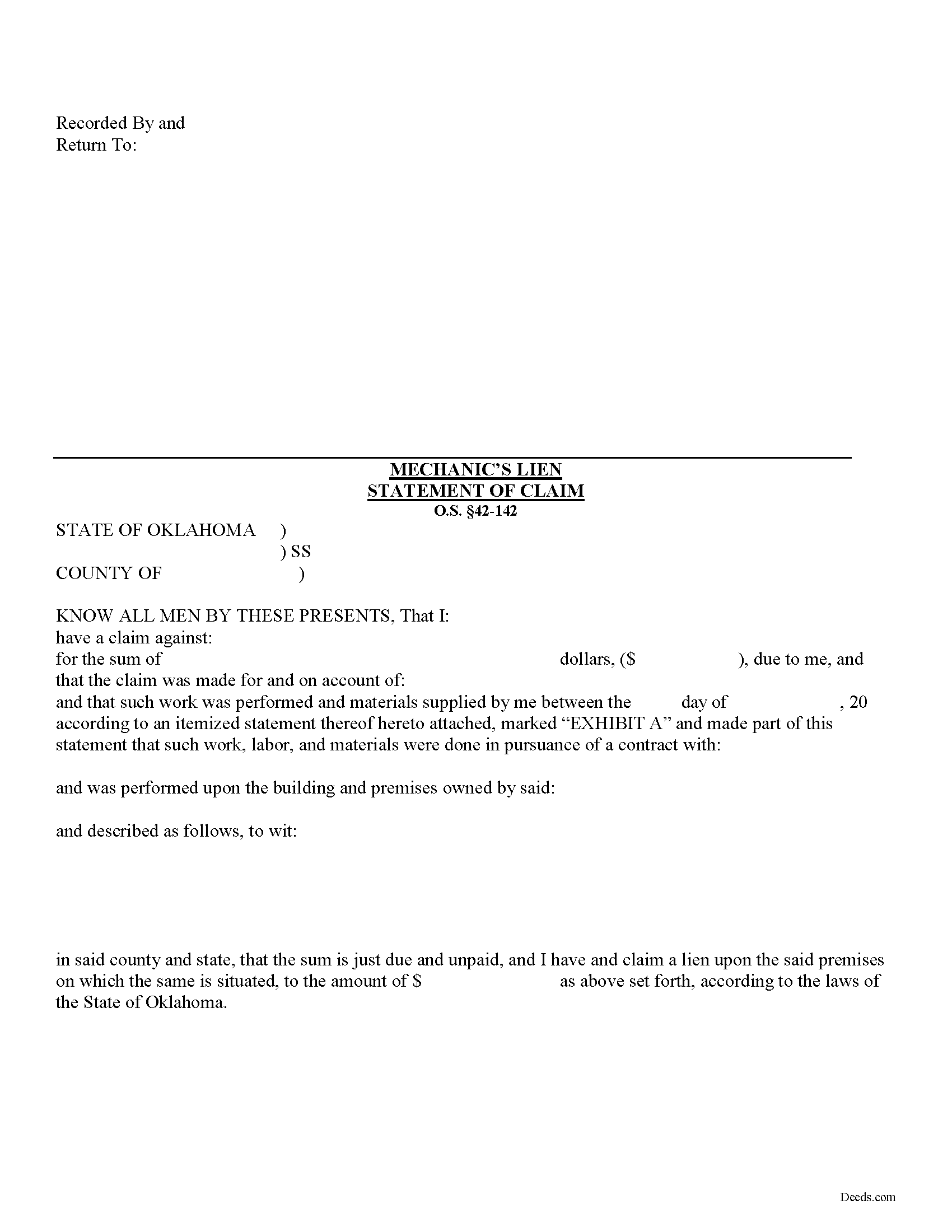
Pushmataha County Claim of Mechanics Lien Form
Fill in the blank Claim of Mechanics Lien form formatted to comply with all Oklahoma recording and content requirements.
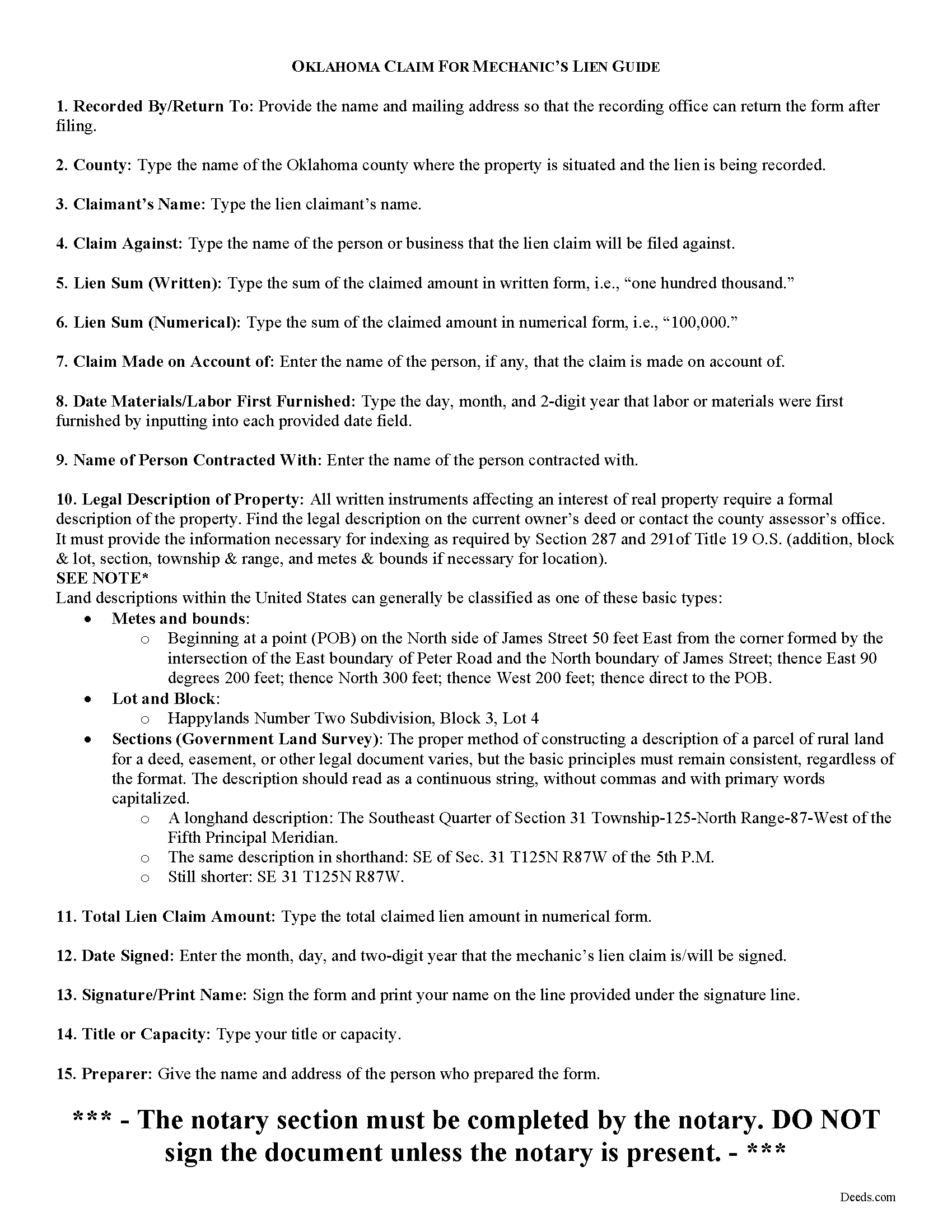
Pushmataha County Claim of Mechanics Lien Guide
Line by line guide explaining every blank on the form.
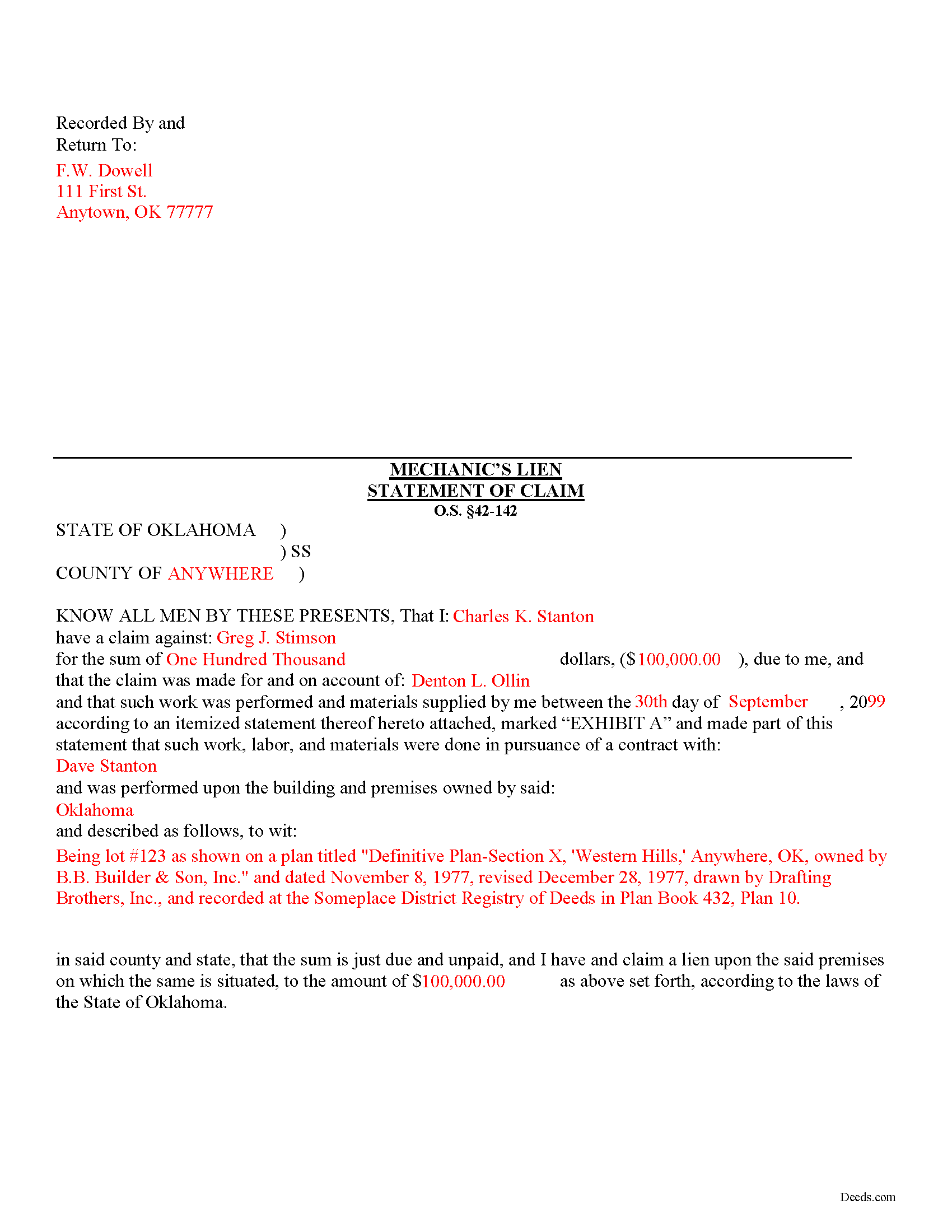
Pushmataha County Completed Example of the Claim of Mechanics Lien Document
Example of a properly completed form for reference.
All 3 documents above included • One-time purchase • No recurring fees
Immediate Download • Secure Checkout
Additional Oklahoma and Pushmataha County documents included at no extra charge:
Where to Record Your Documents
Pushmataha County Clerk
Antlers, Oklahoma 74523
Hours: 8:00 to 4:30 M-F
Phone: (580) 298-3626
Recording Tips for Pushmataha County:
- Bring your driver's license or state-issued photo ID
- Ensure all signatures are in blue or black ink
- Ask about accepted payment methods when you call ahead
- Ask for certified copies if you need them for other transactions
- Ask if they accept credit cards - many offices are cash/check only
Cities and Jurisdictions in Pushmataha County
Properties in any of these areas use Pushmataha County forms:
- Albion
- Antlers
- Clayton
- Finley
- Moyers
- Nashoba
- Rattan
- Snow
- Tuskahoma
Hours, fees, requirements, and more for Pushmataha County
How do I get my forms?
Forms are available for immediate download after payment. The Pushmataha County forms will be in your account ready to download to your computer. An account is created for you during checkout if you don't have one. Forms are NOT emailed.
Are these forms guaranteed to be recordable in Pushmataha County?
Yes. Our form blanks are guaranteed to meet or exceed the applicable formatting requirements used for recording in Pushmataha County, including margin requirements, font requirements, and other layout standards. This guarantee applies to formatting, not to the legal sufficiency of information entered by the user or the suitability of a form for a particular transaction.
Can I reuse these forms?
Yes. You can reuse the forms for your personal use. For example, if you have multiple properties in Pushmataha County you only need to order once.
What do I need to use these forms?
The forms are PDFs that you fill out on your computer. The free Adobe Acrobat Reader is recommended, and most PDF apps also work. You do NOT enter your property information online - you download the blank forms and complete them privately on your own computer.
Are there any recurring fees?
No. This is a one-time purchase. Nothing to cancel, no memberships, no recurring fees.
How much does it cost to record in Pushmataha County?
Recording fees in Pushmataha County vary. Contact the recorder's office at (580) 298-3626 for current fees.
Questions answered? Let's get started!
Claiming an Oklahoma Mechanic's Lien
Mechanic's liens provide a form of security of payment to builders, contractors, and other parties working on a construction job. Suppliers of materials, subcontractors and persons delivering materials can also claim a lien. A mechanic's lien works by making it harder for the owner to sell or refinance the property without first paying off the underlying lien. It also gives the person holding the lien the right to foreclose, or force a sale of the property to recover the money owed.
In Oklahoma, any person claiming a lien must file in the county clerk's office of the county in which the land is situated a statement setting forth the amount claimed and the items claimed including the names of the owner, the contractor, the claimant, and a legal description of the property subject to the lien, verified by affidavit. O.S. 42-142.
The statement must be filed within four (4) months after the date upon which material or equipment used on the land was last furnished or labor was last performed under a contract. Id. If the claim is made for the planting of any trees, vines, plants, or hedge, then the statement must be filed within four (4) months from such planting. Id. Once the statement is filed, the county clerk will enter a record of the lien against the tract index and in a book called the mechanics' lien journal. Id.
Once filed, the statement must be served on the property owner within five (5) business days after the date of the filing by certified mail, return receipt requested. O.S. 42-143.1(A). The claimant must furnish the county clerk with the last-known mailing address of the person or persons against whom the claim is made and the owner of the property and then the notice shall be mailed by the county clerk. Id.
This article is provided for informational purposes only and should not be relied upon as a substitute for the advice of a legal professional. If you have questions about filing a statement of mechanic's lien, please contact an Oklahoma attorney.
Important: Your property must be located in Pushmataha County to use these forms. Documents should be recorded at the county recording office listed above.
This Claim of Mechanics Lien meets all recording requirements specific to Pushmataha County.
Our Promise
The documents you receive here are guaranteed to meet or exceed the applicable Pushmataha County recording format requirements. If there is a rejection caused by our formatting, we will correct the issue or refund your payment. This guarantee applies to document formatting only and does not extend to information entered by the user, the selection of the form, or the legal effect of the completed document.
Save Time and Money
Get your Pushmataha County Claim of Mechanics Lien form done right the first time with Deeds.com Uniform Conveyancing Blanks. At Deeds.com, we understand that your time and money are valuable resources, and we don't want you to face a penalty fee or rejection imposed by a county recorder for submitting nonstandard documents. We constantly review and update our forms to meet rapidly changing state and county recording requirements for roughly 3,500 counties and local jurisdictions.
4.8 out of 5 - ( 4,862 Reviews )
Hanne R. 5 out of 5 stars
excellent
Thank you!
Ronald W. 5 out of 5 stars
Easy to use and very helpful
Thank you!
Luwana C. 5 out of 5 stars
I think the Website takes out a lot of leg work, Makes it easier to take care of paperwork 10 times faster.
We appreciate your business and value your feedback. Thank you. Have a wonderful day!
Sandra T T. 5 out of 5 stars
Great website to find state documents. I do like the one-time charge also vs a recurring charge. Thank you!
Thank you, Sandra! We’re glad you found the state documents you needed and appreciate you mentioning the one-time charge option. We believe in keeping things straightforward and transparent. Thanks again for your kind words and for choosing Deeds.com!
Reed W. 5 out of 5 stars
Thanks
Thank you!
John B. 4 out of 5 stars
I purchased the Notice of Completion form because the City of Chula Vista did not have a "fillable" version of this form on their website. The Deeds.com version of this form is somewhat different than the City's version (8 numbered paragraphs vs. 11 numbered paragraphs.) However, it contains the same information in a different format. This form provided more blank space to fill in important items- like a long ownership name- than the version on the City's website. The recorder's office was satisfied with this form as I hand-delivered it to the Recorder's Office and they approved it for recording. Overall, I found this form easy to use and found the extra blank space for writing on the form helpful. My one comment for possible improvement is: it would be even more helpful (particularly for attorney users) to have strike-out capability. I would have liked having the ability to strike-out inapplicable portions of long awkward sentences. Still, I would use this form again.
Your feedback means a lot to us. Thank you.
Kimberly S. 5 out of 5 stars
Worked very well. Seamless process with helpful directions.
Thank you for your feedback. We really appreciate it. Have a great day!
Charles R. 5 out of 5 stars
No review provided.
Thank you for your review. Have a fantastic day!
John Q. 5 out of 5 stars
I downloaded the forms, which was very easy, and filled them out with the help of the very helpful instructions! I was able to go down to my court house and file the forms within 24 hours of downloading! I am at peace knowing my son's will avoid a lot of headaches when I pass because my property deed will transfer to them without probate court TOD !!!!
We appreciate your business and value your feedback. Thank you. Have a wonderful day!
Frank H. 4 out of 5 stars
Form and instructions were useful. But I suggest creating a form for transferring a deed pursuant to a trust. The existing form is based on a will going through probate so it doesn't fit the trust situation in some respects.
Thank you for your feedback. We really appreciate it. Have a great day!
Beata K. 5 out of 5 stars
Loved it! Extremely easy to use. Quick and efficient. I was able to officially record my documents within a day.
We appreciate your business and value your feedback. Thank you. Have a wonderful day!
Coby A. 5 out of 5 stars
great service and quick filing.
Thank you!
Craig J. 5 out of 5 stars
Package downloaded without any problems. Help sheet was fair. Maybe they could cross reference the help number on the help sheet to the form better - somehow. Overall, I was pleased. I was able to download, fill in the blanks and do what edits I thought it needed with ease. Cost was very reasonable. I'll give it a 5.
Thank you for your feedback. We really appreciate it. Have a great day!
Fred D. 5 out of 5 stars
At first glance, explanations and guidance to fill out the grant deed seems quite direct and no too difficult. I did not see any reference to a mortgagee which I believe needs to be incorporated in a boundary line adjustment (BLA), though not sure I'll do the actual filling out the form in the next couple of weeks and will be in a better position for a more complete review.
Thank you for your feedback. We really appreciate it. Have a great day!
Patrick P. 5 out of 5 stars
Great service! I found out how easy it was for me to record a deed. I saved about $200 using deeds.com. The sample form really helped. Thanks!
Thank you!