Woodward County Easement Deed Form
Last validated October 13, 2026 by our Forms Development TeamFormatted for recording in Woodward County, for property anywhere in the county: rural and unincorporated areas as well as Fort Supply, Mooreland, Mutual, Sharon, Woodward.
- 4 documents included
- Immediate PDF download
- Formatting guarantee
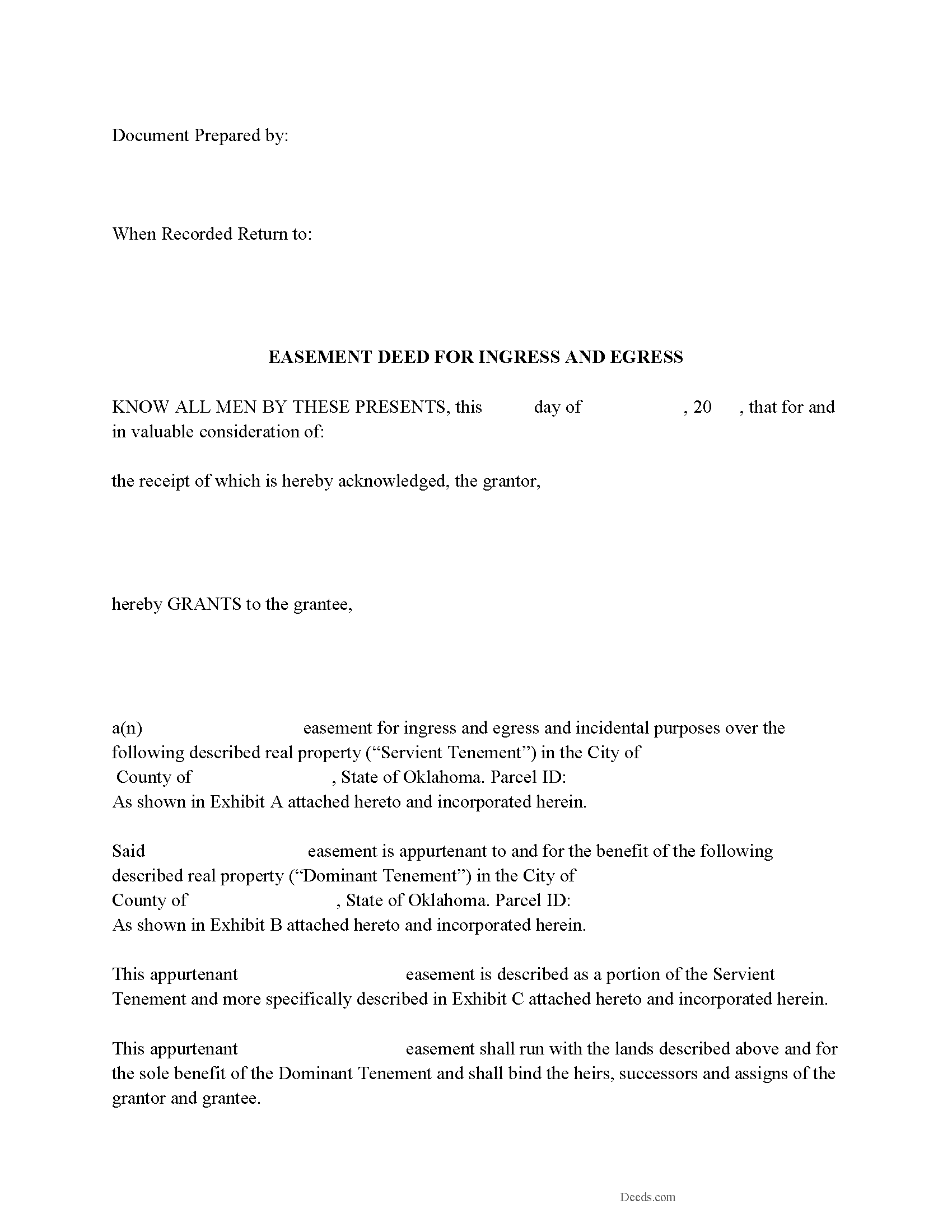
Woodward County Easement Deed Form
Fill in the blank form formatted to comply with all recording and content requirements.
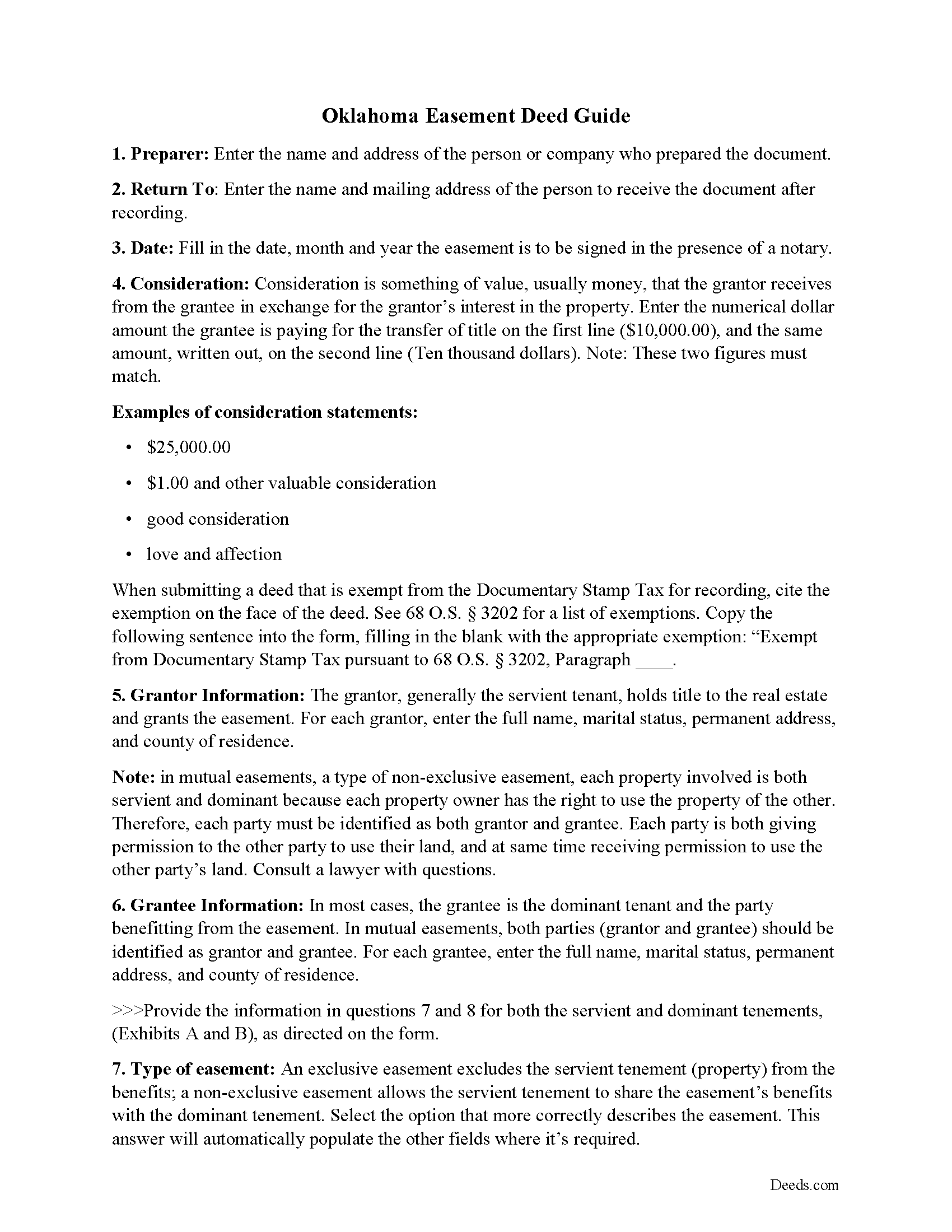
Woodward County Easement Deed Guide
Line by line guide explaining every blank on the form.
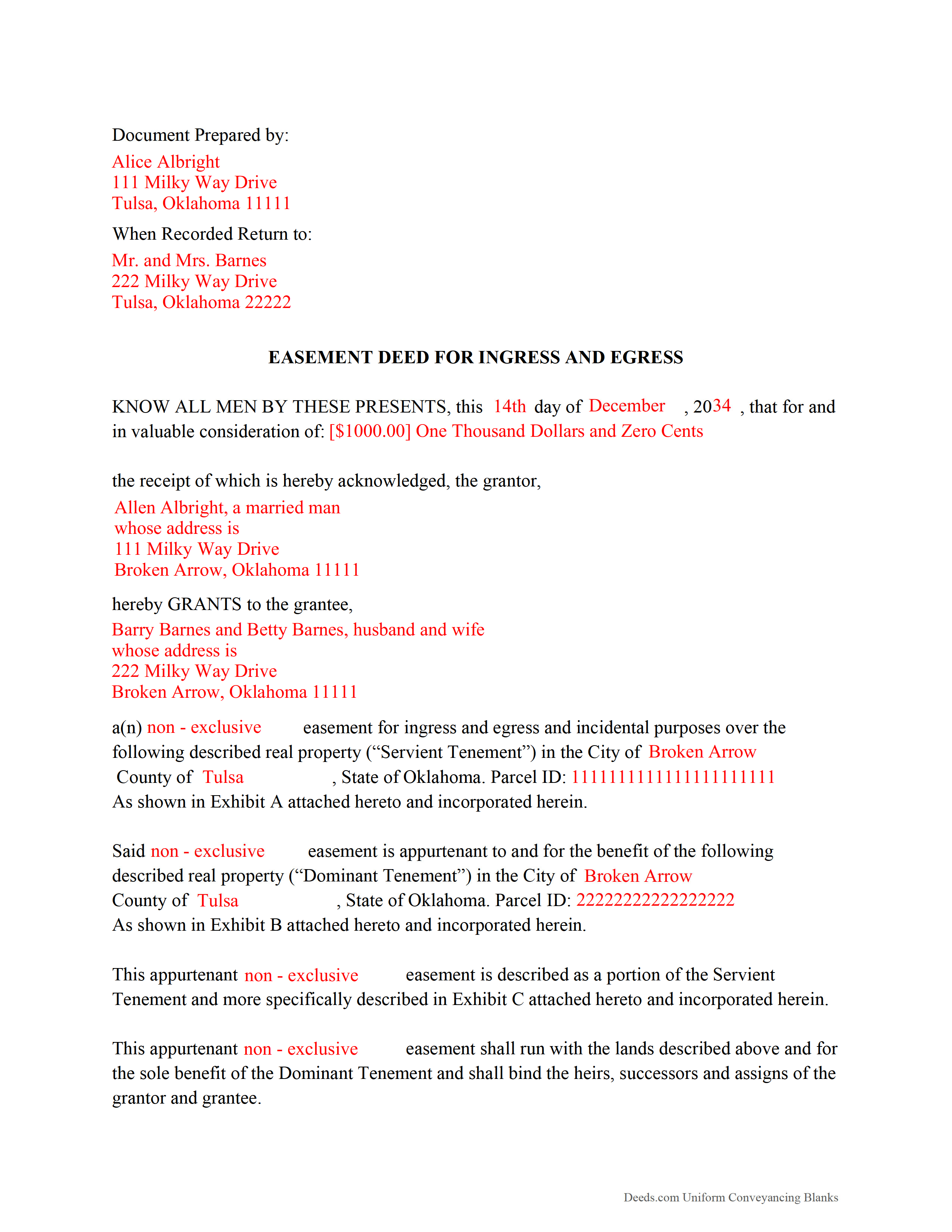
Woodward County Completed Example of the Easement Deed Document
Example of a properly completed form for reference.
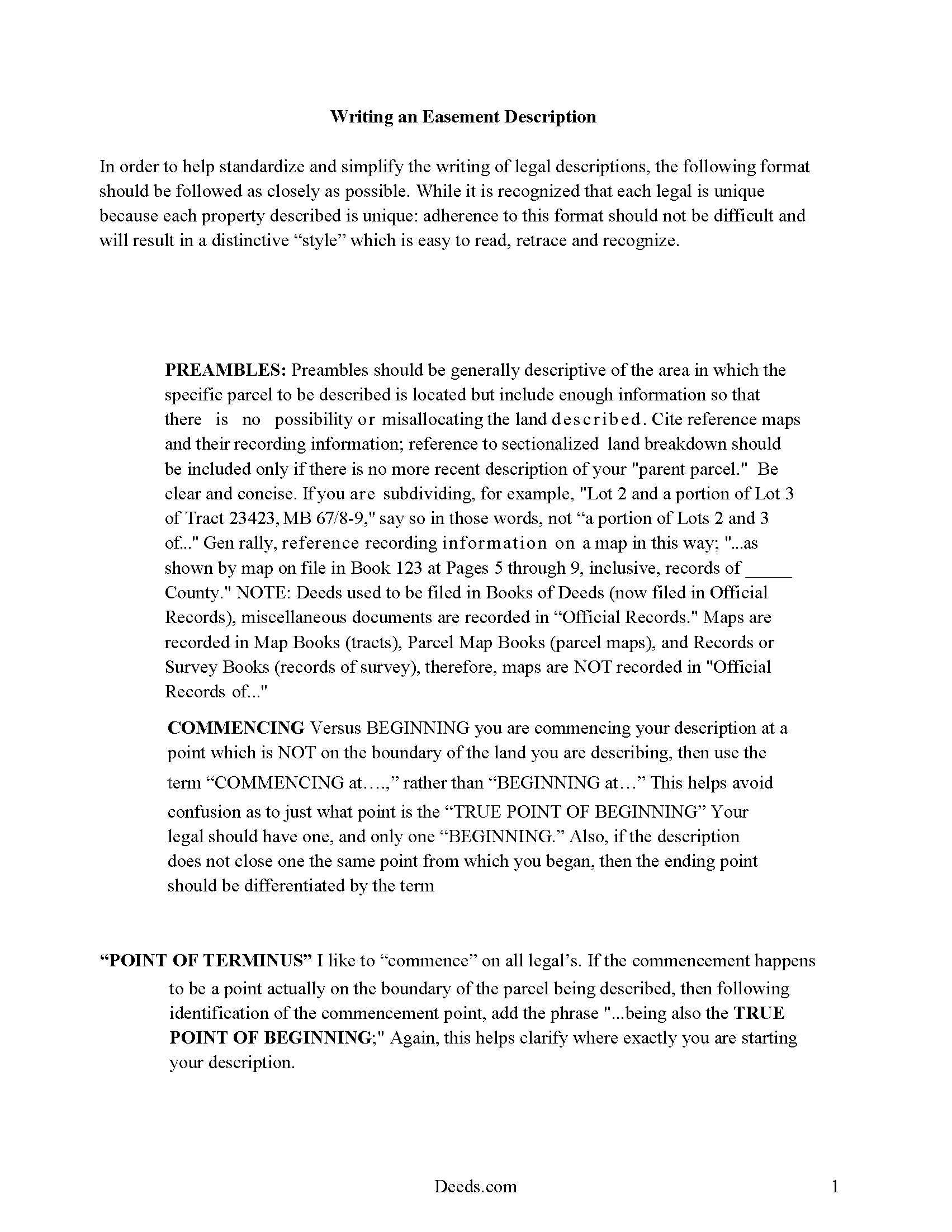
Woodward County Guide to writing an Easement Description
A Description of the Easement will be required. This will show how to write an acceptable description for a Right of Way Easement, which gives access, to and from - point A to point B.
All 4 documents above included • One-time purchase • No recurring fees
Immediate Download • Secure Checkout
Additional Oklahoma and Woodward County documents included at no extra charge:
Where to Record Your Documents
Woodward County Clerk
Woodward, Oklahoma 73801
Hours: 9:00am - 4:00pm Monday - Friday
Phone: (580) 256-3625
Recording Tips for Woodward County:
- Bring your driver's license or state-issued photo ID
- Ensure all signatures are in blue or black ink
- Ask about their eRecording option for future transactions
- Avoid the last business day of the month when possible
- Both spouses typically need to sign if property is jointly owned
Cities and Jurisdictions in Woodward County
Properties in any of these areas use Woodward County forms:
- Fort Supply
- Mooreland
- Mutual
- Sharon
- Woodward
Hours, fees, requirements, and more for Woodward County
How do I get my forms?
Forms are available for immediate download after payment. The Woodward County forms will be in your account ready to download to your computer. An account is created for you during checkout if you don't have one. Forms are NOT emailed.
Are these forms guaranteed to be recordable in Woodward County?
Yes. Our form blanks are guaranteed to meet or exceed the applicable formatting requirements used for recording in Woodward County, including margin requirements, font requirements, and other layout standards. This guarantee applies to formatting, not to the legal sufficiency of information entered by the user or the suitability of a form for a particular transaction.
Can I reuse these forms?
Yes. You can reuse the forms for your personal use. For example, if you have multiple properties in Woodward County you only need to order once.
What do I need to use these forms?
The forms are PDFs that you fill out on your computer. The free Adobe Acrobat Reader is recommended, and most PDF apps also work. You do NOT enter your property information online - you download the blank forms and complete them privately on your own computer.
Are there any recurring fees?
No. This is a one-time purchase. Nothing to cancel, no memberships, no recurring fees.
How much does it cost to record in Woodward County?
Recording fees in Woodward County vary. Contact the recorder's office at (580) 256-3625 for current fees.
Questions answered? Let's get started!
In order to operate, an easement needs a dominant estate and a servient tenement. The land that an easement is attached to is called the dominant estate, and the land upon which a burden or servitude is laid is called the servient tenement (60 51). A servitude can only be created by a person who has a vested estate in the servient tenement (60 52). Oklahoma statutes 60-49 lists land burdens or servitudes upon land which may be attached to other land as incidents or appurtenances, and are then called easements. Some land burdens or servitudes upon land may be granted and held, though not attached to land (60 50). A conservation easement is a non-possessory interest of a holder in real property imposing limitations or affirmative obligations for the purpose of retaining or protecting the natural, scenic, or open-space values of real property (60-49.2). This type of easement is created, conveyed, recorded, assigned, released, modified, terminated, or otherwise altered in the same manner as other easements in Oklahoma (60-49.3). The extent of an easement in Oklahoma is determined by the terms of the grant or the nature of enjoyment by which it was acquired (60 54). The easement deed is the specific instrument which creates the rights contained in an easement.
The recording of an easement deed that has not been properly and executed and acknowledged will not be effective for any purpose (16 26). In order for a county clerk in Oklahoma to receive an easement deed for recordation, it must be executed and acknowledged in compliance with Oklahoma statutory laws. An individual form for an acknowledgment is provided in 16-33 of the Oklahoma Statutes. Acknowledgments may be in substantially this form or one provided by the Uniform Law on Notarial Acts. Every acknowledgment must be under seal of the officer taking acknowledgments in order to be valid. In Oklahoma, acknowledgments can be made before a notary public, county clerk, clerk of a district or county court, or a county judge. Out-of-state acknowledgments can be made before any of the authorized officers listed in 16 35 of the Oklahoma Statutes.
No acknowledgment or recording is necessary to the validity of an easement deed as between the parties to the instrument. However, the deed will not be valid against third persons unless it has been acknowledged and recorded as provided by Oklahoma Statute (16 15). A properly acknowledged, certified, and recorded easement deed will serve as constructive notice of the contents thereof to subsequent purchasers, mortgagees, encumbrancers, or creditors from the time it is filed with the register of deeds for recording (16 16). Easement deeds are recorded in the office of the county recorder in the county where the property subject to the easement is located. If property is situated in more than one county and the deed has been recorded in either of such counties, a certified copy can be recorded in the other county, and will be as effective as if the original had been recorded (16 43).
(Oklahoma ED Package includes form, guidelines, and completed example)
Important: Your property must be located in Woodward County to use these forms. Documents should be recorded at the county recording office listed above.
This Easement Deed meets all recording requirements specific to Woodward County.
Our Promise
The documents you receive here are guaranteed to meet or exceed the applicable Woodward County recording format requirements. If there is a rejection caused by our formatting, we will correct the issue or refund your payment. This guarantee applies to document formatting only and does not extend to information entered by the user, the selection of the form, or the legal effect of the completed document.
Save Time and Money
Get your Woodward County Easement Deed form done right the first time with Deeds.com Uniform Conveyancing Blanks. At Deeds.com, we understand that your time and money are valuable resources, and we don't want you to face a penalty fee or rejection imposed by a county recorder for submitting nonstandard documents. We constantly review and update our forms to meet rapidly changing state and county recording requirements for roughly 3,500 counties and local jurisdictions.
4.8 out of 5 - ( 4,833 Reviews )
FEDERICO T. 4 out of 5 stars
It was a little confusing to retrieve the documents. I was waiting for an email, but then I went toyour portal and I saw the messages and the document.
Thank you for your feedback Frederico.
Daniel C. 2 out of 5 stars
The fill-in pdf produced a messy document and several of the fields too small to accommodate the text. A tailorable MS Word document would have been far better. I would not recommend using this product.
Thank you for taking the time to share your feedback. We’re sorry to hear that the fill-in PDF did not meet your expectations, particularly with regard to formatting and field sizing.
Based on your comments, we will be reviewing the document to see where improvements can be made. Feedback like yours is genuinely helpful in identifying areas where our forms can be clearer and easier to use.
We’ve gone ahead and canceled your order and refunded your payment in full, so there’s no expectation that you use a product you wouldn’t feel comfortable recommending.
Heleena C. 5 out of 5 stars
The free additional forms that came with the form I ordered were invaluable as well. Worth every penny!
We appreciate your business and value your feedback. Thank you. Have a wonderful day!
Maria S. 5 out of 5 stars
The website made it very easy to navigate and order what I needed. Thank you.
Thank you!
Robert S B. 2 out of 5 stars
I would not have ordered this form had I realised how limited the fields are for details. There is no room for elaboration of terms. The language only allows one grantor and one grantee, and the gender and quantity default construction is a poor choice. Be basic, but leave room for more.
Thank you for your feedback. We really appreciate it. Have a great day!
Susann T. 5 out of 5 stars
I have been very happy with the prompt assistance that I have received from deeds.com! How refreshing this is when so often good customer service seems rare these days!
Thank you for your feedback. We really appreciate it. Have a great day!
Joy M. 5 out of 5 stars
Great down load.
Thank you for your kind words and for choosing us.
Jessica P. 5 out of 5 stars
Quick and easy to use and with the provided instructions and example it took a lot of the guess work out.
Thank you for your feedback. We really appreciate it. Have a great day!
Karen L. 4 out of 5 stars
Good service could give a little more detail on where to location some of the information needed. Overall fairly simply to use.
Thank you for your feedback. We really appreciate it. Have a great day!
Rut P M. 5 out of 5 stars
I was very pleased with the document I downloaded. I was able to edit it easily and save a copy both as a permanent copy or one that could still be edited. I also liked being able to cut and paste longer paragraphs. It cost a little more than I expected; however, it was worth it be cause I didn't have to fill it out by hand. Great job!
Thank you for your feedback. We really appreciate it. Have a great day!
Jennifer A. 5 out of 5 stars
Great site
Thank you!
Dee W. 5 out of 5 stars
Easy process! Submit payment, fill out forms using the document guide provided, and print!
We appreciate your business and value your feedback. Thank you. Have a wonderful day!
Thomas A. 5 out of 5 stars
Deeds.com is an easy-to-use resource for the busy real estate practitioner .
We appreciate your business and value your feedback. Thank you. Have a wonderful day!
Phillip B. 5 out of 5 stars
Nice. Quick and very easy to find and download the exact forms I needed.
Thank you for your feedback. We really appreciate it. Have a great day!
Patricia R. 5 out of 5 stars
Very helpful. Worth the cost. Hopefully we will be able to proceed without expense of an attorney.
We are thankful for your continued support and feedback, which inspire us to continuously improve. Thank you..