Muskogee County Mineral Deed with Quitclaim Covenants Form
Last validated October 5, 2026 by our Forms Development TeamFormatted for recording in Muskogee County, for property anywhere in the county: rural and unincorporated areas as well as Boynton, Braggs, Council Hill, Fort Gibson, Haskell, Muskogee, Oktaha, Porum and 4 more.
- 3 documents included
- Immediate PDF download
- Formatting guarantee
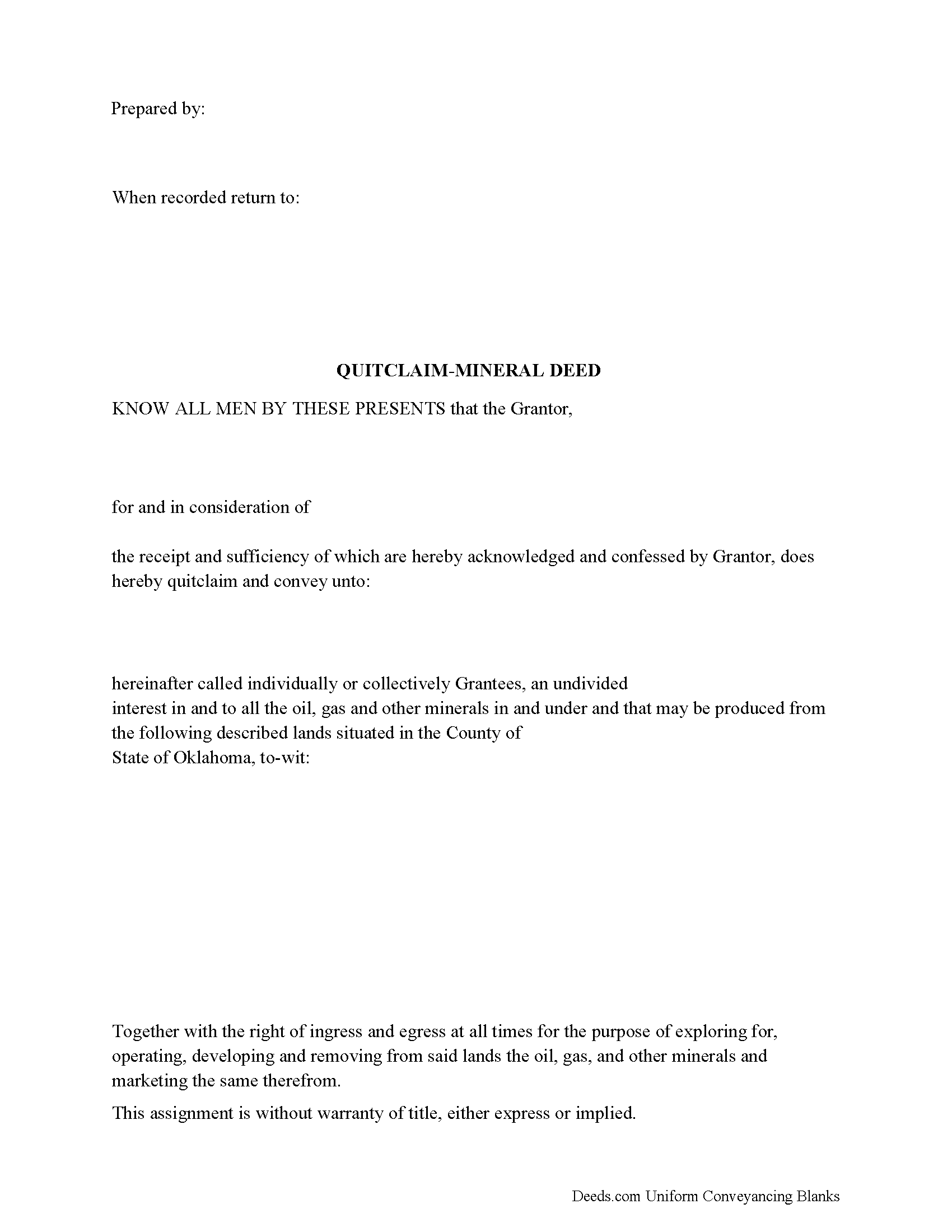
Muskogee County Mineral Deed with Quitclaim Covenants Form
Fill in the blank Mineral Deed with Quitclaim Covenants form formatted to comply with all Oklahoma recording and content requirements.
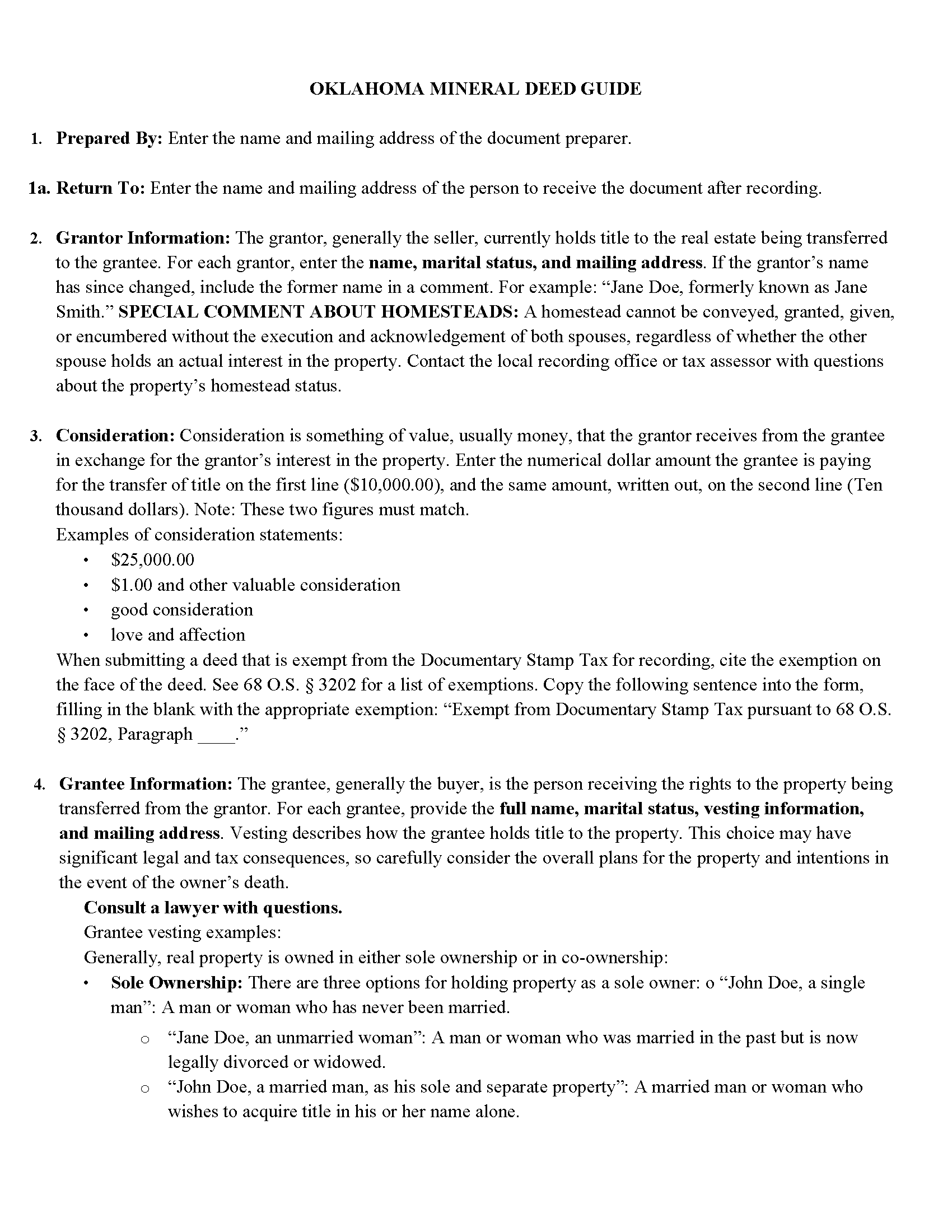
Muskogee County Mineral Deed with Quitclaim Covenants Guide
Line by line guide explaining every blank on the Mineral Deed with Quitclaim Covenants form.
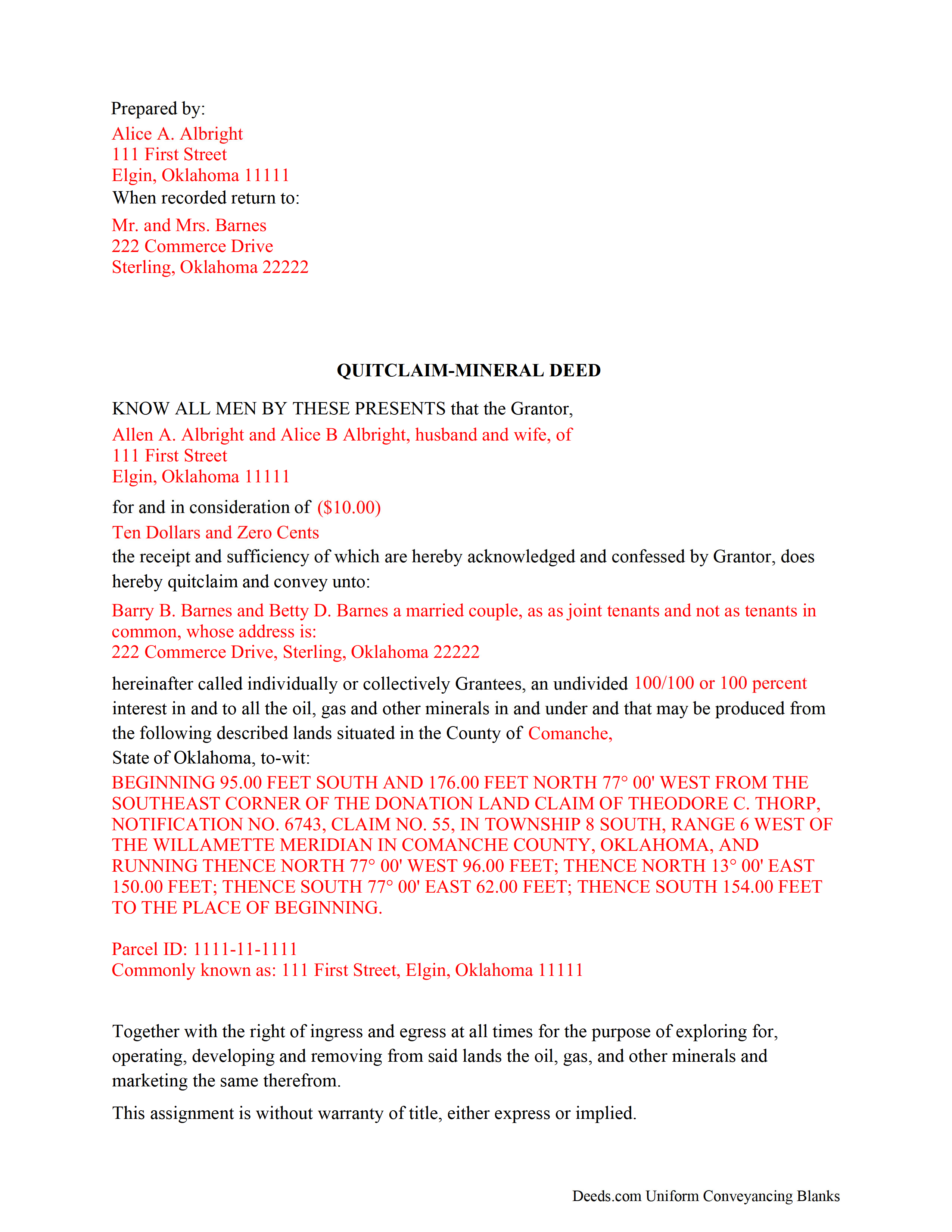
Muskogee County Completed Example of the Mineral Deed with Quitclaim Covenants Document
Example of a properly completed Oklahoma Mineral Deed with Quitclaim Covenants document for reference.
All 3 documents above included • One-time purchase • No recurring fees
Immediate Download • Secure Checkout
Additional Oklahoma and Muskogee County documents included at no extra charge:
Where to Record Your Documents
Muskogee County Clerk
Muskogee, Oklahoma 74402
Hours: 8:00 to 4:30 Monday through Friday
Phone: (918) 682-7781
Recording Tips for Muskogee County:
- Bring your driver's license or state-issued photo ID
- Ensure all signatures are in blue or black ink
- Ask for certified copies if you need them for other transactions
- Ask if they accept credit cards - many offices are cash/check only
- Check that your notary's commission hasn't expired
Cities and Jurisdictions in Muskogee County
Properties in any of these areas use Muskogee County forms:
- Boynton
- Braggs
- Council Hill
- Fort Gibson
- Haskell
- Muskogee
- Oktaha
- Porum
- Taft
- Wainwright
- Warner
- Webbers Falls
Hours, fees, requirements, and more for Muskogee County
How do I get my forms?
Forms are available for immediate download after payment. The Muskogee County forms will be in your account ready to download to your computer. An account is created for you during checkout if you don't have one. Forms are NOT emailed.
Are these forms guaranteed to be recordable in Muskogee County?
Yes. Our form blanks are guaranteed to meet or exceed the applicable formatting requirements used for recording in Muskogee County, including margin requirements, font requirements, and other layout standards. This guarantee applies to formatting, not to the legal sufficiency of information entered by the user or the suitability of a form for a particular transaction.
Can I reuse these forms?
Yes. You can reuse the forms for your personal use. For example, if you have multiple properties in Muskogee County you only need to order once.
What do I need to use these forms?
The forms are PDFs that you fill out on your computer. The free Adobe Acrobat Reader is recommended, and most PDF apps also work. You do NOT enter your property information online - you download the blank forms and complete them privately on your own computer.
Are there any recurring fees?
No. This is a one-time purchase. Nothing to cancel, no memberships, no recurring fees.
How much does it cost to record in Muskogee County?
Recording fees in Muskogee County vary. Contact the recorder's office at (918) 682-7781 for current fees.
Questions answered? Let's get started!
The General Mineral Deed in Oklahoma Quitclaims oil, gas, and mineral rights from the grantor to the grantee. THIS IS NOT A LEASE. There are no Exceptions or Reservations included.
The transfer includes the oil, gas and other minerals of every kind and nature. The Grantor can stipulate the percentage of Mineral Rights the Grantee will receive.
This general mineral deed gives the grantee the right to access, for the purpose of mining, drilling, exploring, operating and developing said lands for oil, gas, and other minerals, and storing handling, transporting and marketing of such.
The seller, or grantor Quitclaims the mineral rights and does NOT accept responsibility to any discrepancy of title (This assignment is without warranty of title, either express or implied)
Uses: Mineral deeds with quitclaim are often used in situations where the grantor wants to quickly release any interest they might have in mineral rights, such as in settling estates, resolving disputes, clearing up uncertainties about ownership in a title's history or when mineral rights have previously been severed or fragmented from surface rights and cloud a title, making it difficult to transfer property. Resolution often involves the holder(s) of the mineral rights, quit-claiming any rights he/she/they have or might have in the subject property.
Use of this document can have a permanent effect on your rights to the property, if you are not completely sure of what you are executing seek the advice of a legal professional.
(Oklahoma MD with Quitclaim Package includes form, guidelines, and completed example)
Important: Your property must be located in Muskogee County to use these forms. Documents should be recorded at the county recording office listed above.
This Mineral Deed with Quitclaim Covenants meets all recording requirements specific to Muskogee County.
Our Promise
The documents you receive here are guaranteed to meet or exceed the applicable Muskogee County recording format requirements. If there is a rejection caused by our formatting, we will correct the issue or refund your payment. This guarantee applies to document formatting only and does not extend to information entered by the user, the selection of the form, or the legal effect of the completed document.
Save Time and Money
Get your Muskogee County Mineral Deed with Quitclaim Covenants form done right the first time with Deeds.com Uniform Conveyancing Blanks. At Deeds.com, we understand that your time and money are valuable resources, and we don't want you to face a penalty fee or rejection imposed by a county recorder for submitting nonstandard documents. We constantly review and update our forms to meet rapidly changing state and county recording requirements for roughly 3,500 counties and local jurisdictions.
4.8 out of 5 - ( 4,828 Reviews )
Daniel Z. 5 out of 5 stars
All is well that ends well and this form service seemed to work quite smoothly, even though my printer gives me fits at times, having to hand feed the blank paper.
Thank you for your feedback. We really appreciate it. Have a great day!
John C N. 5 out of 5 stars
Just the website I needed. Very detailed and efficient.
Thank you for taking the time to provide your feedback John, we really appreciate it. Have an amazing day!
Victor W. 5 out of 5 stars
Once I was able to get the code Number, it all went well. I was able to easily download and print off what I needed for my lawyer. thank you.
Thank you!
Deborah P. 5 out of 5 stars
Great site. Official. Easy to use. Less expensive than those other sites as well. Saved me approximately $20! My records were available immediately. I highly recommend this site.
Thank you!
Maria S. 5 out of 5 stars
The website made it very easy to navigate and order what I needed. Thank you.
Thank you!
VICKI R. 5 out of 5 stars
Thank you for your helpful information.
Thank you!
Kristi L. 5 out of 5 stars
Fantastic Experience! I have been through several different companies offering to do the same thing but only offering subscriptions. I have no negative reviews, took 1 business day from submission, professional and timely updates and extremely fair pricing considering the amount of time it saves you.
Thank you!
Pat H. 3 out of 5 stars
As good as any of the rip off document services on the internet. Received the documents through download, were as described. Not as cheap as driving to the courthouse and getting them for free, but easier than doing so.
Thank you, Pat. We’re glad the documents were as described and easy to access. Just to clarify — Johnson County doesn’t provide a Transfer on Death Deed form. We make the correct, recordable version available, and any required supplemental forms are free on our site, with or without purchase.
Imari E. 5 out of 5 stars
QUICK SERVICE
Thank you!
Sandra C. 5 out of 5 stars
Quick and easy. Would recommend this site to everyone. Deed was sent to the site and recorded at my local county within 24 hours. Website could be set up better. Not labeled well for us that is not computer savvy.
We appreciate your business and value your feedback. Thank you. Have a wonderful day!
Joyce S. 5 out of 5 stars
The site was very easy to understand and to download the required documents I need to prepare a release. Response of the documents ready for my use was very efficient.
We appreciate your business and value your feedback. Thank you. Have a wonderful day!
Marc T. 5 out of 5 stars
Excellent service
Thank you!
James V. 5 out of 5 stars
Easy, quick and very proficient. I am glad I used Deeds.
Thank you!
Margaret G. 5 out of 5 stars
Easy to navigate.
Thank you!
Michael J. 5 out of 5 stars
Great site, very easy to use. Thanks
Thank you for your feedback. We really appreciate it. Have a great day!