Union County Certificate of Trust Form
Last validated October 22, 2026 by our Forms Development TeamFormatted for recording in Union County, for property anywhere in the county: rural and unincorporated areas as well as Cove, Elgin, Imbler, La Grande, North Powder, Summerville, Union.
- 3 documents included
- Immediate PDF download
- Formatting guarantee
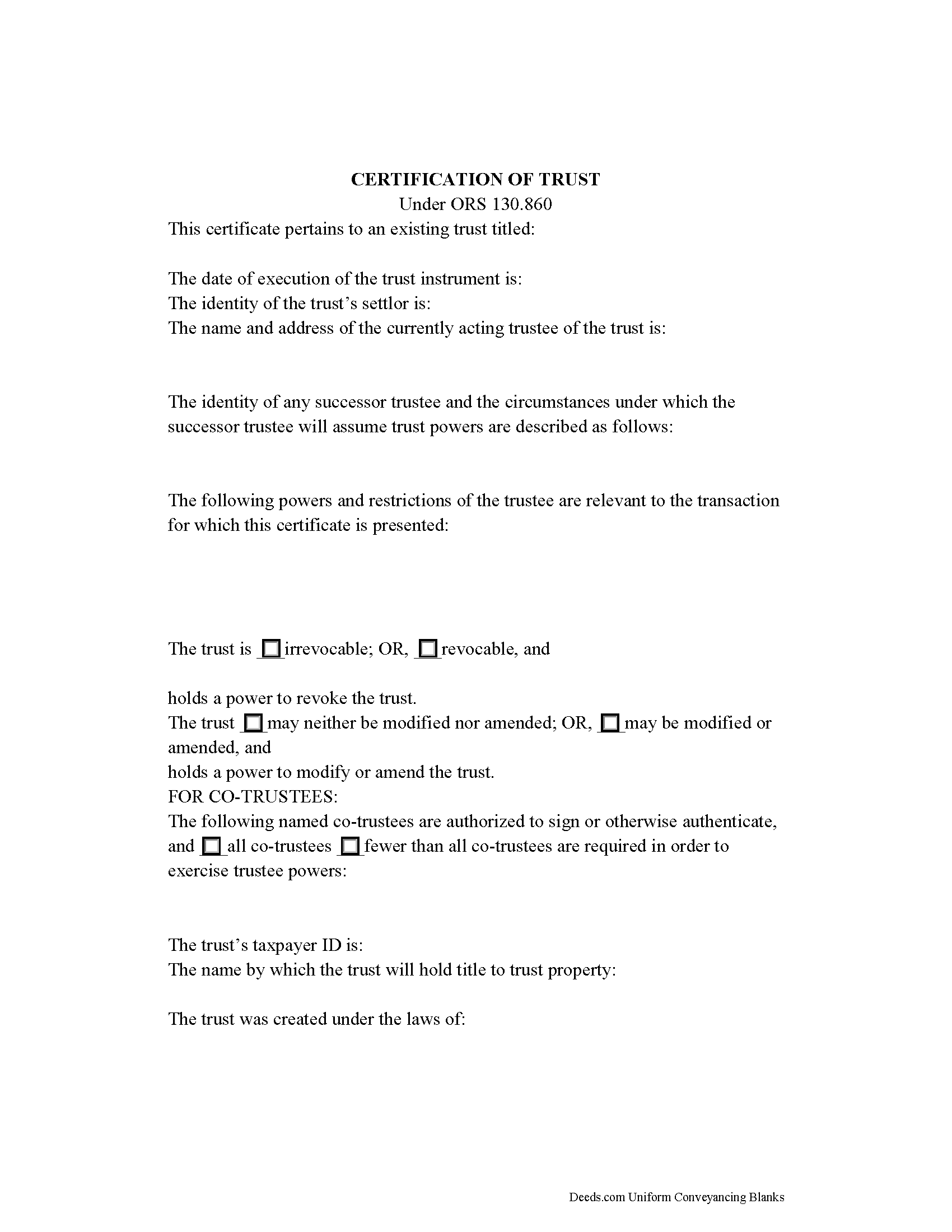
Union County Certificate of Trust Form
Fill in the blank form formatted to comply with all recording and content requirements.
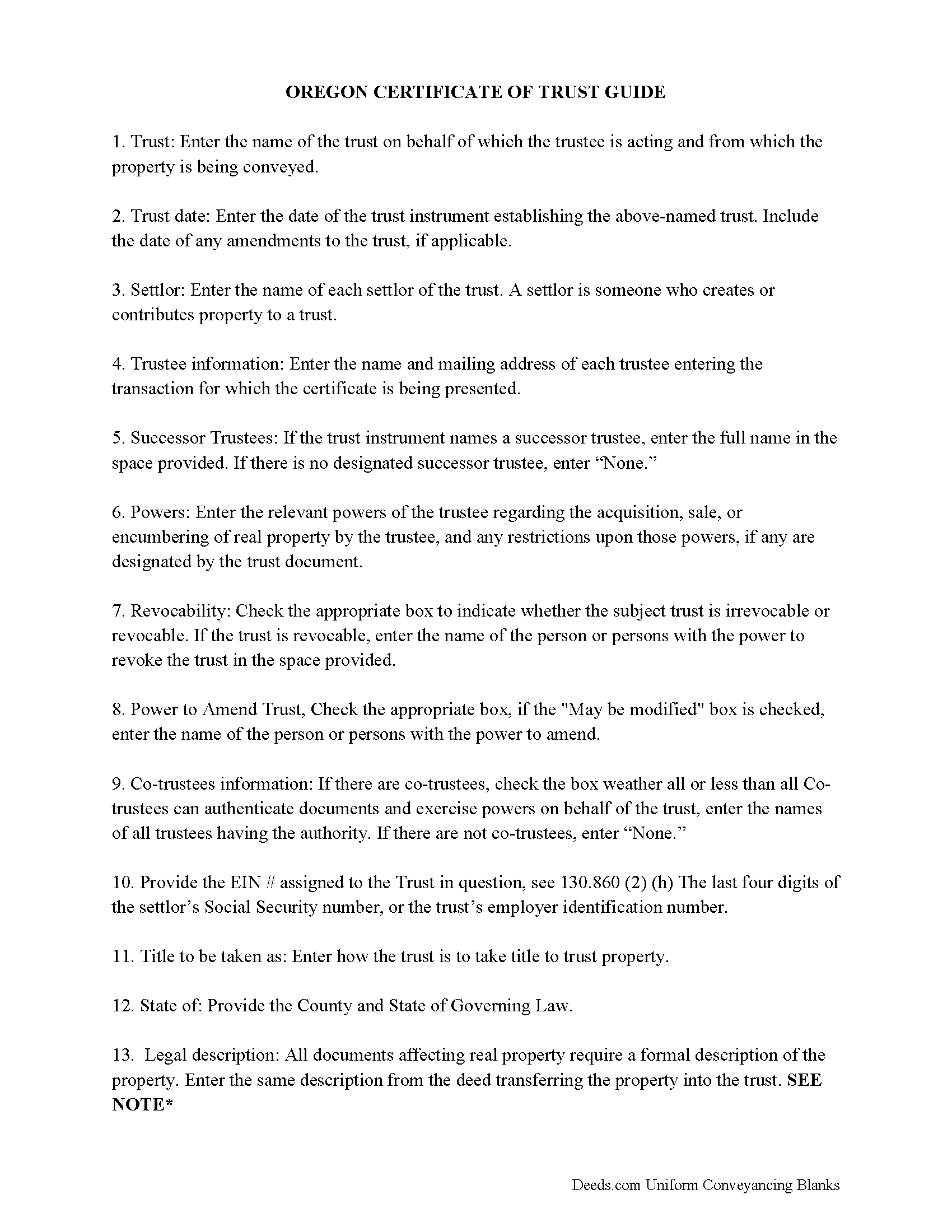
Union County Certificate of Trust Guide
Line by line guide explaining every blank on the form.
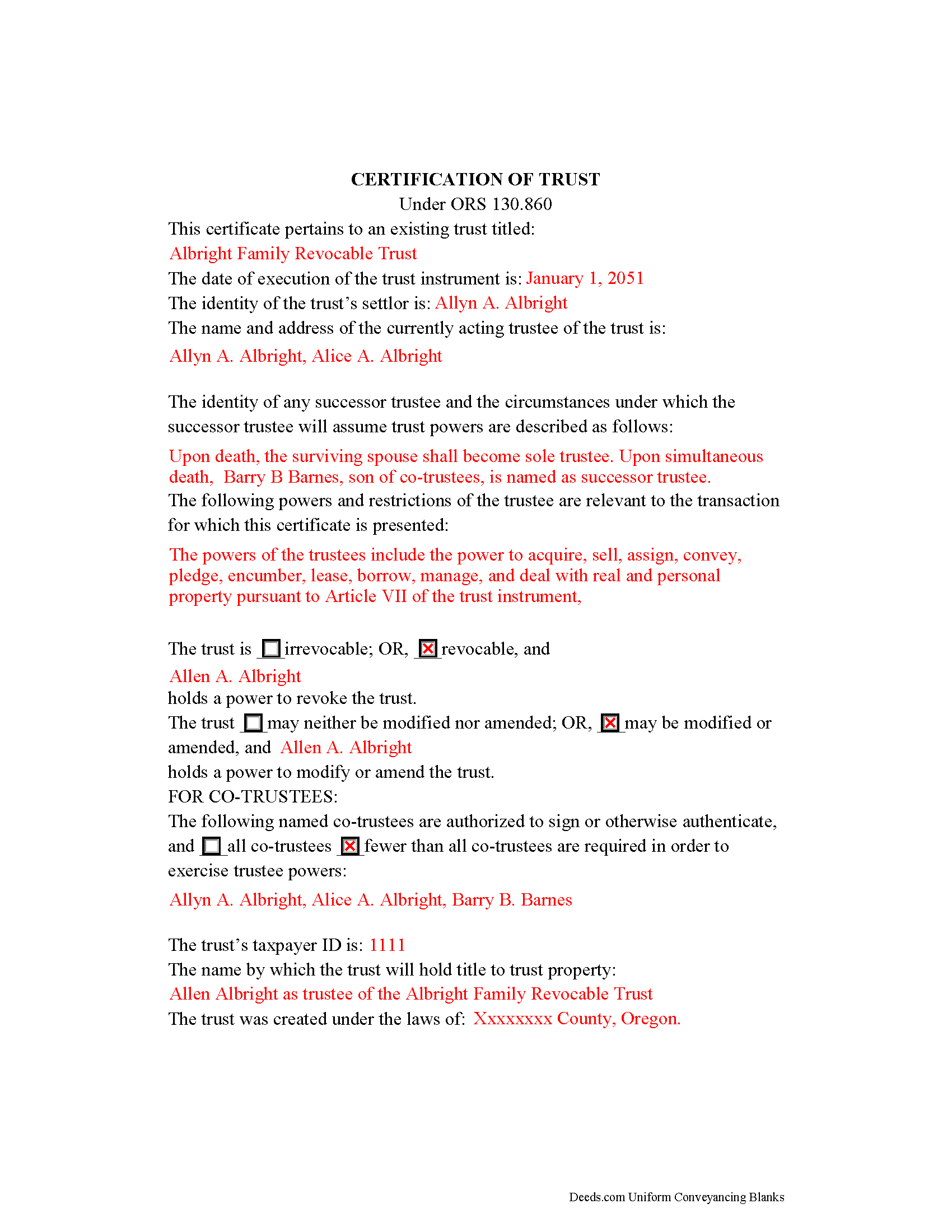
Union County Completed Example of the Certificate of Trust Document
Line by line guide explaining every blank on the form.
All 3 documents above included • One-time purchase • No recurring fees
Immediate Download • Secure Checkout
Additional Oregon and Union County documents included at no extra charge:
Where to Record Your Documents
Union County Clerk
La Grande, Oregon 97850
Hours: 8:30 to 5:00 Mon-Thu; 9:00 to 4:00 Fri
Phone: (541) 963-1006
Recording Tips for Union County:
- Bring your driver's license or state-issued photo ID
- Ensure all signatures are in blue or black ink
- Ask if they accept credit cards - many offices are cash/check only
- Check that your notary's commission hasn't expired
- Documents must be on 8.5 x 11 inch white paper
Cities and Jurisdictions in Union County
Properties in any of these areas use Union County forms:
- Cove
- Elgin
- Imbler
- La Grande
- North Powder
- Summerville
- Union
Hours, fees, requirements, and more for Union County
How do I get my forms?
Forms are available for immediate download after payment. The Union County forms will be in your account ready to download to your computer. An account is created for you during checkout if you don't have one. Forms are NOT emailed.
Are these forms guaranteed to be recordable in Union County?
Yes. Our form blanks are guaranteed to meet or exceed the applicable formatting requirements used for recording in Union County, including margin requirements, font requirements, and other layout standards. This guarantee applies to formatting, not to the legal sufficiency of information entered by the user or the suitability of a form for a particular transaction.
Can I reuse these forms?
Yes. You can reuse the forms for your personal use. For example, if you have multiple properties in Union County you only need to order once.
What do I need to use these forms?
The forms are PDFs that you fill out on your computer. The free Adobe Acrobat Reader is recommended, and most PDF apps also work. You do NOT enter your property information online - you download the blank forms and complete them privately on your own computer.
Are there any recurring fees?
No. This is a one-time purchase. Nothing to cancel, no memberships, no recurring fees.
How much does it cost to record in Union County?
Recording fees in Union County vary. Contact the recorder's office at (541) 963-1006 for current fees.
Questions answered? Let's get started!
Oregon Certification of Trust for Real Property Transactions
A trust is an arrangement whereby a person (the settlor or trustor) transfers property to another person, a trustee, who manages the assets for the benefit of a third (the beneficiary), pursuant to the terms established by the settlor in the trust instrument. Living trusts in Oregon are governed by the Uniform Trust Code, codified at Chapter 130 of the Revised Statutes.
When engaging in business with a trustee, parties to the transaction can request that the trustee provide a certification of trust. To allow the settlor to keep his estate plans private, the trust instrument is generally not recorded, and the trustee uses the certification of trust in the place of disclosing the entire contents of the trust instrument. The certification of trust, presented to anyone who is not a trust beneficiary, contains the essential information about the trust required for the pending or contemplated transaction, certifying its existence and the trustee's authority to do business as fiduciary.
The statutory requirements for a certification of trust are located at ORS 130.860. The certificate must state that the trust exists (generally by citing the trust's name) and provide the date of the trust instrument, and, in addition, the date of any amendment made to the trust. It should also include the name of the trust's settlor and the name and address of each currently acting trustee, and may also contain the name of a successor trustee, if any, "and the circumstances under which any successor trustee or trustees will assume trust powers" (ORS 130.860(8)).
The certificate also enumerates the trustee's powers relevant to the pending transaction. Some trustees may provide copies of excerpts from the trust instrument designating the trustee and establishing the requisite powers (130.860(6)). For trusts administered by multiple trustees, the certificate establishes whether trustees can act individually, or if a majority of, or all trustees are needed to exercise trustee powers.
Further, the certificate indicates whether the trust is irrevocable or revocable, along with the name of any person who can revoke the trust. In Oregon, the certificate should also specify if the trust can be amended or modified, and by whom.
Identifying information, such as the last four digits of the trust's taxpayer identification number, the jurisdiction under the laws of which the trust is governed, and the name by which the trust holds title to property, is also required. The certificate must also include a statement that the trust "has not been revoked, modified, or amended in any manner" to cause the within statements to be incorrect (130.860(4)).
For transactions involving real property, the certificate should also include a legal description of the subject real property. Recipients may require that the certificate also contain other facts "that are reasonably related to the administration of the trust" (130.860(7)(a)).
Certifications of trust in Oregon must be executed by all trustees (130.860(3)). Depending on the circumstances, the recipient of a certificate may require that the certificate be executed by a settlor or settlors and/or by a beneficiary or beneficiaries "if the certification is reasonably related to a pending or contemplated transaction with the person" (130.860(7)(b),(c)).
Recipients of a certification of trust may rely on the statements contained within as fact without further inquiry (130.860(9)(a)). Transactions are not enforceable against the trust if a recipient has actual knowledge that a trustee is acting outside the scope of the trust (130.860(9)(c)). Those who fail to request or accept a certificate of trust under ORS 130.860 are still afforded the protections of persons dealing with trustees under ORS 130.855 (130.860(12)).
Contact a lawyer for guidance about trusts, trustees, certifications of trust, and rights of persons dealing with trustees in Oregon.
(Oregon COT Package includes form, guidelines, and completed example)
Important: Your property must be located in Union County to use these forms. Documents should be recorded at the county recording office listed above.
This Certificate of Trust meets all recording requirements specific to Union County.
Our Promise
The documents you receive here are guaranteed to meet or exceed the applicable Union County recording format requirements. If there is a rejection caused by our formatting, we will correct the issue or refund your payment. This guarantee applies to document formatting only and does not extend to information entered by the user, the selection of the form, or the legal effect of the completed document.
Save Time and Money
Get your Union County Certificate of Trust form done right the first time with Deeds.com Uniform Conveyancing Blanks. At Deeds.com, we understand that your time and money are valuable resources, and we don't want you to face a penalty fee or rejection imposed by a county recorder for submitting nonstandard documents. We constantly review and update our forms to meet rapidly changing state and county recording requirements for roughly 3,500 counties and local jurisdictions.
4.8 out of 5 - ( 4,836 Reviews )
Steven B. 5 out of 5 stars
Easy peazy to find the right forms and they come with instructions and a sample.
Your feedback is appreciated. Thank you for letting us know how we did.
Jean K. 4 out of 5 stars
The website worked fine and I would have been happy to pay the extra money except the deed I needed was "not available". Ended up calling the courthouse anyway.
Thank you for your feedback. We really appreciate it. Have a great day!
Sol B. 5 out of 5 stars
Got me all the info I was looking for Thanks you deeds.com
Thank you!
Dr Martin A. 5 out of 5 stars
Easy to use...great service
Thank you for the kind words, Dr. Martin! We're delighted you found our service easy to use. We appreciate you taking the time to share your experience!
brian d. 5 out of 5 stars
I am a Loan Officer and this website saves me a bunch of time. Love it!
We appreciate your business and value your feedback. Thank you. Have a wonderful day!
Marina M. 4 out of 5 stars
Very easy to choose template and download. The price seems fair. Not sure the section on the deed for 6 witnesses is necessary....
Thank you for your feedback. We really appreciate it. Have a great day!
Pamela S. 5 out of 5 stars
Getting the forms and paying the fee was very simple and easy to follow. Now we"ll see how it goes actually filling out the forms that are needed and correctly.
We appreciate your business and value your feedback. Thank you. Have a wonderful day!
Patricia R. 5 out of 5 stars
Very helpful. Worth the cost. Hopefully we will be able to proceed without expense of an attorney.
We are thankful for your continued support and feedback, which inspire us to continuously improve. Thank you..
Robert h. 5 out of 5 stars
excellent and simple to use. Great price for this.
Thank you Robert! We really appreciate your feedback.
Cleatous S. 3 out of 5 stars
The deed form is hard to fill in. There is no way to fill in the county in the "reviewed by" section. Also, there is no place for the Grantee's address on the form. I had to include it in the fill-in space for the legal description.
Thank you!
Rohini L. 5 out of 5 stars
This is the first time I am filling out a legal form downloaded from a website. Throughly impressed with the detailed explanation along with sample forms to help a novice like me to fill out the actual form. I will remember to go to your site if I need in the future and have already recommended your site to others. Thanks for an excellent job.
Your feedback is valuable to us and helps us improve. Thank you for sharing your thoughts!
Scott K. 5 out of 5 stars
The beneficiary deed was acceptable to the county clerk and my notarized official deed was mailed to me. The Missouri-based deed met with official approval so all is well in the land that time forgot.
Thank you!
Jim H. 5 out of 5 stars
Well written form, and the guidance document and example supplied were very helpful.
Thank you!
Mary G. 5 out of 5 stars
Very easy process, handled quickly without complications. Excellent communication about status.
Thank you!
Sarah N. 1 out of 5 stars
This is not at all the form that I needed. I am trying to disclaim my interest in a property, but this form is much too rigid to work for my case. It would have been nice to know some of the more specific details before purchasing the document.
Thank you for your feedback. Sorry hear of your confusion. We have canceled your order and payment. We do hope that you are able to find something more suitable to your needs. Have a wonderful day.