Mifflin County Mortgage Instrument and Promissory Note Form
Last validated November 16, 2026 by our Forms Development TeamFormatted for recording in Mifflin County, for property anywhere in the county: rural and unincorporated areas as well as Allensville, Belleville, Burnham, Granville, Lewistown, Mattawana, Mc Clure, Mc Veytown and 4 more.
- 7 documents included
- Immediate PDF download
- Formatting guarantee
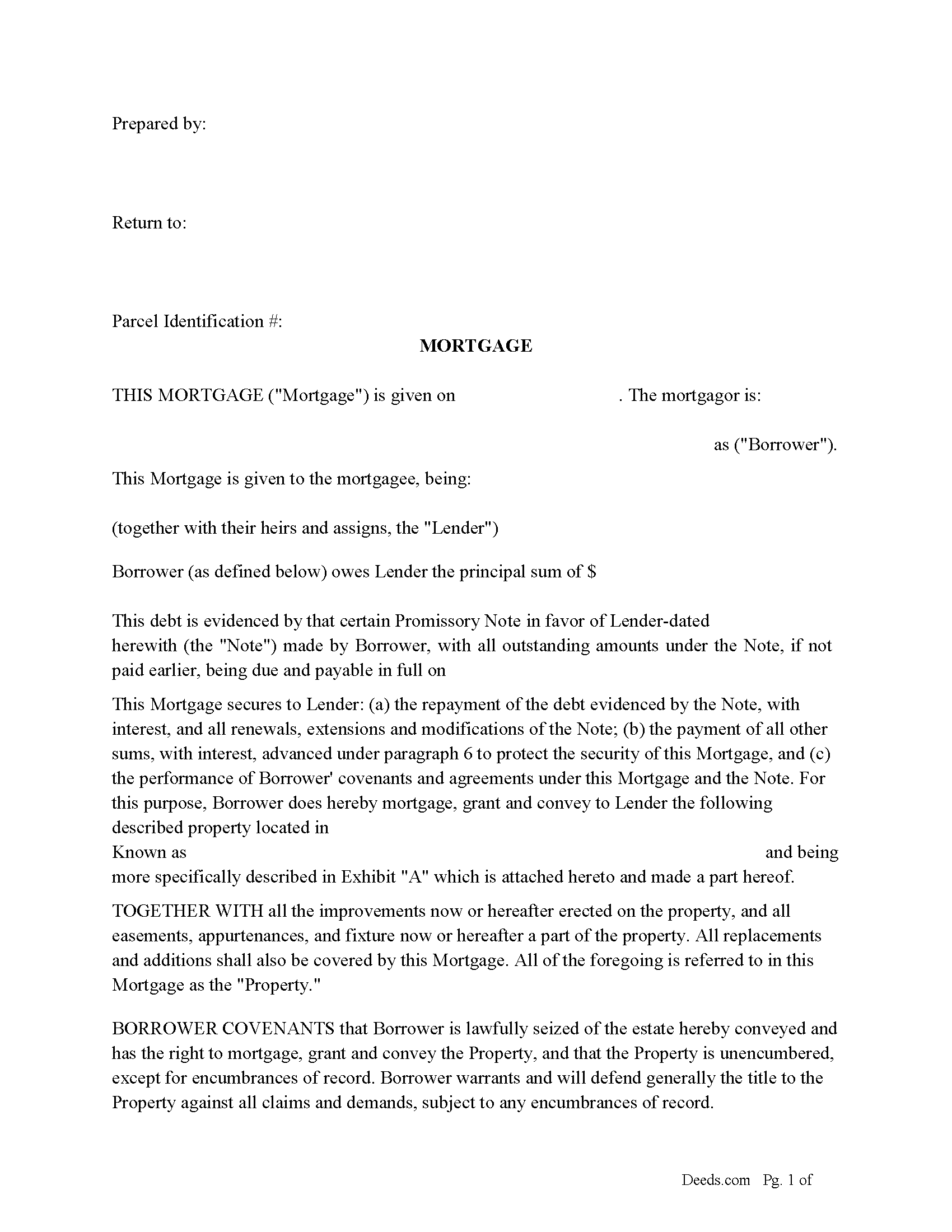
Mifflin County Mortgage Form
Fill in the blank form formatted to comply with all recording and content requirements.
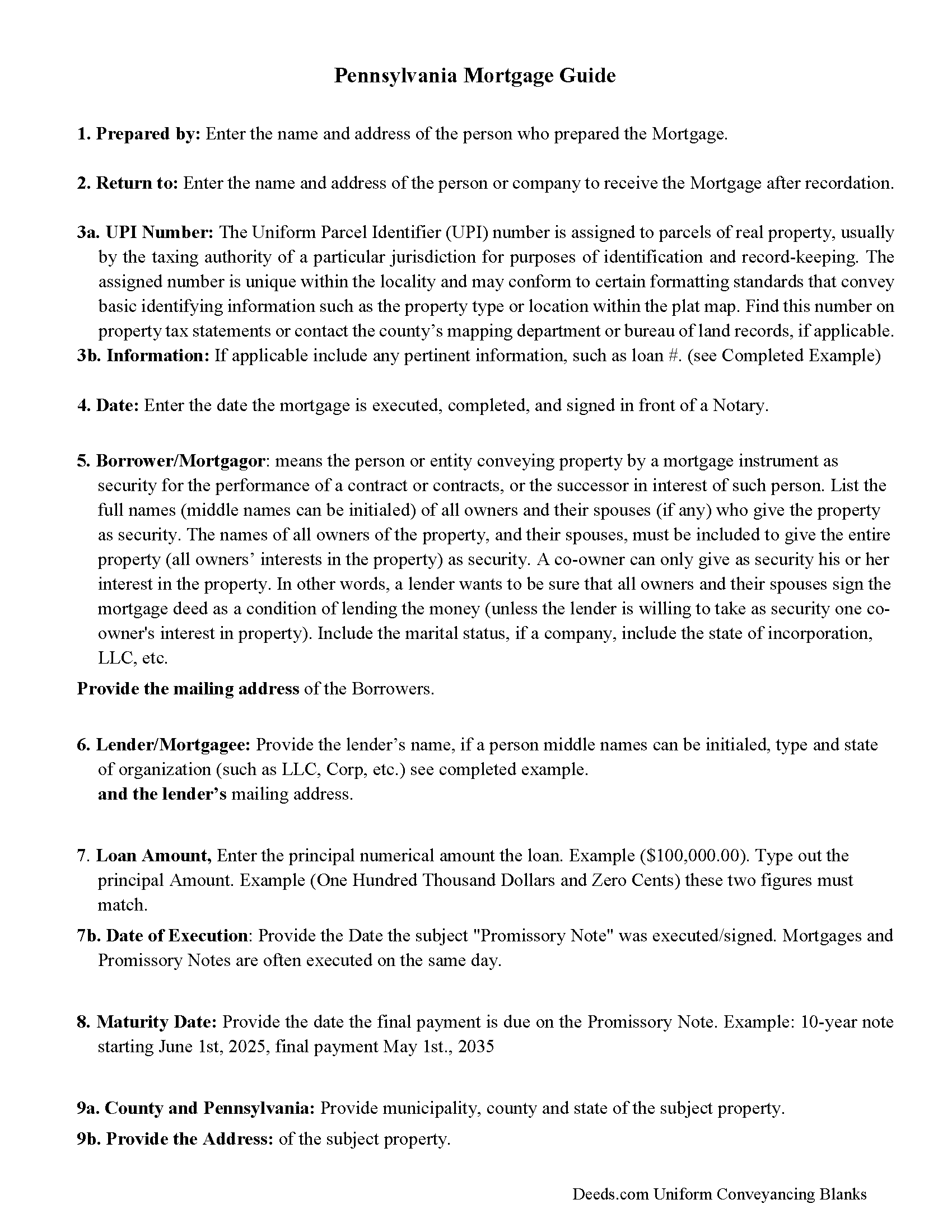
Mifflin County Mortgage Guidelines
Line by line guide explaining every blank on the form.
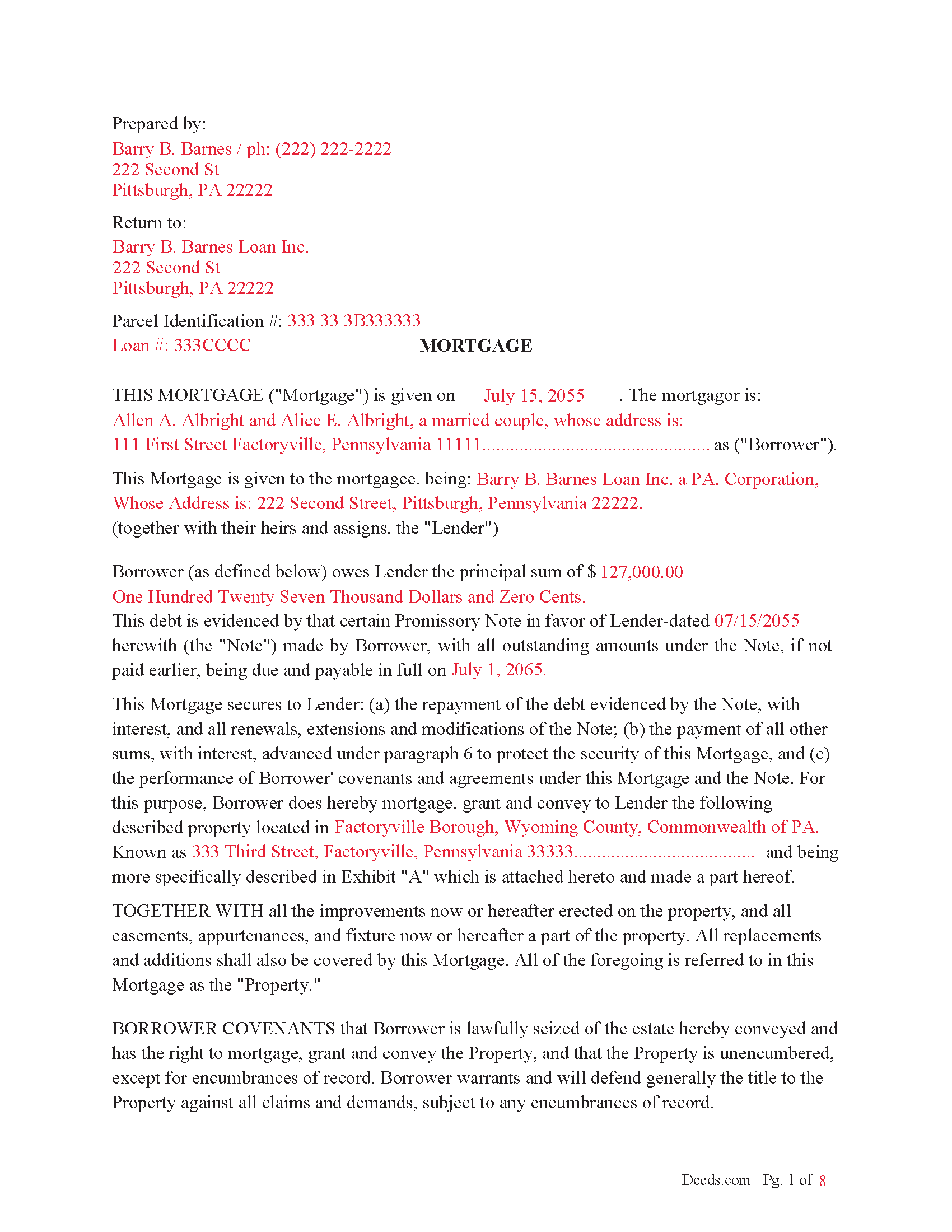
Mifflin County Completed Example of the Mortgage Document
Example of a properly completed form for reference.
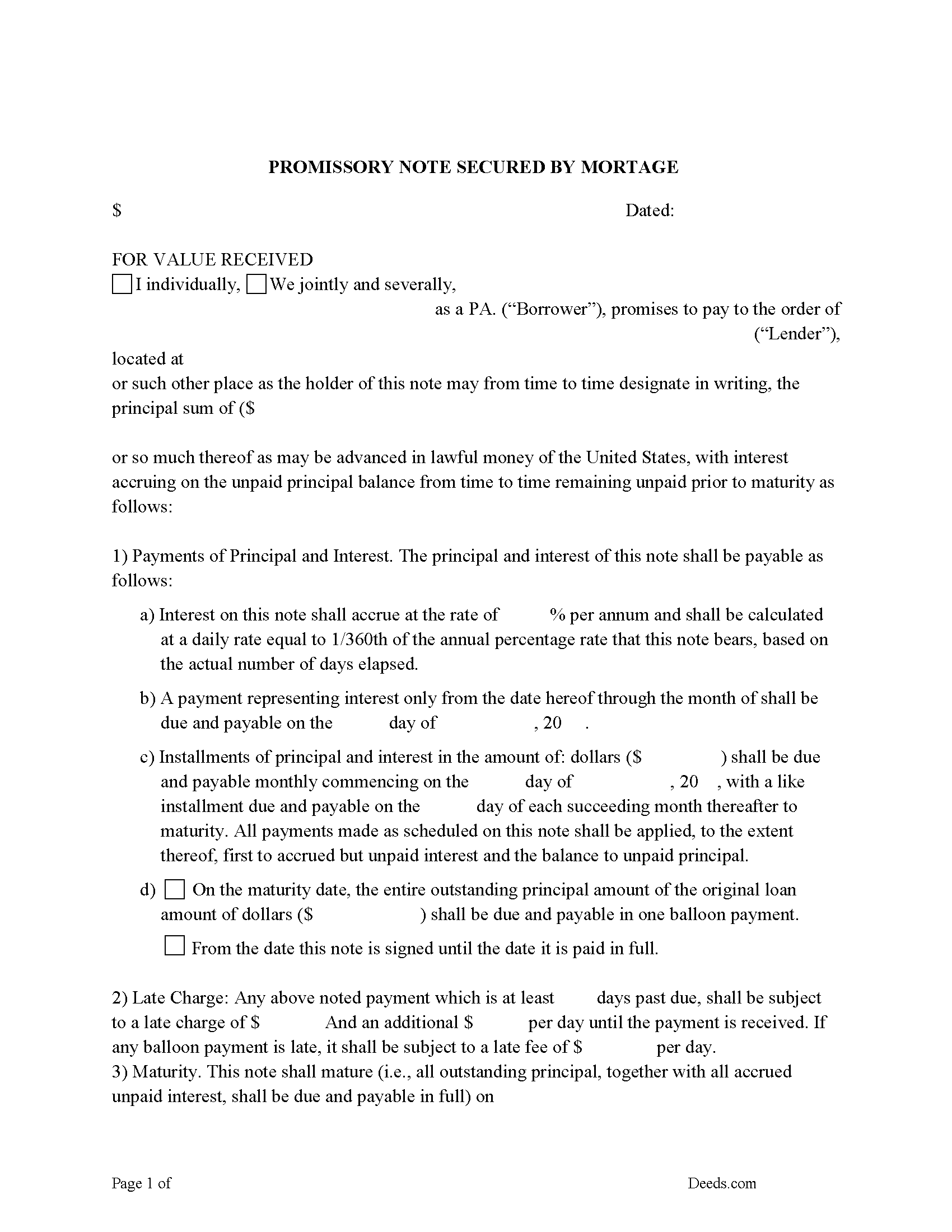
Mifflin County Promissory Note Form
Promissory Note secured by Mortgage.
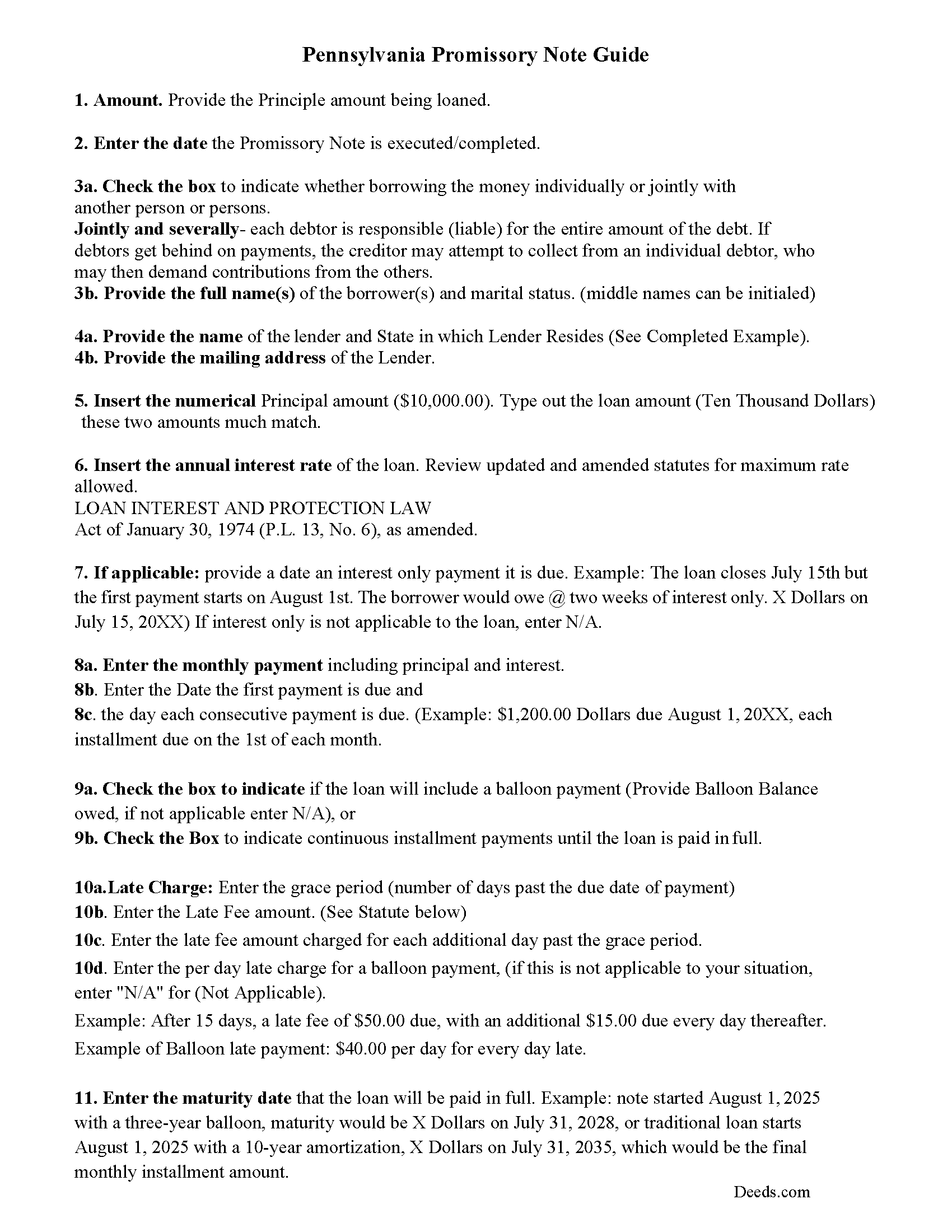
Mifflin County Promissory Note Guidelines
Line by line guide explaining every blank on the form.
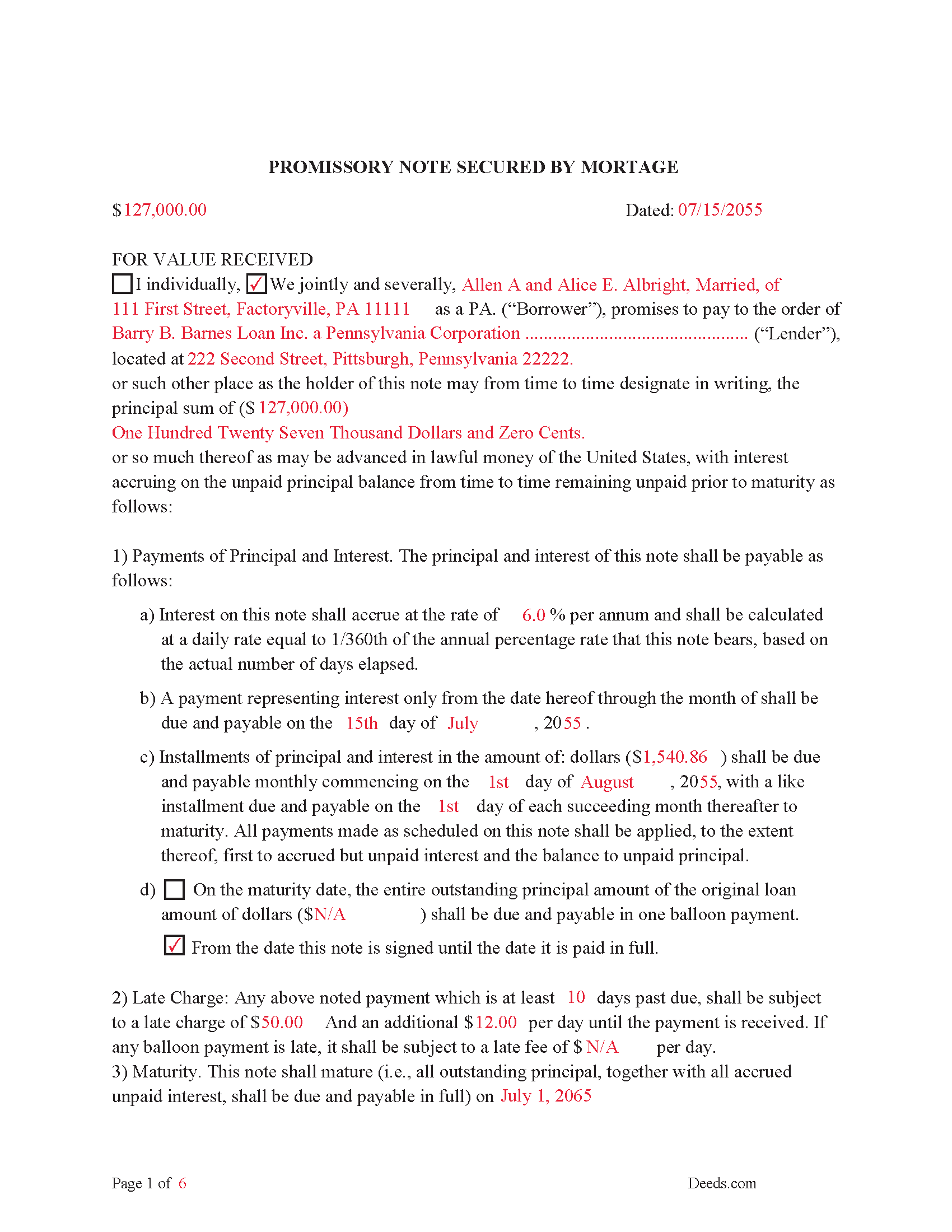
Mifflin County Completed Example of the Promissory Note Document
This Promissory Note is filled in and highlighted, showing how the guideline information, can be interpreted into the document.
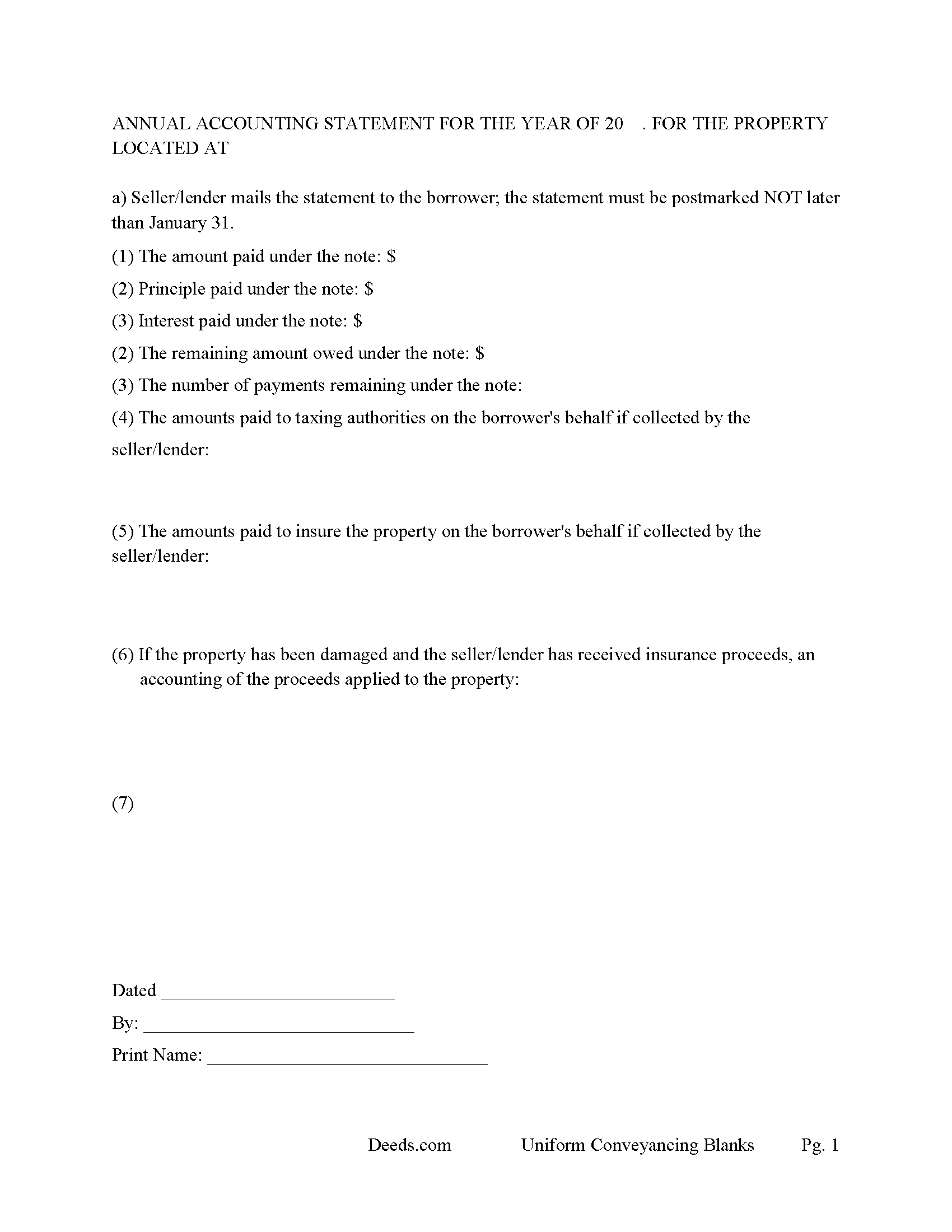
Mifflin County Annual Accounting Statement Form
Mail to borrower for fiscal year reporting.
All 7 documents above included • One-time purchase • No recurring fees
Immediate Download • Secure Checkout
Additional Pennsylvania and Mifflin County documents included at no extra charge:
Where to Record Your Documents
Recorder of Deeds/Register of Wills - Courthouse
Lewistown, Pennsylvania 17044
Hours: 8:00am to 4:30pm Monday through Friday
Phone: (717) 242-1449
Recording Tips for Mifflin County:
- Bring your driver's license or state-issued photo ID
- Ensure all signatures are in blue or black ink
- Both spouses typically need to sign if property is jointly owned
- Bring extra funds - fees can vary by document type and page count
- Check margin requirements - usually 1-2 inches at top
Cities and Jurisdictions in Mifflin County
Properties in any of these areas use Mifflin County forms:
- Allensville
- Belleville
- Burnham
- Granville
- Lewistown
- Mattawana
- Mc Clure
- Mc Veytown
- Milroy
- Newton Hamilton
- Reedsville
- Yeagertown
Hours, fees, requirements, and more for Mifflin County
How do I get my forms?
Forms are available for immediate download after payment. The Mifflin County forms will be in your account ready to download to your computer. An account is created for you during checkout if you don't have one. Forms are NOT emailed.
Are these forms guaranteed to be recordable in Mifflin County?
Yes. Our form blanks are guaranteed to meet or exceed the applicable formatting requirements used for recording in Mifflin County, including margin requirements, font requirements, and other layout standards. This guarantee applies to formatting, not to the legal sufficiency of information entered by the user or the suitability of a form for a particular transaction.
Can I reuse these forms?
Yes. You can reuse the forms for your personal use. For example, if you have multiple properties in Mifflin County you only need to order once.
What do I need to use these forms?
The forms are PDFs that you fill out on your computer. The free Adobe Acrobat Reader is recommended, and most PDF apps also work. You do NOT enter your property information online - you download the blank forms and complete them privately on your own computer.
Are there any recurring fees?
No. This is a one-time purchase. Nothing to cancel, no memberships, no recurring fees.
How much does it cost to record in Mifflin County?
Recording fees in Mifflin County vary. Contact the recorder's office at (717) 242-1449 for current fees.
Questions answered? Let's get started!
This is a recordable Mortgage secured by a Promissory Note, used to finance real property - residential, small commercial, rental, vacant land, condominiums and planned unit developments. In general, a Pennsylvania mortgage must be recorded within six months, see Section 621 Mortgages to be recorded within six months.
(All mortgages or defeasible deeds in the nature of mortgages shall have priority according to the date of recording the same, without regard to the time of making or executing such deeds; and it shall be the duty of the recorder to endorse the time upon the mortgages.) (Section 622 - Priority according to date of recording)
Included is the required Certificate of Residence. (For the purpose of obtaining with accuracy the precise residence of all mortgagees, assignees, and persons to whom interest is payable on articles of agreement, it shall be the duty of the recorder of deeds in each county, whenever a mortgage, assignment, or agreement given to secure the payment of money, shall be presented to him for record, to refuse the same, unless the said mortgage, assignment, or agreement has attached thereto, and made part of said mortgage, assignment, or agreement, a certificate signed by said mortgagee, assignee, or person entitled to interest, or his, her or their duly authorized attorney or agent, setting forth the precise residence of such mortgagee, assignee, or person entitled to interest; said certificate to be recorded with said mortgage,) (Section 625 - Certificate of residence of mortgagee).
(Pennsylvania Mortgage Package includes forms, guidelines, and completed examples) For use in Pennsylvania only.
Important: Your property must be located in Mifflin County to use these forms. Documents should be recorded at the county recording office listed above.
This Mortgage Instrument and Promissory Note meets all recording requirements specific to Mifflin County.
Our Promise
The documents you receive here are guaranteed to meet or exceed the applicable Mifflin County recording format requirements. If there is a rejection caused by our formatting, we will correct the issue or refund your payment. This guarantee applies to document formatting only and does not extend to information entered by the user, the selection of the form, or the legal effect of the completed document.
Save Time and Money
Get your Mifflin County Mortgage Instrument and Promissory Note form done right the first time with Deeds.com Uniform Conveyancing Blanks. At Deeds.com, we understand that your time and money are valuable resources, and we don't want you to face a penalty fee or rejection imposed by a county recorder for submitting nonstandard documents. We constantly review and update our forms to meet rapidly changing state and county recording requirements for roughly 3,500 counties and local jurisdictions.
4.8 out of 5 - ( 4,860 Reviews )
Mary M. 5 out of 5 stars
The documents were received on time. There is one thing I would like to ask besides adding exhibits for spaces that put information is there a way to adjust the template a little to just add maybe another line or two without having to put this on an exhibit or additional page?. I would like to thank you for the documents everything was so professional thank you
Thank you, Mary. Glad the documents arrived on time and worked well for you.
On your question: the forms are formatted to meet county recording requirements, so the spacing in each section is fixed. When the information you need to include runs longer than the space provided, attaching it as an exhibit is the accepted method and recorders handle it routinely. It won’t affect how the document is reviewed or recorded.
We appreciate you taking the time to leave a review.
Susan R. 5 out of 5 stars
I found the documents I needed on Deeds.com. It was so easy to use and I received the items I purchased FAST! I'll be using their service again.
Thank you for your feedback. We really appreciate it. Have a great day!
Julie G. 5 out of 5 stars
Great online tool to get your deeds recorded without having to go downtown! Will be using deeds.com for all our future recordings!
Thank you!
Ann C. 5 out of 5 stars
This service is the absolute BOMB! I wish every business ran as fast and efficiently as you all do! Seriously - No joke! Thank you guys!
We appreciate your business and value your feedback. Thank you. Have a wonderful day!
Arnie M. 5 out of 5 stars
I found this to be a great experience, it was Fairley easy to upload my documents and your customer service was awsome.
We appreciate your business and value your feedback. Thank you. Have a wonderful day!
Will O. 5 out of 5 stars
Saved me so much time and $!!
Thank you!
Craig W. 5 out of 5 stars
This is a great way to get paper work to the land love it
We appreciate your business and value your feedback. Thank you. Have a wonderful day!
Dale K. 5 out of 5 stars
A very user friendly website!
Thank you!
Shantu S. 5 out of 5 stars
Easy to follow directions and complete the Deed.
Thank you!
GLENN J. 5 out of 5 stars
Totally impressed with the magnitude of data available and ease of operation. Great job.
Thank you, Glenn. We appreciate the kind words and are glad you found the platform easy to use and the information helpful. Thanks for taking the time to share your experience.
Lenore B. 4 out of 5 stars
Thank you for making this deed available. The guide was such a big help.
Thanks Lenore, have a great day!
Teri B. 5 out of 5 stars
Glad to have all of the helpful extra information, even though they don't answer all questions for all situations. So, I accessed public records and asked questions at the auditor's office. Also, on my Mac computer, filling out the actual deed form is a challenge because the screen jumps to the last page everytime I try to type a few letters or hit the return key, so I'm rollling back up to the first 2 pages after most keystrokes. A bit annoying. Overall, happy to have these form options are available! There is really no need to wait and pay for an attorney when all the information needed is available via public records. Fill in the blanks!
Thanks so much for the feedback Teri. There are known issues between Adobe and Mac, we try to work around them as much as possible. Have a wonderful day!
Karen V. 5 out of 5 stars
It was a easy process to get the forms I needed.
We appreciate your business and value your feedback. Thank you. Have a wonderful day!
Christine L. 5 out of 5 stars
User friendly!
Thank you!
MATUS C. 5 out of 5 stars
Quick, easy way to get the forms I needed
Thank you for your feedback. We really appreciate it. Have a great day!