Northampton County Quitclaim Deed (Divorce) Form
Last validated September 29, 2026 by our Forms Development TeamFormatted for recording in Northampton County, for property anywhere in the county: rural and unincorporated areas as well as Ackermanville, Bangor, Bath, Bethlehem, Cherryville, Danielsville, Easton, Flicksville and 13 more.
- 3 documents included
- Immediate PDF download
- Formatting guarantee
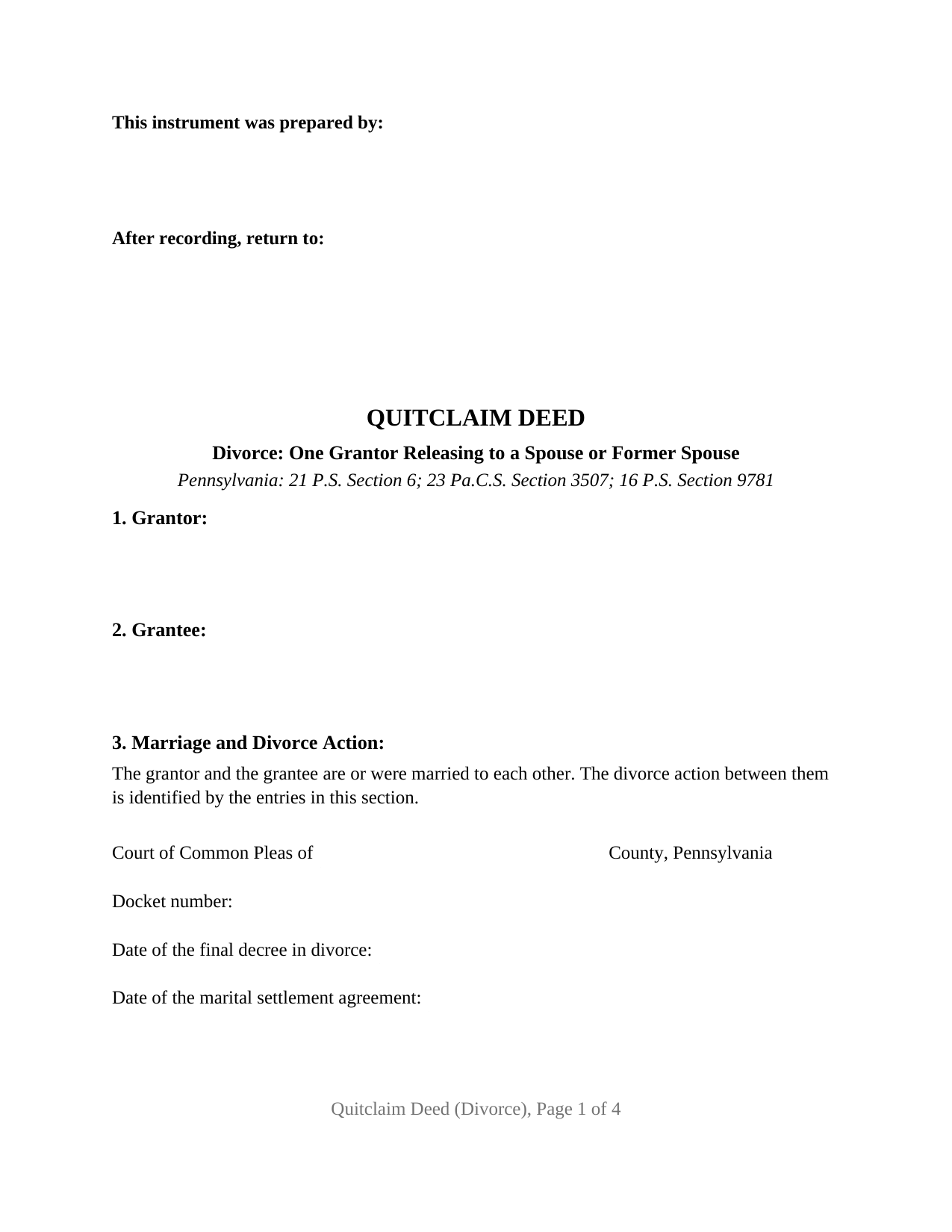
Northampton County Quitclaim Deed (Divorce) Form
Fill in the blank Quitclaim Deed (Divorce) form formatted to comply with all Pennsylvania recording and content requirements.
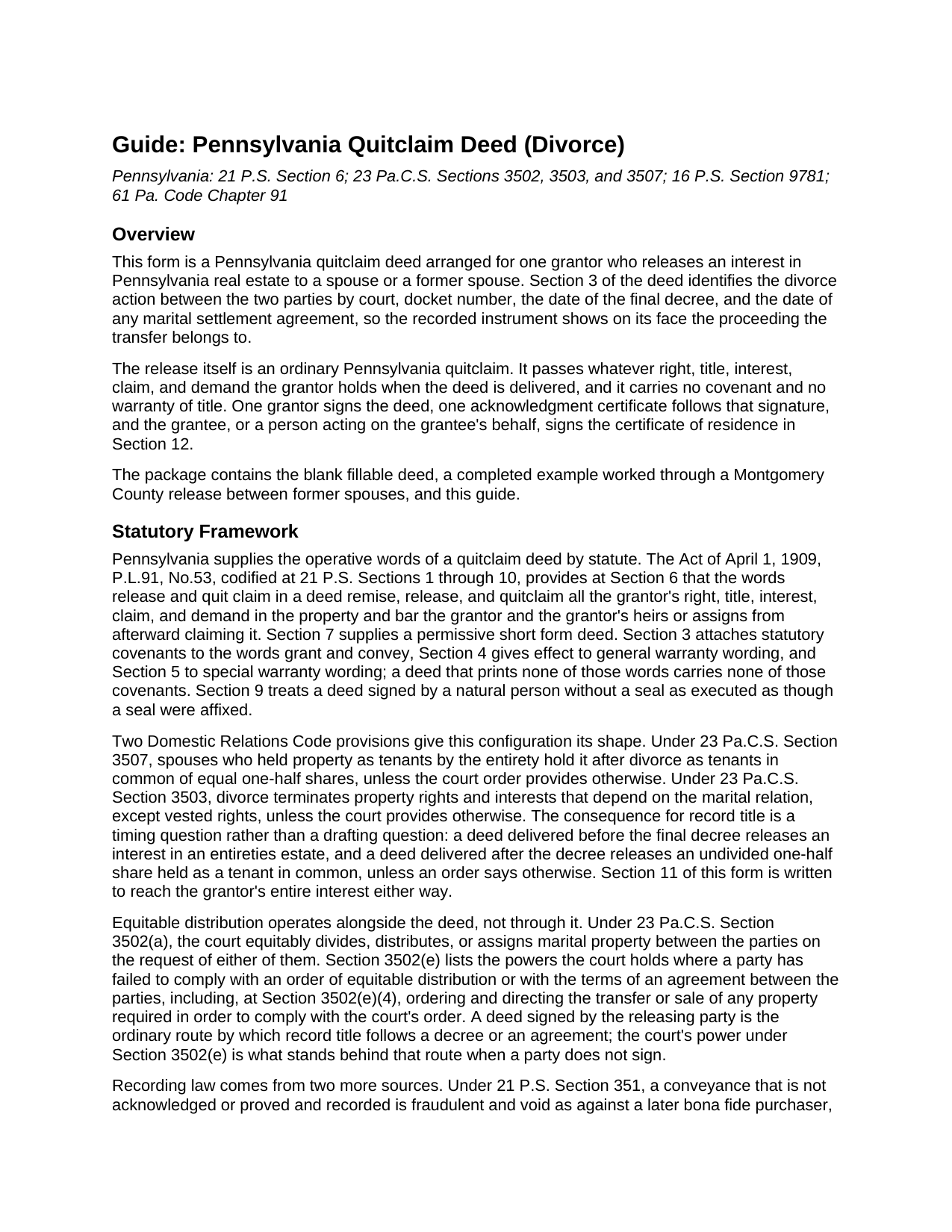
Northampton County Quitclaim Deed (Divorce) Guide
Line by line guide explaining every blank on the Quitclaim Deed (Divorce) form.
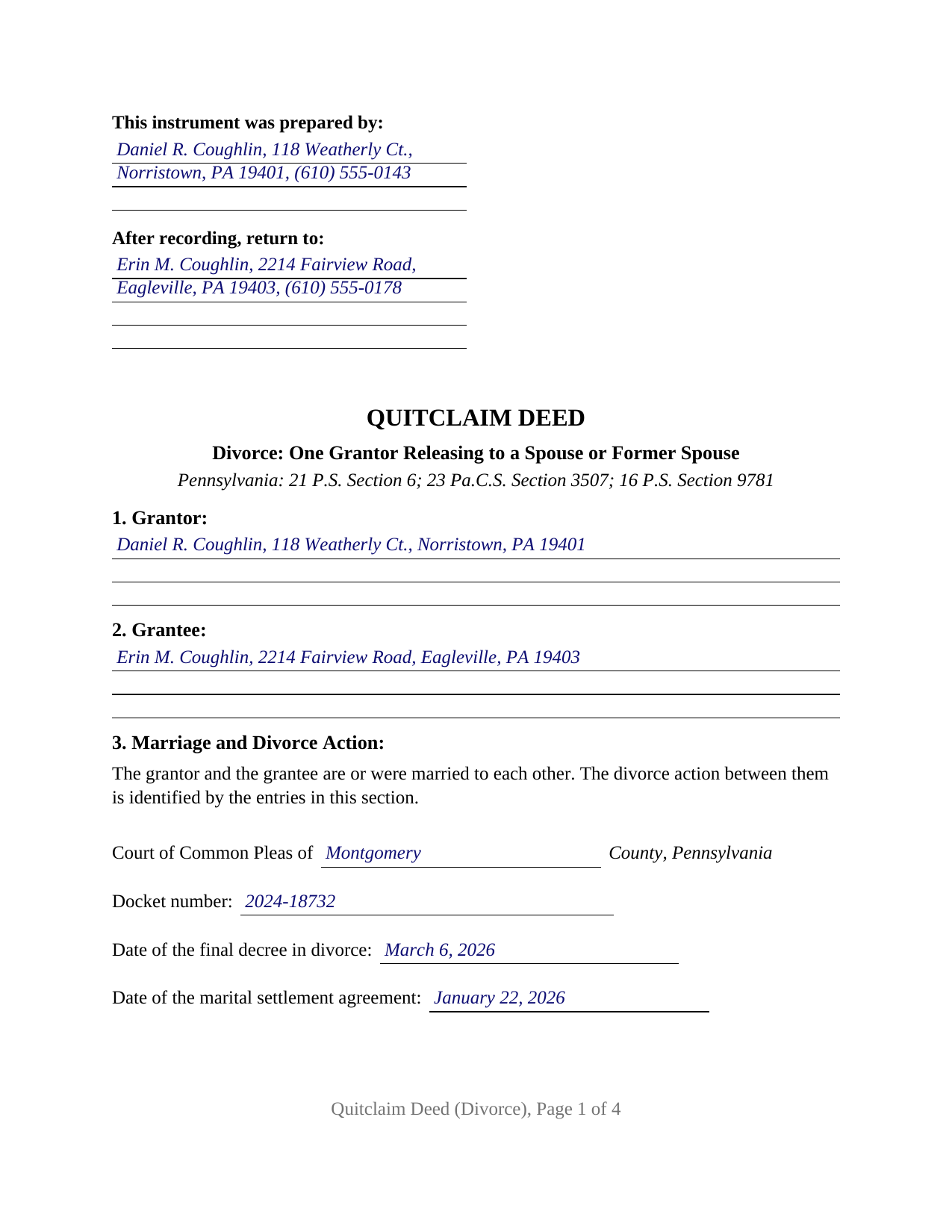
Northampton County Completed Example of the Quitclaim Deed (Divorce) Document
Example of a properly completed Pennsylvania Quitclaim Deed (Divorce) document for reference.
All 3 documents above included • One-time purchase • No recurring fees
Immediate Download • Secure Checkout
Additional Pennsylvania and Northampton County documents included at no extra charge:
Where to Record Your Documents
Recorder of Deeds Division - County Courthouse
Easton, Pennsylvania 18042
Hours: 8:30am to 4:30pm M-F / until 4:00pm for PIN certification
Phone: (610) 829-6210
Recording Tips for Northampton County:
- Bring your driver's license or state-issued photo ID
- Ensure all signatures are in blue or black ink
- Double-check legal descriptions match your existing deed
- Verify all names are spelled correctly before recording
- White-out or correction fluid may cause rejection
Cities and Jurisdictions in Northampton County
Properties in any of these areas use Northampton County forms:
- Ackermanville
- Bangor
- Bath
- Bethlehem
- Cherryville
- Danielsville
- Easton
- Flicksville
- Hellertown
- Lehigh Valley
- Martins Creek
- Mount Bethel
- Nazareth
- Northampton
- Pen Argyl
- Portland
- Stockertown
- Tatamy
- Treichlers
- Walnutport
- Wind Gap
Hours, fees, requirements, and more for Northampton County
How do I get my forms?
Forms are available for immediate download after payment. The Northampton County forms will be in your account ready to download to your computer. An account is created for you during checkout if you don't have one. Forms are NOT emailed.
Are these forms guaranteed to be recordable in Northampton County?
Yes. Our form blanks are guaranteed to meet or exceed the applicable formatting requirements used for recording in Northampton County, including margin requirements, font requirements, and other layout standards. This guarantee applies to formatting, not to the legal sufficiency of information entered by the user or the suitability of a form for a particular transaction.
Can I reuse these forms?
Yes. You can reuse the forms for your personal use. For example, if you have multiple properties in Northampton County you only need to order once.
What do I need to use these forms?
The forms are PDFs that you fill out on your computer. The free Adobe Acrobat Reader is recommended, and most PDF apps also work. You do NOT enter your property information online - you download the blank forms and complete them privately on your own computer.
Are there any recurring fees?
No. This is a one-time purchase. Nothing to cancel, no memberships, no recurring fees.
How much does it cost to record in Northampton County?
Recording fees in Northampton County vary. Contact the recorder's office at (610) 829-6210 for current fees.
Questions answered? Let's get started!
Most Pennsylvania deeds identify a property and two parties. This one identifies a lawsuit as well. Section 3 takes the county whose Court of Common Pleas holds the divorce action between the two people named on the deed, the docket number, the date of the final decree, and the date of any marital settlement agreement, so the release and the proceeding it belongs to reach the recorder in one instrument. Under that recital sits an ordinary Pennsylvania quit claim deed: one spouse, or one former spouse, passing whatever interest that party holds to the other, with no warranty of title.
What a divorce decree has already done to the title
The entry in the decree blank changes what the releasing party actually owns. While the action is pending, spouses who took title together still hold an entireties estate, a single indivisible ownership rather than two shares. Once the decree is entered, 23 Pa.C.S. Section 3507 turns that estate into a tenancy in common of equal one-half shares unless the court order provides otherwise, and 23 Pa.C.S. Section 3503 ends the property rights that depend on the marital relation, vested rights aside. The conveyance section is written for the record in either condition: it releases the grantor's entire interest, naming an interest held as a tenant by the entirety and an undivided interest held as a tenant in common alike.
The part of a divorce that never happens on the deed
Equitable distribution belongs to the divorce action. Under 23 Pa.C.S. Section 3502(a) a court divides, distributes, or assigns marital property, and under Section 3502(e)(4) it may order and direct the transfer or sale of property where a party has not complied with an order or an agreement. A signed deed is the ordinary route by which record title follows that decision, and it records the outcome rather than reaching it. Debt stays where the deed found it: the conveyance section states that the release moves an interest in the property without releasing, assuming, or modifying any obligation secured by it.
One releasing party, one grantee, one certificate
The architecture is deliberately narrow: a single grantor block, a single grantee block, one dated signature line carrying the signer's printed name, and a single acknowledgment certificate printing the Section 316 short form, which a notarial officer of Pennsylvania or of another state completes and which 57 Pa.C.S. Section 306.1 also allows by communication technology. Section 12 is the one part the grantee signs, and it conveys nothing: it is the certificate of residence, and 16 P.S. Section 9781 tells the recorder to refuse a deed that arrives without a signed statement giving where the grantee lives and the full mailing address. Both timings this configuration presents, a release delivered while the action is pending and a release delivered after the decree, run through that same single-signer arrangement; a release in which two spouses stand together on the grantor side, or in which a spouse signs only to consent, follows a signing pattern this deed does not print.
An exclusion written for people who are no longer married
Realty transfer tax is collected when the deed records, one percent to the Commonwealth plus the local municipal and school rate, and 61 Pa. Code Section 91.164 measures a quitclaim deed by whether real estate actually changes hands rather than by the caption on it. The exclusion this configuration reaches for is 61 Pa. Code Section 91.193(b)(6)(i)(F), covering persons who were previously married but who have since been divorced, on the condition that the realty was acquired by both spouses, or by either spouse, before or during the marriage. That acquisition timing is the working test, which is why the form collects the recorded instrument the parties took title under, and the claim is documented on the REV-183 Statement of Value handed across the counter with the deed.
Three files arrive in the download: the deed as a blank fillable PDF, a completed example worked through a Montgomery County release made a month after the decree, and a plain-language guide to the twelve sections, the divorce recital, the notarial rules, the transfer tax exclusions, and the county recording desk. These materials explain Pennsylvania law in general terms; they are not legal advice.
Important: Your property must be located in Northampton County to use these forms. Documents should be recorded at the county recording office listed above.
This Quitclaim Deed (Divorce) meets all recording requirements specific to Northampton County.
Our Promise
The documents you receive here are guaranteed to meet or exceed the applicable Northampton County recording format requirements. If there is a rejection caused by our formatting, we will correct the issue or refund your payment. This guarantee applies to document formatting only and does not extend to information entered by the user, the selection of the form, or the legal effect of the completed document.
Save Time and Money
Get your Northampton County Quitclaim Deed (Divorce) form done right the first time with Deeds.com Uniform Conveyancing Blanks. At Deeds.com, we understand that your time and money are valuable resources, and we don't want you to face a penalty fee or rejection imposed by a county recorder for submitting nonstandard documents. We constantly review and update our forms to meet rapidly changing state and county recording requirements for roughly 3,500 counties and local jurisdictions.
4.8 out of 5 - ( 4,820 Reviews )
Deborah D. 5 out of 5 stars
Very easy to use, got everything I needed. Reasonable price.
Thank you!
HELEN F. 5 out of 5 stars
Process was easy... paperwork was on point... process took less then one day...
We appreciate your business and value your feedback. Thank you. Have a wonderful day!
Alvera A. 5 out of 5 stars
Very easy to find my documents, download and print them!
We appreciate your business and value your feedback. Thank you. Have a wonderful day!
HELEN F. 5 out of 5 stars
Was straight to the point... Easy to read instructions... smooth process
Thank you for your feedback. We really appreciate it. Have a great day!
Joan H. 5 out of 5 stars
Your service was fine but as a newly widowed senior, I wish your price was lower.
Thank you for your feedback. We really appreciate it. Have a great day!
Kari G. 5 out of 5 stars
The service was prompt and attentive to my questions. I would've just appreciated a heads up that I also needed to contact the county directly (and provide contact info) to receive a certified copy of the document (Notice of Commencement) in order to submit the certified copy to the Building Department. This was an extra step that I haven't had to complete before using another eRecording service. Even if this extra step is a result of the county's system. I would still have expected a head's up (since there wasn't any info regarding this on the county's site for eRecording).
Thank you for your feedback. We really appreciate it. Have a great day!
Dorothy B. 5 out of 5 stars
Love your deed service. Simple and easy.
Thank you!
Stanley P. 5 out of 5 stars
Fast accurate service
We appreciate your business and value your feedback. Thank you. Have a wonderful day!
Roman F. 5 out of 5 stars
You form was good the only thing that did not work was the download to fill it out !!! I use a Mac system and maybe that's what the issue was. I filled it out by hand and it worked for the purpose .
Thanks for the kind words, Roman. Glad the form worked for you. For the fillable fields, the PDF opens best in a dedicated reader like Preview or Adobe Acrobat rather than inside a browser window, which can sometimes flatten them out. We appreciate your business.
Emily P. 4 out of 5 stars
Used the quitclaim form and the erecording service. Very smooth transaction, everything worked as it should.
Thank you for your feedback. We really appreciate it. Have a great day!
Deborah A. 5 out of 5 stars
Excellent,
Thank you!
tim g. 5 out of 5 stars
that is what I was looking for thanks
Thanks Tim, glad we could help.
Michael F. 5 out of 5 stars
I'm not too bright and I made a mess of things when I tried to create my own deed. It was lucky that I found the forms here after so many of my personal failures. It's good that the pros know what they are doing.
Such kind words Michael, thank you.
James J. 4 out of 5 stars
The form itself was very good and easy to use. The only problem I had was the Sample they provided. Using a different name in every spot doesnt help determine what goes where. Using "Theodore Rockafeller" as Lien Claimant in one spot and Jebediah Finklestein in another then Harvey Johnson in the last spot is confusing if you really need a helpful sample.
Thank you for your feedback James. We will have staff review the completed example to see if we can make it more helpful. Have a great day!
Thomas J. 5 out of 5 stars
I'm pleased with the service
Thank you!