Lee County Contract for Deed Form
Last validated September 9, 2026 by our Forms Development TeamFormatted for recording in Lee County, for property anywhere in the county: rural and unincorporated areas as well as Bishopville, Elliott, Lynchburg.
- 6 documents included
- Immediate PDF download
- Formatting guarantee
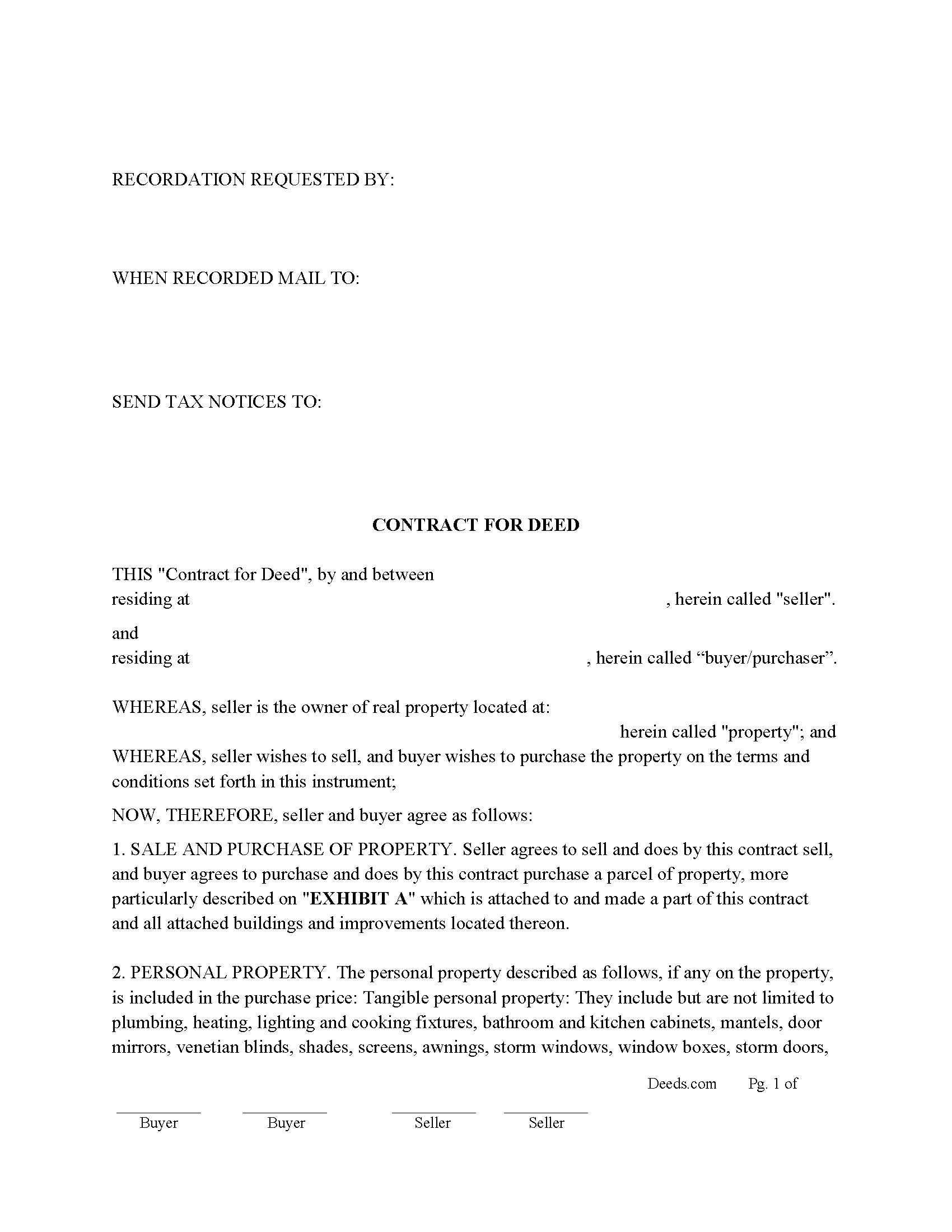
Lee County Contract for Deed Form
Fill in the blank Contract for Deed form formatted to comply with all South Carolina recording and content requirements.
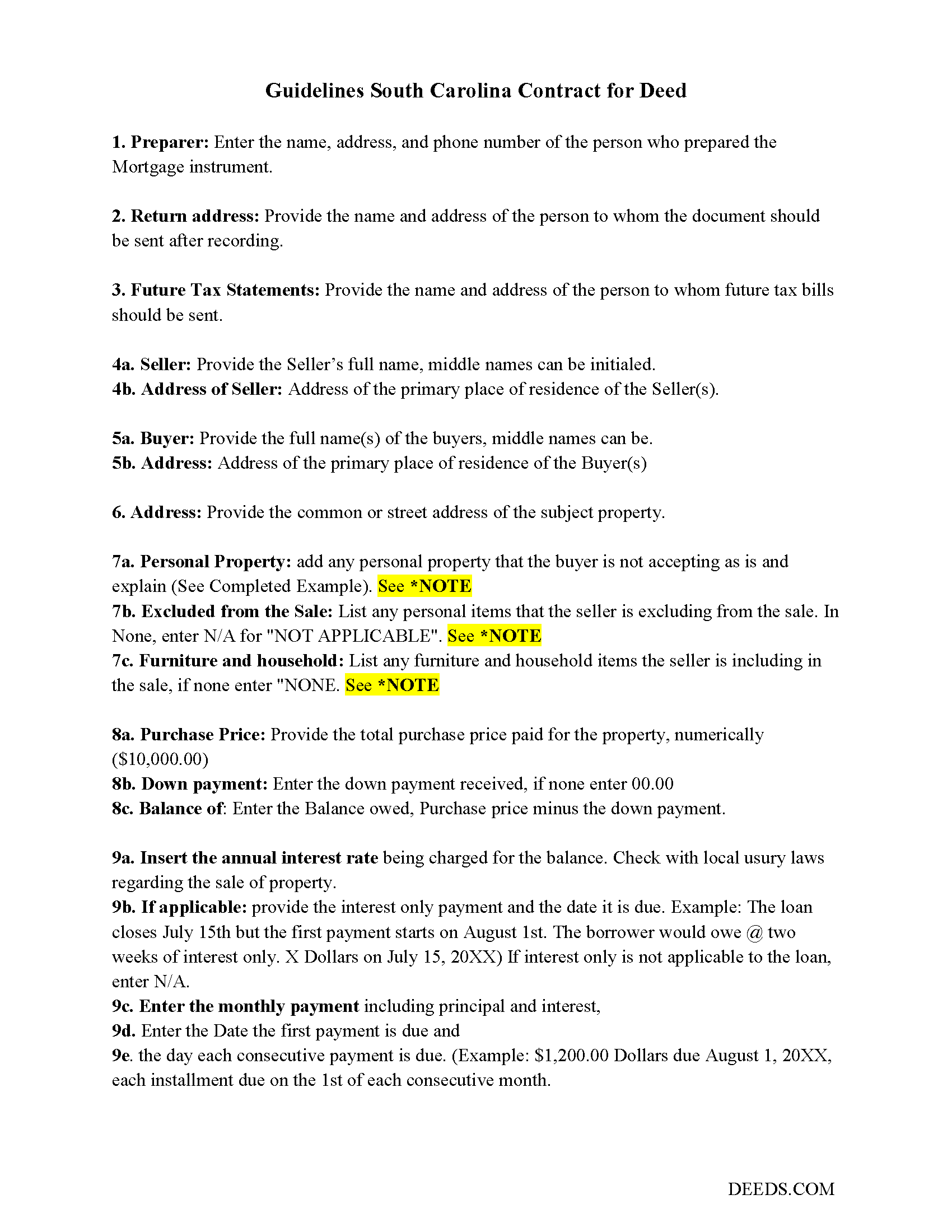
Lee County Contract for Deed Guide
Line by line guide explaining every blank on the Contract for Deed form.
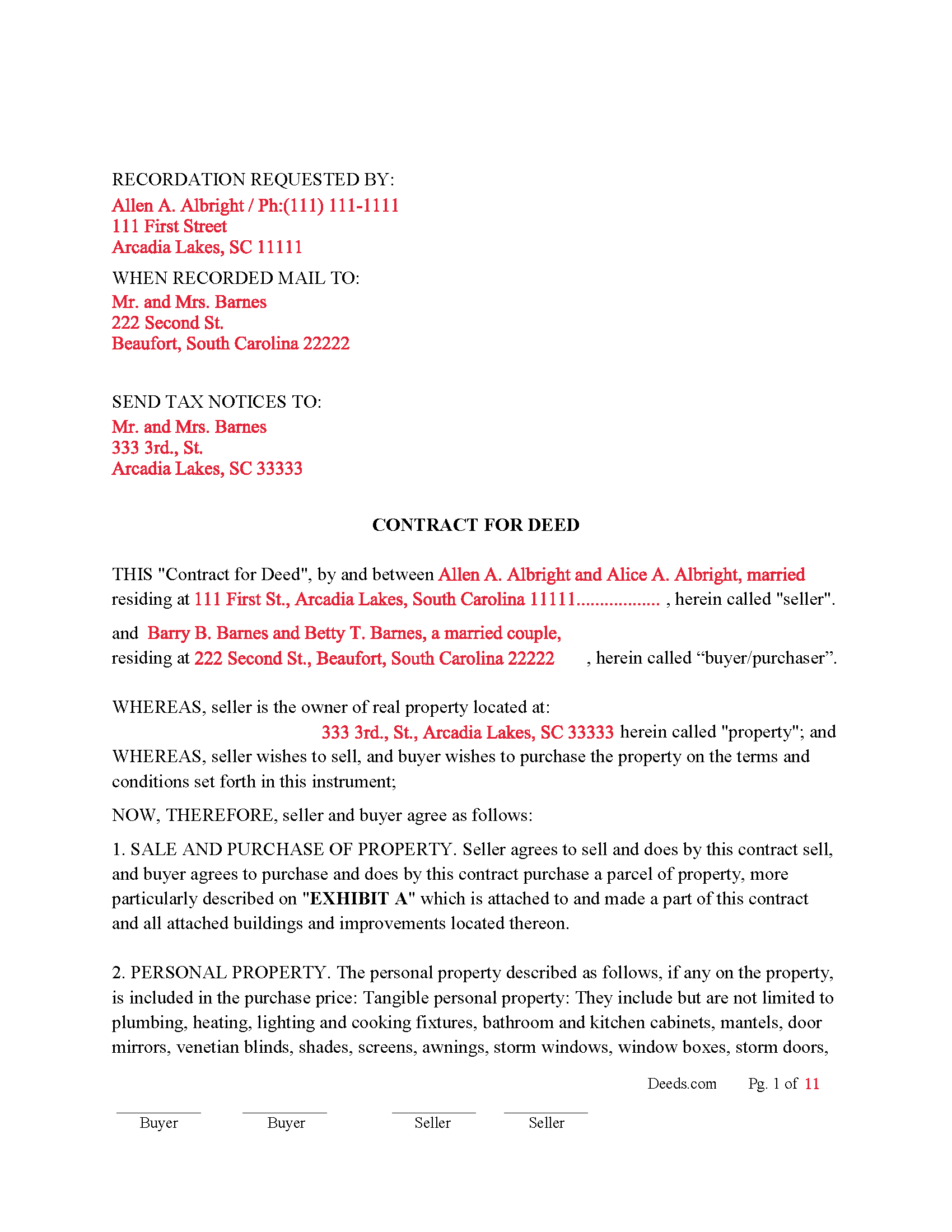
Lee County Completed Example of the Contract for Deed Document
Example of a properly completed South Carolina Contract for Deed document for reference.
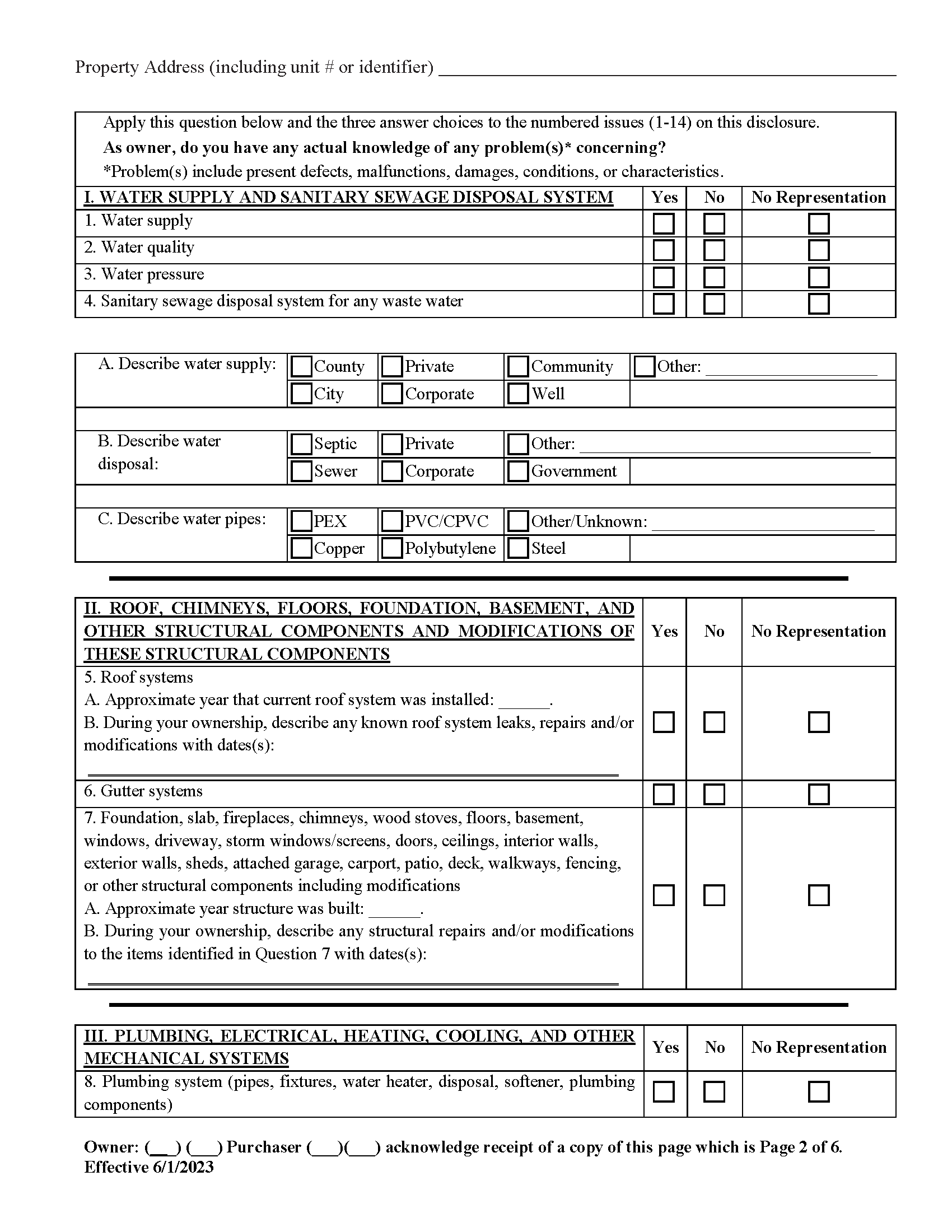
Lee County Property Disclosure Form
Required for residential sales.
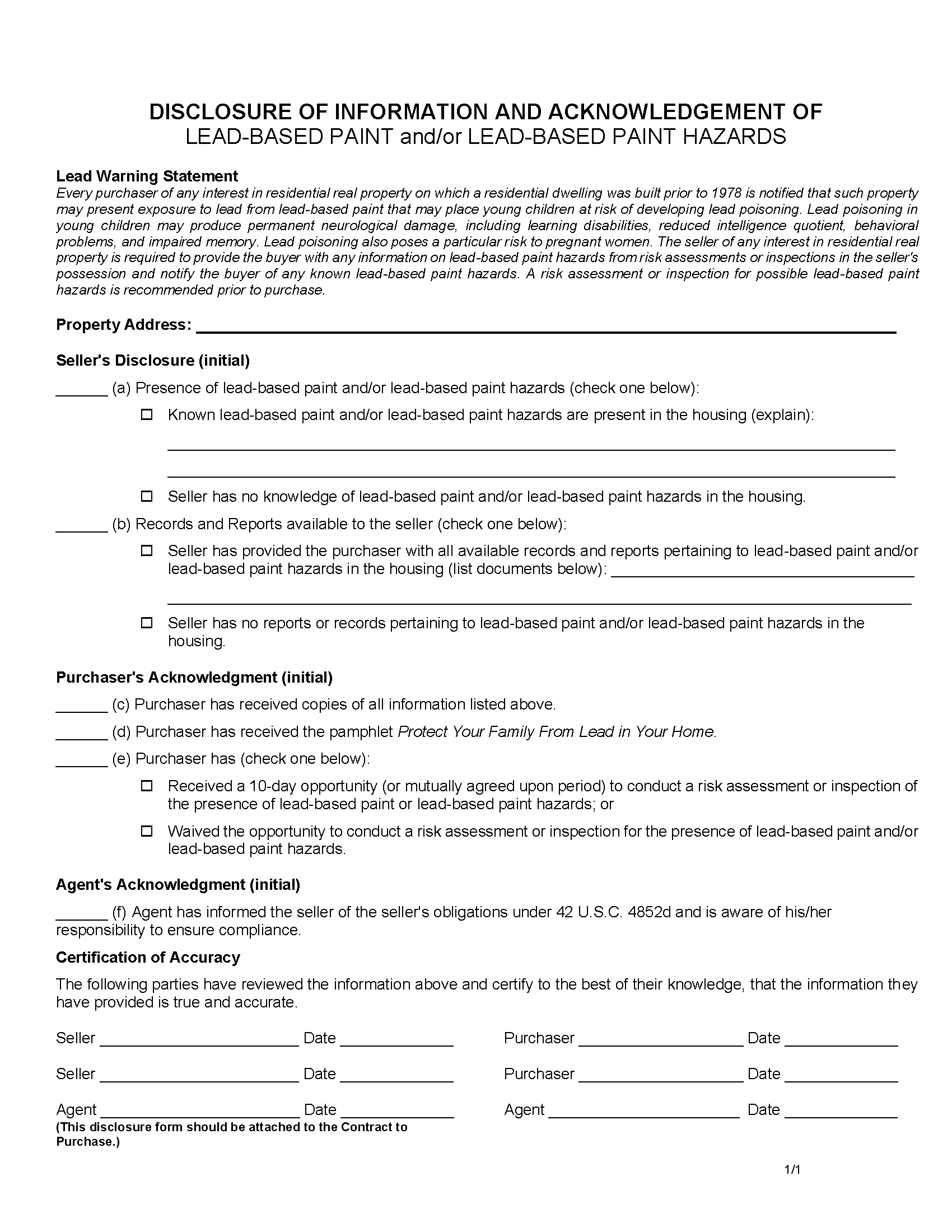
Lee County Lead Based Paint Disclosure Form
Required for residential property built before 1978.
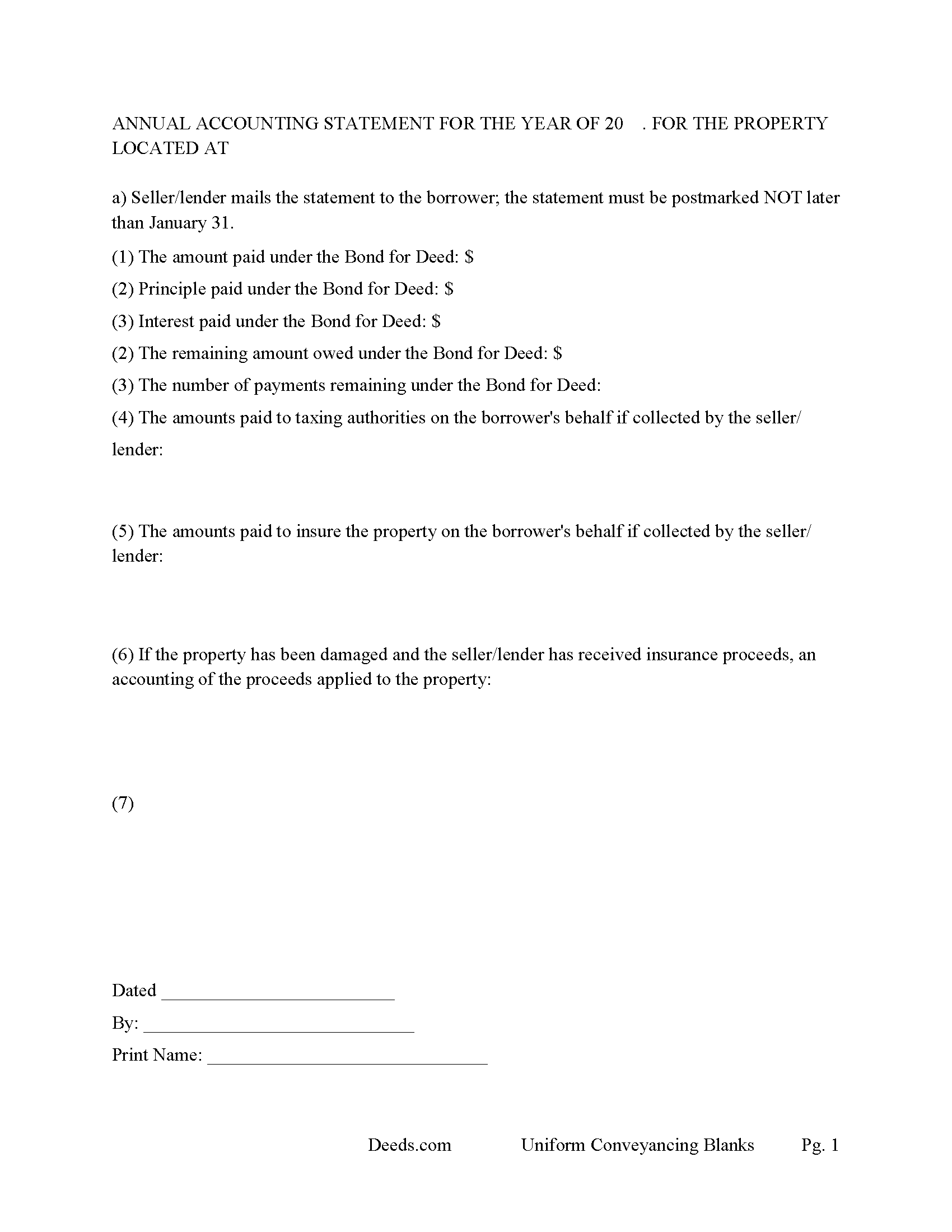
Lee County Annual Accounting Statement Form
Send to Buyer for fiscal year reporting.
All 6 documents above included • One-time purchase • No recurring fees
Immediate Download • Secure Checkout
Additional South Carolina and Lee County documents included at no extra charge:
Where to Record Your Documents
Lee County Clerk of Court
Bishopville, South Carolina 29010
Hours: 8:30 to 5:00 Monday through Friday
Phone: (803) 484-5341 Ext 333
Recording Tips for Lee County:
- Bring your driver's license or state-issued photo ID
- Ensure all signatures are in blue or black ink
- White-out or correction fluid may cause rejection
- Ask about their eRecording option for future transactions
- Avoid the last business day of the month when possible
Cities and Jurisdictions in Lee County
Properties in any of these areas use Lee County forms:
- Bishopville
- Elliott
- Lynchburg
Hours, fees, requirements, and more for Lee County
How do I get my forms?
Forms are available for immediate download after payment. The Lee County forms will be in your account ready to download to your computer. An account is created for you during checkout if you don't have one. Forms are NOT emailed.
Are these forms guaranteed to be recordable in Lee County?
Yes. Our form blanks are guaranteed to meet or exceed the applicable formatting requirements used for recording in Lee County, including margin requirements, font requirements, and other layout standards. This guarantee applies to formatting, not to the legal sufficiency of information entered by the user or the suitability of a form for a particular transaction.
Can I reuse these forms?
Yes. You can reuse the forms for your personal use. For example, if you have multiple properties in Lee County you only need to order once.
What do I need to use these forms?
The forms are PDFs that you fill out on your computer. The free Adobe Acrobat Reader is recommended, and most PDF apps also work. You do NOT enter your property information online - you download the blank forms and complete them privately on your own computer.
Are there any recurring fees?
No. This is a one-time purchase. Nothing to cancel, no memberships, no recurring fees.
How much does it cost to record in Lee County?
Recording fees in Lee County vary. Contact the recorder's office at (803) 484-5341 Ext 333 for current fees.
Questions answered? Let's get started!
In South Carolina, "Contract for Deed" transactions, also known as land contracts or installment sale agreements, are governed by general property and conveyance laws. Although there is no specific statute exclusively for Contracts for Deed, several sections of Title 27 of the South Carolina Code of Laws are particularly relevant. These laws guide the recording, execution, and enforcement of such contracts, ensuring legal protection for both buyers and sellers.
Key Sections of Title 27 Relevant to Contracts for Deed:
Section 27-3-10: Execution and Acknowledgment of Deeds: This section mandates that deeds and other conveyance documents be executed and acknowledged by the grantor, witnessed by two individuals, and acknowledged before a notary public.
Section 27-7-10: Recording of Conveyances of Real Property This section specifies that deeds, mortgages, and other conveyances of real property must be recorded in the office of the register of deeds in the county where the property is located. Recording provides public notice of the buyer's interest and protects against subsequent claims.
Section 27-39-220: Residential Landlord and Tenant Act – Applicability While primarily focused on landlord-tenant relationships, some provisions may apply to Contracts for Deed, especially those involving residential properties.
Section 27-35-20: Forcible Entry and Detainer This section outlines the procedures for recovering possession of property if a buyer defaults under a Contract for Deed. The seller may need to follow these procedures to regain possession.
Section 27-50-10 et seq.: Residential Property Condition Disclosure Act Although primarily addressing the disclosure of property conditions in traditional sales, this act's principles may be applied to ensure that sellers in a Contract for Deed disclose known property defects to the buyer.
Practical Steps for Compliance: Includes essential terms such as parties' names, property description, purchase price, payment schedule, interest rate, default provisions, and remedies.
Execution and Witnessing: Both parties must sign the contract. The signatures must be witnessed by two individuals who then sign the document as witnesses.
Notarization: Have the contract notarized by a licensed notary public to verify the identities of the signatories and the voluntary nature of their signatures.
Recording the Contract: Submit the notarized and witnessed contract to the county register of deeds office where the property is located for recording.
Pay the required recording fees. Recording the contract provides public notice and helps protect the buyer's equitable interest in the property.
Disclosures: Ensure that the seller discloses any known property defects, following principles similar to those in the Residential Property Condition Disclosure Act.
Default and Remedies: Contract outlines the process for addressing defaults, including notice requirements and grace periods. Specifies remedies available to the seller, such as acceleration of payments, termination of the contract, repossession of the property, and legal actions such as ejectment or foreclosure.
Navigating Contracts for Deed in South Carolina requires careful attention to the relevant laws and proper execution of the agreement. By following these guidelines, both buyers and sellers can ensure their interests are protected and comply with state regulations.
Uses: Residential property, rental 1-4 units, condominiums and planned unit developments.
Important: Your property must be located in Lee County to use these forms. Documents should be recorded at the county recording office listed above.
This Contract for Deed meets all recording requirements specific to Lee County.
Our Promise
The documents you receive here are guaranteed to meet or exceed the applicable Lee County recording format requirements. If there is a rejection caused by our formatting, we will correct the issue or refund your payment. This guarantee applies to document formatting only and does not extend to information entered by the user, the selection of the form, or the legal effect of the completed document.
Save Time and Money
Get your Lee County Contract for Deed form done right the first time with Deeds.com Uniform Conveyancing Blanks. At Deeds.com, we understand that your time and money are valuable resources, and we don't want you to face a penalty fee or rejection imposed by a county recorder for submitting nonstandard documents. We constantly review and update our forms to meet rapidly changing state and county recording requirements for roughly 3,500 counties and local jurisdictions.
4.8 out of 5 - ( 4,828 Reviews )
Elizabeth N. 5 out of 5 stars
I love how easy it is to understand and complete.
We appreciate your business and value your feedback. Thank you. Have a wonderful day!
Michelle M. 5 out of 5 stars
This was an excellent source. The fee was much lower than the first site I checked. The sample form was very helpful.
Thank you!
Robert B. 5 out of 5 stars
Everything worked Fine. I wish there was an John Doe type of an example for the Tax form.
Thank you!
Eric M. 5 out of 5 stars
Easy process and staff was very helpful
Thank you for your feedback. We really appreciate it. Have a great day!
Bakul W. 5 out of 5 stars
You guys did a great job for us yday. With the strim coming and the registry being closed to visitors I didn't know how I was going to get my work done and I found your website and in less than a day everything was done. Thank you.
Thank you!
Terry K. 1 out of 5 stars
Thought from the reviews and claims, it would be able to do our quit claim deed. Maybe for simple situations it works but ours required more room for the description and parcel numbers. Ended up being a total waste of $40.00. Wouldn't buy again. It is no better than the free forms you can find online.
Hi Terry, thanks for the feedback. Your order was canceled and fully refunded. To clarify for other customers: our quitclaim deed package includes an exhibit/attachment page for legal descriptions and parcel numbers that run long, with instructions on when and how to use it, this is a standard approach for multi-page legal descriptions and is accepted by recorders.
John R. 5 out of 5 stars
All the material included made preparing the quit claim deed very easy. Good product.
Thank you for your feedback. We really appreciate it. Have a great day!
David S. 5 out of 5 stars
All Star Support and less than a one day turnaround. Outstanding service. Thank you !
We appreciate your business and value your feedback. Thank you. Have a wonderful day!
BAHMAN B. 5 out of 5 stars
Very good experience.
Thank you!
Sandrs T. 4 out of 5 stars
It would be good to be able to print several documents at 1 time by highlighting them in the list without having to do one document at a time.
Thank you for your feedback. We really appreciate it. Have a great day!
carol g. 5 out of 5 stars
very good. got my info in minuetes. thank you
Thank you for your feedback Carol, have a great day!
THUY N. 5 out of 5 stars
It's convenience.
Thank you for your feedback. We really appreciate it. Have a great day!
David K. 5 out of 5 stars
My 1st trip to your site. I give it a full 5-star rating! Thank you. I'll be back.
Thank you for your feedback. We really appreciate it. Have a great day!
Jermaine H. 5 out of 5 stars
Great informative site.... helped me find exactly what I was looking for. DETAILED information on my property!
Thank you for your feedback. We really appreciate it. Have a great day!
Joe S. 5 out of 5 stars
My first experience with deeds.com was excellent. My task was handled promptly and efficiently. Count on me as a repeat customer.
We appreciate your business and value your feedback. Thank you. Have a wonderful day!