Lee County Disclaimer of Interest Form
Last validated October 12, 2026 by our Forms Development TeamFormatted for recording in Lee County, for property anywhere in the county: rural and unincorporated areas as well as Bishopville, Elliott, Lynchburg.
- 3 documents included
- Immediate PDF download
- Formatting guarantee
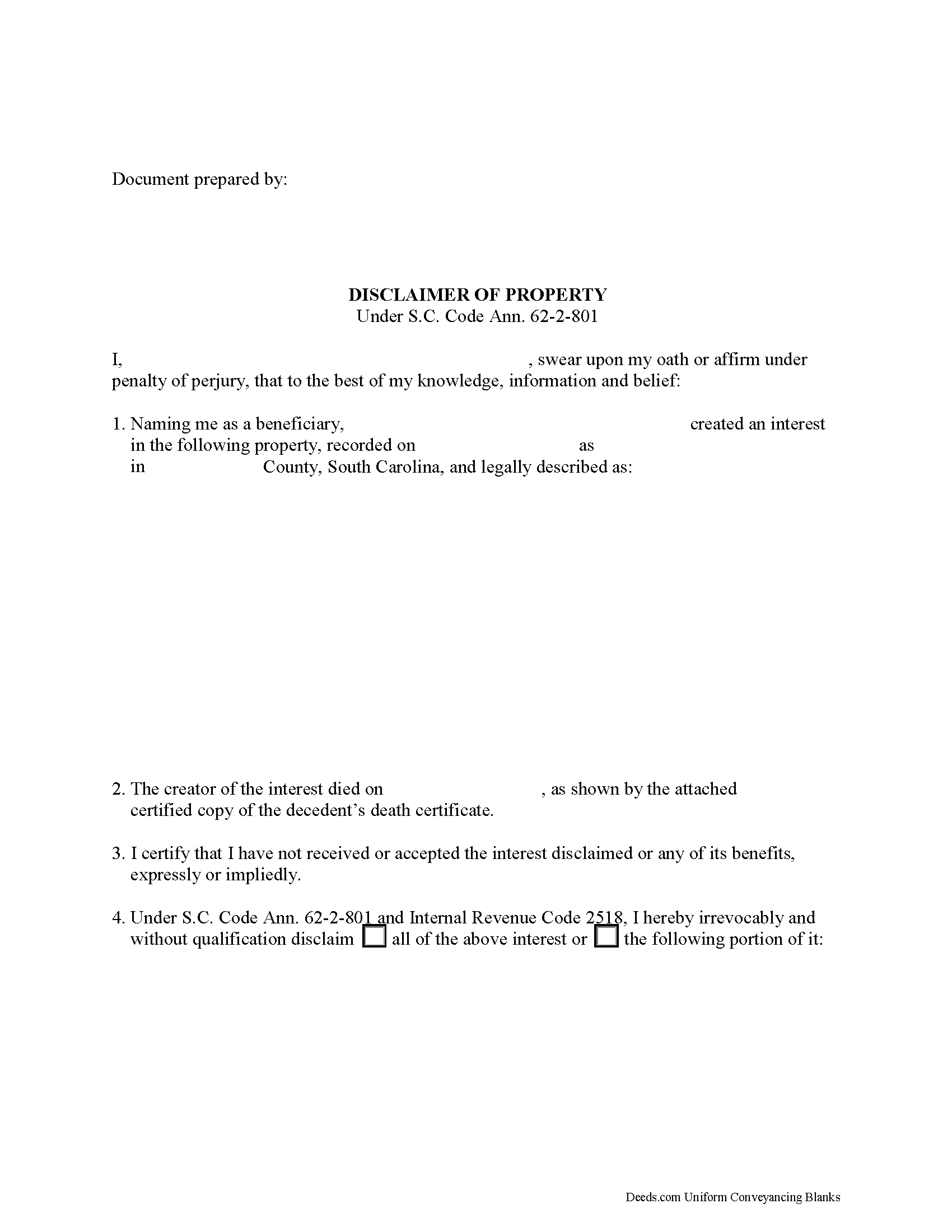
Lee County Disclaimer of Interest Form
Fill in the blank form formatted to comply with all recording and content requirements.
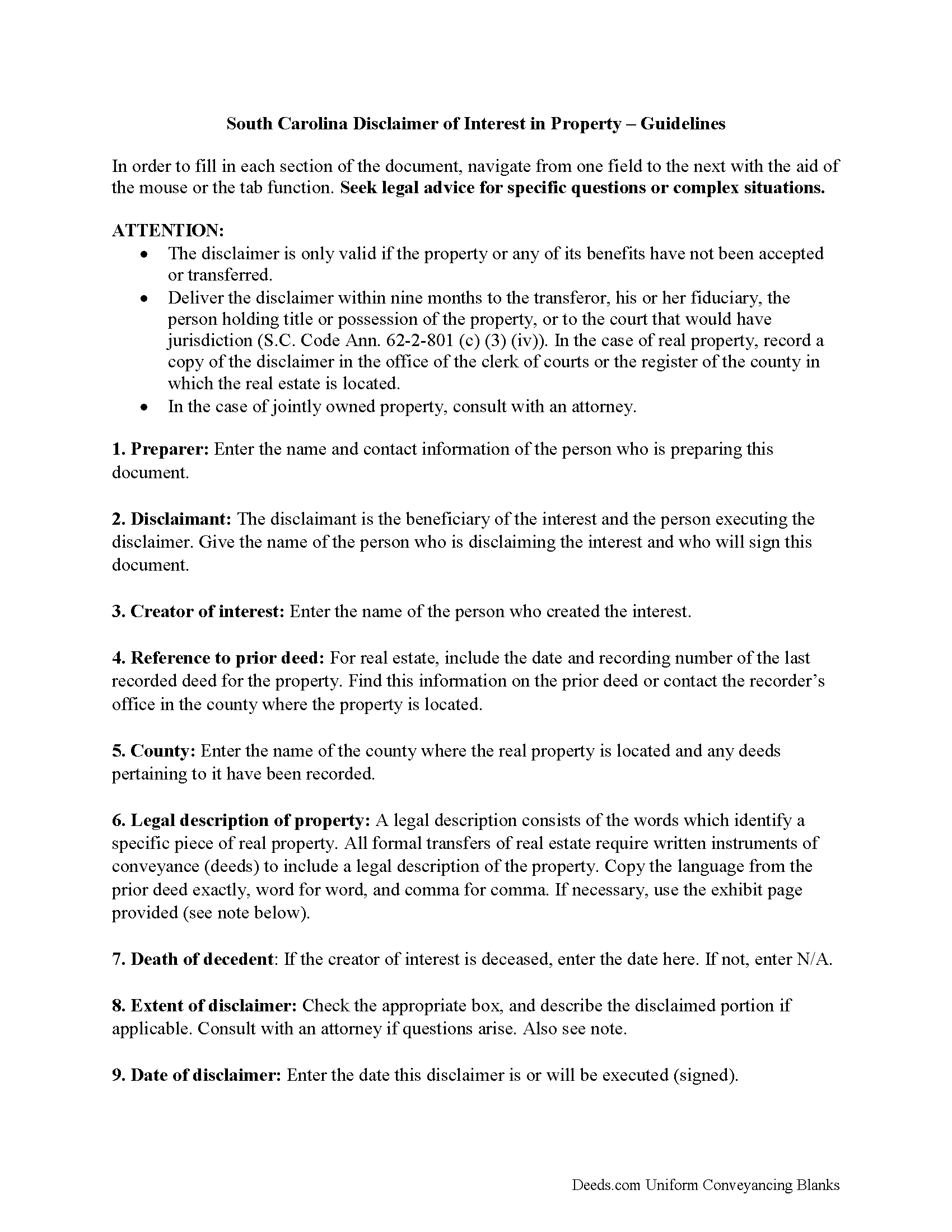
Lee County Disclaimer of Interest Guide
Line by line guide explaining every blank on the form.
Lee County Completed Example of the Disclaimer of Interest Document
Example of a properly completed form for reference.
All 3 documents above included • One-time purchase • No recurring fees
Immediate Download • Secure Checkout
Additional South Carolina and Lee County documents included at no extra charge:
Where to Record Your Documents
Lee County Clerk of Court
Bishopville, South Carolina 29010
Hours: 8:30 to 5:00 Monday through Friday
Phone: (803) 484-5341 Ext 333
Recording Tips for Lee County:
- Bring your driver's license or state-issued photo ID
- Ensure all signatures are in blue or black ink
- Both spouses typically need to sign if property is jointly owned
- Bring extra funds - fees can vary by document type and page count
- Check margin requirements - usually 1-2 inches at top
Cities and Jurisdictions in Lee County
Properties in any of these areas use Lee County forms:
- Bishopville
- Elliott
- Lynchburg
Hours, fees, requirements, and more for Lee County
How do I get my forms?
Forms are available for immediate download after payment. The Lee County forms will be in your account ready to download to your computer. An account is created for you during checkout if you don't have one. Forms are NOT emailed.
Are these forms guaranteed to be recordable in Lee County?
Yes. Our form blanks are guaranteed to meet or exceed the applicable formatting requirements used for recording in Lee County, including margin requirements, font requirements, and other layout standards. This guarantee applies to formatting, not to the legal sufficiency of information entered by the user or the suitability of a form for a particular transaction.
Can I reuse these forms?
Yes. You can reuse the forms for your personal use. For example, if you have multiple properties in Lee County you only need to order once.
What do I need to use these forms?
The forms are PDFs that you fill out on your computer. The free Adobe Acrobat Reader is recommended, and most PDF apps also work. You do NOT enter your property information online - you download the blank forms and complete them privately on your own computer.
Are there any recurring fees?
No. This is a one-time purchase. Nothing to cancel, no memberships, no recurring fees.
How much does it cost to record in Lee County?
Recording fees in Lee County vary. Contact the recorder's office at (803) 484-5341 Ext 333 for current fees.
Questions answered? Let's get started!
Under the South Carolina statutes, the beneficiary of an interest in property may renounce the gift, either in part or in full (S.C. Code Ann. 62-2-801). Note that the option to disclaim is only available to beneficiaries who have not acted in any way to indicate acceptance or ownership of the interest (S.C. Code Ann. 62-2-801 (c) (5))
The disclaimer must be in writing and include a description of the interest, a declaration of intent to disclaim all or a defined portion of the interest, and be signed by the disclaimant (S.C. Code Ann. 62-2-801 (c) (3)).
Deliver the disclaimer within nine months of the transfer (e.g., the death of the creator of the interest) to the transferor, his or her fiduciary, the person holding title or possession of the property, or to the court that would have jurisdiction (S.C. Code Ann. 62-2-801 (c) (3) (iv)). In the case of real property, record a copy of the disclaimer in the office of the clerk of courts or the registrar of the county in which the real estate is located.
A disclaimer is irrevocable and binding for the disclaiming party and his or her creditors, so be sure to consult an attorney when in doubt about the drawbacks and benefits of disclaiming inherited property. If the disclaimed interest arises out of jointly-owned property, seek legal advice as well.
(South Carolina DOI Package includes form, guidelines, and completed example)
Important: Your property must be located in Lee County to use these forms. Documents should be recorded at the county recording office listed above.
This Disclaimer of Interest meets all recording requirements specific to Lee County.
Our Promise
The documents you receive here are guaranteed to meet or exceed the applicable Lee County recording format requirements. If there is a rejection caused by our formatting, we will correct the issue or refund your payment. This guarantee applies to document formatting only and does not extend to information entered by the user, the selection of the form, or the legal effect of the completed document.
Save Time and Money
Get your Lee County Disclaimer of Interest form done right the first time with Deeds.com Uniform Conveyancing Blanks. At Deeds.com, we understand that your time and money are valuable resources, and we don't want you to face a penalty fee or rejection imposed by a county recorder for submitting nonstandard documents. We constantly review and update our forms to meet rapidly changing state and county recording requirements for roughly 3,500 counties and local jurisdictions.
4.8 out of 5 - ( 4,832 Reviews )
Samantha B. 5 out of 5 stars
Awesome service! This took care of my needs 10x faster than I thought possible. I even bought an extra service that wasn't needed to accomplish my end goal and they refunded me without me even asking. Highly recommend!
Thank you for your feedback. We really appreciate it. Have a great day!
Joe F. 5 out of 5 stars
TOOK ME SEVERAL DAYS TO FIND A SITE THAT DIDNT CHARGE $100 JUST TO USE ONE FORM. THANKS
Thank you for your feedback. We really appreciate it. Have a great day!
Tammy B. 5 out of 5 stars
I am so happy that I was able to get these forms. So simple to get and seems like will be easy to fill out . Thank you
We appreciate your business and value your feedback. Thank you. Have a wonderful day!
AJ H. 5 out of 5 stars
What a wonderful service to offer! Very impressed, and grateful for the forms and instructions!
We appreciate your business and value your feedback. Thank you. Have a wonderful day!
janice m. 5 out of 5 stars
was great!
Thank you!
Bruce B. 5 out of 5 stars
Worked great and was easy to use
Thanks Bruce, glad we could help.
Karla L. 5 out of 5 stars
Perfect! Recorded my completed deed today with no problems.
Thank you!
Michael S. 5 out of 5 stars
So easy.
Happy we could assist. Thank you for sharing your experience.
Thomas H. 5 out of 5 stars
I received every form I requested, immediately upon payment. All forms were up to date and easy to edit as needed. I'll come back here for all my future needs of this nature.
We appreciate your business and value your feedback. Thank you. Have a wonderful day!
Sheryl L. 5 out of 5 stars
EZ to use program....was able to print all forms ordered. I expect to go back to to use recording ability. Instructions are easily followed...would be nice to have confirmation included but they are available to purchase. Hope for successful recording of TOD affidavit. Pretty good value...attorney quoted well over the price I paid for package.
We appreciate your business and value your feedback. Thank you. Have a wonderful day!
Charles S. 5 out of 5 stars
very happy with guidance and responses - thank you - not finished yet but confident
We are sincerely grateful for your feedback and are committed to providing the highest quality service. Thank you for your trust in us.
Amber H. 3 out of 5 stars
after typing in the information, the printing is not in alignment - looks disorganized on the page and hard to read
Thank you for your feedback. We will flag the document for review.
Jessica B. 5 out of 5 stars
Amazing service. Immediate responses at all hours of the day and prevent late in the evening! Patient and friendly. I will say that Adobe scan did not work well for me. Notes app for IOS has a scan feature and that seemed to work best.
Thank you for your feedback. We really appreciate it. Have a great day!
Richard O. 4 out of 5 stars
It has an easy-to-use interface and well-formatted, detailed forms. Consider adding AI agents to assist in completing these forms from data provided or available from public sources. Overall, I am very satisfied!
Your feedback is greatly appreciated. Thank you for taking the time to share your experience!
Robert D. 5 out of 5 stars
These forms made it so easy to update the property deed and the instructions and sample filled out form were most helpful. You might want to add some brief information on when or why to use the Acknowledgment in Individual Capacity notary form. In my case the notary was required to use it but also filled in the brief notarize section on the Affidavit as well. She said the one on the Affidavit had some value because it showed she had witnessed the my signature. But this was only after I suggested both be filled in as she initially thought to just strike through it and just use the Acknowledgment in Individual Capacity form.
Thank you for your feedback. We really appreciate it. Have a great day!