Laurens County Easement Deed Form
Last validated October 13, 2026 by our Forms Development TeamFormatted for recording in Laurens County, for property anywhere in the county: rural and unincorporated areas as well as Clinton, Cross Hill, Gray Court, Joanna, Laurens, Mountville, Waterloo.
- 4 documents included
- Immediate PDF download
- Formatting guarantee
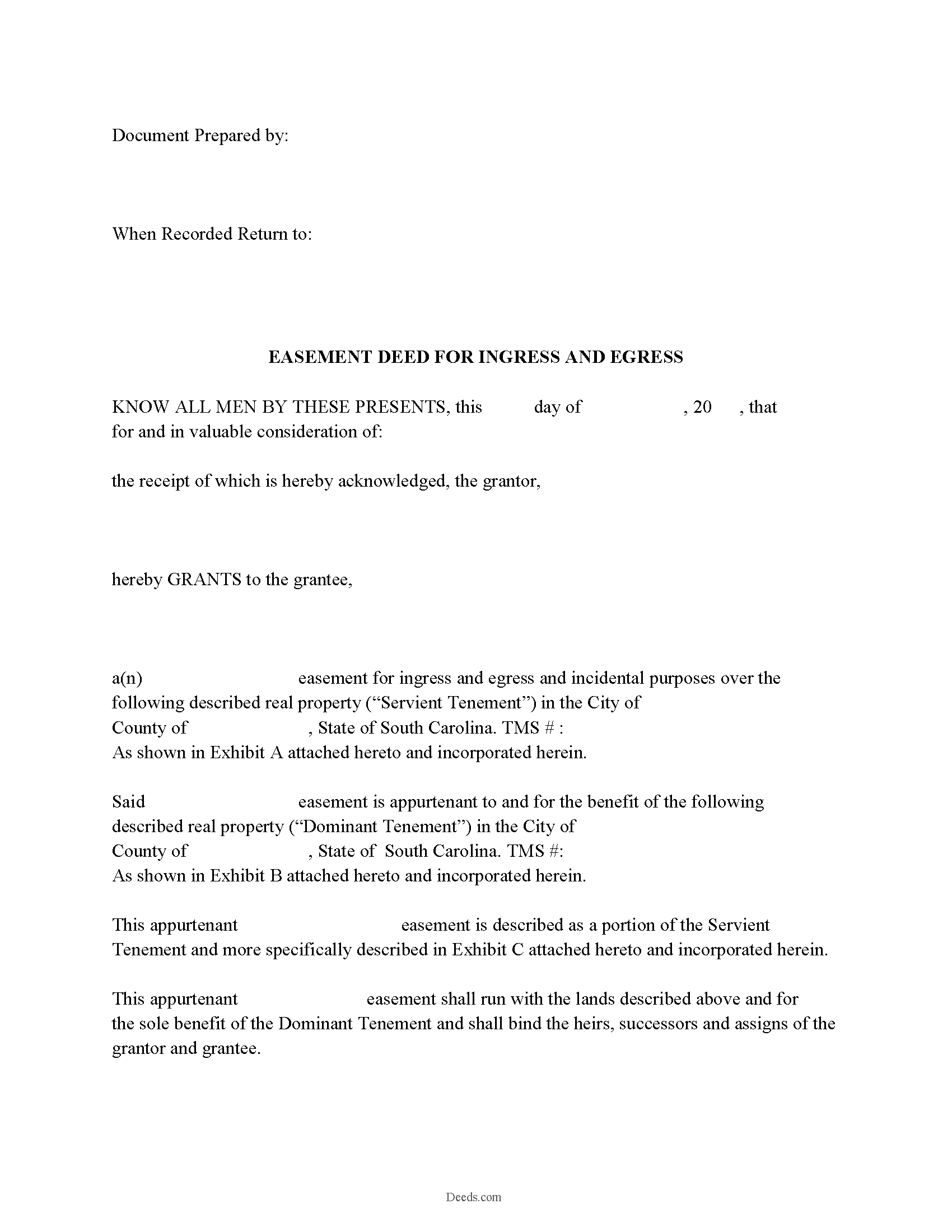
Laurens County Easement Deed Form
Fill in the blank form formatted to comply with all recording and content requirements.
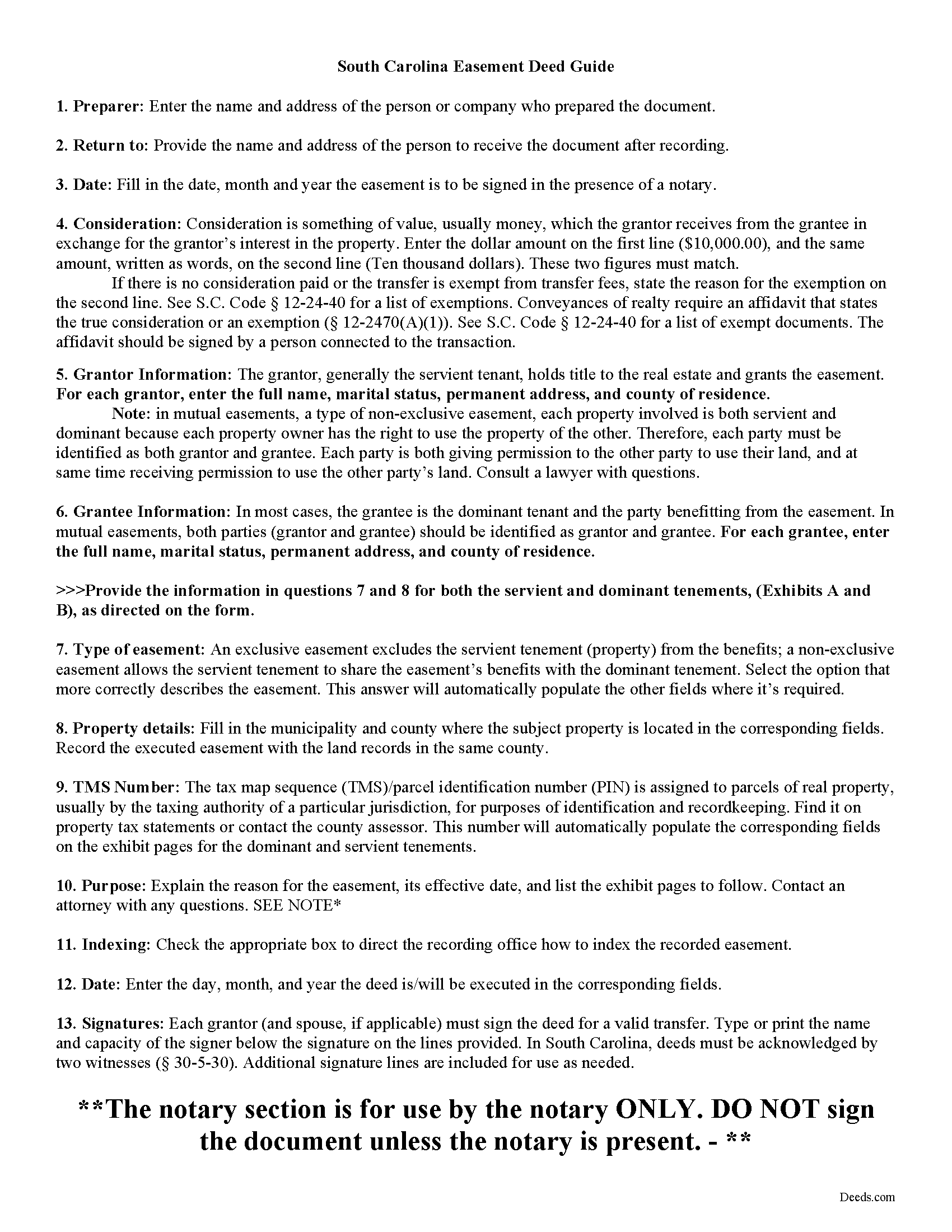
Laurens County Easement Deed Guide
Line by line guide explaining every blank on the form.
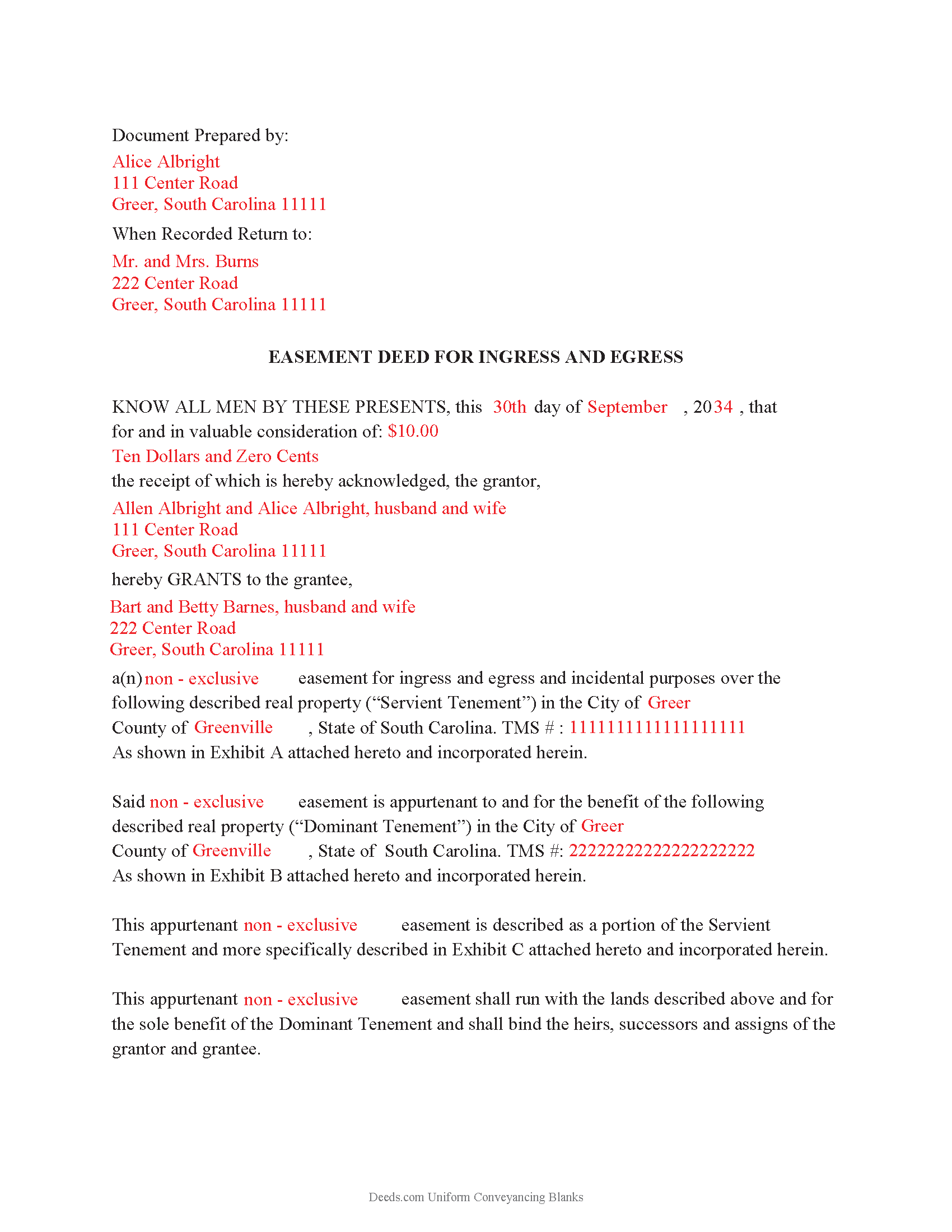
Laurens County Completed Example of the Easement Deed Document
Example of a properly completed form for reference.
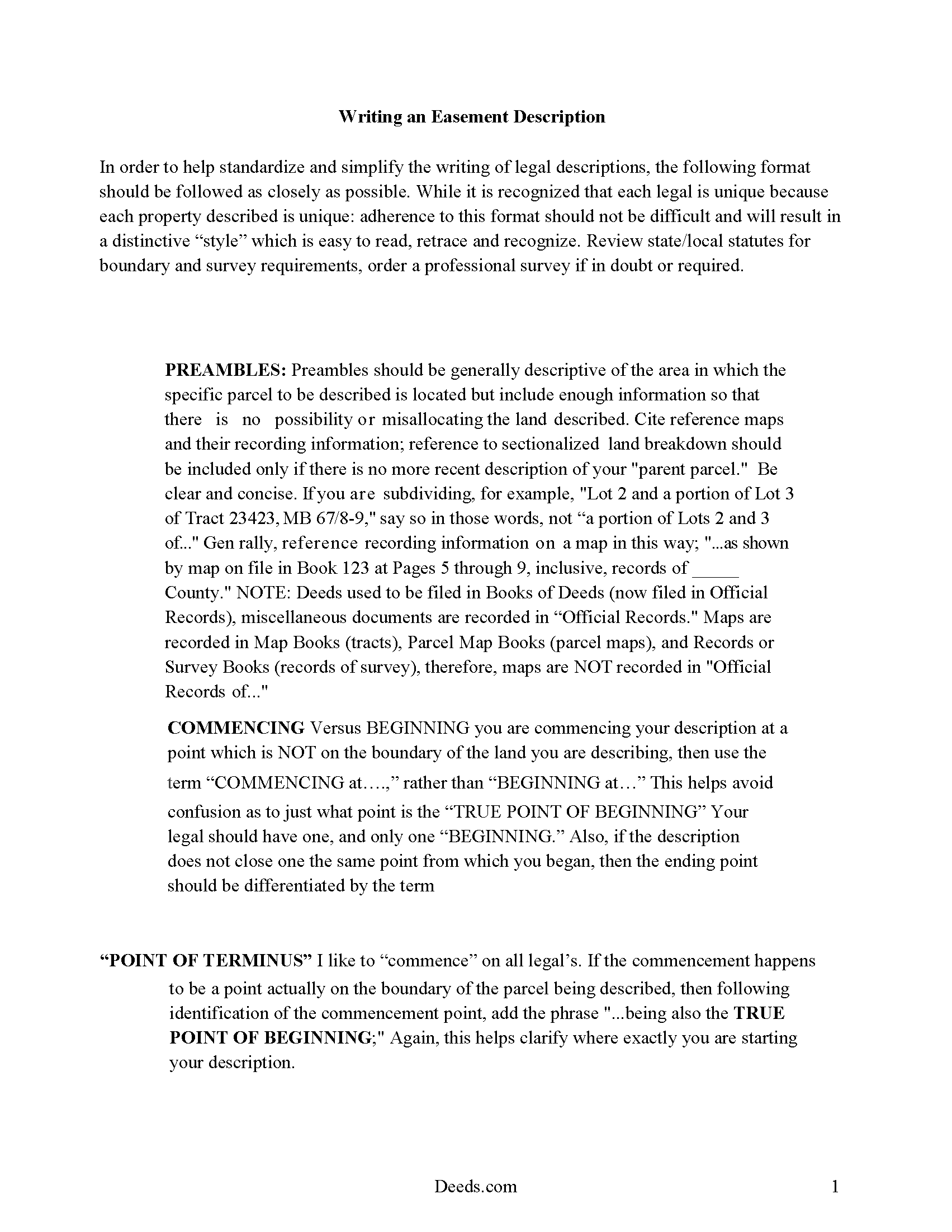
Laurens County Easement Deed Description
A Description of the Easement will be required. This will show how to write an acceptable description for a Right of Way Easement, which gives access, to and from - point A to point B.
All 4 documents above included • One-time purchase • No recurring fees
Immediate Download • Secure Checkout
Additional South Carolina and Laurens County documents included at no extra charge:
Where to Record Your Documents
Laurens County Clerk of Court
Laurens, South Carolina 29360
Hours: 9:00am - 5:00pm Monday - Friday / Recording until 4:30pm
Phone: (864) 984-3538
Recording Tips for Laurens County:
- Bring your driver's license or state-issued photo ID
- Ensure all signatures are in blue or black ink
- Recorded documents become public record - avoid including SSNs
- Recording fees may differ from what's posted online - verify current rates
- Request a receipt showing your recording numbers
Cities and Jurisdictions in Laurens County
Properties in any of these areas use Laurens County forms:
- Clinton
- Cross Hill
- Gray Court
- Joanna
- Laurens
- Mountville
- Waterloo
Hours, fees, requirements, and more for Laurens County
How do I get my forms?
Forms are available for immediate download after payment. The Laurens County forms will be in your account ready to download to your computer. An account is created for you during checkout if you don't have one. Forms are NOT emailed.
Are these forms guaranteed to be recordable in Laurens County?
Yes. Our form blanks are guaranteed to meet or exceed the applicable formatting requirements used for recording in Laurens County, including margin requirements, font requirements, and other layout standards. This guarantee applies to formatting, not to the legal sufficiency of information entered by the user or the suitability of a form for a particular transaction.
Can I reuse these forms?
Yes. You can reuse the forms for your personal use. For example, if you have multiple properties in Laurens County you only need to order once.
What do I need to use these forms?
The forms are PDFs that you fill out on your computer. The free Adobe Acrobat Reader is recommended, and most PDF apps also work. You do NOT enter your property information online - you download the blank forms and complete them privately on your own computer.
Are there any recurring fees?
No. This is a one-time purchase. Nothing to cancel, no memberships, no recurring fees.
How much does it cost to record in Laurens County?
Recording fees in Laurens County vary. Contact the recorder's office at (864) 984-3538 for current fees.
Questions answered? Let's get started!
An easement is a non-possessory right of use over another's land that allows the holder to use another's property for a specific purpose. Easements may be express or implied. An express easement can be created by deed, contract, or other written instrument. An express easement must describe the scope of the interest being conveyed, along with the location and dimensions of the easement. An implied easement can be created by pre-existing use, when it is evident that the parties involved intended to create an easement.
Before a deed or other instrument of writing can be recorded in South Carolina, it must be acknowledged or proved by either of the following methods: (A) the execution of the deed must be proved by the affidavit of a subscribing witness to the instrument, taken before an officer in the state competent to administer oaths or (B) a deed or other instrument must be signed by the grantor in the presence of two witnesses, taken before an officer in the state competent to administer oaths (30-5-30A, B). A notary public may be one of the witnesses to an easement deed. Acknowledgments taken out of state must comply with the Uniform Recognition of Acknowledgments Act (30-5-30.2). A derivation clause is required to be on most real estate deeds presented for recording, but is not required for a deed devoted to a utility or railroad purpose of any private or public utility or railroad. A derivation clause is also not required on any non-warranty or quitclaim deed in South Carolina (30-5-35).
An easement deed will be valid so as to affect the rights of subsequent purchasers or purchasers for valuable consideration without notice only from the time it is recorded with the register of deeds in the county where the property subject to the easement is located. The priority of instruments is determined by the time of filing for record (30-7-10). The recording of documents serves to establish a priority of claims against a specific property.
(South Carolina ED Package includes form, guidelines, and completed example)
Important: Your property must be located in Laurens County to use these forms. Documents should be recorded at the county recording office listed above.
This Easement Deed meets all recording requirements specific to Laurens County.
Our Promise
The documents you receive here are guaranteed to meet or exceed the applicable Laurens County recording format requirements. If there is a rejection caused by our formatting, we will correct the issue or refund your payment. This guarantee applies to document formatting only and does not extend to information entered by the user, the selection of the form, or the legal effect of the completed document.
Save Time and Money
Get your Laurens County Easement Deed form done right the first time with Deeds.com Uniform Conveyancing Blanks. At Deeds.com, we understand that your time and money are valuable resources, and we don't want you to face a penalty fee or rejection imposed by a county recorder for submitting nonstandard documents. We constantly review and update our forms to meet rapidly changing state and county recording requirements for roughly 3,500 counties and local jurisdictions.
4.8 out of 5 - ( 4,832 Reviews )
Don M. 5 out of 5 stars
The process was easy going. The process is one thing, the results another. I have attempting to resolve this matter, of claiming sole ownership of the property for several YEARS. I lost my Bride of 65 years in 2015. A lawyer I hired failed in his attempt, so I'm waiting to see the actual results. I also have two parcels in New Mexico under the same situation, so if this is successful, I'll gladly be back. Thank You so very much. Don Martin
We appreciate your business and value your feedback. Thank you. Have a wonderful day!
Susan M. 5 out of 5 stars
Purchased and received immediately w/instructions for completion.
We appreciate your business and value your feedback. Thank you. Have a wonderful day!
Tim G. 5 out of 5 stars
Pretty good all in all. I do wish I could download forms to a word doc instead of a .pdf. Word is more 'accessable'.
Thank you!
Maureen M. 5 out of 5 stars
Easy to use and download. Will use in the future, if ever needed.
Thank you for your feedback. We really appreciate it. Have a great day!
Deborah P. 5 out of 5 stars
Great site. Official. Easy to use. Less expensive than those other sites as well. Saved me approximately $20! My records were available immediately. I highly recommend this site.
Thank you!
Norma V. 5 out of 5 stars
So far it's been great. My 2 deeds were accepted and prepared for recording very quickly. Now I am waiting for the County to record them and Deeds.com to e-send them back to me. Very impressive!
We appreciate your business and value your feedback. Thank you. Have a wonderful day!
LAWRENCE P. 4 out of 5 stars
How about a single button zip download of the files displayed instead of downloading them one at a time?
Thank you for your feedback. We really appreciate it. Have a great day!
MIchael T. 5 out of 5 stars
very helpful in a trouble free manner.
Thank you!
Katherin K. 4 out of 5 stars
Helpful, but some of the blanks aren't large enough, particularly when the grantor is an affiant under a small estate affidavit, and that's the reason for $0 consideration.
Thanks, Katherin — we appreciate the helpful feedback. We’re reviewing the blank sizing and ways to better support small estate affidavit situations, including explanations for $0 consideration.
Eric G. 3 out of 5 stars
Need to offer option to download ALL forms as a single (bookmarked) PDF, rather than as separates... Quite inefficient as is.
Thank you for your feedback. We really appreciate it. Have a great day!
Karen D. 5 out of 5 stars
Awesome,thorough, and fast.
Thank you!
Roy T. 5 out of 5 stars
Thank you for an easy to use system. I was able to find all the information I needed.
We appreciate your business and value your feedback. Thank you. Have a wonderful day!
PAUL D. 5 out of 5 stars
Got what I needed and it all was good according to the County Recorder.
We’re glad to hear things went well. Thank you for the review.
Hope A. 5 out of 5 stars
Great Website and layout!! so easy!
Thank you!
Denise B. 5 out of 5 stars
Quick and easy!
Thank you Denise. We appreciate you.