York County Full Release of Memorandum of Contract Form
Last validated October 21, 2026 by our Forms Development TeamFormatted for recording in York County, for property anywhere in the county: rural and unincorporated areas as well as Bowling Green, Catawba, Clover, Fort Mill, Hickory Grove, Mc Connells, Rock Hill, Sharon and 2 more.
- 3 documents included
- Immediate PDF download
- Formatting guarantee
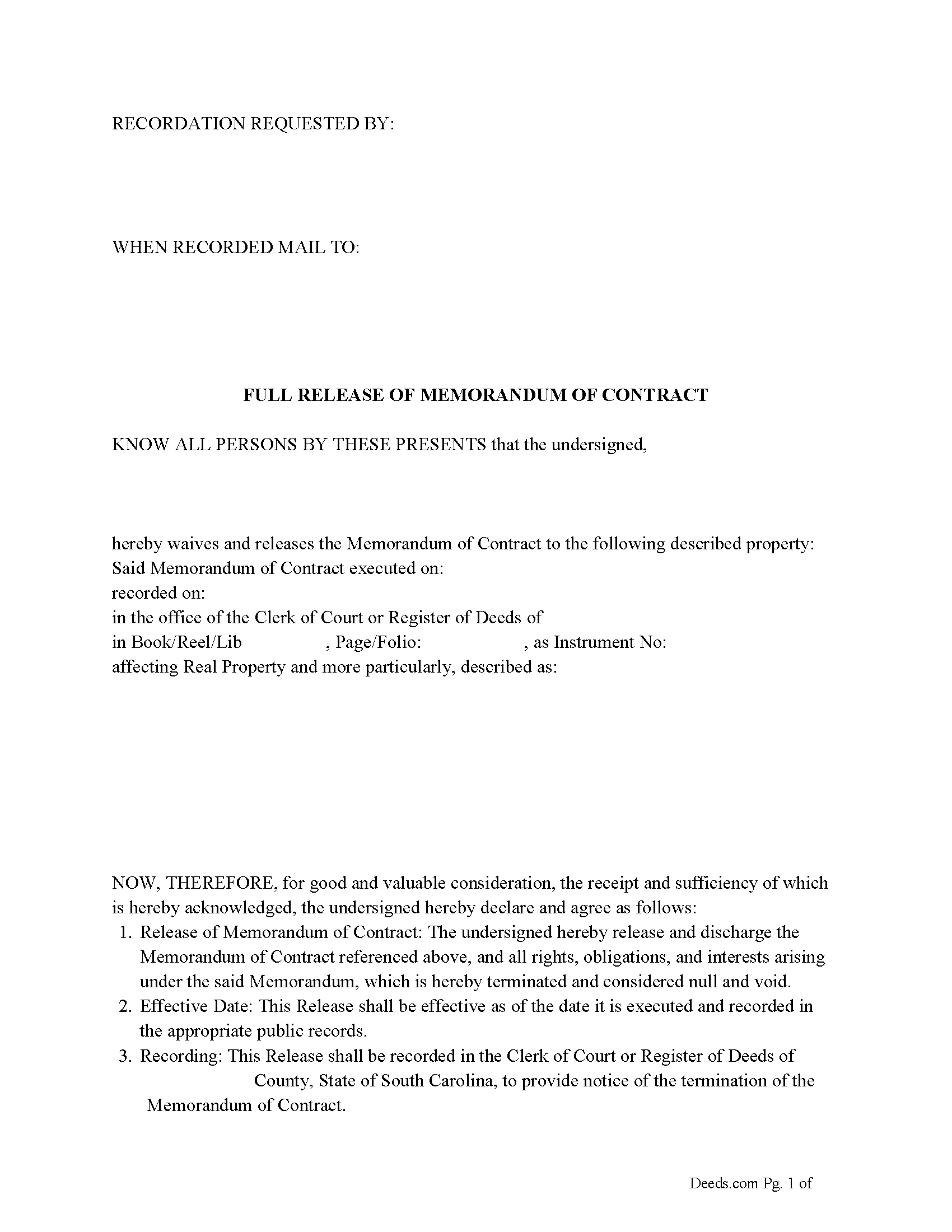
York County Full Release of Memorandum of Contract Form
Fill in the blank Full Release of Memorandum of Contract form formatted to comply with all South Carolina recording and content requirements.
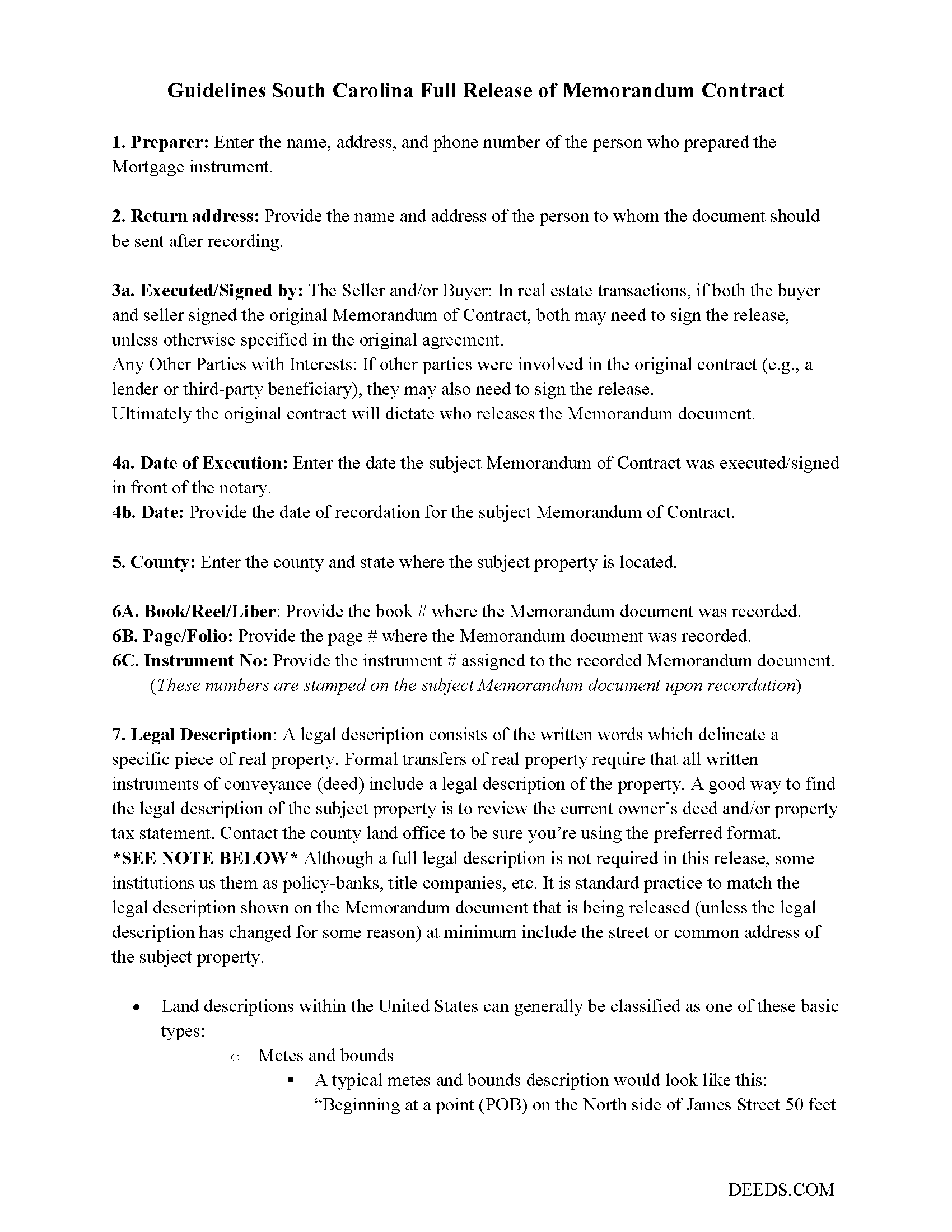
York County Full Release of Memorandum of Contract Guide
Line by line guide explaining every blank on the Full Release of Memorandum of Contract form.
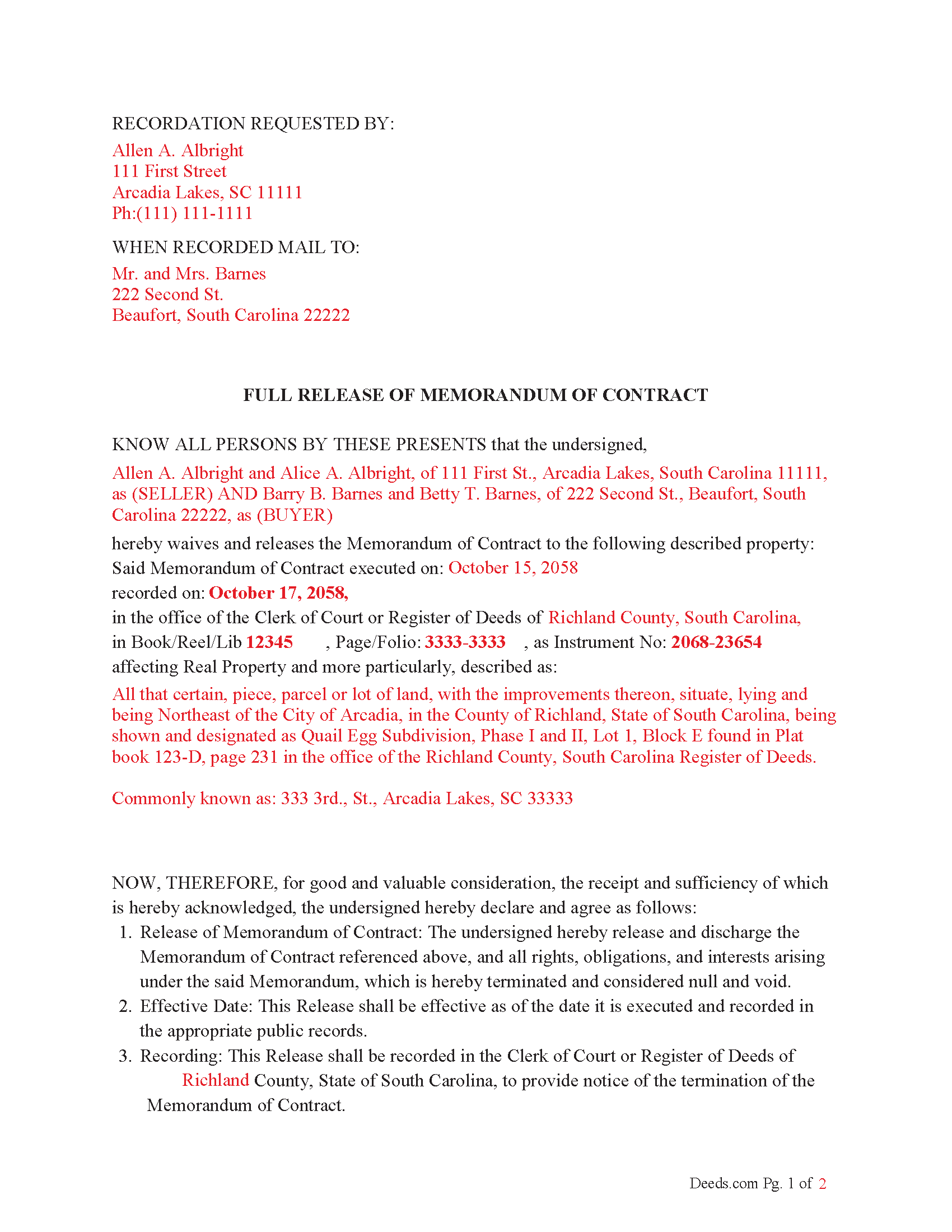
York County Completed Example of the Full Release of Memorandum of Contract Document
Example of a properly completed South Carolina Full Release of Memorandum of Contract document for reference.
All 3 documents above included • One-time purchase • No recurring fees
Immediate Download • Secure Checkout
Additional South Carolina and York County documents included at no extra charge:
Where to Record Your Documents
Clerk of Court / Register of Deeds
York, South Carolina 29745
Hours: 8:00am to 5:00pm Monday through Friday
Phone: (803) 684-8510
Recording Tips for York County:
- Bring your driver's license or state-issued photo ID
- Ensure all signatures are in blue or black ink
- Request a receipt showing your recording numbers
- Ask about accepted payment methods when you call ahead
- Ask for certified copies if you need them for other transactions
Cities and Jurisdictions in York County
Properties in any of these areas use York County forms:
- Bowling Green
- Catawba
- Clover
- Fort Mill
- Hickory Grove
- Mc Connells
- Rock Hill
- Sharon
- Smyrna
- York
Hours, fees, requirements, and more for York County
How do I get my forms?
Forms are available for immediate download after payment. The York County forms will be in your account ready to download to your computer. An account is created for you during checkout if you don't have one. Forms are NOT emailed.
Are these forms guaranteed to be recordable in York County?
Yes. Our form blanks are guaranteed to meet or exceed the applicable formatting requirements used for recording in York County, including margin requirements, font requirements, and other layout standards. This guarantee applies to formatting, not to the legal sufficiency of information entered by the user or the suitability of a form for a particular transaction.
Can I reuse these forms?
Yes. You can reuse the forms for your personal use. For example, if you have multiple properties in York County you only need to order once.
What do I need to use these forms?
The forms are PDFs that you fill out on your computer. The free Adobe Acrobat Reader is recommended, and most PDF apps also work. You do NOT enter your property information online - you download the blank forms and complete them privately on your own computer.
Are there any recurring fees?
No. This is a one-time purchase. Nothing to cancel, no memberships, no recurring fees.
How much does it cost to record in York County?
Recording fees in York County vary. Contact the recorder's office at (803) 684-8510 for current fees.
Questions answered? Let's get started!
In South Carolina, a Memorandum of Contract is a document that provides notice of a real estate agreement, typically a purchase or sale contract, without disclosing all of the contract details. This document is often recorded to protect the interests of the parties involved, particularly the buyer, by giving public notice that a contract exists concerning a specific property. The Release of Memorandum of Contract is a document used to formally end or release the claims of the Memorandum when the contract has been terminated, fulfilled, or no longer applies.
Here are the laws, codes, and statutes that guide why a Release of Memorandum of Contract should be recorded in South Carolina:
1. Notice to Third Parties
South Carolina Code § 30-7-10 (Notice of real estate interests): This statute explains that recording certain documents (such as deeds or contracts) provides notice to third parties regarding property interests. Recording a Memorandum of Contract serves as notice that a binding agreement is in place regarding a particular property.
Once the underlying contract is fulfilled or terminated, a Release of Memorandum of Contract should be recorded to notify third parties that the previously recorded interest is no longer valid. Failure to record such a release could lead to confusion or disputes if third parties believe the contract is still in effect.
2. Cloud on Title
South Carolina Code § 15-67-10 (Quiet Title Actions): If a Memorandum of Contract remains recorded even though the contract is no longer valid, it could create a "cloud on title." This is an issue that could affect the marketability of the property. Recording a Release of Memorandum of Contract helps clear the title and removes any potential encumbrances caused by the existence of the previously recorded document.
3. Good Faith and Fair Dealing
Under common law principles and South Carolina Code Title 36, Chapter 2 (Uniform Commercial Code), parties to a contract are expected to act in good faith. This includes the duty to clear records once the obligations have been fulfilled. Recording a Release of Memorandum of Contract is consistent with this duty, ensuring that no further claims or encumbrances are improperly held against the property.
4. Protection Against Fraud
The act of recording a Release of Memorandum of Contract helps protect all parties, including future purchasers, lenders, or other interested parties, from potential fraud. By formally releasing the memorandum, it prevents a party from falsely asserting ongoing rights or claims to the property. South Carolina law emphasizes the importance of clear, accurate public records to prevent fraudulent claims.
5. Preventing Litigation
Recording a Release of Memorandum of Contract can also prevent future litigation. If the Memorandum is not released, there may be disputes or lawsuits regarding whether the contract is still in effect, especially if a new buyer or lender is involved. Recording the release eliminates ambiguity and the possibility of legal disputes over the status of the contract.
Important: Your property must be located in York County to use these forms. Documents should be recorded at the county recording office listed above.
This Full Release of Memorandum of Contract meets all recording requirements specific to York County.
Our Promise
The documents you receive here are guaranteed to meet or exceed the applicable York County recording format requirements. If there is a rejection caused by our formatting, we will correct the issue or refund your payment. This guarantee applies to document formatting only and does not extend to information entered by the user, the selection of the form, or the legal effect of the completed document.
Save Time and Money
Get your York County Full Release of Memorandum of Contract form done right the first time with Deeds.com Uniform Conveyancing Blanks. At Deeds.com, we understand that your time and money are valuable resources, and we don't want you to face a penalty fee or rejection imposed by a county recorder for submitting nonstandard documents. We constantly review and update our forms to meet rapidly changing state and county recording requirements for roughly 3,500 counties and local jurisdictions.
4.8 out of 5 - ( 4,831 Reviews )
Geraldine B. 5 out of 5 stars
Top notch real estate forms. Easy to use, printed out nice, and the guide and example are priceless. You're not going to find anything better anywhere.
Thank you for the kind words Geraldine! Have an incredible day!
Thomas Z. 5 out of 5 stars
Excellent site! Very informative and easy to navigate. I would highly recommend to anyone requiring documents in a quick and through fashion.
Thank you for your feedback. We really appreciate it. Have a great day!
Barry B. 5 out of 5 stars
Convenient and easy.
Thank you!
Erik J. 5 out of 5 stars
First time using Deeds.com and feel that your platform is clear and easy to use. I was also pleased with the messaging center and follow-up and also surprised at how quickly our particular deed was recorded and available to view. Having said that, when I first investigated Deeds.com the fee was $15 and as of 1/1/21 it has increased to $19 which I feel is pretty steep for the handling of 1 simple document especially when the turnaround was basically the same day. Your fee was nearly the equivalent of the cost of the Clerk's recording fee. Perhaps you should offer a fee schedule for those of us who are not volume recorders. Just a thought.
Thank you!
gary c. 5 out of 5 stars
process was easy and simple to do
Thank you for your feedback. We really appreciate it. Have a great day!
Tyrone L. 5 out of 5 stars
Great time saver fast service
Your satisfaction with our services is of utmost importance to us. Thank you for letting us know how we did!
Erica W. 5 out of 5 stars
Very easy and convenient. I will use this service again!
Thank you!
Connie B. 5 out of 5 stars
Needed to remove a deceased person from my mother's title. I live in another state. Deeds.com made it SO EASY to accomplish. I loved the example forms showing me how to fill out the forms that were provided. It went incredibly well at the County offices (all 3 departments!). Definitely will use Deeds.com again!
We appreciate your business and value your feedback. Thank you. Have a wonderful day!
Lauren W. 4 out of 5 stars
I took a chance and downloaded the Beneficiary Deed form -- would have liked to have been able to see the form before I paid, but I took a chance as everywhere else I looked online wanted me to fill out form online and then pay $30+ for each deed. I'm doing several, so I was glad to be able to just download the blank form that appears to be one I can directly type into on my computer. Yay! Would use your site again if needed. Thanks!
We appreciate your business and value your feedback. Thank you. Have a wonderful day!
Katherin K. 4 out of 5 stars
Helpful, but some of the blanks aren't large enough, particularly when the grantor is an affiant under a small estate affidavit, and that's the reason for $0 consideration.
Thanks, Katherin — we appreciate the helpful feedback. We’re reviewing the blank sizing and ways to better support small estate affidavit situations, including explanations for $0 consideration.
David B. 5 out of 5 stars
fast and easy.
Thank you!
Peter K. 5 out of 5 stars
Site was very easy to use. Lots of information provided...if the deed gets registered without a problem...you'll get a 10! and if it doesn't...I'll let you know!
We appreciate your business and value your feedback. Thank you. Have a wonderful day!
Rick R. 5 out of 5 stars
So far excellent service - I made a boo boo on the deed - no problem they made the change before they sent it off to be recorded. I will never drive to the Recorder's office again.
Thank you!
Bruce L. 5 out of 5 stars
Fantastic. The forms were easy to read and complete. Came with a guide and examples of how it looked completed Thanks!
We appreciate your business and value your feedback. Thank you. Have a wonderful day!
Caroline M. L. 5 out of 5 stars
Hopefully, I am on the correct site to transfer ownership of a time share to my son. I am a senior, and this site is easy to follow if I am on the correct site. : )
Thank you for your feedback. We really appreciate it. Have a great day!