York County Quitclaim Deed Form
Last validated November 10, 2026 by our Forms Development TeamFormatted for recording in York County, for property anywhere in the county: rural and unincorporated areas as well as Bowling Green, Catawba, Clover, Fort Mill, Hickory Grove, Mc Connells, Rock Hill, Sharon and 2 more.
- 3 documents included
- Immediate PDF download
- Formatting guarantee
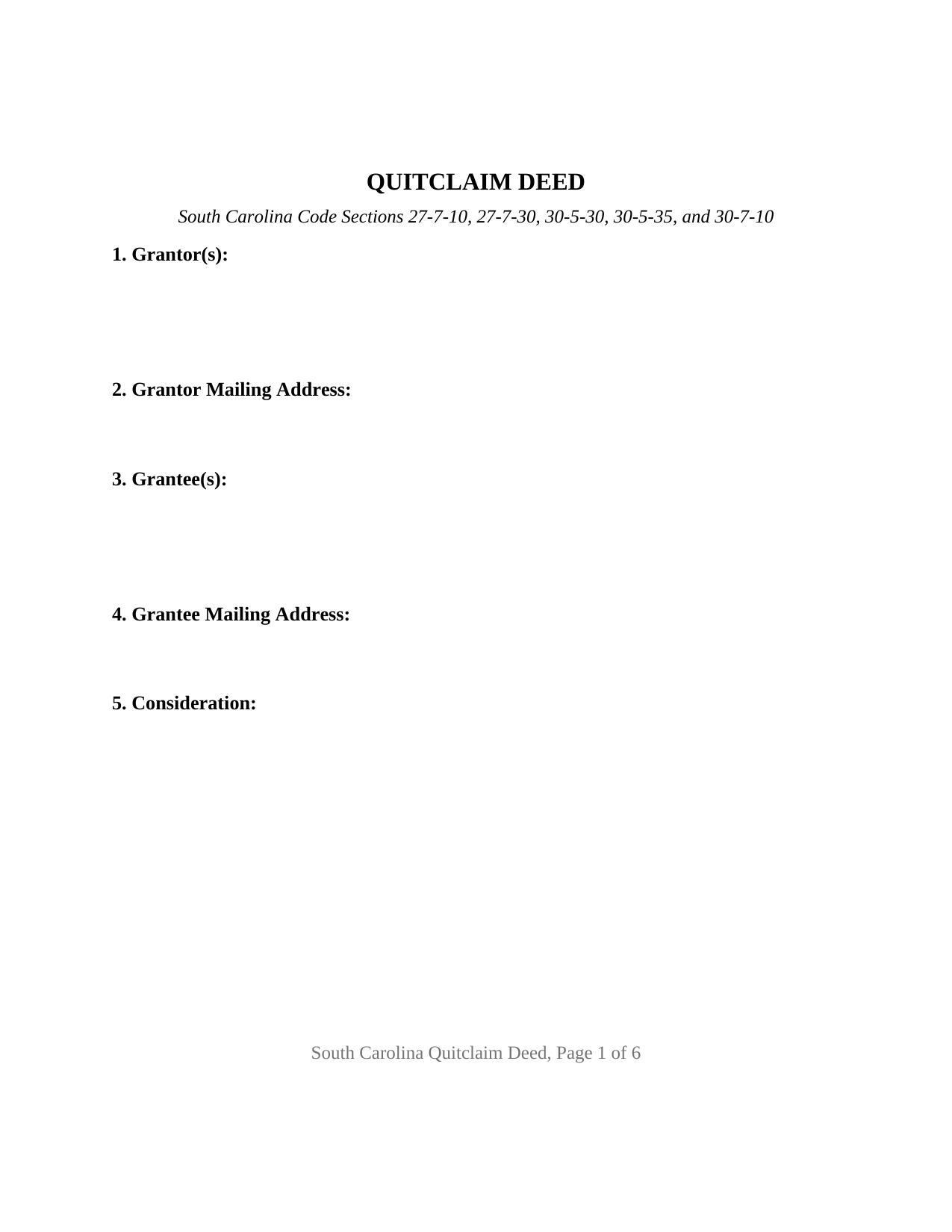
York County Quitclaim Deed Form
Fill in the blank Quitclaim Deed form formatted to comply with all South Carolina recording and content requirements.
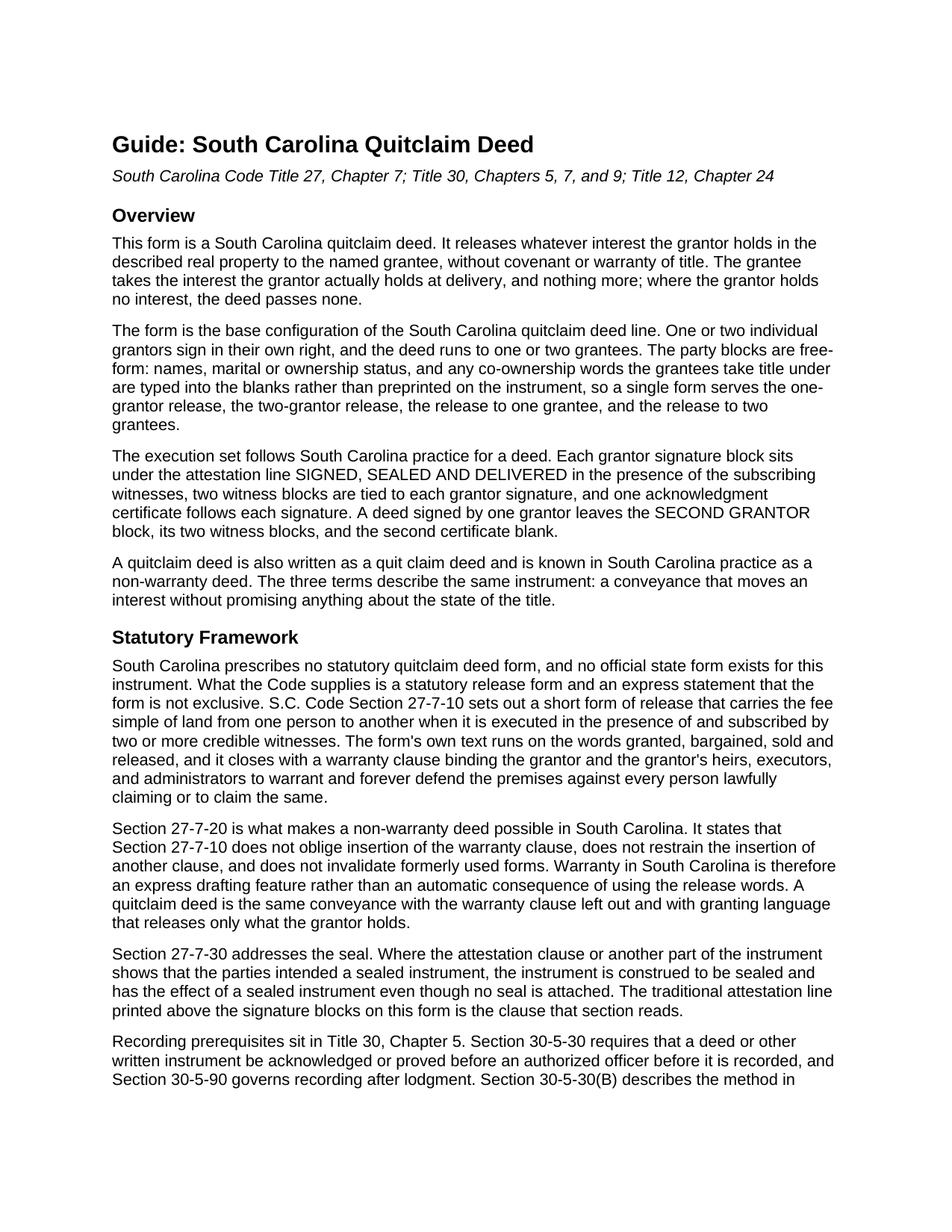
York County Quitclaim Deed Guide
Line by line guide explaining every blank on the Quitclaim Deed form.
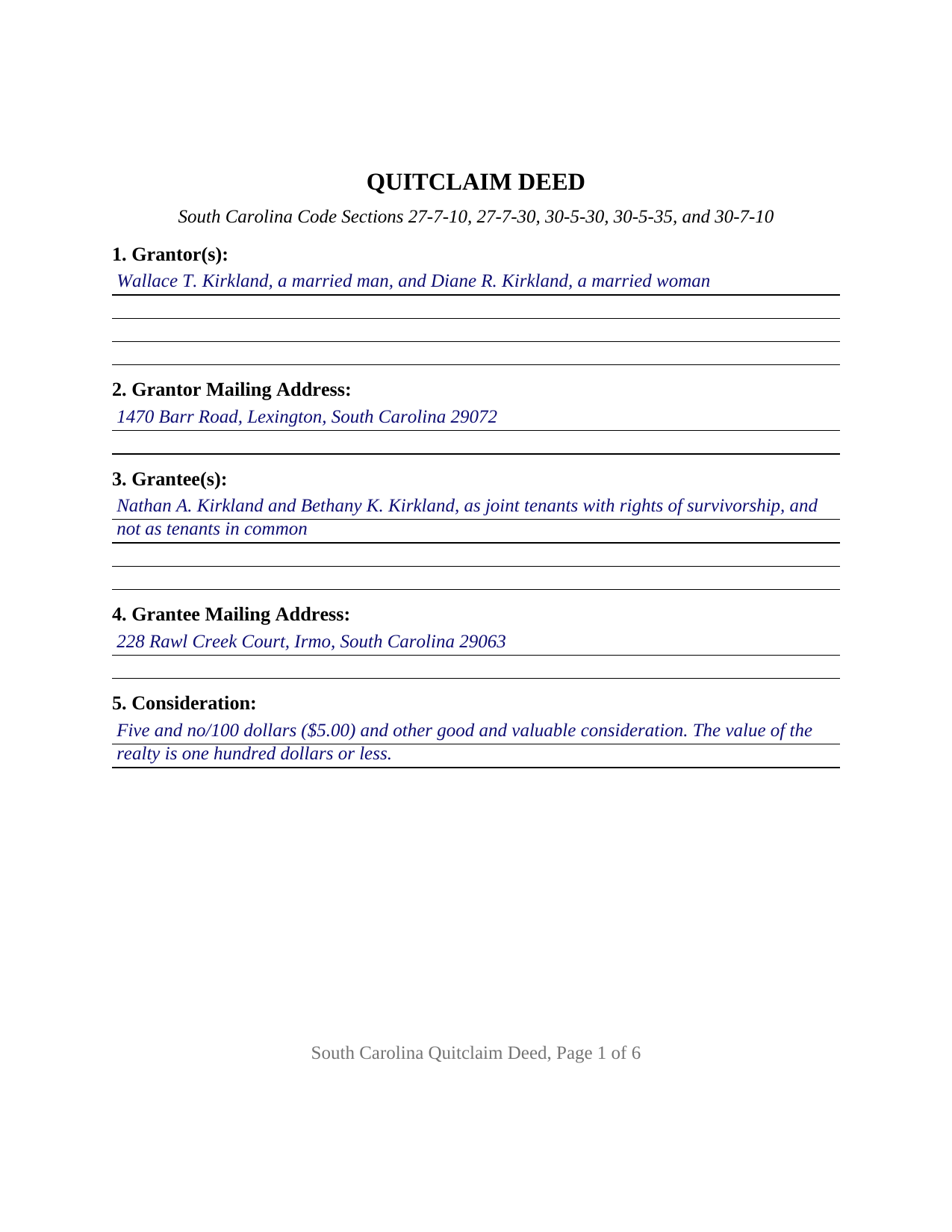
York County Completed Example of the Quitclaim Deed Document
Example of a properly completed South Carolina Quitclaim Deed document for reference.
All 3 documents above included • One-time purchase • No recurring fees
Immediate Download • Secure Checkout
Additional South Carolina and York County documents included at no extra charge:
Where to Record Your Documents
Clerk of Court / Register of Deeds
York, South Carolina 29745
Hours: 8:00am to 5:00pm Monday through Friday
Phone: (803) 684-8510
Recording Tips for York County:
- Bring your driver's license or state-issued photo ID
- Ensure all signatures are in blue or black ink
- Check margin requirements - usually 1-2 inches at top
- Leave recording info boxes blank - the office fills these
- Make copies of your documents before recording - keep originals safe
Cities and Jurisdictions in York County
Properties in any of these areas use York County forms:
- Bowling Green
- Catawba
- Clover
- Fort Mill
- Hickory Grove
- Mc Connells
- Rock Hill
- Sharon
- Smyrna
- York
Hours, fees, requirements, and more for York County
How do I get my forms?
Forms are available for immediate download after payment. The York County forms will be in your account ready to download to your computer. An account is created for you during checkout if you don't have one. Forms are NOT emailed.
Are these forms guaranteed to be recordable in York County?
Yes. Our form blanks are guaranteed to meet or exceed the applicable formatting requirements used for recording in York County, including margin requirements, font requirements, and other layout standards. This guarantee applies to formatting, not to the legal sufficiency of information entered by the user or the suitability of a form for a particular transaction.
Can I reuse these forms?
Yes. You can reuse the forms for your personal use. For example, if you have multiple properties in York County you only need to order once.
What do I need to use these forms?
The forms are PDFs that you fill out on your computer. The free Adobe Acrobat Reader is recommended, and most PDF apps also work. You do NOT enter your property information online - you download the blank forms and complete them privately on your own computer.
Are there any recurring fees?
No. This is a one-time purchase. Nothing to cancel, no memberships, no recurring fees.
How much does it cost to record in York County?
Recording fees in York County vary. Contact the recorder's office at (803) 684-8510 for current fees.
Questions answered? Let's get started!
South Carolina never wrote a quitclaim deed form into its Code. What the Code wrote is a release, and a sentence letting the promise come off it. This fillable quitclaim deed is that instrument for South Carolina real property: one or two individual owners release whatever interest they hold to one or two named grantees, with no covenant or warranty of title anywhere in it.
A warranty the statute makes optional
Section 27-7-10 of the South Carolina Code prints a short form of release that carries the fee simple of land when two or more credible witnesses subscribe it, and the form ends with a warranty clause binding the grantor to defend the premises. Section 27-7-20 is the hinge: the release section neither obliges insertion of that clause nor restrains the insertion of another, and older forms stay good. Warranty here is something a deed says rather than something a conveyance carries by default, so a non-warranty deed is the same release with the clause left out and granting words reaching only what the grantor holds. Section 27-7-30 adds the last piece of the old form. Where the attestation clause shows the parties meant a sealed instrument, the deed takes that effect with no seal attached, which is why SIGNED, SEALED AND DELIVERED stands above the signature lines.
One form, one or two people on each side
The party blocks are deliberately empty of preprinting. Section 1 takes one or two grantor names with the status each states, Section 3 takes one or two grantee names followed by whatever co-ownership words the grantees take under, and no vesting or capacity language is fixed on the instrument. Section 9 performs the release in the traditional words, remising, releasing, and forever quitclaiming the grantor's right, title, and interest, if any, and holding the conveyance to what the grantor owns at delivery. The execution set answers both counts: two signature blocks, four witness blocks paired two to a signature so executions completed on separate days each carry their own attesting witnesses, and one acknowledgment certificate per signer. A sole owner clearing a doubtful interest, and two owners moving a jointly held parcel into one name, present the counts this deed recites. It is not set up as a deed executed for a corporation, a company, or a partnership, as a deed signed in a fiduciary office or by an agent under a power of attorney, or as a release by three or more owners on either side.
Two witnesses and a notary at one table
A South Carolina signing seats more people than most. Section 30-5-30 makes acknowledgment or proof before an authorized officer the prerequisite to recording, and subsection (B) describes the grantor acknowledging in the presence of two witnesses, the pair Section 27-7-10 also wants on the deed itself. Registers of deeds in the largest counties publish that rule among their intake items, and Horry County publishes that the notary may serve as one of the two.
What the counter collects
Fifteen dollars records a deed under the uniform schedule in Section 8-21-310. Deed stamps run under Section 12-24-10 at $1.85 for each $500, or part of $500, of the realty's value, and Section 12-24-40 lifts them from several transfers that arrive on this instrument: a deed whose value is one hundred dollars or less, a transfer recognizing no gain or loss under Internal Revenue Code Section 1041, a partition deed, and a quitclaim confirming title already vested where nothing is paid. The value affidavit Section 12-24-70 calls for is its own recorded document. One requirement reaches past the deed to the envelope: Section 30-9-30 wants a return address on any document submitted for filing and lets the office refuse one that lacks it, which the return block at the end of the form answers.
Also searched as a quit claim deed, and called a non-warranty deed in South Carolina practice, this is the low-assurance workhorse of the land records, and Section 30-5-35 keeps deeds of the class outside the derivation clause while still asking for the grantee's mailing address. Three files come with the purchase: the blank deed as a fillable PDF, a completed Lexington County example filled at two grantors and two grantees, and a plain language guide covering the eleven sections, the ownership forms the grantee line can carry, and the trip to the register. The material is general information about South Carolina law and is not legal advice.
Important: Your property must be located in York County to use these forms. Documents should be recorded at the county recording office listed above.
This Quitclaim Deed meets all recording requirements specific to York County.
Our Promise
The documents you receive here are guaranteed to meet or exceed the applicable York County recording format requirements. If there is a rejection caused by our formatting, we will correct the issue or refund your payment. This guarantee applies to document formatting only and does not extend to information entered by the user, the selection of the form, or the legal effect of the completed document.
Save Time and Money
Get your York County Quitclaim Deed form done right the first time with Deeds.com Uniform Conveyancing Blanks. At Deeds.com, we understand that your time and money are valuable resources, and we don't want you to face a penalty fee or rejection imposed by a county recorder for submitting nonstandard documents. We constantly review and update our forms to meet rapidly changing state and county recording requirements for roughly 3,500 counties and local jurisdictions.
4.8 out of 5 - ( 4,864 Reviews )
Arthur S. 5 out of 5 stars
It is great and fast you get 5 stars from me
We appreciate your business and value your feedback. Thank you. Have a wonderful day!
Erica W. 5 out of 5 stars
Very easy and convenient. I will use this service again!
Thank you!
ANTHONY W. 5 out of 5 stars
It's been extremely easy to communicate across this platform.
Thank you!
Tracey M. 5 out of 5 stars
Using Deeds.com was unbelievably quick and easy to file a deed restriction with our local county office. From uploading the initial file to deeds.com, to having a fully recorded document was right on one hour - and all from the comfort of my home. I found your service was easy to use and your staff were very quick in responding to my filing. I will definitely use and recommend deeds.com in the future.
Thank you for your feedback. We really appreciate it. Have a great day!
Thomas D. 2 out of 5 stars
The documents themselves are fine and the information provided with them is helpful. I find the actual processing of the documents, however, to be difficult particularly once the document has been saved. First, I note that the box for the date only allows entry of the last 2 digits of the year. Unfortunately, my download only allows me to enter one of the 2 digits required. When I delete it repeatedly, it eventually allows both digits to be entered but puts them in extremely small text and in superscrypt. I have not found a solution to this problem and am not sure the deed can even be recorded with this problem. Another problem is that if you try to revise the document after you have saved it the curser goes to the end of the line after each key entry. This means that there basically is no way to efficiently save the document for reworking later since you will have to delete everything you have entered in the text box unless you only need to make a single keystroke change or are willing to replace the curser after each entry. Try that with a long property description! Please note that I am using a Mac to prepare my documents and perhaps this is part of an "incompatibility problem". However, I didn't see a disclaimer regarding Mac use and so would expect the documents to perform correctly. Overall, I give the program a "2 star" rating because I am experiencing significant difficulties in entering dates in the documents even before saving them and because saving your work for later revision appears to be basically unworkable.
Thank you for your feedback Thomas, we appreciate you being specific about the issues you encountered. Adobe and Mac have a fairly long history of issues working together.
Sheila P. 5 out of 5 stars
My first time using Deeds.com. Loved the process. It was quick, easy and Deeds.com provided timely responses. Definitely appreciate not having to make a trip to the recorder of deeds.
Thank you for your feedback. We really appreciate it. Have a great day!
Hugh B R. 5 out of 5 stars
Very user friendly and fast. Pleasure using this site.
Thank you for your feedback. We really appreciate it. Have a great day!
Mary C. 5 out of 5 stars
The fillable form was usable but awkward as most of these forms are. The example and guide were both helpful. I'm satisfied with what I received.
Great to hear — thank you for taking the time to write a review.
Steven H. 5 out of 5 stars
Great Product!!! Used the more commonly known websites before, but never again. It was easy, great examples to follow so that I was sure and confident that I completed the document correctly. Thank You!
Thank you for your feedback. We really appreciate it. Have a great day!
Arthur L. 5 out of 5 stars
The directions were clear, I typed the deed out and it was successfully recorded and mailed back to me in less than a week.
Thank you for your feedback. We really appreciate it. Have a great day!
JAY R. 5 out of 5 stars
Easy to use service to download all needed forms
Your feedback is valuable to us and helps us improve. Thank you for sharing your thoughts!
Ginger L. 5 out of 5 stars
Excellent full set of documents with example and guidelines on how to do it ourselves without paying a lawyer. Or, we save legal fees by completing it ourselves and having a lawyer review it. Love that I can save the pdf and fill it out whenever I want. Thank you for having this available!
We appreciate your business and value your feedback. Thank you. Have a wonderful day!
Jorge O. 5 out of 5 stars
Everything work excellent. Don't think any update is needed at this time. Thank you
Thank you!
Ronene T. 5 out of 5 stars
I cannot believe how fast your service is! Thank you!
Thank you!
Colleen N. 5 out of 5 stars
The instruction were very clear and the sample was also very helpful.
Thank you!