Beaufort County Quitclaim Deed (Divorce) Form
Last validated October 22, 2026 by our Forms Development TeamFormatted for recording in Beaufort County, for property anywhere in the county: rural and unincorporated areas as well as Beaufort, Bluffton, Dale, Daufuskie Island, Hilton Head Island, Ladys Island, Lobeco, Okatie and 4 more.
- 3 documents included
- Immediate PDF download
- Formatting guarantee
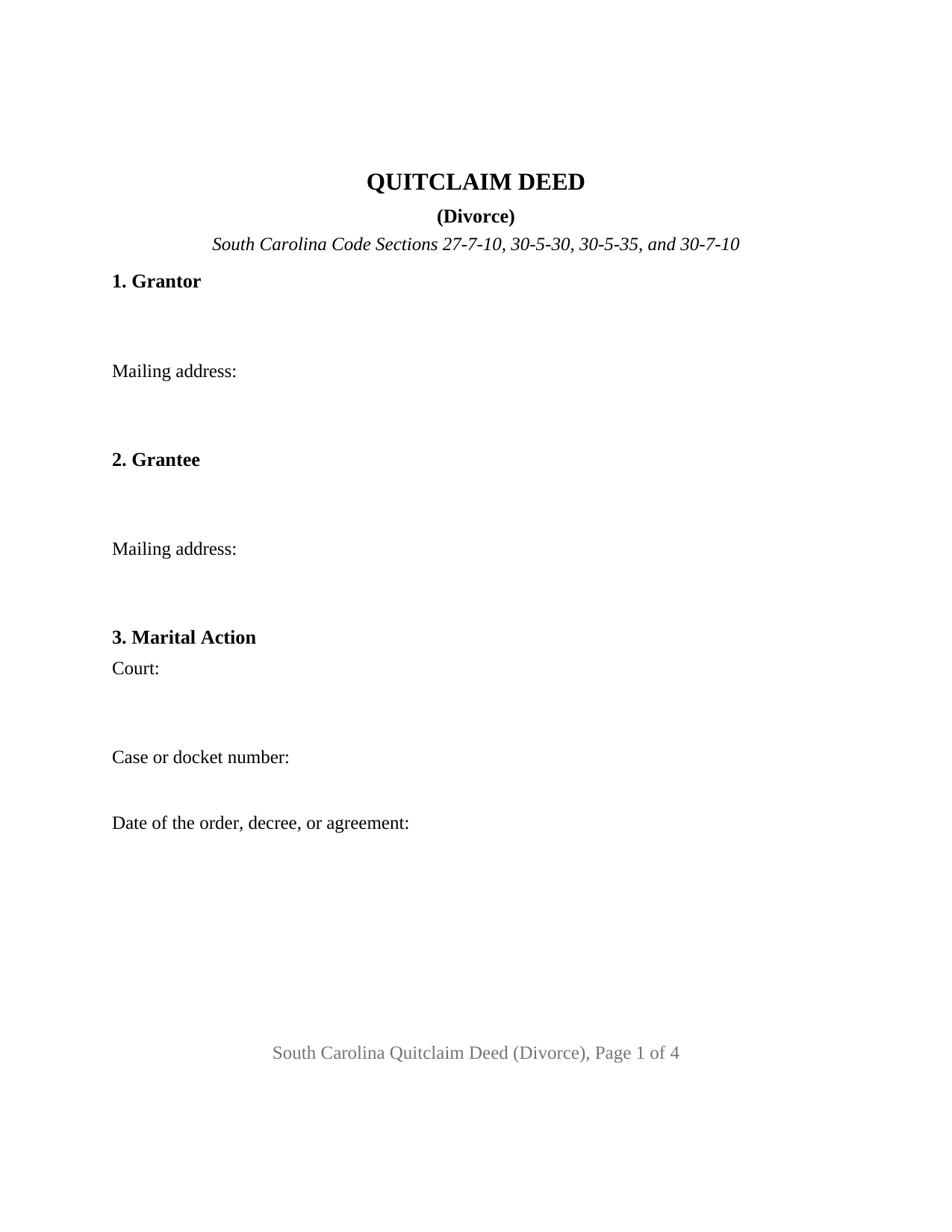
Beaufort County Quitclaim Deed (Divorce) Form
Fill in the blank Quitclaim Deed (Divorce) form formatted to comply with all South Carolina recording and content requirements.
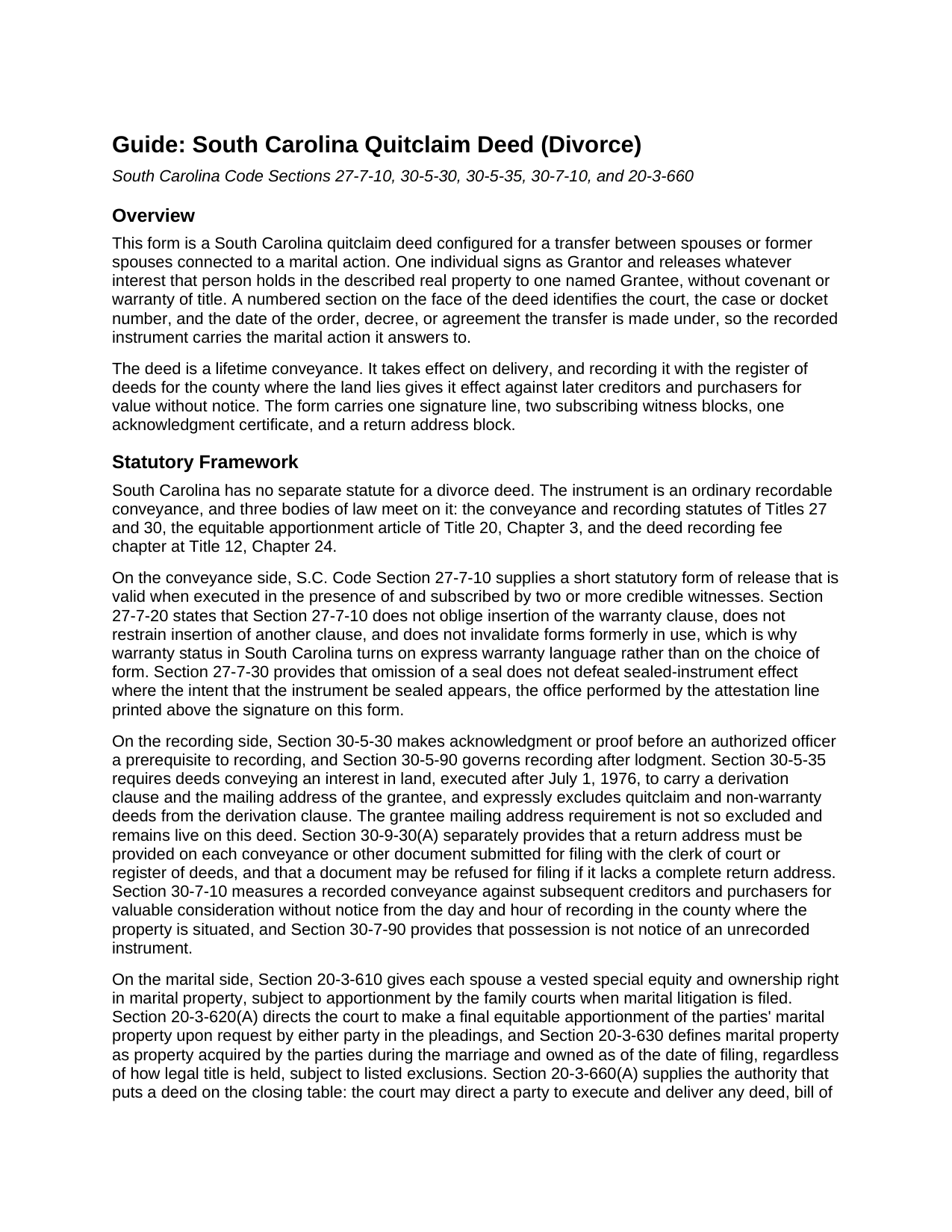
Beaufort County Quitclaim Deed (Divorce) Guide
Line by line guide explaining every blank on the Quitclaim Deed (Divorce) form.
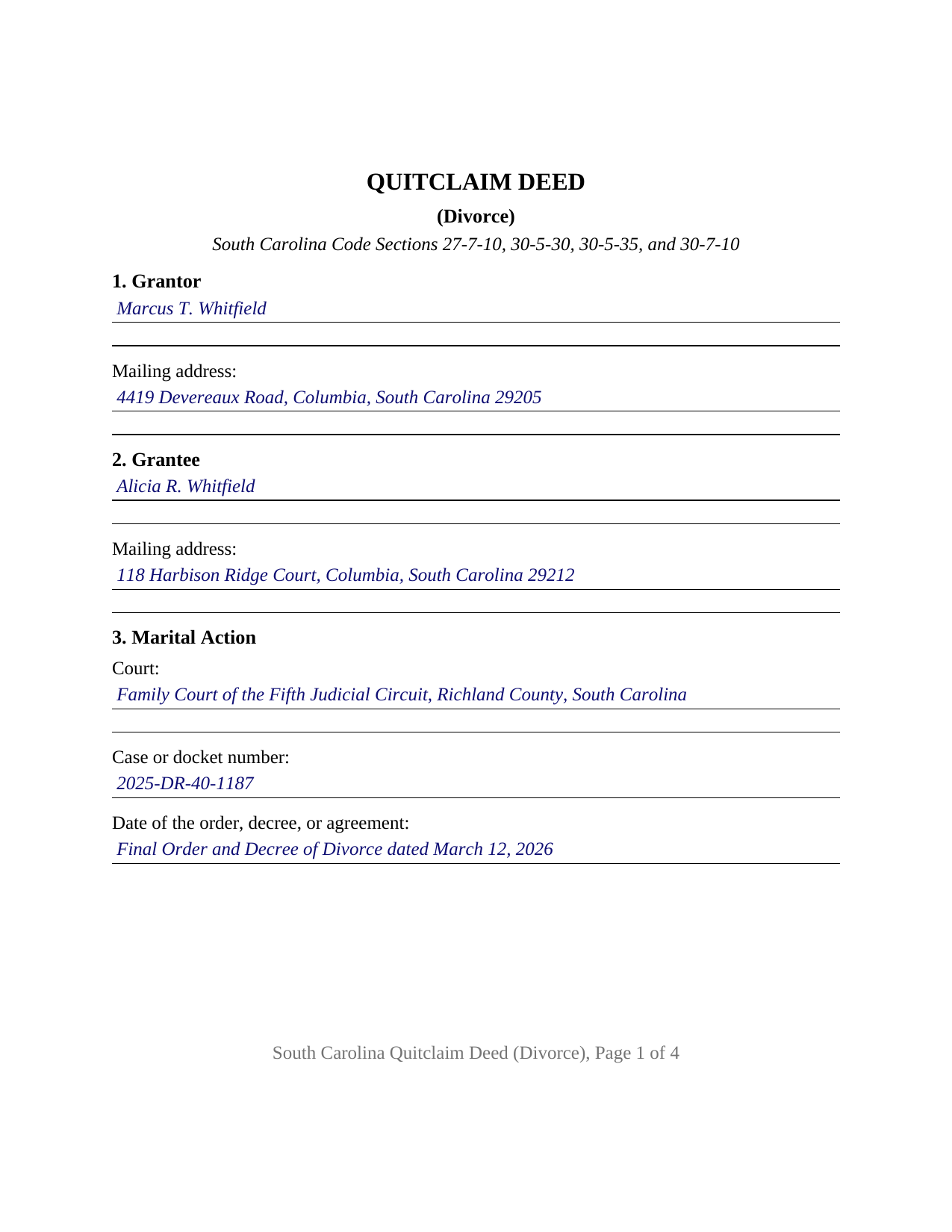
Beaufort County Completed Example of the Quitclaim Deed (Divorce) Document
Example of a properly completed South Carolina Quitclaim Deed (Divorce) document for reference.
All 3 documents above included • One-time purchase • No recurring fees
Immediate Download • Secure Checkout
Additional South Carolina and Beaufort County documents included at no extra charge:
Where to Record Your Documents
Beaufort County Register of Deeds
Beaufort, South Carolina 29901
Hours: 8:00am to 5:00pm Monday through Friday
Phone: (843) 255-2555
Recording Tips for Beaufort County:
- Bring your driver's license or state-issued photo ID
- Ensure all signatures are in blue or black ink
- Ask if they accept credit cards - many offices are cash/check only
- Check that your notary's commission hasn't expired
- Documents must be on 8.5 x 11 inch white paper
Cities and Jurisdictions in Beaufort County
Properties in any of these areas use Beaufort County forms:
- Beaufort
- Bluffton
- Dale
- Daufuskie Island
- Hilton Head Island
- Ladys Island
- Lobeco
- Okatie
- Port Royal
- Saint Helena Island
- Seabrook
- Sheldon
Hours, fees, requirements, and more for Beaufort County
How do I get my forms?
Forms are available for immediate download after payment. The Beaufort County forms will be in your account ready to download to your computer. An account is created for you during checkout if you don't have one. Forms are NOT emailed.
Are these forms guaranteed to be recordable in Beaufort County?
Yes. Our form blanks are guaranteed to meet or exceed the applicable formatting requirements used for recording in Beaufort County, including margin requirements, font requirements, and other layout standards. This guarantee applies to formatting, not to the legal sufficiency of information entered by the user or the suitability of a form for a particular transaction.
Can I reuse these forms?
Yes. You can reuse the forms for your personal use. For example, if you have multiple properties in Beaufort County you only need to order once.
What do I need to use these forms?
The forms are PDFs that you fill out on your computer. The free Adobe Acrobat Reader is recommended, and most PDF apps also work. You do NOT enter your property information online - you download the blank forms and complete them privately on your own computer.
Are there any recurring fees?
No. This is a one-time purchase. Nothing to cancel, no memberships, no recurring fees.
How much does it cost to record in Beaufort County?
Recording fees in Beaufort County vary. Contact the recorder's office at (843) 255-2555 for current fees.
Questions answered? Let's get started!
A South Carolina family court can order this deed into existence. Section 20-3-660(A) of the South Carolina Code lets the court direct a party to execute and deliver any deed necessary to carry out its order of equitable apportionment, and where that party does not comply, the court may direct the clerk of court of the county holding the property to sign instead, with the same effect. This quitclaim deed answers such a direction: one spouse or former spouse releases whatever interest that person holds in South Carolina real property to the other, and names the court, the case number, and the order it is delivered under.
What the decree already did, and what it left undone
A South Carolina divorce reaches the title before any deed does. Section 27-7-40(a)(vii) severs a joint tenancy in real estate held by a husband and wife with no other joint tenants upon the filing of an order or decree dissolving their marriage, vesting the interest in both parties as tenants in common unless a court of competent jurisdiction orders otherwise. Section 62-2-507 works the same severance from the probate side, and under subsection (d) it does not reach a third party who paid value in good faith reliance on apparent survivorship title unless a writing declaring it has been recorded. What no decree changes is the names in the county index.
The divorce configuration
Sections 1 and 2 name the releasing party and the receiving party, each with a mailing address, the grantee's being the one Section 30-5-35 requires. Section 3 is the section this variant exists for: three blanks holding the court, the case or docket number, and the date of the order, decree, or agreement, so a later reader finds the proceeding the deed answers to without leaving the land records. Section 8 releases and then bounds itself, reciting that the released interest reaches any right, claim, or vested special equity arising by reason of the marriage or under Sections 20-3-610 through 20-3-630, with any survivorship right the grantor holds alongside the grantee, and stating that the deed neither amends the order identified in Section 3 nor releases the grantor from a note or mortgage on the land. Section 9 carries the attestation line, one signature, and two witness blocks, with one acknowledgment certificate. A former spouse clearing off the record so the parcel reads in the name of the party awarded it, and a departing owner signing on the day the other refinances under a settlement agreement, present the pattern this deed recites. The form recites one grantor and one grantee once married to each other; two record owners releasing together, an entity, and a fiduciary each follow a different pattern.
Deed stamps and the calendar
Deed stamps run under Section 12-24-10 at $1.85 for each $500 of the realty's value, beside the flat $15 Section 8-21-310 charges to record any deed. Paragraph (4) of Section 12-24-40 exempts a deed transferring realty in which no gain or loss is recognized by reason of Section 1041 of the Internal Revenue Code, and the federal timing rule is what makes the date in Section 3 matter: Section 1041(c) reaches a transfer occurring within one year after the marriage ceases or related to its cessation, and the temporary regulation presumes a transfer made under a divorce or separation instrument within six years to be so related. Paragraph (1) separately exempts a deed whose value is one hundred dollars or less, and the affidavit Section 12-24-70 calls for carries the exemption reason instead of an amount.
Two residences, one four percent ratio
The property tax side follows the household, not the deed. Section 12-43-220(c)(2)(iii) stops treating an owner-occupant's spouse as a household member once that spouse has filed for separate support and maintenance, lives in a different residence, and no longer cohabitates, and subitem (x) makes that applicant recertify each year until a divorce is granted.
Also written as a quit claim deed, and called a non-warranty deed in South Carolina practice, this instrument promises nothing about title, which is why the derivation clause of Section 30-5-35 passes it by while the grantee address requirement stays live. Section 30-9-30 asks for a return address on anything handed to the register of deeds. Three files come with the purchase: the blank fillable deed, a completed Richland County example, and a plain language guide covering the nine sections, the signing, and recording. These materials describe South Carolina law in general terms and are not legal advice.
Important: Your property must be located in Beaufort County to use these forms. Documents should be recorded at the county recording office listed above.
This Quitclaim Deed (Divorce) meets all recording requirements specific to Beaufort County.
Our Promise
The documents you receive here are guaranteed to meet or exceed the applicable Beaufort County recording format requirements. If there is a rejection caused by our formatting, we will correct the issue or refund your payment. This guarantee applies to document formatting only and does not extend to information entered by the user, the selection of the form, or the legal effect of the completed document.
Save Time and Money
Get your Beaufort County Quitclaim Deed (Divorce) form done right the first time with Deeds.com Uniform Conveyancing Blanks. At Deeds.com, we understand that your time and money are valuable resources, and we don't want you to face a penalty fee or rejection imposed by a county recorder for submitting nonstandard documents. We constantly review and update our forms to meet rapidly changing state and county recording requirements for roughly 3,500 counties and local jurisdictions.
4.8 out of 5 - ( 4,844 Reviews )
Alice M. 5 out of 5 stars
So far, it's been a very seamless experience! Easy way to get documents recorded. Worth the money
Your feedback is appreciated. Thank you for letting us know how we did.
Scott P. 5 out of 5 stars
The site was easy to use and find what I needed. The purchase and download were very easy.
Thank you!
Carol T. 5 out of 5 stars
Very east process. Good job!
Thank you for your feedback. We really appreciate it. Have a great day!
Robert O. 5 out of 5 stars
A very easy site to use and got the documents that I needed without any problems. Would highly recommend this site.
Thank you Robert, Have a great day!
Christine A. 5 out of 5 stars
So far do good. Don't understand the billing procedure yet and have just sent a request for information. Awaiting reply. Thank you, Christine Alvarez
Thanks for the feedback. Looks like your E-recording invoice is available. It takes a few minutes for our staff to prepare documents for recording and generate the invoice.
Daniel L. 5 out of 5 stars
so far appears to meet my needs!
Thank you for your feedback. We really appreciate it. Have a great day!
Timothy B. 3 out of 5 stars
Excellent sample deed, very helpful. Unfortunately, the fill-able template only allowed for one BENEFICIARY.
Thank you for your feedback. We really appreciate it. Have a great day!
JAN F. 5 out of 5 stars
One day start to finish and so easy to complete.
Happy we could assist. Thank you for sharing your experience.
Bernice L. 5 out of 5 stars
Finally able to print out the forms after a few tries. Honestly, I think it could have been designed a little better. I am almost 80; however, very computer savvy, but finally managed to get what I needed.
Thank you for your feedback. We really appreciate it. Have a great day!
David P. 5 out of 5 stars
Thank you. I was just looking but still think it is a great website. Used it a couple of years ago for a deed. Thank you.
Thank you for your feedback. We really appreciate it. Have a great day!
Agnes I H. 5 out of 5 stars
Good knowing the price right up front...and not a FREE one you pay at the end....
We appreciate your business and value your feedback. Thank you. Have a wonderful day!
Linda P. 5 out of 5 stars
Very informative. It was very helpful.
Thank you!
Jeffrey S. 5 out of 5 stars
Web site was clear to understand and easy to use. Found what I needed quickly and crossed it off my to do list. Thanks, JS
We are grateful for your feedback and looking forward to serving you again. Thank you!
SHARON R. 5 out of 5 stars
Excellent Service! Please note that form Realty Transfer Tax Statement of Value does not print completely. Part of the pages are cut off. Otherwise, excellent service.
Thank you for your feedback. We really appreciate it. Have a great day!
Randall S. 5 out of 5 stars
I have had great success with this so far. The site had the correct forms and I was able complete the documents. It seems like a great resource!
Thank you for your feedback. We really appreciate it. Have a great day!