Orangeburg County Quitclaim Deed (Interspousal) Form
Last validated October 7, 2026 by our Forms Development TeamFormatted for recording in Orangeburg County, for property anywhere in the county: rural and unincorporated areas as well as Bowman, Branchville, Cope, Cordova, Elloree, Eutawville, Holly Hill, Neeses and 7 more.
- 3 documents included
- Immediate PDF download
- Formatting guarantee
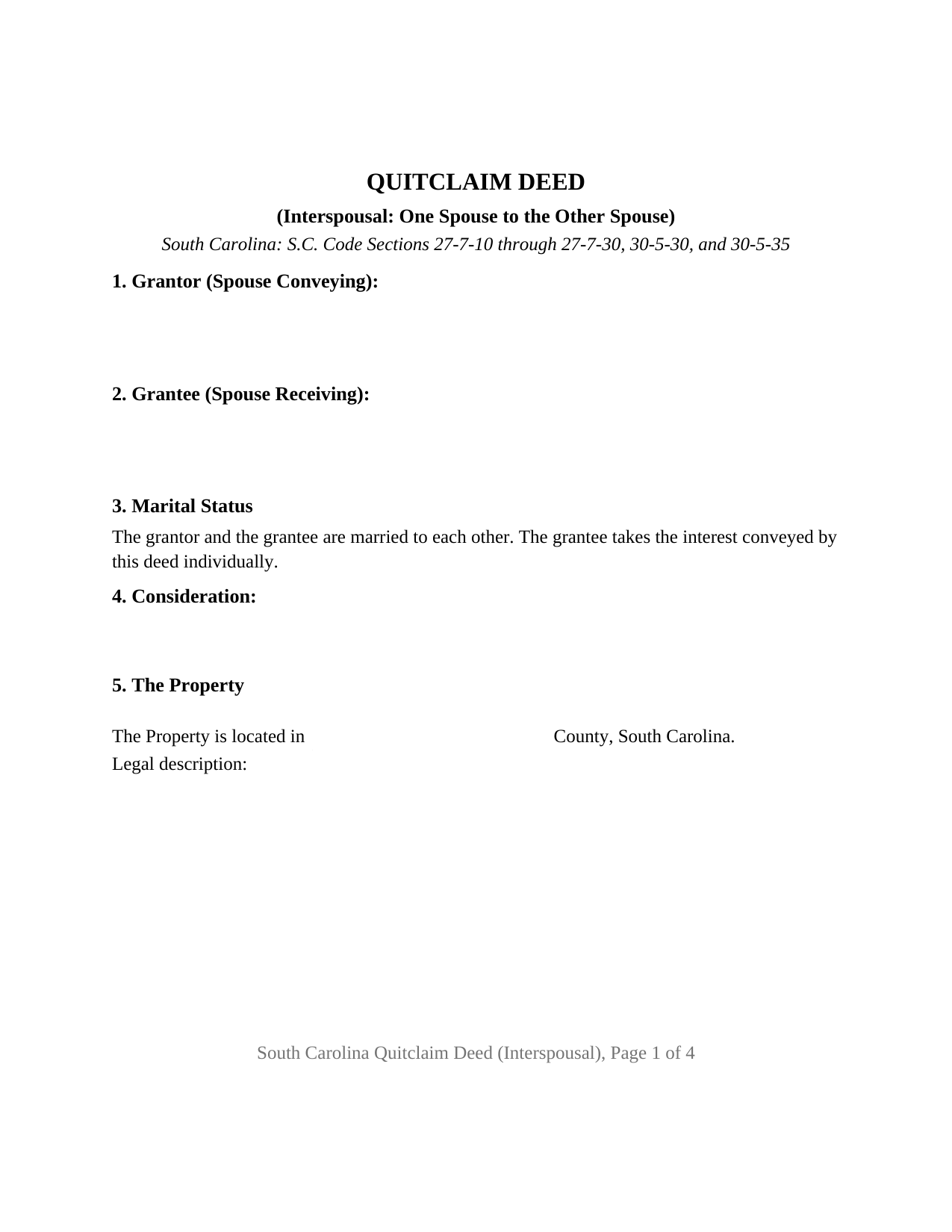
Orangeburg County Quitclaim Deed (Interspousal) Form
Fill in the blank Quitclaim Deed (Interspousal) form formatted to comply with all South Carolina recording and content requirements.
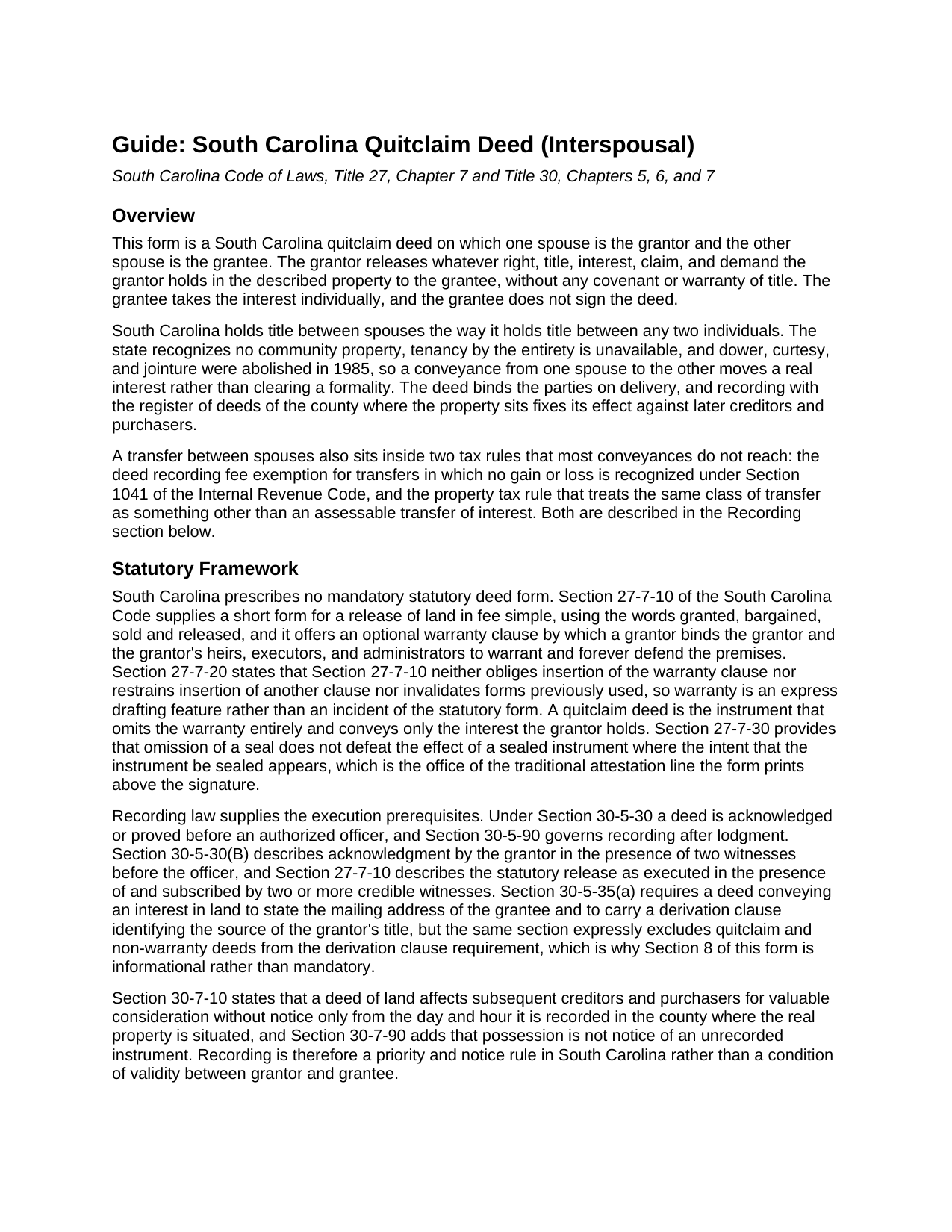
Orangeburg County Quitclaim Deed (Interspousal) Guide
Line by line guide explaining every blank on the Quitclaim Deed (Interspousal) form.
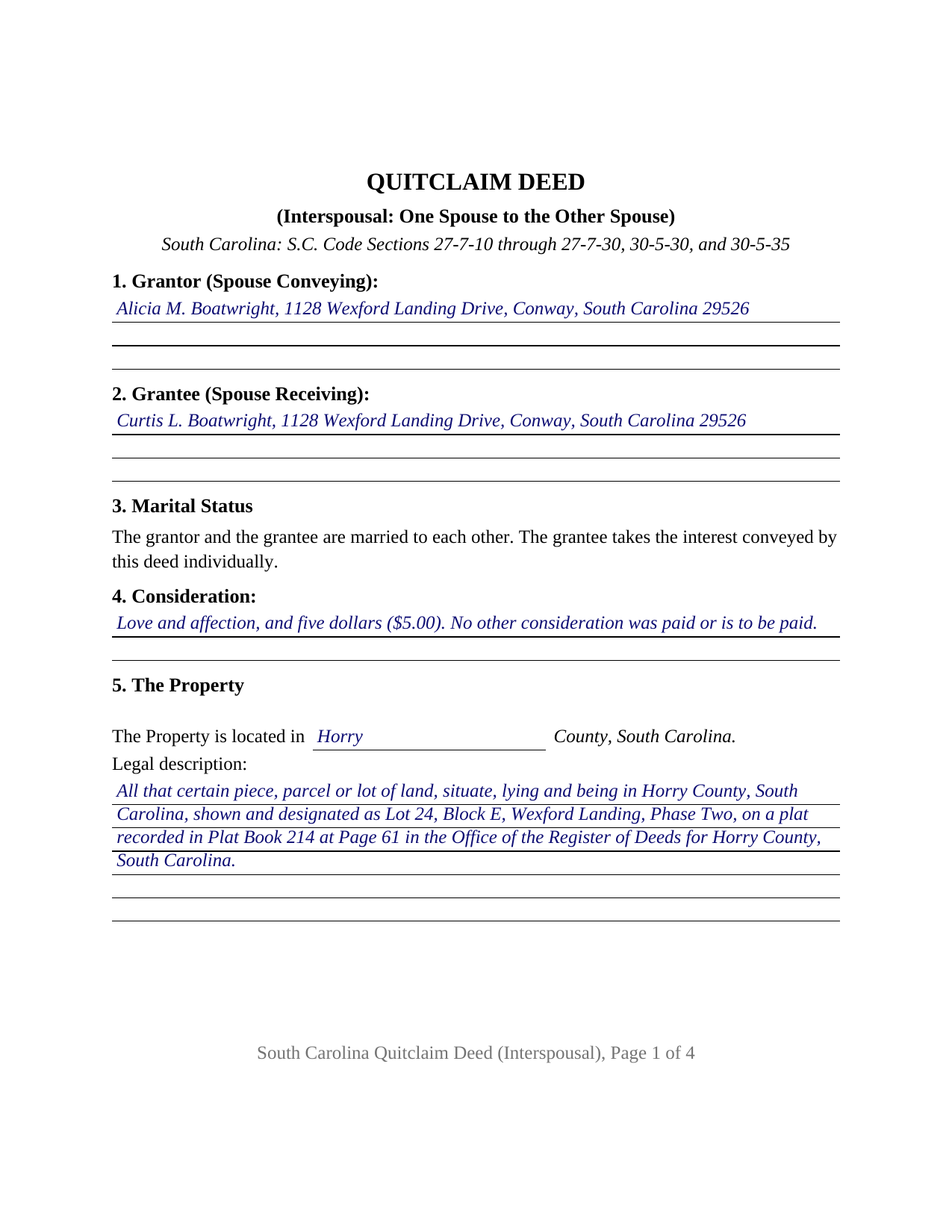
Orangeburg County Completed Example of the Quitclaim Deed (Interspousal) Document
Example of a properly completed South Carolina Quitclaim Deed (Interspousal) document for reference.
All 3 documents above included • One-time purchase • No recurring fees
Immediate Download • Secure Checkout
Additional South Carolina and Orangeburg County documents included at no extra charge:
Where to Record Your Documents
Orangeburg County Register of Deeds
Orangeburg, South Carolina 29116
Hours: 8:30 to 5:00 M-F
Phone: (803) 533-6237 & 533-2354
Recording Tips for Orangeburg County:
- Bring your driver's license or state-issued photo ID
- Ensure all signatures are in blue or black ink
- Request a receipt showing your recording numbers
- Ask about accepted payment methods when you call ahead
- Ask for certified copies if you need them for other transactions
Cities and Jurisdictions in Orangeburg County
Properties in any of these areas use Orangeburg County forms:
- Bowman
- Branchville
- Cope
- Cordova
- Elloree
- Eutawville
- Holly Hill
- Neeses
- North
- Norway
- Orangeburg
- Rowesville
- Santee
- Springfield
- Vance
Hours, fees, requirements, and more for Orangeburg County
How do I get my forms?
Forms are available for immediate download after payment. The Orangeburg County forms will be in your account ready to download to your computer. An account is created for you during checkout if you don't have one. Forms are NOT emailed.
Are these forms guaranteed to be recordable in Orangeburg County?
Yes. Our form blanks are guaranteed to meet or exceed the applicable formatting requirements used for recording in Orangeburg County, including margin requirements, font requirements, and other layout standards. This guarantee applies to formatting, not to the legal sufficiency of information entered by the user or the suitability of a form for a particular transaction.
Can I reuse these forms?
Yes. You can reuse the forms for your personal use. For example, if you have multiple properties in Orangeburg County you only need to order once.
What do I need to use these forms?
The forms are PDFs that you fill out on your computer. The free Adobe Acrobat Reader is recommended, and most PDF apps also work. You do NOT enter your property information online - you download the blank forms and complete them privately on your own computer.
Are there any recurring fees?
No. This is a one-time purchase. Nothing to cancel, no memberships, no recurring fees.
How much does it cost to record in Orangeburg County?
Recording fees in Orangeburg County vary. Contact the recorder's office at (803) 533-6237 & 533-2354 for current fees.
Questions answered? Let's get started!
On this South Carolina quitclaim deed both parties stand inside the same marriage: one spouse signs as grantor, the other spouse is named as grantee, and whatever interest the signing spouse holds travels from one to the other. The form carries one grantor signature line, two witness blocks, and a single acknowledgment certificate, and it names the receiving spouse as the only grantee, with the mailing address Section 30-5-35 of the South Carolina Code requires.
Two owners who happen to be married
South Carolina gives spouses no shared estate to sit in. There is no community property here, tenancy by the entirety is unavailable under Section 27-7-40(c) and the case law reciting Davis v. Davis, and the old marital estates of dower, curtesy, and jointure ended by statute in 1985. Married people own South Carolina land the way any two people do, each holding a distinct interest. A spouse to spouse deed is therefore a working conveyance and not a formality: the interest moves, and survivorship between the two comes from words in a deed rather than from the marriage.
The interspousal configuration
Section 1 names the spouse conveying, Section 2 the spouse receiving, and Section 3 states that the two named parties are married to each other and that the grantee takes individually. Section 9 performs the conveyance in the traditional words, remising, releasing, and forever quitclaiming all right, title, interest, claim, and demand the grantor has in the property, with no covenant or warranty of title. Section 10 carries a signature line with printed name and date, two witness blocks answering the two witness practice South Carolina statutes and county register of deeds offices describe for deeds, and one certificate, because the deed recites one signer; the grantee signs nothing, taking without signing. Spouses who took title together and are moving the whole parcel into one name, and a spouse releasing whatever interest that spouse may hold in land recorded in the other spouse's name alone so the record shows a single owner, present the patterns this deed recites. The form recites exactly one grantor and one grantee married to each other; a release by two record owners, a release running to someone outside the marriage, and a conveyance by an entity or a trustee each follow a signing pattern different from the one printed here.
Deed stamps usually step aside
South Carolina charges a deed recording fee, the charge counties call deed stamps, of one dollar and eighty five cents per five hundred dollars of the realty's value under Section 12-24-10, with the grantor primarily liable. Two exemptions in Section 12-24-40 catch most transfers between spouses: paragraph (1), for a deed whose value is one hundred dollars or less, and paragraph (4), for a deed in which no gain or loss is recognized by reason of Section 1041 of the Internal Revenue Code, the federal provision reaching a transfer to a spouse and a transfer to a former spouse incident to the divorce. The affidavit of value that Section 12-24-70 calls for then states the exemption reason in place of an amount; that affidavit is prepared and recorded with the deed as its own document and is not included in this package.
The reassessment question
The same provision does a second job on the property tax side. Section 12-37-3150 defines the assessable transfer of interest, the event that subjects a parcel to reappraisal, and subsection (B)(1) excludes transfers not subject to federal income tax in listed circumstances, naming Section 1041 transfers between spouses or incident to divorce among them. Subsection (B)(15) separately excludes a transfer of a fractional interest between family members, a class that includes a spouse, for zero or de minimis consideration where both parties owned an interest before the transfer.
What reaches the record
Recording any deed costs fifteen dollars under Section 8-21-310, and Section 30-7-10 gives the recorded deed effect against later creditors and purchasers for value without notice from the day and hour it reaches the record. A quit claim deed also sits outside the derivation clause Section 30-5-35 asks of warranty deeds, so the prior instrument reference on this form is informational.
The download is the blank interspousal quitclaim deed as a fillable PDF, a completed example filled in on a Horry County fact pattern, and a plain language guide covering every numbered section, the witness and notary mechanics, the ownership forms South Carolina recognizes, and recording. These materials describe South Carolina law in general terms and are not legal advice.
Important: Your property must be located in Orangeburg County to use these forms. Documents should be recorded at the county recording office listed above.
This Quitclaim Deed (Interspousal) meets all recording requirements specific to Orangeburg County.
Our Promise
The documents you receive here are guaranteed to meet or exceed the applicable Orangeburg County recording format requirements. If there is a rejection caused by our formatting, we will correct the issue or refund your payment. This guarantee applies to document formatting only and does not extend to information entered by the user, the selection of the form, or the legal effect of the completed document.
Save Time and Money
Get your Orangeburg County Quitclaim Deed (Interspousal) form done right the first time with Deeds.com Uniform Conveyancing Blanks. At Deeds.com, we understand that your time and money are valuable resources, and we don't want you to face a penalty fee or rejection imposed by a county recorder for submitting nonstandard documents. We constantly review and update our forms to meet rapidly changing state and county recording requirements for roughly 3,500 counties and local jurisdictions.
4.8 out of 5 - ( 4,830 Reviews )
Georgana T. 3 out of 5 stars
Not clear information on ownership, which is what I wanted.
Sorry to hear that we were unable to find the information you need Georgana. Your account has been credited. Have a wonderful day.
Helen L. 5 out of 5 stars
The website was easy to navigate but only needed one form. The guide was helpful also. Cost want high but contains many documents that I didn't need but may someday. Could not save form after completed but printed copies that needed to be court filed.
We appreciate your business and value your feedback. Thank you. Have a wonderful day!
Steven M. 5 out of 5 stars
They always get me the information I need, in a timely manner.
We appreciate your business and value your feedback. Thank you. Have a wonderful day!
John H. 5 out of 5 stars
This was pretty easy especially for a old guy like me.
Thanks John, glad we could help!
Melanie K. 5 out of 5 stars
Great service! Super easy to use! I used the service to download a deed notice to do a TOD on a property in Fairfax County, VA. Just a heads up that Fairfax County required me to add the last deed book and page # onto the deed notice but otherwise all was just as they required!
Thank you!
Carl S. 5 out of 5 stars
Complete and easy to order. Helpful other documents were included.
Thank you for your feedback. We really appreciate it. Have a great day!
Sylvia H. 5 out of 5 stars
I appreciated the fact that all the forms I needed were available, and even some I don't need right now but will need in the future (homestead exemption) were also available. And the price is very good. Thank you
Your kind words have brightened our teams day! Thank you for the positive feedback.
Roberto S. 5 out of 5 stars
Everything great thank you
Thank you for your positive words! We’re thrilled to hear about your experience.
Bertha V. G. 5 out of 5 stars
Great information and very easy to understand.
Thank you for your feedback. We really appreciate it. Have a great day!
RICHARD H. 5 out of 5 stars
Wonderful
Thank you!
chungming a. 5 out of 5 stars
easy to use website.
Thank you!
Kyle K. 5 out of 5 stars
Very quick and simple process! Will be using this service much more.
Thank you!
spencer d. 5 out of 5 stars
Great and quick service!
Thank you!
Lynn B. 5 out of 5 stars
Their customer service is impressive to say the least. I sent them an email and I received a response that the issue had been resolved in under an hour. They even apologized for the inconvenience. I haven't used the forms I purchased yet but if they are anything like their Customer service, I know I will be extremely satisfied with my purchase. I will definitely return here for ALL my needs they can provide for in the future.
Thank you for your feedback. We really appreciate it. Have a great day!
Carl T. 5 out of 5 stars
Very simple to download and manage. very Impressed!
We appreciate your business and value your feedback. Thank you. Have a wonderful day!