Anderson County Quitclaim Deed Form
Last validated October 28, 2026 by our Forms Development TeamFormatted for recording in Anderson County, for property anywhere in the county: rural and unincorporated areas as well as Anderson, Belton, Honea Path, Iva, La France, Pelzer, Pendleton, Sandy Springs and 3 more.
- 3 documents included
- Immediate PDF download
- Formatting guarantee
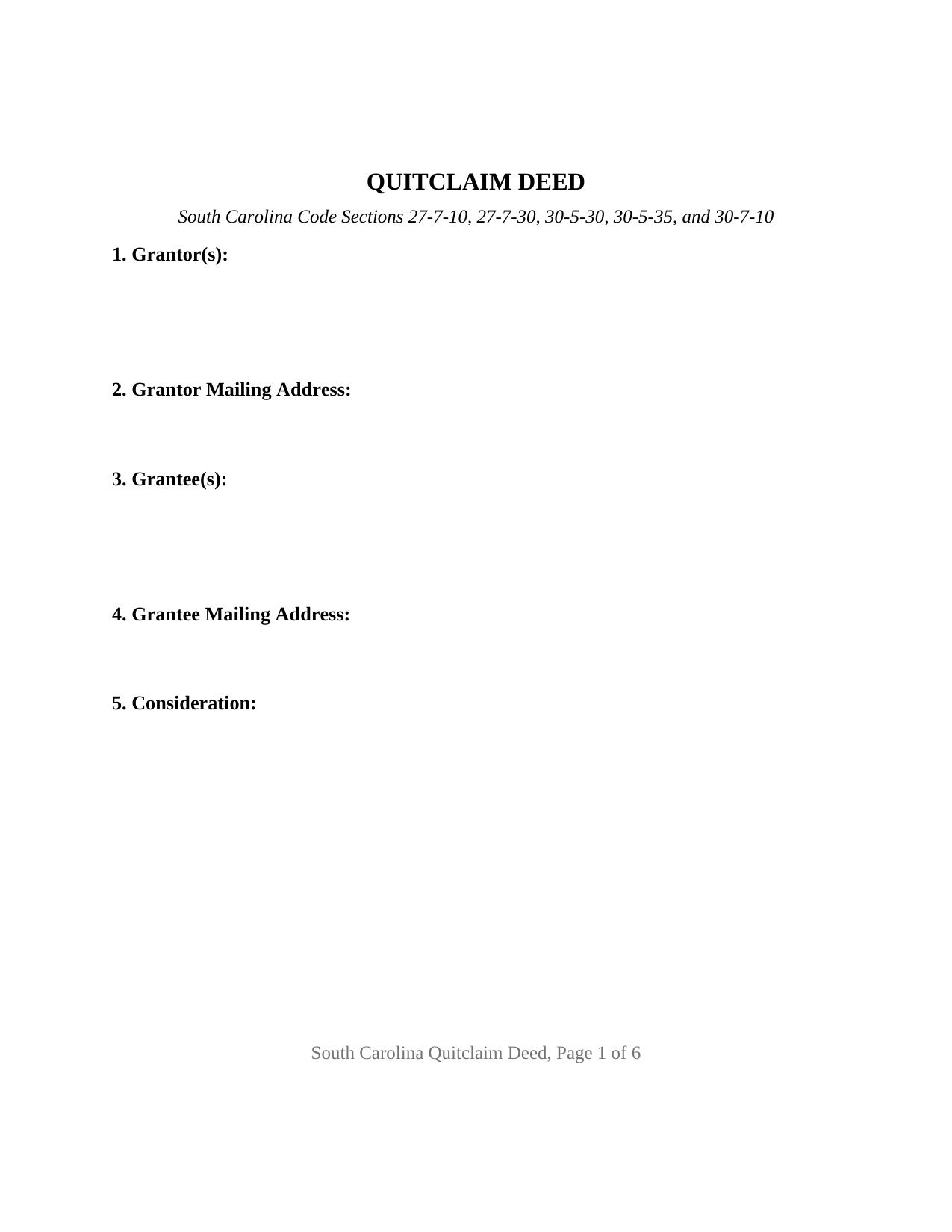
Anderson County Quitclaim Deed Form
Fill in the blank Quitclaim Deed form formatted to comply with all South Carolina recording and content requirements.
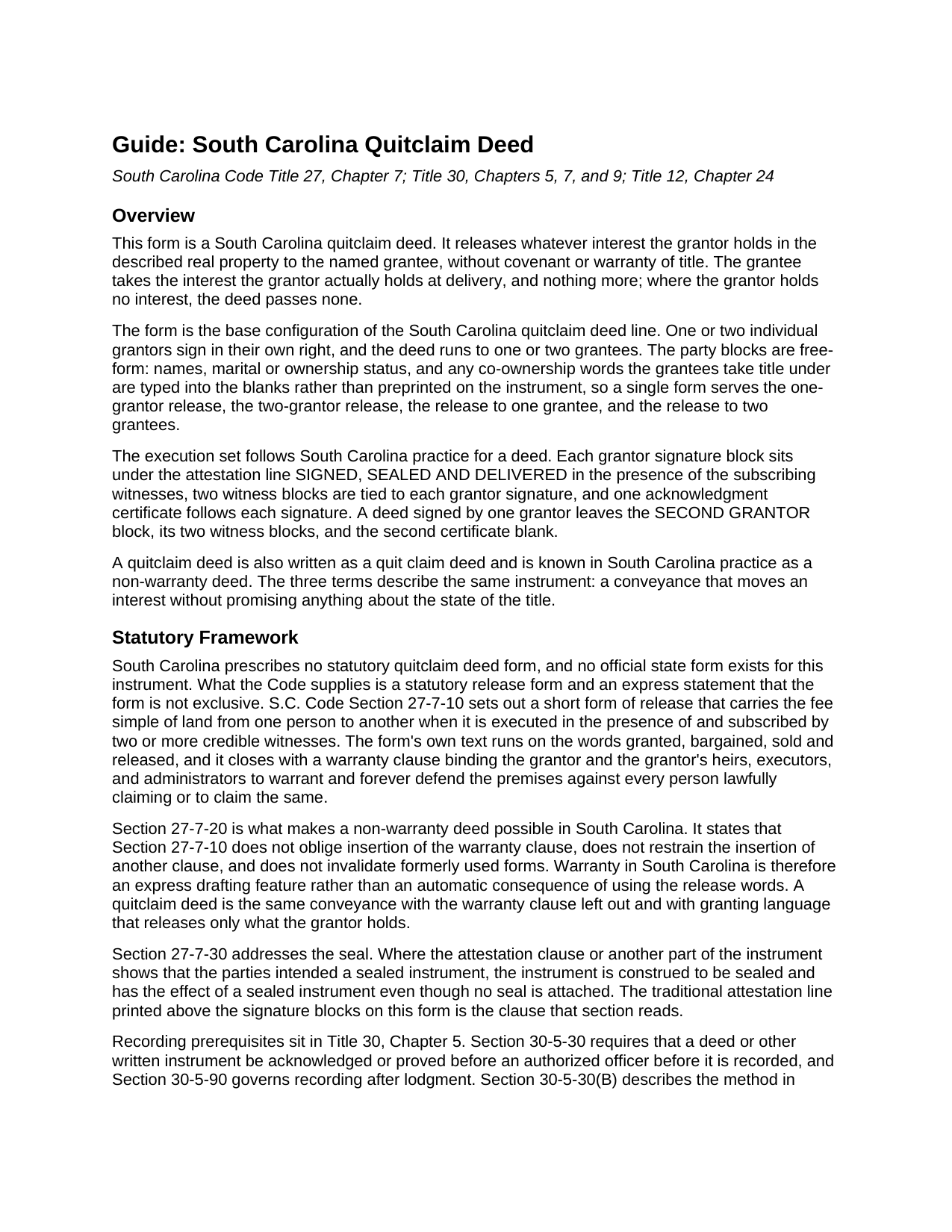
Anderson County Quitclaim Deed Guide
Line by line guide explaining every blank on the Quitclaim Deed form.
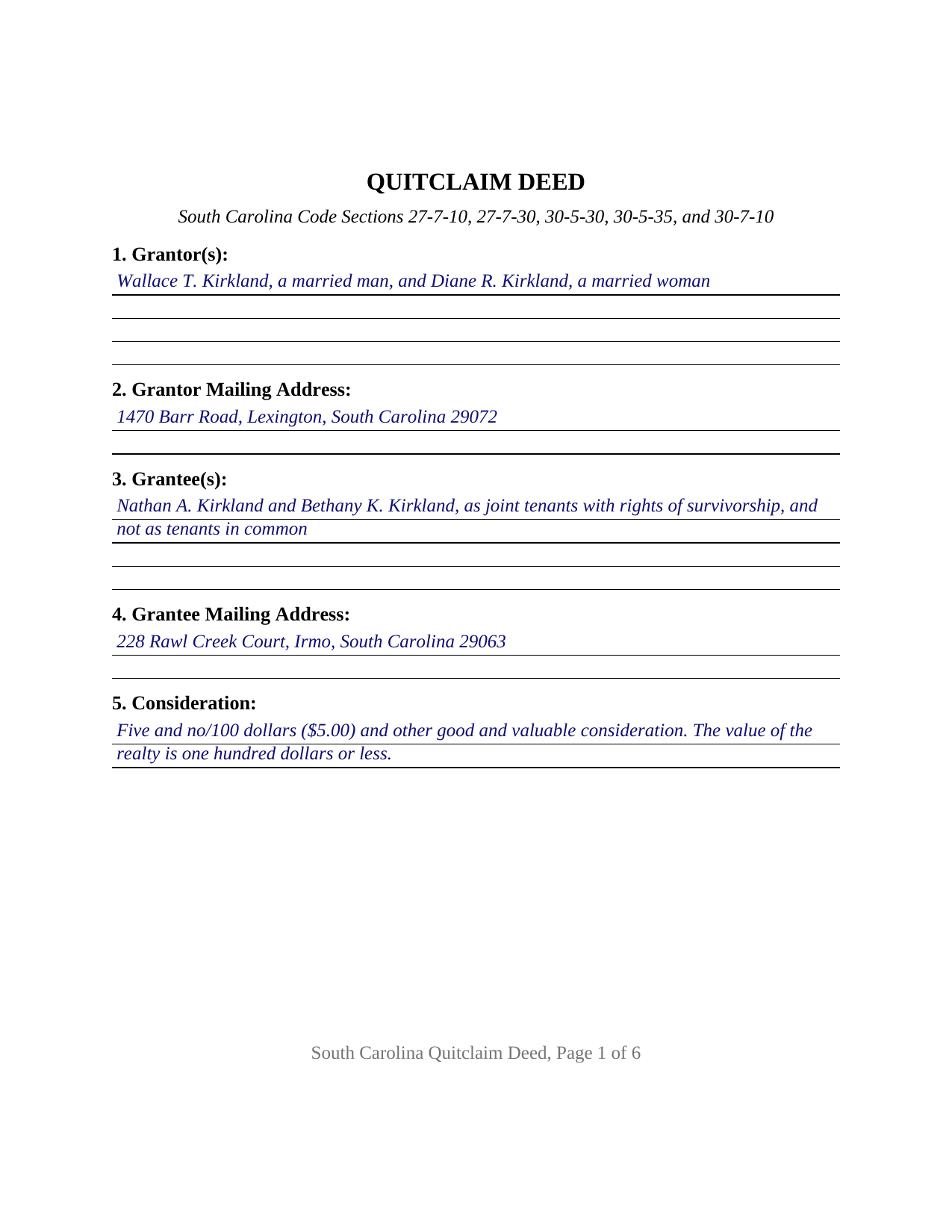
Anderson County Completed Example of the Quitclaim Deed Document
Example of a properly completed South Carolina Quitclaim Deed document for reference.
All 3 documents above included • One-time purchase • No recurring fees
Immediate Download • Secure Checkout
Additional South Carolina and Anderson County documents included at no extra charge:
Where to Record Your Documents
Anderson County Register of Deeds
Anderson, South Carolina 29624 / 29622
Hours: 8:30am to 5:00pm M-F / Recordings in by 4:30
Phone: (864) 260-4054
Recording Tips for Anderson County:
- Bring your driver's license or state-issued photo ID
- Ensure all signatures are in blue or black ink
- Leave recording info boxes blank - the office fills these
- Make copies of your documents before recording - keep originals safe
- Recorded documents become public record - avoid including SSNs
Cities and Jurisdictions in Anderson County
Properties in any of these areas use Anderson County forms:
- Anderson
- Belton
- Honea Path
- Iva
- La France
- Pelzer
- Pendleton
- Sandy Springs
- Starr
- Townville
- Williamston
Hours, fees, requirements, and more for Anderson County
How do I get my forms?
Forms are available for immediate download after payment. The Anderson County forms will be in your account ready to download to your computer. An account is created for you during checkout if you don't have one. Forms are NOT emailed.
Are these forms guaranteed to be recordable in Anderson County?
Yes. Our form blanks are guaranteed to meet or exceed the applicable formatting requirements used for recording in Anderson County, including margin requirements, font requirements, and other layout standards. This guarantee applies to formatting, not to the legal sufficiency of information entered by the user or the suitability of a form for a particular transaction.
Can I reuse these forms?
Yes. You can reuse the forms for your personal use. For example, if you have multiple properties in Anderson County you only need to order once.
What do I need to use these forms?
The forms are PDFs that you fill out on your computer. The free Adobe Acrobat Reader is recommended, and most PDF apps also work. You do NOT enter your property information online - you download the blank forms and complete them privately on your own computer.
Are there any recurring fees?
No. This is a one-time purchase. Nothing to cancel, no memberships, no recurring fees.
How much does it cost to record in Anderson County?
Recording fees in Anderson County vary. Contact the recorder's office at (864) 260-4054 for current fees.
Questions answered? Let's get started!
South Carolina never wrote a quitclaim deed form into its Code. What the Code wrote is a release, and a sentence letting the promise come off it. This fillable quitclaim deed is that instrument for South Carolina real property: one or two individual owners release whatever interest they hold to one or two named grantees, with no covenant or warranty of title anywhere in it.
A warranty the statute makes optional
Section 27-7-10 of the South Carolina Code prints a short form of release that carries the fee simple of land when two or more credible witnesses subscribe it, and the form ends with a warranty clause binding the grantor to defend the premises. Section 27-7-20 is the hinge: the release section neither obliges insertion of that clause nor restrains the insertion of another, and older forms stay good. Warranty here is something a deed says rather than something a conveyance carries by default, so a non-warranty deed is the same release with the clause left out and granting words reaching only what the grantor holds. Section 27-7-30 adds the last piece of the old form. Where the attestation clause shows the parties meant a sealed instrument, the deed takes that effect with no seal attached, which is why SIGNED, SEALED AND DELIVERED stands above the signature lines.
One form, one or two people on each side
The party blocks are deliberately empty of preprinting. Section 1 takes one or two grantor names with the status each states, Section 3 takes one or two grantee names followed by whatever co-ownership words the grantees take under, and no vesting or capacity language is fixed on the instrument. Section 9 performs the release in the traditional words, remising, releasing, and forever quitclaiming the grantor's right, title, and interest, if any, and holding the conveyance to what the grantor owns at delivery. The execution set answers both counts: two signature blocks, four witness blocks paired two to a signature so executions completed on separate days each carry their own attesting witnesses, and one acknowledgment certificate per signer. A sole owner clearing a doubtful interest, and two owners moving a jointly held parcel into one name, present the counts this deed recites. It is not set up as a deed executed for a corporation, a company, or a partnership, as a deed signed in a fiduciary office or by an agent under a power of attorney, or as a release by three or more owners on either side.
Two witnesses and a notary at one table
A South Carolina signing seats more people than most. Section 30-5-30 makes acknowledgment or proof before an authorized officer the prerequisite to recording, and subsection (B) describes the grantor acknowledging in the presence of two witnesses, the pair Section 27-7-10 also wants on the deed itself. Registers of deeds in the largest counties publish that rule among their intake items, and Horry County publishes that the notary may serve as one of the two.
What the counter collects
Fifteen dollars records a deed under the uniform schedule in Section 8-21-310. Deed stamps run under Section 12-24-10 at $1.85 for each $500, or part of $500, of the realty's value, and Section 12-24-40 lifts them from several transfers that arrive on this instrument: a deed whose value is one hundred dollars or less, a transfer recognizing no gain or loss under Internal Revenue Code Section 1041, a partition deed, and a quitclaim confirming title already vested where nothing is paid. The value affidavit Section 12-24-70 calls for is its own recorded document. One requirement reaches past the deed to the envelope: Section 30-9-30 wants a return address on any document submitted for filing and lets the office refuse one that lacks it, which the return block at the end of the form answers.
Also searched as a quit claim deed, and called a non-warranty deed in South Carolina practice, this is the low-assurance workhorse of the land records, and Section 30-5-35 keeps deeds of the class outside the derivation clause while still asking for the grantee's mailing address. Three files come with the purchase: the blank deed as a fillable PDF, a completed Lexington County example filled at two grantors and two grantees, and a plain language guide covering the eleven sections, the ownership forms the grantee line can carry, and the trip to the register. The material is general information about South Carolina law and is not legal advice.
Important: Your property must be located in Anderson County to use these forms. Documents should be recorded at the county recording office listed above.
This Quitclaim Deed meets all recording requirements specific to Anderson County.
Our Promise
The documents you receive here are guaranteed to meet or exceed the applicable Anderson County recording format requirements. If there is a rejection caused by our formatting, we will correct the issue or refund your payment. This guarantee applies to document formatting only and does not extend to information entered by the user, the selection of the form, or the legal effect of the completed document.
Save Time and Money
Get your Anderson County Quitclaim Deed form done right the first time with Deeds.com Uniform Conveyancing Blanks. At Deeds.com, we understand that your time and money are valuable resources, and we don't want you to face a penalty fee or rejection imposed by a county recorder for submitting nonstandard documents. We constantly review and update our forms to meet rapidly changing state and county recording requirements for roughly 3,500 counties and local jurisdictions.
4.8 out of 5 - ( 4,839 Reviews )
Kris D. 5 out of 5 stars
The Executor's Guide needs more info about what to put for grantee (estate of deceased or my name as executor?) and the price (something nominal like $10?) before there is a buyer. The guide seems to use only one example.
Thank you for your feedback. We really appreciate it. Have a great day!
John C. 5 out of 5 stars
These forms are easy to use and a lot cheaper than going to an attorney. I highly recommend Deeds.com
We appreciate your business and value your feedback. Thank you. Have a wonderful day!
Kim L. 5 out of 5 stars
Got the quit claim forms, amazing really. Easy to understand, looked great when completed, accepted without question for recording. Nice job!
Thank you!
karen w. 5 out of 5 stars
outstanding forms and information. stay safe and healthy everyone.
Thank you Karen, you do the same please.
Gloria S. 5 out of 5 stars
Hard to find, obscure, forms were available. I did not think I was going to be able to find them, let alone find such high quality docs, great job!
Thank you for your feedback. We really appreciate it. Have a great day!
Tina C. 5 out of 5 stars
Quick and easy ordering and download. Appreciated that I could get the form that is used in my county. Would have like to be able to add paragraphs to form.
We appreciate your business and value your feedback. Thank you. Have a wonderful day!
Pauline G. 5 out of 5 stars
Found just what I needed!!! Instructions were easy to follow and I accomplished the task like a professional. Thank you Deeds.com!!!!
We appreciate your business and value your feedback. Thank you. Have a wonderful day!
scott m. 5 out of 5 stars
thanks- easy as pie.
Thank you!
Lorraine F. 2 out of 5 stars
I followed the instructions to download the form for my Mac, typed in the legal description of the real property but the space provided for it would not expand so I just typed the form into Word as a document. While I appreciate having the form to work with it would have been a breeze if it worked properly.
Your insights are invaluable to us and help us strive for better service. Thank you for taking the time to share your thoughts.
Shelleen A. 5 out of 5 stars
Very helpful.
We appreciate your business and value your feedback. Thank you. Have a wonderful day!
Pauletta C. 5 out of 5 stars
worked like a charm
Thank you!
Mary B. 5 out of 5 stars
I was very pleased with my experience on Deeds.com. I hand purchased the wrong papers and they credited my account so I could purchase the correct papers. I will use them again
We appreciate your business and value your feedback. Thank you. Have a wonderful day!
Patrick N. 5 out of 5 stars
I was very satisfied with your service. Prompt, and thorough. Price was reasonable. Will use your service again when needed.
Thank you for your feedback. We really appreciate it. Have a great day!
Rebecca M. 5 out of 5 stars
This was pretty easy to fill out. The directions on all of the forms was very good. This should make life much easier at the County Recorder. Thank you!
We appreciate your business and value your feedback. Thank you. Have a wonderful day!
Chad R. 5 out of 5 stars
a refreshing web based legal form site Thanks I will recommend to friend
Thank you!