Corson County Easement Deed Form
Last validated October 9, 2026 by our Forms Development TeamFormatted for recording in Corson County, for property anywhere in the county: rural and unincorporated areas as well as Bullhead, Keldron, Little Eagle, Mc Intosh, Mc Laughlin, Morristown, Trail City, Wakpala and 2 more.
- 4 documents included
- Immediate PDF download
- Formatting guarantee
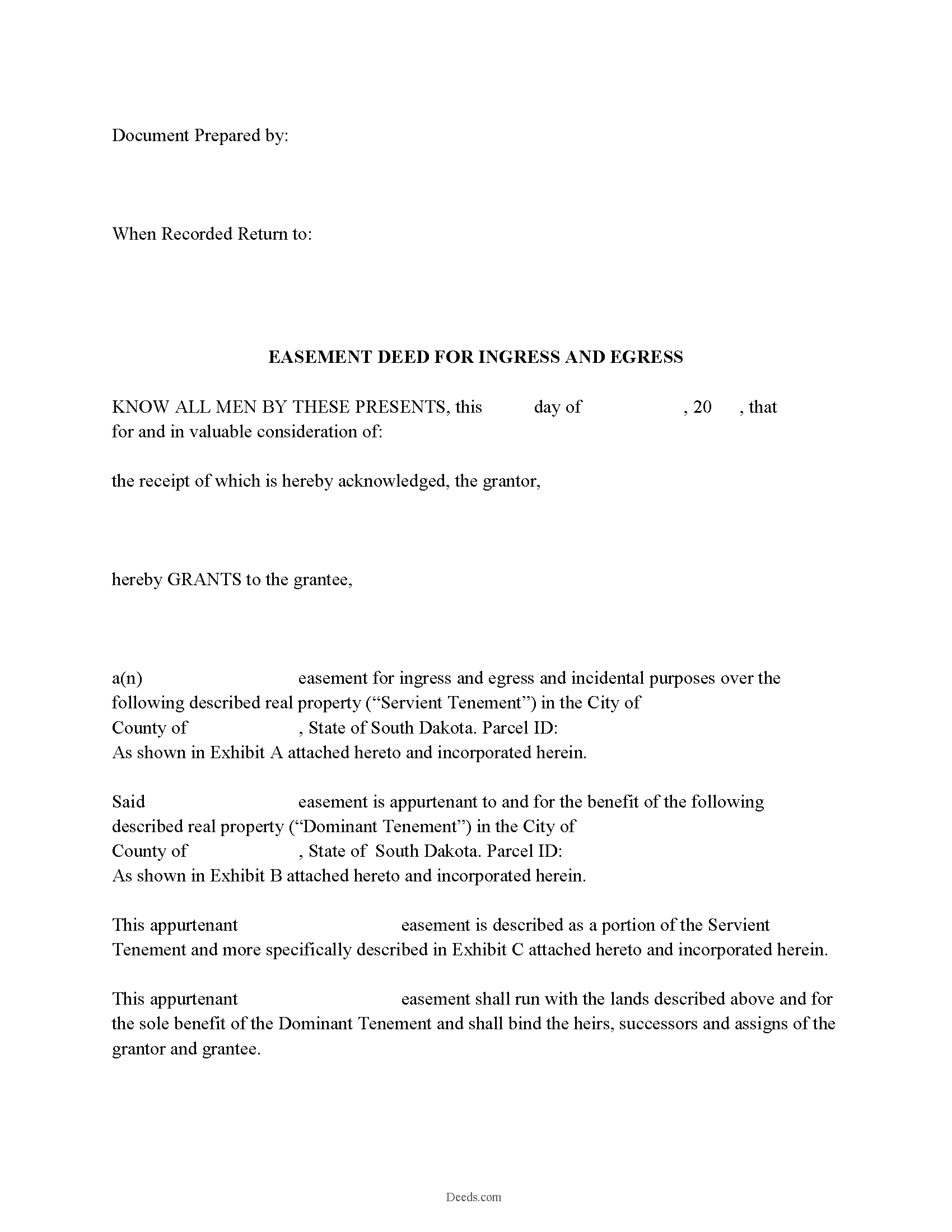
Corson County Easement Deed Form
Fill in the blank form formatted to comply with all recording and content requirements.
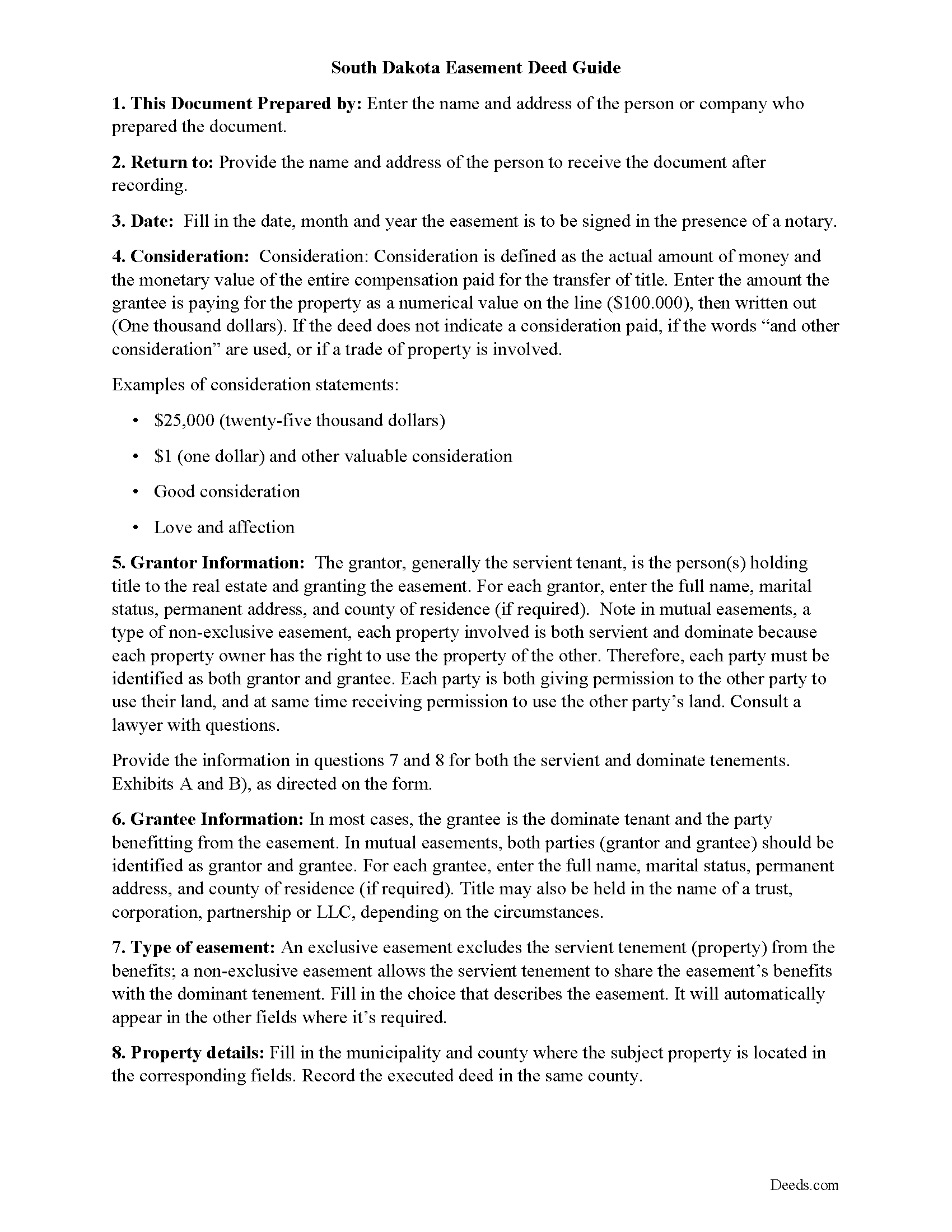
Corson County Easement Deed Guide
Line by line guide explaining every blank on the form.
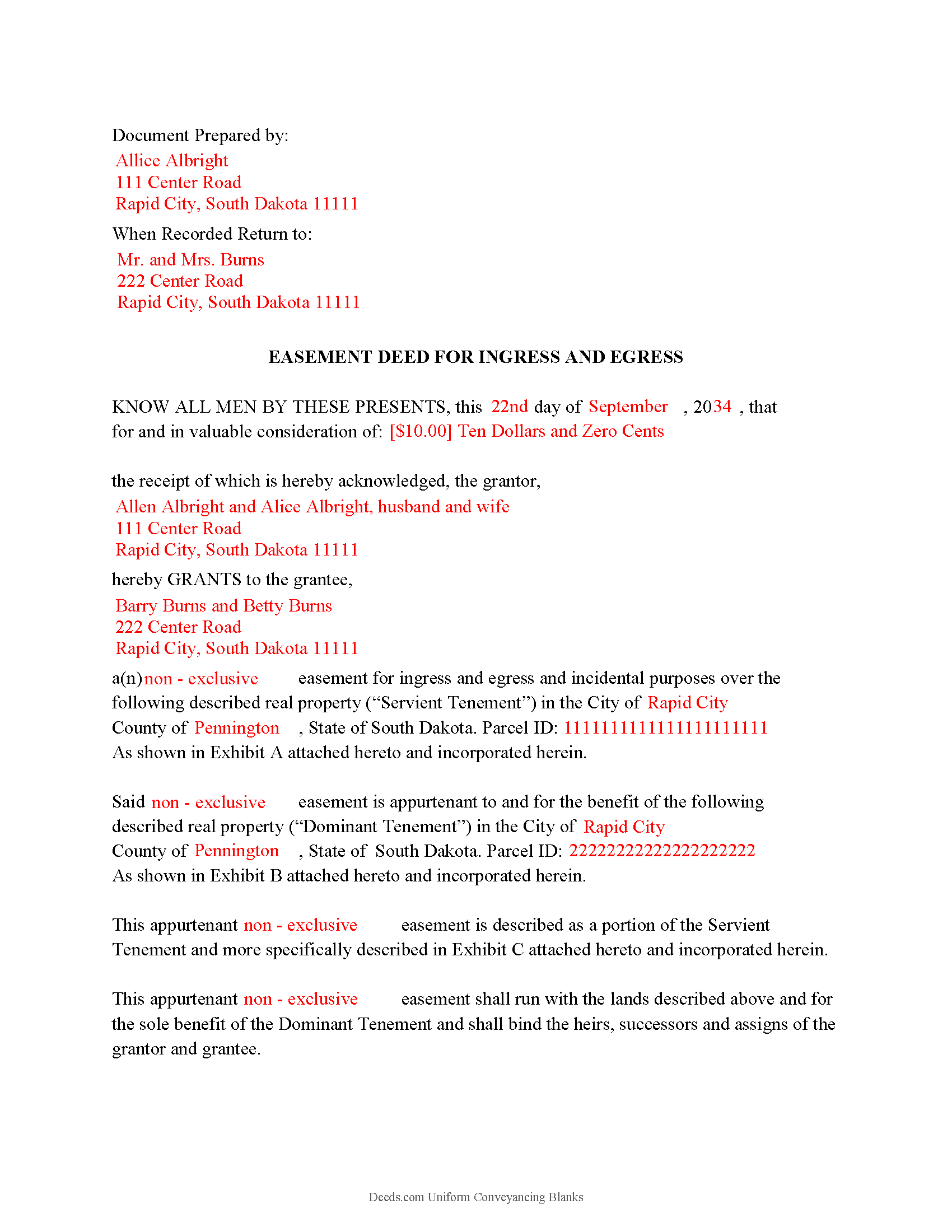
Corson County Completed Example of Easement Deed
Example of a properly completed form for reference.
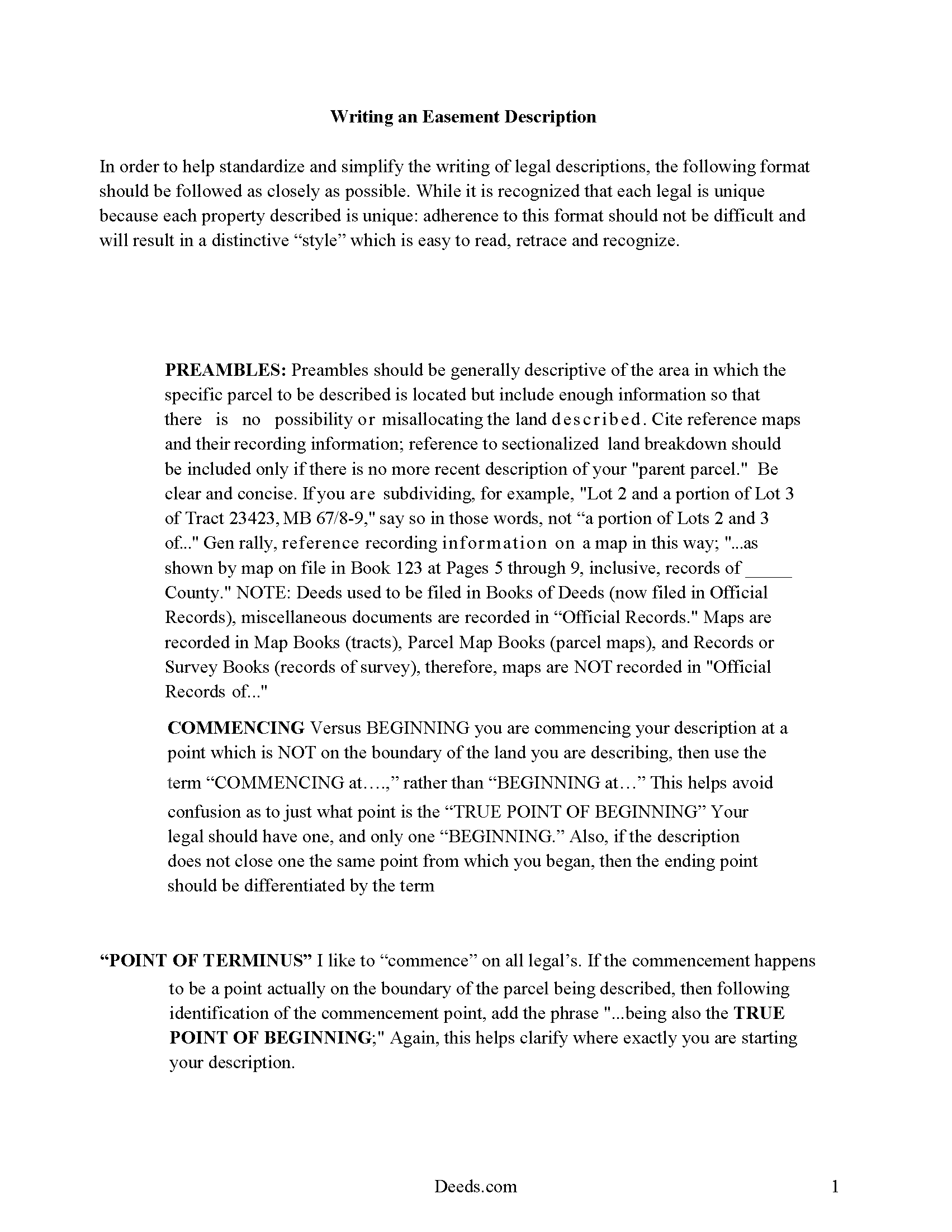
Corson County Guide to writing an Easement Description
A Description of the Easement will be required. This will show how to write an acceptable description for a Right of Way Easement, which gives access, to and from - point A to point B.
All 4 documents above included • One-time purchase • No recurring fees
Immediate Download • Secure Checkout
Additional South Dakota and Corson County documents included at no extra charge:
Where to Record Your Documents
Corson County Register of Deeds
McIntosh, South Dakota 57641
Hours: 8:00 to 12:00 & 1:00 to 5:00 M-F
Phone: (605) 273-4395
Recording Tips for Corson County:
- Bring your driver's license or state-issued photo ID
- Ensure all signatures are in blue or black ink
- Bring extra funds - fees can vary by document type and page count
- Check margin requirements - usually 1-2 inches at top
- Leave recording info boxes blank - the office fills these
Cities and Jurisdictions in Corson County
Properties in any of these areas use Corson County forms:
- Bullhead
- Keldron
- Little Eagle
- Mc Intosh
- Mc Laughlin
- Morristown
- Trail City
- Wakpala
- Walker
- Watauga
Hours, fees, requirements, and more for Corson County
How do I get my forms?
Forms are available for immediate download after payment. The Corson County forms will be in your account ready to download to your computer. An account is created for you during checkout if you don't have one. Forms are NOT emailed.
Are these forms guaranteed to be recordable in Corson County?
Yes. Our form blanks are guaranteed to meet or exceed the applicable formatting requirements used for recording in Corson County, including margin requirements, font requirements, and other layout standards. This guarantee applies to formatting, not to the legal sufficiency of information entered by the user or the suitability of a form for a particular transaction.
Can I reuse these forms?
Yes. You can reuse the forms for your personal use. For example, if you have multiple properties in Corson County you only need to order once.
What do I need to use these forms?
The forms are PDFs that you fill out on your computer. The free Adobe Acrobat Reader is recommended, and most PDF apps also work. You do NOT enter your property information online - you download the blank forms and complete them privately on your own computer.
Are there any recurring fees?
No. This is a one-time purchase. Nothing to cancel, no memberships, no recurring fees.
How much does it cost to record in Corson County?
Recording fees in Corson County vary. Contact the recorder's office at (605) 273-4395 for current fees.
Questions answered? Let's get started!
An easement is a land burden or servitude upon land that may be attached to other land as incidents or appurtenances (43-13-2). The land that an easement is attached to is called the dominant estate, while the land upon which a burden or servitude is laid is called the servient tenement (43-13-3). A servitude in South Dakota can be created only by someone who has a vested estate in the servient tenement (43-13-4). The extent of the easement will be determined by the terms of the grant or by the nature of the enjoyment by which it was required (43-13-5). Specific rules apply to the creation of certain easements in South Dakota, such as with wind easements, which can be granted in the same manner and with the same effect as other easements but must contain additional statutorily required information (43-13-17). A transfer of real property in this state will pass all the easements attached to the property (43-25-30).
In order to present an easement deed for recording, it must be signed and acknowledged or proved by the grantor. If the deed is not acknowledged, it can be proved by a subscribing witness (43-25-26). An easement deed can be proved or acknowledged at any place within the state by a justice or clerk of the Supreme Court or by a notary public. Additional officers are authorized to prove or acknowledge deeds within their own circuit, county, or municipality in the state (18-4-2). In accordance with the Uniform Acknowledgments Law, section 18-5, deeds acknowledged or proved out of state will be valid in South Dakota.
Any instrument that is entitled to be recorded in this state, such as an easement deed, must be recorded in the register of deeds office in the county where the property is located. If an easement deed is not recorded, it will be valid between the parties to it and those who have actual notice thereof (43-28-14). However, the act of recording a duly acknowledged or proved easement deed will allow it to serve as constructive notice to all purchasers and encumbrancers (43-28-15). Every instrument in South Dakota, such as an easement deed, that may affect the title to real property is void as against a subsequent purchaser or encumbrancer of the same property, or any part thereof, in good faith and for a valuable consideration whose conveyance is first duly recorded (43-28-17).
(South Dakota ED Package includes form, guidelines, and completed example)
Important: Your property must be located in Corson County to use these forms. Documents should be recorded at the county recording office listed above.
This Easement Deed meets all recording requirements specific to Corson County.
Our Promise
The documents you receive here are guaranteed to meet or exceed the applicable Corson County recording format requirements. If there is a rejection caused by our formatting, we will correct the issue or refund your payment. This guarantee applies to document formatting only and does not extend to information entered by the user, the selection of the form, or the legal effect of the completed document.
Save Time and Money
Get your Corson County Easement Deed form done right the first time with Deeds.com Uniform Conveyancing Blanks. At Deeds.com, we understand that your time and money are valuable resources, and we don't want you to face a penalty fee or rejection imposed by a county recorder for submitting nonstandard documents. We constantly review and update our forms to meet rapidly changing state and county recording requirements for roughly 3,500 counties and local jurisdictions.
4.8 out of 5 - ( 4,839 Reviews )
Ming W. 5 out of 5 stars
couldn't believe how efficient and perfect job you have done!! I will recommend your website to all friends.
We appreciate your business and value your feedback. Thank you. Have a wonderful day!
EARL R. 5 out of 5 stars
easy to use once i found out i could fill it out right on the deeds website instead of downloading it to word duh.
Thank you for your feedback Earl. We'll work on ways to make it more clear that the forms are fill in the blank right in the PDF. Have an amazing day!
Debra B. 5 out of 5 stars
I was very glad to have this option for filing a form as it would have taken 4 days due to offices being closed to the public during the COVID 19 epidemic. I found the process to be fairly simple and I was able to file the document within 24 hours.
We appreciate your business and value your feedback. Thank you. Have a wonderful day!
GARY S. 5 out of 5 stars
The forms were just what i needed and for the county i needed thankyou so much
Thank you!
Beverly J. A. 5 out of 5 stars
Thank you for the paperwork. It was so much easier to do at home than go out and have to have people miss work.
Thank you!
Don M. 5 out of 5 stars
ONCE A PERSON STARTS THE PROCESS, IT IS QUITE EASY, THE PROCESS THAT IS.
We appreciate your business and value your feedback. Thank you. Have a wonderful day!
Archie POA G. 5 out of 5 stars
got what I ordered, as expected, in good time
Thank you!
Michelle H. 5 out of 5 stars
Deeds.com was easy to use, convenient and I will definitely be using your services in the future.
Thank you for your feedback. We really appreciate it. Have a great day!
Bobbi W. 5 out of 5 stars
Site was super easy to use. After frustrating search for the item I needed I found it here!
We appreciate your business and value your feedback. Thank you. Have a wonderful day!
Christi W. 5 out of 5 stars
Very simple and made recording a breeze. Worth the fee!
We appreciate your business and value your feedback. Thank you. Have a wonderful day!
Gloria H. 5 out of 5 stars
Very content with the service received. The document was recorded in the city in no time. Will definitely use Deeds.com again in the near future.
Thank you!
JOHNNY M. 5 out of 5 stars
The information provided is quite thorough.I recommend this Site to anyone, in need of Material for Quit Claim Deeds.
Thank you!
Jimmy P. 5 out of 5 stars
They sent me everything I would need to do this. Easy purchase -Easy download. Great!! I'll be back here for all my document needs.
We appreciate your business and value your feedback. Thank you. Have a wonderful day!
Peter & Bonnie Higgins H. 5 out of 5 stars
We were very pleased with the advice and forms provided. We were able to complete our special project. Just what we were looking for. I give you 41/2 stars
Thank you!
DON O. 2 out of 5 stars
needs to be more user friendly
Thank you for your feedback. We really appreciate it. Have a great day!