Faulk County Quitclaim Deed Form
Last validated October 6, 2026 by our Forms Development TeamFormatted for recording in Faulk County, for property anywhere in the county: rural and unincorporated areas as well as Cresbard, Faulkton, Onaka, Rockham, Seneca.
- 3 documents included
- Immediate PDF download
- Formatting guarantee
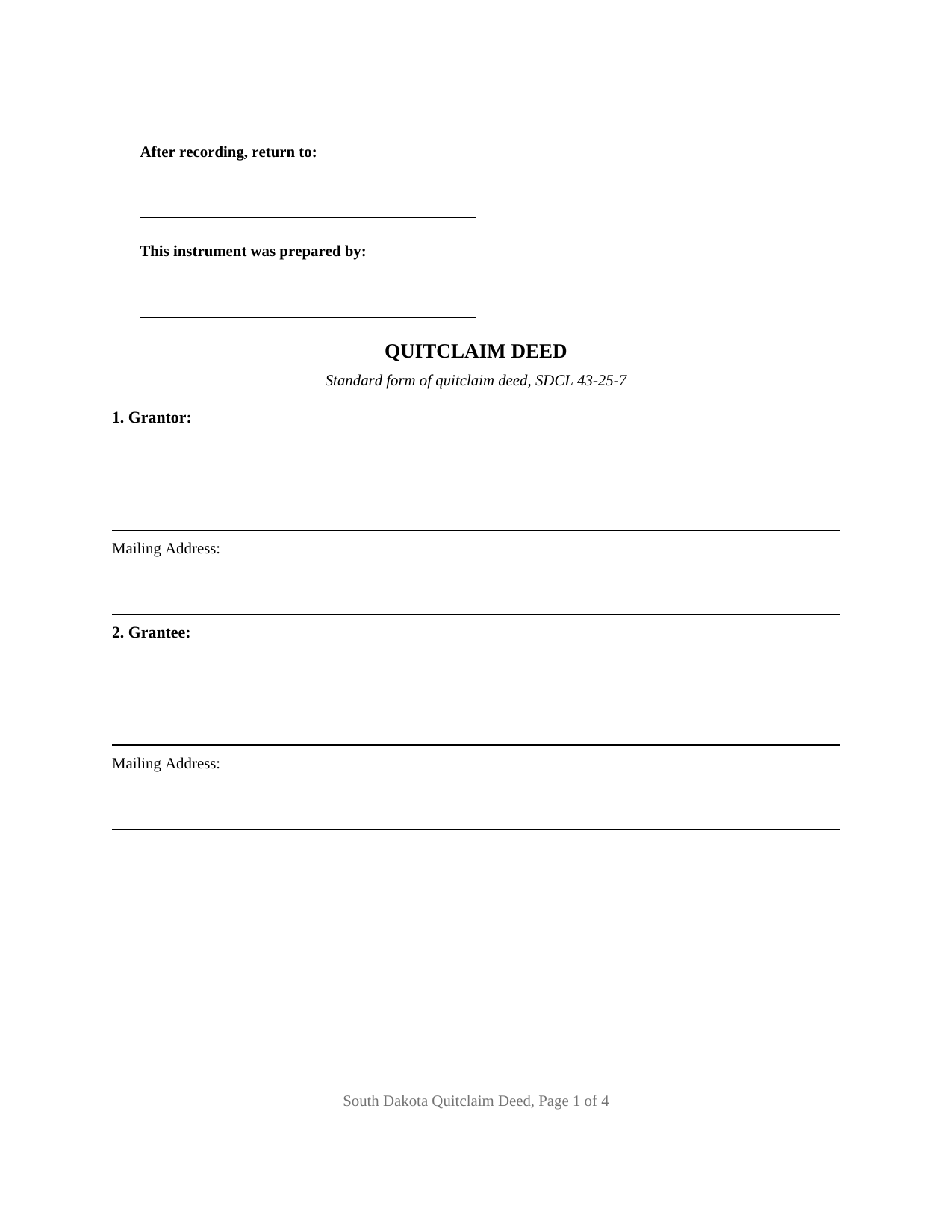
Faulk County Quitclaim Deed Form
Fill in the blank Quitclaim Deed form formatted to comply with all South Dakota recording and content requirements.
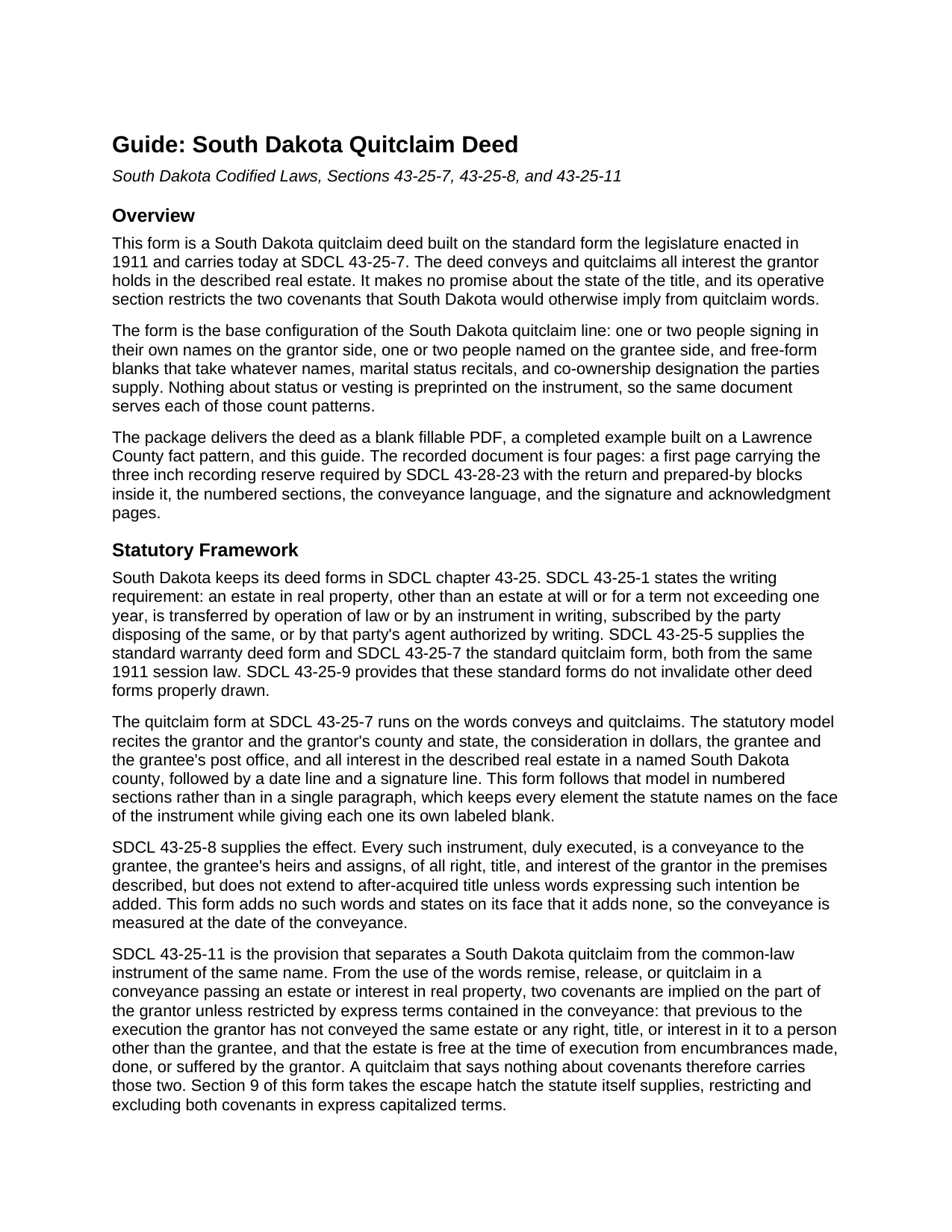
Faulk County Quitclaim Deed Guide
Line by line guide explaining every blank on the Quitclaim Deed form.
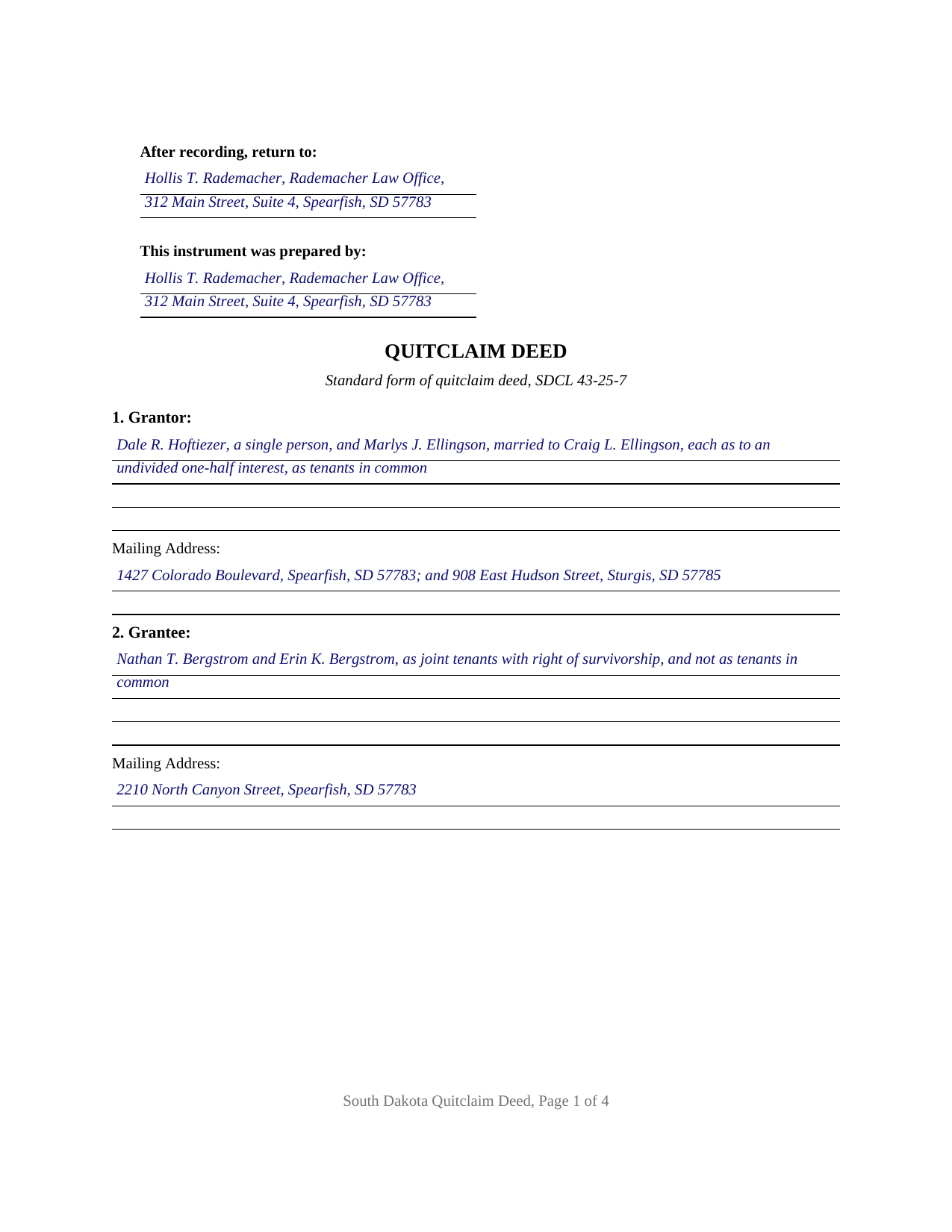
Faulk County Completed Example of the Quitclaim Deed Document
Example of a properly completed South Dakota Quitclaim Deed document for reference.
All 3 documents above included • One-time purchase • No recurring fees
Immediate Download • Secure Checkout
Additional South Dakota and Faulk County documents included at no extra charge:
Where to Record Your Documents
Faulk County Register of Deeds
Faulkton, South Dakota 57438
Hours: 8:30 to 4:30 M-F
Phone: (605) 598-6228
Recording Tips for Faulk County:
- Bring your driver's license or state-issued photo ID
- Ensure all signatures are in blue or black ink
- Recording fees may differ from what's posted online - verify current rates
- Request a receipt showing your recording numbers
- Ask about accepted payment methods when you call ahead
Cities and Jurisdictions in Faulk County
Properties in any of these areas use Faulk County forms:
- Cresbard
- Faulkton
- Onaka
- Rockham
- Seneca
Hours, fees, requirements, and more for Faulk County
How do I get my forms?
Forms are available for immediate download after payment. The Faulk County forms will be in your account ready to download to your computer. An account is created for you during checkout if you don't have one. Forms are NOT emailed.
Are these forms guaranteed to be recordable in Faulk County?
Yes. Our form blanks are guaranteed to meet or exceed the applicable formatting requirements used for recording in Faulk County, including margin requirements, font requirements, and other layout standards. This guarantee applies to formatting, not to the legal sufficiency of information entered by the user or the suitability of a form for a particular transaction.
Can I reuse these forms?
Yes. You can reuse the forms for your personal use. For example, if you have multiple properties in Faulk County you only need to order once.
What do I need to use these forms?
The forms are PDFs that you fill out on your computer. The free Adobe Acrobat Reader is recommended, and most PDF apps also work. You do NOT enter your property information online - you download the blank forms and complete them privately on your own computer.
Are there any recurring fees?
No. This is a one-time purchase. Nothing to cancel, no memberships, no recurring fees.
How much does it cost to record in Faulk County?
Recording fees in Faulk County vary. Contact the recorder's office at (605) 598-6228 for current fees.
Questions answered? Let's get started!
A South Dakota quitclaim deed that assumes nothing about the people signing it. The grantor block on this fillable form takes one name or two, in whatever words describe the signers, and the grantee block does the same, so marital status recitals and any co-ownership designation are entered by the parties instead of preprinted by the form. The conveyance itself runs on the two words the 1911 standard form put into the code at SDCL 43-25-7, conveys and quitclaims.
The quirk that separates a South Dakota quitclaim from the common-law one
Elsewhere a quitclaim grantee often struggles to claim the recording act's protection, on the theory that the deed's own form warns that the title is doubtful. South Dakota wrote the opposite rule. Under SDCL 43-25-12, a person holding real estate under a quitclaim deed is deemed a purchaser in good faith and for valuable consideration unless that person had actual notice or knowledge of a prior unrecorded conveyance when the deed was executed and delivered. The recording statutes then work normally: SDCL 43-28-15 through 43-28-17 give a recorded conveyance priority against a later good-faith purchaser for value, while an unrecorded deed stays good between the parties and anyone with notice under SDCL 43-28-14.
Interest at the date of the conveyance, and no promises with it
SDCL 43-25-8 fixes what moves: all right, title, and interest of the grantor in the premises described, measured when the deed is made, with title arriving later left behind unless words expressing that intention are added. This deed adds none and says so. South Dakota then reads two covenants into quitclaim words unless a conveyance restricts them by express terms, one denying an earlier conveyance of the same estate, the other denying encumbrances the grantor made, did, or suffered, so Section 9 restricts and excludes both in capital letters. What the grantee receives is interest, whatever it turns out to be.
One quit claim deed, four count patterns
The instrument carries a Grantor block and a Grantee block, each sized for one or two people signing in their own names, two signature blocks headed GRANTOR and SECOND GRANTOR (if applicable), and an acknowledgment certificate for each; the second block and its certificate stay blank where one person conveys. That architecture prints one grantor to one grantee, one to two, two to one, and two to two. Where the land is the homestead of a married owner, SDCL 43-31-17 has both spouses concur in and sign the conveyance, and the second block takes that signature, whichever spouse holds record title; outside the homestead, SDCL 25-2-4 leaves separate property conveyable by one spouse alone. Two grantees fall to the interest-in-common default of SDCL 43-2-17 unless the grantee clause expressly declares a joint tenancy in the words SDCL 43-2-12 calls for. Entity, trustee, and attorney-in-fact signers, and three or more owners on either side, each print a different configuration than this form recites.
Three charges, and a sheet the statute measures
The signed instrument goes to the register of deeds for the county in which the parcel sits, where SDCL 7-9-15 prices a deed of fifty pages or fewer at thirty dollars statewide. SDCL 43-4-21 puts the realty transfer fee on the grantor at fifty cents for each five hundred dollars of value or fraction of it, turning the example's $214,500.00 of consideration into $214.50 collected before the deed goes on record; a transfer within one of the SDCL 43-4-22 categories instead marks the instrument under SDCL 43-4-23 with the words the statute names and the subdivision claimed, which Section 7 receives. Separately, SDCL 7-9-7 sends a completed certificate of real estate value across the same counter on the Department of Revenue's own form. SDCL 43-28-23 then measures the sheet, and the deed is built to it: ten point type at the smallest, three inches of blank space at the head of page one, an inch of margin elsewhere, the grantee's mailing address, and each signer's name printed beneath the signature. A page that misses a measurement is surcharged under SDCL 43-28-24 rather than refused.
The package is three files. The blank quit claim deed arrives as a fillable PDF; the completed example fills every blank on a Lawrence County sale by two record owners to a couple taking with survivorship; and the guide walks the ten numbered sections, the ownership forms open to grantees, the signing mechanics, and the recording package. The materials are informational and are not legal advice.
Important: Your property must be located in Faulk County to use these forms. Documents should be recorded at the county recording office listed above.
This Quitclaim Deed meets all recording requirements specific to Faulk County.
Our Promise
The documents you receive here are guaranteed to meet or exceed the applicable Faulk County recording format requirements. If there is a rejection caused by our formatting, we will correct the issue or refund your payment. This guarantee applies to document formatting only and does not extend to information entered by the user, the selection of the form, or the legal effect of the completed document.
Save Time and Money
Get your Faulk County Quitclaim Deed form done right the first time with Deeds.com Uniform Conveyancing Blanks. At Deeds.com, we understand that your time and money are valuable resources, and we don't want you to face a penalty fee or rejection imposed by a county recorder for submitting nonstandard documents. We constantly review and update our forms to meet rapidly changing state and county recording requirements for roughly 3,500 counties and local jurisdictions.
4.8 out of 5 - ( 4,824 Reviews )
Teresa R. 5 out of 5 stars
Zero problems, ended up with quality documents. Will use again.
We appreciate your business and value your feedback. Thank you. Have a wonderful day!
Janey M. 5 out of 5 stars
Easy to use site. Just what I needed!
We appreciate your business and value your feedback. Thank you. Have a wonderful day!
Julia C. 5 out of 5 stars
Deeds.com was such a blessing in order for me to get something done that my lawyers could not get done. Transferring a mineral right from my deceased parents to me and my husband. The mineral company person I worked with went above and beyond helping me fill the paperwork out perfectly so that it had “right of survivorship” (and other things phrased properly) so that either my husband or I won’t have the issue I have had. Had it not been for deeds.com I don’t think I would have been able to complete this process. I hope anyone that ever needs something such as this learns about I deeds.com.
Thank you, Julia, for your kind and thoughtful review. We're truly honored to have played a role in helping you and your husband secure your mineral rights — especially after such a frustrating experience elsewhere. It’s great to hear that our team and resources were able to guide you through the process with clarity and care. Your words mean a lot to us, and we hope others in similar situations find the support they need through Deeds.com, just like you did. Wishing you continued peace of mind and security with your property.
ieva r. 5 out of 5 stars
Excellent! I was worried because I saw some negative reviews online but I really needed an e-recording company and they completed everything perfectly. I will most definitely recommend them and use them again in the future. All the staff was super nice and very helpful.
We appreciate your business and value your feedback. Thank you. Have a wonderful day!
Anthony T. 4 out of 5 stars
Would be better if you could save the forms to word for easier use on your computer.
Thank you!
Ed H. 5 out of 5 stars
I filled out the Kansas form and presented it to the Clerk of Deeds in Rawlins Co and there were no problems and no expensive attorney involved for a simple transaction.
Your feedback is greatly appreciated. Thank you for taking the time to share your experience!
Karri P. 5 out of 5 stars
Great service and easy to purchase exactly what you want.
We appreciate your business and value your feedback. Thank you. Have a wonderful day!
Ronald M. 5 out of 5 stars
Easy to use but can't seem to find LOGOUT control????
Thank you for the feedback Ronald. (The Sign Out control is on the top right of the account page)
Myron M. 5 out of 5 stars
This is what we need and it was very helpful and easy to fill out. Thanks
We appreciate your business and value your feedback. Thank you. Have a wonderful day!
Francisco C. 5 out of 5 stars
well first time my company is using and this what can say. excellent service im very happy, you guys did my job very professional and quickly so congratulations... i will recommend to every one.
We appreciate your business and value your feedback. Thank you. Have a wonderful day!
Leslie S. 5 out of 5 stars
After over a month of turmoil and feeling like "you can't get there from here",you solved my problem in a little over an hour. Thank you!!
Thank you for your feedback. We really appreciate it. Have a great day!
Charlie T. 5 out of 5 stars
I really like the service and will be definitely be using it again to submit future deeds.
Thank you!
Beverly D. 5 out of 5 stars
Very User friendly site
Thank you for your feedback. We really appreciate it. Have a great day!
Dawna M. 3 out of 5 stars
Easy to use website and immediate documents appropriate for my area. My only complaint is that the forms had an alignment problem where the fields that were filled in by me did not line up with the template text. I tried to correct it to no avail so I ended up having to retype the entire document. I purchased two templates and both had the same issue.
We appreciate your business and value your feedback. Thank you. Have a wonderful day!
Charlotte F. 5 out of 5 stars
Great follow up and consideration
Thank you for your feedback. We really appreciate it. Have a great day!