Cannon County Administrator Deed Form
Last validated October 7, 2026 by our Forms Development TeamFormatted for recording in Cannon County, for property anywhere in the county: rural and unincorporated areas as well as Auburntown, Bradyville, Readyville, Woodbury.
- 3 documents included
- Immediate PDF download
- Formatting guarantee
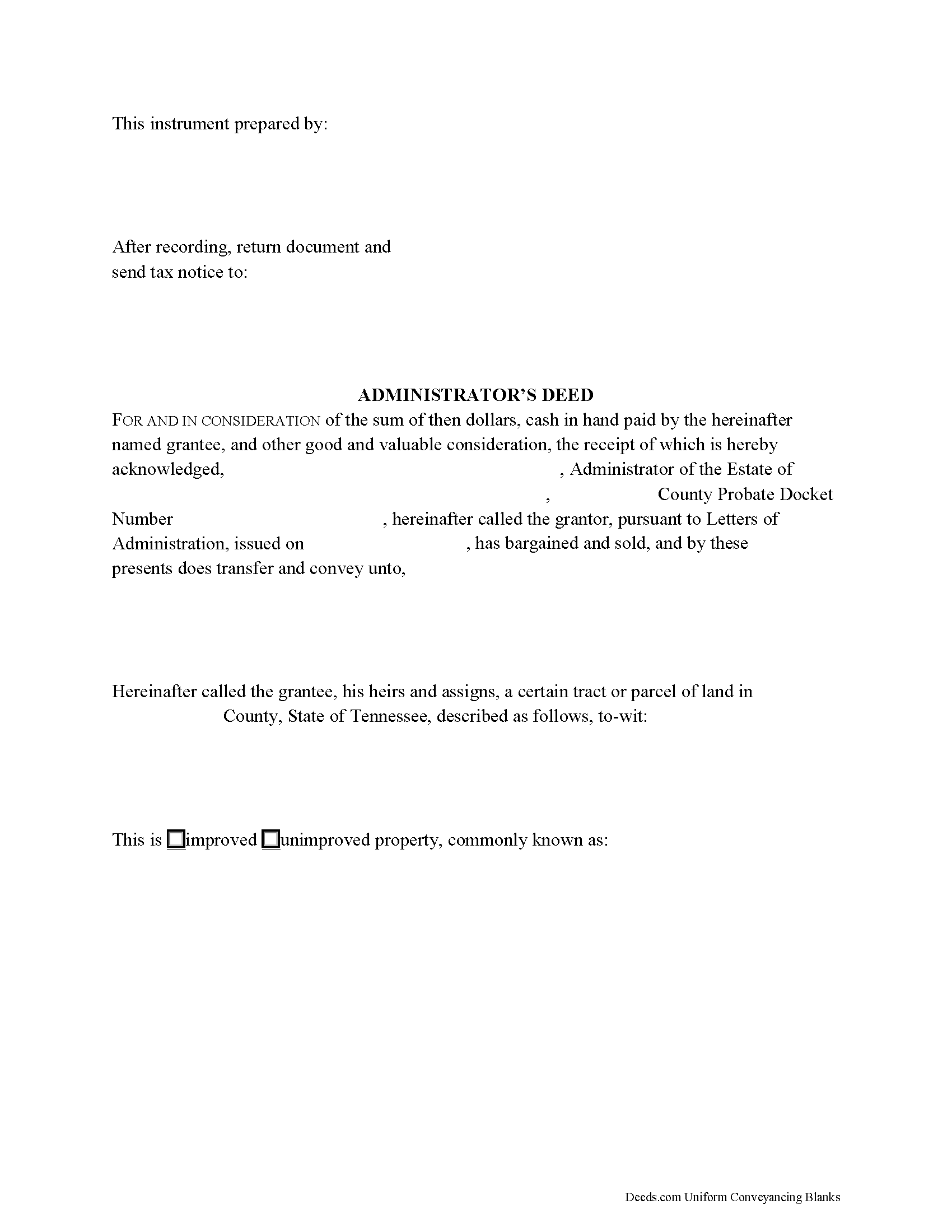
Cannon County Administrator Deed Form
Fill in the blank form formatted to comply with all recording and content requirements.
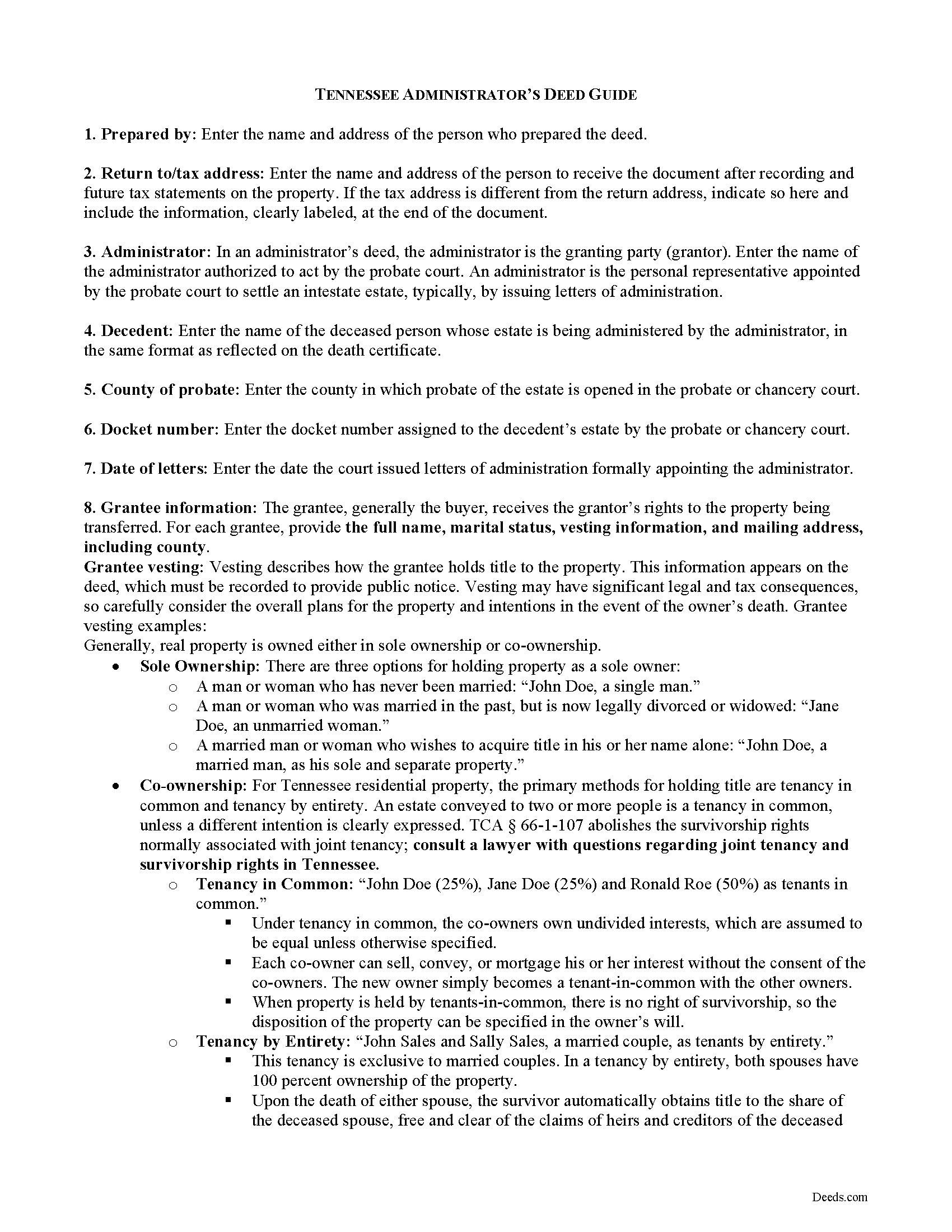
Cannon County Administrator Deed Guide
Line by line guide explaining every blank on the form.
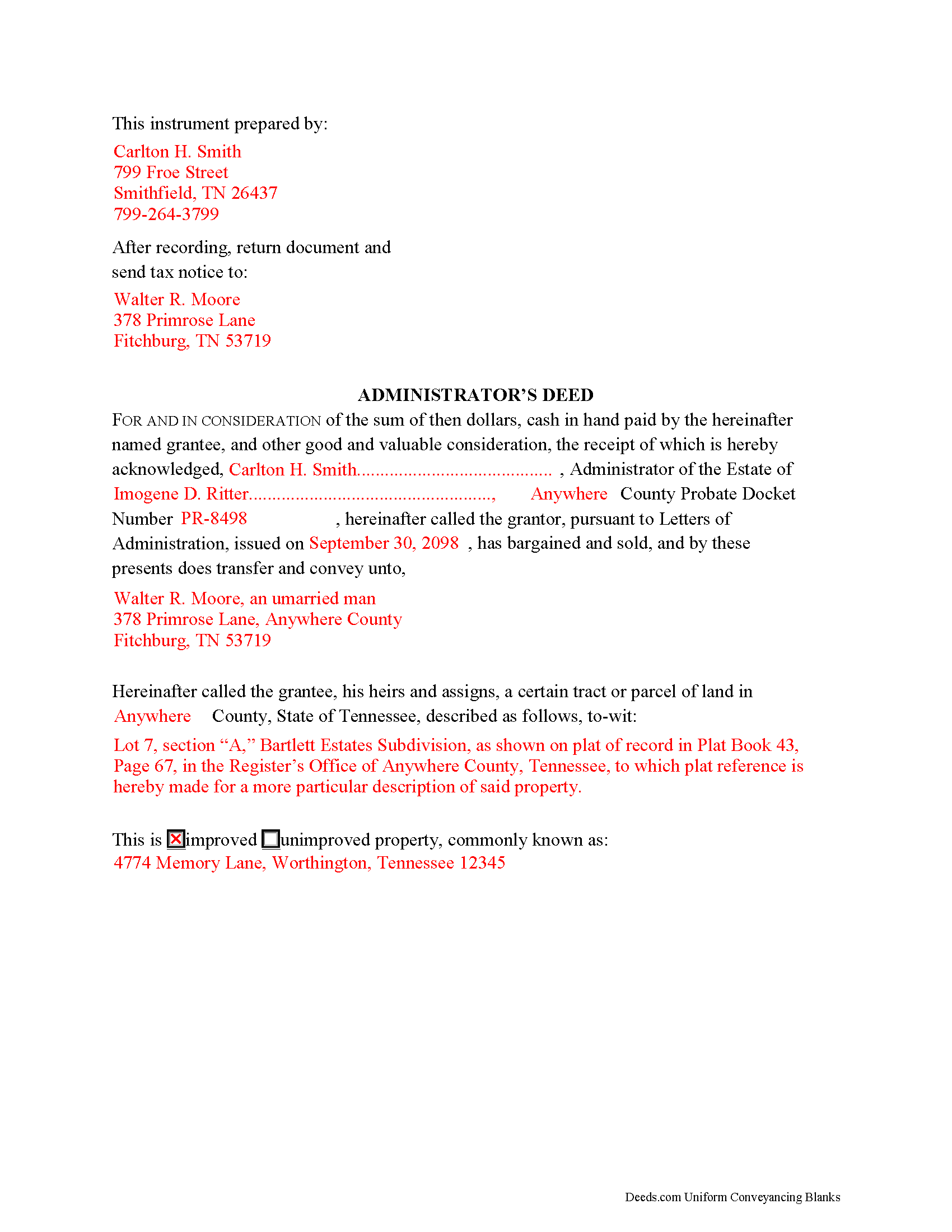
Cannon County Completed Example of the Administrator Deed Document
Example of a properly completed form for reference.
All 3 documents above included • One-time purchase • No recurring fees
Immediate Download • Secure Checkout
Additional Tennessee and Cannon County documents included at no extra charge:
Where to Record Your Documents
Cannon County Register Of Deeds
Woodbury, Tennessee 37190
Hours: 8:30 to 4:30 M-F
Phone: (615) 563-2041
Recording Tips for Cannon County:
- Bring your driver's license or state-issued photo ID
- Ensure all signatures are in blue or black ink
- Recorded documents become public record - avoid including SSNs
- Recording fees may differ from what's posted online - verify current rates
- Request a receipt showing your recording numbers
Cities and Jurisdictions in Cannon County
Properties in any of these areas use Cannon County forms:
- Auburntown
- Bradyville
- Readyville
- Woodbury
Hours, fees, requirements, and more for Cannon County
How do I get my forms?
Forms are available for immediate download after payment. The Cannon County forms will be in your account ready to download to your computer. An account is created for you during checkout if you don't have one. Forms are NOT emailed.
Are these forms guaranteed to be recordable in Cannon County?
Yes. Our form blanks are guaranteed to meet or exceed the applicable formatting requirements used for recording in Cannon County, including margin requirements, font requirements, and other layout standards. This guarantee applies to formatting, not to the legal sufficiency of information entered by the user or the suitability of a form for a particular transaction.
Can I reuse these forms?
Yes. You can reuse the forms for your personal use. For example, if you have multiple properties in Cannon County you only need to order once.
What do I need to use these forms?
The forms are PDFs that you fill out on your computer. The free Adobe Acrobat Reader is recommended, and most PDF apps also work. You do NOT enter your property information online - you download the blank forms and complete them privately on your own computer.
Are there any recurring fees?
No. This is a one-time purchase. Nothing to cancel, no memberships, no recurring fees.
How much does it cost to record in Cannon County?
Recording fees in Cannon County vary. Contact the recorder's office at (615) 563-2041 for current fees.
Questions answered? Let's get started!
Use an administrator's deed to transfer title to a decedent's real property to a purchaser following a sale. An administrator's deed names the duly authorized and acting administrator of the estate of the deceased as the granting party. This is the person to whom the probate court has issued letters of administration.
Typically, administrators' deeds contain fiduciary covenants akin to those found in a special warranty deed, and the deed may even be indexed as a special warranty deed in the county land records. The warranty of title in a special (limited) warranty deed only covers the period that the grantor held title to the property, along with covenants that the grantor is lawfully seized and possessed of the property in fee simple and has a good right to convey it, and that the property is unencumbered, unless noted on the face of the deed.
A sale of realty from the decedent's estate may be required when the decedent's personal property is insufficient to pay the estate's debts. A petition of the court for a decree of sale is required before an administrator can make a sale (T.C.A. 30-2-402). The court may order a sale if there is sufficient evidence, upon hearing, that the land should be sold.
Fiduciary deeds follow the same formalities as any deed affecting title to real property, which include a legal description of the subject parcel, the parcel and map numbers assigned by the taxing authority, and a recitation of the grantor's source of title. In addition, the deed notes whether the subject parcel is improved or unimproved property. Any restrictions on the property should be noted on the face of the deed.
Instruments in Tennessee also require an oath of value (T.C.A. 67-4-409(a)). On any type of warranty deed, the oath reflects the consideration made for the transfer or what was given for the transfer, or the value of the property, whichever is greater. This oath is made and signed by the grantee or the grantee's buyer or agent, typically at the time of recording, as directed by the document's preparer. Conveyance tax is levied based on the amount reflected in the oath of consideration and is due upon recording.
Record deeds and instruments relating to real property in the Register of Deeds' office of the county where the subject land is situated. Instruments affecting interests in real property must meet state and county requirements for form and content, and should reflect the preparer's name and address, the property tax address, and signature of the granting party, made in the presence of a notary public. Include any requisite documentation with the deed, which may include a certificate of probate, certified copies of a will, and/or related probate orders.
The information provided here is not a substitute for legal advice and does not address specific probate situations. Consult an attorney licensed in the State of Tennessee with questions regarding administrators' deeds and probate procedures in that state, as each situation is unique.
(Tennessee AD Package includes form, guidelines, and completed example)
Important: Your property must be located in Cannon County to use these forms. Documents should be recorded at the county recording office listed above.
This Administrator Deed meets all recording requirements specific to Cannon County.
Our Promise
The documents you receive here are guaranteed to meet or exceed the applicable Cannon County recording format requirements. If there is a rejection caused by our formatting, we will correct the issue or refund your payment. This guarantee applies to document formatting only and does not extend to information entered by the user, the selection of the form, or the legal effect of the completed document.
Save Time and Money
Get your Cannon County Administrator Deed form done right the first time with Deeds.com Uniform Conveyancing Blanks. At Deeds.com, we understand that your time and money are valuable resources, and we don't want you to face a penalty fee or rejection imposed by a county recorder for submitting nonstandard documents. We constantly review and update our forms to meet rapidly changing state and county recording requirements for roughly 3,500 counties and local jurisdictions.
4.8 out of 5 - ( 4,829 Reviews )
Donna L. 5 out of 5 stars
So far so good. Looks nice but a more condensed version, when the recorder charges by the page, should be offered.
Thank you for your feedback. We really appreciate it. Have a great day!
Jacque G. 5 out of 5 stars
Very helpful and easy to access.
Thank you!
Linda D C. 5 out of 5 stars
This was so easy to use. I appreciated the finished sample to guide me and the proper attachments necessary to process my Quit Claim Deed. I am gifting it to my nephew as I am too old to run farm and I live in a different state now. I tried other websites but their info was not up to date or accurate. Thank you so much. 71 Y/O Nana.
Thank you for your feedback. We really appreciate it. Have a great day!
yaakov f. 5 out of 5 stars
you are awesome never had such a great expriance will be back with other transfers you the best
Great to hear Yaakov! Hope you have a great day!
Alexia B. 5 out of 5 stars
Excellent service with rapid turn around time!
We appreciate your business and value your feedback. Thank you. Have a wonderful day!
Giovanni S. 5 out of 5 stars
Simple and easy going process
Thank you!
Jeffery H. 5 out of 5 stars
Very easy to use. Thanks for your quick response on my document submissions and follow up and guidance on specific questions.
Thank you for your positive words! We’re thrilled to hear about your experience.
Teresa M. 5 out of 5 stars
Very easy and quick. Report gave me the info I needed to know. Will use again if I need to.
We appreciate your business and value your feedback. Thank you. Have a wonderful day!
Robert W. 5 out of 5 stars
very good forms and easy to print and read. I need a notary form from a different state. We are both from the state of Michigan. This would make it easier to complete out of the State of Utah. Thanks Robert W.
Thank you for your feedback. We really appreciate it. Have a great day!
Essence L. 5 out of 5 stars
Ordered and filled out the quitclaim forms. Had no issues with preparing or recording, smooth process.
Thank you!
Charles S. 5 out of 5 stars
Easy to set up and fast service.
We appreciate your business and value your feedback. Thank you. Have a wonderful day!
candy h. 5 out of 5 stars
service was great!
Thank you!
Lois S. 5 out of 5 stars
This website made it easy to quickly research what was recorded/released on the title of my home.
Thank you for your feedback. We really appreciate it. Have a great day!
victoria r. 5 out of 5 stars
Easiest and most efficient process awesome online communication
Thank you!
Tuesday G. 5 out of 5 stars
This was a great site to use. They responded quickly when needed. And with i 24 hours the deed was filed. Very happy with with site and company! Thank you!
We appreciate your business and value your feedback. Thank you. Have a wonderful day!