Cannon County Easement Deed Form
Last validated September 28, 2026 by our Forms Development TeamFormatted for recording in Cannon County, for property anywhere in the county: rural and unincorporated areas as well as Auburntown, Bradyville, Readyville, Woodbury.
- 4 documents included
- Immediate PDF download
- Formatting guarantee
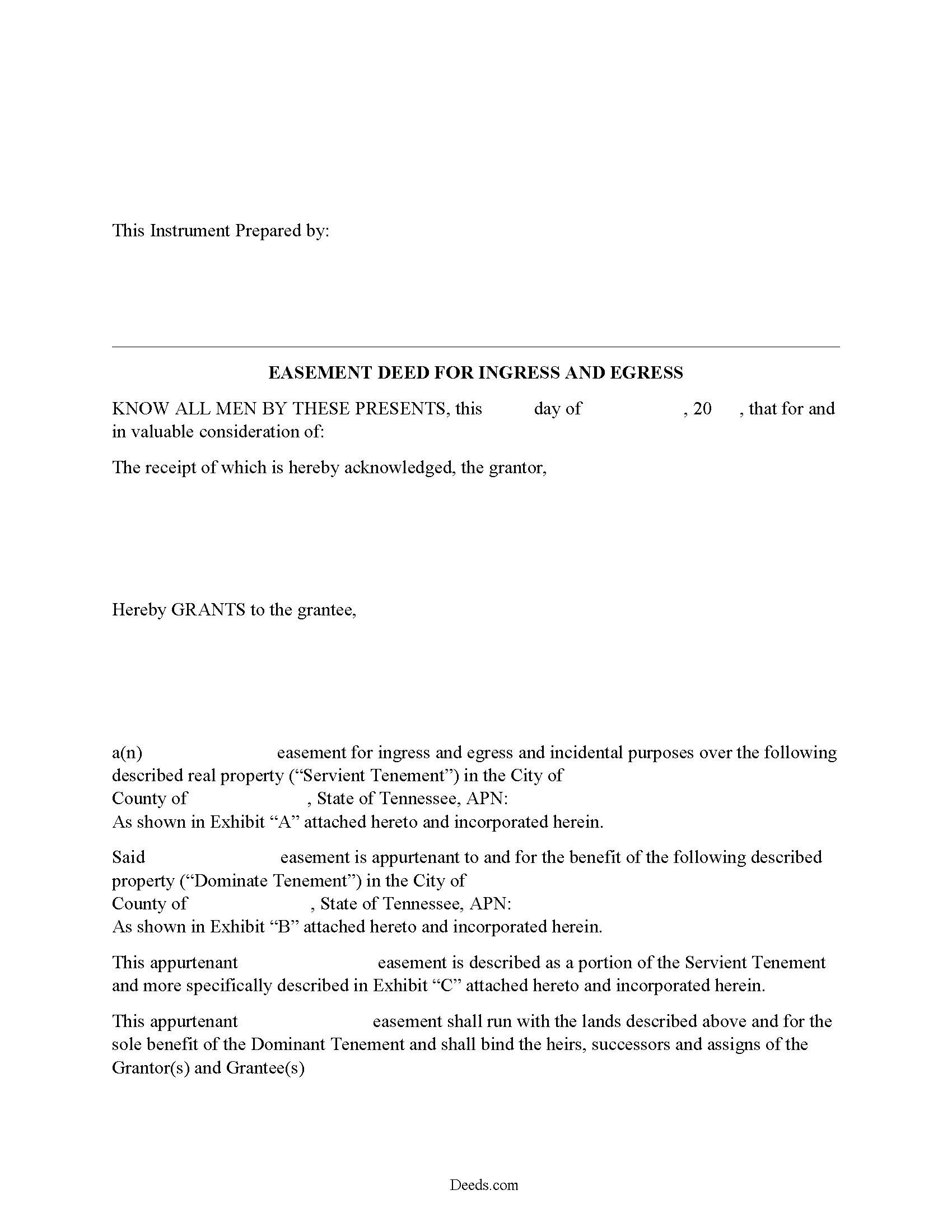
Cannon County Easement Deed Form
Fill in the blank form formatted to comply with all recording and content requirements.
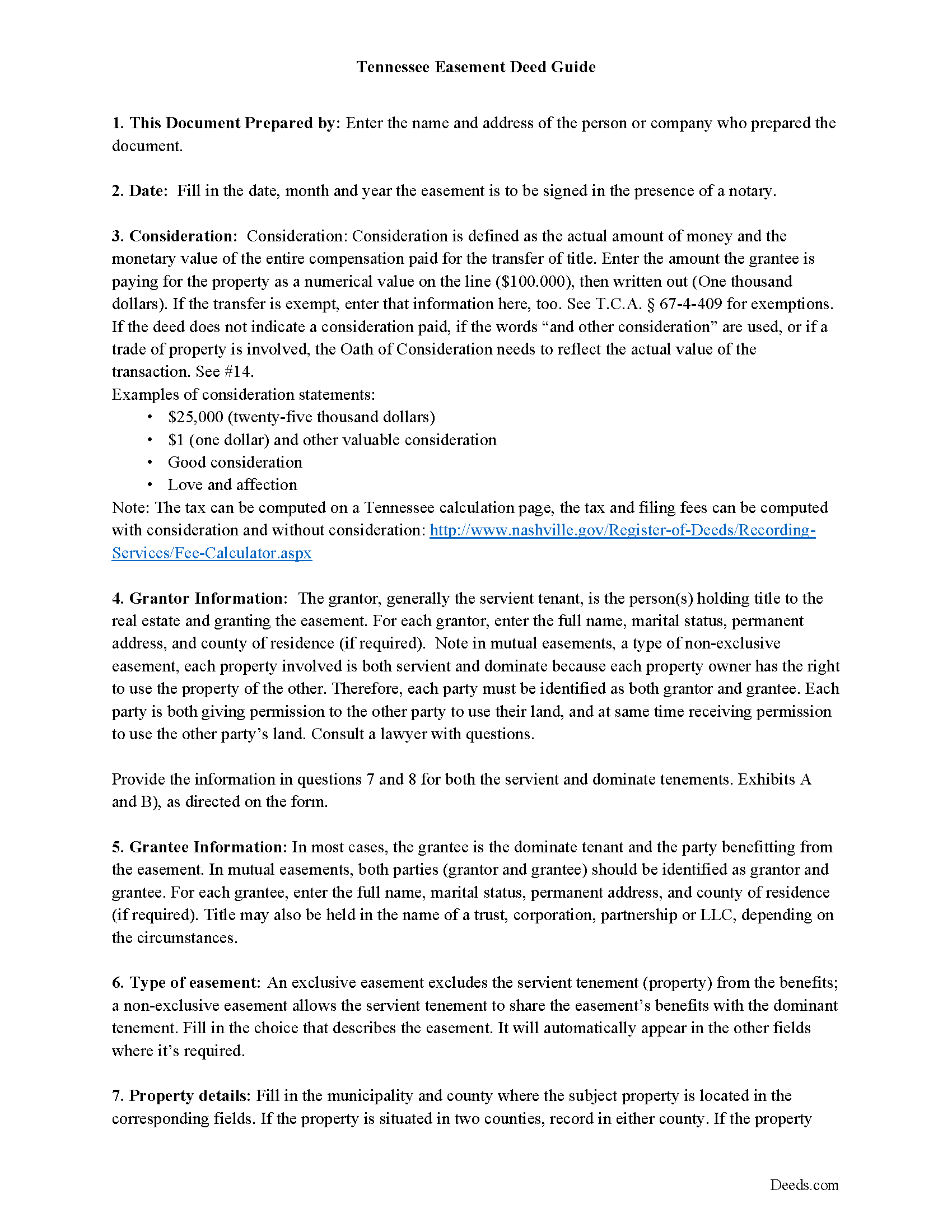
Cannon County Easement Deed Guide
Line by line guide explaining every blank on the form.
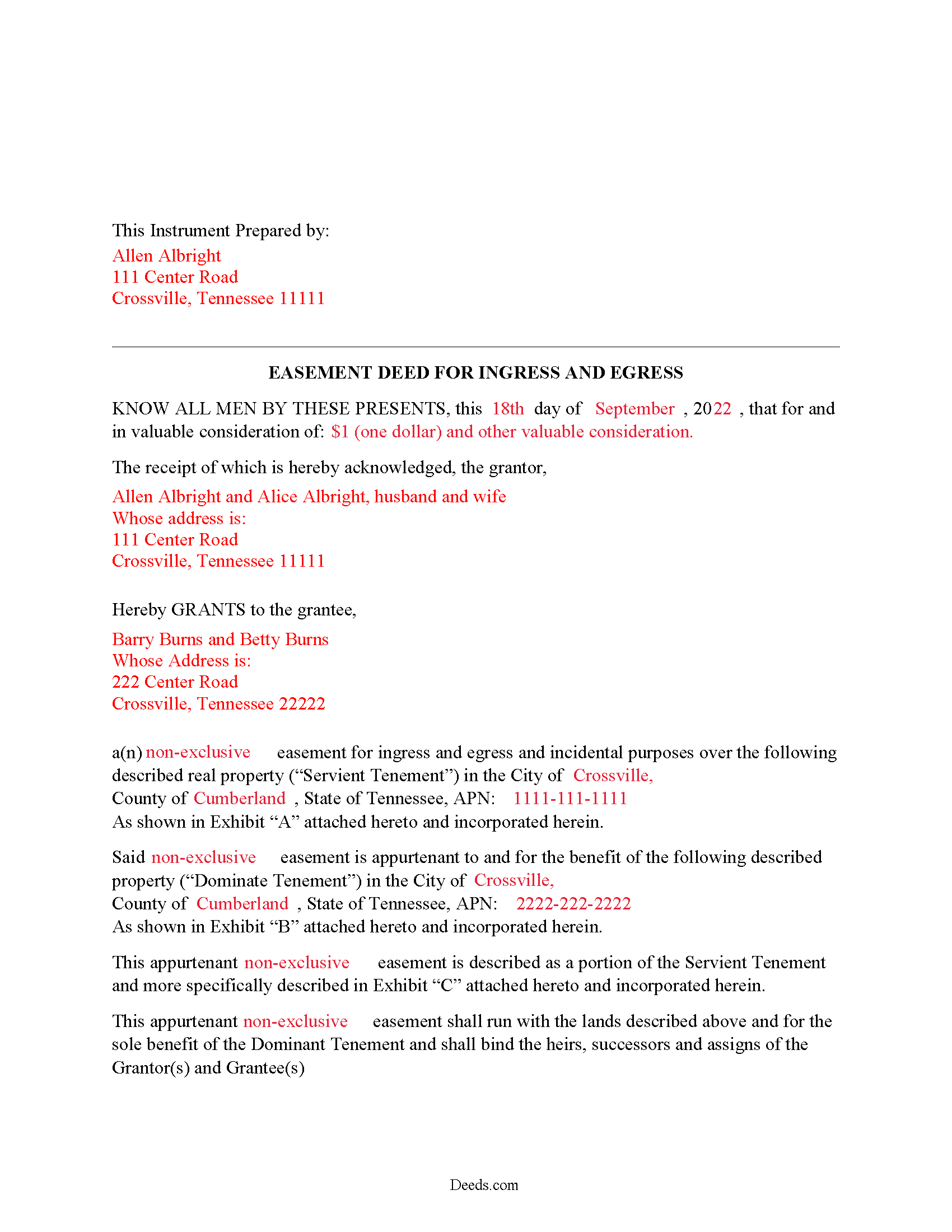
Cannon County Completed Example of the Easement Deed Document
Example of a properly completed form for reference.
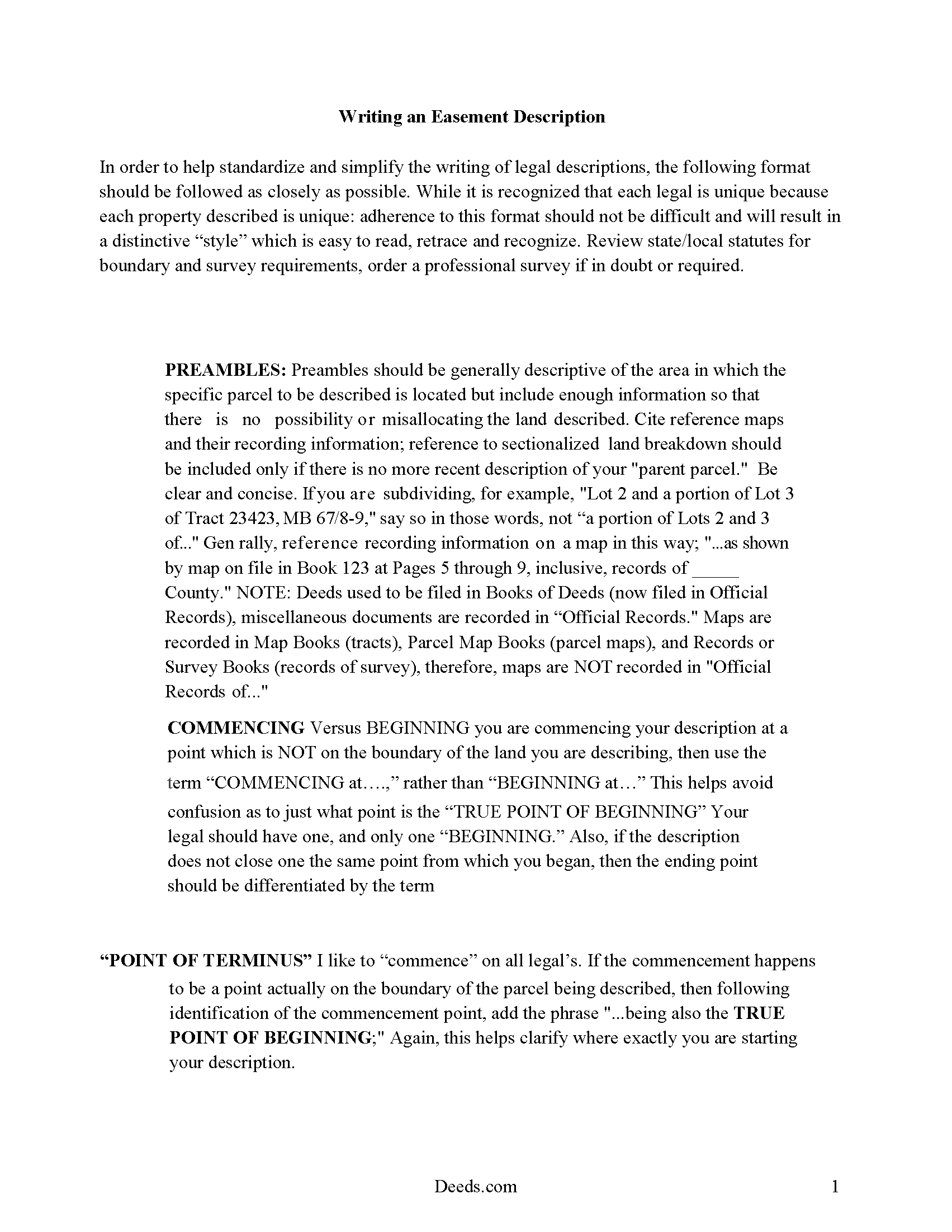
Cannon County Guide to writing an Easement Description
A Description of the Easement will be required. This will show how to write an acceptable description for a Right of Way Easement, which gives access, to and from - point A to point B.
All 4 documents above included • One-time purchase • No recurring fees
Immediate Download • Secure Checkout
Additional Tennessee and Cannon County documents included at no extra charge:
Where to Record Your Documents
Cannon County Register Of Deeds
Woodbury, Tennessee 37190
Hours: 8:30 to 4:30 M-F
Phone: (615) 563-2041
Recording Tips for Cannon County:
- Bring your driver's license or state-issued photo ID
- Ensure all signatures are in blue or black ink
- Check that your notary's commission hasn't expired
- Documents must be on 8.5 x 11 inch white paper
- Double-check legal descriptions match your existing deed
Cities and Jurisdictions in Cannon County
Properties in any of these areas use Cannon County forms:
- Auburntown
- Bradyville
- Readyville
- Woodbury
Hours, fees, requirements, and more for Cannon County
How do I get my forms?
Forms are available for immediate download after payment. The Cannon County forms will be in your account ready to download to your computer. An account is created for you during checkout if you don't have one. Forms are NOT emailed.
Are these forms guaranteed to be recordable in Cannon County?
Yes. Our form blanks are guaranteed to meet or exceed the applicable formatting requirements used for recording in Cannon County, including margin requirements, font requirements, and other layout standards. This guarantee applies to formatting, not to the legal sufficiency of information entered by the user or the suitability of a form for a particular transaction.
Can I reuse these forms?
Yes. You can reuse the forms for your personal use. For example, if you have multiple properties in Cannon County you only need to order once.
What do I need to use these forms?
The forms are PDFs that you fill out on your computer. The free Adobe Acrobat Reader is recommended, and most PDF apps also work. You do NOT enter your property information online - you download the blank forms and complete them privately on your own computer.
Are there any recurring fees?
No. This is a one-time purchase. Nothing to cancel, no memberships, no recurring fees.
How much does it cost to record in Cannon County?
Recording fees in Cannon County vary. Contact the recorder's office at (615) 563-2041 for current fees.
Questions answered? Let's get started!
An easement is an interest in real property that grants the easement holder a legally enforceable right to use another's property for a specific purpose. This type of interest in land can be created in various ways in Tennessee: by an express grant, by reservation, or by implication. An express easement is a grant of an interest in land and must comply with the Tennessee Code Annotated Statute of Frauds, which states that no charge may be brought against a contract for the sale of lands, tenements, or hereditaments unless the promise or agreement upon which such action shall be brought is in writing and signed by the party to be charged therewith (29-2-101). An express easement by grant is created by a deed in writing that contains plain and direct language evidencing the grantor's intent to create an easement. The scope and duration of the easement is set forth in express terms in the granting document. When the owner of a dominant tenement transfers title in Tennessee, he transfers to the grantee all rights in and to the property, including all appurtenant and necessary easements attached to the property.
A solar energy easement can be created according to the provisions outlined in 66-9-204 of the Tennessee Code Annotated. This type of easement is presumed to run with the benefitted and burdened land and is deemed to pass with the property when the title is transferred, unless the parties to the easement provide otherwise in writing (66-9-205).
A county recorder in Tennessee can refuse to record an easement deed unless it has been authenticated. A deed is considered authenticated when it has been signed and acknowledged by the grantor or proved by two subscribing witnesses (66-22-101). Acknowledgements made within the state can be made before the county clerk, a legally appointed deputy county clerk, a clerk and master of a chancery court of a county in the state, or before a notary public within the state (66-22-102). An easement deed acknowledged out of state will be valid in Tennessee if it has been executed and acknowledged according to the laws of such state. Out-of-state acknowledgments can be taken before any of the officers listed in 66-22-103. A certificate of acknowledgment should be attached to or endorsed on a deed executed in Tennessee or in another state (66-22-107).
The act of recording an easement deed will provide notice to the general public of the existence of the deed from the time it is recorded, and the deed will take effect from the time it is recorded (66-26-102). An easement deed that has not been recorded as required will not be effective as to other persons not having notice of the deed. Unrecorded easements will be effective between the parties to the deed and their heirs and representatives (66-26-101). The priority of instruments is determined as follows: A deed that is registered first or noted for registration first will have priority over a deed of an earlier date but is noted for registration afterwards, unless it is proved in a court of equity, according to the rules of the court, that the party claiming under the subsequent instrument had full notice of the previous instrument (66-26-105). Easement deeds and other real property instruments in Tennessee are required to be recorded in the register of deeds office in the county where the property is located. If property is located partly in two or more counties, the deed may be recorded in either county; and if there are several tracts of land lying in different counties, the deed should be recorded in each of the counties where any of the tracts lie (66-24-103).
(Tennessee ED Package includes form, guidelines, and completed example)
Important: Your property must be located in Cannon County to use these forms. Documents should be recorded at the county recording office listed above.
This Easement Deed meets all recording requirements specific to Cannon County.
Our Promise
The documents you receive here are guaranteed to meet or exceed the applicable Cannon County recording format requirements. If there is a rejection caused by our formatting, we will correct the issue or refund your payment. This guarantee applies to document formatting only and does not extend to information entered by the user, the selection of the form, or the legal effect of the completed document.
Save Time and Money
Get your Cannon County Easement Deed form done right the first time with Deeds.com Uniform Conveyancing Blanks. At Deeds.com, we understand that your time and money are valuable resources, and we don't want you to face a penalty fee or rejection imposed by a county recorder for submitting nonstandard documents. We constantly review and update our forms to meet rapidly changing state and county recording requirements for roughly 3,500 counties and local jurisdictions.
4.8 out of 5 - ( 4,818 Reviews )
Mallah B. 5 out of 5 stars
I think this company offers a great service that is non-discriminatory and allows me to save time going downtown and hassle dealing with different personalities.
Thank you for your feedback. We really appreciate it. Have a great day!
Patricia G. 5 out of 5 stars
Very easy to order and download all the promised forms and instructions
We appreciate your business and value your feedback. Thank you. Have a wonderful day!
Albert j. 5 out of 5 stars
Very easy site to use for a simple minded happy howmowner. Very reasonable fee Quick turn around Good communication
Thank you!
Dan B. 5 out of 5 stars
Excellent service even faster then I expected. Very pleased and a reasonable priced document. I encourage people too use Deeds.Com
Thank you for your feedback. We really appreciate it. Have a great day!
Thomas H. 5 out of 5 stars
Great service! The example completed form and instructions provided by Deeds.com were extremely helpful for properly filling out the blank form they provided. After completing my form and getting it notarized, I e-filed it to my county clerk's office and it was approved right away with no issues. The entire process was well worth the price and I'm very happy with the results.
Thanks, Thomas. First-try acceptance is the goal every time, and we're glad yours went that way. We appreciate your business.
Kenneth-Wayne L. 5 out of 5 stars
1) I was very pleased when the staff mentioned your service since the three referenced on the Recorder's website all wanted HUGE Account set-up and maintenance fees AND BIG fees per recording, and yours has no set-up fee AND nominal per-recording fee; 2) My (few) recordings will be NON-LAND Related, summary or entire record(s) of Administrative (Procedures Act) records, Other than the Border width and Cover Sheet, do you anticipate any other special requirements for such recording(s)? NOTE: I just sent one by Snail Mail, and they just informed me that due to the GERMIPHOBIA 'Pandemic' the ONLY open and record Snail Mail ONCE A MONTH On the first of each chmonth!
Thank you!
John M. 5 out of 5 stars
Just finished downloading all of the forms; so far so good
Thank you for your feedback. We really appreciate it. Have a great day!
Mark E. 5 out of 5 stars
Thank you for your Swift response. Have docs I was looking for!
Thank you for your feedback. We really appreciate it. Have a great day!
Paulette O. 5 out of 5 stars
I love this! I wish there was one for a simple personal will.
Thank you!
John v. 4 out of 5 stars
Process is well laid out, clear and concise. Check out is easy. Recommendations: * Assign names to the downloadable files that are meaningful, such as: WARRANTY DEED instead of the useless and cryptic 1420490866F11417.pdf. * Provide a ONE BUTTON DOWNLOAD for all forms ordered. It's aggravating to have to click on each of the 20 documents and download them individually.
Thank you for your feedback. We really appreciate it. Have a great day!
Christopher H. 2 out of 5 stars
The product is as advertised. I was unable to navigate this process because It is complicated and I am concerned about doing it wrong. The law is written in stupid language to make it difficult for all and keep the layering business going. Its a solid form but did not work for me. Thanks Chris
Thank you for your feedback Christopher. Sorry to hear that we’re not comfortable completing the process. It is always best to seek the advice of a legal professional is you are not completely sure of what you are doing.
Judy H. 5 out of 5 stars
great response to my question.
We are delighted to have been of service. Thank you for the positive review!
David O. 5 out of 5 stars
Service was top-notch....fast, accurate, cost-effective.
Thank you!
Lydia E. 5 out of 5 stars
Very intuitive to use and comprehensive enough for the most complex of cases.
Thank you!
Suzanne W. 5 out of 5 stars
Excellent service, knowledgeable, and quick responses. I'll be using this service again for any future filing needs. WAY better than going to the filing office in person!
Thank you so much for the kind words Suzanne, glad we could help.