Cannon County Indemnity Agreement Form
Last validated October 1, 2026 by our Forms Development TeamFormatted for recording in Cannon County, for property anywhere in the county: rural and unincorporated areas as well as Auburntown, Bradyville, Readyville, Woodbury.
- 3 documents included
- Immediate PDF download
- Formatting guarantee
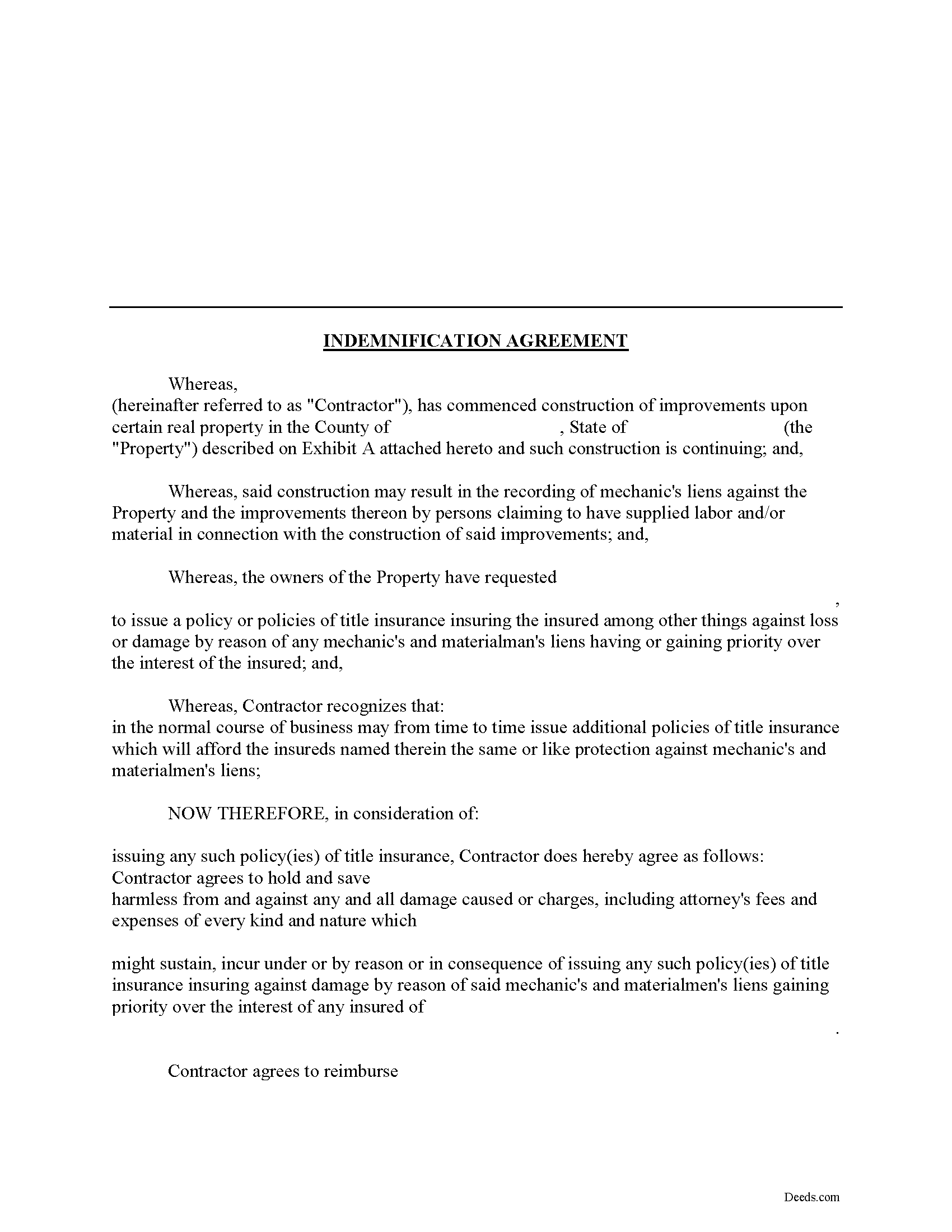
Cannon County Indemnity Agreement Form
Fill in the blank Indemnity Agreement form formatted to comply with all Tennessee recording and content requirements.
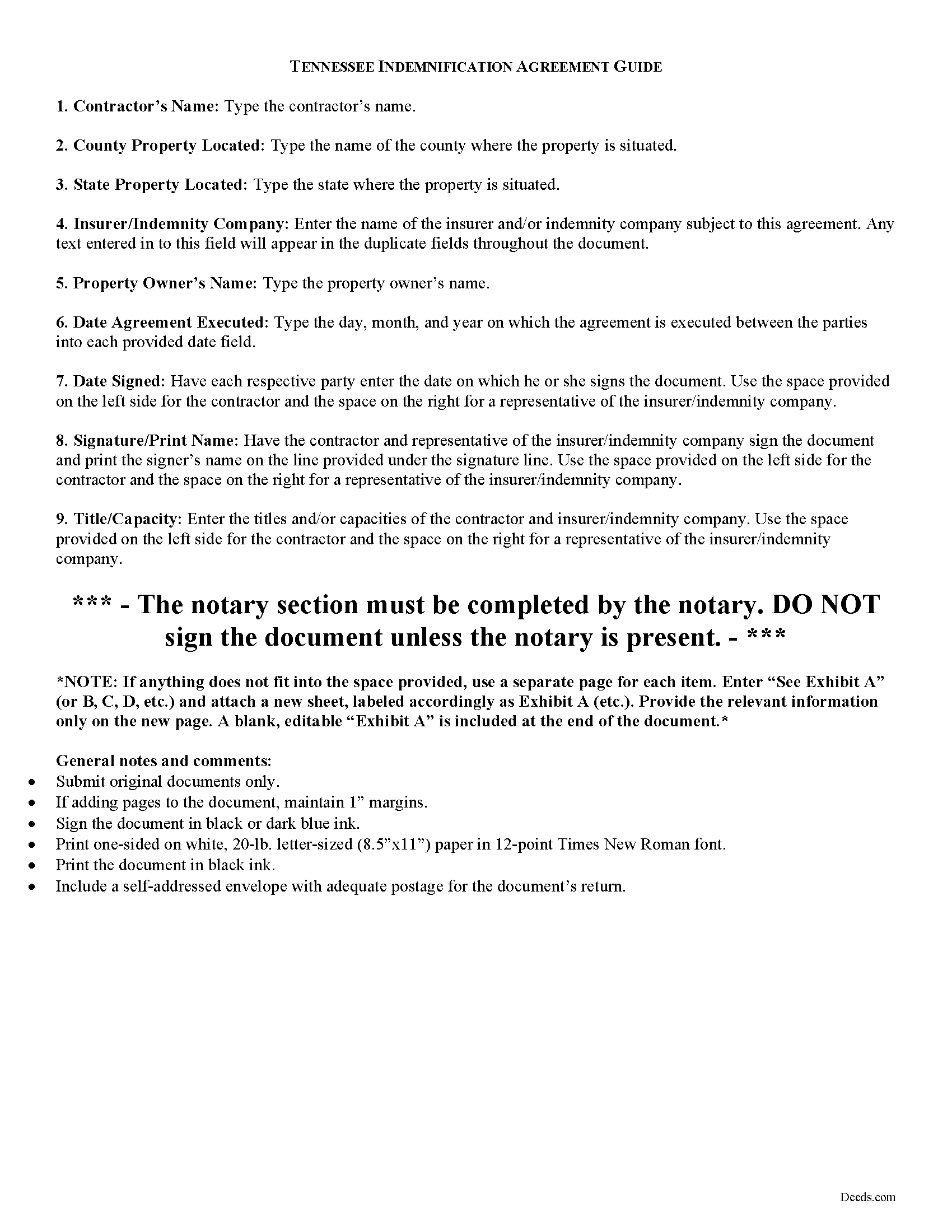
Cannon County Indemnity Agreement Guide
Line by line guide explaining every blank on the form.
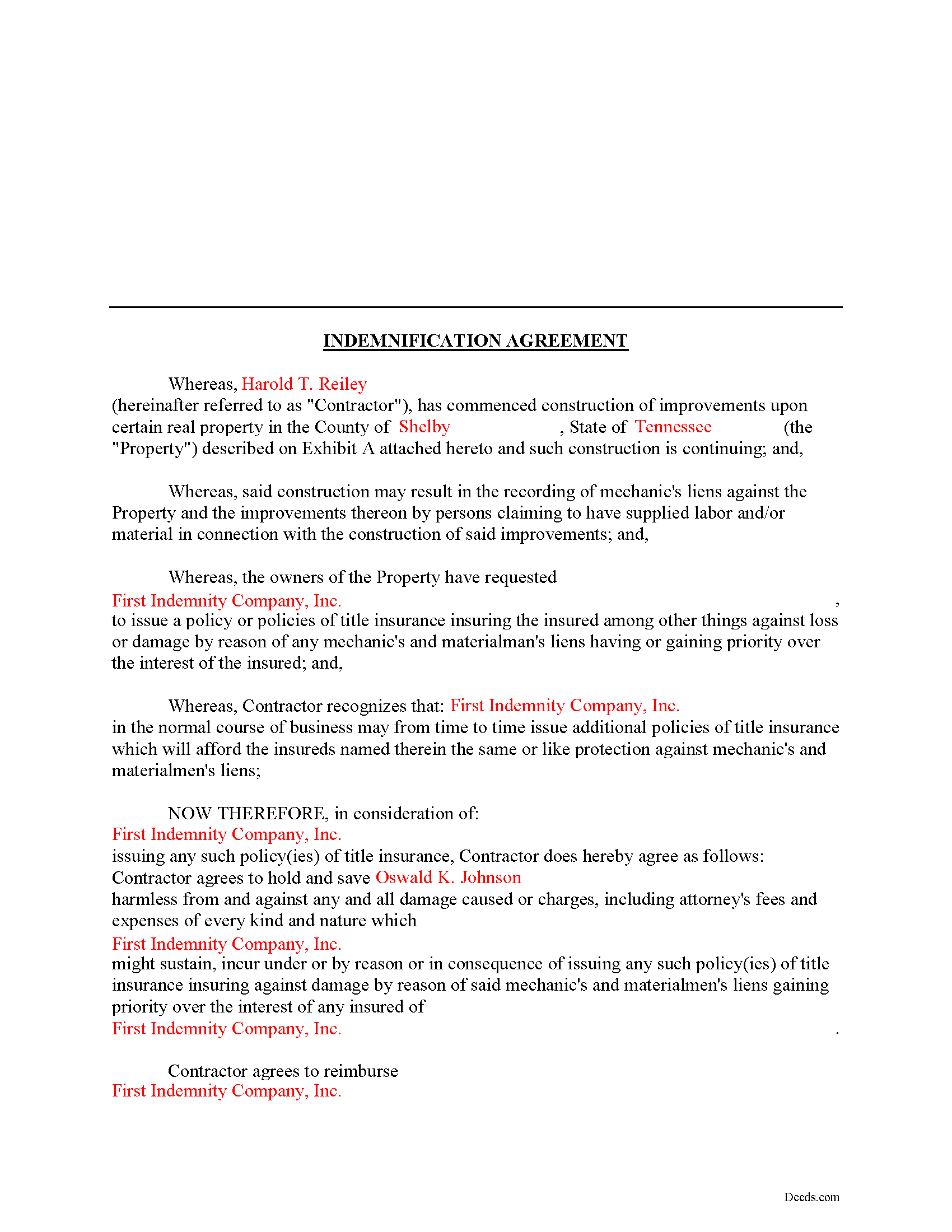
Cannon County Completed Example of the Indemnity Agreement Document
Example of a properly completed form for reference.
All 3 documents above included • One-time purchase • No recurring fees
Immediate Download • Secure Checkout
Additional Tennessee and Cannon County documents included at no extra charge:
Where to Record Your Documents
Cannon County Register Of Deeds
Woodbury, Tennessee 37190
Hours: 8:30 to 4:30 M-F
Phone: (615) 563-2041
Recording Tips for Cannon County:
- Bring your driver's license or state-issued photo ID
- Ensure all signatures are in blue or black ink
- Ask about accepted payment methods when you call ahead
- Ask for certified copies if you need them for other transactions
- Ask if they accept credit cards - many offices are cash/check only
Cities and Jurisdictions in Cannon County
Properties in any of these areas use Cannon County forms:
- Auburntown
- Bradyville
- Readyville
- Woodbury
Hours, fees, requirements, and more for Cannon County
How do I get my forms?
Forms are available for immediate download after payment. The Cannon County forms will be in your account ready to download to your computer. An account is created for you during checkout if you don't have one. Forms are NOT emailed.
Are these forms guaranteed to be recordable in Cannon County?
Yes. Our form blanks are guaranteed to meet or exceed the applicable formatting requirements used for recording in Cannon County, including margin requirements, font requirements, and other layout standards. This guarantee applies to formatting, not to the legal sufficiency of information entered by the user or the suitability of a form for a particular transaction.
Can I reuse these forms?
Yes. You can reuse the forms for your personal use. For example, if you have multiple properties in Cannon County you only need to order once.
What do I need to use these forms?
The forms are PDFs that you fill out on your computer. The free Adobe Acrobat Reader is recommended, and most PDF apps also work. You do NOT enter your property information online - you download the blank forms and complete them privately on your own computer.
Are there any recurring fees?
No. This is a one-time purchase. Nothing to cancel, no memberships, no recurring fees.
How much does it cost to record in Cannon County?
Recording fees in Cannon County vary. Contact the recorder's office at (615) 563-2041 for current fees.
Questions answered? Let's get started!
Using an Indemnity Agreement to Protect from Liens in Tennessee
Property owners can protect themselves from a mechanic's lien on their land by executing an indemnity agreement binding both the contractor and indemnity company. By entering into an agreement, the insurer agrees to pay the contractor any amount that could otherwise be enforced through a lien placed on the property. This way, the contractor will turn to the insurance agency and not the land owner for any deficiency that is owed.
This indemnity agreement is designed to be used by contractors and material providers as well as property owners. Although this form is designed for ease of use, it may not be appropriate in every circumstance. It is always a good idea to consult with an attorney when drafting a contract between two parties.
This article is provided for informational purposes only and should not be relied upon as a substitute for the advice of an attorney. Please speak with an attorney for any questions regarding indemnity agreements.
Important: Your property must be located in Cannon County to use these forms. Documents should be recorded at the county recording office listed above.
This Indemnity Agreement meets all recording requirements specific to Cannon County.
Our Promise
The documents you receive here are guaranteed to meet or exceed the applicable Cannon County recording format requirements. If there is a rejection caused by our formatting, we will correct the issue or refund your payment. This guarantee applies to document formatting only and does not extend to information entered by the user, the selection of the form, or the legal effect of the completed document.
Save Time and Money
Get your Cannon County Indemnity Agreement form done right the first time with Deeds.com Uniform Conveyancing Blanks. At Deeds.com, we understand that your time and money are valuable resources, and we don't want you to face a penalty fee or rejection imposed by a county recorder for submitting nonstandard documents. We constantly review and update our forms to meet rapidly changing state and county recording requirements for roughly 3,500 counties and local jurisdictions.
4.8 out of 5 - ( 4,833 Reviews )
Patricia W. 5 out of 5 stars
Easy to use with the itemized instruction.
Thank you for your feedback. We really appreciate it. Have a great day!
David R. 5 out of 5 stars
Great source of all required legal documents and supplements.
We appreciate your business and value your feedback. Thank you. Have a wonderful day!
BARBARA S. 5 out of 5 stars
Easy to use; great back-up documentation; reasonably priced.
We appreciate your business and value your feedback. Thank you. Have a wonderful day!
Shawn B. 5 out of 5 stars
Deeds.com support is very quick and responsive. Would use again and recommend to others in need of e-recording.
Thank you for your feedback. We really appreciate it. Have a great day!
John V. 5 out of 5 stars
getting the proper forms was easy--filling them out, not so much
Thank you!
Lori C. 5 out of 5 stars
It just a little disconcerting that I was not able to preview any of the forms prior to purchasing them. Thank goodness they were the correct forms I needed. I would suggest being able to at least make the picture of the forms a little larger or give the capability to zoom in.
Thank you!
Vera P. 5 out of 5 stars
An excellent service!
Thank you!
Marisela S. 5 out of 5 stars
This is my first time and your service appears to be very user-friendly; however, since I am new to this service, I'm not sure if my e-filings were received as I've not heard anything back nor have I received any type of confirmation of receipt.
Thank you for your feedback. We really appreciate it. Have a great day!
Stanley L. 5 out of 5 stars
Great service
Thank you Stanley.
Jearsel W. 5 out of 5 stars
I was surprised how helpful the completed example was. It was nice to see what the form should look like when it is filled out. Great job!
That's wonderful to hear Jearsel, thanks for your feedback. Have an awesome day.
Tim G. 5 out of 5 stars
Pretty good all in all. I do wish I could download forms to a word doc instead of a .pdf. Word is more 'accessable'.
Thank you!
Elliot M V. 5 out of 5 stars
Easy to use
Thank you!
Thomas G. 5 out of 5 stars
A few parts are confusing'.Like sending Tax statements to WHO ?/ The rest is simple I hope.Have not tried to record yet
Thank you!
Craig H. 5 out of 5 stars
Awesome service! It was so quick and easy.
Thank you for your feedback. We really appreciate it. Have a great day!
mary g. 5 out of 5 stars
Easy site. Reasonably priced
Thank you Mary.