Montgomery County Assignment of Deed of Trust Form
Last validated November 6, 2026 by our Forms Development TeamFormatted for recording in Montgomery County, for property anywhere in the county: rural and unincorporated areas as well as Clarksville, Cunningham, Palmyra, Southside, Woodlawn.
- 6 documents included
- Immediate PDF download
- Formatting guarantee
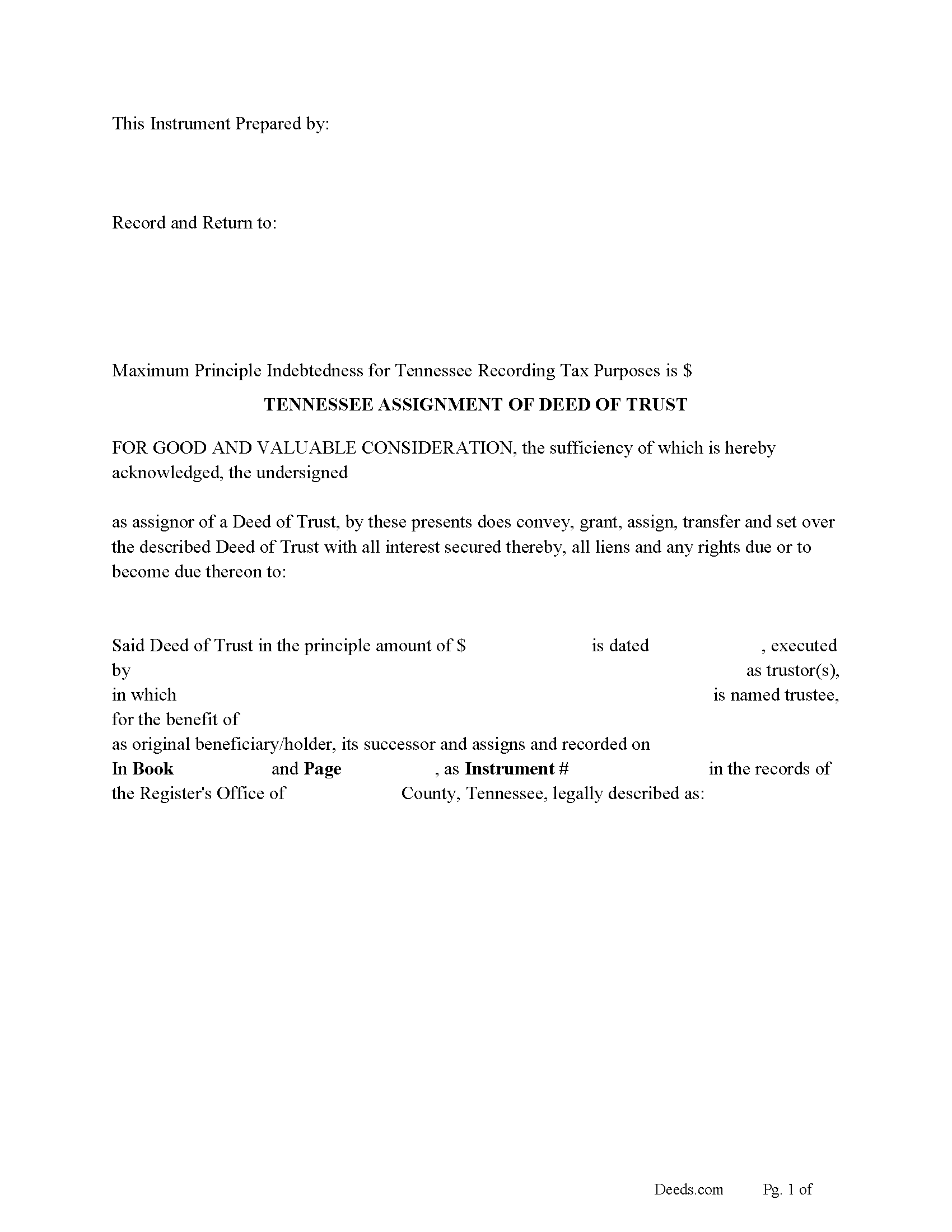
Montgomery County Assignment of Deed of Trust Form
Fill in the blank form formatted to comply with all recording and content requirements.
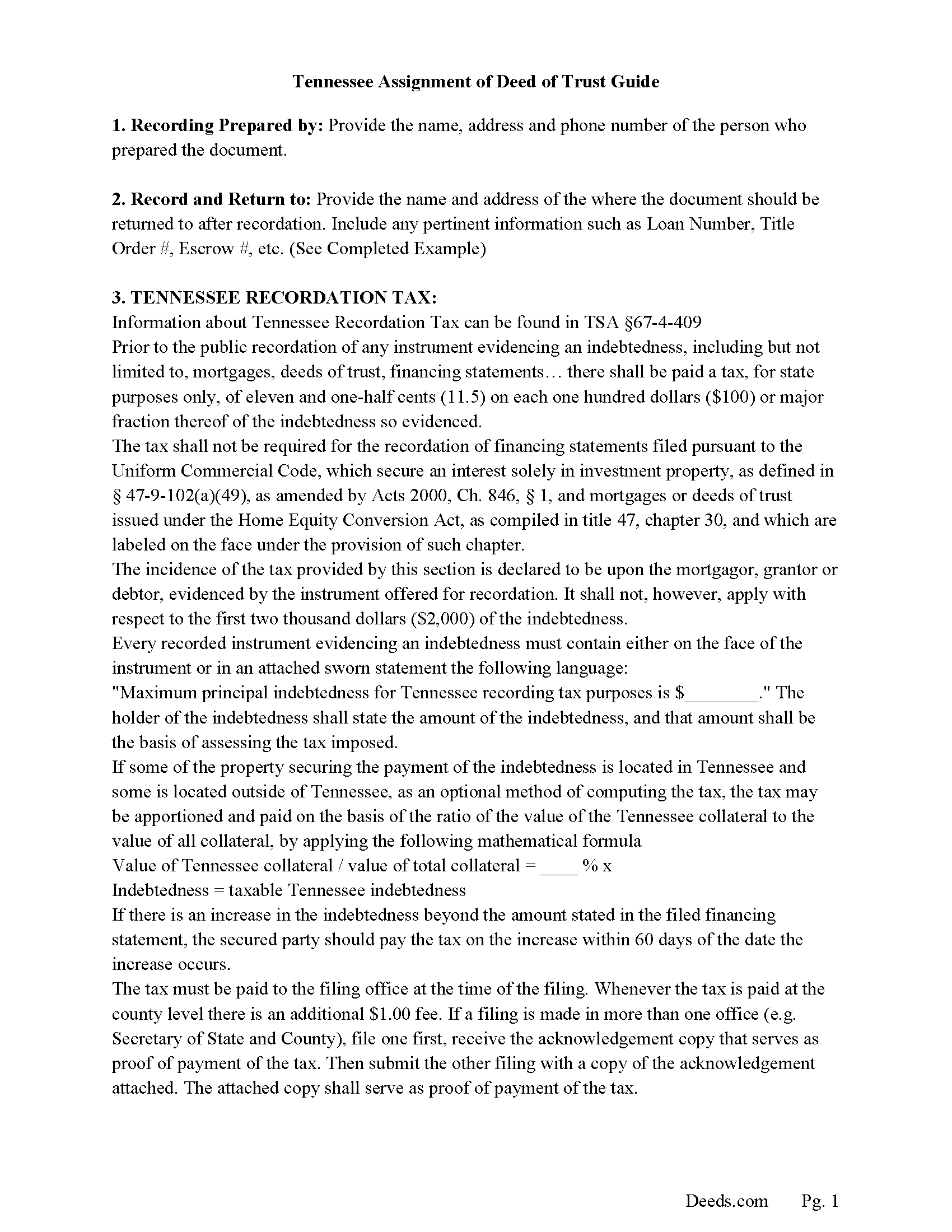
Montgomery County Guidelines for Assignment of Deed of Trust
Line by line guide explaining every blank on the form.
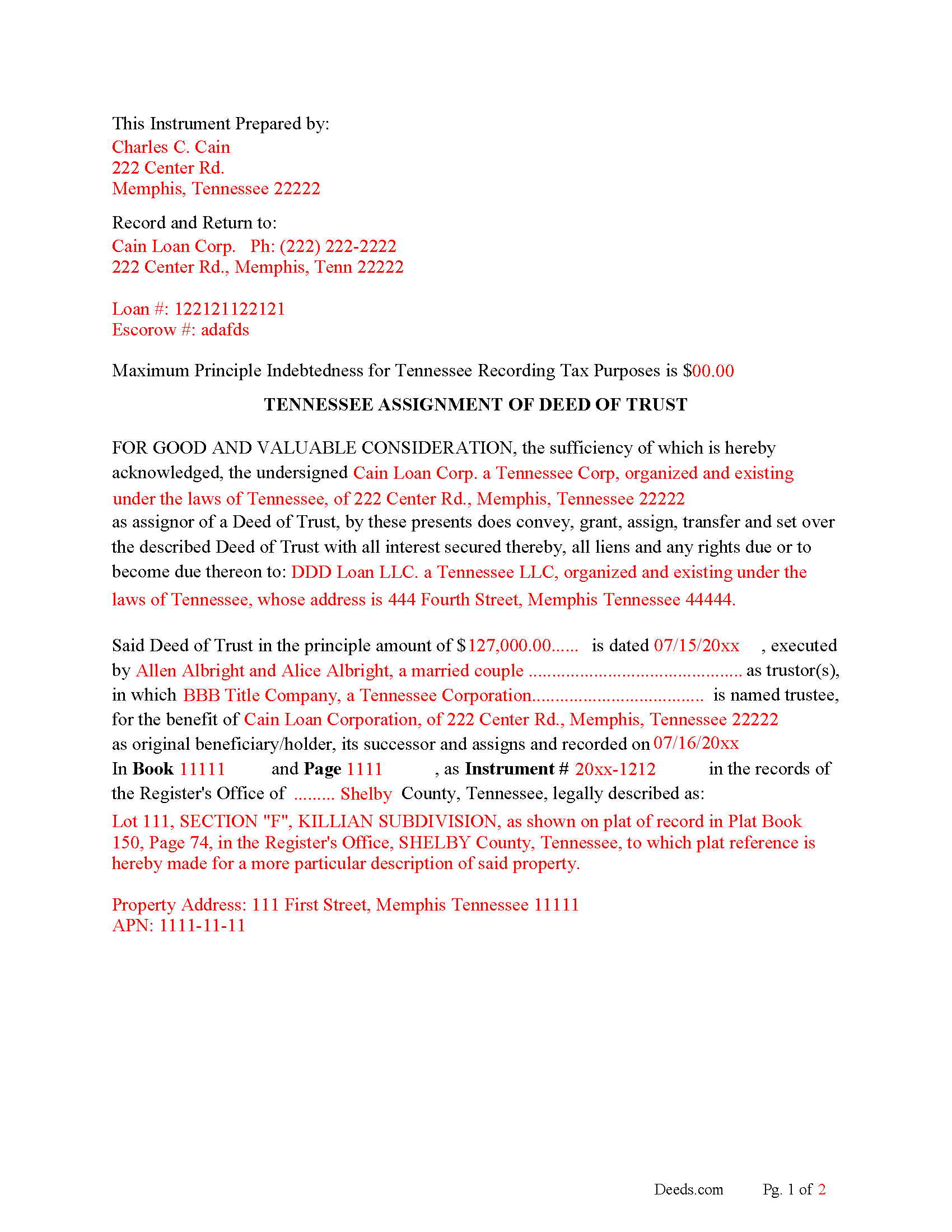
Montgomery County Completed Example of the Assignment of Deed of Trust Document
Example of a properly completed form for reference.
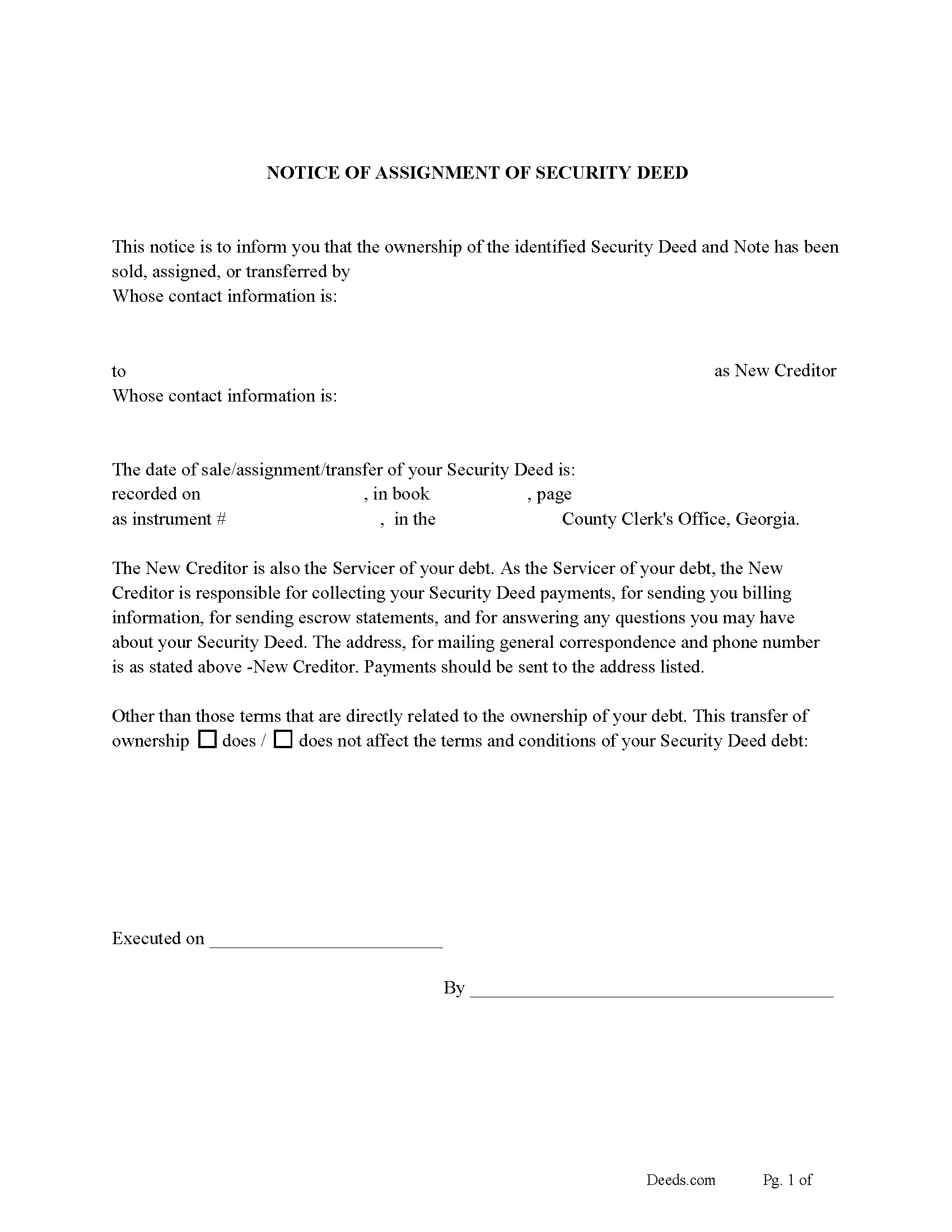
Montgomery County Notice of Assignment of Deed of Trust Form
Fill in the blank form formatted to comply with content requirements.
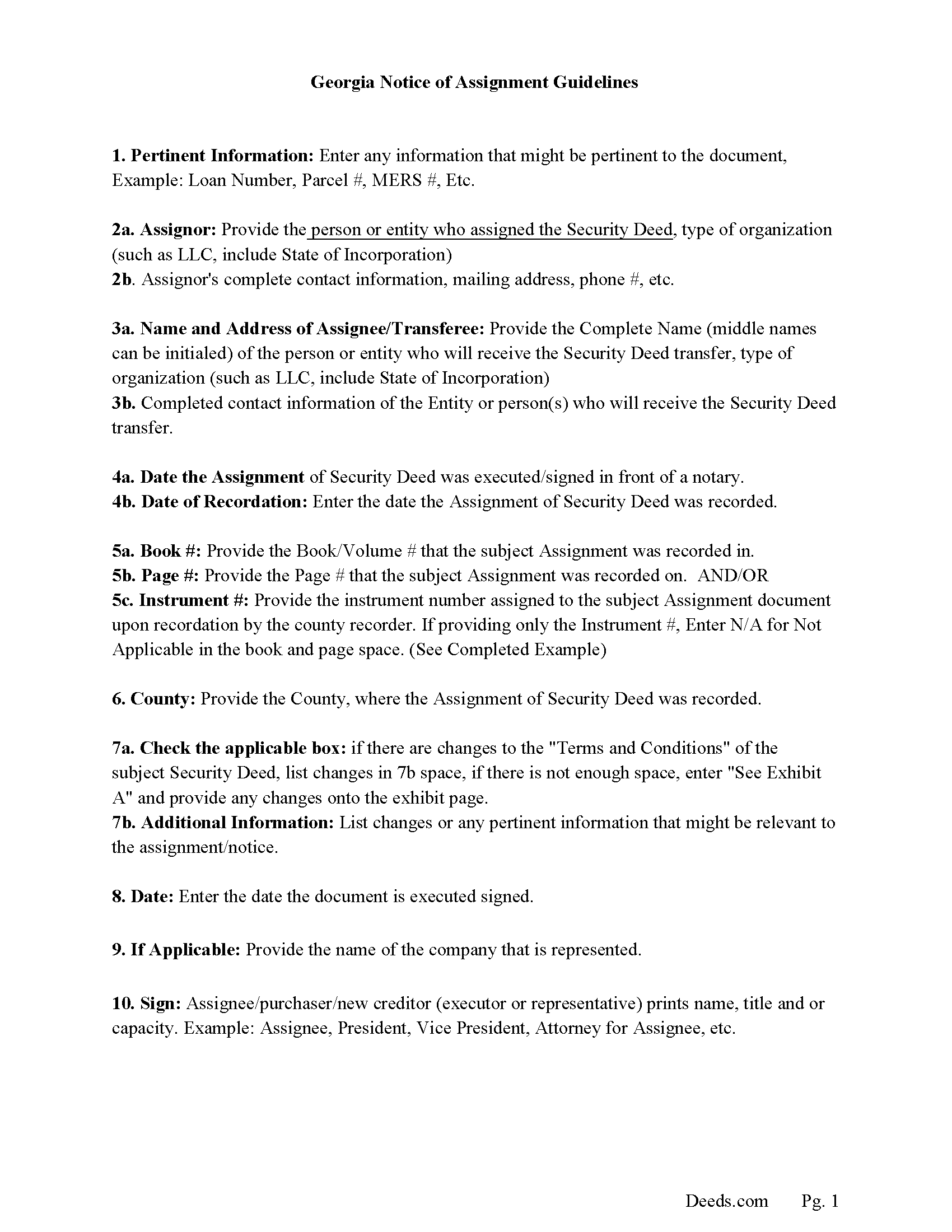
Montgomery County Notice of Assignment Guidelines
Line by line guide explaining every blank on the form.
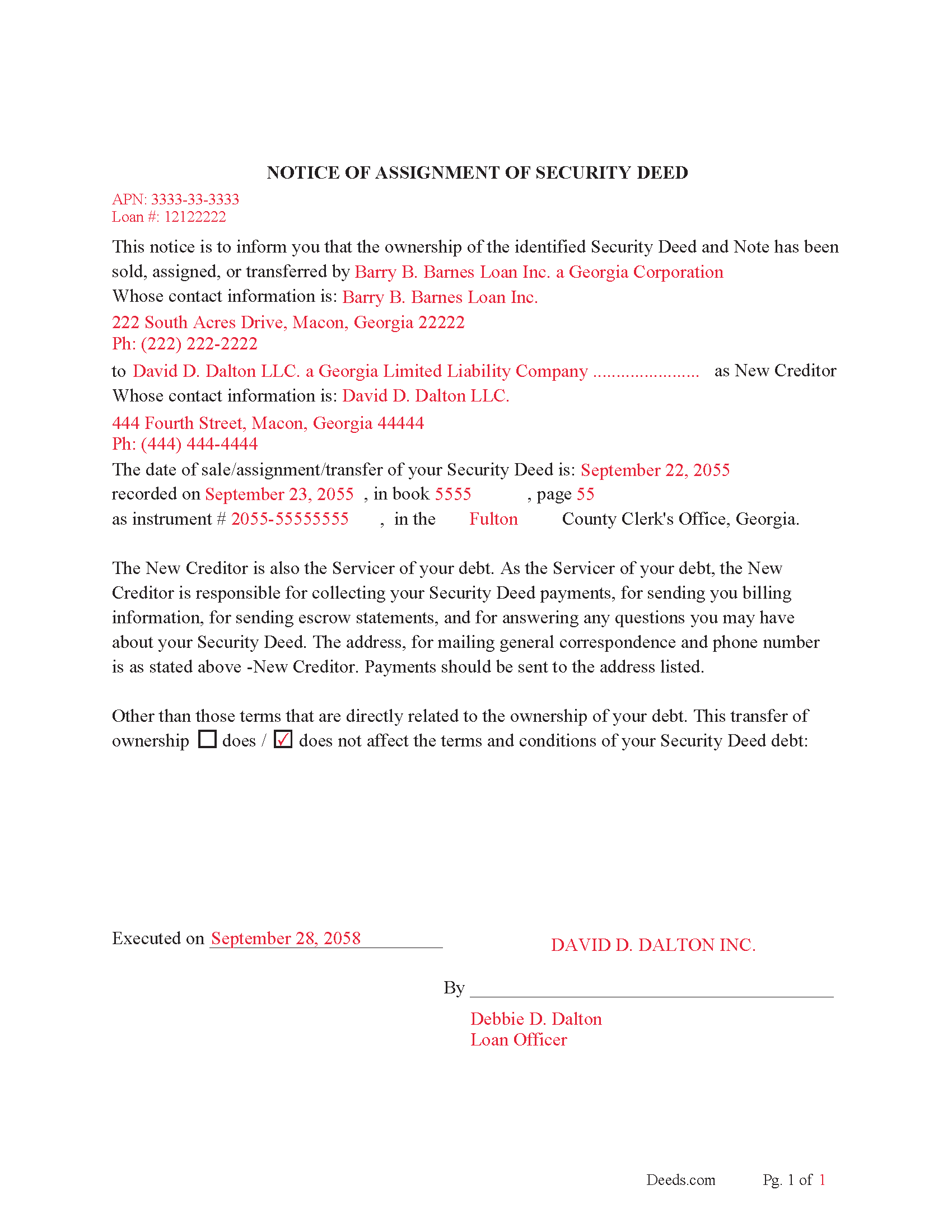
Montgomery County Completed Example of Notice of Assignment Document
Example of a properly completed form for reference.
All 6 documents above included • One-time purchase • No recurring fees
Immediate Download • Secure Checkout
Additional Tennessee and Montgomery County documents included at no extra charge:
Where to Record Your Documents
Register of Deeds
Clarksville, Tennessee 37041-1124
Hours: 7:30am to 4:30pm M-F
Phone: (931) 648-5713
Recording Tips for Montgomery County:
- Bring your driver's license or state-issued photo ID
- Ensure all signatures are in blue or black ink
- Recorded documents become public record - avoid including SSNs
- Recording fees may differ from what's posted online - verify current rates
- Request a receipt showing your recording numbers
Cities and Jurisdictions in Montgomery County
Properties in any of these areas use Montgomery County forms:
- Clarksville
- Cunningham
- Palmyra
- Southside
- Woodlawn
Hours, fees, requirements, and more for Montgomery County
How do I get my forms?
Forms are available for immediate download after payment. The Montgomery County forms will be in your account ready to download to your computer. An account is created for you during checkout if you don't have one. Forms are NOT emailed.
Are these forms guaranteed to be recordable in Montgomery County?
Yes. Our form blanks are guaranteed to meet or exceed the applicable formatting requirements used for recording in Montgomery County, including margin requirements, font requirements, and other layout standards. This guarantee applies to formatting, not to the legal sufficiency of information entered by the user or the suitability of a form for a particular transaction.
Can I reuse these forms?
Yes. You can reuse the forms for your personal use. For example, if you have multiple properties in Montgomery County you only need to order once.
What do I need to use these forms?
The forms are PDFs that you fill out on your computer. The free Adobe Acrobat Reader is recommended, and most PDF apps also work. You do NOT enter your property information online - you download the blank forms and complete them privately on your own computer.
Are there any recurring fees?
No. This is a one-time purchase. Nothing to cancel, no memberships, no recurring fees.
How much does it cost to record in Montgomery County?
Recording fees in Montgomery County vary. Contact the recorder's office at (931) 648-5713 for current fees.
Questions answered? Let's get started!
This form is used by the current lender/beneficiary to Assign/transfer a Deed of Trust and Promissory Note to another party, this is usually done when a note has been sold.
Recording requirements include:
- Assignor & assignee
- Debtor's name
- Reference original Volume & Page of assigned document
- Maximum Principal Indebtedness for Tennessee Recording Tax Purposes is $0 (If amount is listed taxes must be paid)
Current Borrowers must be notified of the assignment. Notification consists of contact information of the new creditor, recording dates, recording instrument numbers, changes in loan, etc. Included are "Notice of Assignment of Deed of Trust" forms.
The Truth and lending act requires that borrowers be notified when their Deed of Trust debt has been sold, transferred, or assigned to a new creditor. Generally, within 30 days to avoid up to $2,000.00 in statutory damages, plus reasonable attorney's fees. Systematic violations can reach up $500,000.00.
(Tennessee Assignment of DOT Package includes form, guidelines, and completed example) For use in Tennessee only.
Important: Your property must be located in Montgomery County to use these forms. Documents should be recorded at the county recording office listed above.
This Assignment of Deed of Trust meets all recording requirements specific to Montgomery County.
Our Promise
The documents you receive here are guaranteed to meet or exceed the applicable Montgomery County recording format requirements. If there is a rejection caused by our formatting, we will correct the issue or refund your payment. This guarantee applies to document formatting only and does not extend to information entered by the user, the selection of the form, or the legal effect of the completed document.
Save Time and Money
Get your Montgomery County Assignment of Deed of Trust form done right the first time with Deeds.com Uniform Conveyancing Blanks. At Deeds.com, we understand that your time and money are valuable resources, and we don't want you to face a penalty fee or rejection imposed by a county recorder for submitting nonstandard documents. We constantly review and update our forms to meet rapidly changing state and county recording requirements for roughly 3,500 counties and local jurisdictions.
4.8 out of 5 - ( 4,846 Reviews )
Stephanie P. 5 out of 5 stars
So far Deeds.com has done everything they say they'll do and very promptly.
Thank you for your feedback. We really appreciate it. Have a great day!
Barbara J. 5 out of 5 stars
Process was simple and fast. Awaiting response form agency. I’m happy to have found deeds.com for a speedy service.
We appreciate your business and value your feedback. Thank you. Have a wonderful day!
Carnell G. 4 out of 5 stars
The basic setup was fine but, I need to review the document in its entirety for accuracy which I have yet to do so. So far so good. The monthly fee is more than I need for right now.
Thank you!
ronnie y. 5 out of 5 stars
nice to get everything I need for the county that the property is located.
Thank you for your feedback. We really appreciate it. Have a great day!
Diane D. 5 out of 5 stars
Document site was very easy to access and pull up what I needed.
Thank you!
Kelli B. 5 out of 5 stars
Amazingly simple and fast. A great service.
Thank you!
Tyler B. 5 out of 5 stars
Great!
Thank you!
Dianna P. 5 out of 5 stars
Awesome service and so easy to use. I was amazed at how fast the process worked.
We appreciate your business and value your feedback. Thank you. Have a wonderful day!
wendell s. 5 out of 5 stars
The forms were everything promised. The guide was very helpful and made the process painless.
We appreciate your business and value your feedback. Thank you. Have a wonderful day!
Gloria H. 5 out of 5 stars
Very content with the service received. The document was recorded in the city in no time. Will definitely use Deeds.com again in the near future.
Thank you!
Jeffrey S. 5 out of 5 stars
Web site was clear to understand and easy to use. Found what I needed quickly and crossed it off my to do list. Thanks, JS
We are grateful for your feedback and looking forward to serving you again. Thank you!
Kenny H. 5 out of 5 stars
The forms are extremely helpful. They could use some updating. Promissory note "...in the form of cash, check or money order." is a bit outdated. My note is with my son and we have an automatic bank transfer set up for payments. He could Venmo me. There are many other options and likely to be more changes in the future, so I know this is difficult to maintain.
Thank you for your feedback. We really appreciate it. Have a great day!
Scott H. 5 out of 5 stars
Very helpful
Thank you!
tim g. 5 out of 5 stars
that is what I was looking for thanks
Thanks Tim, glad we could help.
Tajsha N. 5 out of 5 stars
I would absolutely use this service again. It was very convenient and I was pleasantly surprised at how responsive the staff was letting me know updates to my recording package. Also, my documents recorded immediately. I did have trouble uploading my document in the beginning because I didn't realize it had to be a pdf file. Once I figured that out, it was immediately accepted. Great service!
We appreciate your business and value your feedback. Thank you. Have a wonderful day!