Robertson County Correction Deed Form
Last validated September 17, 2026 by our Forms Development TeamFormatted for recording in Robertson County, for property anywhere in the county: rural and unincorporated areas as well as Adams, Cedar Hill, Cross Plains, Greenbrier, Orlinda, Ridgetop, Springfield, White House.
- 3 documents included
- Immediate PDF download
- Formatting guarantee
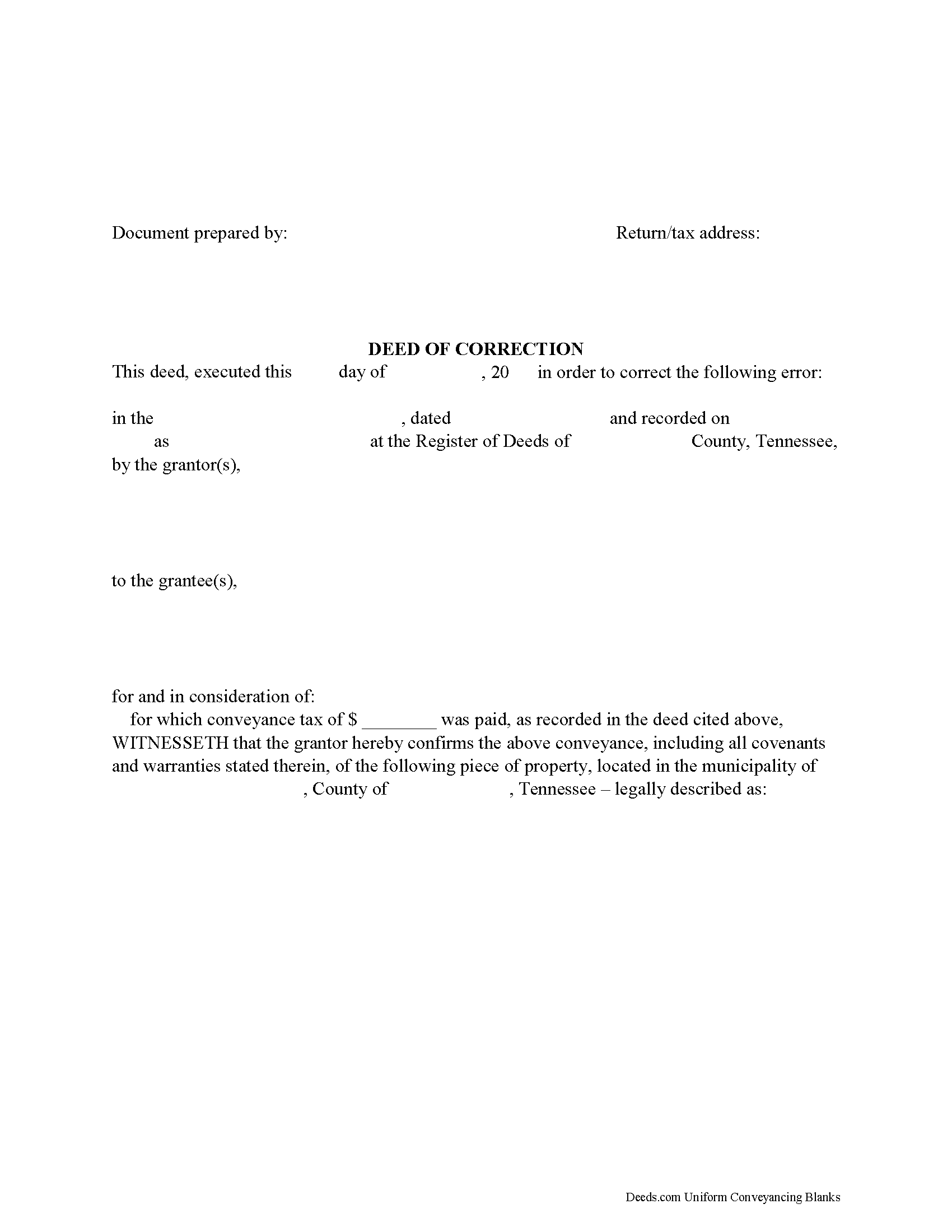
Robertson County Correction Deed Form
Fill in the blank form formatted to comply with all recording and content requirements.
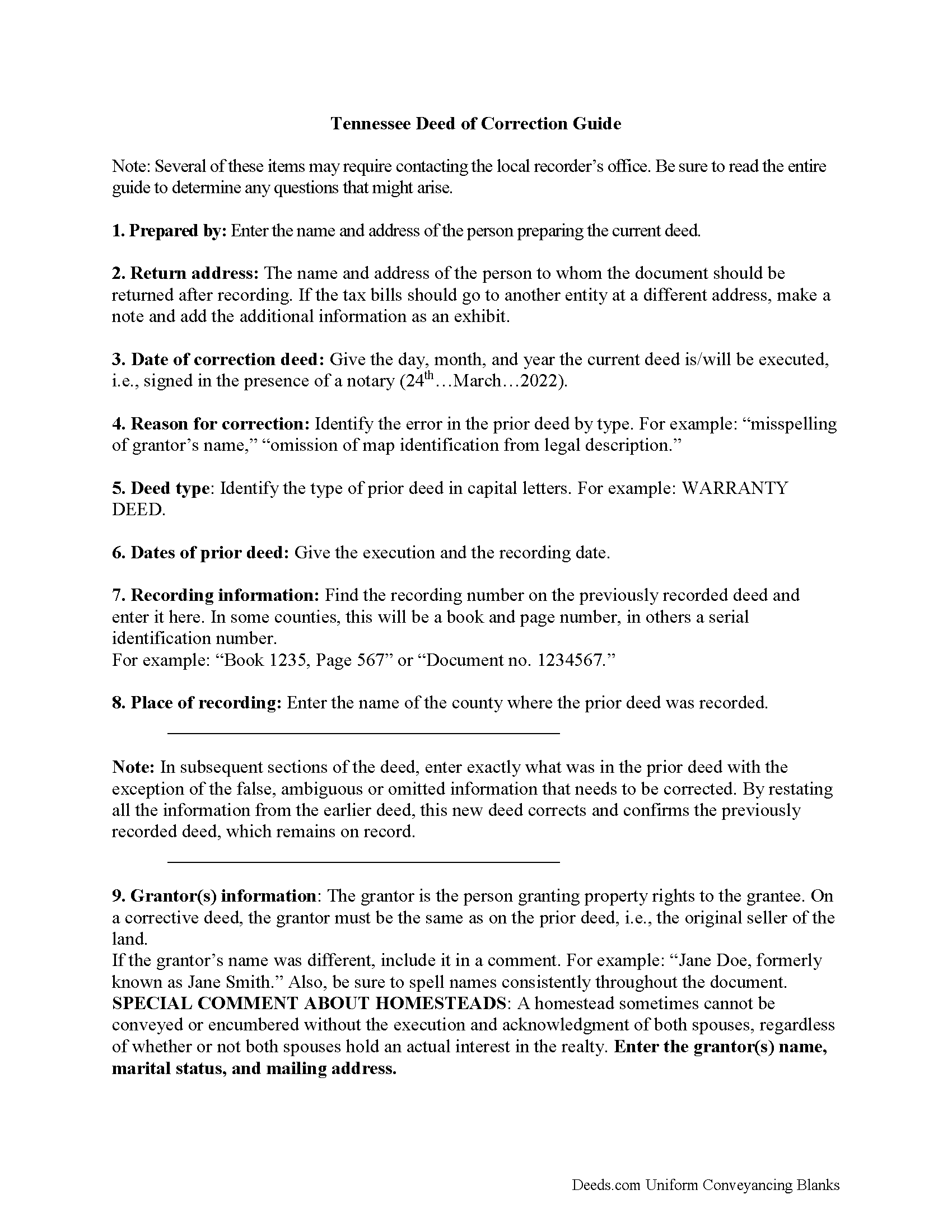
Robertson County Correction Deed Guide
Line by line guide explaining every blank on the form.
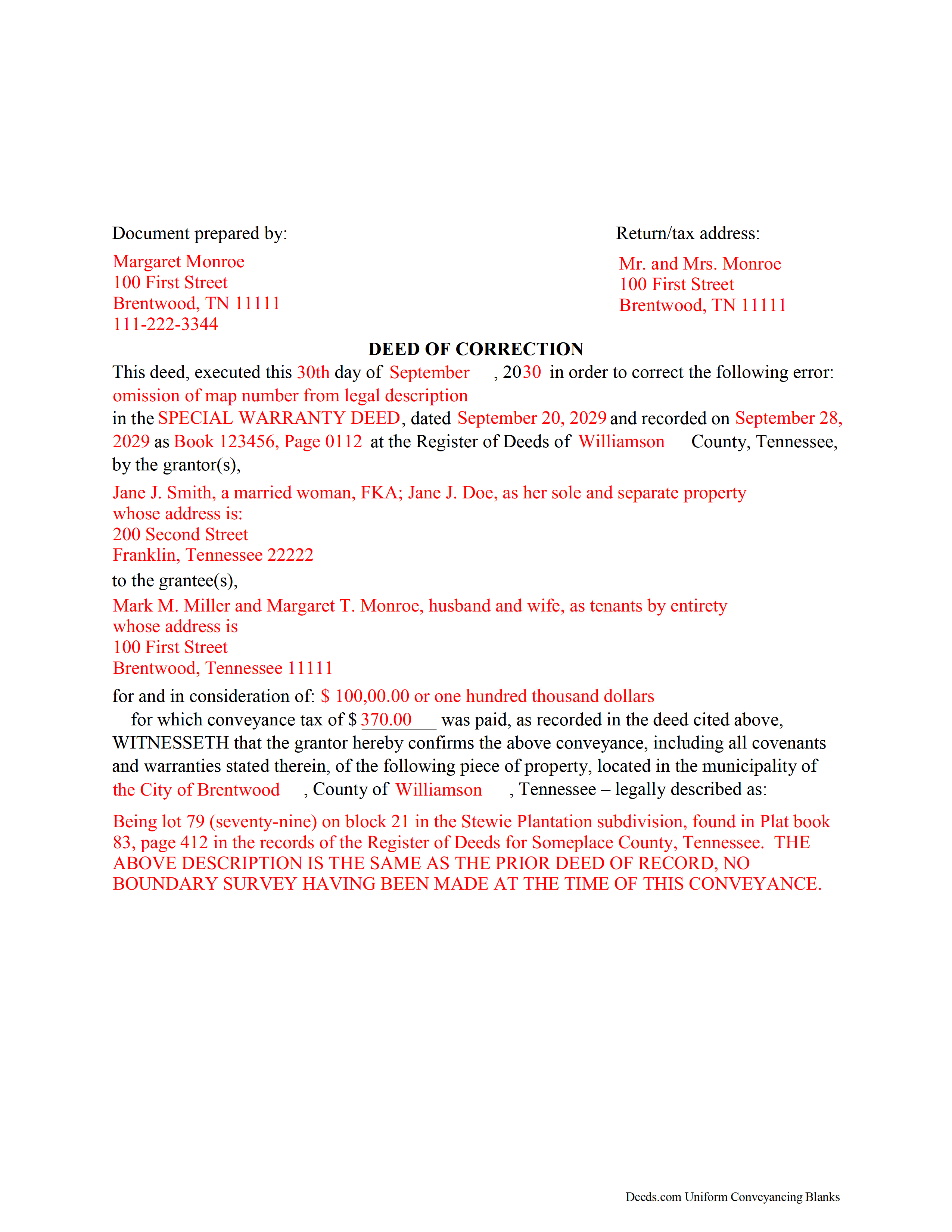
Robertson County Completed Example of a Correction Deed Document
Example of a properly completed form for reference.
All 3 documents above included • One-time purchase • No recurring fees
Immediate Download • Secure Checkout
Additional Tennessee and Robertson County documents included at no extra charge:
Where to Record Your Documents
Robertson County Register of Deeds
Springfield, Tennessee 37172
Hours: 8:00am to 4:30pm M-F
Phone: (615) 384-3772
Recording Tips for Robertson County:
- Bring your driver's license or state-issued photo ID
- Ensure all signatures are in blue or black ink
- Recording fees may differ from what's posted online - verify current rates
- Request a receipt showing your recording numbers
- Ask about accepted payment methods when you call ahead
Cities and Jurisdictions in Robertson County
Properties in any of these areas use Robertson County forms:
- Adams
- Cedar Hill
- Cross Plains
- Greenbrier
- Orlinda
- Ridgetop
- Springfield
- White House
Hours, fees, requirements, and more for Robertson County
How do I get my forms?
Forms are available for immediate download after payment. The Robertson County forms will be in your account ready to download to your computer. An account is created for you during checkout if you don't have one. Forms are NOT emailed.
Are these forms guaranteed to be recordable in Robertson County?
Yes. Our form blanks are guaranteed to meet or exceed the applicable formatting requirements used for recording in Robertson County, including margin requirements, font requirements, and other layout standards. This guarantee applies to formatting, not to the legal sufficiency of information entered by the user or the suitability of a form for a particular transaction.
Can I reuse these forms?
Yes. You can reuse the forms for your personal use. For example, if you have multiple properties in Robertson County you only need to order once.
What do I need to use these forms?
The forms are PDFs that you fill out on your computer. The free Adobe Acrobat Reader is recommended, and most PDF apps also work. You do NOT enter your property information online - you download the blank forms and complete them privately on your own computer.
Are there any recurring fees?
No. This is a one-time purchase. Nothing to cancel, no memberships, no recurring fees.
How much does it cost to record in Robertson County?
Recording fees in Robertson County vary. Contact the recorder's office at (615) 384-3772 for current fees.
Questions answered? Let's get started!
Use the correction deed to correct errors in a warranty, special warranty, or quitclaim deed in Tennessee.
The best option for correcting a deed in Tennessee is to record a correction deed. Other options, such as a scrivener's affidavit and re-recording the original deed, both have some drawbacks. The scrivener's affidavit can serve as a valid alternative when the original grantor is not available. Tennessee law provides that a corrected copy of the original document may be attached to the affidavit as an exhibit (T.C.A. 66-24-101(a)(27)). Such a copy, however, only carries the weight of an exhibit to an affidavit and not that of a recorded document.
Re-recording the original deed with corrections requires a new execution/signing and notary acknowledgement. The reason for correcting, the actual correction and cross-reference to the prior recording must be made on the existing copy or, depending on county requirements, on a title page. This will not only require fees for the additional page(s) when re-recording, but also creates potential problems during the recording if the added information does not stay within the required document margins.
The easiest and cleanest option for correcting a deed is to record a new correction deed, which makes reference to the original document by date and recording number and gives the reason for the correction by indicating the type of error. Except for the corrected or omitted information, it duplicates the text of the prior deed. The original parties must sign in the presence of a notary, who then acknowledges this new instrument prior to recording. In some Tennessee counties, a corrective deed must have a new oath of value, if the original deed is more than 6 months old.
(Tennessee CD Package includes form, guidelines, and completed example)
Important: Your property must be located in Robertson County to use these forms. Documents should be recorded at the county recording office listed above.
This Correction Deed meets all recording requirements specific to Robertson County.
Our Promise
The documents you receive here are guaranteed to meet or exceed the applicable Robertson County recording format requirements. If there is a rejection caused by our formatting, we will correct the issue or refund your payment. This guarantee applies to document formatting only and does not extend to information entered by the user, the selection of the form, or the legal effect of the completed document.
Save Time and Money
Get your Robertson County Correction Deed form done right the first time with Deeds.com Uniform Conveyancing Blanks. At Deeds.com, we understand that your time and money are valuable resources, and we don't want you to face a penalty fee or rejection imposed by a county recorder for submitting nonstandard documents. We constantly review and update our forms to meet rapidly changing state and county recording requirements for roughly 3,500 counties and local jurisdictions.
4.8 out of 5 - ( 4,842 Reviews )
Susan N. 5 out of 5 stars
Hope to get form printed out Ok.
Thank you!
Juliet M. 5 out of 5 stars
So far I am having a good experience.
It was a pleasure serving you. Thank you for the positive feedback!
Walter P. 5 out of 5 stars
Quick and easy!
We appreciate your business and value your feedback. Thank you. Have a wonderful day!
JAMES V. 5 out of 5 stars
I initiated an order at 8:30PM on a Tuesday. I already had a response waiting for me when I opened my email the next morning. Very responsive. I'm very happy with this service.
We appreciate your business and value your feedback. Thank you. Have a wonderful day!
Laureen M. 5 out of 5 stars
This service was extremely helpful. I truly appreciated the way I was communicated with every step of the way in getting my Deed recorded.
Thank you!
Rick L. 5 out of 5 stars
I love it! Very convenience.
Thank you!
Everette W. 5 out of 5 stars
This form was very helpful ... I wish I had run across your before it would have saved me a lot of money.
Thank you!
Armando R. 5 out of 5 stars
Great service, quick and affordable. Thank you!
Thank you!
Katherine W. 5 out of 5 stars
I was impressed by the completeness of the package of forms PLUS instructions. Particularly helpful is the filled in sample, which enables you to see what a correct, completed deed ought to look like.
We appreciate your business and value your feedback. Thank you. Have a wonderful day!
Darrell W. 5 out of 5 stars
Fast and easy to use. Nice to have available online.
Thank you for your feedback. We really appreciate it. Have a great day!
Carrie A. 5 out of 5 stars
Great service fast and easy.
Thank you!
Dhanminder D. 5 out of 5 stars
The service was great. Thank you.
Thank you!
Jackson J. 5 out of 5 stars
Thank you for your help the website is simple and easy to use and dealing with this county for the 1st time there were a few things i was not too sure about but your staff was prompt and responsive and anytime there was a glitch we were promptly able to resolve the issue until the deed was accepted and recorded by the county great service thanks again.
We appreciate your business and value your feedback. Thank you. Have a wonderful day!
Carlos M. 5 out of 5 stars
so far so good. thanks
Thank you!
Fabio S. 5 out of 5 stars
Fast, Easy and with great assistance! I will definitely use their services again!
Thank you for your feedback. We really appreciate it. Have a great day!