Grundy County Final Lien Waiver Form
Last validated October 21, 2026 by our Forms Development TeamFormatted for recording in Grundy County, for property anywhere in the county: rural and unincorporated areas as well as Altamont, Beersheba Springs, Coalmont, Gruetli Laager, Monteagle, Palmer, Pelham, Tracy City.
- 3 documents included
- Immediate PDF download
- Formatting guarantee
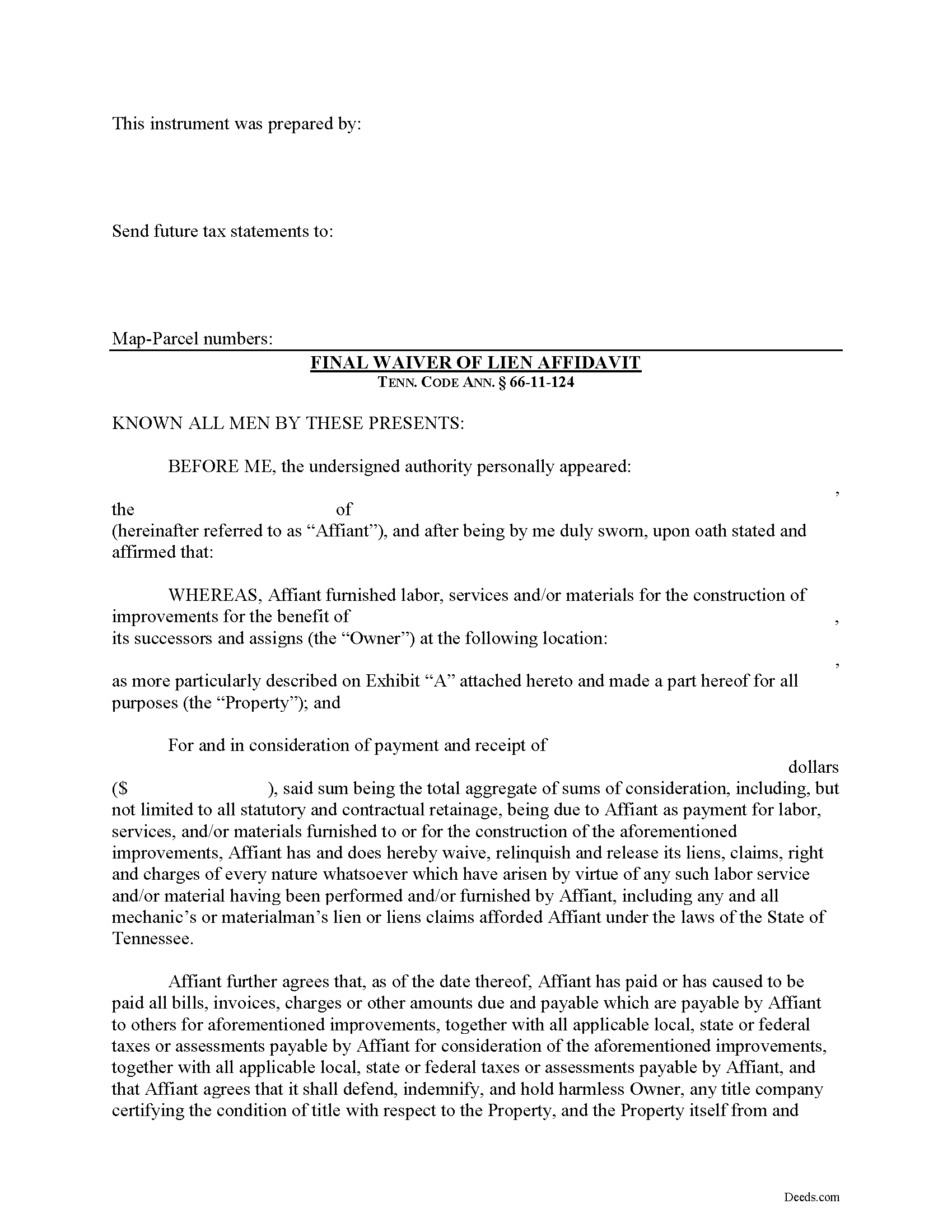
Grundy County Final Lien Waiver Form
Fill in the blank Final Lien Waiver form formatted to comply with all Tennessee recording and content requirements.
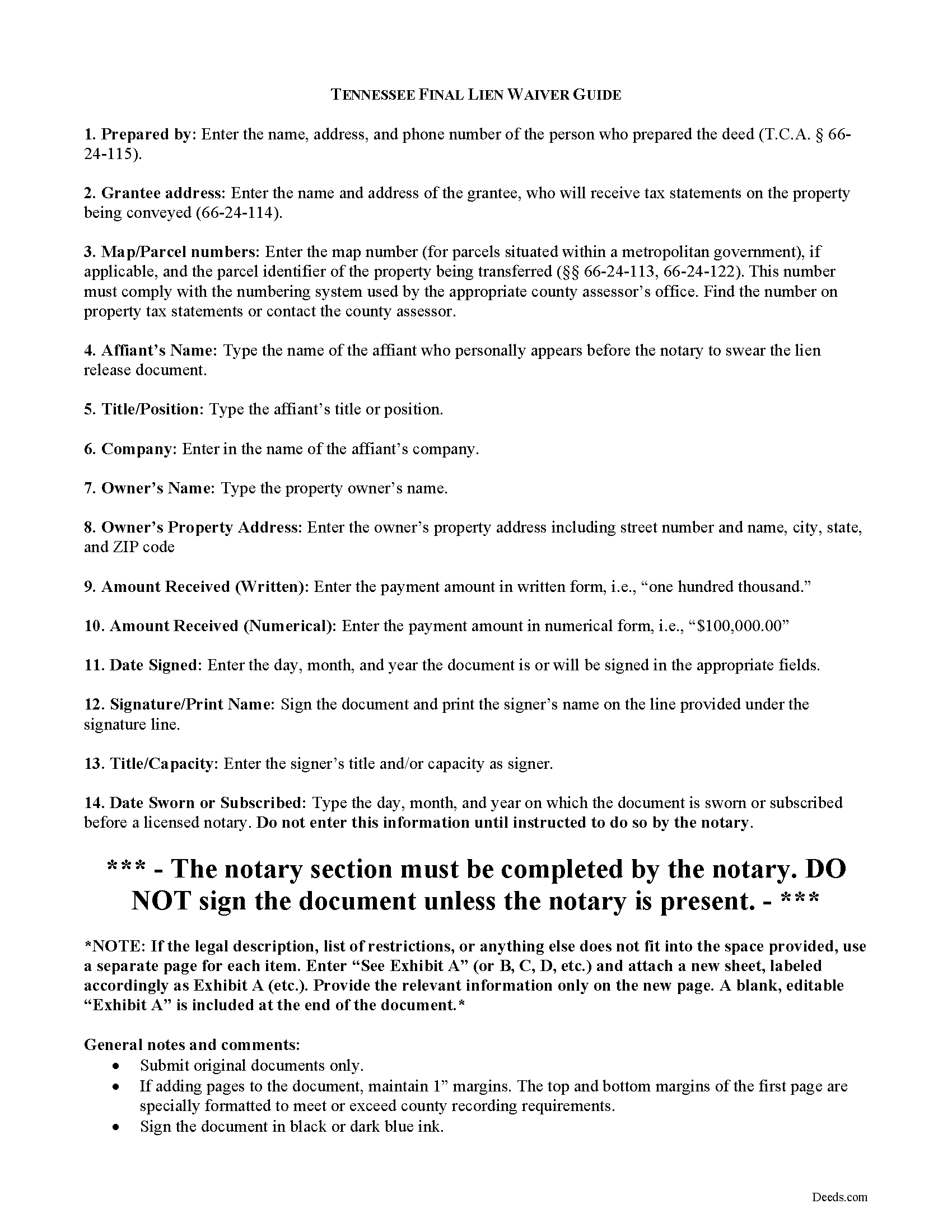
Grundy County Final Lien Waiver Guide
Line by line guide explaining every blank on the form.
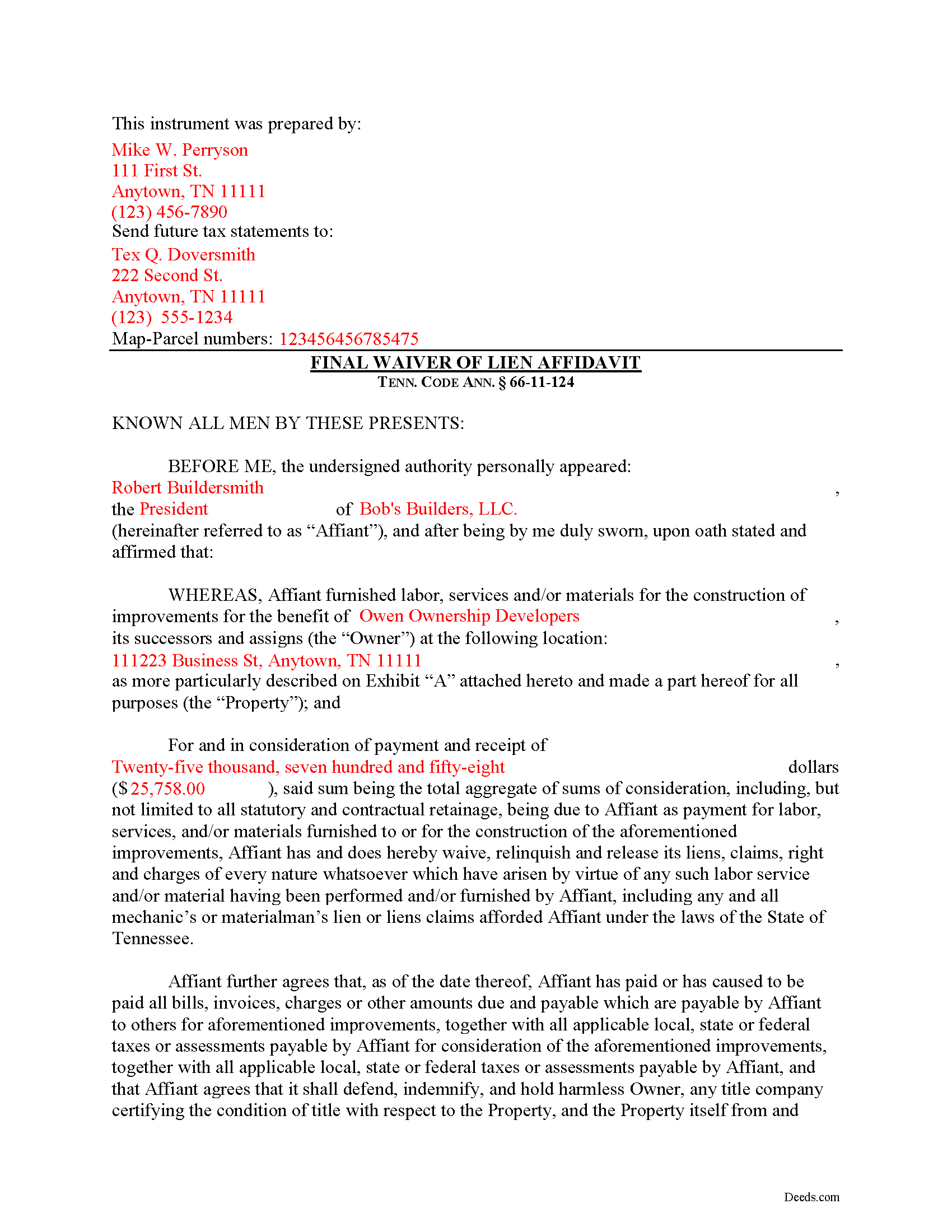
Grundy County Completed Example of the Final Lien Waiver Document
Example of a properly completed form for reference.
All 3 documents above included • One-time purchase • No recurring fees
Immediate Download • Secure Checkout
Additional Tennessee and Grundy County documents included at no extra charge:
Where to Record Your Documents
Grundy County Register of Deeds
Altamont, Tennessee 37301
Hours: 8:00am to 4:30pm.M-F
Phone: (931) 692-3621
Recording Tips for Grundy County:
- Bring your driver's license or state-issued photo ID
- Ensure all signatures are in blue or black ink
- Double-check legal descriptions match your existing deed
- Verify all names are spelled correctly before recording
- White-out or correction fluid may cause rejection
Cities and Jurisdictions in Grundy County
Properties in any of these areas use Grundy County forms:
- Altamont
- Beersheba Springs
- Coalmont
- Gruetli Laager
- Monteagle
- Palmer
- Pelham
- Tracy City
Hours, fees, requirements, and more for Grundy County
How do I get my forms?
Forms are available for immediate download after payment. The Grundy County forms will be in your account ready to download to your computer. An account is created for you during checkout if you don't have one. Forms are NOT emailed.
Are these forms guaranteed to be recordable in Grundy County?
Yes. Our form blanks are guaranteed to meet or exceed the applicable formatting requirements used for recording in Grundy County, including margin requirements, font requirements, and other layout standards. This guarantee applies to formatting, not to the legal sufficiency of information entered by the user or the suitability of a form for a particular transaction.
Can I reuse these forms?
Yes. You can reuse the forms for your personal use. For example, if you have multiple properties in Grundy County you only need to order once.
What do I need to use these forms?
The forms are PDFs that you fill out on your computer. The free Adobe Acrobat Reader is recommended, and most PDF apps also work. You do NOT enter your property information online - you download the blank forms and complete them privately on your own computer.
Are there any recurring fees?
No. This is a one-time purchase. Nothing to cancel, no memberships, no recurring fees.
How much does it cost to record in Grundy County?
Recording fees in Grundy County vary. Contact the recorder's office at (931) 692-3621 for current fees.
Questions answered? Let's get started!
Executing a Final Lien Waiver in Tennessee
"Waiver" is a legal term which means giving up a right. A waiver can be written or oral. It can also be expressed by a formal agreement or implied through conduct of the parties. When discussing mechanic's liens, a waiver refers to a written document granted by a lien claimant to a property owner. This document usually confirms a partial or final payment and states that the lien claimant is waiving a right to claim a lien for the partial or full amount. Waivers help ease feelings of distrust between parties dealing at arms-length and give peace of mind for the laborer that he or she will get paid and for the property owner that his or her property won't be burdened by any mechanic's liens.
In Tennessee, lien waivers are governed under 66-11-124 of the Tennessee Property Code. Lien waivers in Tennessee must be explicit and are never implied. The acceptance by the lienor of a note or notes for all or any part of the amount of the lienor's claim shall not constitute a waiver of the lienor's lien, unless expressly so agreed in writing, nor shall it in any way affect the period for serving or recording the notice of lien under this chapter. Tenn. Prop. Code 66-11-124(a). Further, any contract term that purports to waive any right of lien under this chapter is void and unenforceable as against the public policy of this state. Tenn. Prop. Code 66-11-124(b). In fact, if a contractor solicits any person to sign a contract requiring the person to waive a right of lien, the person shall notify the state board for licensing contractors of that fact. Tenn. Prop. Code 66-11-124(b)(2)(A). Upon receiving the information, the executive director of the board shall notify the contractor within a reasonable time after receiving the information that the contract is against the public policy of the state and in violation of this section.
Use a final lien waiver only when the responsible party makes full payment on the balance due. For instance, if the entire contract is for $100,000 and the owner makes a $10,000 progress payment, a partial waiver is appropriate because it allows the contractor to retain lien rights for the remaining amount owed. If a full and final payment of the entire $100,000 or the final $10,000 payment is tendered, then a final lien waiver is appropriate.
A valid waiver is in the form of an affidavit (sworn statement). It identifies the parties, the location of the work, relevant dates and amounts paid, and any other information necessary for the specific situation. Record the completed and notarized document in the records of the county where the property is situated.
This article is provided for informational purposes only and should not be considered legal advice or relied upon as any substitute for speaking with an attorney. Please consult a Tennessee attorney familiar with construction law for any issues regarding mechanic's liens.
Important: Your property must be located in Grundy County to use these forms. Documents should be recorded at the county recording office listed above.
This Final Lien Waiver meets all recording requirements specific to Grundy County.
Our Promise
The documents you receive here are guaranteed to meet or exceed the applicable Grundy County recording format requirements. If there is a rejection caused by our formatting, we will correct the issue or refund your payment. This guarantee applies to document formatting only and does not extend to information entered by the user, the selection of the form, or the legal effect of the completed document.
Save Time and Money
Get your Grundy County Final Lien Waiver form done right the first time with Deeds.com Uniform Conveyancing Blanks. At Deeds.com, we understand that your time and money are valuable resources, and we don't want you to face a penalty fee or rejection imposed by a county recorder for submitting nonstandard documents. We constantly review and update our forms to meet rapidly changing state and county recording requirements for roughly 3,500 counties and local jurisdictions.
4.8 out of 5 - ( 4,842 Reviews )
Lori C. 5 out of 5 stars
It just a little disconcerting that I was not able to preview any of the forms prior to purchasing them. Thank goodness they were the correct forms I needed. I would suggest being able to at least make the picture of the forms a little larger or give the capability to zoom in.
Thank you!
steven l. 3 out of 5 stars
As a first time user and not having knowledge of how your site worked it was awkward to upload a file and not know what to do next. I found out there is nothing to do next but that after some time looking for a submit button or some kind of confirmation that I was doing the right thing. Ended up being very easy, just wasted time trying to figure out what to do when there was nothing left to do.
Thank you!
Bruce L. 5 out of 5 stars
Fantastic. The forms were easy to read and complete. Came with a guide and examples of how it looked completed Thanks!
We appreciate your business and value your feedback. Thank you. Have a wonderful day!
Frank S. 5 out of 5 stars
ALL THE DEED DOCUMENTS ARE ALL EXCELLENT AND ADDITIONAL DOCUMENTS REGARDING COMPLETING THE DOCUMENTS!!! EXCELLENT!!
Your feedback is greatly appreciated. Thank you for taking the time to share your experience!
James S. 5 out of 5 stars
Forms used, created quitclaim deed that the county accepted without a second look (turns out they see deeds.com forms regularly via erecording and in person). Will be back for any real estate related forms I need and they carry. Will always be my first stop. Also, will use erecording next time, mad I didn't see it this time.
Thanks for the kind words James, glad we could help. Look forward to seeing you again.
Melody P. 5 out of 5 stars
Thanks again for such expedient and excellent service!
Thank you!
Jerri S. 5 out of 5 stars
Very helpful. Print out go to court house spent less then 15 minutes there and done! Thanks will use again.
Thank you Jerri, we appreciate your feedback.
Wendy S. 5 out of 5 stars
Very easy and affordable.
We appreciate your business and value your feedback. Thank you. Have a wonderful day!
Paul V. 5 out of 5 stars
Easy to use , so far
Thank you!
Edward O. 5 out of 5 stars
east too do.. hope it works thanks
Thank you!
Amanda P. 5 out of 5 stars
Quick kind and useful feedback provided related to issues.
We appreciate your business and value your feedback. Thank you. Have a wonderful day!
Goran L. 5 out of 5 stars
Fast and convenient.
Thank you for your feedback. We really appreciate it. Have a great day!
Susann T. 5 out of 5 stars
I have been very happy with the prompt assistance that I have received from deeds.com! How refreshing this is when so often good customer service seems rare these days!
Thank you for your feedback. We really appreciate it. Have a great day!
Karen W. 5 out of 5 stars
Great experience. Easy.
We appreciate your business and value your feedback. Thank you. Have a wonderful day!
Janet J. 5 out of 5 stars
These forms were very easy to both download and print, as well as fill out on the site and then print. The instructions are clear and concise. We have not yet been to the County to file them, but we are expecting no issues.
We appreciate your business and value your feedback. Thank you. Have a wonderful day!