Obion County Notice of Mechanics Lien Form
Last validated October 27, 2026 by our Forms Development TeamFormatted for recording in Obion County, for property anywhere in the county: rural and unincorporated areas as well as Hornbeak, Obion, Rives, Samburg, South Fulton, Troy, Union City, Woodland Mills.
- 3 documents included
- Immediate PDF download
- Formatting guarantee
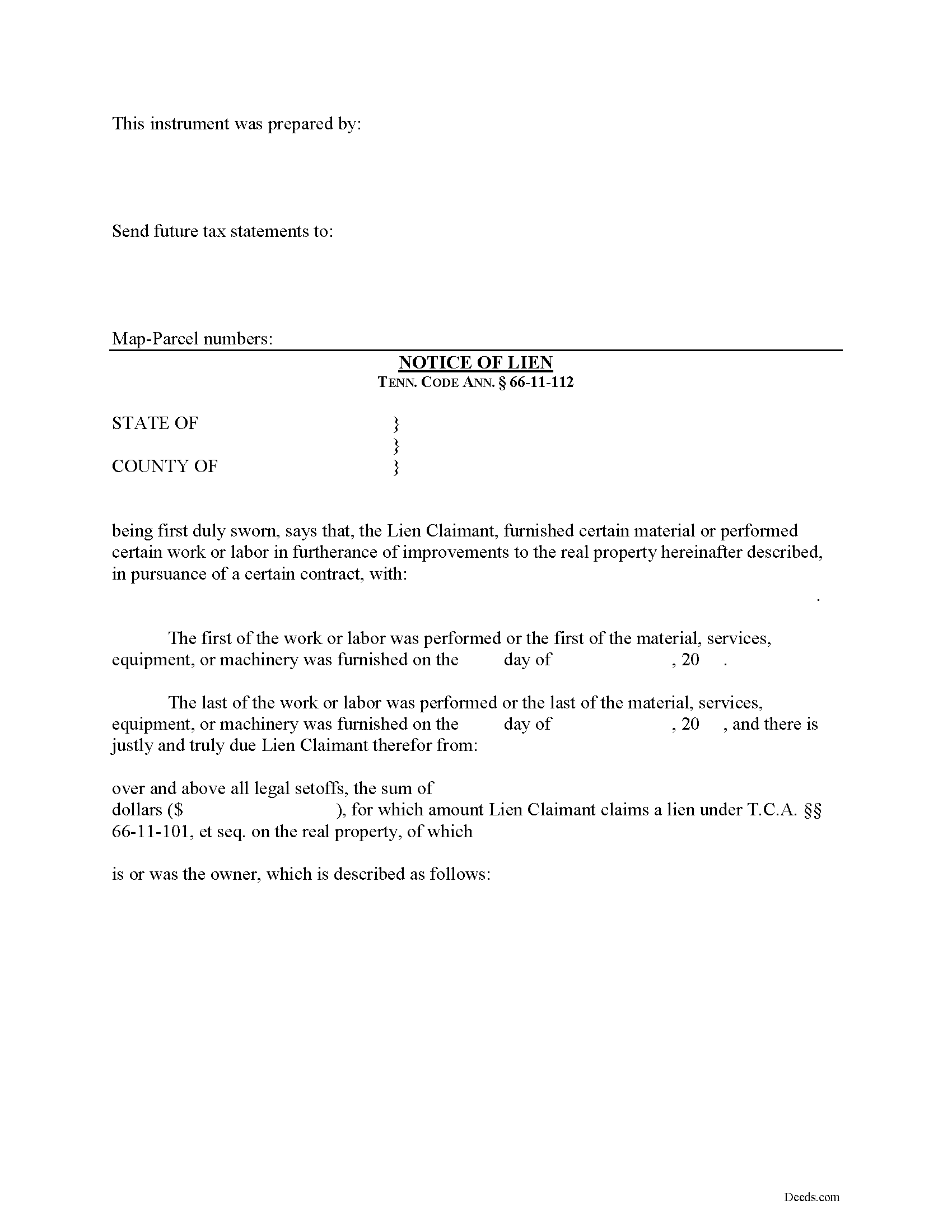
Obion County Notice of Mechanics Lien Form
Fill in the blank Notice of Mechanics Lien form formatted to comply with all Tennessee recording and content requirements.
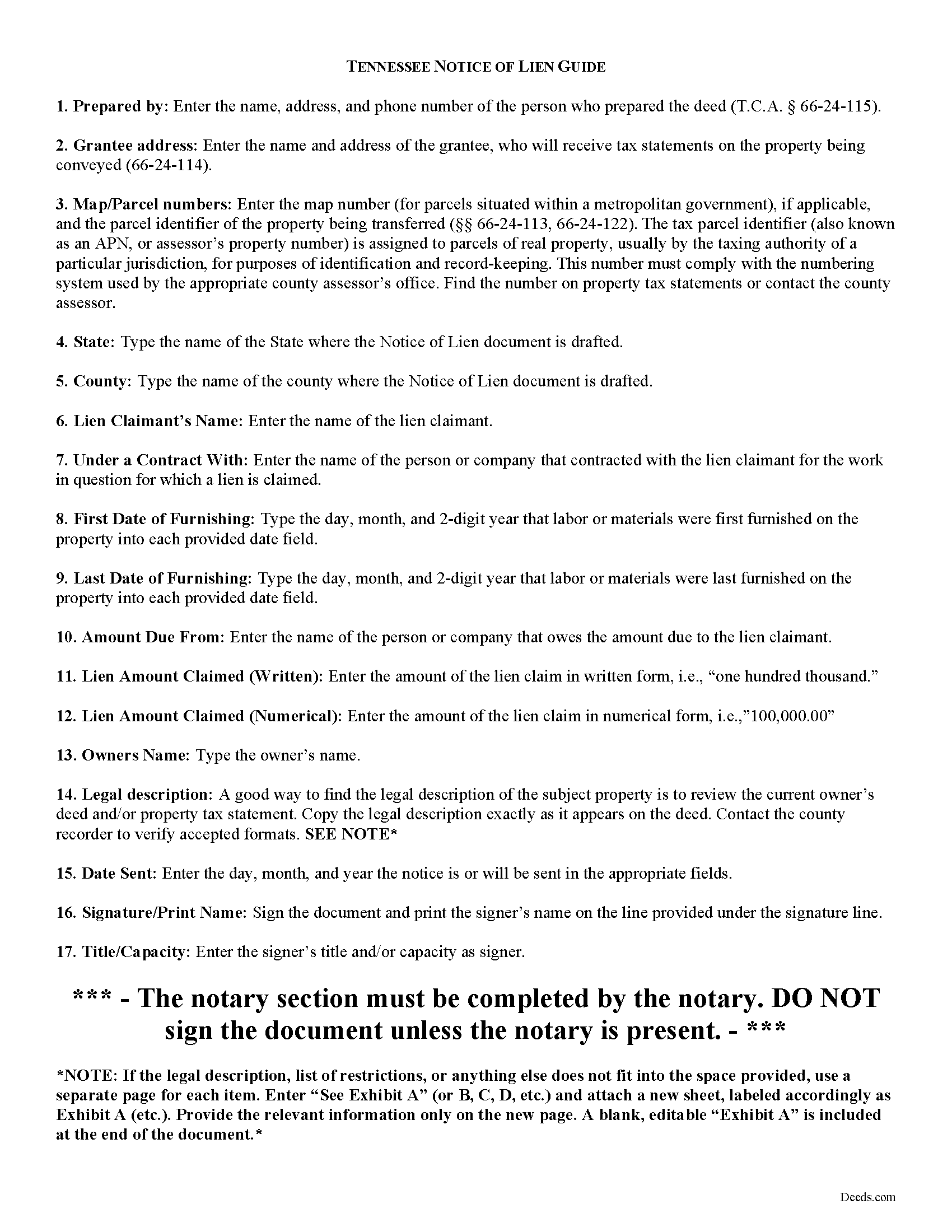
Obion County Notice of Mechanics Lien Guide
Line by line guide explaining every blank on the form.
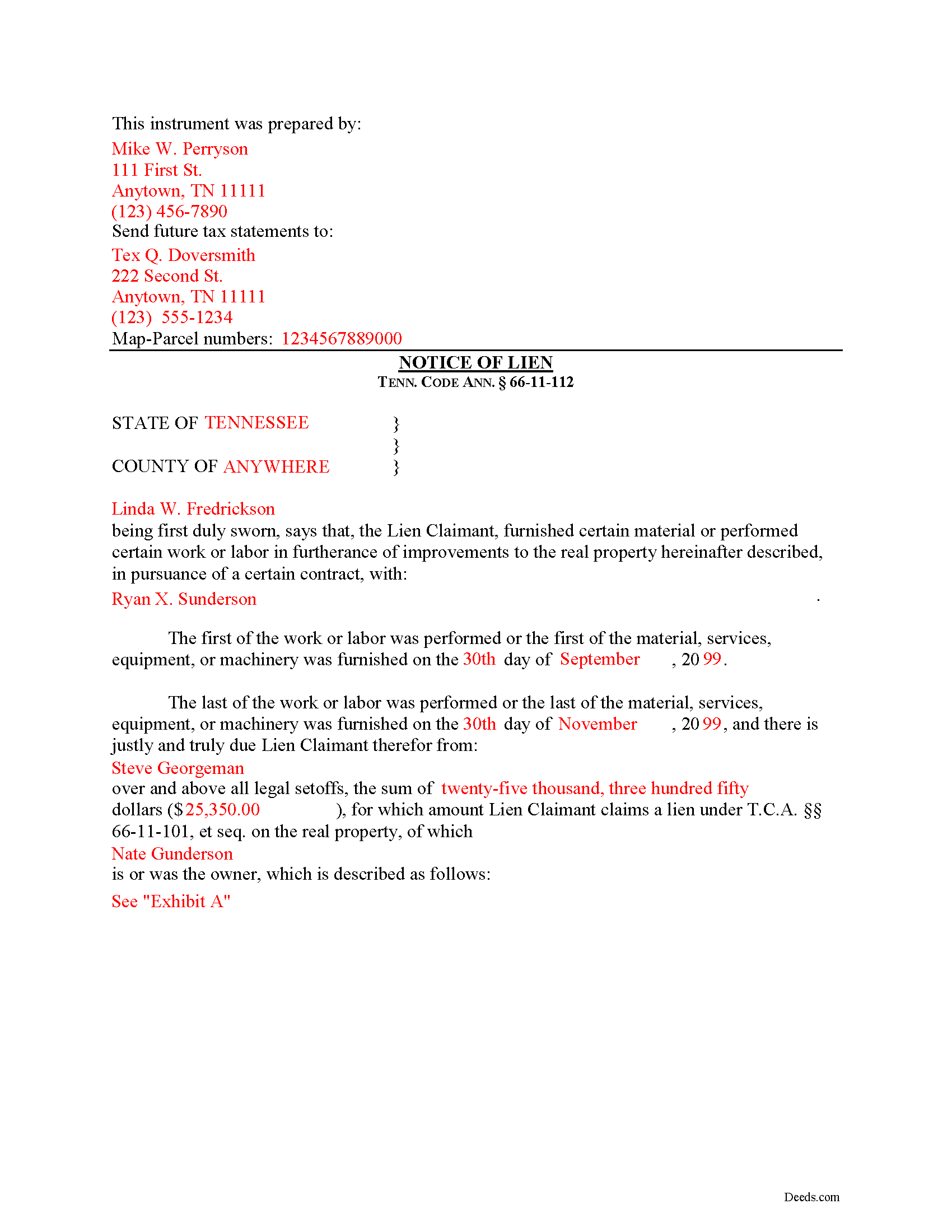
Obion County Completed Example of the Notice of Mechanics Lien Document
Example of a properly completed form for reference.
All 3 documents above included • One-time purchase • No recurring fees
Immediate Download • Secure Checkout
Additional Tennessee and Obion County documents included at no extra charge:
Where to Record Your Documents
Obion County Register of Deeds
Union City, Tennessee 38261
Hours: 8:30am to 4:30pm M-F
Phone: (731) 885-9351
Recording Tips for Obion County:
- Bring your driver's license or state-issued photo ID
- Ensure all signatures are in blue or black ink
- Leave recording info boxes blank - the office fills these
- Make copies of your documents before recording - keep originals safe
- Recorded documents become public record - avoid including SSNs
Cities and Jurisdictions in Obion County
Properties in any of these areas use Obion County forms:
- Hornbeak
- Obion
- Rives
- Samburg
- South Fulton
- Troy
- Union City
- Woodland Mills
Hours, fees, requirements, and more for Obion County
How do I get my forms?
Forms are available for immediate download after payment. The Obion County forms will be in your account ready to download to your computer. An account is created for you during checkout if you don't have one. Forms are NOT emailed.
Are these forms guaranteed to be recordable in Obion County?
Yes. Our form blanks are guaranteed to meet or exceed the applicable formatting requirements used for recording in Obion County, including margin requirements, font requirements, and other layout standards. This guarantee applies to formatting, not to the legal sufficiency of information entered by the user or the suitability of a form for a particular transaction.
Can I reuse these forms?
Yes. You can reuse the forms for your personal use. For example, if you have multiple properties in Obion County you only need to order once.
What do I need to use these forms?
The forms are PDFs that you fill out on your computer. The free Adobe Acrobat Reader is recommended, and most PDF apps also work. You do NOT enter your property information online - you download the blank forms and complete them privately on your own computer.
Are there any recurring fees?
No. This is a one-time purchase. Nothing to cancel, no memberships, no recurring fees.
How much does it cost to record in Obion County?
Recording fees in Obion County vary. Contact the recorder's office at (731) 885-9351 for current fees.
Questions answered? Let's get started!
Filing a Mechanic's Lien Claim in Tennessee
Mechanic's Liens are used to place a block or burden on a property owner's title when a claimant (such as a contractor or materials supplier) has not been paid for labor, materials, or equipment provided. In Tennessee, mechanic's liens are governed under Chapter 11 of the Tennessee Property Code.
In order to preserve the priority of the lien, as it concerns subsequent purchasers or encumbrancers for a valuable consideration without notice of the lien, the lienor, is required to record in the office of the register of deeds of the county where the real property, or any part affected, lies, a sworn statement of the amount for, and a reasonably certain description of the real property on, which the lien is claimed. Tenn. Prop. Code 66-11-112(a).
The recording party shall pay filing fees, and shall be provided a receipt for the filing fees, which amount shall be part of the lien amount. Id. The recordation must be done no later than ninety (90) days after the date the improvement is complete or is abandoned, prior to which time the lien shall be effective as against the purchasers or encumbrancers without the recordation. Id.
The owner must serve thirty (30) days' notice on prime contractors and on all of those lienors who have served notice in accordance with Tenn. Prop. Code 66-11-145 (the notice of non-payment) prior to the owner's transfer of any interest to a subsequent purchaser or encumbrancer for a valuable consideration. Id.
If the sworn statement is not recorded within that time, the lien's priority as to subsequent purchasers or encumbrancers shall be determined as if it attached as of the time the sworn statement is recorded. Id. Therefore, timely recording is of the utmost importance to protect full lien rights.
According to Tennessee Prop. Code 66-11-112(b), a building, structure or improvement is deemed to have been abandoned for purposes of the lien law when there is a cessation of operation for a period of ninety (90) days and an intent on the part of the owner or prime contractor to cease operations permanently, or at least for an indefinite period. If either of these occur, it is time to file your lien.
This article is provided for informational purposes only and should not be considered legal advice or relied upon as any substitute for speaking with an attorney. Please consult a Tennessee attorney familiar with construction law for any issues regarding mechanic's liens.
Important: Your property must be located in Obion County to use these forms. Documents should be recorded at the county recording office listed above.
This Notice of Mechanics Lien meets all recording requirements specific to Obion County.
Our Promise
The documents you receive here are guaranteed to meet or exceed the applicable Obion County recording format requirements. If there is a rejection caused by our formatting, we will correct the issue or refund your payment. This guarantee applies to document formatting only and does not extend to information entered by the user, the selection of the form, or the legal effect of the completed document.
Save Time and Money
Get your Obion County Notice of Mechanics Lien form done right the first time with Deeds.com Uniform Conveyancing Blanks. At Deeds.com, we understand that your time and money are valuable resources, and we don't want you to face a penalty fee or rejection imposed by a county recorder for submitting nonstandard documents. We constantly review and update our forms to meet rapidly changing state and county recording requirements for roughly 3,500 counties and local jurisdictions.
4.8 out of 5 - ( 4,853 Reviews )
Kevin M. 4 out of 5 stars
Thought I knew what I was doing but it turns out I was in way over my head. Thankfully customer service pointed me in the right direction to get the help I needed.
Glad to hear you are seeking the assistance you need. Have a wonderful day.
Catherine E. 5 out of 5 stars
I was referred to your company, but when i tried to process the recording of a deed to a property in City of Philadelphia my service was rejected. I appreciated the feedback i received from one of your representatives who instructed me in the right process for recording a deed in philadelphia. Thank you for all your help. The deed that needed to be recorded was overnighted yesterday. Stay safe and mask up
Thank you!
Alexandra M. 5 out of 5 stars
Needed a Limited Power of Attorney form for a real estate transaction in another state. Proper form came up immediately and was fairly easy to complete. I think the sample completed form should have been more completely explained in layman's language instead of legalese (such as person granting permission instead of grantor or something like your name and address and the person who will be signing on your behalf) but since the form was one price no matter how many ways it was printed out, it was fine. I just filled it out several ways and had it notarized and sent it to my sister. Whichever combination is appropriate she and the lawyer will have. I found the site easy to navigate
We appreciate your business and value your feedback. Thank you. Have a wonderful day!
Jerry B. 5 out of 5 stars
Easy to use and fully comprehensive.
Thank you for your feedback Jerry, we appreciate you.
Brian S. 3 out of 5 stars
PDF fields change font sizes leading to an unprofessional-appearing printed page. The examples for "Convey to" section don't include how to specify just one person instead of a married couple. Maybe that is simple but it would help to spell it out in an example. Haven't submitted to County Recorder yet, so will find out if it is acceptable.
Thank you for the feedback Brian.
The font issue is caused by using a PDF viewer other than Adobe Acrobat Reader. Our form fields are set to a uniform 12-point font, but non-Adobe viewers often render form fields inconsistently. Opening and printing the form with the free Adobe Acrobat Reader will resolve that.
Regarding the examples, that's a fair point, we'll look at expanding them.
Jay F. 5 out of 5 stars
Had what I needed
Great to hear — thank you for taking the time to write a review.
Beverly M. 5 out of 5 stars
GREAT FORMS. THANK YOU.
Thank you!
Todd B. 5 out of 5 stars
very quick and easy
Thank you!
wayne s. 5 out of 5 stars
Wonderful forms! Thanks for making this available.
Thank you Wayne, have a great day!
Veronica S. 5 out of 5 stars
Very convenient and quick. I will definitely use it again.
Thank you!
DEBORAH G. 3 out of 5 stars
This product is good but the text boxes are not large enough to contain the information required for the form. Even dates do not display with the entry you make.
Thank you for your feedback. We really appreciate it. Have a great day!
Wendy B. 5 out of 5 stars
Really appreciate you he quick response and solution to my problem!! Thank you!!
Thank you for your feedback. We really appreciate it. Have a great day!
Martin L. 5 out of 5 stars
Deeds.com is a lifesaver! They are fast and not too expensive. I highly recommend them!
Recognizing the value of your feedback helps us to enhance our services continually. Thank you for sharing your experience with us.
Emy G. 5 out of 5 stars
Thank you for the form that help me.
Thank you for your kind words and for choosing us.
Michael D. 5 out of 5 stars
Your Guide is very good but does not explain precisely where one can find the Instrument Number for the originally filed Claim of Lien.
Thank you for your feedback. We really appreciate it. Have a great day!