Hickman County Notice of Transfer Form
Last validated October 29, 2026 by our Forms Development TeamFormatted for recording in Hickman County, for property anywhere in the county: rural and unincorporated areas as well as Bon Aqua, Centerville, Duck River, Lyles, Nunnelly, Only.
- 3 documents included
- Immediate PDF download
- Formatting guarantee
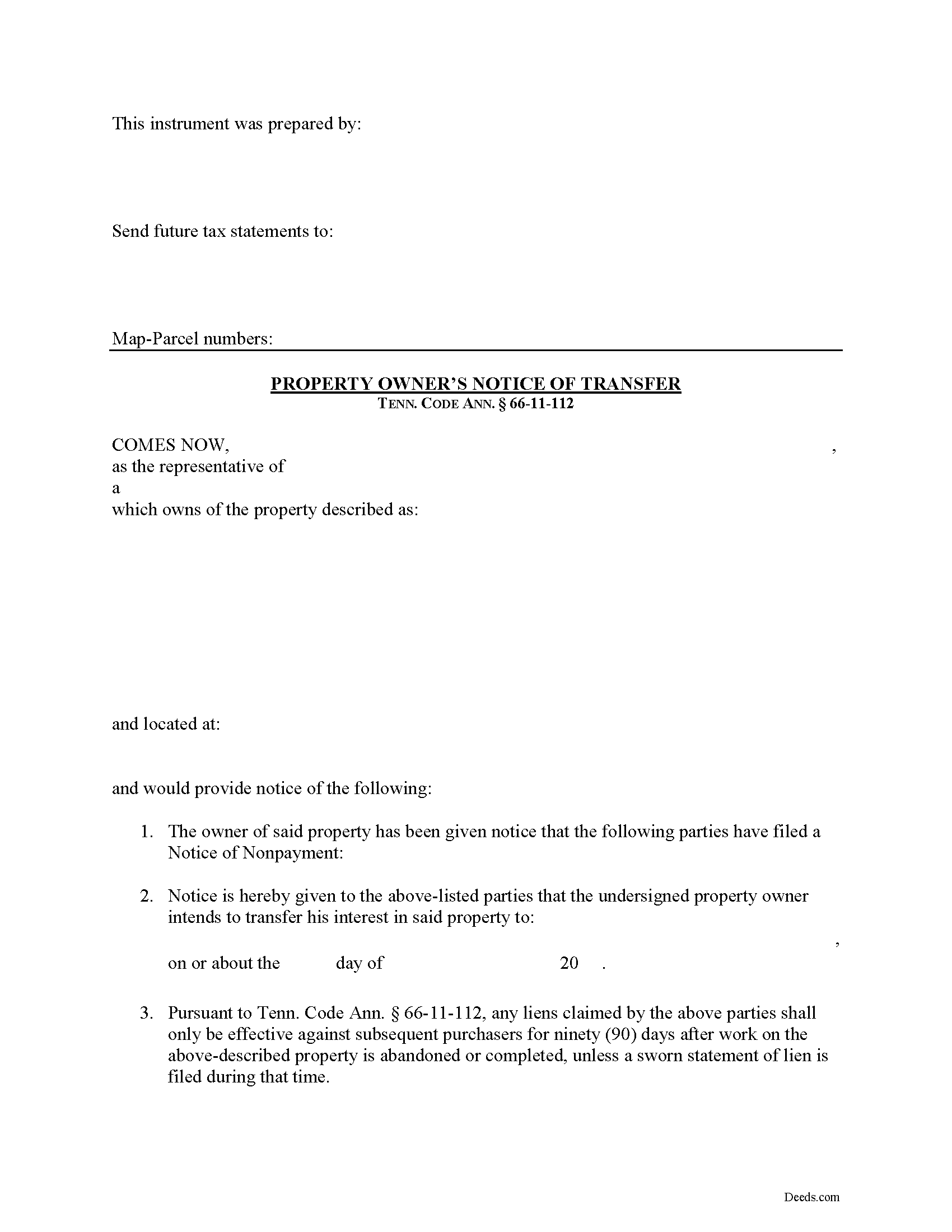
Hickman County Notice of Transfer Form
Fill in the blank Notice of Transfer form formatted to comply with all Tennessee recording and content requirements.
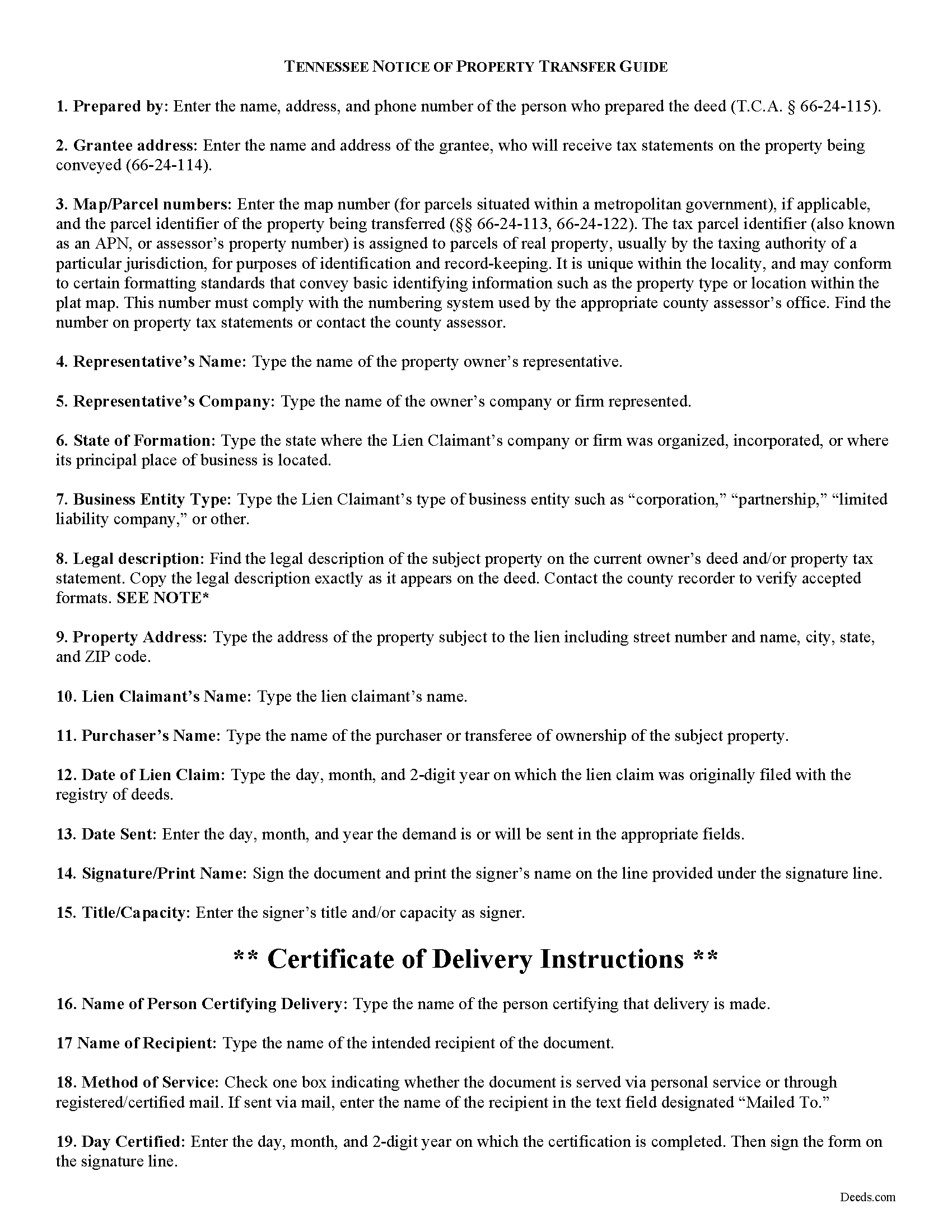
Hickman County Notice of Transfer Guide
Line by line guide explaining every blank on the form.
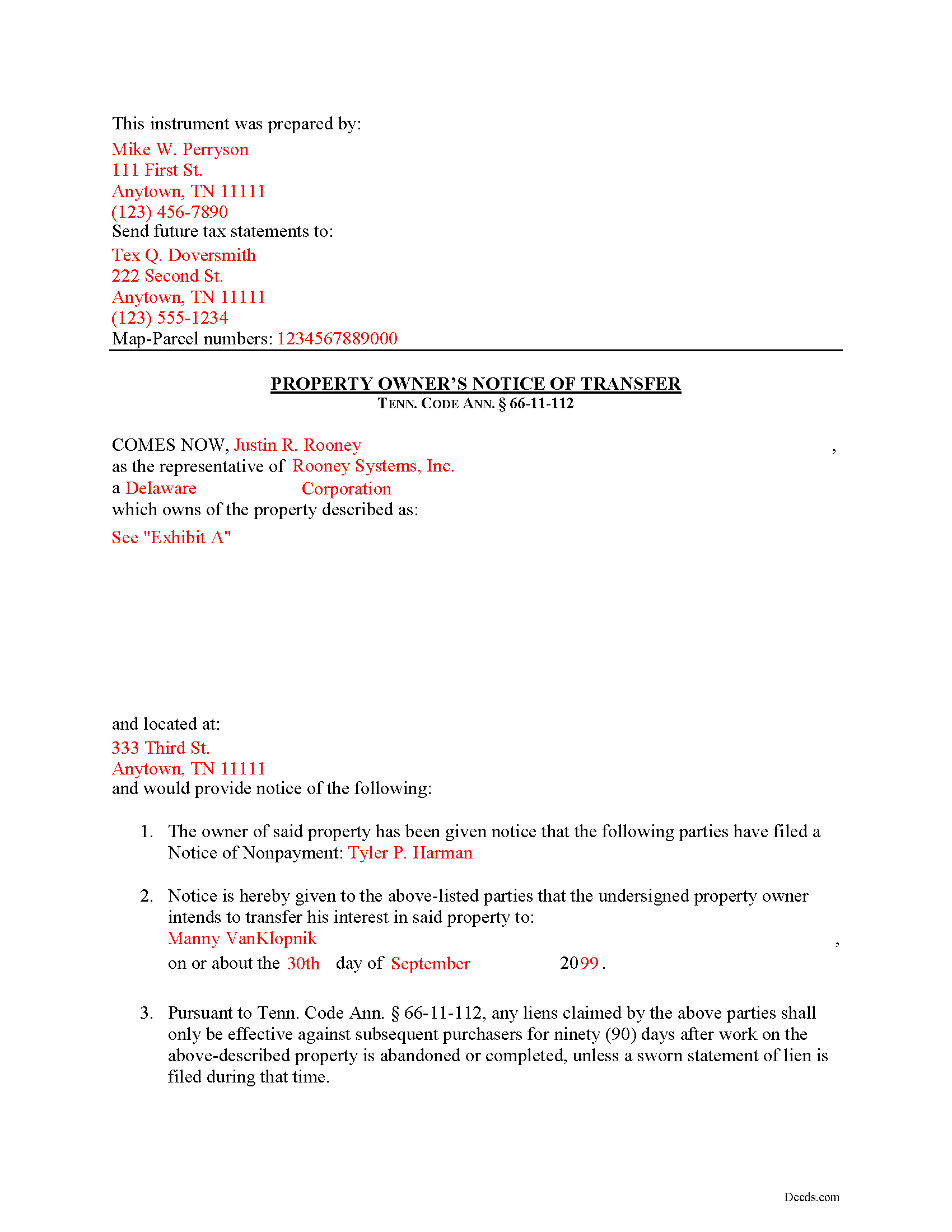
Hickman County Completed Example of the Notice of Transfer Document
Example of a properly completed form for reference.
All 3 documents above included • One-time purchase • No recurring fees
Immediate Download • Secure Checkout
Additional Tennessee and Hickman County documents included at no extra charge:
Where to Record Your Documents
Hickman County Register of Deeds
Centerville, Tennessee 37033
Hours: 8:00 to 4:00 M-F
Phone: (931) 729-4882
Recording Tips for Hickman County:
- Bring your driver's license or state-issued photo ID
- Ensure all signatures are in blue or black ink
- Leave recording info boxes blank - the office fills these
- Make copies of your documents before recording - keep originals safe
- Recorded documents become public record - avoid including SSNs
Cities and Jurisdictions in Hickman County
Properties in any of these areas use Hickman County forms:
- Bon Aqua
- Centerville
- Duck River
- Lyles
- Nunnelly
- Only
Hours, fees, requirements, and more for Hickman County
How do I get my forms?
Forms are available for immediate download after payment. The Hickman County forms will be in your account ready to download to your computer. An account is created for you during checkout if you don't have one. Forms are NOT emailed.
Are these forms guaranteed to be recordable in Hickman County?
Yes. Our form blanks are guaranteed to meet or exceed the applicable formatting requirements used for recording in Hickman County, including margin requirements, font requirements, and other layout standards. This guarantee applies to formatting, not to the legal sufficiency of information entered by the user or the suitability of a form for a particular transaction.
Can I reuse these forms?
Yes. You can reuse the forms for your personal use. For example, if you have multiple properties in Hickman County you only need to order once.
What do I need to use these forms?
The forms are PDFs that you fill out on your computer. The free Adobe Acrobat Reader is recommended, and most PDF apps also work. You do NOT enter your property information online - you download the blank forms and complete them privately on your own computer.
Are there any recurring fees?
No. This is a one-time purchase. Nothing to cancel, no memberships, no recurring fees.
How much does it cost to record in Hickman County?
Recording fees in Hickman County vary. Contact the recorder's office at (931) 729-4882 for current fees.
Questions answered? Let's get started!
Transferring Property Subject to Lien Claims in Tennessee
Lots of things can happen with a property that can cause the owner to sell or otherwise transfer ownership while a lien is pending. Luckily, in Tennessee offers a procedure for accelerating the time to enforce a lien when transferring property to a purchaser. Drafting and recording a Notice of Transfer will effectively limit the time that the lien claimant can enforce any lien against a subsequent purchaser.
Under Tenn. Prop. Code 66-11-112(a), any liens claimed only remain effective against subsequent purchasers for ninety (90) days after work on the above-described property is abandoned or completed, unless a sworn statement of lien is filed during that time.
The notice identifies the parties, the location of the work or improvement, intended date of the transfer, and any other information relevant to the specific situation.
This article is provided for informational purposes only and should not be considered legal advice or relied upon as any substitute for speaking with an attorney. Please consult a Tennessee attorney familiar with construction law for any questions about the Notice of Transfer or for any other issues regarding mechanic's liens.
Important: Your property must be located in Hickman County to use these forms. Documents should be recorded at the county recording office listed above.
This Notice of Transfer meets all recording requirements specific to Hickman County.
Our Promise
The documents you receive here are guaranteed to meet or exceed the applicable Hickman County recording format requirements. If there is a rejection caused by our formatting, we will correct the issue or refund your payment. This guarantee applies to document formatting only and does not extend to information entered by the user, the selection of the form, or the legal effect of the completed document.
Save Time and Money
Get your Hickman County Notice of Transfer form done right the first time with Deeds.com Uniform Conveyancing Blanks. At Deeds.com, we understand that your time and money are valuable resources, and we don't want you to face a penalty fee or rejection imposed by a county recorder for submitting nonstandard documents. We constantly review and update our forms to meet rapidly changing state and county recording requirements for roughly 3,500 counties and local jurisdictions.
4.8 out of 5 - ( 4,867 Reviews )
Michael A. 5 out of 5 stars
very easy to use
Great to hear — thank you for taking the time to write a review.
Duncan M. 2 out of 5 stars
Forms are fine, but the inability to download a completed form is not. Nor is the ability to convert to another format. Everytime I went to download, the form erased. I didn't have a printer available, so everything I did was to waste.
Thank you for your feedback Duncan. The blank forms should be downloaded first and then completed on your computer.
JUDITH-DIAN W. 5 out of 5 stars
I didn't have any problem downloading and filling out the form on my computer and printing it yesterday. I didn't know what to put for "Source of Title". I called the county recording office; they didn't know either and said to leave it blank. I got the form notarized at my bank and took it in to the recording office. They checked it, accepted it, I paid a fee, and it's done. So easy. My children will appreciate that I've done this. Added note: You do have one typo on your form--you left out 'at'. It should read: "You should carefully read all information at the end of this form."
Thank you for your feedback. We really appreciate it. Have a great day!
Richard S. 5 out of 5 stars
Nicely done. Smooooth
Thank you for your feedback. We really appreciate it. Have a great day!
Billie M. 4 out of 5 stars
My overall experience was positive. Little trouble uploading documents but resolved. I had two mineral deeds to file in Arkansas, two different counties, exactly the same form, only difference being property description; one was completed, one was canceled. I emailed to inquire why and the reply was in an automatic email indicating that email address was not monitored and if further action would be taken on Deeds.com part, I would be notified. Other than that, I would recommend their services to avoid using snail mail.
We appreciate your business and value your feedback. Thank you. Have a wonderful day!
William A. 5 out of 5 stars
I was able to get the documents I wanted, and very quickly. Good service.
Thank you!
Michael S. 5 out of 5 stars
So convenient.
Knowing our customers are happy is our top priority. Thank you for the wonderful feedback!
Becky O. 5 out of 5 stars
Super easy and quick. Love the service-
Thank you!
Joni Y. 5 out of 5 stars
Deeds.com is a very up to date & easy instruction website. I recommend this site to all who are looking for forms dealing with deeds. Thank you for making life easy in this aspect.
We appreciate your business and value your feedback. Thank you. Have a wonderful day!
GLENN B. 5 out of 5 stars
Great affordable quick service
We appreciate your business and value your feedback. Thank you. Have a wonderful day!
KIMBERLY B. 5 out of 5 stars
AWSOME!
Thank you!
David P. 5 out of 5 stars
This service and company are THE best. We are out of State and needed to efile, and we got it done for the closing. Thanks Deeds.com
We appreciate your business and value your feedback. Thank you. Have a wonderful day!
Maribel I. 5 out of 5 stars
It would be helpful to be able to edit verbiage on the form. I was preparing a Deed of Distribution; therefore, there was no consideration paid. I had to type the language into a Word document instead.
Thank you for your feedback. We really appreciate it. Have a great day!
michael o. 5 out of 5 stars
After trying to get help locally I found your website. Very easy
Thank you for your feedback. We really appreciate it. Have a great day!
Greg S. 5 out of 5 stars
The Beneficiary Deed is easy to fill out, expecially with the examples/explanations provided. The only recommendation I would make is to state that the Parcel ID and the Assessor's ID are one in the same. I looked everywhere for something that mentions "Assessor's ID" in my paperwork to no avail. Upon calling the Maricopa Assessor's number in Maricopa I was told that they are the same.
Thank you for your feedback. We really appreciate it. Have a great day!