Van Buren County Notice of Transfer Form
Last validated October 29, 2026 by our Forms Development TeamFormatted for recording in Van Buren County, for property anywhere in the county: rural and unincorporated areas as well as Spencer.
- 3 documents included
- Immediate PDF download
- Formatting guarantee
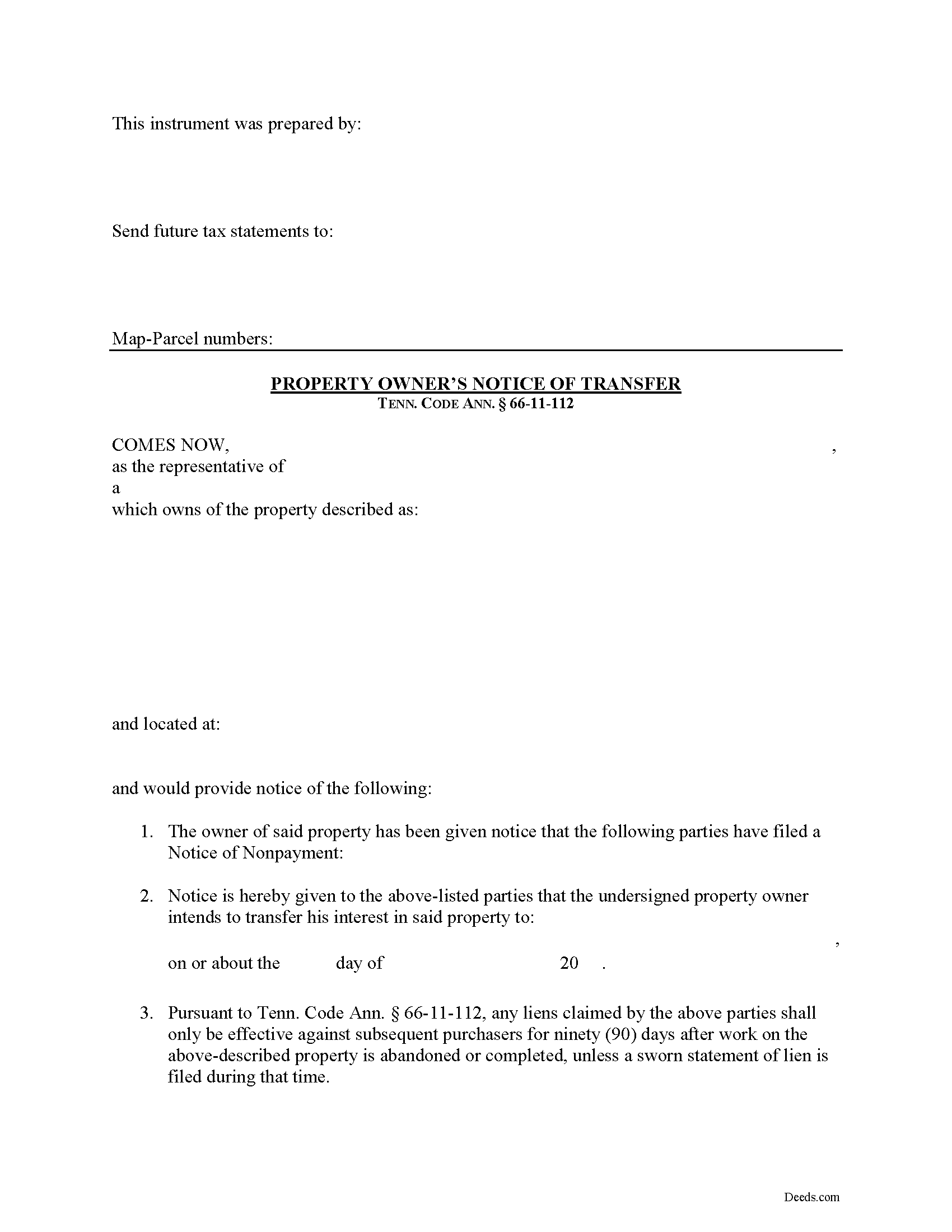
Van Buren County Notice of Transfer Form
Fill in the blank Notice of Transfer form formatted to comply with all Tennessee recording and content requirements.
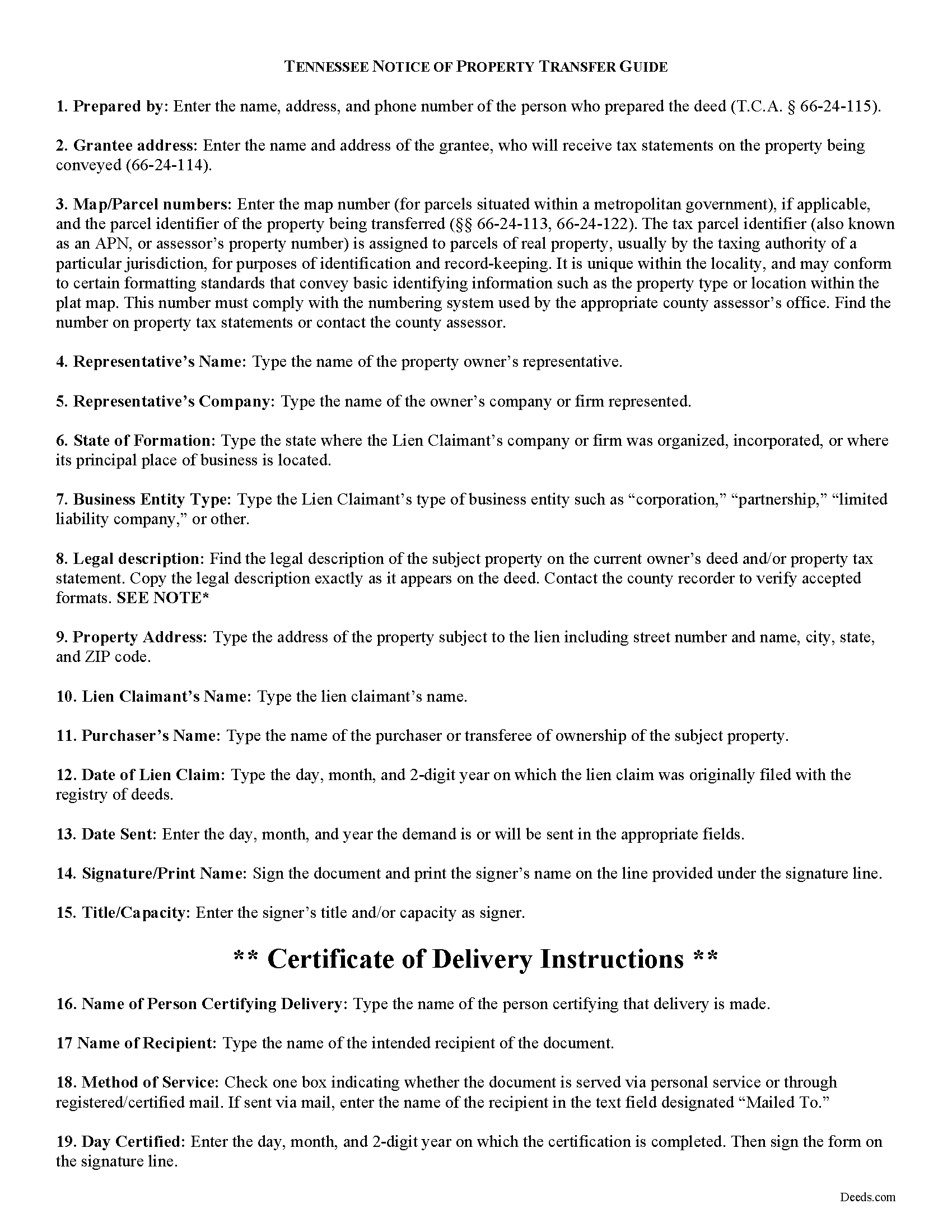
Van Buren County Notice of Transfer Guide
Line by line guide explaining every blank on the form.
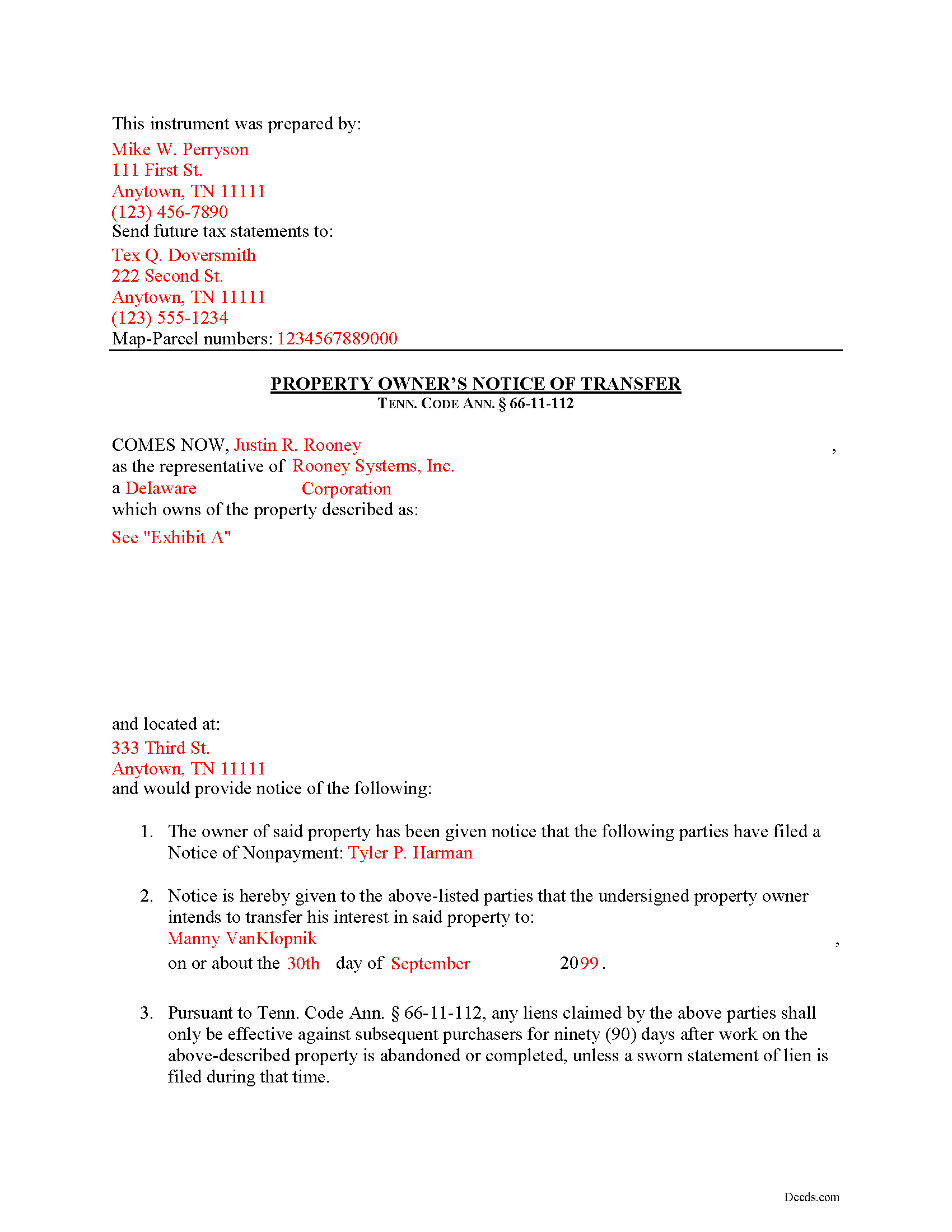
Van Buren County Completed Example of the Notice of Transfer Document
Example of a properly completed form for reference.
All 3 documents above included • One-time purchase • No recurring fees
Immediate Download • Secure Checkout
Additional Tennessee and Van Buren County documents included at no extra charge:
Where to Record Your Documents
Van Buren County Register of Deeds
Spencer, Tennessee 38585
Hours: 8:00 to 4:00 M-F
Phone: (931) 946-7363
Recording Tips for Van Buren County:
- Bring your driver's license or state-issued photo ID
- Ensure all signatures are in blue or black ink
- Double-check legal descriptions match your existing deed
- Verify all names are spelled correctly before recording
- White-out or correction fluid may cause rejection
Cities and Jurisdictions in Van Buren County
Properties in any of these areas use Van Buren County forms:
- Spencer
Hours, fees, requirements, and more for Van Buren County
How do I get my forms?
Forms are available for immediate download after payment. The Van Buren County forms will be in your account ready to download to your computer. An account is created for you during checkout if you don't have one. Forms are NOT emailed.
Are these forms guaranteed to be recordable in Van Buren County?
Yes. Our form blanks are guaranteed to meet or exceed the applicable formatting requirements used for recording in Van Buren County, including margin requirements, font requirements, and other layout standards. This guarantee applies to formatting, not to the legal sufficiency of information entered by the user or the suitability of a form for a particular transaction.
Can I reuse these forms?
Yes. You can reuse the forms for your personal use. For example, if you have multiple properties in Van Buren County you only need to order once.
What do I need to use these forms?
The forms are PDFs that you fill out on your computer. The free Adobe Acrobat Reader is recommended, and most PDF apps also work. You do NOT enter your property information online - you download the blank forms and complete them privately on your own computer.
Are there any recurring fees?
No. This is a one-time purchase. Nothing to cancel, no memberships, no recurring fees.
How much does it cost to record in Van Buren County?
Recording fees in Van Buren County vary. Contact the recorder's office at (931) 946-7363 for current fees.
Questions answered? Let's get started!
Transferring Property Subject to Lien Claims in Tennessee
Lots of things can happen with a property that can cause the owner to sell or otherwise transfer ownership while a lien is pending. Luckily, in Tennessee offers a procedure for accelerating the time to enforce a lien when transferring property to a purchaser. Drafting and recording a Notice of Transfer will effectively limit the time that the lien claimant can enforce any lien against a subsequent purchaser.
Under Tenn. Prop. Code 66-11-112(a), any liens claimed only remain effective against subsequent purchasers for ninety (90) days after work on the above-described property is abandoned or completed, unless a sworn statement of lien is filed during that time.
The notice identifies the parties, the location of the work or improvement, intended date of the transfer, and any other information relevant to the specific situation.
This article is provided for informational purposes only and should not be considered legal advice or relied upon as any substitute for speaking with an attorney. Please consult a Tennessee attorney familiar with construction law for any questions about the Notice of Transfer or for any other issues regarding mechanic's liens.
Important: Your property must be located in Van Buren County to use these forms. Documents should be recorded at the county recording office listed above.
This Notice of Transfer meets all recording requirements specific to Van Buren County.
Our Promise
The documents you receive here are guaranteed to meet or exceed the applicable Van Buren County recording format requirements. If there is a rejection caused by our formatting, we will correct the issue or refund your payment. This guarantee applies to document formatting only and does not extend to information entered by the user, the selection of the form, or the legal effect of the completed document.
Save Time and Money
Get your Van Buren County Notice of Transfer form done right the first time with Deeds.com Uniform Conveyancing Blanks. At Deeds.com, we understand that your time and money are valuable resources, and we don't want you to face a penalty fee or rejection imposed by a county recorder for submitting nonstandard documents. We constantly review and update our forms to meet rapidly changing state and county recording requirements for roughly 3,500 counties and local jurisdictions.
4.8 out of 5 - ( 4,845 Reviews )
Charles F. 5 out of 5 stars
Hi Please do not take time to respond to my previous inquiry - - - I figured it out. Deeds.com is a great tool for those of us who have occasional need for your type of services. Thanks ! Chuck
Thank you!
albert C. 5 out of 5 stars
thumbs up
Thank you!
Scott H. 5 out of 5 stars
Very helpful
Thank you!
Kate J. 5 out of 5 stars
Easy to use.
Thank you!
Gary J. 5 out of 5 stars
Whomever "KCH" is, that person was of great help. It took me several tries due my inexperience with ADOBE SCAN, but that certainly is no fault of yours!! KVH was very patient with me, and in fact resolved the things I was doing wrong for me, without my even requesting the assistance.
Thank you!
John D. 5 out of 5 stars
Forms were easy to complete, with the instructions that were provided. Very satisfied!
Thank you!
Tammy B. 5 out of 5 stars
I am so happy that I was able to get these forms. So simple to get and seems like will be easy to fill out . Thank you
We appreciate your business and value your feedback. Thank you. Have a wonderful day!
Clarence R. 5 out of 5 stars
service from your team was quick and very accurate. My experience was excellent.
Thank you!
Fritz C. 5 out of 5 stars
Quick and complete info
Thank you!
Pam B. 4 out of 5 stars
This form really helped me out a lot could be a little more explanatory in some areas but all and all it works.
Thanks Pam, we appreciate your feedback.
Virginia P. 1 out of 5 stars
Not user friendly despite additional guide. There are other products out there that are superior. A waste of $20.
Sorry to hear that Virginia. Your order and payment has been canceled. We do hope that you find something more suitable to your needs elsewhere. Have a wonderful day.
Susan S. 5 out of 5 stars
I just started using Deeds.com but so far it has been a very easy and pleasant experience. I work in the area of family law and I was thrilled to find a service that offers the recoding of deeds via e-recording.
Glad we could be of service Susan, thank you for your kind words. Have an amazing day!
Angela A. 5 out of 5 stars
The forms, instructions and example of the completed Interspousal Transfer Deed was very helpful. I was able to complete all necessary forms quickly and bring them to the County Recorder's Office for filing with no problems. It was a great relief, and I didn't even need to hire an attorney. Thank you!
We appreciate your business and value your feedback. Thank you. Have a wonderful day!
Barbara S. 5 out of 5 stars
I found your site easy to use, though I would prefer an option to download to MWords but Adobe works well. The cost is very, very reasonable and provides documents I didn't know were needed. I would recommend this to anyone trying to deal with legal documents.
Thank you!
Diane W. 3 out of 5 stars
The forms were immediately available for download, which was nice. However, I was not impressed by the lack of several features: 1) there was no way to edit set text in the form, such as where it says you should consult an attorney. That is not necessary for recording the deed and I wanted to deleted it, but could not. 2) Also, under the "Notes" section, there is a limited area to write; I tried adding a fuller explanation of something, but the form would not accept or include it when I printed the final document. The form may do the job, but it's not very sophisticated or elegant.
Thank you for your feedback. We really appreciate it. Have a great day!