Obion County Quitclaim Deed (Interspousal) Form
Last validated October 16, 2026 by our Forms Development TeamFormatted for recording in Obion County, for property anywhere in the county: rural and unincorporated areas as well as Hornbeak, Obion, Rives, Samburg, South Fulton, Troy, Union City, Woodland Mills.
- 3 documents included
- Immediate PDF download
- Formatting guarantee
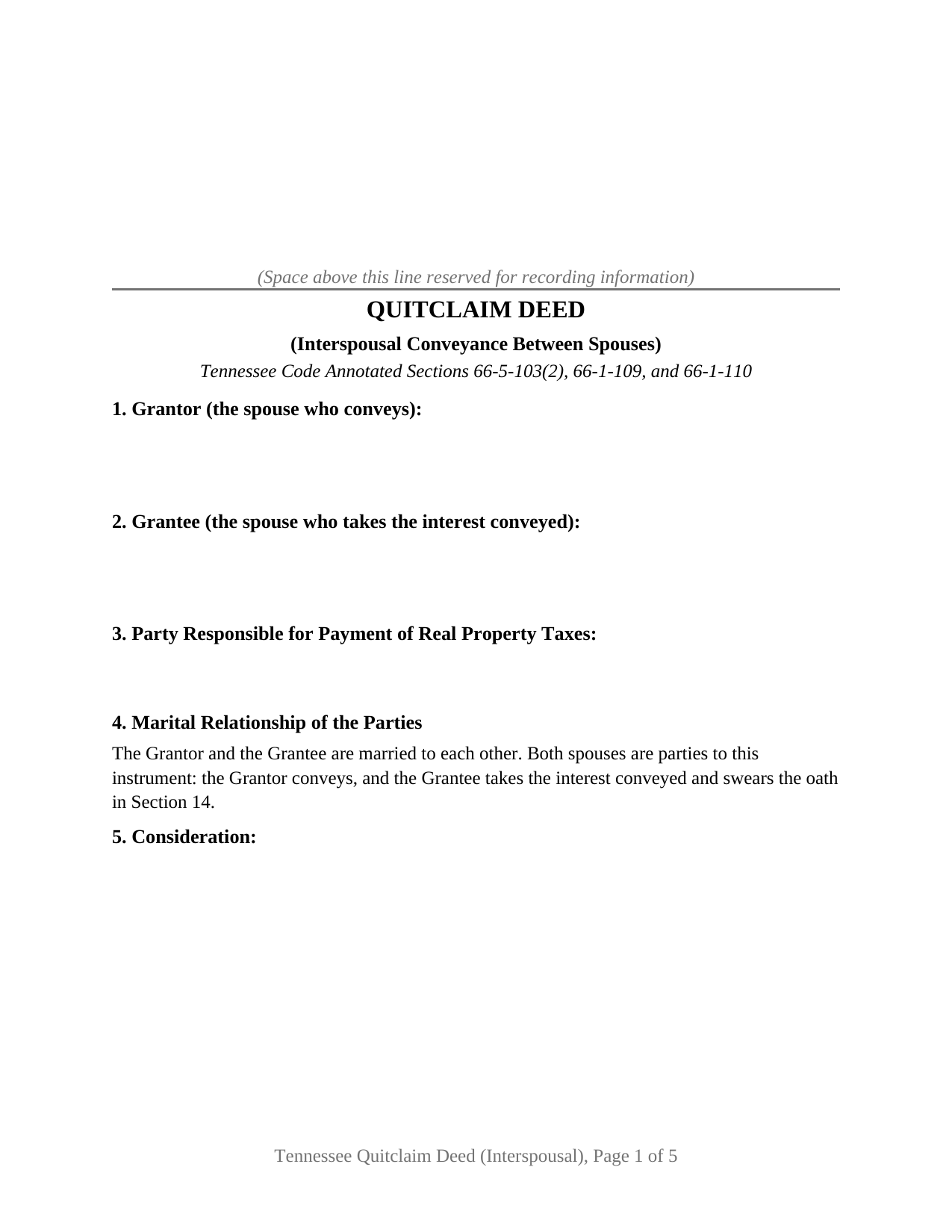
Obion County Quitclaim Deed (Interspousal) Form
Fill in the blank Quitclaim Deed (Interspousal) form formatted to comply with all Tennessee recording and content requirements.
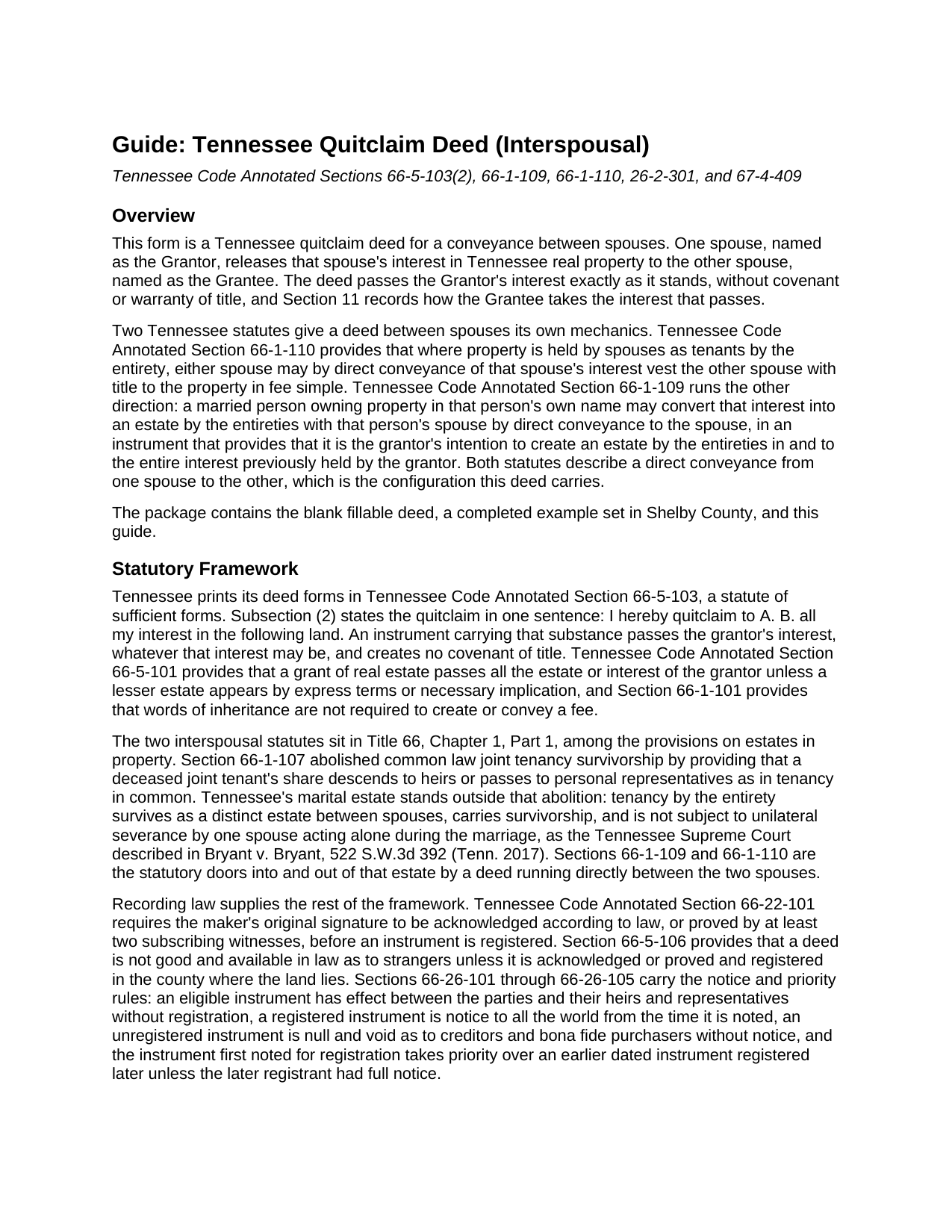
Obion County Quitclaim Deed (Interspousal) Guide
Line by line guide explaining every blank on the Quitclaim Deed (Interspousal) form.
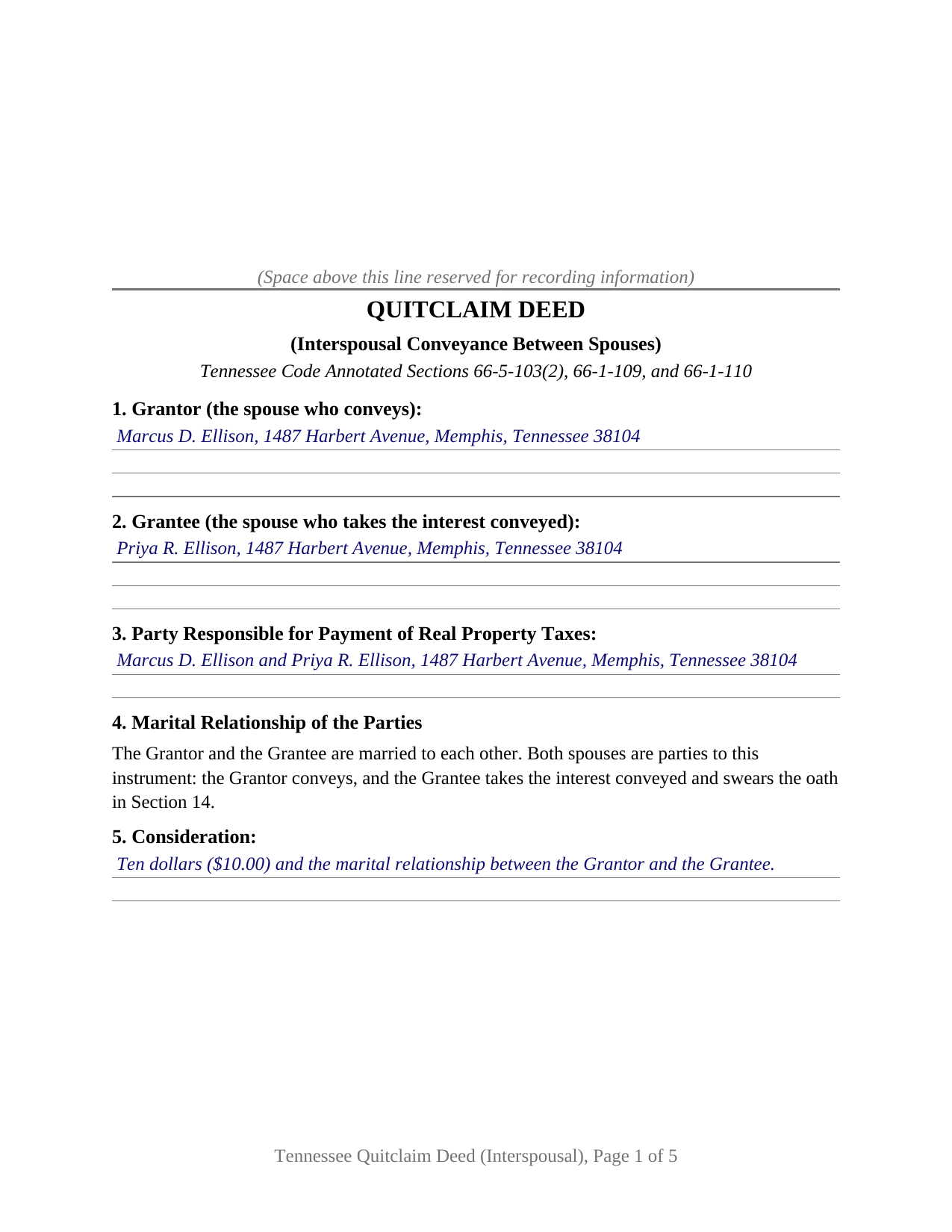
Obion County Completed Example of the Quitclaim Deed (Interspousal) Document
Example of a properly completed Tennessee Quitclaim Deed (Interspousal) document for reference.
All 3 documents above included • One-time purchase • No recurring fees
Immediate Download • Secure Checkout
Additional Tennessee and Obion County documents included at no extra charge:
Where to Record Your Documents
Obion County Register of Deeds
Union City, Tennessee 38261
Hours: 8:30am to 4:30pm M-F
Phone: (731) 885-9351
Recording Tips for Obion County:
- Bring your driver's license or state-issued photo ID
- Ensure all signatures are in blue or black ink
- Both spouses typically need to sign if property is jointly owned
- Bring extra funds - fees can vary by document type and page count
- Check margin requirements - usually 1-2 inches at top
Cities and Jurisdictions in Obion County
Properties in any of these areas use Obion County forms:
- Hornbeak
- Obion
- Rives
- Samburg
- South Fulton
- Troy
- Union City
- Woodland Mills
Hours, fees, requirements, and more for Obion County
How do I get my forms?
Forms are available for immediate download after payment. The Obion County forms will be in your account ready to download to your computer. An account is created for you during checkout if you don't have one. Forms are NOT emailed.
Are these forms guaranteed to be recordable in Obion County?
Yes. Our form blanks are guaranteed to meet or exceed the applicable formatting requirements used for recording in Obion County, including margin requirements, font requirements, and other layout standards. This guarantee applies to formatting, not to the legal sufficiency of information entered by the user or the suitability of a form for a particular transaction.
Can I reuse these forms?
Yes. You can reuse the forms for your personal use. For example, if you have multiple properties in Obion County you only need to order once.
What do I need to use these forms?
The forms are PDFs that you fill out on your computer. The free Adobe Acrobat Reader is recommended, and most PDF apps also work. You do NOT enter your property information online - you download the blank forms and complete them privately on your own computer.
Are there any recurring fees?
No. This is a one-time purchase. Nothing to cancel, no memberships, no recurring fees.
How much does it cost to record in Obion County?
Recording fees in Obion County vary. Contact the recorder's office at (731) 885-9351 for current fees.
Questions answered? Let's get started!
Grantor and Grantee on this Tennessee quitclaim deed are married to each other. The form is built for a conveyance that stays inside a marriage: one spouse releases whatever interest that spouse holds in Tennessee real property, and the other spouse takes it, on the single signature line the conveying spouse signs.
Two statutes written for a deed running spouse to spouse
Tennessee legislated this transfer in both directions, and the deed names each provision on its face. Where the spouses already hold as tenants by the entirety, T.C.A. Section 66-1-110 provides that either spouse may, by direct conveyance of that spouse's interest, vest the other spouse with title to the property in fee simple. Running the other way, T.C.A. Section 66-1-109 lets a married person who owns property in that person's own name convert the interest into an estate by the entireties with that person's spouse by direct conveyance to the spouse, in an instrument providing that it is the grantor's intention to create an estate by the entireties in and to the entire interest previously held by the grantor. That intention language is statutory, and Section 11 of the form is where it goes.
One conveying spouse, one receiving spouse
The form recites exactly two parties, natural persons married to each other, with one conveying and one taking. It carries a single grantor signature block and a single acknowledgment certificate under T.C.A. Section 66-22-107, because the conveyance takes one signature. The receiving spouse appears twice more: in the grantee section, which collects the name and address T.C.A. Section 66-24-114 makes recording data, and at the sworn statement below Section 14, where the grantee swears the consideration or value figure. Section 4 states the marriage on the face of the instrument, and Section 12 addresses the homestead consent sentence of T.C.A. Section 26-2-301 directly, since a marital relationship is what brings that section into a lifetime conveyance. A spouse whose separately owned house becomes an entireties parcel, and a spouse whose entireties interest passes to the other spouse so that spouse holds alone in fee simple, present the two title movements this deed recites. The form is not set up as a conveyance to someone other than the grantor's spouse, as a release by two record owners acting together, or as a signing in a representative capacity for a trust, an estate, or an entity.
The tax line a deed between spouses opens
Recording a Tennessee deed is a tax event, and the register collects the realty transfer tax before the instrument goes into the records, computed at $0.37 for each $100 of the consideration or the property's value, whichever is greater. A conveyance between spouses meets an express exemption: T.C.A. Section 67-4-409(a) exempts the creation or dissolution of a tenancy by the entirety by the conveyance from one spouse to the other, which reaches both of the movements above, and an exempt transaction calls for no oath of value at all. Where tax is owed instead, a deed keeping the statutory quitclaim substance of T.C.A. Section 66-5-103(2) is taxed on the actual consideration rather than on value under Section 67-4-409(a)(4). Section 14 collects the sworn figure and carries a separate line for the exemption claimed, so the deed arrives at the counter with the register's arithmetic already stated.
A release, with a release's honest limits
Buyers reach this instrument as an interspousal quitclaim deed, a quit claim deed between spouses, or a deed adding a spouse to title. Whatever the label, what passes is the grantor spouse's interest exactly as it stands, with no covenant of title behind it: deeds of trust, judgment liens, easements, restrictions, and unpaid taxes ride along, and a spouse who signed a note stays liable on that debt after the deed records. The numbered sections also collect what a Tennessee register reads before recording: the derivation of title recital of T.C.A. Section 66-24-110, the assessor's parcel identification number, the source of the legal description, and the preparer statement.
The download holds the blank deed as a fillable PDF, a completed example set in Shelby County that shows every numbered section, the certificate, and the sworn oath filled in, and a plain language guide covering each section, the notarization and oath mechanics, the transfer tax exemptions, and filing with the register of deeds. The materials describe Tennessee law in general terms for information, and none of it is legal advice.
Important: Your property must be located in Obion County to use these forms. Documents should be recorded at the county recording office listed above.
This Quitclaim Deed (Interspousal) meets all recording requirements specific to Obion County.
Our Promise
The documents you receive here are guaranteed to meet or exceed the applicable Obion County recording format requirements. If there is a rejection caused by our formatting, we will correct the issue or refund your payment. This guarantee applies to document formatting only and does not extend to information entered by the user, the selection of the form, or the legal effect of the completed document.
Save Time and Money
Get your Obion County Quitclaim Deed (Interspousal) form done right the first time with Deeds.com Uniform Conveyancing Blanks. At Deeds.com, we understand that your time and money are valuable resources, and we don't want you to face a penalty fee or rejection imposed by a county recorder for submitting nonstandard documents. We constantly review and update our forms to meet rapidly changing state and county recording requirements for roughly 3,500 counties and local jurisdictions.
4.8 out of 5 - ( 4,833 Reviews )
Michael K. 5 out of 5 stars
The link for the note guidelines just shows the same directions as for the mortgage. Other than that, very helpful.
Thank you for your feedback. We really appreciate it. Have a great day!
Steve B. 5 out of 5 stars
Awesome. Last time I needed to f Ile a document it cost $300.00 gor a lawyer. This time $53.00.
Thank you!
MARIZON M. 5 out of 5 stars
This site/service is amazing! The response is almost real-time and the fees are super reasonable. I will be using this again in the future should I need to file any other documents with the county and will also recommend it to others! Thank you!
Thank you for your feedback. We really appreciate it. Have a great day!
Gerry C. 4 out of 5 stars
Forms appear to be most current and instructions clear. Inserting grantor/grantee information onto form a bit "clunky" however no major issues. I will be using services again.
Thank you!
Timothy S. 5 out of 5 stars
The Quit Claim form was submitted, accepted, and processed by Davidson County with no hiccups. Recommended service!
Thank you!
Craig H. 5 out of 5 stars
Worked exactly like it was supposed to. No glitches
Thank you for your feedback. We really appreciate it. Have a great day!
Jennifer K. 5 out of 5 stars
Thank you!
Thank you for your feedback. We really appreciate it. Have a great day!
Johnny B. 5 out of 5 stars
This site was a breeze using.
We appreciate your business and value your feedback. Thank you. Have a wonderful day!
Ena D. 5 out of 5 stars
Very easy process. great customer service
We appreciate your business and value your feedback. Thank you. Have a wonderful day!
Victor W. 5 out of 5 stars
Once I was able to get the code Number, it all went well. I was able to easily download and print off what I needed for my lawyer. thank you.
Thank you!
Vicki A. 5 out of 5 stars
Very fast and easy to use.
We appreciate your business and value your feedback. Thank you. Have a wonderful day!
sara g. 5 out of 5 stars
THIS WAS A USER FRIENDLY FORM, WAS ABLE TO COMPLETE WITHIN A SHORT TIME. THANK YOU
We appreciate your business and value your feedback. Thank you. Have a wonderful day!
elizabeth m. 5 out of 5 stars
Wonderful service, forms were great. Completed and ready for recording. Will check back in after recorded.
We appreciate your business and value your feedback. Thank you. Have a wonderful day!
Abram A. 5 out of 5 stars
Very easy to navigate around and to obtain desired forms and service.
We appreciate your business and value your feedback. Thank you. Have a wonderful day!
DONALD S. 5 out of 5 stars
Using the Administrators Deed, pay attention to "Exhibit A". The blank will allow you to type a full legal description BUT it will not save it. Use "Exhibit A" to type the legal description. The form was great and I filed it this morning with no problems.
Thank you for your feedback. We really appreciate it. Have a great day!