Campbell County Quitclaim Deed (Trustee Grantee) Form
Last validated October 2, 2026 by our Forms Development TeamFormatted for recording in Campbell County, for property anywhere in the county: rural and unincorporated areas as well as Caryville, Duff, Jacksboro, Jellico, La Follette, Newcomb, Pioneer.
- 3 documents included
- Immediate PDF download
- Formatting guarantee
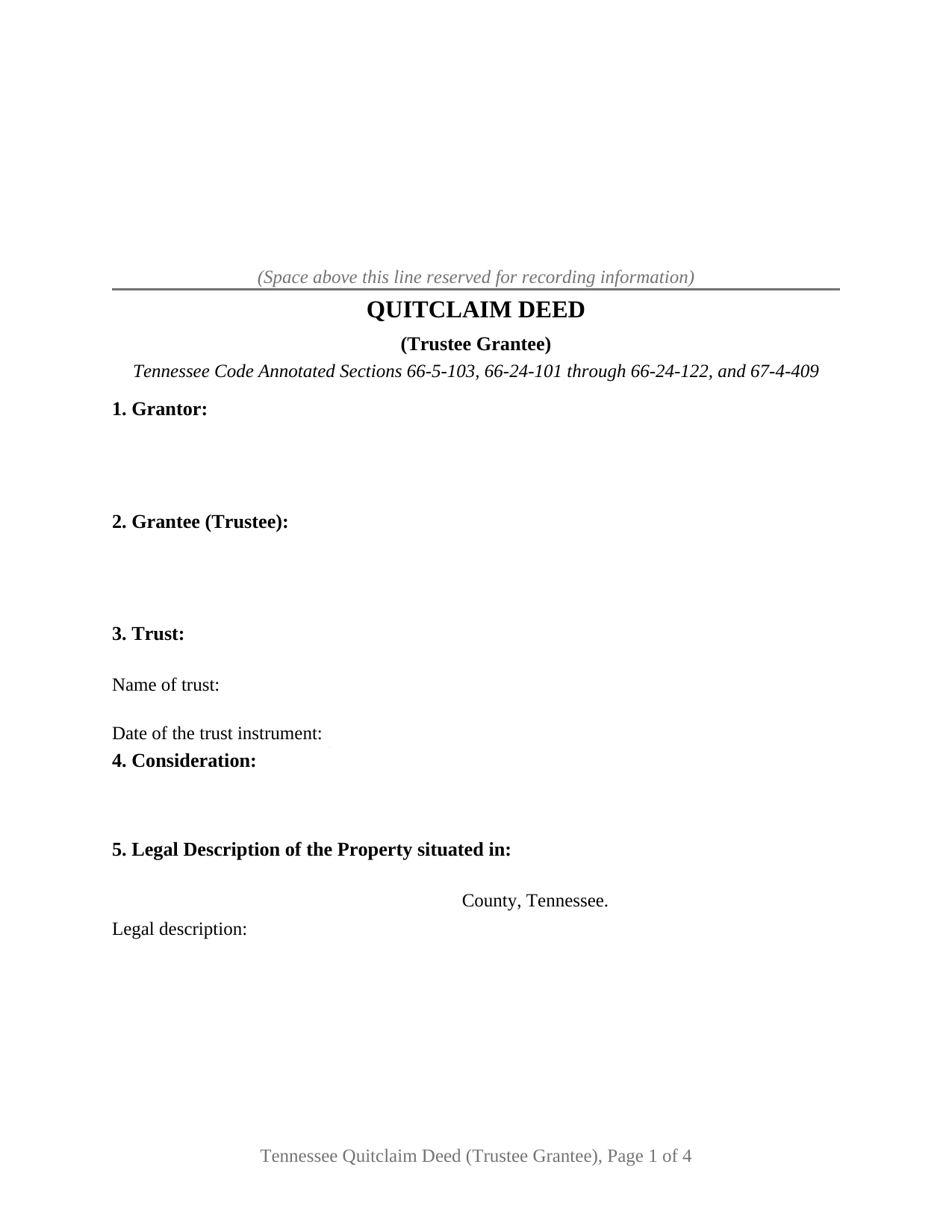
Campbell County Quitclaim Deed (Trustee Grantee) Form
Fill in the blank Quitclaim Deed (Trustee Grantee) form formatted to comply with all Tennessee recording and content requirements.
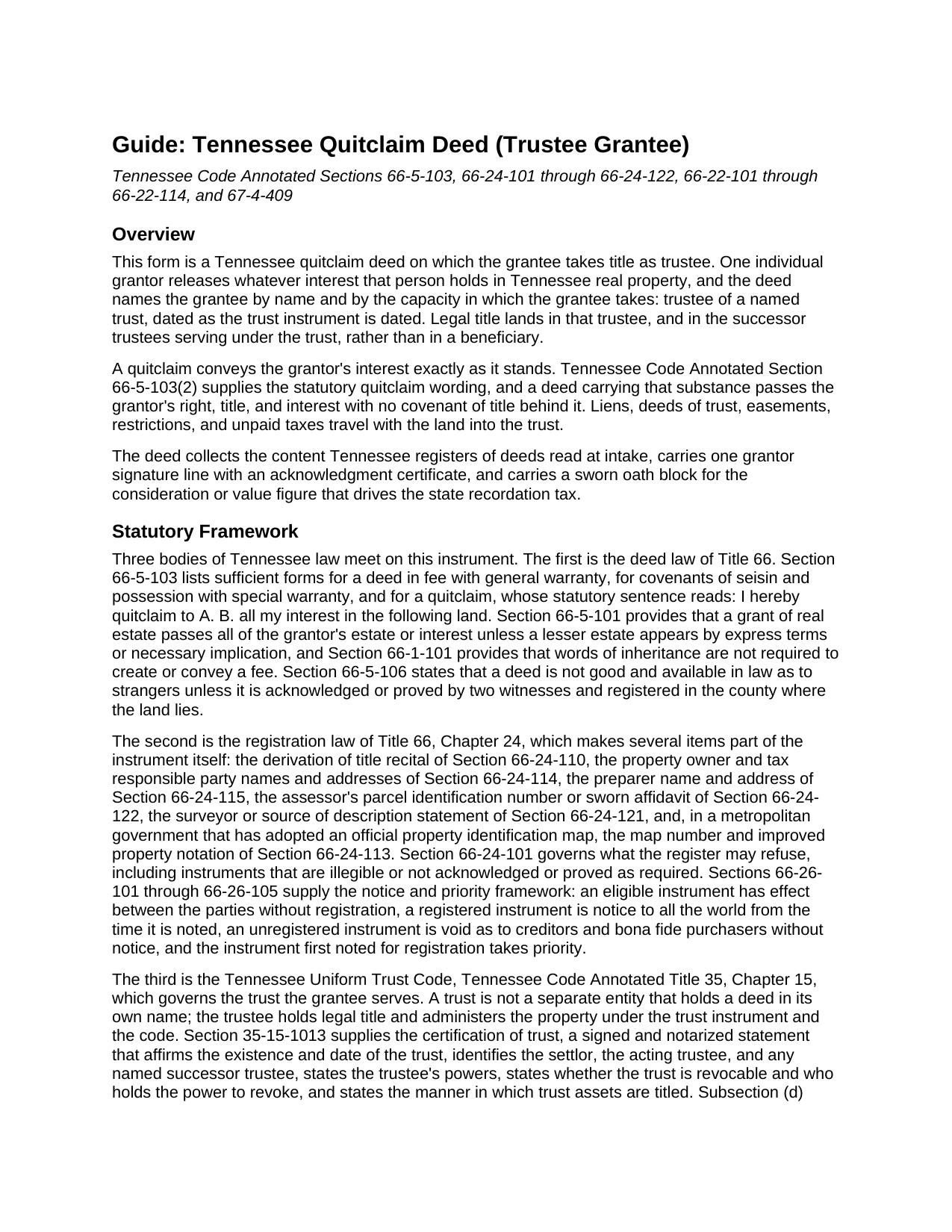
Campbell County Quitclaim Deed (Trustee Grantee) Guide
Line by line guide explaining every blank on the Quitclaim Deed (Trustee Grantee) form.
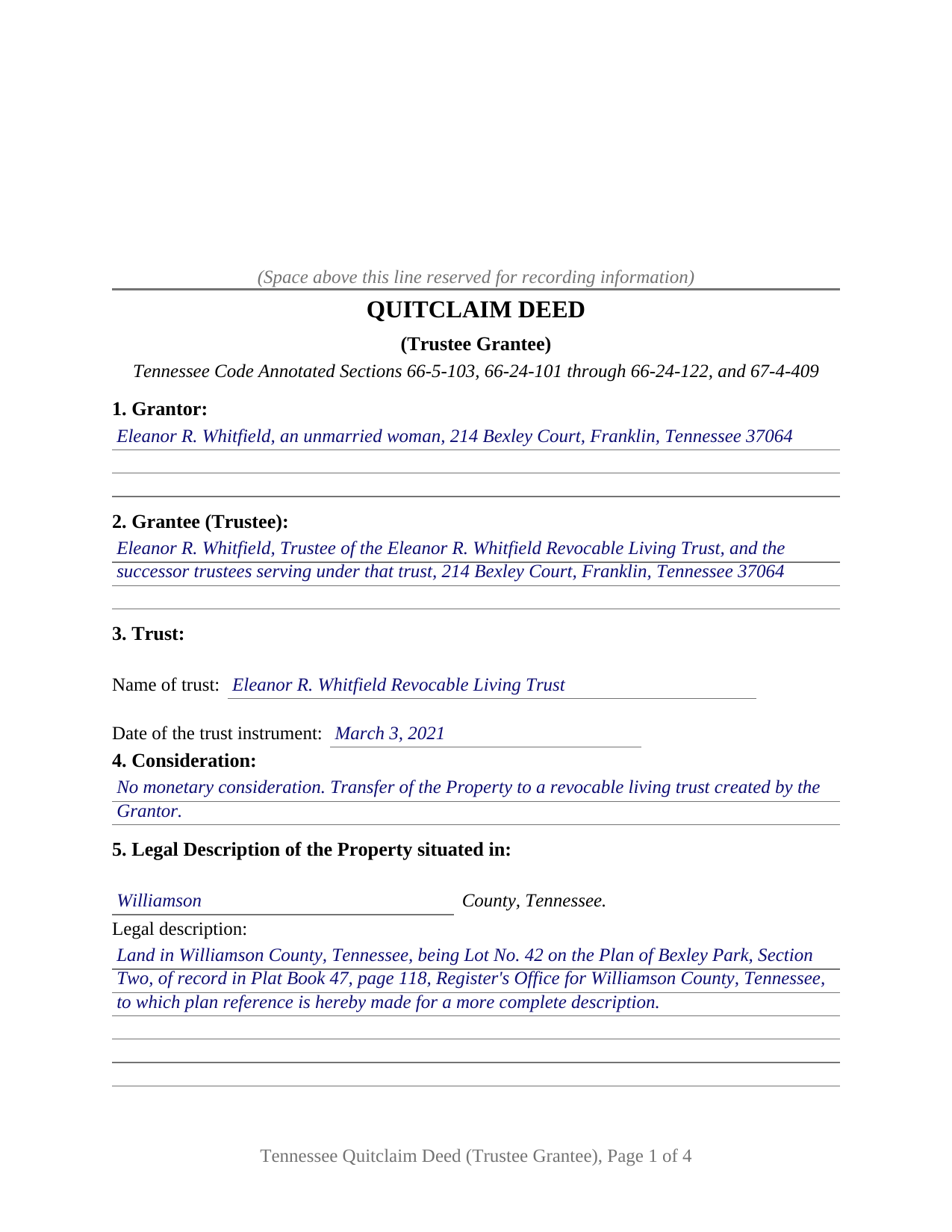
Campbell County Completed Example of the Quitclaim Deed (Trustee Grantee) Document
Example of a properly completed Tennessee Quitclaim Deed (Trustee Grantee) document for reference.
All 3 documents above included • One-time purchase • No recurring fees
Immediate Download • Secure Checkout
Additional Tennessee and Campbell County documents included at no extra charge:
Where to Record Your Documents
Campbell County Register of Deeds
Jacksboro, Tennessee 37757
Hours: 8:30 to 4:30 M-F
Phone: (423) 562-3864
Recording Tips for Campbell County:
- Bring your driver's license or state-issued photo ID
- Ensure all signatures are in blue or black ink
- Check that your notary's commission hasn't expired
- Documents must be on 8.5 x 11 inch white paper
- Double-check legal descriptions match your existing deed
Cities and Jurisdictions in Campbell County
Properties in any of these areas use Campbell County forms:
- Caryville
- Duff
- Jacksboro
- Jellico
- La Follette
- Newcomb
- Pioneer
Hours, fees, requirements, and more for Campbell County
How do I get my forms?
Forms are available for immediate download after payment. The Campbell County forms will be in your account ready to download to your computer. An account is created for you during checkout if you don't have one. Forms are NOT emailed.
Are these forms guaranteed to be recordable in Campbell County?
Yes. Our form blanks are guaranteed to meet or exceed the applicable formatting requirements used for recording in Campbell County, including margin requirements, font requirements, and other layout standards. This guarantee applies to formatting, not to the legal sufficiency of information entered by the user or the suitability of a form for a particular transaction.
Can I reuse these forms?
Yes. You can reuse the forms for your personal use. For example, if you have multiple properties in Campbell County you only need to order once.
What do I need to use these forms?
The forms are PDFs that you fill out on your computer. The free Adobe Acrobat Reader is recommended, and most PDF apps also work. You do NOT enter your property information online - you download the blank forms and complete them privately on your own computer.
Are there any recurring fees?
No. This is a one-time purchase. Nothing to cancel, no memberships, no recurring fees.
How much does it cost to record in Campbell County?
Recording fees in Campbell County vary. Contact the recorder's office at (423) 562-3864 for current fees.
Questions answered? Let's get started!
The grantee line on this Tennessee quitclaim deed carries a name and a capacity. Title goes to a trustee, identified with the trust that trustee serves and the date of the trust instrument, and one individual grantor signs the release that puts it there.
Title lands in the trustee, not in the trust
A trust is not a company. It files no charter, and under the Tennessee Uniform Trust Code at Title 35, Chapter 15, it holds nothing in its own name; the trustee holds legal title and administers the property under the trust instrument. That is why the grantee section of this deed asks for a person and an office rather than an entity, and why Section 3 collects the trust name and the date of the trust instrument beside it. The operative language follows the same logic: title vests in the grantee in the capacity of trustee and in the successor trustees serving under that trust, so a later change in who holds the office moves the administration without moving the title out of it. A title company or lender asking what the trust says looks to the certification of trust of Section 35-15-1013, a notarized statement of the trust's existence, date, trustees, and trustee powers, prepared separately and not included here.
One grantor, one trustee grantee
The form is drawn for exactly two parties: one individual grantor conveying personally, and one grantee taking as trustee. It carries a single grantor signature block with one acknowledgment certificate in the substance of the statutory form at Section 66-22-107. The trustee appears twice more: at Section 10, where the owner and tax responsible party entries name the trustee in that capacity at the address where the tax notice arrives, and below Section 13, where the grantee, the grantee's agent, or a trustee acting for the grantee swears the consideration or value figure. A sole owner moving a residence into that owner's own revocable living trust, and an owner deeding a parcel to the trustee of a family trust that already holds other property, present the title movement this deed describes. The form is not set up for a grantor signing in a fiduciary or representative capacity, for two record owners releasing together, or for a grantee taking individually rather than as trustee.
Where the transfer tax lands on a deed into a trust
Every Tennessee deed passes a tax counter before it reaches the records, at thirty seven cents per one hundred dollars of consideration or value, whichever is greater, collected by the register from the grantee. Two provisions matter here. A deed keeping the statutory quitclaim substance is taxed on the actual consideration given rather than on value, under Section 67-4-409(a)(4). And Section 67-4-409(a)(1)(C)(vi) exempts a transfer by a transferor of real estate to a revocable living trust created by the same transferor or by that transferor's spouse, along with a transfer by the trustee of such a trust back to the transferor or the transferor's spouse; where the exemption reaches the transaction, no oath of value is called for at all. Section 13 collects the sworn amount on one line and the exemption claimed on another. A deed to a trustee who is not the settlor sits on different ground.
What the trustee actually receives
Buyers reach this instrument as a quitclaim deed, a quit claim deed, or a deed transferring property into a trust. Whatever the label, Section 66-5-103(2) of the Tennessee Code prints the operative substance in one sentence, and this form keeps it: the grantor quitclaims all of the grantor's interest in the described land. Deeds of trust, judgment liens, easements, and unpaid taxes travel with the parcel into the trustee's hands, and no covenant of title stands behind the transfer. Section 66-24-110 asks the deed itself to state where the grantor's interest came from, and the numbered sections gather the parcel identification number, the source of the legal description, the improved property notation, and the preparer statement that Tennessee registers read at intake.
Three files arrive with the purchase: the deed as a blank fillable PDF; a Williamson County example worked through from the grantor line to the jurat beneath the oath; and a plain language guide that walks the numbered sections, the trustee vesting language, the swearing of the oath, and the counter at the register's office. All of it is informational, a description of Tennessee law rather than legal advice about a particular title or trust.
Important: Your property must be located in Campbell County to use these forms. Documents should be recorded at the county recording office listed above.
This Quitclaim Deed (Trustee Grantee) meets all recording requirements specific to Campbell County.
Our Promise
The documents you receive here are guaranteed to meet or exceed the applicable Campbell County recording format requirements. If there is a rejection caused by our formatting, we will correct the issue or refund your payment. This guarantee applies to document formatting only and does not extend to information entered by the user, the selection of the form, or the legal effect of the completed document.
Save Time and Money
Get your Campbell County Quitclaim Deed (Trustee Grantee) form done right the first time with Deeds.com Uniform Conveyancing Blanks. At Deeds.com, we understand that your time and money are valuable resources, and we don't want you to face a penalty fee or rejection imposed by a county recorder for submitting nonstandard documents. We constantly review and update our forms to meet rapidly changing state and county recording requirements for roughly 3,500 counties and local jurisdictions.
4.8 out of 5 - ( 4,834 Reviews )
Melinda L. 5 out of 5 stars
Easy to find what I needed and a good price. Very satisfied.
Thank you for your feedback. We really appreciate it. Have a great day!
Pamela H. 4 out of 5 stars
With Deeds.com I was able to acquire the form I needed for a reasonable fee. Easy navigation, plus guidelines & example of how the finished form should be filled out. I was most pleased to download blank form so I could type into it and then save the blank form. Well organized informative tool. Highly recommend
We appreciate your business and value your feedback. Thank you. Have a wonderful day!
LOUISE W. 5 out of 5 stars
Thank you for your help on my Quit Claim deed. I am very pleased with your patience and the resolving of the deed.
Thank you for your feedback. We really appreciate it. Have a great day!
Mylika M. 5 out of 5 stars
Deed.com has been an amazing resource for my solo practice. Very timely communication and quick results!
We truly value your business and appreciate your review.
Ann H. 5 out of 5 stars
Excellent program, easy to access and download.
Thank you!
Michael S. 5 out of 5 stars
So easy.
Happy we could assist. Thank you for sharing your experience.
Cecilia G. 5 out of 5 stars
This site is so easy to use. It is so convenient to have access to forms for all states. I’d recommend this site to anyone who needs to create any real estate documents.
Thank you for your feedback. We really appreciate it. Have a great day!
Bakul W. 5 out of 5 stars
You guys did a great job for us yday. With the strim coming and the registry being closed to visitors I didn't know how I was going to get my work done and I found your website and in less than a day everything was done. Thank you.
Thank you!
Jami B. 5 out of 5 stars
I was blown away by all the information I received for just $19.00!! I am still reading through it. Great job of explaining everything.
Thank you!
Roy T. 5 out of 5 stars
Thank you for an easy to use system. I was able to find all the information I needed.
We appreciate your business and value your feedback. Thank you. Have a wonderful day!
Barry B. 5 out of 5 stars
I was very impressed on how simple the process was to record the documents I needed recorded. Thank you for all of your help.
Thank you!
virgil r. 5 out of 5 stars
Easy access and guide throughout.
Thank you!
Jerry O. 2 out of 5 stars
Everything I needed including detailed instructions to transfer the deed on my house from me alone to me and my wife as joint owners with right of survivorship. Formatting was compliant and blanks for all information required were provided in all the right places. 5 stars
We appreciate your business and value your feedback. Thank you. Have a wonderful day!
Roy C. 5 out of 5 stars
Great Product no problems filing
Thank you for your feedback. We really appreciate it. Have a great day!
Hideo K. 5 out of 5 stars
Very prompt and satisfied with the service.
We appreciate your business and value your feedback. Thank you. Have a wonderful day!