Shelby County Trustee Deed Form
Last validated October 21, 2026 by our Forms Development TeamFormatted for recording in Shelby County, for property anywhere in the county: rural and unincorporated areas as well as Arlington, Brunswick, Collierville, Cordova, Eads, Ellendale, Germantown, Memphis and 1 more.
- 3 documents included
- Immediate PDF download
- Formatting guarantee
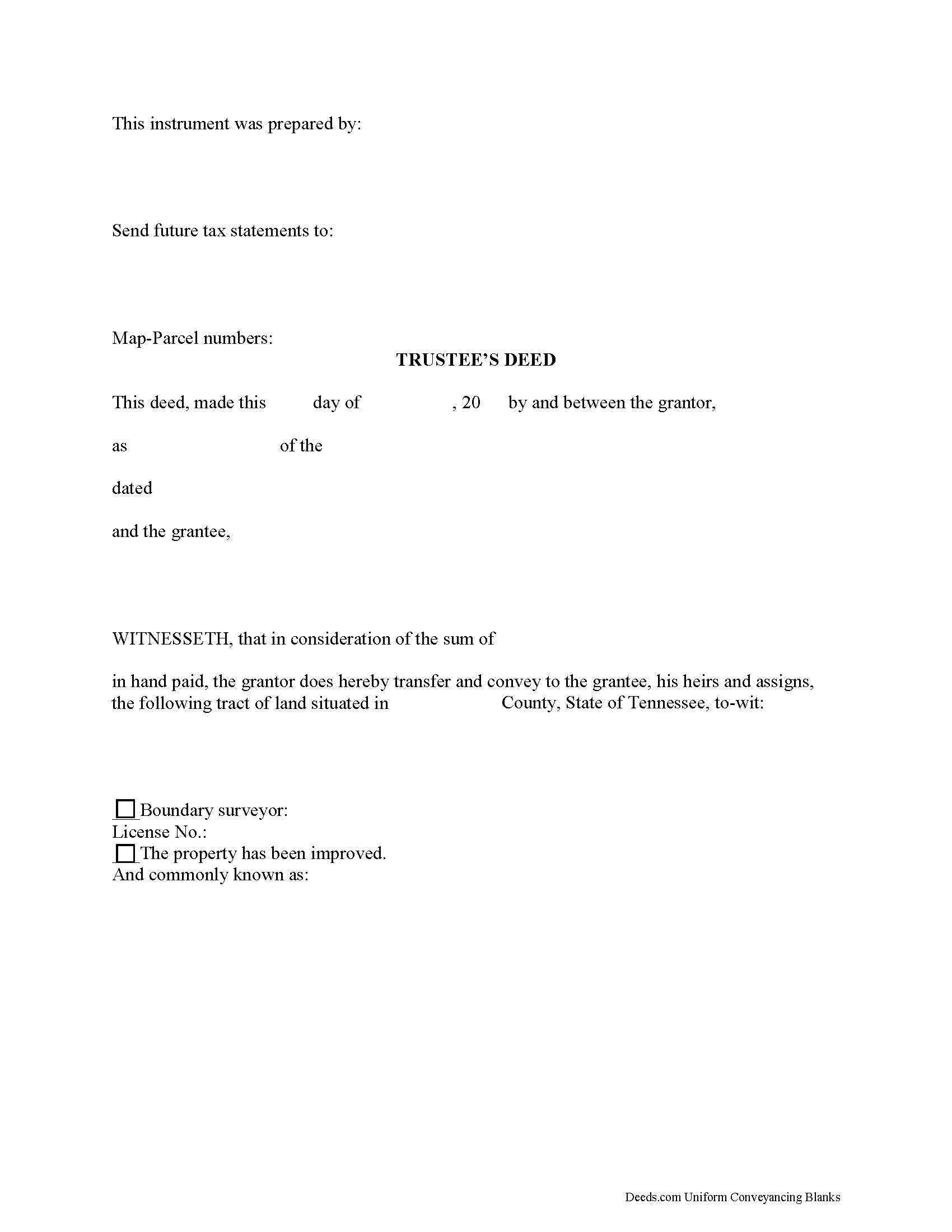
Shelby County Trustee Deed Form
Fill in the blank form formatted to comply with all recording and content requirements.
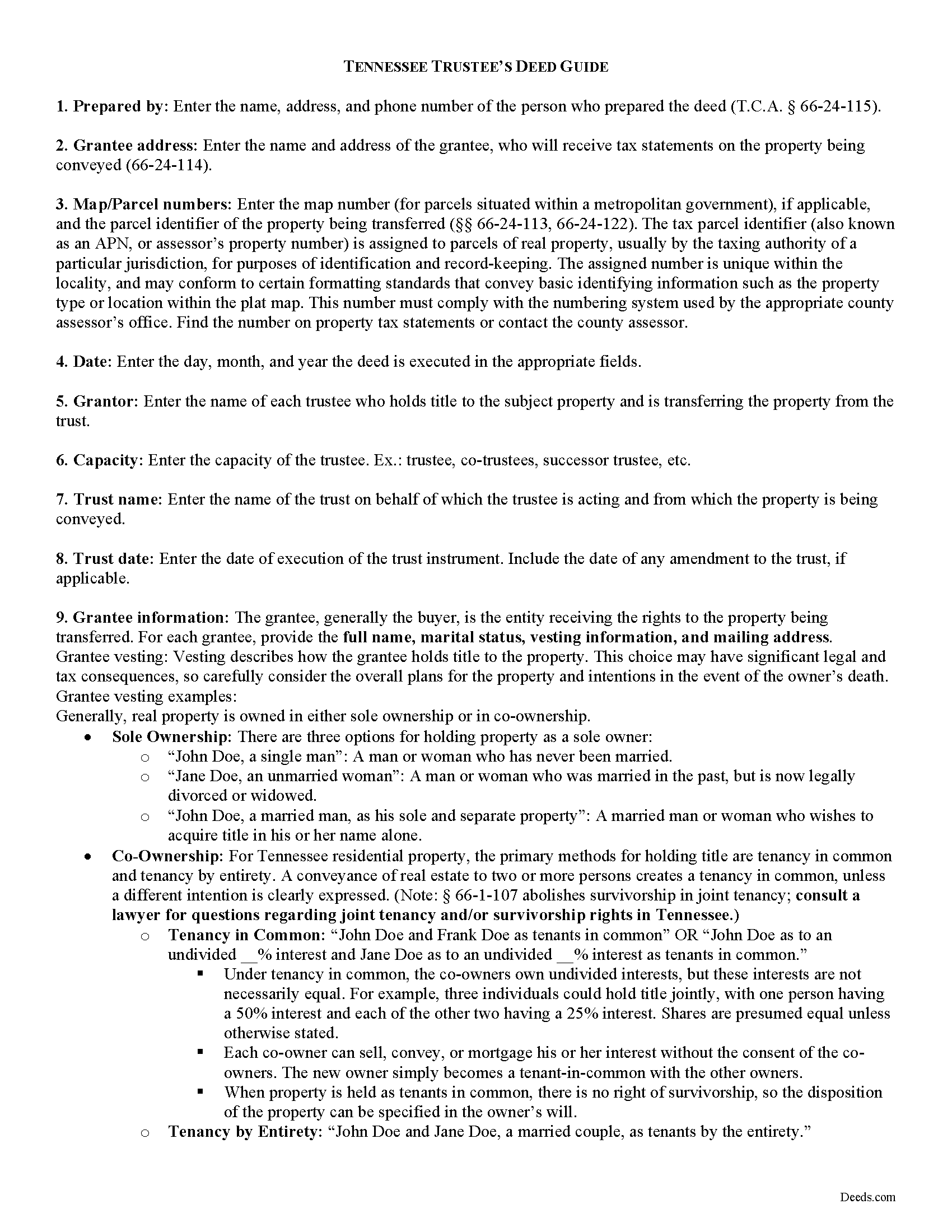
Shelby County Trustee Deed Guide
Line by line guide explaining every blank on the form.
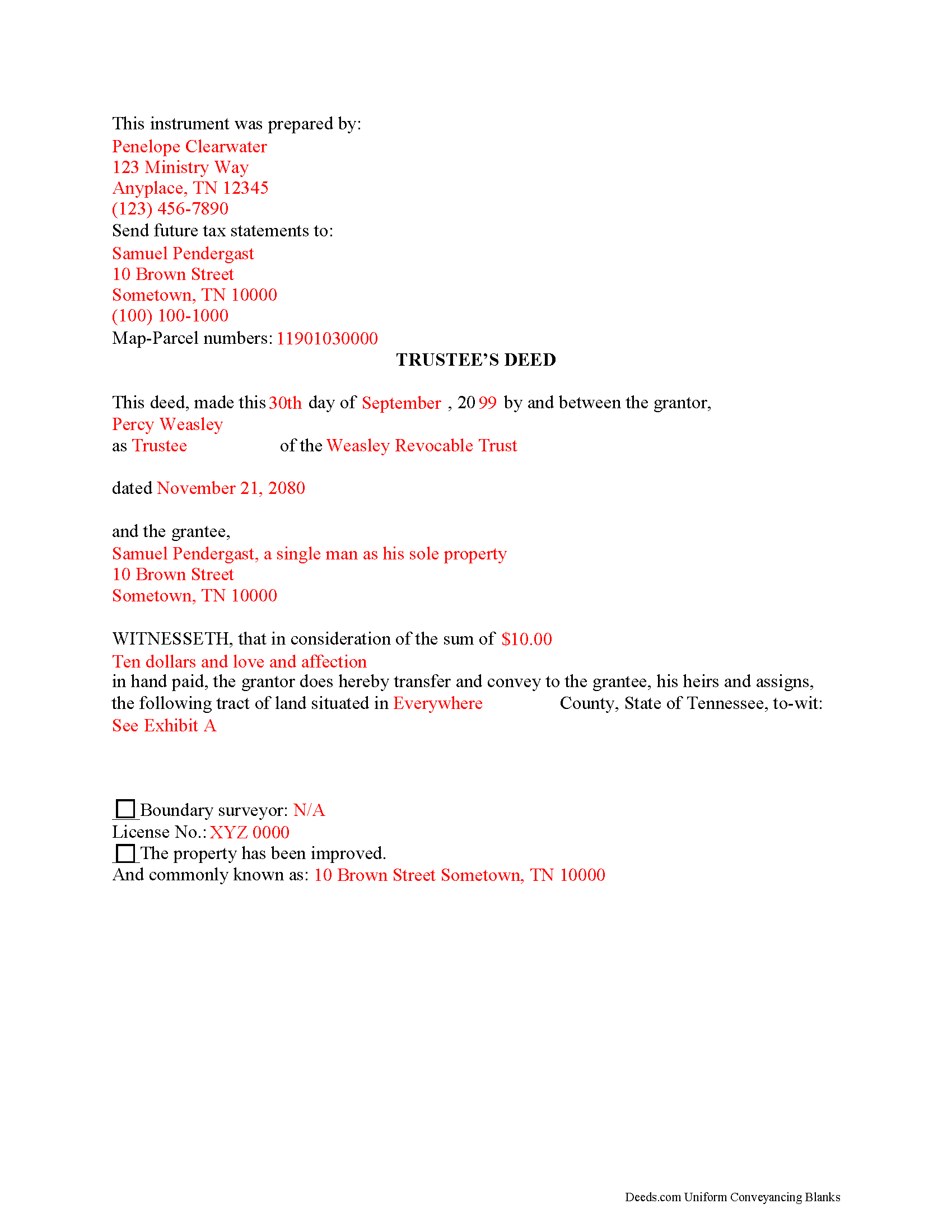
Shelby County Completed Example of the Trustee Deed Document
Example of a properly completed form for reference.
All 3 documents above included • One-time purchase • No recurring fees
Immediate Download • Secure Checkout
Additional Tennessee and Shelby County documents included at no extra charge:
Where to Record Your Documents
Shelby County Register of Deeds
Memphis, Tennessee 38134
Hours: 8:00 to 4:30 M-F
Phone: (901) 222-8100
Recording Tips for Shelby County:
- Bring your driver's license or state-issued photo ID
- Ensure all signatures are in blue or black ink
- Make copies of your documents before recording - keep originals safe
- Recorded documents become public record - avoid including SSNs
- Recording fees may differ from what's posted online - verify current rates
Cities and Jurisdictions in Shelby County
Properties in any of these areas use Shelby County forms:
- Arlington
- Brunswick
- Collierville
- Cordova
- Eads
- Ellendale
- Germantown
- Memphis
- Millington
Hours, fees, requirements, and more for Shelby County
How do I get my forms?
Forms are available for immediate download after payment. The Shelby County forms will be in your account ready to download to your computer. An account is created for you during checkout if you don't have one. Forms are NOT emailed.
Are these forms guaranteed to be recordable in Shelby County?
Yes. Our form blanks are guaranteed to meet or exceed the applicable formatting requirements used for recording in Shelby County, including margin requirements, font requirements, and other layout standards. This guarantee applies to formatting, not to the legal sufficiency of information entered by the user or the suitability of a form for a particular transaction.
Can I reuse these forms?
Yes. You can reuse the forms for your personal use. For example, if you have multiple properties in Shelby County you only need to order once.
What do I need to use these forms?
The forms are PDFs that you fill out on your computer. The free Adobe Acrobat Reader is recommended, and most PDF apps also work. You do NOT enter your property information online - you download the blank forms and complete them privately on your own computer.
Are there any recurring fees?
No. This is a one-time purchase. Nothing to cancel, no memberships, no recurring fees.
How much does it cost to record in Shelby County?
Recording fees in Shelby County vary. Contact the recorder's office at (901) 222-8100 for current fees.
Questions answered? Let's get started!
A trustee's deed transfers interest in real property held in a living trust. A settlor (sometimes called a grantor) creates and funds the trust by transferring assets to another person, called the trustee (though these roles may be performed by the same person). The trustee administers the trust for the benefit of another party, called the beneficiary.
The requirements for a trust in Tennessee are that the settlor has a capacity to create a trust and indicates the intention to do so; the trust has a definite beneficiary; the trustee has duties to perform; and the same person is not the sole trustee and sole beneficiary (T.C.A. 35-15-402). A trust must have lawful purposes and its terms must be for the benefit of the trust beneficiaries ( 35-15-404).
The settlor of a living trust generally indicates the intention to create a trust by executing a trust instrument. This unrecorded document sets forth the terms of the trust, indicating how the settlor intends his assets to be administered (settlors of testamentary trusts, or testators, establish the trust's terms in their wills). The trust document also designates the trustee and his successors, if any, and identifies the trust's beneficiary.
Settlors may fund the trust with real property by executing a deed, titling the property in the name of the trustee on behalf of the trust. If the settlor wishes to convey the real estate from the trust as through sale, the trustee then executes a deed. The trustee's power to sell property held in the trust comes from T.C.A. 35-15-816, and is either fortified or restricted by any relevant powers outlined in the trust instrument.
The trustee's deed to convey real property held in a living trust is named after the executing grantor, rather than after the title warranty the grantor provides. In Tennessee, a trustee's deed is a type of special warranty deed, where warranty of title is limited to anyone claiming by, from, through, or under the grantor. This is a more limited warranty than a general warranty deed, in which the grantor promises to warrant and defend title against all claim. In offering a special warranty, the trustee does "not warrant against defects arising from conditions that existed before" he held title to the property.
The basic components of a trustee's deed are the same as any other deed conveying interest in real property in Tennessee. The document names all parties to the transaction and includes the property description, map and parcel numbers assigned to the property, a recitation of the derivation of title, and an oath of consideration stating the true value of the property conveyed. In addition, the trustee's deed references the trust and trust date, and may include a certification of trust under T.C.A. 35-15-1013 as an attachment to certify the trust's existence and the trustee's authority to enter into the transaction.
A trustee's deed should be acknowledged by the executing trustee in the presence of a notary public before it is recorded in the county in which the subject real property is located. Consult a lawyer in the preparation of a trustee's deed, and with any questions regarding living trusts in Tennessee.
(Tennessee TD Package includes form, guidelines, and completed example)
Important: Your property must be located in Shelby County to use these forms. Documents should be recorded at the county recording office listed above.
This Trustee Deed meets all recording requirements specific to Shelby County.
Our Promise
The documents you receive here are guaranteed to meet or exceed the applicable Shelby County recording format requirements. If there is a rejection caused by our formatting, we will correct the issue or refund your payment. This guarantee applies to document formatting only and does not extend to information entered by the user, the selection of the form, or the legal effect of the completed document.
Save Time and Money
Get your Shelby County Trustee Deed form done right the first time with Deeds.com Uniform Conveyancing Blanks. At Deeds.com, we understand that your time and money are valuable resources, and we don't want you to face a penalty fee or rejection imposed by a county recorder for submitting nonstandard documents. We constantly review and update our forms to meet rapidly changing state and county recording requirements for roughly 3,500 counties and local jurisdictions.
4.8 out of 5 - ( 4,845 Reviews )
John B. 4 out of 5 stars
I purchased the Notice of Completion form because the City of Chula Vista did not have a "fillable" version of this form on their website. The Deeds.com version of this form is somewhat different than the City's version (8 numbered paragraphs vs. 11 numbered paragraphs.) However, it contains the same information in a different format. This form provided more blank space to fill in important items- like a long ownership name- than the version on the City's website. The recorder's office was satisfied with this form as I hand-delivered it to the Recorder's Office and they approved it for recording. Overall, I found this form easy to use and found the extra blank space for writing on the form helpful. My one comment for possible improvement is: it would be even more helpful (particularly for attorney users) to have strike-out capability. I would have liked having the ability to strike-out inapplicable portions of long awkward sentences. Still, I would use this form again.
Your feedback means a lot to us. Thank you.
Mikel R. 5 out of 5 stars
Definitely recommend. Superb customer service. Well worth the money! Thanks again!
Thank you for your feedback. We really appreciate it. Have a great day!
Richard L. 5 out of 5 stars
Service was very convenient; I received prompt assistance with my document - staff was very helpful.
Thank you!
Greg R. 5 out of 5 stars
I really had no problem navigating the forms. It was helpful!
Appreciate you taking the time to share that, Greg. Glad it was a smooth experience
Robert L. 1 out of 5 stars
I did not use your service. $19 to upload a document to our local tax accessor office is a bit high. I drove the document to the office myself.
Thank you for your feedback Robert. Glad to hear that you got your document recorded. Sorry to hear that your time, fuel, and wear on your vehicle are valued at less than $19. Have a wonderful day.
Nancy O. 5 out of 5 stars
Outstanding forms and service. Liked that the main deed forms were PDF so I could fill them out on my laptop, in my own time, instead of some online Q/A auto populate system. Guide was helpful, as was the completed sample. Used the erecording service to file the deed, amazing.
Thank you for your wonderful review Nancy! Our team takes pride in providing helpful resources, and we are pleased that the guide and completed sample were beneficial to you throughout the process. Making the deed filing journey smoother for our users is always our top priority.
Sander G. 4 out of 5 stars
Good but knocked off a star because the download file names are mostly numbers instead of recognizable names of the file contents (e.g., Promissory_Note_blank.pdf). Renaming would be a great help!
Thank you for your feedback. We really appreciate it. Have a great day!
ANTHONY W. 5 out of 5 stars
It's been extremely easy to communicate across this platform.
Thank you!
Dr. Shenetta M. 5 out of 5 stars
The process was simple, and I am thankful for the turnaround time. Thank you for the help!
We are overjoyed to read your appreciative words regarding your experience with our eRecording service. It's rewarding to know that the simplicity of our process and the prompt turnaround time met your expectations.
Your acknowledgement is a great motivator for us to continue enhancing our services. Our goal is to always provide a seamless and efficient experience to our valued customers like you.
Thank you once again for your kind feedback. We are here to assist you anytime you need, and we look forward to serving you again in the near future!
Joyce S. 5 out of 5 stars
Download very easy. Forms are just what I need. Thanks
Thank you for your feedback. We really appreciate it. Have a great day!
Corey G. 5 out of 5 stars
Very informative and helpful Thank you so much
Thank you for the kinds words Corey, glad we could help.
Dorothy S. 4 out of 5 stars
Great service and documents that solved my legal issues I was frustrated with my inability to safe my information on the template and add an extra field box. Please make those instructions more clear for future customers.
Thank you for your feedback. We really appreciate it. Have a great day!
Alfred M. 5 out of 5 stars
It was a simple process and easily understood the process was seamless and I would highly recommend this to anyone looking to do this.
Thank you for your feedback. We really appreciate it. Have a great day!
Shannon y. 5 out of 5 stars
Awesome , easy-to-use and find exactly what I was needing and saved me alot of headache and money. Will definitely recommend to anyone
Your review means a lot to us. Thank you for taking the time.
Willard V. 3 out of 5 stars
While it's nice to get all the forms and info in one package for a reasonable cost, the fixed format of the form does not allow for a lengthy meet and bounds property description for real property. Also, the Cover Sheet has big fillable sections with no instructions about what's supposed to go there. I tried the "Contact Us" link, but all it does is spin saying it's trying verify the security of my connection. Looks like I;m going to have to create my own deed in MS Word instead of just filling in the blacks of the PDF file that I downloaded. Bummer!
Your feedback is a crucial part of our dedication to ongoing improvement. Thank you for your insightful comments.