San Jacinto County Certification of Trust (Single Trustee) Form
Last validated November 23, 2026 by our Forms Development TeamFormatted for recording in San Jacinto County, for property anywhere in the county: rural and unincorporated areas as well as Coldspring, Oakhurst, Pointblank, Shepherd.
- 3 documents included
- Immediate PDF download
- Formatting guarantee
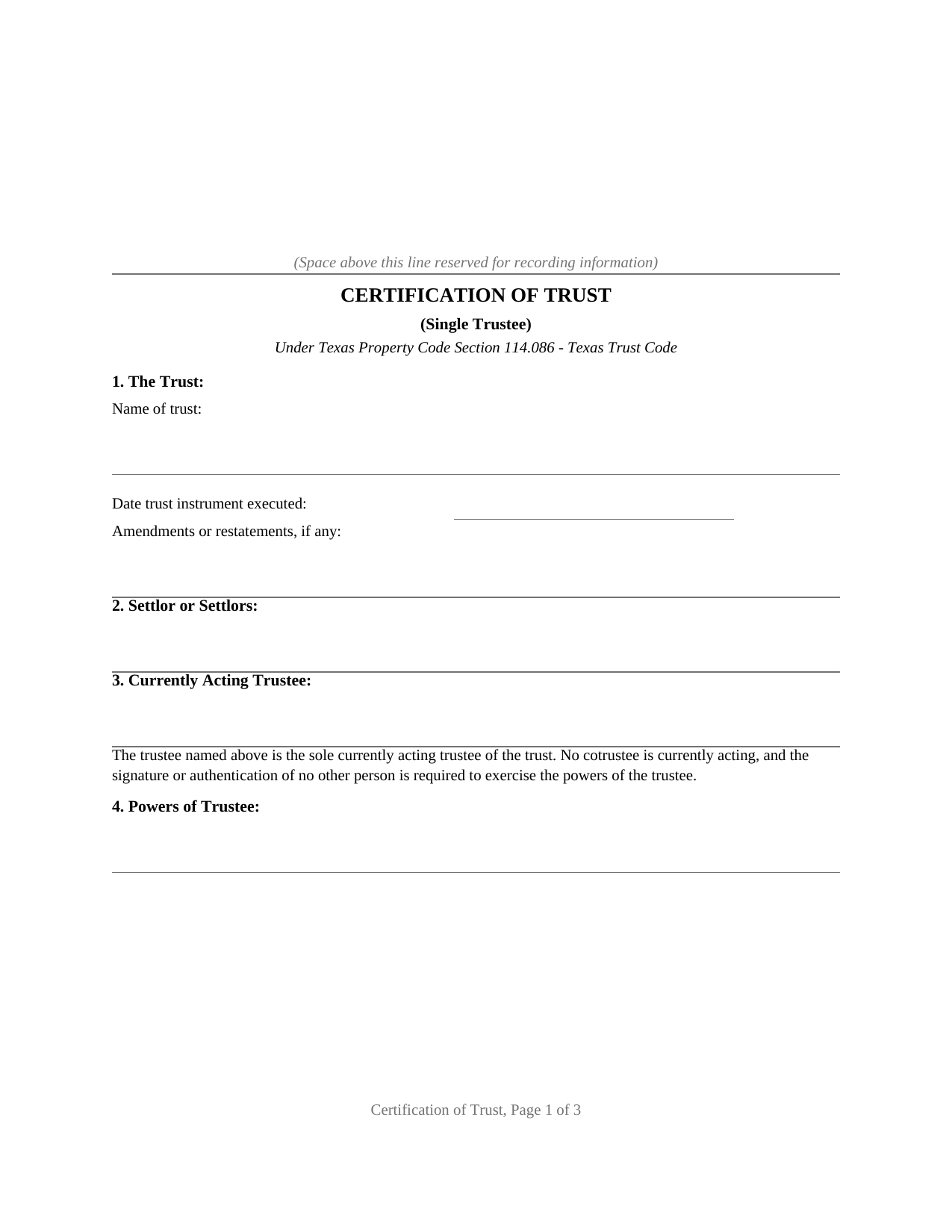
San Jacinto County Certification of Trust (Single Trustee) Form
Fill in the blank Certification of Trust (Single Trustee) form formatted to comply with all Texas recording and content requirements.
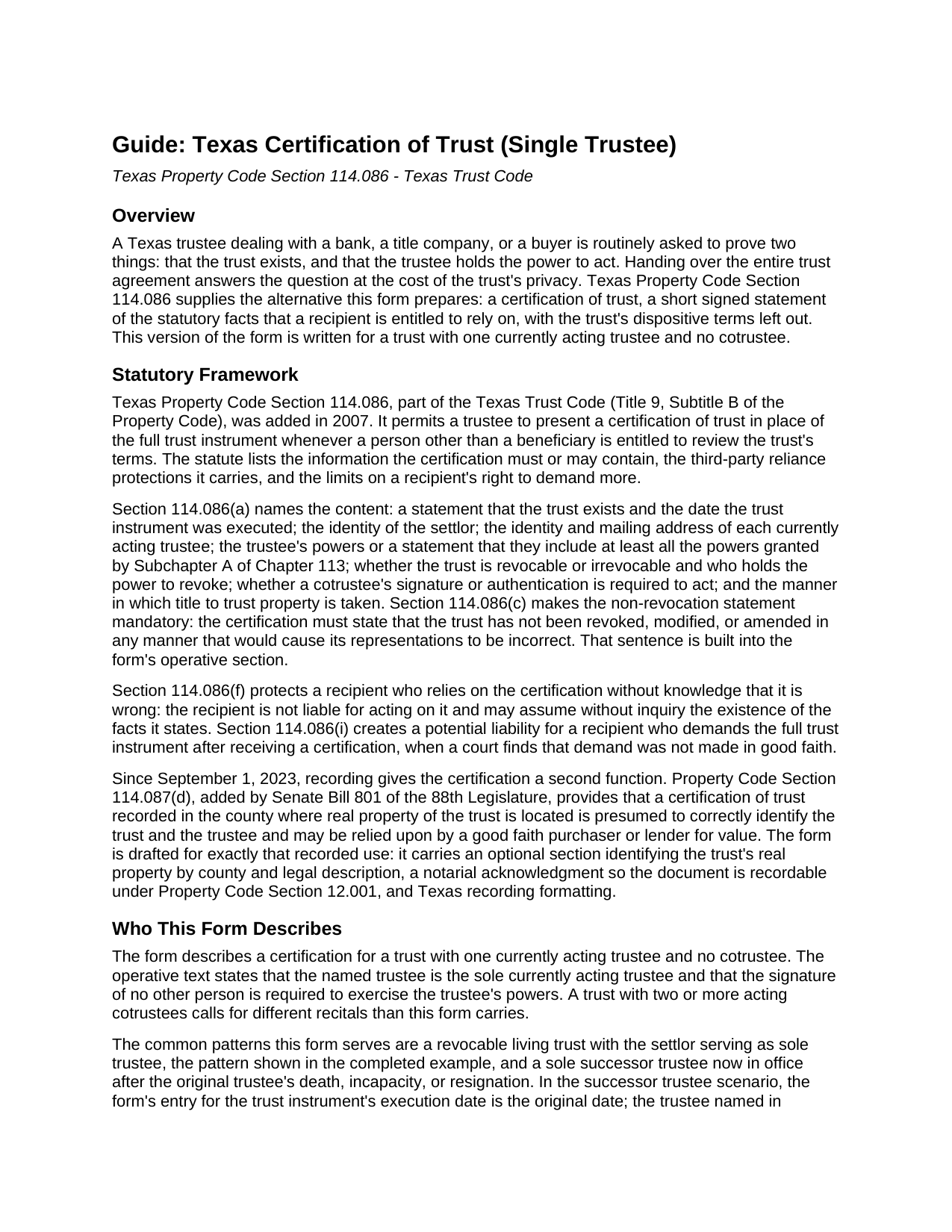
San Jacinto County Certification of Trust (Single Trustee) Guide
Line by line guide explaining every blank on the Certification of Trust (Single Trustee) form.
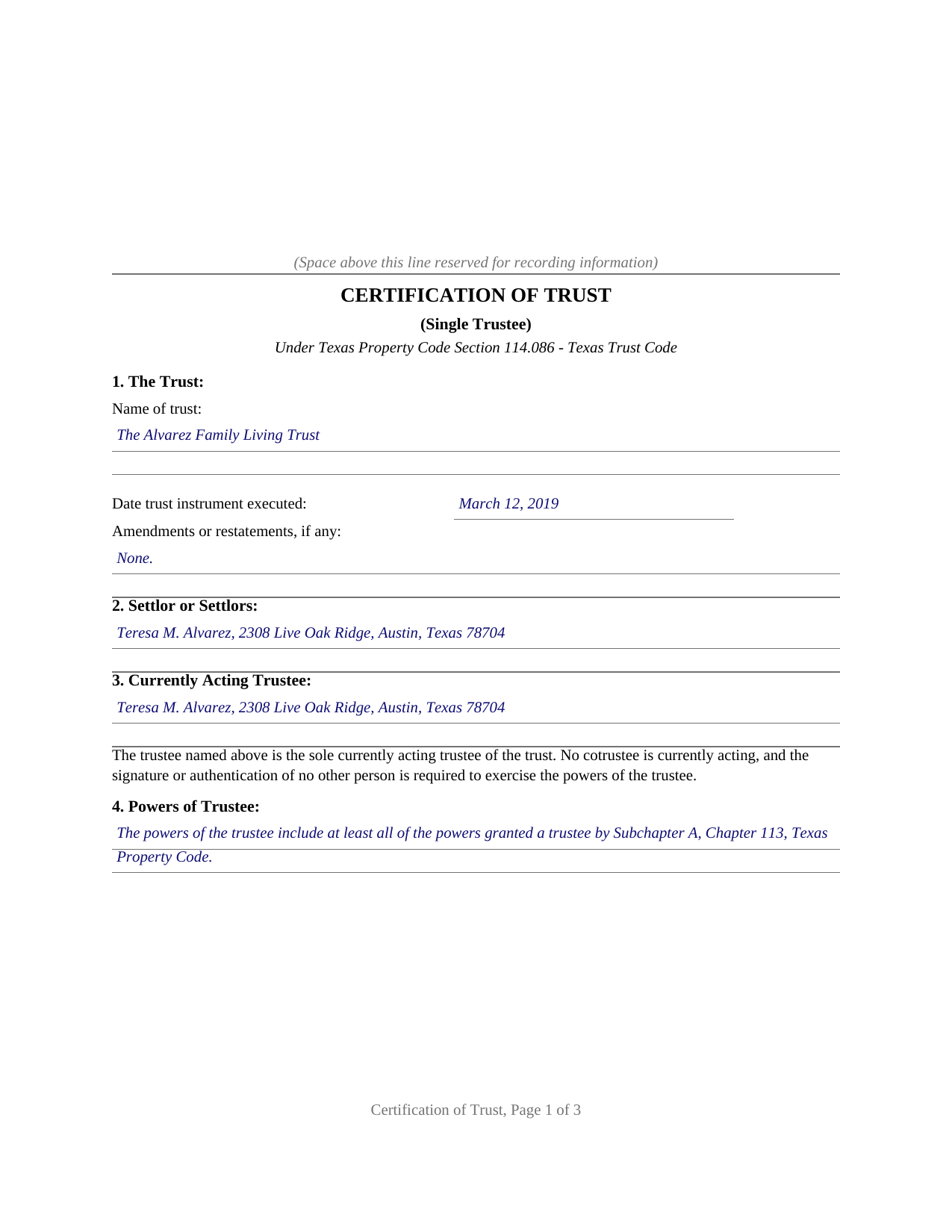
San Jacinto County Completed Example of the Certification of Trust (Single Trustee) Document
Example of a properly completed Texas Certification of Trust (Single Trustee) document for reference.
All 3 documents above included • One-time purchase • No recurring fees
Immediate Download • Secure Checkout
Additional Texas and San Jacinto County documents included at no extra charge:
Where to Record Your Documents
San Jacinto County Clerk
Coldspring, Texas 77331
Hours: Mon - Thu 8:00am - 5:00pm, Fri 8:00am - 4:00pm
Phone: (936) 653-2324
Recording Tips for San Jacinto County:
- Bring your driver's license or state-issued photo ID
- Ensure all signatures are in blue or black ink
- Check that your notary's commission hasn't expired
- Documents must be on 8.5 x 11 inch white paper
- Double-check legal descriptions match your existing deed
Cities and Jurisdictions in San Jacinto County
Properties in any of these areas use San Jacinto County forms:
- Coldspring
- Oakhurst
- Pointblank
- Shepherd
Hours, fees, requirements, and more for San Jacinto County
How do I get my forms?
Forms are available for immediate download after payment. The San Jacinto County forms will be in your account ready to download to your computer. An account is created for you during checkout if you don't have one. Forms are NOT emailed.
Are these forms guaranteed to be recordable in San Jacinto County?
Yes. Our form blanks are guaranteed to meet or exceed the applicable formatting requirements used for recording in San Jacinto County, including margin requirements, font requirements, and other layout standards. This guarantee applies to formatting, not to the legal sufficiency of information entered by the user or the suitability of a form for a particular transaction.
Can I reuse these forms?
Yes. You can reuse the forms for your personal use. For example, if you have multiple properties in San Jacinto County you only need to order once.
What do I need to use these forms?
The forms are PDFs that you fill out on your computer. The free Adobe Acrobat Reader is recommended, and most PDF apps also work. You do NOT enter your property information online - you download the blank forms and complete them privately on your own computer.
Are there any recurring fees?
No. This is a one-time purchase. Nothing to cancel, no memberships, no recurring fees.
How much does it cost to record in San Jacinto County?
Recording fees in San Jacinto County vary. Contact the recorder's office at (936) 653-2324 for current fees.
Questions answered? Let's get started!
A Texas trustee dealing with a bank, a title company, or a buyer is routinely asked to prove two things: that the trust exists, and that the trustee holds the power to act. Handing over the entire trust agreement answers the question at the cost of the trust's privacy. Texas Property Code Section 114.086 supplies the alternative this form prepares: a certification of trust, a short signed statement of the statutory facts that a recipient is entitled to rely on, with the trust's dispositive terms left out. This version of the form is written for a trust with one currently acting trustee and no cotrustee.
The facts the statute lists
Section 114.086 names the contents: the existence of the trust and the date the trust instrument was executed, the identity of the settlor, the identity and mailing address of the currently acting trustee, the trustee's powers (or a statement that they include at least all the powers granted by Subchapter A, Chapter 113 of the Property Code), whether the trust is revocable and who holds the power to revoke it, the cotrustee signing authority, and the manner in which title to trust property is taken. The certification must also state, in the statute's words, that the trust has not been revoked, modified, or amended in any manner that would cause its representations to be incorrect; that sentence is built into the form's operative section. A recipient who relies on the certification without knowledge that it is wrong is protected by the statute, and a recipient who demands the full trust instrument anyway risks liability for damages where a court finds the demand was not made in good faith.
A presumption that lives in the county records
Since September 1, 2023, recording gives the certification a second job. Property Code Section 114.087(d), added by Senate Bill 801, provides that a certification of trust recorded in the county where real property of the trust is located is presumed to correctly identify the trust and the trustee and may be relied upon by a good faith purchaser or lender for value. The form is drafted for exactly that use: it carries an optional section identifying the trust's real property by county and legal description, a notarial acknowledgment so the document is recordable under Property Code Section 12.001, and Texas recording formatting, letter size with the upper part of page one reserved for the county clerk's stamp.
One trustee, stated plainly
Cotrustee authority is one of the statutory content items, and this variant answers it in the form itself: the operative text states that the named trustee is the sole currently acting trustee and that the signature of no other person is required to exercise the trustee's powers. The common fact patterns are a revocable living trust with the settlor serving as sole trustee, the pattern in the completed example, and a sole successor trustee now in office. A trust with two or more acting cotrustees calls for different recitals than this form carries.
The download includes the fillable certification, a guide that walks through each numbered section with the statutory background, and a completed example showing the document filled in for a realistic Travis County fact pattern. The materials are informational and are not legal advice.
Important: Your property must be located in San Jacinto County to use these forms. Documents should be recorded at the county recording office listed above.
This Certification of Trust (Single Trustee) meets all recording requirements specific to San Jacinto County.
Our Promise
The documents you receive here are guaranteed to meet or exceed the applicable San Jacinto County recording format requirements. If there is a rejection caused by our formatting, we will correct the issue or refund your payment. This guarantee applies to document formatting only and does not extend to information entered by the user, the selection of the form, or the legal effect of the completed document.
Save Time and Money
Get your San Jacinto County Certification of Trust (Single Trustee) form done right the first time with Deeds.com Uniform Conveyancing Blanks. At Deeds.com, we understand that your time and money are valuable resources, and we don't want you to face a penalty fee or rejection imposed by a county recorder for submitting nonstandard documents. We constantly review and update our forms to meet rapidly changing state and county recording requirements for roughly 3,500 counties and local jurisdictions.
4.8 out of 5 - ( 4,864 Reviews )
JAMSHEAD T. 5 out of 5 stars
An excellent service. Exactly what one would hope for in the 21st century.
Thank you for your feedback. We really appreciate it. Have a great day!
Anita M W. 5 out of 5 stars
This process is outstanding, and it saved the hassle of going downtown and dealing with traffic.
Thank you for the kinds words Anita. Glad we could be of assistance. Have an amazing day!
Sharon D. 4 out of 5 stars
I found all the forms I needed to complete a Quit Claim Deed on Deeds.com. All the forms are available for download to fill in on my laptop computer. So far the experience has been very good. My only issue would be that the Quit Claim instructions could be more thorough and easier to understand. I am guessing that the State of New Jersey made up the instructions? Unfortunately this has cost me a huge amount of extra time to parse out EXACTLY the terms I need to write on the Quit Claim Deed form. I haven't started the Tax Forms, but hope they will be more straightforward. In general, I DO recommend Deeds.com!
Thanks for the recommendation, Sharon. We appreciate you flagging the New Jersey instructions, and we'll review them with an eye toward making things clearer and more straightforward. Feedback like yours is how we keep improving.
Galina K. 5 out of 5 stars
Was fast and easy to get the forms with instructions on how to fill them out.
Thank you for the kind words Galina. We appreciate you. Have an amazing day!
David B. 5 out of 5 stars
The requested forms were easy to access. Thank you.
Thank you!
kabir r. 5 out of 5 stars
Wonderful quitclaim forms, very happy
Thank you!
James C. 4 out of 5 stars
First time user and was directed there from a search on my home state for a state form. The downloaded form was complete with instructions and sample filled out form. I was not happy about the cost for the form, but it did the job.
Thank you for your feedback. We really appreciate it. Have a great day!
Steve M. 5 out of 5 stars
I was only able to download the QC form. Had to print the other docs
Thank you for your feedback. We really appreciate it. Have a great day!
Paula B. 4 out of 5 stars
I'm transferring a property into a trust and ordered the QuitClaim Deed. Everything was pretty straight forward and user friendly. However, the Additional Information/Instructions for the Preliminary Change of Ownership Report skips from Section "I" to "M" and does not address "K". It would have been very helpful to have an explanation of the difference between the three options in that section. Thank you.
Thank you for your feedback. We really appreciate it. Have a great day!
Tram V. 5 out of 5 stars
This is quick, easy, and very reasonably priced. I wish I found this site before doing my living trust. I had the company who does my trust do the transfer deed and they charged an additional $329 for the deed alone.
Thank you for your feedback. We really appreciate it. Have a great day!
Jim L. 5 out of 5 stars
Very easy to use - the completed sample was super useful
We appreciate your business and value your feedback. Thank you. Have a wonderful day!
Robert L. 5 out of 5 stars
Fairly easy to use process and somewhat reasonably priced. Printed guide and sample filled in can be very helpful, too.
Thank you for your feedback. We really appreciate it. Have a great day!
Ann C. 5 out of 5 stars
This was a very easy and pleasant experience using your website. I needed a legal document and with the sample and instructions it was easy to complete (with the fillable PDF) and print a clean document ready for execution.
Thanks, Ann! We’re happy to hear everything went smoothly for you and that the process met your needs. We appreciate you taking the time to share your experience.
James M. 5 out of 5 stars
Clear and easy instructions! Prompt notices of steps and status. Great job! I wish all counties in all states were this easy!
Thank you for your feedback. We really appreciate it. Have a great day!
Gail J. 5 out of 5 stars
Great! Got the document I needed
Thank you for your feedback. We really appreciate it. Have a great day!