Gregg County Collateral Assignment of Leases, Rents and Rights Form
Last validated November 4, 2026 by our Forms Development TeamFormatted for recording in Gregg County, for property anywhere in the county: rural and unincorporated areas as well as Easton, Gladewater, Judson, Kilgore, Longview, White Oak.
- 4 documents included
- Immediate PDF download
- Formatting guarantee
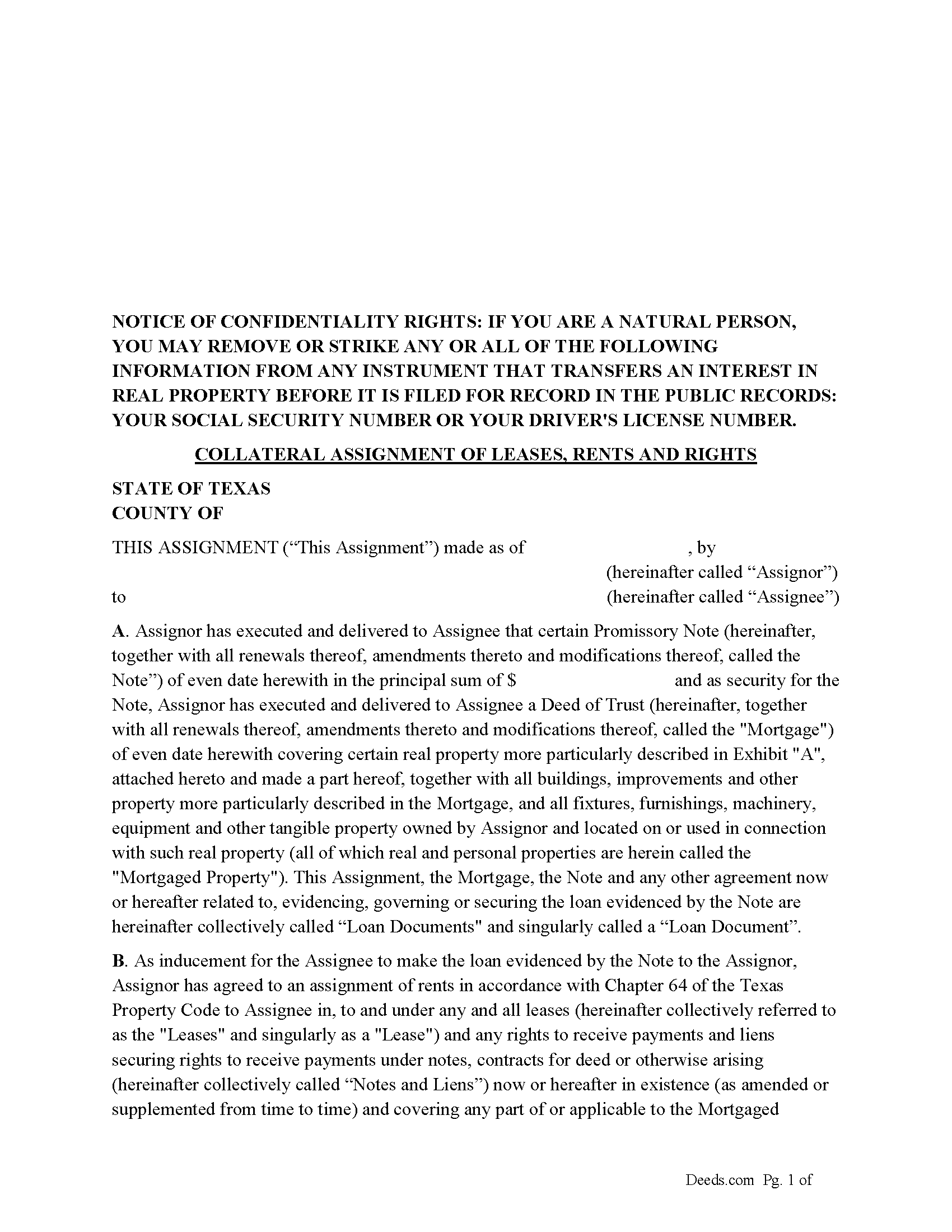
Gregg County Collateral Assignment of Leases, Rents and Rights Form
Fill in the blank form formatted to comply with all recording and content requirements.
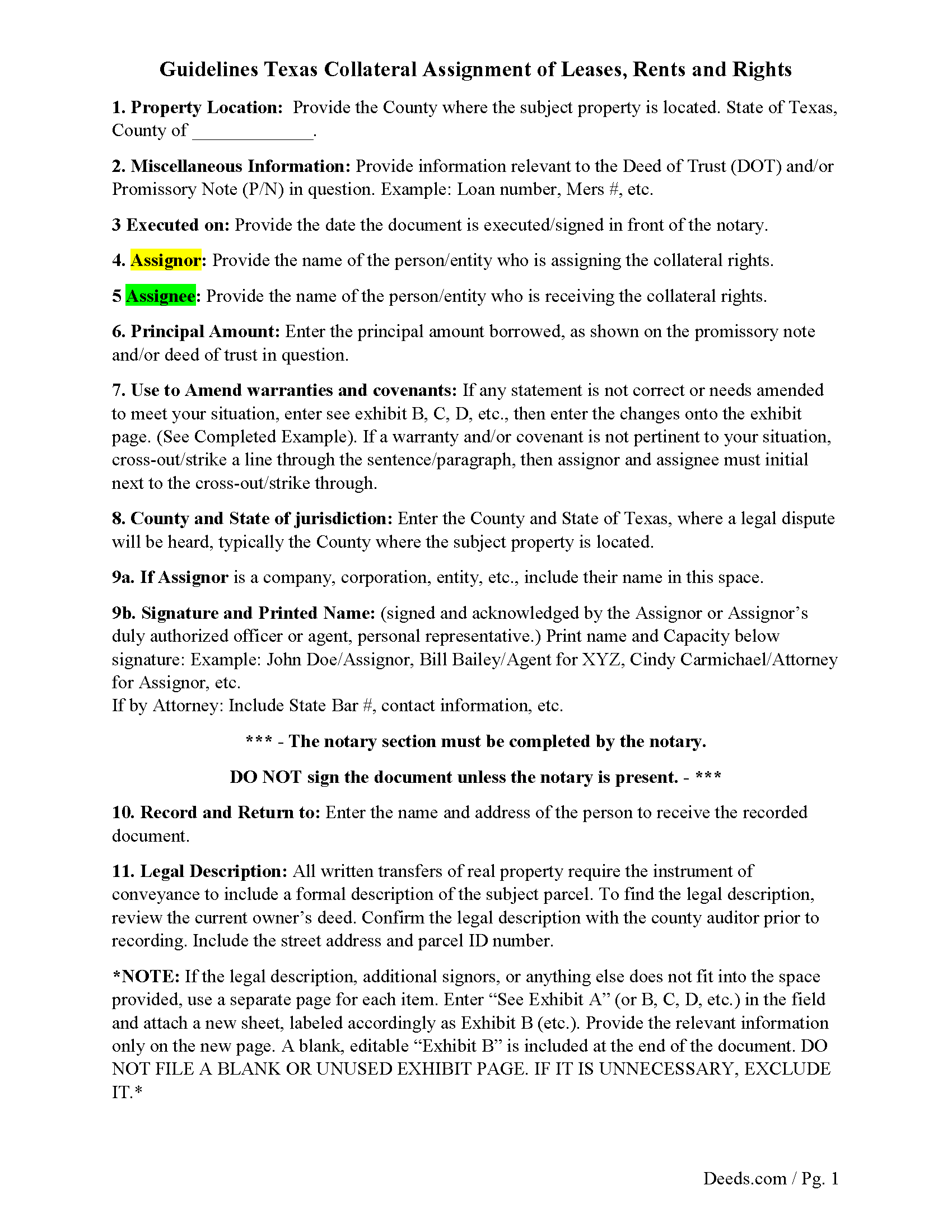
Gregg County Guidelines for Collateral Assignment
Line by line guide explaining every blank on the form.
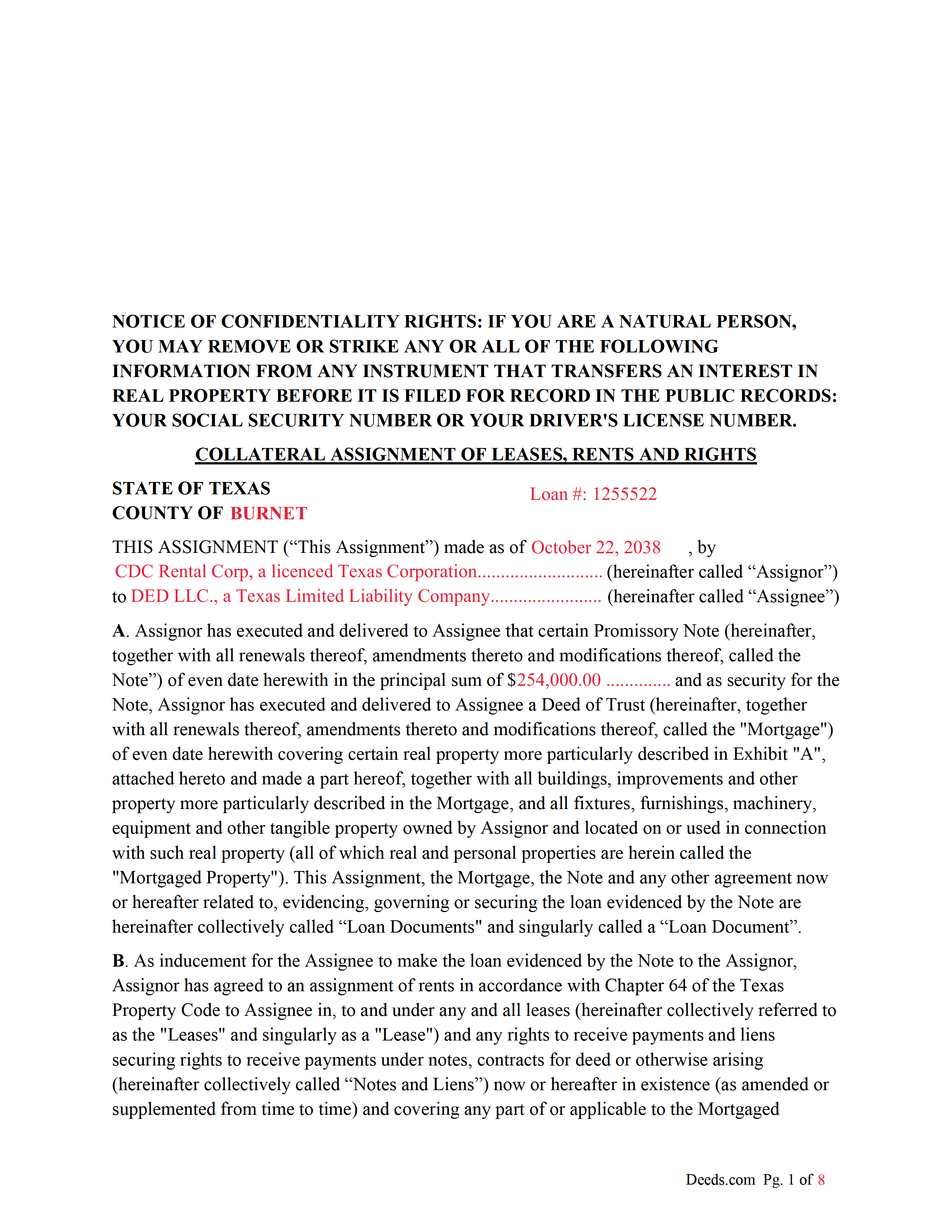
Gregg County Completed Example of the Collateral Assignment Document
Example of a properly completed form for reference.
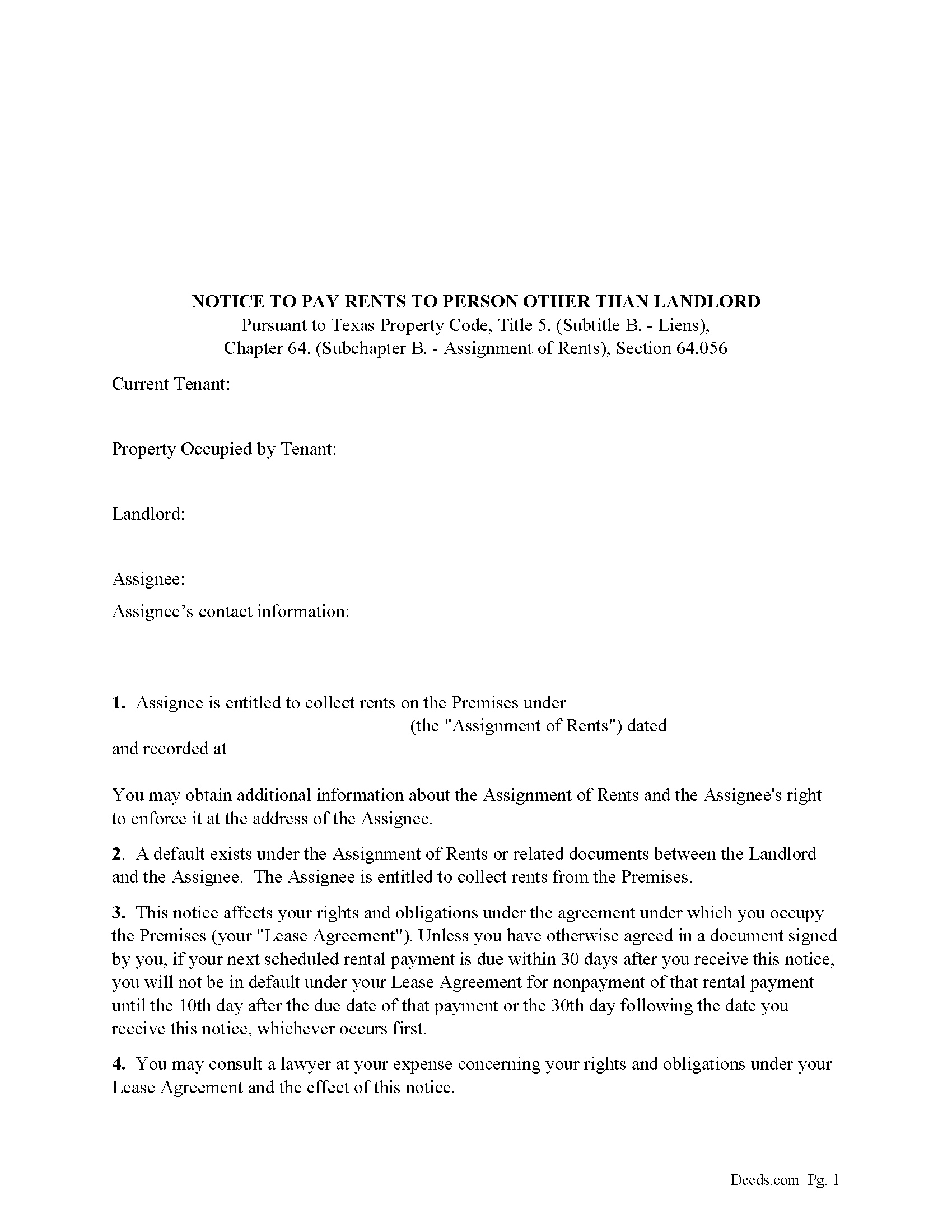
Gregg County Notice to Pay Rents to Person Other than Landlord Form
Correct form used by lender upon default to notify tenants of Lenders rights to collect rents.
All 4 documents above included • One-time purchase • No recurring fees
Immediate Download • Secure Checkout
Additional Texas and Gregg County documents included at no extra charge:
Where to Record Your Documents
Gregg County Clerk - County Courthouse
Longview, Texas 75601
Hours: Monday - Friday 8:00am - 5:00pm
Phone: (903) 236-8430
Recording Tips for Gregg County:
- Bring your driver's license or state-issued photo ID
- Ensure all signatures are in blue or black ink
- Check that your notary's commission hasn't expired
- Documents must be on 8.5 x 11 inch white paper
- Double-check legal descriptions match your existing deed
Cities and Jurisdictions in Gregg County
Properties in any of these areas use Gregg County forms:
- Easton
- Gladewater
- Judson
- Kilgore
- Longview
- White Oak
Hours, fees, requirements, and more for Gregg County
How do I get my forms?
Forms are available for immediate download after payment. The Gregg County forms will be in your account ready to download to your computer. An account is created for you during checkout if you don't have one. Forms are NOT emailed.
Are these forms guaranteed to be recordable in Gregg County?
Yes. Our form blanks are guaranteed to meet or exceed the applicable formatting requirements used for recording in Gregg County, including margin requirements, font requirements, and other layout standards. This guarantee applies to formatting, not to the legal sufficiency of information entered by the user or the suitability of a form for a particular transaction.
Can I reuse these forms?
Yes. You can reuse the forms for your personal use. For example, if you have multiple properties in Gregg County you only need to order once.
What do I need to use these forms?
The forms are PDFs that you fill out on your computer. The free Adobe Acrobat Reader is recommended, and most PDF apps also work. You do NOT enter your property information online - you download the blank forms and complete them privately on your own computer.
Are there any recurring fees?
No. This is a one-time purchase. Nothing to cancel, no memberships, no recurring fees.
How much does it cost to record in Gregg County?
Recording fees in Gregg County vary. Contact the recorder's office at (903) 236-8430 for current fees.
Questions answered? Let's get started!
This form is executed/signed by the borrower/Assignor as inducement for the Lender/Assignee to make the loan evidenced by a Note secured by a Deed of Trust, borrower/Assignor has agreed to an assignment of rents in accordance with Chapter 64 of the Texas Property Code to Lender/Assignee in, to and under any and all leases (hereinafter collectively referred to as the "Leases" and singularly as a "Lease") and any rights to receive payments and liens securing rights to receive payments under notes, contracts for deed or otherwise arising (hereinafter collectively called "Notes and Liens")
Sec. 64.053. ENFORCEMENT OF SECURITY INTEREST IN RENTS GENERALLY.
(a) An assignee may enforce an assignment of rents using one or more of the methods provided by Section 64.054 or 64.055 or any other method sufficient to enforce an assignment of rents under a law of this state other than this chapter.
(b) On and after the date on which an assignee begins to enforce an assignment of rents, the assignee is entitled to collect all rents that:
(1) have accrued but remain unpaid on that date; and
(2) accrue on or after that date.
For use in Texas only.
Important: Your property must be located in Gregg County to use these forms. Documents should be recorded at the county recording office listed above.
This Collateral Assignment of Leases, Rents and Rights meets all recording requirements specific to Gregg County.
Our Promise
The documents you receive here are guaranteed to meet or exceed the applicable Gregg County recording format requirements. If there is a rejection caused by our formatting, we will correct the issue or refund your payment. This guarantee applies to document formatting only and does not extend to information entered by the user, the selection of the form, or the legal effect of the completed document.
Save Time and Money
Get your Gregg County Collateral Assignment of Leases, Rents and Rights form done right the first time with Deeds.com Uniform Conveyancing Blanks. At Deeds.com, we understand that your time and money are valuable resources, and we don't want you to face a penalty fee or rejection imposed by a county recorder for submitting nonstandard documents. We constantly review and update our forms to meet rapidly changing state and county recording requirements for roughly 3,500 counties and local jurisdictions.
4.8 out of 5 - ( 4,863 Reviews )
john m. 5 out of 5 stars
its a bit confusing for a novice computer user. I would prefer to print out the forms, fill them out on paper, then attach them to an email to discuss the accuracy of the forms with a friend, and then take the completed forms to the County office to be recorded
Thank you for your feedback. We really appreciate it. Have a great day!
Crystal W. 5 out of 5 stars
This is the easiest process.
Thank you for your feedback. We really appreciate it. Have a great day!
David O. 5 out of 5 stars
I had overwhelming emotions taking my deceased wife's name off my condo, so it took me a year to steel myself to submit the form. I filed in Multnomah county, OR which also requires a cover sheet documented here: https://www.multco.us/recording/recording-requirements But, I'm totally happy with the service and quality from Deeds.com getting me what I needed to get this done.
Your feedback is greatly appreciated. Thank you for taking the time to share your experience!
Clay H. 5 out of 5 stars
The provided docs and guide were very helpful. Well worth the price in my opinion.
Thank you for your feedback. We really appreciate it. Have a great day!
Laureen M. 5 out of 5 stars
This service was extremely helpful. I truly appreciated the way I was communicated with every step of the way in getting my Deed recorded.
Thank you!
Robert B. 5 out of 5 stars
The forms were easy to download and fill.
Thank you!
Lila L. 5 out of 5 stars
Everyone was very responsive and helpful. Thank you. I give you a 5!!
We appreciate your business and value your feedback. Thank you. Have a wonderful day!
Melinda L. 5 out of 5 stars
Easy to find what I needed and a good price. Very satisfied.
Thank you for your feedback. We really appreciate it. Have a great day!
CHARMAINE G. 5 out of 5 stars
Would have paid double for these forms. Thankfully there are professionals making these things, I would have surely messed it up if I tried to do it myself based on my incorrect preconceived ideas.
Thank you!
Maryel T. 4 out of 5 stars
Good site, had the information I needed. Quicker than I expected. Thanks.
We appreciate your business and value your feedback. Thank you. Have a wonderful day!
Pamela M. 5 out of 5 stars
Saved a great deal of time and hassle. THANKS
Thank you!
Richard R. 4 out of 5 stars
Deeds.com got the job done. My deed was successfully recorded.
Thank you for your feedback. We really appreciate it. Have a great day!
April K. 5 out of 5 stars
Great service & quick response. Thank U.
We appreciate your business and value your feedback. Thank you. Have a wonderful day!
Philip C. 5 out of 5 stars
The product I purchased looks great and I added Adobe to be able to copy it, but for some reason I can't,so I will delete Adobe and then try again to copy what i paid for. I have all the PDFS' and my computer and printer are fairly new (windows 10),I should have tried to copy it first, I'll get it! Thanks
Thank you for your feedback. We really appreciate it. Have a great day!
Ben F. 5 out of 5 stars
My initial review during download and before reading the guide and forms looks promising.
Thank you!