Coleman County Deed Without Warranty (Corporation Grantor) Form
Last validated November 20, 2026 by our Forms Development TeamFormatted for recording in Coleman County, for property anywhere in the county: rural and unincorporated areas as well as Burkett, Coleman, Goldsboro, Gouldbusk, Novice, Rockwood, Santa Anna, Talpa and 2 more.
- 3 documents included
- Immediate PDF download
- Formatting guarantee
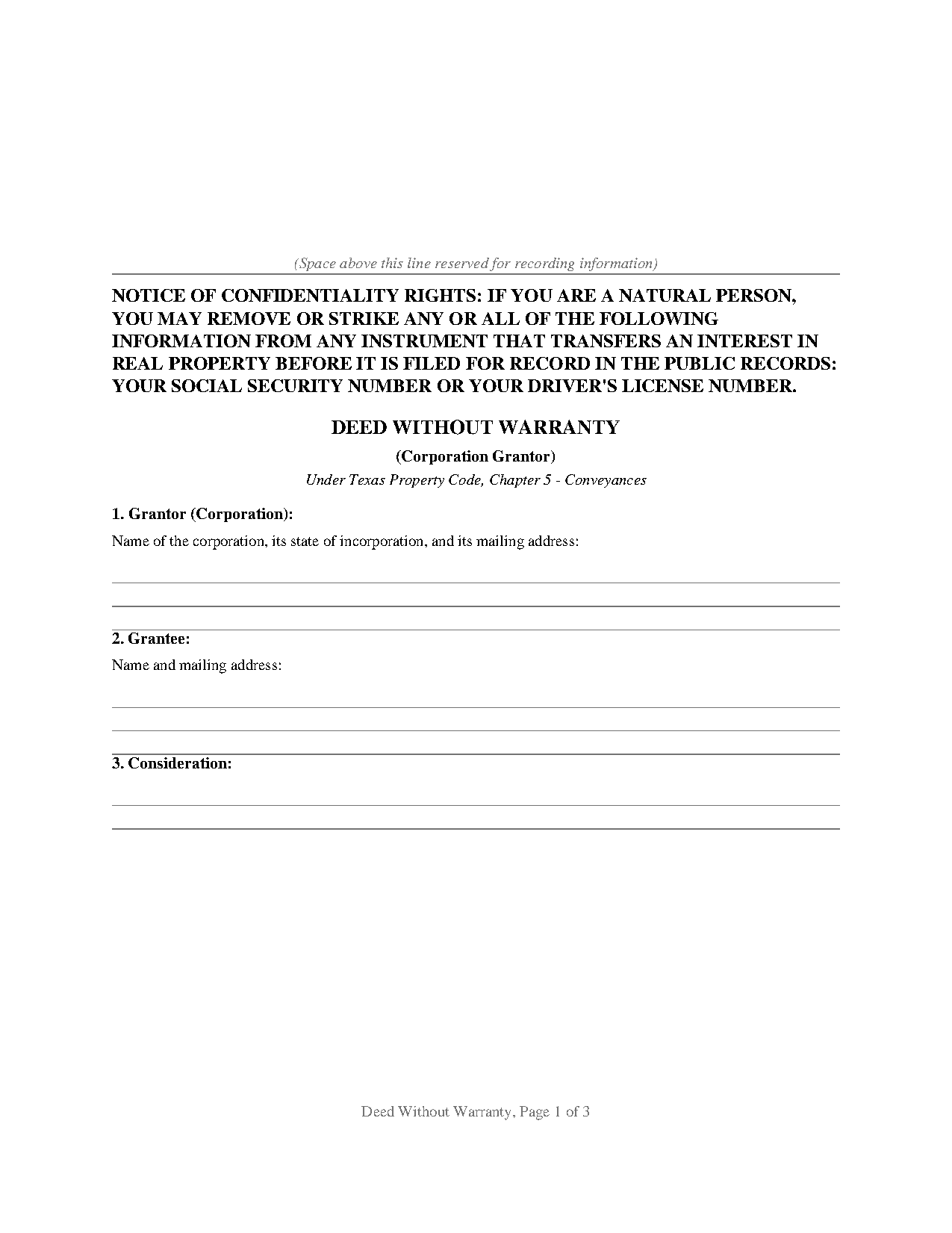
Coleman County Deed Without Warranty (Corporation Grantor) Form
Fill in the blank Deed Without Warranty (Corporation Grantor) form formatted to comply with all Texas recording and content requirements.
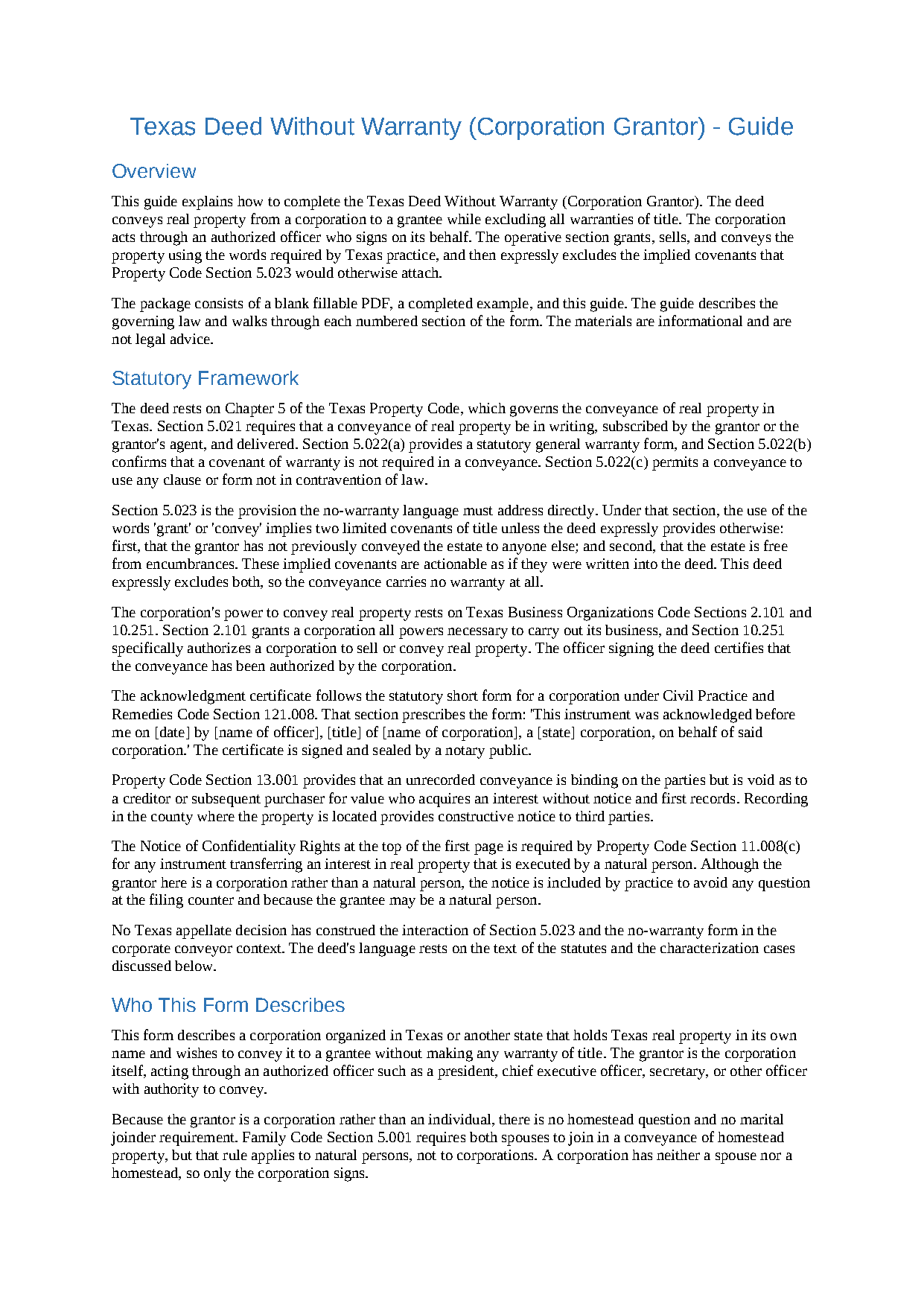
Coleman County Deed Without Warranty (Corporation Grantor) Guide
Line by line guide explaining every blank on the Deed Without Warranty (Corporation Grantor) form.
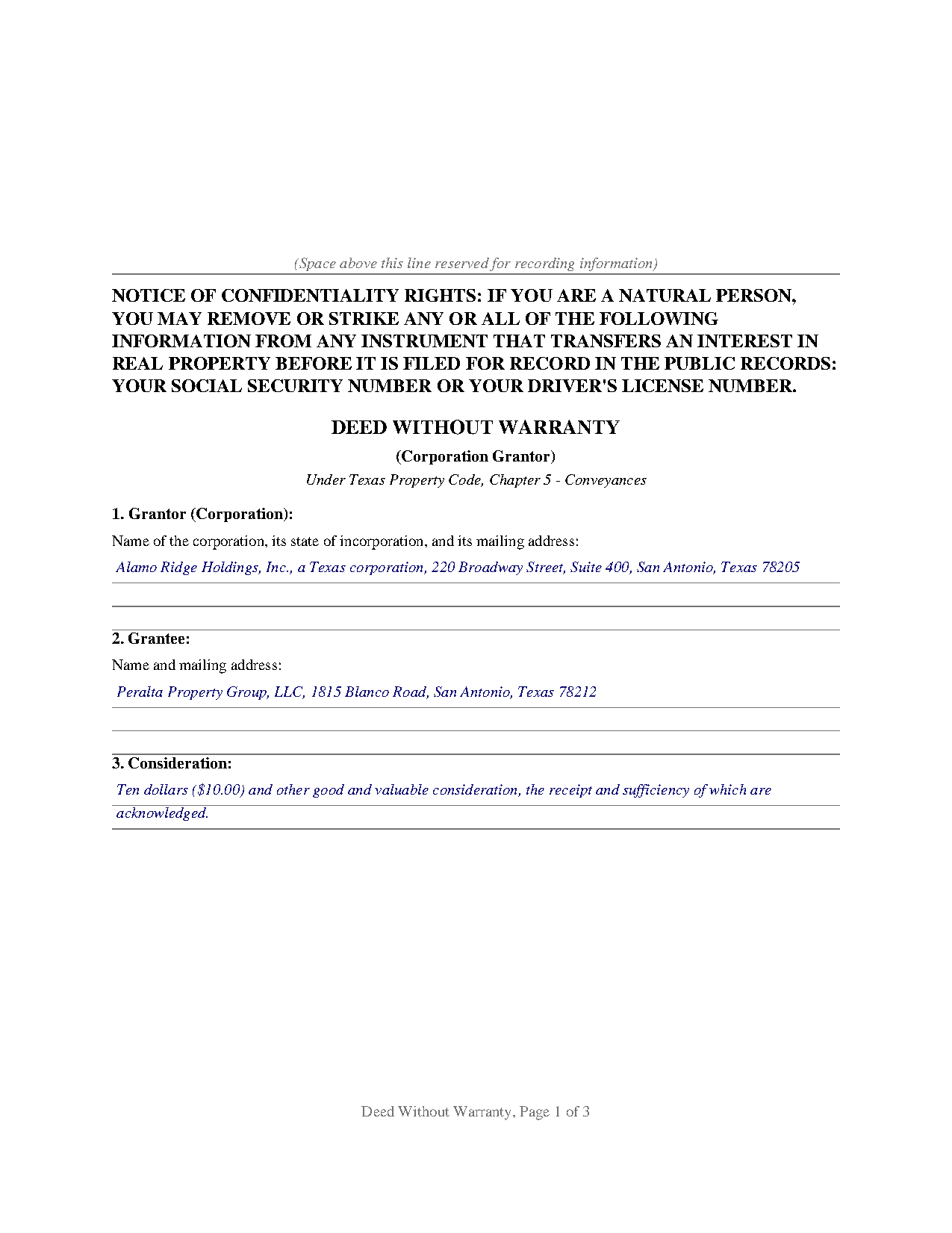
Coleman County Completed Example of the Deed Without Warranty (Corporation Grantor) Document
Example of a properly completed Texas Deed Without Warranty (Corporation Grantor) document for reference.
All 3 documents above included • One-time purchase • No recurring fees
Immediate Download • Secure Checkout
Additional Texas and Coleman County documents included at no extra charge:
Where to Record Your Documents
Coleman County Clerks Office
Coleman, Texas 76834
Hours: Monday - Friday 8:00am - 4:30pm
Phone: (325) 625-2889
Recording Tips for Coleman County:
- Bring your driver's license or state-issued photo ID
- Ensure all signatures are in blue or black ink
- Check margin requirements - usually 1-2 inches at top
- Leave recording info boxes blank - the office fills these
- Make copies of your documents before recording - keep originals safe
Cities and Jurisdictions in Coleman County
Properties in any of these areas use Coleman County forms:
- Burkett
- Coleman
- Goldsboro
- Gouldbusk
- Novice
- Rockwood
- Santa Anna
- Talpa
- Valera
- Voss
Hours, fees, requirements, and more for Coleman County
How do I get my forms?
Forms are available for immediate download after payment. The Coleman County forms will be in your account ready to download to your computer. An account is created for you during checkout if you don't have one. Forms are NOT emailed.
Are these forms guaranteed to be recordable in Coleman County?
Yes. Our form blanks are guaranteed to meet or exceed the applicable formatting requirements used for recording in Coleman County, including margin requirements, font requirements, and other layout standards. This guarantee applies to formatting, not to the legal sufficiency of information entered by the user or the suitability of a form for a particular transaction.
Can I reuse these forms?
Yes. You can reuse the forms for your personal use. For example, if you have multiple properties in Coleman County you only need to order once.
What do I need to use these forms?
The forms are PDFs that you fill out on your computer. The free Adobe Acrobat Reader is recommended, and most PDF apps also work. You do NOT enter your property information online - you download the blank forms and complete them privately on your own computer.
Are there any recurring fees?
No. This is a one-time purchase. Nothing to cancel, no memberships, no recurring fees.
How much does it cost to record in Coleman County?
Recording fees in Coleman County vary. Contact the recorder's office at (325) 625-2889 for current fees.
Questions answered? Let's get started!
A corporation that holds Texas real property often wants to transfer it without standing behind the title. This form prepares a deed without warranty for a corporate grantor acting through an authorized officer under Chapter 5 of the Texas Property Code. The corporation grants, sells, and conveys the property to the grantee while excluding every warranty and the implied covenants that Property Code Section 5.023 would otherwise attach to those words of grant.
A deed, not a quitclaim
Texas courts draw a line between an instrument that conveys the property itself and one that merely releases the grantor's interest. An instrument that passes only right, title, and interest, if any, is treated as a quitclaim and can signal doubt about the grantor's title to a later purchaser or title examiner. This form uses words of grant to convey the property itself and then states expressly that no warranty attaches, so it operates as a true conveyance that declines to warrant title rather than as a release of whatever interest the grantor may hold. The Texas Supreme Court drew that distinction in Geodyne Energy Income Production Partnership v. Newton Corp., 161 S.W.3d 482 (Tex. 2005), and in Porter v. Wilson, 389 S.W.2d 650 (Tex. 1965).
Closing the Section 5.023 trap
Property Code Section 5.022 confirms that a warranty covenant is not required in a conveyance. Section 5.023 is where care is needed: it implies two covenants from the ordinary words of conveyance unless the deed expressly provides otherwise. A deed that simply omits a warranty clause and grants the property can still carry an implied covenant that the grantor has not previously conveyed the estate and an implied covenant that the estate is free from encumbrances, both actionable as if written. This form states in its conveyance section that those Section 5.023 covenants and any other title warranties arising by common law or by statute are excluded, so the words of grant carry no promise the parties did not intend.
A corporation signing through its officer
The grantor is a corporation organized in Texas or another state. Its power to convey Texas real property comes from Business Organizations Code Sections 2.101 and 10.251, subject to any approval its governing documents require. The authorized officer signs in the corporation's name and states a title; the officer certifies that the conveyance has been authorized by the corporation. The acknowledgment follows the statutory short form from Civil Practice and Remedies Code Section 121.008, naming the officer, title, corporation, and state of incorporation. Because the grantor is a corporation rather than a natural person, no homestead joinder question arises and the form carries no joining-spouse signature line.
Recording the deed in Texas
The deed is recorded with the county clerk of the county where the property is located, giving constructive notice to third parties under Property Code Section 13.001. Effective December 4, 2025, Local Government Code Section 191.010(b) requires a person presenting an instrument in person at the recording counter to show qualifying photo identification; the clerk copies the identification information, which is confidential, without charge. The deed reserves space at the top of its first page for the clerk's recording stamp and carries the Notice of Confidentiality Rights required by Property Code Section 11.008.
What the package includes
The package includes the blank deed as a fillable PDF, a completed example built on a realistic Bexar County fact pattern (a Texas corporation conveying commercial property to an LLC grantee), and a plain-language guide that walks through every section, the authority and no-warranty language, the corporate acknowledgment, and recording. The materials are informational and are not legal advice.
Important: Your property must be located in Coleman County to use these forms. Documents should be recorded at the county recording office listed above.
This Deed Without Warranty (Corporation Grantor) meets all recording requirements specific to Coleman County.
Our Promise
The documents you receive here are guaranteed to meet or exceed the applicable Coleman County recording format requirements. If there is a rejection caused by our formatting, we will correct the issue or refund your payment. This guarantee applies to document formatting only and does not extend to information entered by the user, the selection of the form, or the legal effect of the completed document.
Save Time and Money
Get your Coleman County Deed Without Warranty (Corporation Grantor) form done right the first time with Deeds.com Uniform Conveyancing Blanks. At Deeds.com, we understand that your time and money are valuable resources, and we don't want you to face a penalty fee or rejection imposed by a county recorder for submitting nonstandard documents. We constantly review and update our forms to meet rapidly changing state and county recording requirements for roughly 3,500 counties and local jurisdictions.
4.8 out of 5 - ( 4,865 Reviews )
Erik G. 5 out of 5 stars
Great...
Thank you!
Toni C. 5 out of 5 stars
Super impressed!! For me to get back my recorded document in one day was awesome. I needed it for a foreclosure and knew if I mailed it in to the Clerk's office I more than likely would not get it back in time. Also the fact that you had no problem with me having a one-time document to record is a plus. I will be using you in the future for my recording needs. Thank you.
We appreciate your business and value your feedback. Thank you. Have a wonderful day!
Michael B. 4 out of 5 stars
Download was easy to complete, but difficult to revisit site to review purchased forms on line. Suggest you download everything at one sitting to make sure you get everything you need from your purchase.
Thank you!
Natalie F. 5 out of 5 stars
So convenient and easy to use! Will definitely recommend to anyone.
We appreciate your business and value your feedback. Thank you. Have a wonderful day!
Douglas T. 5 out of 5 stars
Deeds.com supplied me with forms I needed immediately.
Thank you!
jon m. 5 out of 5 stars
Great last minute forms saved me a critical time when I had no access to my own resources. Five Star Customer service.
We appreciate your business and value your feedback. Thank you. Have a wonderful day!
Stephanie S. 5 out of 5 stars
I received my information almost immediately. I read a few more things on the website and then refreshed and it was there! SO much easier than having to go to the office myself - thanks!!
Thank you!
Thomas D. 2 out of 5 stars
The documents themselves are fine and the information provided with them is helpful. I find the actual processing of the documents, however, to be difficult particularly once the document has been saved. First, I note that the box for the date only allows entry of the last 2 digits of the year. Unfortunately, my download only allows me to enter one of the 2 digits required. When I delete it repeatedly, it eventually allows both digits to be entered but puts them in extremely small text and in superscrypt. I have not found a solution to this problem and am not sure the deed can even be recorded with this problem. Another problem is that if you try to revise the document after you have saved it the curser goes to the end of the line after each key entry. This means that there basically is no way to efficiently save the document for reworking later since you will have to delete everything you have entered in the text box unless you only need to make a single keystroke change or are willing to replace the curser after each entry. Try that with a long property description! Please note that I am using a Mac to prepare my documents and perhaps this is part of an "incompatibility problem". However, I didn't see a disclaimer regarding Mac use and so would expect the documents to perform correctly. Overall, I give the program a "2 star" rating because I am experiencing significant difficulties in entering dates in the documents even before saving them and because saving your work for later revision appears to be basically unworkable.
Thank you for your feedback Thomas, we appreciate you being specific about the issues you encountered. Adobe and Mac have a fairly long history of issues working together.
Maria S. 3 out of 5 stars
The paperwork/forms are fine, but there isn't enough explanation for me to figure out how to file the extra forms (which I do need in my case). The main form, Deed Upon Death is fine. I think the price is pretty high for these forms. I wouldn't have purchased it because there are places to get them for much cheaper (about 6 dollars), but this site had the extra forms I wanted (property in a trust and another form). Unfortunately these were included as a "courtesy" and there are no instructions for them. So three stars for being clear about what was in the package, having the right forms that I need, but instructions for putting them to use and price took a couple of stars off. Downloading was easy and once you download you can type the info into the PDF--that makes working with the forms much easier.
Thank you for the feedback Maria. Regarding the supplement documents, it is best to get assistance from the agency that requires them. These are not legal documents, they should provide full support and guidance for them.
Charles F. 5 out of 5 stars
Hi Please do not take time to respond to my previous inquiry - - - I figured it out. Deeds.com is a great tool for those of us who have occasional need for your type of services. Thanks ! Chuck
Thank you!
CHRISTINE M. 5 out of 5 stars
It was all I needed and guided me to fill it out.
Thank you!
Joseph I. 5 out of 5 stars
Your instructions and sample are geared towards businesses. It would have been helpful to have included some for us individuals as married couples as well. I also recall one or two spelling errors on the form that I could not fix, and the instructions seem to be for a prior form. This particular registry also required a stamped self-addressed envelope for return of documents. Hey, you asked! Overall, pleased.
Thank you for your feedback. We really appreciate it. Have a great day!
Neira S. 5 out of 5 stars
No problem with Recorders Office using your document. It is now completed and recorded.
Thank you Neira, have a wonderful day!
David S. 5 out of 5 stars
Very good website. All government should be that clear and efficient.
Thank you!
Jeffrey G. 5 out of 5 stars
Transaction went smoothly. The forms in the package were just what was needed.
Thank you for your feedback. We really appreciate it. Have a great day!