Ellis County Demand for Payment Form
Last validated October 12, 2026 by our Forms Development TeamFormatted for recording in Ellis County, for property anywhere in the county: rural and unincorporated areas as well as Avalon, Bardwell, Ennis, Ferris, Forreston, Italy, Maypearl, Midlothian and 4 more.
- 3 documents included
- Immediate PDF download
- Formatting guarantee
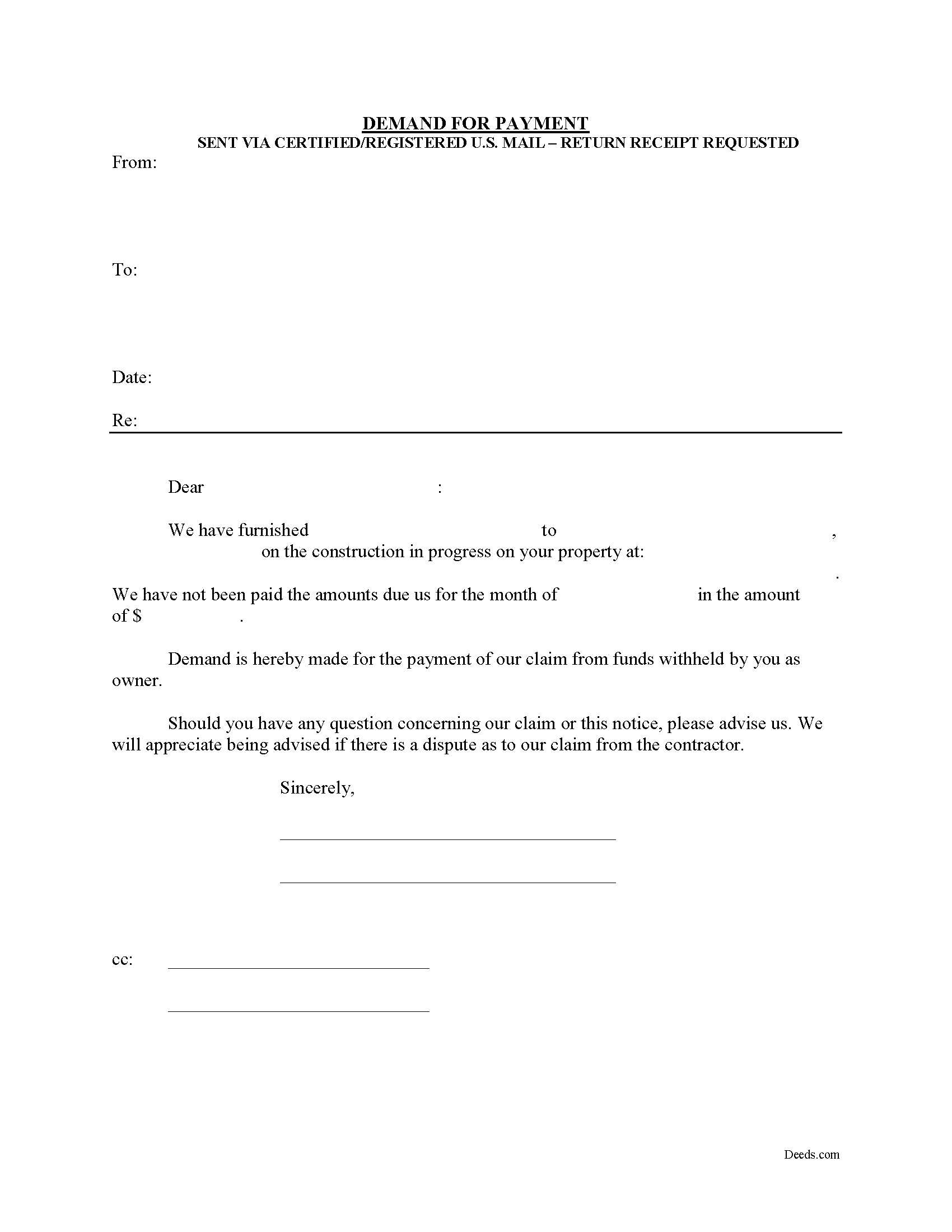
Ellis County Demand for Payment Form
Fill in the blank Demand for Payment form formatted to comply with all Texas recording and content requirements.
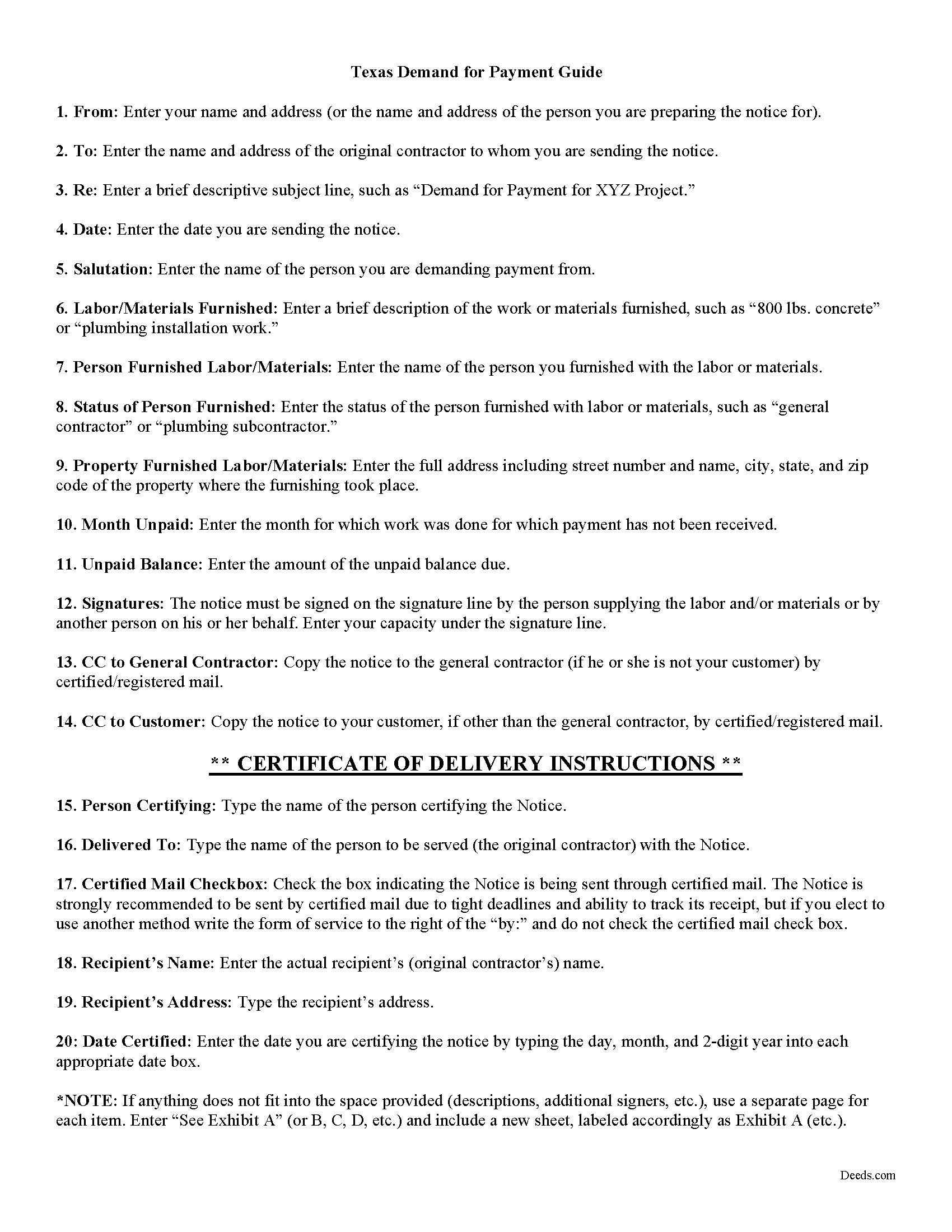
Ellis County Demand for Payment Guide
Line by line guide explaining every blank on the form.
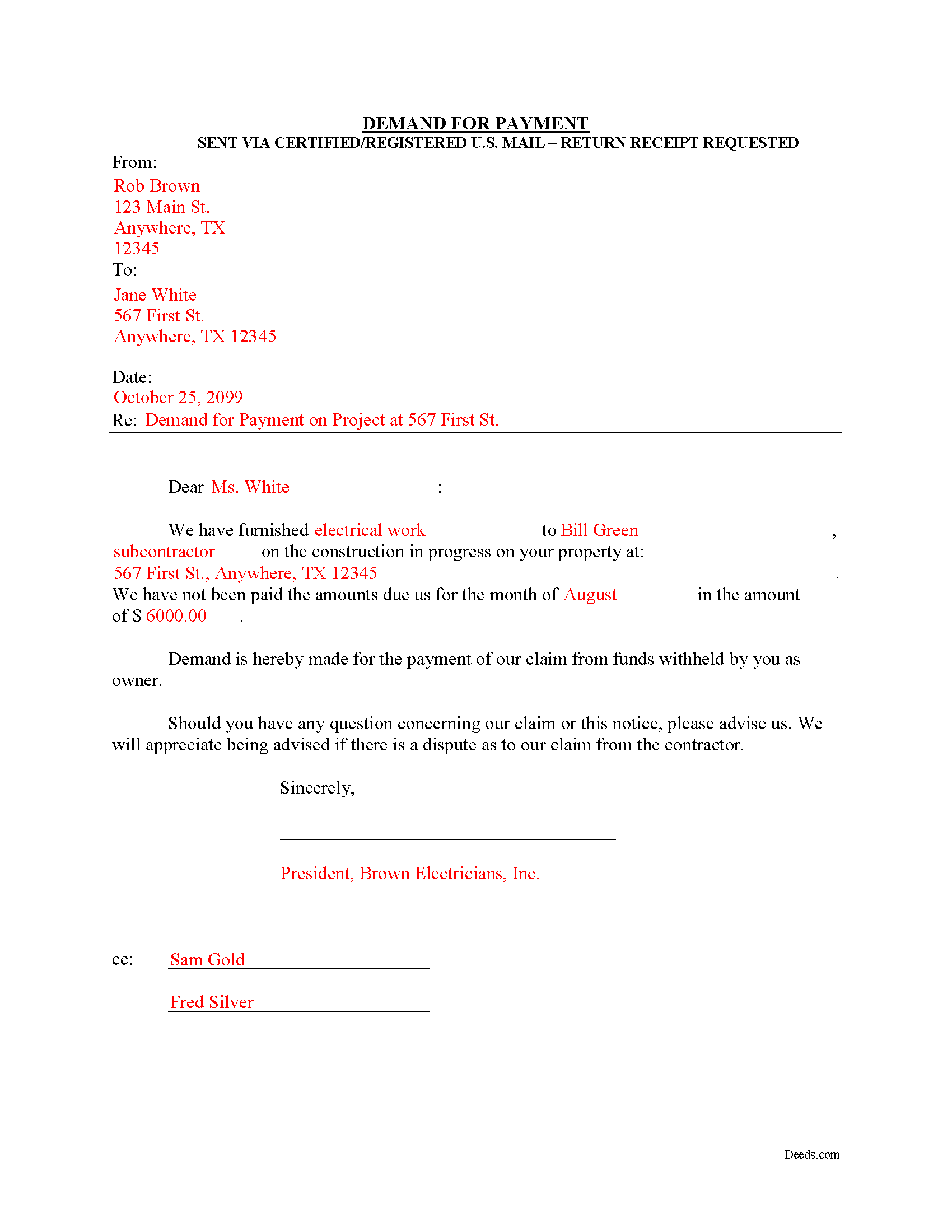
Ellis County Completed Example of the Demand for Payment Document
Example of a properly completed form for reference.
All 3 documents above included • One-time purchase • No recurring fees
Immediate Download • Secure Checkout
Additional Texas and Ellis County documents included at no extra charge:
Where to Record Your Documents
Ellis County Clerk Office
Waxahachie, Texas 75168
Hours: Monday - Friday 8:00am - 4:30pm
Phone: (972) 825-5070
Recording Tips for Ellis County:
- Bring your driver's license or state-issued photo ID
- Ensure all signatures are in blue or black ink
- Request a receipt showing your recording numbers
- Ask about accepted payment methods when you call ahead
- Ask for certified copies if you need them for other transactions
Cities and Jurisdictions in Ellis County
Properties in any of these areas use Ellis County forms:
- Avalon
- Bardwell
- Ennis
- Ferris
- Forreston
- Italy
- Maypearl
- Midlothian
- Milford
- Palmer
- Red Oak
- Waxahachie
Hours, fees, requirements, and more for Ellis County
How do I get my forms?
Forms are available for immediate download after payment. The Ellis County forms will be in your account ready to download to your computer. An account is created for you during checkout if you don't have one. Forms are NOT emailed.
Are these forms guaranteed to be recordable in Ellis County?
Yes. Our form blanks are guaranteed to meet or exceed the applicable formatting requirements used for recording in Ellis County, including margin requirements, font requirements, and other layout standards. This guarantee applies to formatting, not to the legal sufficiency of information entered by the user or the suitability of a form for a particular transaction.
Can I reuse these forms?
Yes. You can reuse the forms for your personal use. For example, if you have multiple properties in Ellis County you only need to order once.
What do I need to use these forms?
The forms are PDFs that you fill out on your computer. The free Adobe Acrobat Reader is recommended, and most PDF apps also work. You do NOT enter your property information online - you download the blank forms and complete them privately on your own computer.
Are there any recurring fees?
No. This is a one-time purchase. Nothing to cancel, no memberships, no recurring fees.
How much does it cost to record in Ellis County?
Recording fees in Ellis County vary. Contact the recorder's office at (972) 825-5070 for current fees.
Questions answered? Let's get started!
The Demand for Payment form is used by unpaid individual claimants to demand payment of their claim on an owner who is authorized to withhold funds under 53.083(a) of the Texas Property Code. The demand form also provides notice to the owner that all or part of the claim has accrued under Texas Code 53.053 or is past due under the agreement between the parties.
The claimant must also send a copy of the demand to the original contractor. If the original contractor intends to dispute the claim, he must give the owner written notice no later than the 30th day after the day he receives the copy of the demand. Failure to respond in a timely fashion implies approval of the demand and the owner must then pay the claim.
The Demand for Payment identifies the parties, the project, and relevant dates, services/materials, and fees. It is a required step in securing an eventual mechanic's lien on the owner's property if the claim remains unpaid after demand is sent.
The form does not require a notary seal or other verification, nor is it filed in the local land records. Instead, deliver the demand for payment via certified or registered mail, with a return receipt requested.
Each case is unique, and the mechanic's lien law in Texas can be complicated. Contact an attorney for complex situations, with specific questions about sending a demand for payment, or any other issue related to mechanic's liens.
Important: Your property must be located in Ellis County to use these forms. Documents should be recorded at the county recording office listed above.
This Demand for Payment meets all recording requirements specific to Ellis County.
Our Promise
The documents you receive here are guaranteed to meet or exceed the applicable Ellis County recording format requirements. If there is a rejection caused by our formatting, we will correct the issue or refund your payment. This guarantee applies to document formatting only and does not extend to information entered by the user, the selection of the form, or the legal effect of the completed document.
Save Time and Money
Get your Ellis County Demand for Payment form done right the first time with Deeds.com Uniform Conveyancing Blanks. At Deeds.com, we understand that your time and money are valuable resources, and we don't want you to face a penalty fee or rejection imposed by a county recorder for submitting nonstandard documents. We constantly review and update our forms to meet rapidly changing state and county recording requirements for roughly 3,500 counties and local jurisdictions.
4.8 out of 5 - ( 4,832 Reviews )
Harry S. 5 out of 5 stars
This is my first time using the service. Wow! How efficient and effortless! Keep up the good work!
Thank you!
Cynthia G. 5 out of 5 stars
Thank you for this service, very helpful
We appreciate your business and value your feedback. Thank you. Have a wonderful day!
Guadalupe G. 5 out of 5 stars
Easy but why charge???
Thank you!
Clint E. 5 out of 5 stars
Good value. I like not only getting the forms, but also the instructions and examples the forms came with
We appreciate your business and value your feedback. Thank you. Have a wonderful day!
Tammy A. 5 out of 5 stars
I transferred my property to my child when I moved to another state. I don't know what I would have done without Deeds.com. I was able to find all of the forms and instructions for the state where the property was located. Highly recommend!
Thank you, Tammy. We’re honored to have been part of such an important transition for you. We’re glad the forms and state-specific instructions made the process clear and manageable. We truly appreciate your recommendation!
Patricia P. 5 out of 5 stars
Easy to use and super convenient.
Thank you for your feedback. We really appreciate it. Have a great day!
wendell s. 5 out of 5 stars
The forms were everything promised. The guide was very helpful and made the process painless.
We appreciate your business and value your feedback. Thank you. Have a wonderful day!
Lutz P. 5 out of 5 stars
Your forms are great but I couldn’t use them with my computer and acrobats reader didn’t work. And then my thermal printer would only print 1/3 size pages with no way to fix it. I ordered a new color printer and we’ll see what happens.
Thank you, Lutz. We're glad you like the forms, and we're sorry getting them working turned into such a hassle. That shrunken page is typical of thermal printers: most use narrow receipt or label paper, so a full page gets scaled down to fit, and no setting can change that. Thermal paper also fades over time, which you don't want on a document you're recording, so the new printer is the right call. When it arrives, print on plain white paper with “Actual size” selected in the print settings so the page comes out full size with its margins intact. If Acrobat Reader gives you trouble again, save the form to your computer first and open the saved file in Acrobat Reader rather than in your web browser. Still stuck? Contact our support team and we'll walk you through it.
Ronald L. 3 out of 5 stars
There is not enough room on the form to describe my property which was taken directly from the previous deed. Other than that worked as expected.
Thank you for your feedback. We really appreciate it. Have a great day!
ronnie y. 5 out of 5 stars
well worth the money thank you
Thank you!
Marcus W. 5 out of 5 stars
I was very pleased and satisfied with the ease of use, expeditious turnaround and costs involved to eRecord my documentation to the Probate Court. I live in another city and state and your service allowed me to get what I needed done. in a matter of a few hours from the time I submitted my package for filing, within an hour. I received noted and stamped confirmation from the county clerks office the document was now on file with them. I highly recommend Deeds.com and will be utilizing your online services for any future legal documentation.
We appreciate your business and value your feedback. Thank you. Have a wonderful day!
Patricia S. 5 out of 5 stars
The forms was easy to use and the guides was helpful
We appreciate your business and value your feedback. Thank you. Have a wonderful day!
Jill C. 5 out of 5 stars
Easy directions for document information.
We appreciate your business and value your feedback. Thank you. Have a wonderful day!
Barbara P. 5 out of 5 stars
Easy and fast!
We appreciate your business and value your feedback. Thank you. Have a wonderful day!
Gary K. 4 out of 5 stars
Straightforward and pretty easy to use. The only downside is that there is no way to contact them directly. The number on the website is answered only by a voicemail with no return calls. Pricing seems fair compared to other services and much more efficient that filing "over the counter."
Thank you for your feedback. We really appreciate it. Have a great day!