Howard County Release of Collateral Assignment of Leases and Rents Form
Last validated September 28, 2026 by our Forms Development TeamFormatted for recording in Howard County, for property anywhere in the county: rural and unincorporated areas as well as Big Spring, Coahoma, Forsan, Knott.
- 3 documents included
- Immediate PDF download
- Formatting guarantee
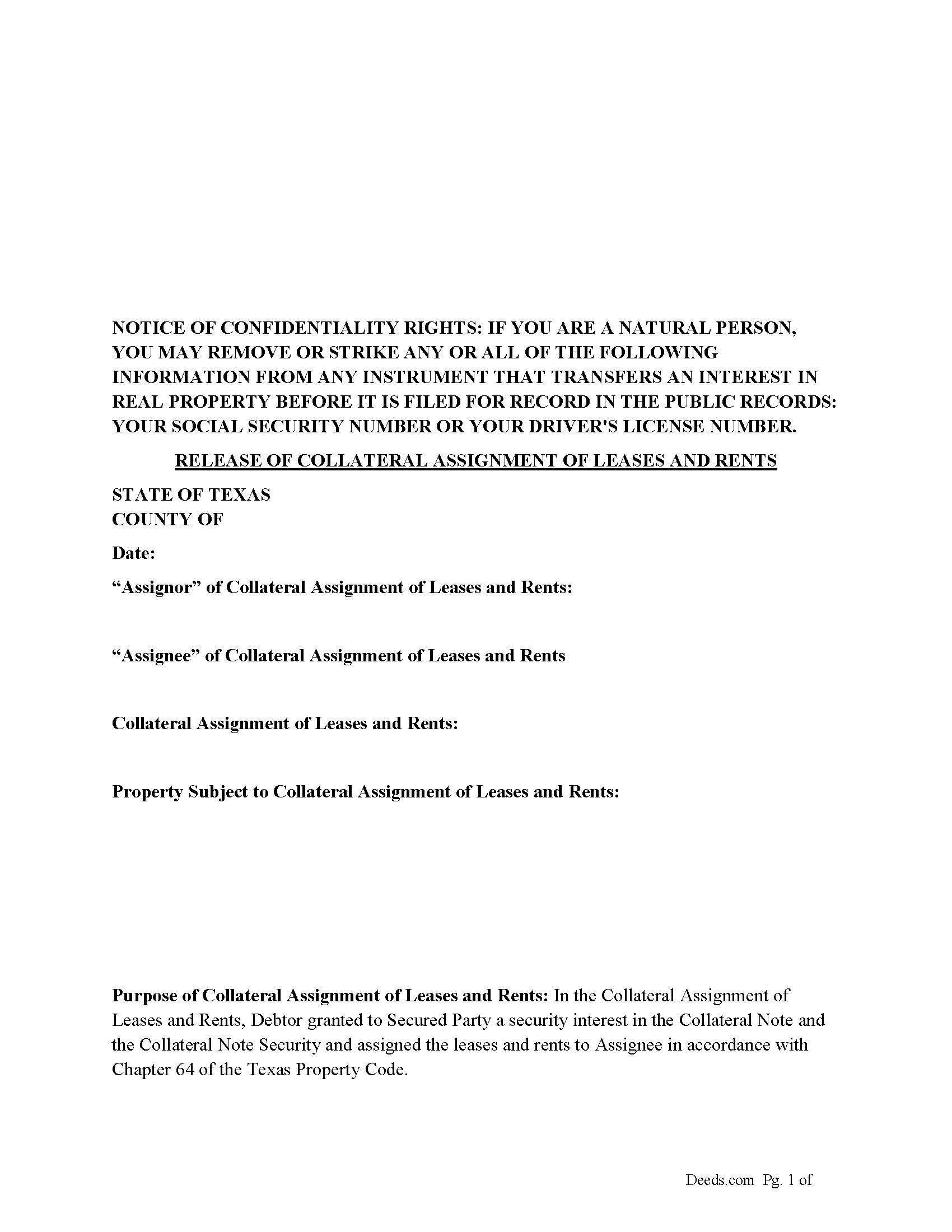
Howard County Release of Collateral Assignment of Leases and Rents Form
Fill in the blank form formatted to comply with all recording and content requirements.
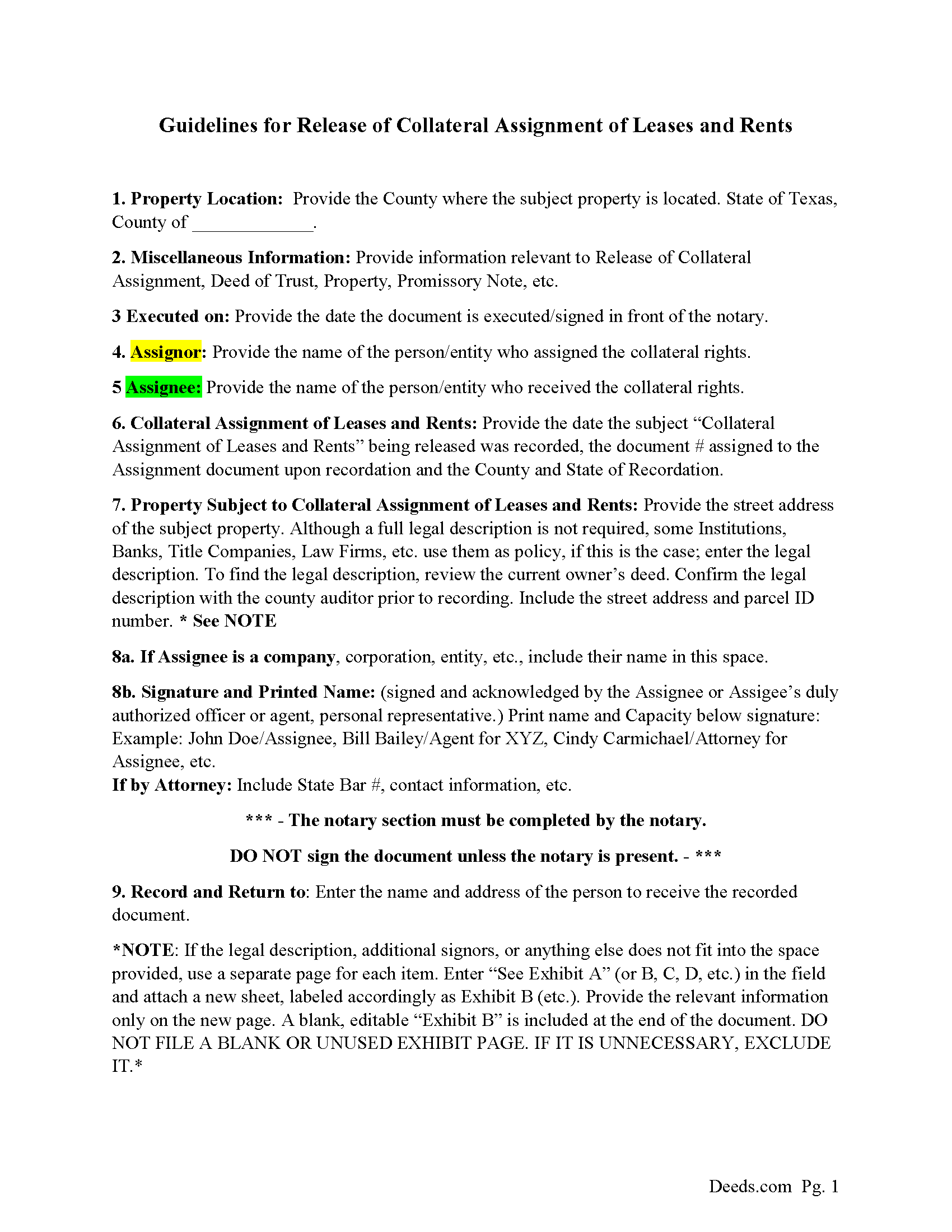
Howard County Release Guidelines
Line by line guide explaining every blank on the form.
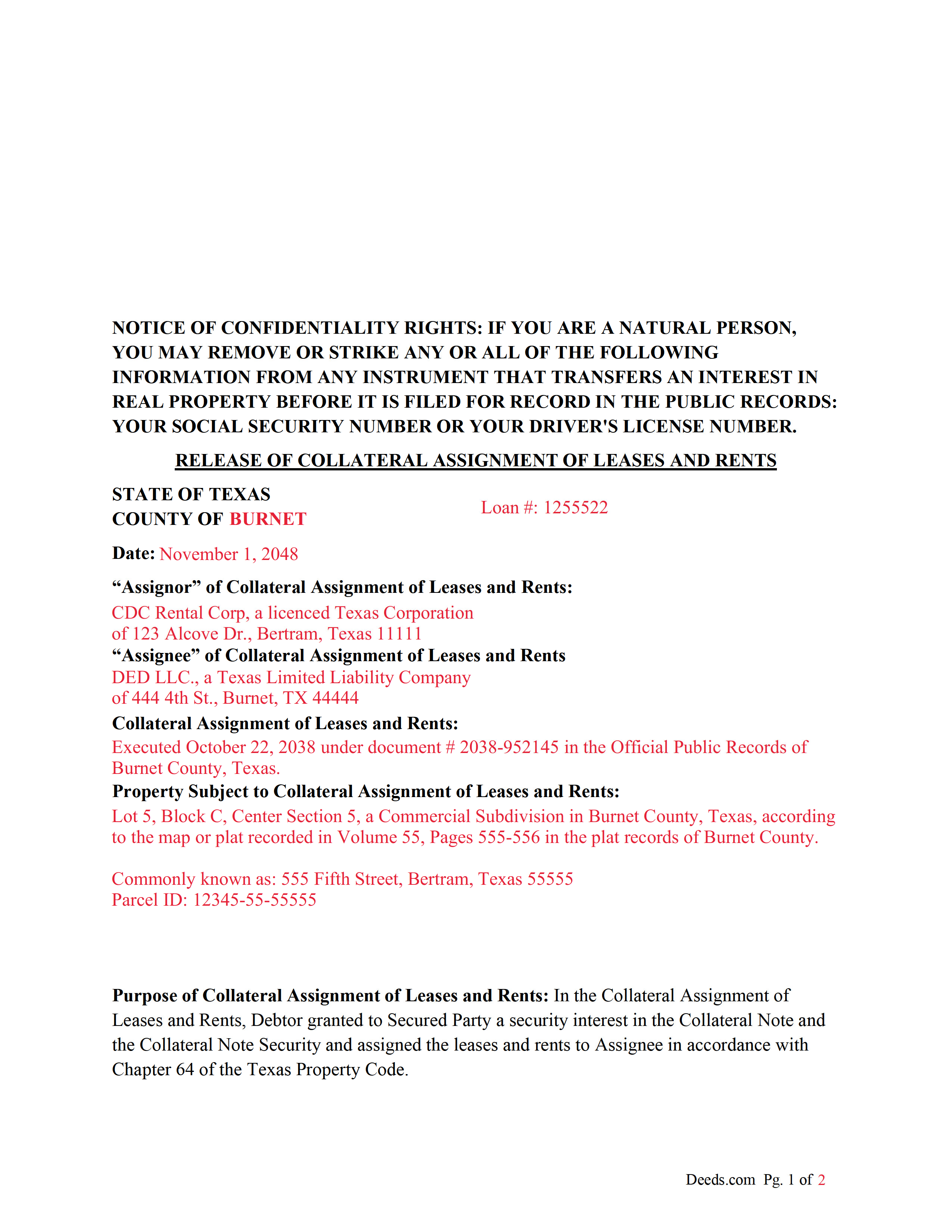
Howard County Completed Example of a Release of Collateral Assignment of Leases and Rents Document
Example of a properly completed form for reference.
All 3 documents above included • One-time purchase • No recurring fees
Immediate Download • Secure Checkout
Additional Texas and Howard County documents included at no extra charge:
Where to Record Your Documents
Howard County Clerk
Big Spring, Texas 79721
Hours: Monday - Friday 8:00am - 5:00pm
Phone: 432-264-2213
Recording Tips for Howard County:
- Bring your driver's license or state-issued photo ID
- Ensure all signatures are in blue or black ink
- Bring extra funds - fees can vary by document type and page count
- Check margin requirements - usually 1-2 inches at top
- Leave recording info boxes blank - the office fills these
Cities and Jurisdictions in Howard County
Properties in any of these areas use Howard County forms:
- Big Spring
- Coahoma
- Forsan
- Knott
Hours, fees, requirements, and more for Howard County
How do I get my forms?
Forms are available for immediate download after payment. The Howard County forms will be in your account ready to download to your computer. An account is created for you during checkout if you don't have one. Forms are NOT emailed.
Are these forms guaranteed to be recordable in Howard County?
Yes. Our form blanks are guaranteed to meet or exceed the applicable formatting requirements used for recording in Howard County, including margin requirements, font requirements, and other layout standards. This guarantee applies to formatting, not to the legal sufficiency of information entered by the user or the suitability of a form for a particular transaction.
Can I reuse these forms?
Yes. You can reuse the forms for your personal use. For example, if you have multiple properties in Howard County you only need to order once.
What do I need to use these forms?
The forms are PDFs that you fill out on your computer. The free Adobe Acrobat Reader is recommended, and most PDF apps also work. You do NOT enter your property information online - you download the blank forms and complete them privately on your own computer.
Are there any recurring fees?
No. This is a one-time purchase. Nothing to cancel, no memberships, no recurring fees.
How much does it cost to record in Howard County?
Recording fees in Howard County vary. Contact the recorder's office at 432-264-2213 for current fees.
Questions answered? Let's get started!
Use this form to release a previously recorded "Collateral Assignment of Leases and Rents", when the debt secured by the "Collateral Assignment of Lease and Rents" is satisfied.
For use in Texas only.
Important: Your property must be located in Howard County to use these forms. Documents should be recorded at the county recording office listed above.
This Release of Collateral Assignment of Leases and Rents meets all recording requirements specific to Howard County.
Our Promise
The documents you receive here are guaranteed to meet or exceed the applicable Howard County recording format requirements. If there is a rejection caused by our formatting, we will correct the issue or refund your payment. This guarantee applies to document formatting only and does not extend to information entered by the user, the selection of the form, or the legal effect of the completed document.
Save Time and Money
Get your Howard County Release of Collateral Assignment of Leases and Rents form done right the first time with Deeds.com Uniform Conveyancing Blanks. At Deeds.com, we understand that your time and money are valuable resources, and we don't want you to face a penalty fee or rejection imposed by a county recorder for submitting nonstandard documents. We constantly review and update our forms to meet rapidly changing state and county recording requirements for roughly 3,500 counties and local jurisdictions.
4.8 out of 5 - ( 4,863 Reviews )
Dennis S. 3 out of 5 stars
I am still working on the forms. I am having problems doing the forms as you can only save as pdf and it is difficult to change or modify the pdf. You have to purchase a pdf convertor program. but all seems to be there to do the deed submittals.
Thank you for your feedback. We really appreciate it. Have a great day!
MATTHEW R. 5 out of 5 stars
Absolutely amazing throughout the whole process
Thank you!
lee s. 4 out of 5 stars
Over all quality of document was good. The issue I had was where it states claimant did not have a contract with the owner or their agent. I did have a contract with their agent, and there was no option for both. So had improvise.
Thank you for your feedback. We really appreciate it. Have a great day!
Lynd P. 5 out of 5 stars
Good
Thanks Lynd.
Noble Mikhail F. 5 out of 5 stars
The system is wonderful, and makes recording and searching simple, thanks a lot
Thank you!
ROSALYN L. 5 out of 5 stars
I just now downloaded the forms. So far, so good.
Thank you for your feedback. We really appreciate it. Have a great day!
Glenda C. 4 out of 5 stars
It was easy to find what I was looking for. The instructions were easy to follow. The example given was most beneficial in completing form.
We appreciate your business and value your feedback. Thank you. Have a wonderful day!
James S. 4 out of 5 stars
It worked great. But it turns out I didn't need it.
Thank you!
Ryan K. 5 out of 5 stars
Excellent service! Quick and much easier than having to do everything through the mail. The agent was quick to answer questions and everything was processed and submitted from Deeds.com within a couple of hours. Will definitely use again if the need arises.
We appreciate your business and value your feedback. Thank you. Have a wonderful day!
Dawna M. 3 out of 5 stars
Easy to use website and immediate documents appropriate for my area. My only complaint is that the forms had an alignment problem where the fields that were filled in by me did not line up with the template text. I tried to correct it to no avail so I ended up having to retype the entire document. I purchased two templates and both had the same issue.
We appreciate your business and value your feedback. Thank you. Have a wonderful day!
sean m. 5 out of 5 stars
Wow everything I need in one place... what a concept. thanks Deeds.com for the deeds, the guides and the transfer certificate all included for a great price
We appreciate your business and value your feedback. Thank you. Have a wonderful day!
Jamal . 5 out of 5 stars
So far so good!
Thank you!
Randy B. 5 out of 5 stars
The form was exactly what we needed and the directions were spot on and perfectly clear. Filling out government forms can be an experience filled with anxiety but deeds.com made it easy and practically worry free.
Thanks Randy, we really appreciate your feedback.
Charles W. 5 out of 5 stars
in one of the reviews, the person said they wished that there was more room allowed for use in the grantor section. the reply was that they were sorry but there was only enough room for what was there considering margins, etc. that is not true. on the forms i downloaded there was plenty of extra room at the top of the page (about 2 inches) that was not being used.
Thank you!
Jack S. 5 out of 5 stars
This is a great service and fairly priced.
Thank you Jack. hope you're having a great day!