San Augustine County Release of Easement Form
Last validated November 12, 2026 by our Forms Development TeamFormatted for recording in San Augustine County, for property anywhere in the county: rural and unincorporated areas as well as Broaddus, San Augustine.
- 3 documents included
- Immediate PDF download
- Formatting guarantee
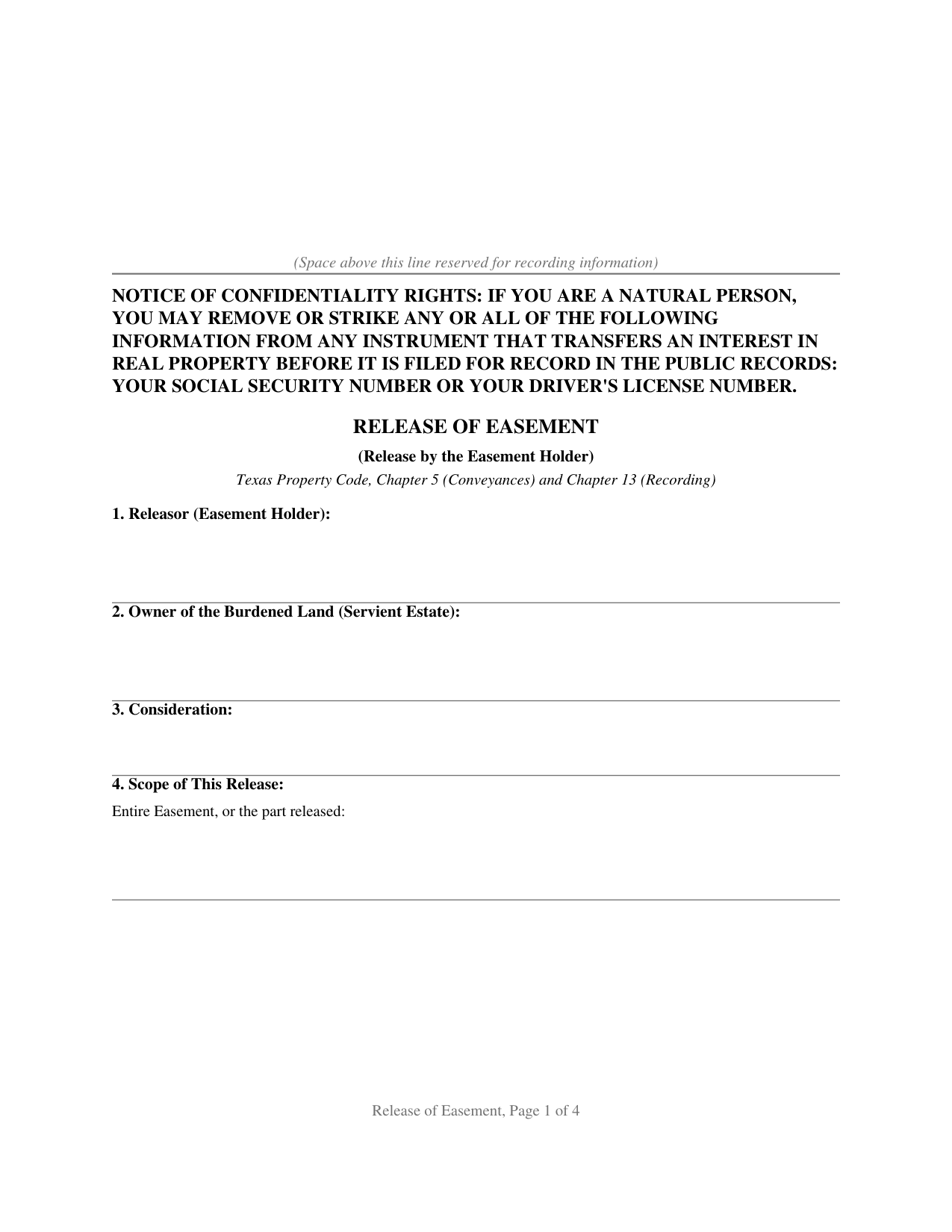
San Augustine County Release of Easement Form
Fill in the blank Release of Easement form formatted to comply with all Texas recording and content requirements.
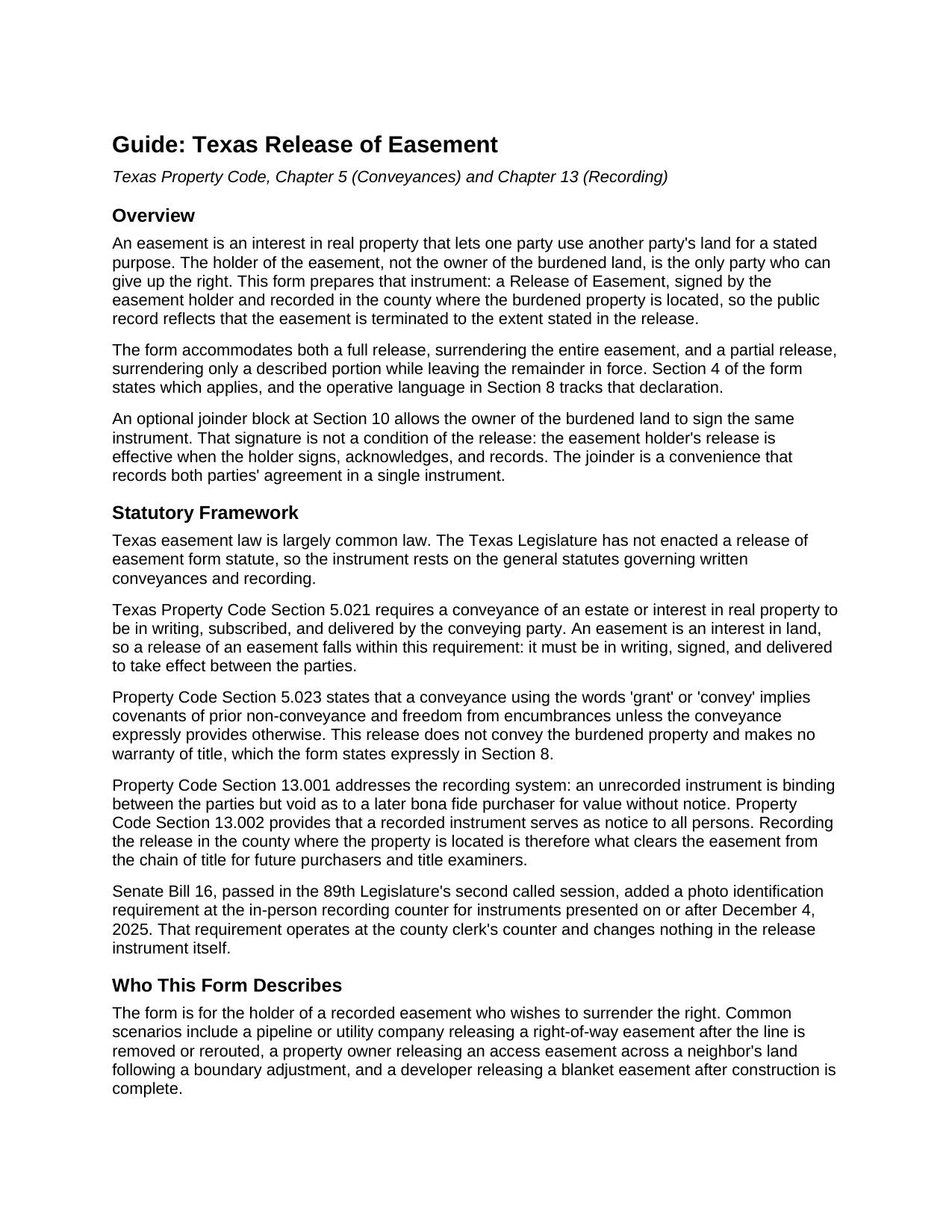
San Augustine County Release of Easement Guide
Line by line guide explaining every blank on the Release of Easement form.
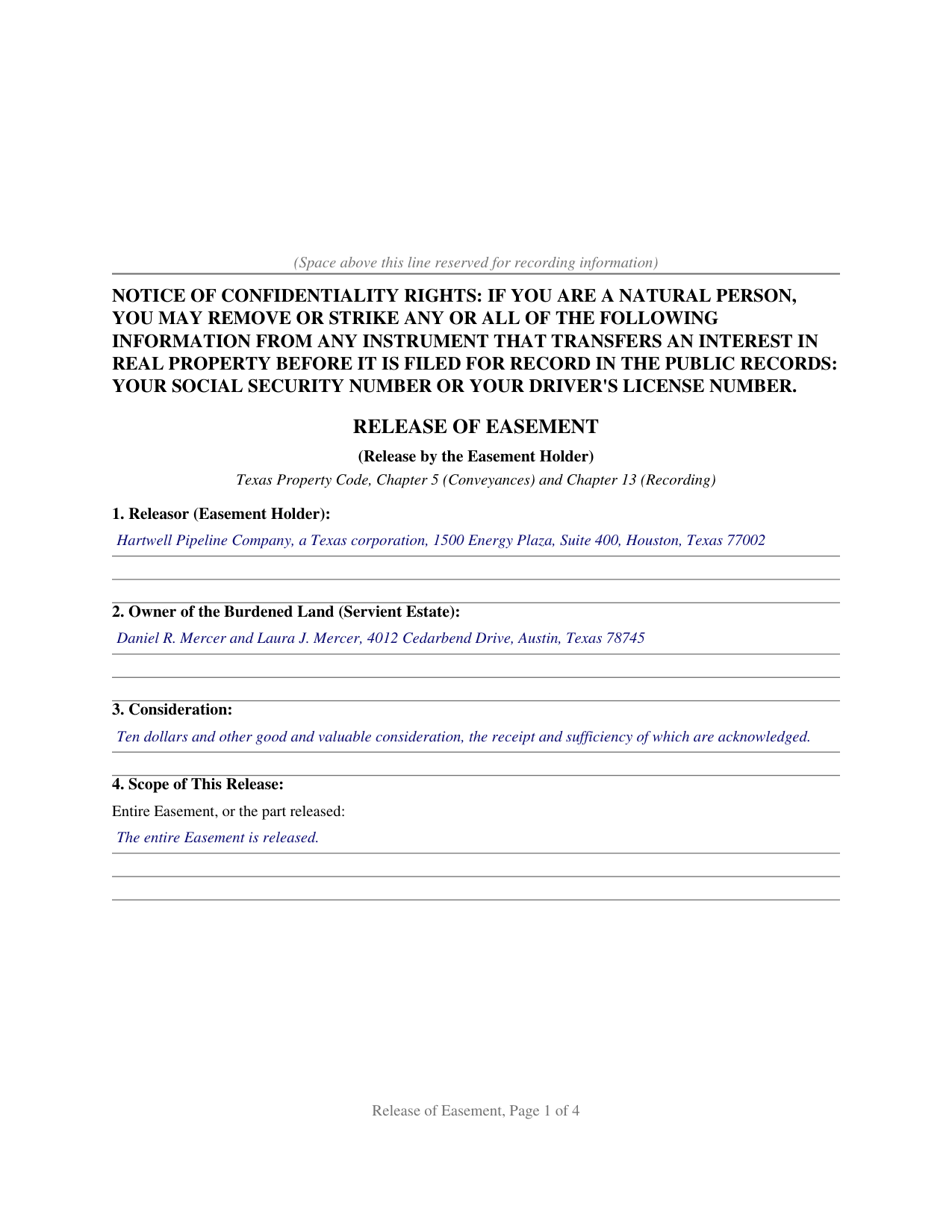
San Augustine County Completed Example of the Release of Easement Document
Example of a properly completed Texas Release of Easement document for reference.
All 3 documents above included • One-time purchase • No recurring fees
Immediate Download • Secure Checkout
Additional Texas and San Augustine County documents included at no extra charge:
Where to Record Your Documents
San Augustine County Clerk
San Augustine, Texas 75972
Hours: Mon - Thu 8:00am - 4:00pm, Fri 8:00am - 3:00pm
Phone: (936) 275-2452
Recording Tips for San Augustine County:
- Bring your driver's license or state-issued photo ID
- Ensure all signatures are in blue or black ink
- Ask for certified copies if you need them for other transactions
- Ask if they accept credit cards - many offices are cash/check only
- Check that your notary's commission hasn't expired
Cities and Jurisdictions in San Augustine County
Properties in any of these areas use San Augustine County forms:
- Broaddus
- San Augustine
Hours, fees, requirements, and more for San Augustine County
How do I get my forms?
Forms are available for immediate download after payment. The San Augustine County forms will be in your account ready to download to your computer. An account is created for you during checkout if you don't have one. Forms are NOT emailed.
Are these forms guaranteed to be recordable in San Augustine County?
Yes. Our form blanks are guaranteed to meet or exceed the applicable formatting requirements used for recording in San Augustine County, including margin requirements, font requirements, and other layout standards. This guarantee applies to formatting, not to the legal sufficiency of information entered by the user or the suitability of a form for a particular transaction.
Can I reuse these forms?
Yes. You can reuse the forms for your personal use. For example, if you have multiple properties in San Augustine County you only need to order once.
What do I need to use these forms?
The forms are PDFs that you fill out on your computer. The free Adobe Acrobat Reader is recommended, and most PDF apps also work. You do NOT enter your property information online - you download the blank forms and complete them privately on your own computer.
Are there any recurring fees?
No. This is a one-time purchase. Nothing to cancel, no memberships, no recurring fees.
How much does it cost to record in San Augustine County?
Recording fees in San Augustine County vary. Contact the recorder's office at (936) 275-2452 for current fees.
Questions answered? Let's get started!
An easement is an interest in someone else's land, and the cleanest way to take one off a Texas title is for the party who holds it to give it up in writing. This form prepares that instrument: a Release of Easement, signed by the easement holder and recorded where the burdened land sits, so the public record matches the fact that the easement is gone.
Only the Holder Can Release It
A release works because of who signs it. The holder, the owner of the land an easement appurtenant benefits, or the company named in a utility or pipeline easement in gross, is the one party who can let the right go; the owner of the burdened land cannot erase an easement that runs in someone else's favor. On this form the holder is the releasor and the signer, and the operative language has the holder release, relinquish, and quitclaim the easement so that, to the extent stated, it is terminated, extinguished, and of no further force or effect.
No Statute, So the Drafting Carries the Weight
Texas easement law is largely common law. The Legislature never wrote a release of easement form, so the instrument rests on the general rules for written conveyances and recording. Because an easement is an interest in land, Property Code Section 5.021 requires the release to be in writing, subscribed, and delivered by the holder. With no statute supplying boilerplate, the words on the page do the work: the form ties the release to the recording reference of the instrument that created the easement, describes the burdened land, names the parties, and states how much of the easement is being released.
Full Release or Partial Release
Some releases give up the whole easement; others surrender only a strip or a stated portion while the rest stays in place. The form handles both. A scope section states whether the entire easement is released or describes the part released, and the operative section keeps every portion not described as released in full force.
Why Recording Is the Point
A signed and delivered release is effective between the parties right away, but recording does something just as important: under Property Code Section 13.002 a recorded instrument is notice to all persons, and under Section 13.001 an unrecorded release is void as to a later purchaser for value without notice. Until the release reaches the county records, a title examiner still sees a live easement, so recording in the county where the property is located is what clears it from the chain of title. Senate Bill 16 added a photo identification requirement at the recording counter for instruments filed in person on or after December 4, 2025, a step that happens at the counter and changes nothing in the release itself.
An optional joinder block lets the owner of the burdened land sign the same release, recording the agreement of both sides in one document, though that signature is a convenience rather than a condition. The package includes the fillable PDF, a completed example built on a realistic Texas pipeline easement release, and a plain language guide that walks through every section and explains how the release interacts with the homestead joinder rule and the recording statutes. The materials are informational and are not legal advice.
Important: Your property must be located in San Augustine County to use these forms. Documents should be recorded at the county recording office listed above.
This Release of Easement meets all recording requirements specific to San Augustine County.
Our Promise
The documents you receive here are guaranteed to meet or exceed the applicable San Augustine County recording format requirements. If there is a rejection caused by our formatting, we will correct the issue or refund your payment. This guarantee applies to document formatting only and does not extend to information entered by the user, the selection of the form, or the legal effect of the completed document.
Save Time and Money
Get your San Augustine County Release of Easement form done right the first time with Deeds.com Uniform Conveyancing Blanks. At Deeds.com, we understand that your time and money are valuable resources, and we don't want you to face a penalty fee or rejection imposed by a county recorder for submitting nonstandard documents. We constantly review and update our forms to meet rapidly changing state and county recording requirements for roughly 3,500 counties and local jurisdictions.
4.8 out of 5 - ( 4,863 Reviews )
george k. 5 out of 5 stars
Thank u the site helped me get the quick deed forms I needed for TN.i will use it in the furture.
Thank you for your feedback. We really appreciate it. Have a great day!
Duncan M. 2 out of 5 stars
Forms are fine, but the inability to download a completed form is not. Nor is the ability to convert to another format. Everytime I went to download, the form erased. I didn't have a printer available, so everything I did was to waste.
Thank you for your feedback Duncan. The blank forms should be downloaded first and then completed on your computer.
Michael B. 4 out of 5 stars
Download was easy to complete, but difficult to revisit site to review purchased forms on line. Suggest you download everything at one sitting to make sure you get everything you need from your purchase.
Thank you!
Deirdre M. 5 out of 5 stars
Good documents good price saved me a lot of money and time.
Thanks for the feedback Deirdre, we appreciate it.
David M. 5 out of 5 stars
Very easy to use and modify if necessary. Spot on with each county requirement for recording and Notarizing
Thank you for your feedback. We really appreciate it. Have a great day!
Stacey H. 5 out of 5 stars
This was my first time using Deeds.com and I was very impressed on the professionalism and the expediency of the recording. Will definitely be using them again. Stacey H.
Your satisfaction with our services is of utmost importance to us. Thank you for letting us know how we did!
Christopher G. 2 out of 5 stars
couldn't find what I was looking for.
Thank you for your feedback Christopher, sorry to hear that you couldn't find what you were looking for. Have a wonderful day.
Mary H. 5 out of 5 stars
Your site was very informative and I was able to instantly and easily download the documents that I needed. I could not be happier with your service. Thank You Mary Harju
Thank you Mary, we really appreciate your feedback.
Donna O. 5 out of 5 stars
Quick and easy to use. I was able to download the Transfer on Death Deed form to my computer so that I can read through and fill them out at a later time. That made it convenient and "no pressure". The complimentary guide and completed example that came with the form was also very helpful.
We appreciate your business and value your feedback. Thank you. Have a wonderful day!
Theresa J. 5 out of 5 stars
The beginning of the process was very simple. In the middle now waiting for the invoice to move forward.
Thank you for your feedback. We really appreciate it. Have a great day!
Charles D. 5 out of 5 stars
Good product!! I highly recommend.
Thank you!
Kenny H. 5 out of 5 stars
The forms are extremely helpful. They could use some updating. Promissory note "...in the form of cash, check or money order." is a bit outdated. My note is with my son and we have an automatic bank transfer set up for payments. He could Venmo me. There are many other options and likely to be more changes in the future, so I know this is difficult to maintain.
Thank you for your feedback. We really appreciate it. Have a great day!
RONNIE C. 5 out of 5 stars
Excellent service and the time the documents send back to me was also excellent
Thank you!
Linda D. 3 out of 5 stars
It was easy to download the form I wanted BUT there were 2 other options listed for "open/download." I didn't want to risk more charges for something I couldn't determine I needed so I passed them up. There were a few others listed with the option to "view" so I did that, without down-loading, and there were no additional charges. I would've liked that opportunity for 2 others that didn't offer "view" so maybe deeds.com missed a sale?
Thank you for your feedback Linda. All the documents available for download in your account are included with your payment, no additional charges.
Nancy W. 5 out of 5 stars
This was very easy to use to record my NOC. With the new COVID restrictions, I can't record my NOC in person and I'm working from home. This was a huge convenience and easy to use. I submitted the NOC late in the day and had the recorded NOC the next day.
Thank you!