Tarrant County Specific Power of Attorney for the Sale of Property Form
Last validated October 14, 2026 by our Forms Development TeamFormatted for recording in Tarrant County, for property anywhere in the county: rural and unincorporated areas as well as Arlington, Azle, Bedford, Colleyville, Crowley, Euless, Fort Worth, Grapevine and 9 more.
- 3 documents included
- Immediate PDF download
- Formatting guarantee
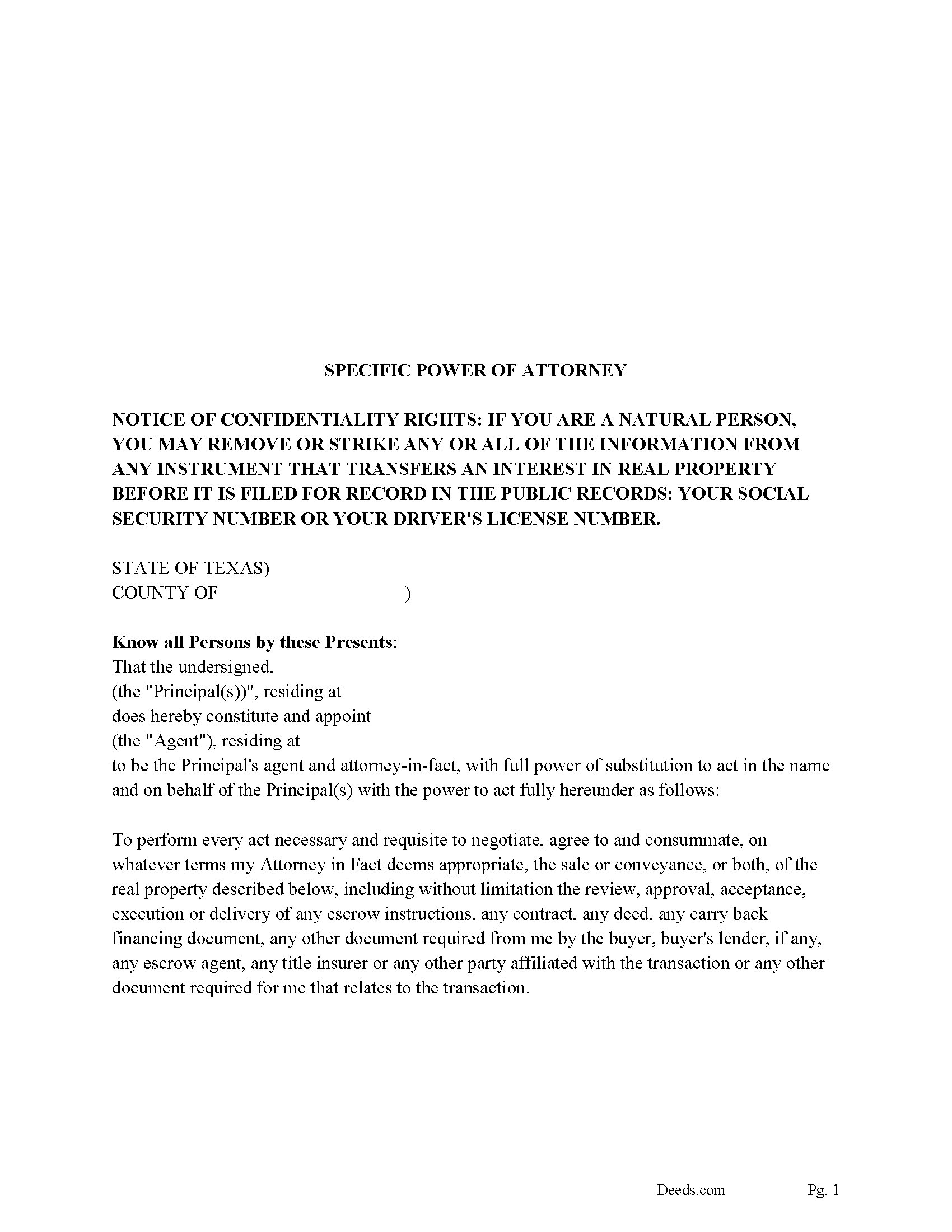
Tarrant County Specific Power of Attorney
Fill in the blank form formatted to comply with all recording and content requirements.
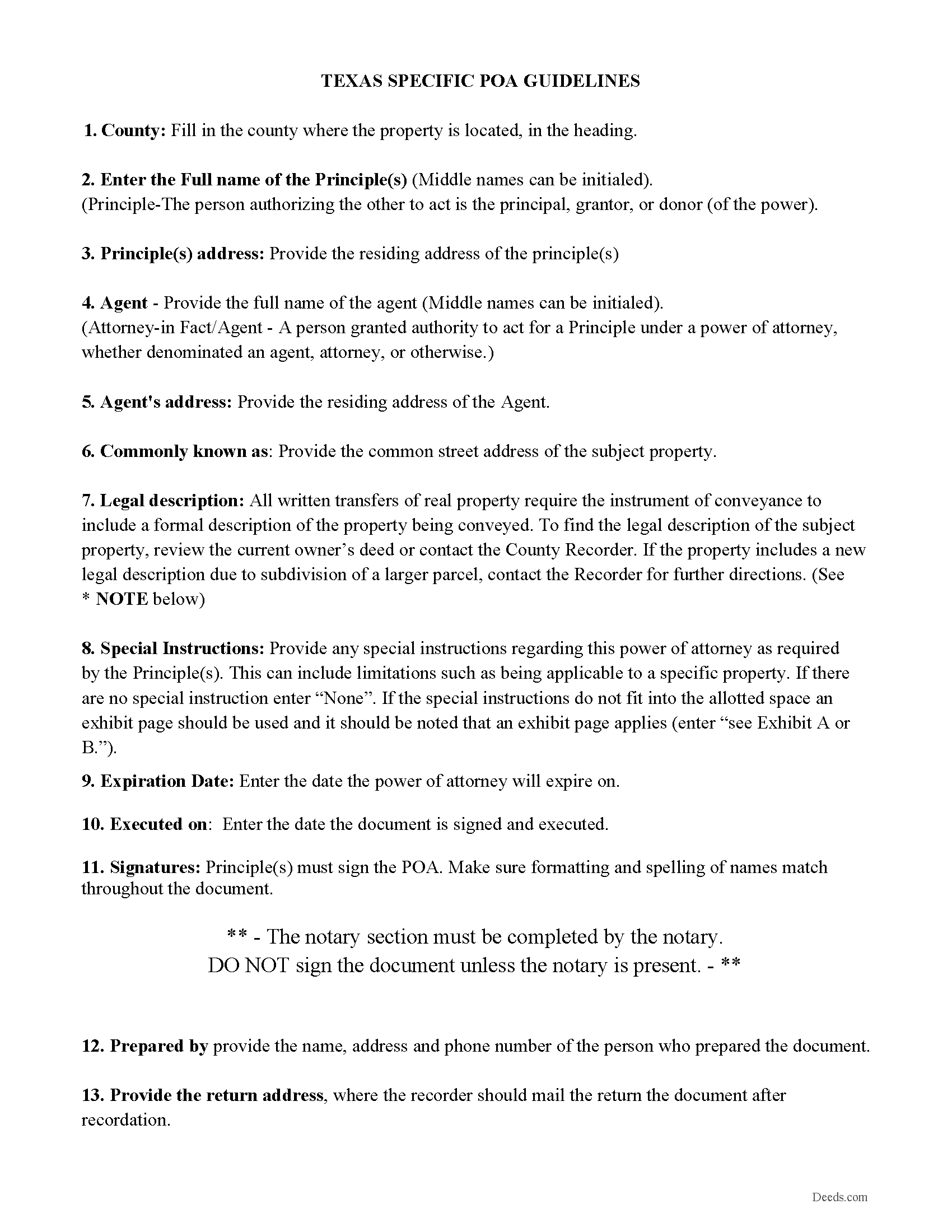
Tarrant County Specific Power of Attorney Guidelines
Line by line guide explaining every blank on the form.
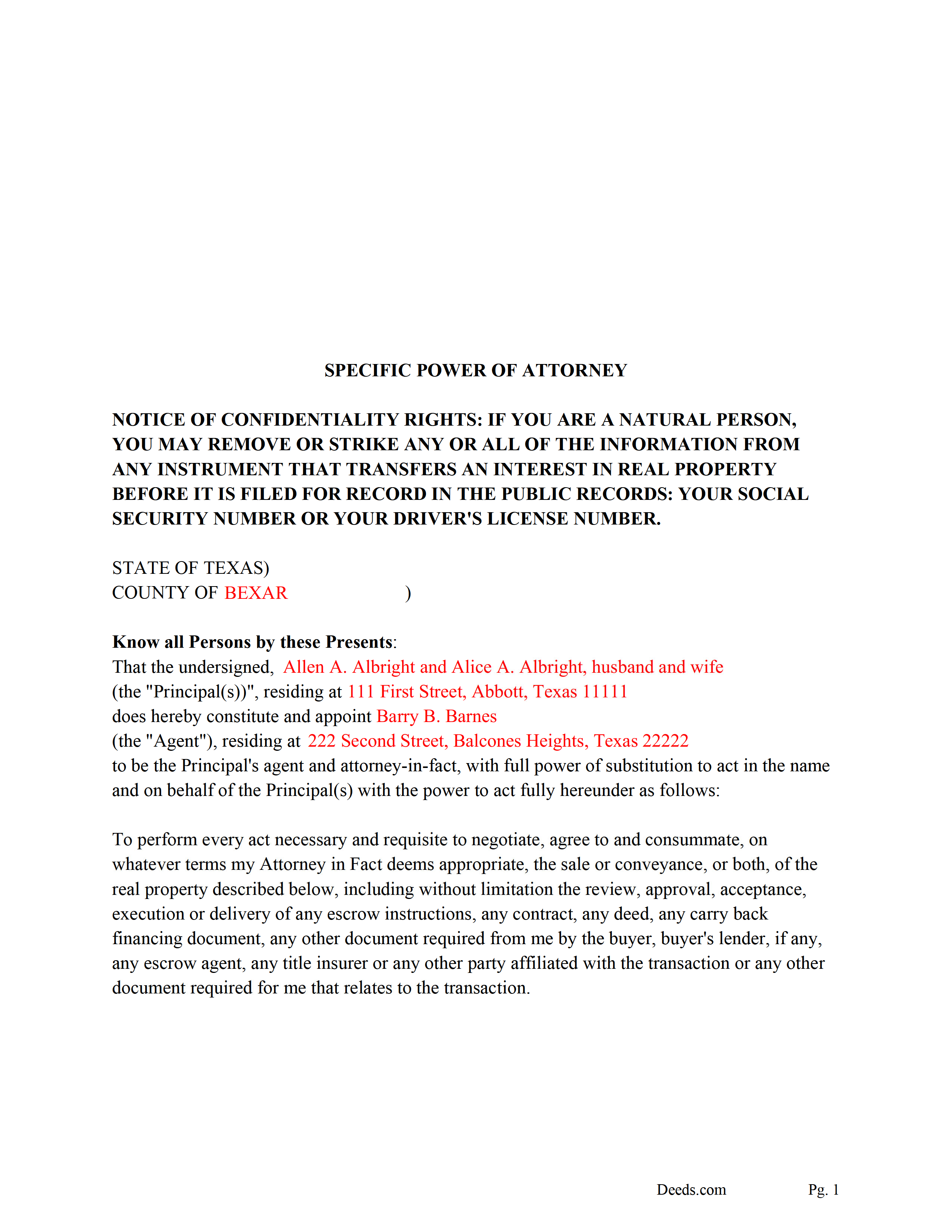
Tarrant County Completed Example of the Specific POA
Example of a properly completed form for reference.
All 3 documents above included • One-time purchase • No recurring fees
Immediate Download • Secure Checkout
Additional Texas and Tarrant County documents included at no extra charge:
Where to Record Your Documents
Tarrant County Clerk
Fort Worth, Texas 76196
Hours: Monday - Friday 8:00am - 5:00pm
Phone: (817) 212-6847
Recording Tips for Tarrant County:
- Bring your driver's license or state-issued photo ID
- Ensure all signatures are in blue or black ink
- Avoid the last business day of the month when possible
- Both spouses typically need to sign if property is jointly owned
- Bring extra funds - fees can vary by document type and page count
Cities and Jurisdictions in Tarrant County
Properties in any of these areas use Tarrant County forms:
- Arlington
- Azle
- Bedford
- Colleyville
- Crowley
- Euless
- Fort Worth
- Grapevine
- Haltom City
- Haslet
- Hurst
- Keller
- Kennedale
- Mansfield
- Naval Air Station/ Jrb
- North Richland Hills
- Southlake
Hours, fees, requirements, and more for Tarrant County
How do I get my forms?
Forms are available for immediate download after payment. The Tarrant County forms will be in your account ready to download to your computer. An account is created for you during checkout if you don't have one. Forms are NOT emailed.
Are these forms guaranteed to be recordable in Tarrant County?
Yes. Our form blanks are guaranteed to meet or exceed the applicable formatting requirements used for recording in Tarrant County, including margin requirements, font requirements, and other layout standards. This guarantee applies to formatting, not to the legal sufficiency of information entered by the user or the suitability of a form for a particular transaction.
Can I reuse these forms?
Yes. You can reuse the forms for your personal use. For example, if you have multiple properties in Tarrant County you only need to order once.
What do I need to use these forms?
The forms are PDFs that you fill out on your computer. The free Adobe Acrobat Reader is recommended, and most PDF apps also work. You do NOT enter your property information online - you download the blank forms and complete them privately on your own computer.
Are there any recurring fees?
No. This is a one-time purchase. Nothing to cancel, no memberships, no recurring fees.
How much does it cost to record in Tarrant County?
Recording fees in Tarrant County vary. Contact the recorder's office at (817) 212-6847 for current fees.
Questions answered? Let's get started!
This is a specific power of attorney for the sale of real property, in this form the principal(s) appoint an Agent to perform any tasks necessary to sell or convey a specific property. There is a "Special Instructions" section where the principle can further limit/define the agents powers. Since this document must be recorded it is formatted for county requirements and is governed by Texas laws.
This power of attorney is not affected by any subsequent disability or incapacity of the principal and shall be considered a "Durable Power of Attorney."
(Texas Specific POA Sale Package includes form, guidelines, and completed example)
Important: Your property must be located in Tarrant County to use these forms. Documents should be recorded at the county recording office listed above.
This Specific Power of Attorney for the Sale of Property meets all recording requirements specific to Tarrant County.
Our Promise
The documents you receive here are guaranteed to meet or exceed the applicable Tarrant County recording format requirements. If there is a rejection caused by our formatting, we will correct the issue or refund your payment. This guarantee applies to document formatting only and does not extend to information entered by the user, the selection of the form, or the legal effect of the completed document.
Save Time and Money
Get your Tarrant County Specific Power of Attorney for the Sale of Property form done right the first time with Deeds.com Uniform Conveyancing Blanks. At Deeds.com, we understand that your time and money are valuable resources, and we don't want you to face a penalty fee or rejection imposed by a county recorder for submitting nonstandard documents. We constantly review and update our forms to meet rapidly changing state and county recording requirements for roughly 3,500 counties and local jurisdictions.
4.8 out of 5 - ( 4,828 Reviews )
Pansie H. 5 out of 5 stars
Quick and Easy
Thank you!
Edwina L. 5 out of 5 stars
Awesomeness a true life saver I'm very appreciative.
Thank you!
DAVID K. 5 out of 5 stars
Good so far could use more examples for each section of info. needed. ex. (parcel and alt.ID info where to find and etc. #2 more examples. If it was not for the red print examples helping to fill the form out I could have downloaded free forms, the examples are what made me choose your form !
We appreciate your business and value your feedback. Thank you. Have a wonderful day!
Carolyn D. 5 out of 5 stars
The sight provided exactly what I needed and was easy to use. I was able to download the type of Deed I used and was completely satisfied with the website.
Thank you for your feedback. We really appreciate it. Have a great day!
Marcus V. 5 out of 5 stars
Awesome and perfect.
We are thankful for your continued support and feedback, which inspire us to continuously improve. Thank you..
Joyce K. 5 out of 5 stars
I was very happy with this site. It included all the papers I needed, instructions, and even an example sheet to work from. The papers are now filed and done with ease. Thank you!
Thank you for your feedback. We really appreciate it. Have a great day!
Rebecca H. 5 out of 5 stars
I thought the forms were reasonably priced, the instructions included in the packet were thorough, and the examples helpful. Thank you for the additional CDR forms too. I contacted the Recorder's office via email with a question and Jennifer Bowser answered promptly. Job well done! However, when I delivered the deed and Real Property Transfer Declaration to the Clerk's office in Lafayette, the clerk was unfamiliar with the Declaration document being submitted and it took some time to convince her to submit the form without charging the recording fee. She even tried to phone the recorder's office for clarification, but no one answered. There then was an additional form at that office that I had to complete called Recording Request/Transmittal Form. I would suggest including that form with instructions in your on-line packet to speed up the process when a Deed is delivered to the County Clerk's satellite office. I do not expect every clerk to know all the particulars of recording requirements but a little knowledge wouldn't hurt.
Thank you for your feedback. We really appreciate it. Have a great day!
Lynnette P. 5 out of 5 stars
The site was easy to navigate, which was great. The communication with the agents was quick and helped me get my forms processed correctly.
Thank you, Lynnette. We’re glad everything moved quickly and stayed clear from start to finish. We’ll be sure to pass the kind words along to the team.
Pietrina P. 5 out of 5 stars
Recording with Deeds.com was a seamless experience. Communications were timely, clear and professional. When I had a question, I received a prompt email reply. Overall an excellent experience
We appreciate your business and value your feedback. Thank you. Have a wonderful day!
Gregory B. 5 out of 5 stars
I believe you need more instruction on the use of the web site. I would type and nothing would appear on the form. When I tried to save a completed form I ended with a blank form with no detail.
Thank you!
Gary F. 5 out of 5 stars
A+
Thank you — we appreciate you taking the time to leave a review.
Debbie K. 5 out of 5 stars
I am very happy with Deeds.com. I found the site easy to use and all the directions I needed were available. I'm so happy I didn't have to go to a title company to get this done. The site is easy to navigate and the documents are easy to download.
Thank you for your feedback. We really appreciate it. Have a great day!
Linda M. 5 out of 5 stars
The form I purchased along with the instructions and completed sample were easy to use. I downloaded them on my iPad. I had to also download the free adobe reader app from the App Store. I had no problem getting the beneficiary deed recorded at the recorder’s office. I am pleased with my purchase.
Thanks so much for the kind words, Linda! Glad the sample and instructions made the process smooth, and that tip about the Adobe Reader app for iPad is genuinely helpful for other customers too. Congrats on getting the deed recorded!
GLENN B. 5 out of 5 stars
Great affordable quick service
We appreciate your business and value your feedback. Thank you. Have a wonderful day!
Eric F. 5 out of 5 stars
Thank You deeds.com, your site helped me accomplish a difficult mission.
We appreciate your business and value your feedback. Thank you. Have a wonderful day!