Crockett County Transfer on Death Deed (Community Property, Spouse First, Individual Beneficiaries) Form
Last validated October 15, 2026 by our Forms Development TeamFormatted for recording in Crockett County, for property anywhere in the county: rural and unincorporated areas as well as Ozona.
- 3 documents included
- Immediate PDF download
- Formatting guarantee
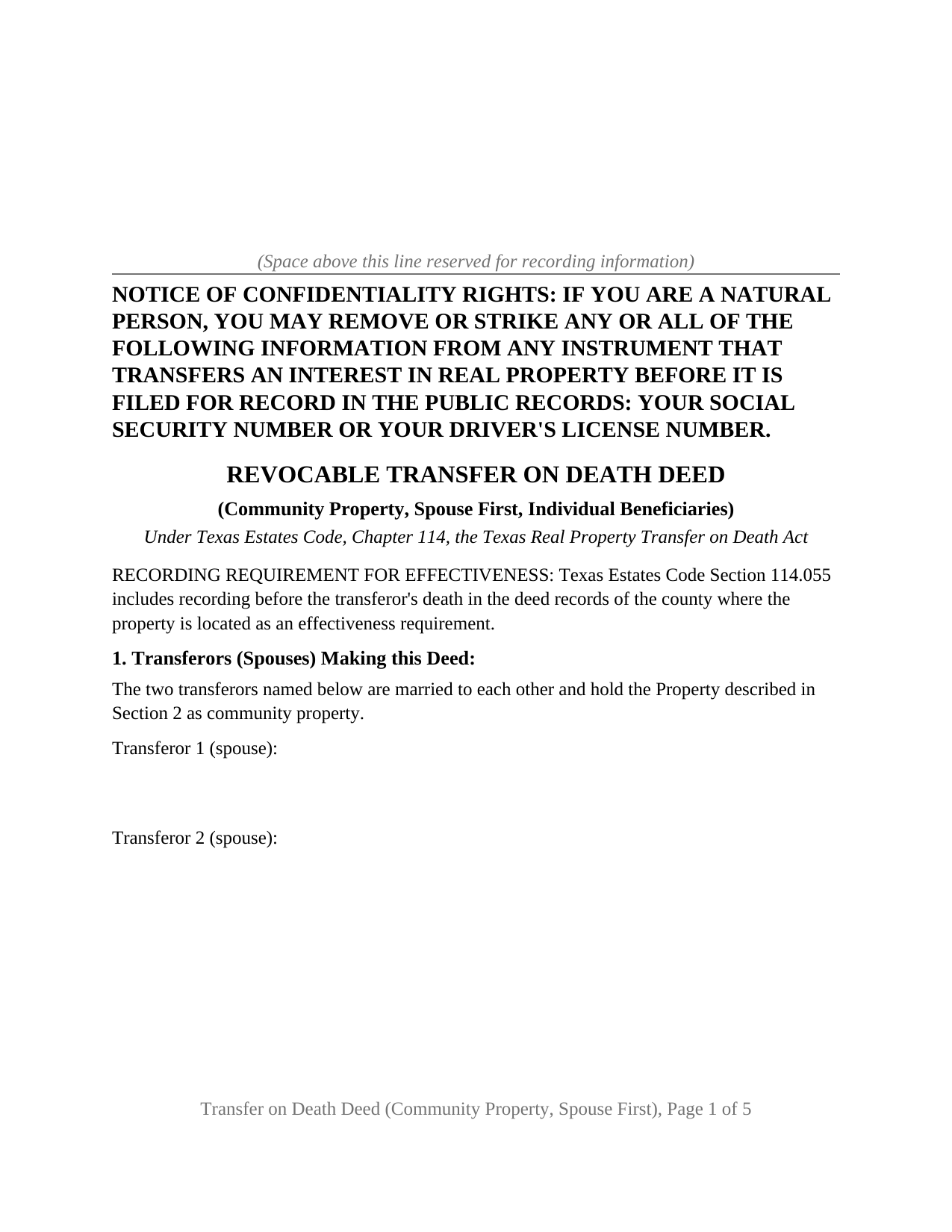
Crockett County Transfer on Death Deed (Community Property, Spouse First, Individual Beneficiaries) Form
Fill in the blank Transfer on Death Deed (Community Property, Spouse First, Individual Beneficiaries) form formatted to comply with all Texas recording and content requirements.
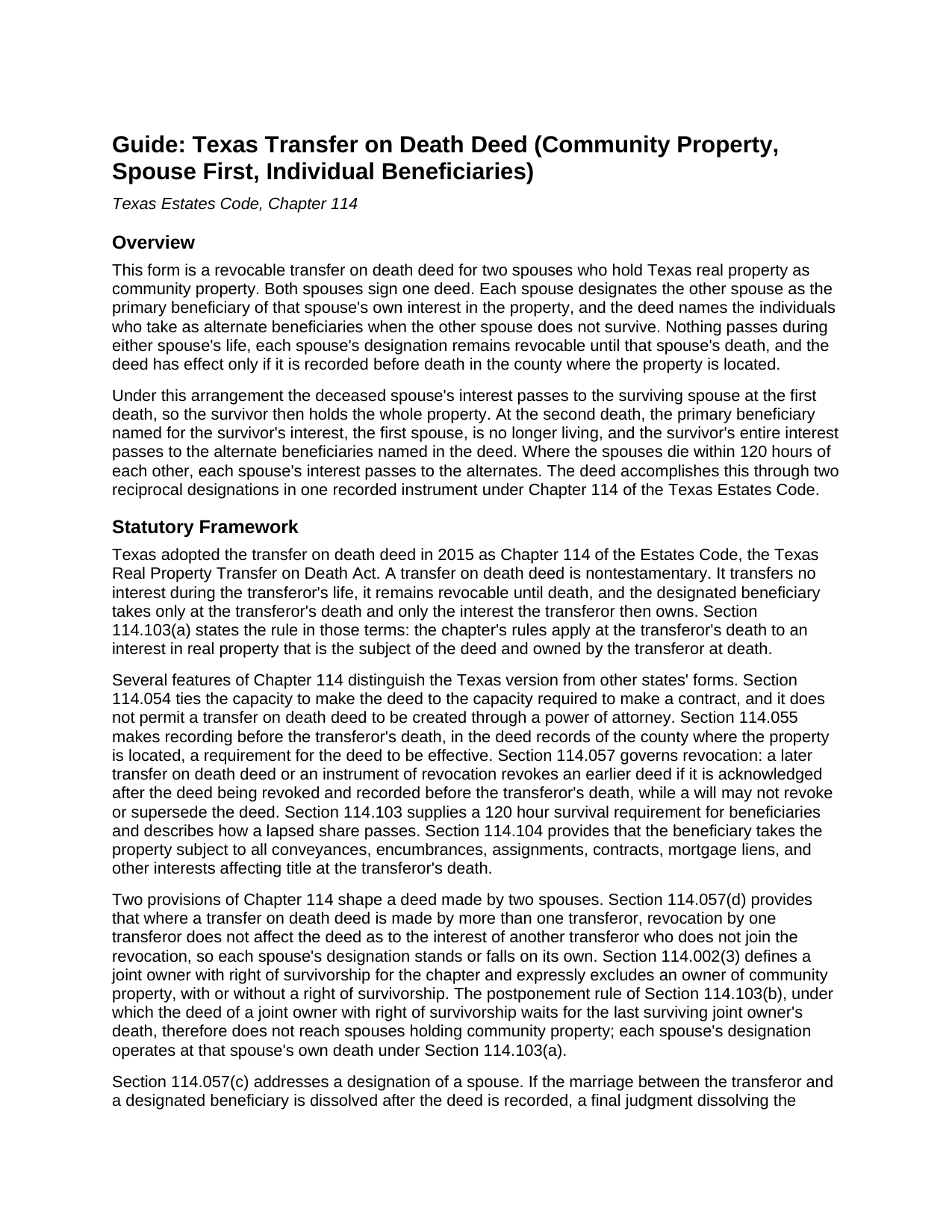
Crockett County Transfer on Death Deed (Community Property, Spouse First, Individual Beneficiaries) Guide
Line by line guide explaining every blank on the Transfer on Death Deed (Community Property, Spouse First, Individual Beneficiaries) form.
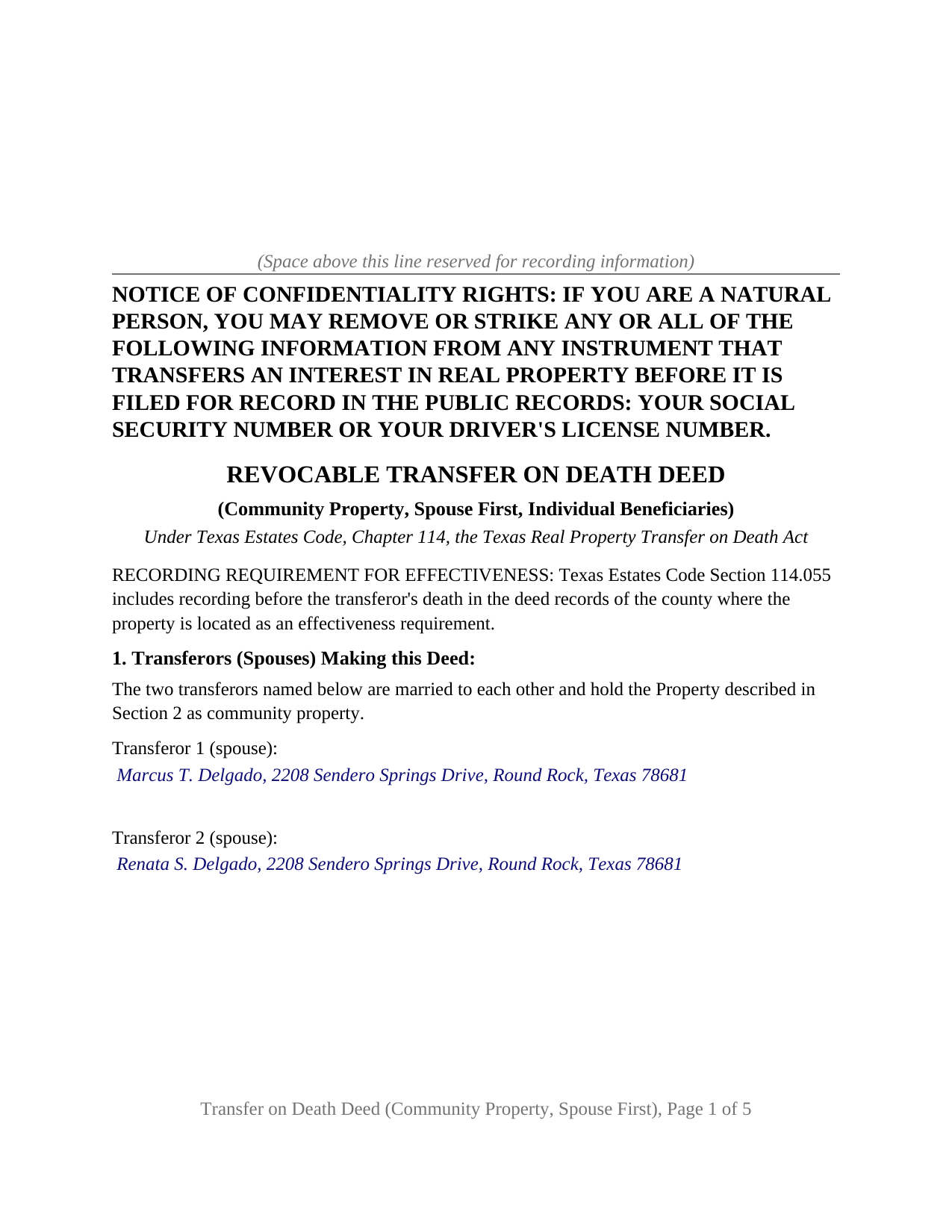
Crockett County Completed Example of the Transfer on Death Deed (Community Property, Spouse First, Individual Beneficiaries) Document
Example of a properly completed Texas Transfer on Death Deed (Community Property, Spouse First, Individual Beneficiaries) document for reference.
All 3 documents above included • One-time purchase • No recurring fees
Immediate Download • Secure Checkout
Additional Texas and Crockett County documents included at no extra charge:
Where to Record Your Documents
Crockett County Clerk - Courthouse Annex
Ozona, Texas 76943
Hours: Monday - Friday 8:00am - 12:00 & 1:00 - 5:00pm
Phone: (325) 392-2022
Recording Tips for Crockett County:
- Bring your driver's license or state-issued photo ID
- Ensure all signatures are in blue or black ink
- Avoid the last business day of the month when possible
- Both spouses typically need to sign if property is jointly owned
- Bring extra funds - fees can vary by document type and page count
Cities and Jurisdictions in Crockett County
Properties in any of these areas use Crockett County forms:
- Ozona
Hours, fees, requirements, and more for Crockett County
How do I get my forms?
Forms are available for immediate download after payment. The Crockett County forms will be in your account ready to download to your computer. An account is created for you during checkout if you don't have one. Forms are NOT emailed.
Are these forms guaranteed to be recordable in Crockett County?
Yes. Our form blanks are guaranteed to meet or exceed the applicable formatting requirements used for recording in Crockett County, including margin requirements, font requirements, and other layout standards. This guarantee applies to formatting, not to the legal sufficiency of information entered by the user or the suitability of a form for a particular transaction.
Can I reuse these forms?
Yes. You can reuse the forms for your personal use. For example, if you have multiple properties in Crockett County you only need to order once.
What do I need to use these forms?
The forms are PDFs that you fill out on your computer. The free Adobe Acrobat Reader is recommended, and most PDF apps also work. You do NOT enter your property information online - you download the blank forms and complete them privately on your own computer.
Are there any recurring fees?
No. This is a one-time purchase. Nothing to cancel, no memberships, no recurring fees.
How much does it cost to record in Crockett County?
Recording fees in Crockett County vary. Contact the recorder's office at (325) 392-2022 for current fees.
Questions answered? Let's get started!
Two Texas spouses who hold their home as community property can record one transfer on death deed that carries each spouse's interest to the other at the first death and the whole property to their chosen individuals at the second. This form prepares that deed under Chapter 114 of the Texas Estates Code for exactly two spouses, with the spouse first designation printed as fixed deed text and the alternate beneficiaries, natural persons, as its one beneficiary entry. The instrument is also searched for as a TOD deed or a beneficiary deed.
Two Designations in One Recorded Deed
Each spouse owns an interest in community property whether the vesting deed names both spouses or only one, and under Section 114.103(a) a transfer on death deed reaches only the interest the transferor owns at death. The form therefore carries two designations on one instrument. Each transferor designates the other transferor, that transferor's spouse, as primary beneficiary of the interest the designating transferor owns at death, each designation standing as that spouse's own. At the first death, the deceased spouse's interest transfers to the survivor if the survivor lives 120 hours longer. At the second death the primary beneficiary of the survivor's interest is no longer living, and the survivor's entire interest, by then the whole property, transfers to the alternates.
Why This Deed Operates at Each Death, Not Only the Last One
Chapter 114 postpones a deed made by joint owners with right of survivorship until the last joint owner dies, but Section 114.002(3) excludes an owner of community property, with or without a right of survivorship, from that definition. Plain community property carries no survivorship between the spouses; absent a designation, the deceased spouse's interest passes under a will or by intestacy. The spouse first designation does that work inside the deed. The operative section also states that the instrument is a Chapter 114 transfer on death deed and not a community property survivorship agreement under Chapter 112.
Individuals as the Alternate Beneficiaries
The alternates are the individuals who take a spouse's interest when the other spouse does not survive by 120 hours, most often the couple's children, each named by full name and mailing address. The fixed text above the entry states that every alternate is an individual, that the alternates take in equal and undivided shares with no right of survivorship, and that the survival and lapse rules of Section 114.103 govern. The form carries no custom provisions box. A designation naming a trust or an entity, varying the statutory shares, or placing the children ahead of the spouse follows a different pattern from the one this deed recites.
Revocation and Divorce Under Section 114.057
Each spouse may revoke the deed as to that spouse's own interest by an instrument of revocation or a later inconsistent deed, acknowledged after this deed and recorded before that spouse's death; under Section 114.057(d) a revocation by one transferor does not affect the deed as to the other transferor's interest. Section 114.057(c) matters on any deed naming a spouse: a final judgment dissolving the marriage revokes the deed as to the former spouse if notice of the judgment is recorded before the transferor's death, which leaves the alternate designation standing. A will does not revoke the deed. An instrument of revocation, and the affidavit a beneficiary records after a death, are prepared and recorded separately and are not included in this package.
Signing and Recording
Both spouses sign, and the form carries a separate acknowledgment certificate for each signer, so the spouses may appear before a notary on different dates. Under Section 114.101 the deed changes nothing during life, including homestead status and property tax exemptions. Under Section 114.055 the deed is effective only if recorded before death in the deed records of the county where the property is located; recording while both spouses are living places both designations of record at once. The first recorded page carries the Property Code Section 11.008 notice of confidentiality rights in 12 point boldfaced capitals above the title and reserves space for the clerk's stamp, and a non-recorded instructions page at the front describes the exhibit convention for an entry that outgrows its space.
The package contains three items: the fillable transfer on death deed, a completed example prepared on a realistic Williamson County fact pattern, and the guide that walks through each numbered section. This description and the guide describe the form and Texas law in general terms; they are not legal advice.
Important: Your property must be located in Crockett County to use these forms. Documents should be recorded at the county recording office listed above.
This Transfer on Death Deed (Community Property, Spouse First, Individual Beneficiaries) meets all recording requirements specific to Crockett County.
Our Promise
The documents you receive here are guaranteed to meet or exceed the applicable Crockett County recording format requirements. If there is a rejection caused by our formatting, we will correct the issue or refund your payment. This guarantee applies to document formatting only and does not extend to information entered by the user, the selection of the form, or the legal effect of the completed document.
Save Time and Money
Get your Crockett County Transfer on Death Deed (Community Property, Spouse First, Individual Beneficiaries) form done right the first time with Deeds.com Uniform Conveyancing Blanks. At Deeds.com, we understand that your time and money are valuable resources, and we don't want you to face a penalty fee or rejection imposed by a county recorder for submitting nonstandard documents. We constantly review and update our forms to meet rapidly changing state and county recording requirements for roughly 3,500 counties and local jurisdictions.
4.8 out of 5 - ( 4,864 Reviews )
Elizabeth N. 5 out of 5 stars
I love how easy it is to understand and complete.
We appreciate your business and value your feedback. Thank you. Have a wonderful day!
RUSSELL E. 5 out of 5 stars
Awesome and quick service again, just like always from KvH. Thanks!
We are sincerely grateful for your feedback and are committed to providing the highest quality service. Thank you for your trust in us.
Barbara R. 5 out of 5 stars
Thank you for your services My first time to ever print anything from your service or print off of a computer like this so I'm praying that it works I'm doing this to my phone. Thank you
Thank you!
Priscilla M. 5 out of 5 stars
Instructions are easy to follow which make filling out the forms easy and simple. I would definitely recommend Deeds.com.
Thank you!
Shawn S. 5 out of 5 stars
Seems to be exactly whst j needed. Great job!
Thank you!
david t. 5 out of 5 stars
No review provided.
Thank you!
terrence h. 5 out of 5 stars
Professional
Thank you!
Caroline K. 5 out of 5 stars
SIMPLE, THAT IS GOOD
Thank you for your feedback. We really appreciate it. Have a great day!
Gordon J. 5 out of 5 stars
The experience was generally very satisfactory. I was able to fill out the Trust Deed and send it via email no problem. However, I was not able to send the filled out form of the Note. It always erased my fill-ins when it was sent. I found that very frustrating.
Thank you, Gordon. Glad the Trust Deed worked well. Issues like the one you reported with the Note can sometimes be related to how the file is opened or sent. Using Adobe Reader to fill, save, and send the form is recommended. We also pass along all feedback like this to our team to confirm there are no issues.
A Rod P. 5 out of 5 stars
The website was short and to the point. And I receive three responses quite quickly.
We appreciate your business and value your feedback. Thank you. Have a wonderful day!
Tracy H. 5 out of 5 stars
Deeds.com was an amazing experience. They made it so easy and stress free. The agent I worked with was fantastic and communicated quickly to make it a very positive experience. I will be using them from now on. Thank you!
We appreciate your business and value your feedback. Thank you. Have a wonderful day!
Kevin C. 2 out of 5 stars
I like your service, but the error message I received yesterday was confusing. It said that Utah County does not record cover pages, so I should either remove the cover page or change the “order“ of the documents being submitted. This is ambiguous. I examined my package and it looked like the cover page was already being submitted separately, as a supporting document at the end, and there was no way to explicitly change the ordering of the submitted documents, that is up to your service. So I removed the cover page. But that makes me nervous, how will they know where to route it when it is done? So now I’m not sure if it was submitted correctly.
Thank you for the review, Kevin, and for laying out exactly what you saw.
The message you received ("Utah County does not accept cover pages for recording. Please remove or reorder to the back. Thank you.") came directly from the Utah County Recorder. We pass recorder rejection notes along as written, and we agree it was ambiguous. Rejection notes from recording offices often are, since they are written for people who file in that county every day.
Supporting documents always travel behind the main document they belong to, so there was nothing for you to reorder, and by your description the cover page was already at the back. With the cover page removed, the package matched what the recorder's note asked for.
On routing: nothing is mailed back with e-recording. The recorder records the document image, adds the recording information, and returns the recorded copy electronically through the e-recording system to us. It then appears on your package in your account and you get a message from us. A cover page plays no part in that, so leaving it out did not affect where your document goes.
Roberta L. 2 out of 5 stars
Costs WAAAAY too much for a stupid FORM!!! F' U!!!
We’ve processed a full cancellation and refund for the order you placed. We wish you the best in finding an option that better fits your needs.
Kim C. 5 out of 5 stars
Very user-friendly and easy to obtain exactly what I needed. I am impressed by the sample forms as well. I will definitely be using Deeds.com again!!
Thank you for your feedback. We really appreciate it. Have a great day!
Clifford K. 5 out of 5 stars
got the forms we needed, and ones we did not even know we needed!
Your feedback is greatly appreciated. Thank you for taking the time to share your experience!