Red River County Transfer on Death Deed (Individual) Form
Last validated September 28, 2026 by our Forms Development TeamFormatted for recording in Red River County, for property anywhere in the county: rural and unincorporated areas as well as Annona, Avery, Bagwell, Bogata, Clarksville, Detroit.
- 3 documents included
- Immediate PDF download
- Formatting guarantee
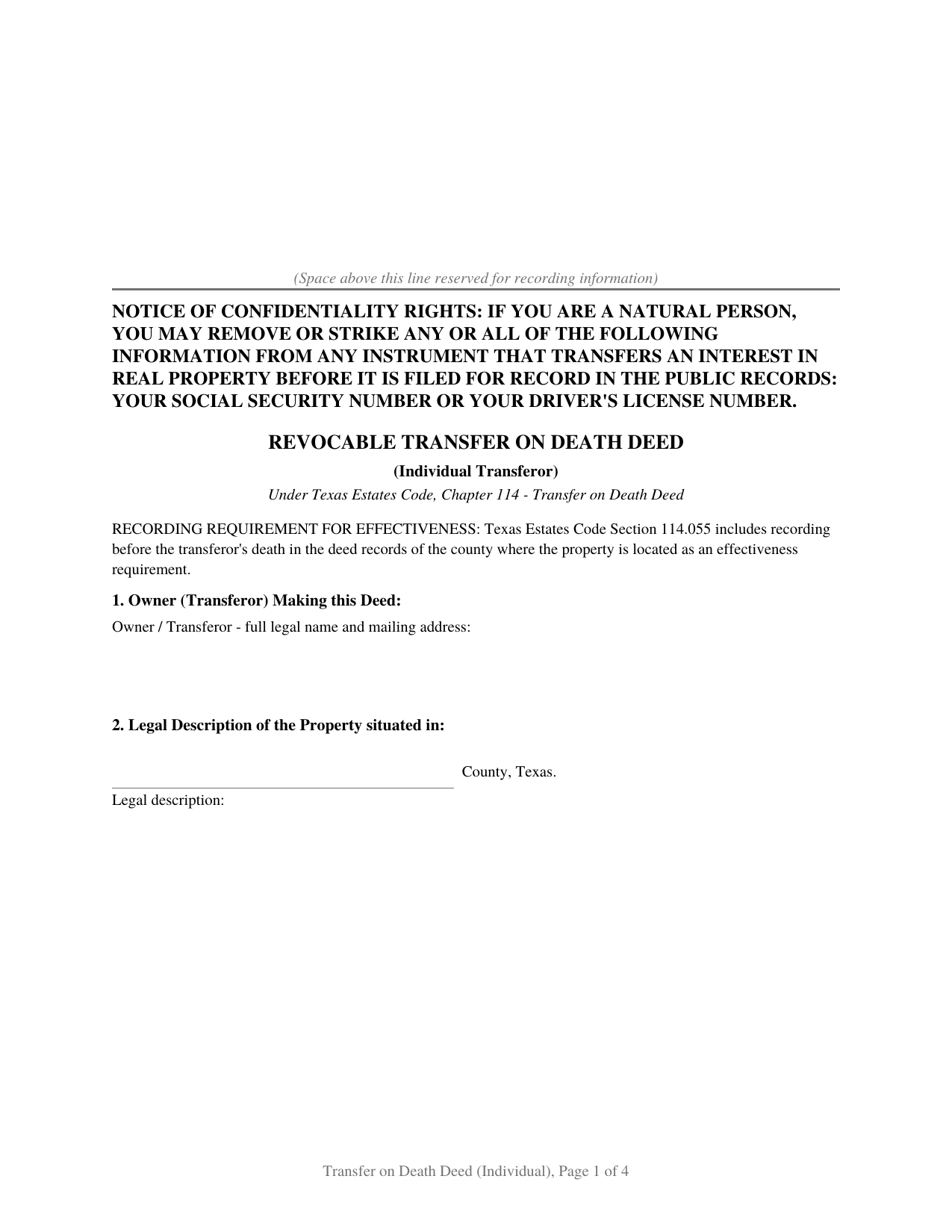
Red River County Transfer on Death Deed (Individual) Form
Fill in the blank Transfer on Death Deed (Individual) form formatted to comply with all Texas recording and content requirements.
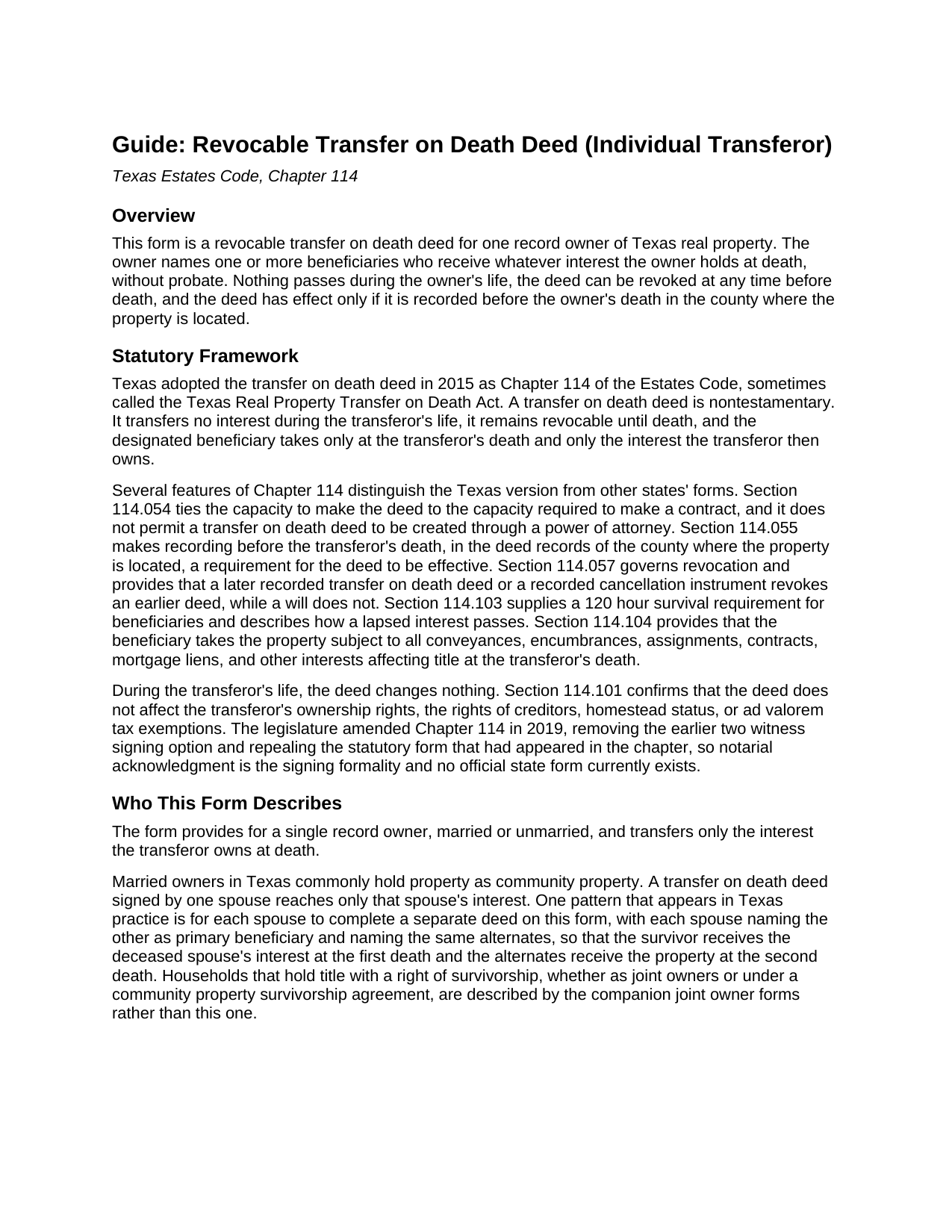
Red River County Transfer on Death Deed (Individual) Guide
Line by line guide explaining every blank on the Transfer on Death Deed (Individual) form.
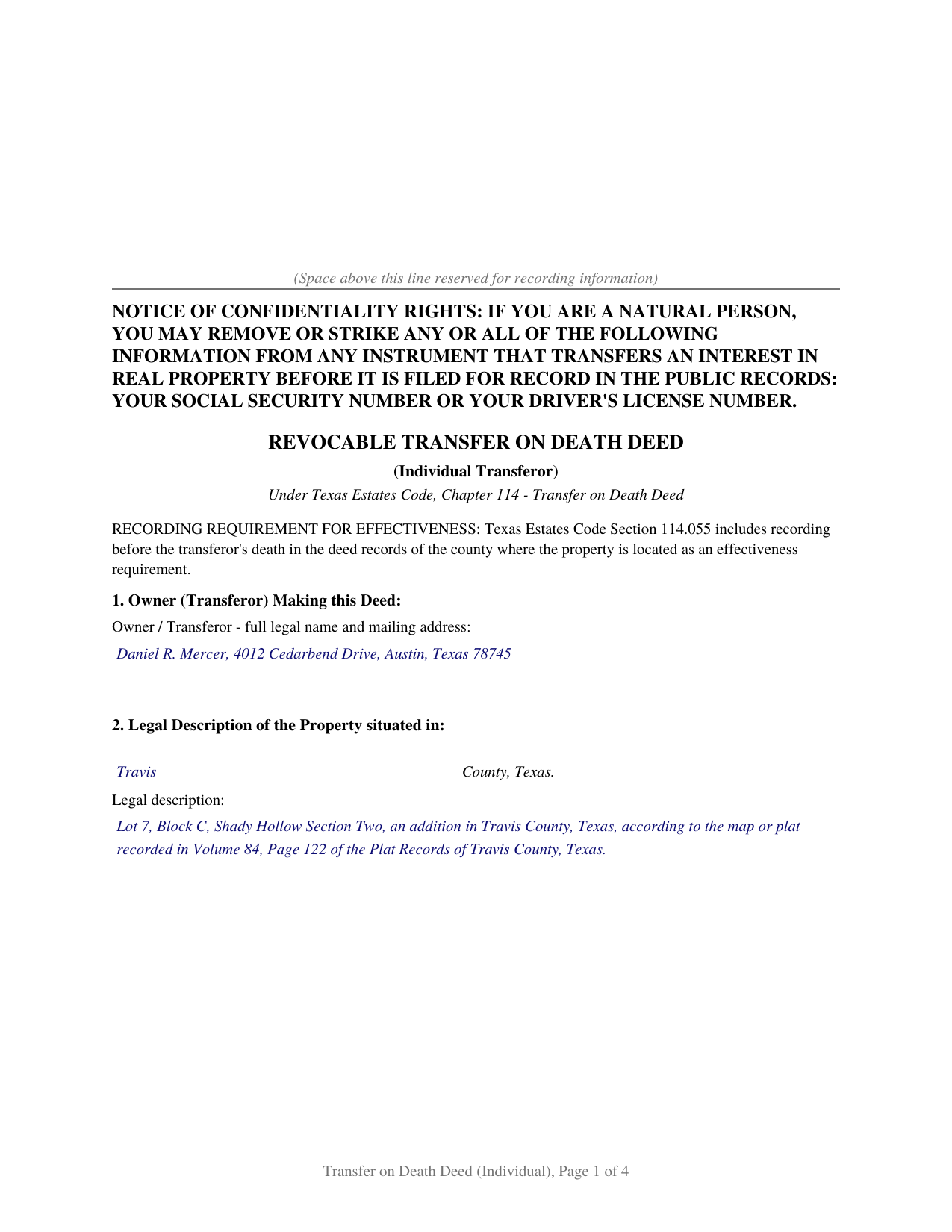
Red River County Completed Example of the Transfer on Death Deed (Individual) Document
Example of a properly completed Texas Transfer on Death Deed (Individual) document for reference.
All 3 documents above included • One-time purchase • No recurring fees
Immediate Download • Secure Checkout
Additional Texas and Red River County documents included at no extra charge:
Where to Record Your Documents
Red River County Clerk
Clarksville, Texas 75426
Hours: Monday - Thursday 8:00am - 5:00pm
Phone: (903) 427-2401
Recording Tips for Red River County:
- Bring your driver's license or state-issued photo ID
- Ensure all signatures are in blue or black ink
- Ask if they accept credit cards - many offices are cash/check only
- Check that your notary's commission hasn't expired
- Documents must be on 8.5 x 11 inch white paper
Cities and Jurisdictions in Red River County
Properties in any of these areas use Red River County forms:
- Annona
- Avery
- Bagwell
- Bogata
- Clarksville
- Detroit
Hours, fees, requirements, and more for Red River County
How do I get my forms?
Forms are available for immediate download after payment. The Red River County forms will be in your account ready to download to your computer. An account is created for you during checkout if you don't have one. Forms are NOT emailed.
Are these forms guaranteed to be recordable in Red River County?
Yes. Our form blanks are guaranteed to meet or exceed the applicable formatting requirements used for recording in Red River County, including margin requirements, font requirements, and other layout standards. This guarantee applies to formatting, not to the legal sufficiency of information entered by the user or the suitability of a form for a particular transaction.
Can I reuse these forms?
Yes. You can reuse the forms for your personal use. For example, if you have multiple properties in Red River County you only need to order once.
What do I need to use these forms?
The forms are PDFs that you fill out on your computer. The free Adobe Acrobat Reader is recommended, and most PDF apps also work. You do NOT enter your property information online - you download the blank forms and complete them privately on your own computer.
Are there any recurring fees?
No. This is a one-time purchase. Nothing to cancel, no memberships, no recurring fees.
How much does it cost to record in Red River County?
Recording fees in Red River County vary. Contact the recorder's office at (903) 427-2401 for current fees.
Questions answered? Let's get started!
A Texas transfer on death deed lets a property owner name who receives their real estate when they die, without probate, without giving up anything during life. This form prepares a transfer on death deed for one owner under Chapter 114 of the Texas Estates Code, the Texas Real Property Transfer on Death Act.
How a Texas Transfer on Death Deed Works
The deed is nontestamentary. It transfers no interest while the owner is alive, so the owner keeps full control: the property can still be sold, mortgaged, or leased, homestead status and property tax exemptions are unaffected, and the deed can be revoked at any time. At the owner's death, the beneficiary named in the deed receives whatever interest the owner holds at that moment, subject to any mortgage or other matters then affecting title.
Texas wrote several of its own rules into Chapter 114. The capacity required is the capacity to make a contract, not a will, and the deed cannot be created through a power of attorney. A will does not revoke or override a recorded transfer on death deed. Most importantly, the deed must be recorded before the owner's death in the county where the property is located; an unrecorded deed transfers nothing, no matter how carefully it was signed and notarized.
Who This Form Describes
This form recites a single transferor: one record owner of Texas real property, married or unmarried, signing alone. A spouse who is not a record owner is not a transferor and has no signature line, and the guide explains why the spousal joinder rule for homestead conveyances does not reach a deed that conveys nothing during life.
Married couples who hold plain community property, the default for property acquired during a Texas marriage, often use a pair of these deeds: each spouse signs one naming the other spouse as primary beneficiary and the same alternates, so the survivor receives the property at the first death and the alternates receive it at the second. Where title carries a right of survivorship, the joint owner and community property versions of this deed recite that vesting instead.
Beneficiaries and Survival
The form provides for primary beneficiaries, optional alternates, and optional special provisions such as unequal shares. Under Section 114.103, a beneficiary must survive the owner by 120 hours, and where no special provision says otherwise, multiple beneficiaries take equal undivided shares.
What Is Included
- The blank form as a fillable PDF, completed on screen or printed and completed by hand
- A plain language guide that walks through every numbered section: what each blank asks, where the information comes from, and what a correct entry looks like
- A completed example showing the entire document filled in for a realistic Texas fact pattern
The document is formatted for Texas recording standards: letter size pages within the dimensions of Local Government Code Section 191.007, body text at 10 point, the notice of confidentiality rights required by Property Code Section 11.008 in 12 point boldfaced capitals at the top of the first page, and reserved space on page one for the county clerk's recording stamp. A 2025 enactment, Senate Bill 16 of the Second Called Session of the 89th Legislature, also directs the county clerk to require photo identification from a person who presents a document in person for filing in the real property records, a step that takes place at the counter and does not change the content of the deed. A separate instructions page included with the form, removed before recording, describes how an entry that outgrows its space continues on a recorded exhibit page, so the recorded deed stays free of worksheet style captions.
Related Texas Forms
A recorded deed is revoked with the Texas Cancellation of Transfer on Death Deed (Individual) or by recording a new, inconsistent deed. After the owner's death, the beneficiary records the Texas Affidavit of Death for Transfer on Death Deed with a certified death certificate to document the transfer in the county records.
Important: Your property must be located in Red River County to use these forms. Documents should be recorded at the county recording office listed above.
This Transfer on Death Deed (Individual) meets all recording requirements specific to Red River County.
Our Promise
The documents you receive here are guaranteed to meet or exceed the applicable Red River County recording format requirements. If there is a rejection caused by our formatting, we will correct the issue or refund your payment. This guarantee applies to document formatting only and does not extend to information entered by the user, the selection of the form, or the legal effect of the completed document.
Save Time and Money
Get your Red River County Transfer on Death Deed (Individual) form done right the first time with Deeds.com Uniform Conveyancing Blanks. At Deeds.com, we understand that your time and money are valuable resources, and we don't want you to face a penalty fee or rejection imposed by a county recorder for submitting nonstandard documents. We constantly review and update our forms to meet rapidly changing state and county recording requirements for roughly 3,500 counties and local jurisdictions.
4.8 out of 5 - ( 4,810 Reviews )
Patricia W. 3 out of 5 stars
The technology and service was excellent. The content was too limited. I was seeking to find out about 61b deeds on the property and that was not provided.
We appreciate your feedback Patricia.
Traci K. 5 out of 5 stars
Thk u for the forms I needed so badly I really appreciate.
We appreciate your business and value your feedback. Thank you. Have a wonderful day!
Tawnya P. 5 out of 5 stars
I can't believe I haven't found Deeds.com sooner. They made my job so much easier!! They make recording documents effortless. I'm so grateful.
Thank you for your feedback. We really appreciate it. Have a great day!
Roger W. 5 out of 5 stars
Documents were provided quickly and as promised. Very Satisfied.
Thank you for your feedback. We really appreciate it. Have a great day!
Susan S. 5 out of 5 stars
What a delight to find this Website. Professionally done and easy to work with.
Thank you for your feedback. We really appreciate it. Have a great day!
Lanette H. 5 out of 5 stars
I liked getting the forms but I was charged twice for some reason. I'm not sure what happened with that. Can you reimburse me? Thank you. Lanette
Thank you for your feedback Lanette. In review, it looks like your first payment was declined, second one was approved and processed. What you are seeing is one payment and a hold placed by your financial institution for the declined attempt. We are not sure why they do this but the hold usually falls off after a few day depending on their policy. If you have further questions about this you can contact your financial institution and they will explain. Have a great day.
ELIZABETH A P. 5 out of 5 stars
THE FORMS WERE GOOD, EASY TO UNDERSTAND. NICE TO BE ABLE TO DOWNLOAD THEM INSTANTLY. LIKED THAT I DID NOT HAVE TO JOIN ANYTHING WITH ONGOING FEES.
Thank you Elizabeth, have a great day!
David C. 5 out of 5 stars
Very fast service
Thank you!
Henry J. 5 out of 5 stars
Worked out Great!
We appreciate your business and value your feedback. Thank you. Have a wonderful day!
Rachel E. 5 out of 5 stars
Our firm is working remotely and a lot of court services are limited with the corona-virus shutdowns, but we needed to record a Deed at the last minute. There was no other way we'd could get it done that quick without Deeds.com (staff) helped us work out some kinks and we got it recorded in less than 1 business day! Thank you!
Thank you for your feedback, we really appreciate it. Glad we could help.
terrance G. 5 out of 5 stars
Excellent Service, with quick turnaround times.
Thank you for your positive words! We’re thrilled to hear about your experience.
Angie K. 4 out of 5 stars
Thank You!
Thank you Angie.
Terry S. 5 out of 5 stars
Forms were very easy to use using the completed form as an example.
Thank you for your feedback. We really appreciate it. Have a great day!
Kathryn S. 5 out of 5 stars
So quick. So easy. Worth every penny!
Thank you for your feedback. We really appreciate it. Have a great day!
Kathy B. 4 out of 5 stars
Works easy enough and good directions on the form, however no help when I got locked out. Had to do a completely new account name and email address.
Thank you!