Baylor County Transfer on Death Deed (Unmarried Sole Owner to Individual Beneficiaries) Form
Last validated October 15, 2026 by our Forms Development TeamFormatted for recording in Baylor County, for property anywhere in the county: rural and unincorporated areas as well as Seymour.
- 3 documents included
- Immediate PDF download
- Formatting guarantee
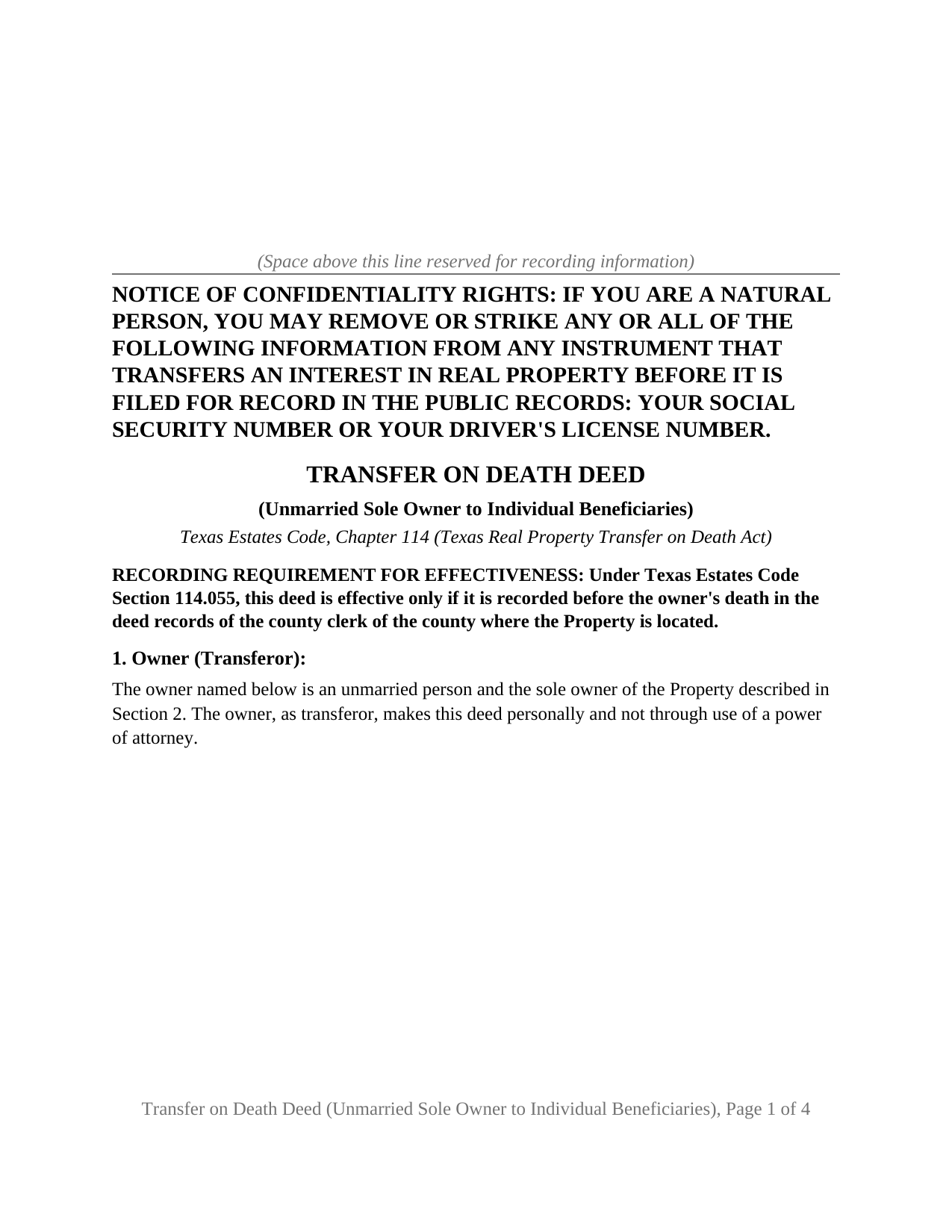
Baylor County Transfer on Death Deed (Unmarried Sole Owner to Individual Beneficiaries) Form
Fill in the blank Transfer on Death Deed (Unmarried Sole Owner to Individual Beneficiaries) form formatted to comply with all Texas recording and content requirements.
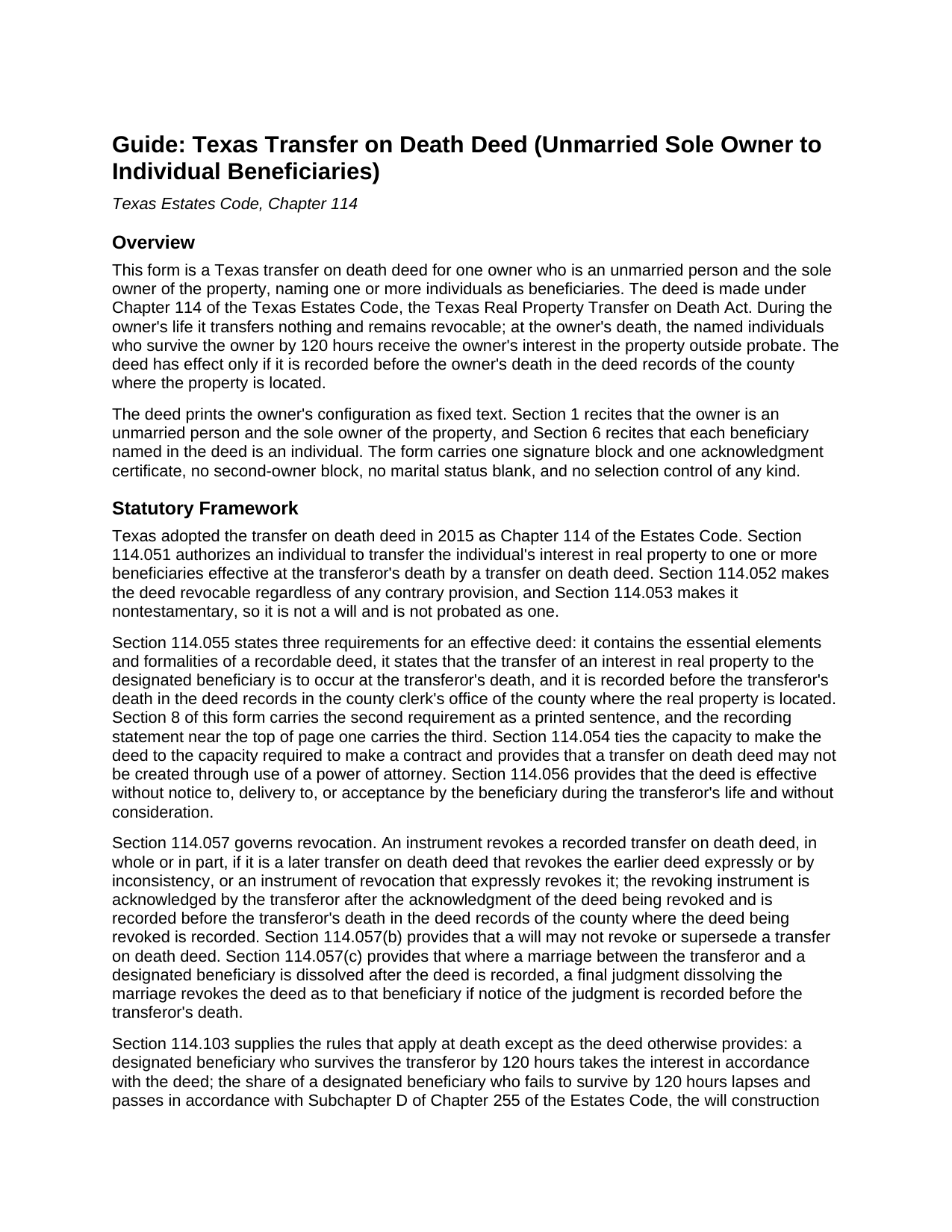
Baylor County Transfer on Death Deed (Unmarried Sole Owner to Individual Beneficiaries) Guide
Line by line guide explaining every blank on the Transfer on Death Deed (Unmarried Sole Owner to Individual Beneficiaries) form.
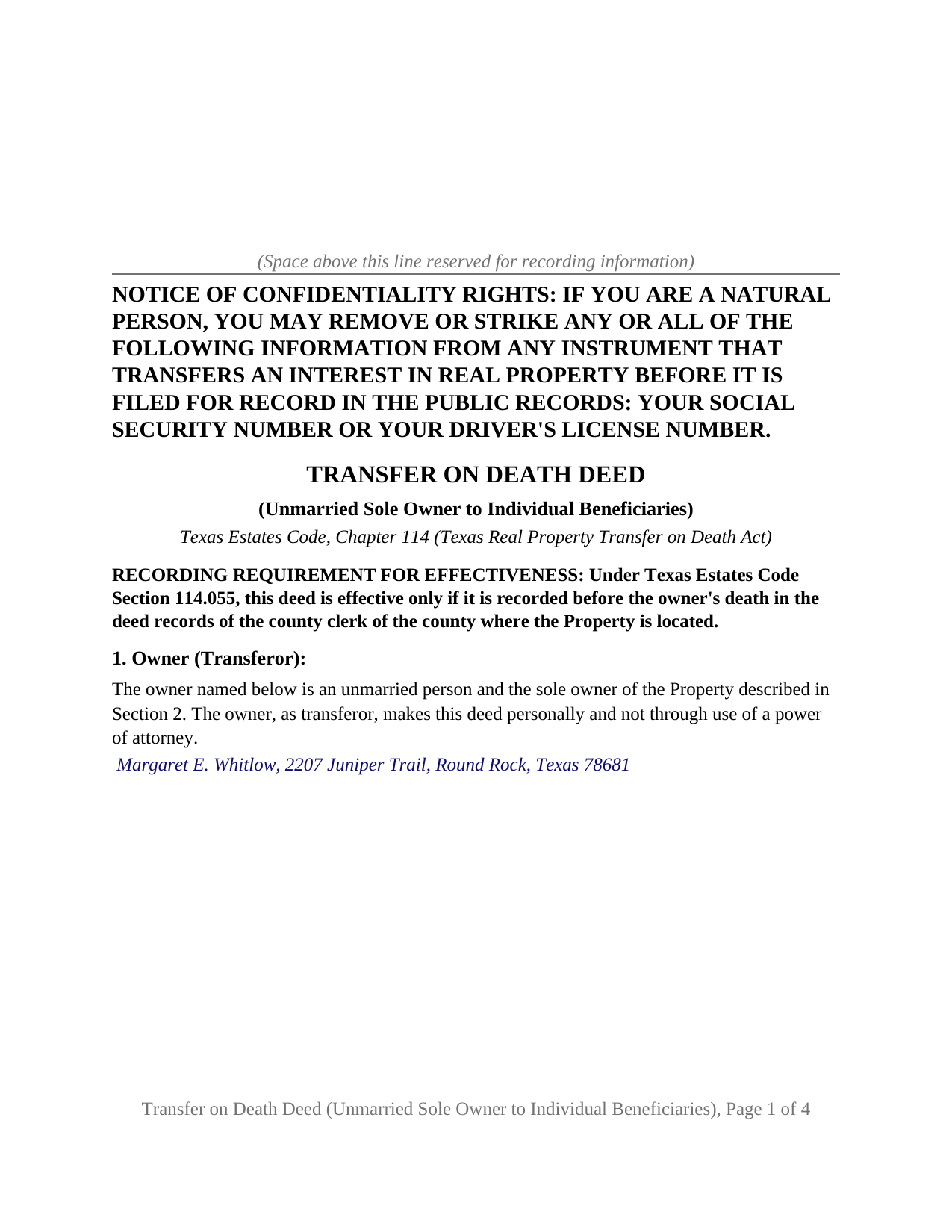
Baylor County Completed Example of the Transfer on Death Deed (Unmarried Sole Owner to Individual Beneficiaries) Document
Example of a properly completed Texas Transfer on Death Deed (Unmarried Sole Owner to Individual Beneficiaries) document for reference.
All 3 documents above included • One-time purchase • No recurring fees
Immediate Download • Secure Checkout
Additional Texas and Baylor County documents included at no extra charge:
Where to Record Your Documents
Baylor County Clerk
Seymour, Texas 76380
Hours: 8:30am to 12:00 & 1:00 to 5:00pm Monday through Friday
Phone: (940) 889-3322
Recording Tips for Baylor County:
- Bring your driver's license or state-issued photo ID
- Ensure all signatures are in blue or black ink
- Verify all names are spelled correctly before recording
- White-out or correction fluid may cause rejection
- Ask about their eRecording option for future transactions
Cities and Jurisdictions in Baylor County
Properties in any of these areas use Baylor County forms:
- Seymour
Hours, fees, requirements, and more for Baylor County
How do I get my forms?
Forms are available for immediate download after payment. The Baylor County forms will be in your account ready to download to your computer. An account is created for you during checkout if you don't have one. Forms are NOT emailed.
Are these forms guaranteed to be recordable in Baylor County?
Yes. Our form blanks are guaranteed to meet or exceed the applicable formatting requirements used for recording in Baylor County, including margin requirements, font requirements, and other layout standards. This guarantee applies to formatting, not to the legal sufficiency of information entered by the user or the suitability of a form for a particular transaction.
Can I reuse these forms?
Yes. You can reuse the forms for your personal use. For example, if you have multiple properties in Baylor County you only need to order once.
What do I need to use these forms?
The forms are PDFs that you fill out on your computer. The free Adobe Acrobat Reader is recommended, and most PDF apps also work. You do NOT enter your property information online - you download the blank forms and complete them privately on your own computer.
Are there any recurring fees?
No. This is a one-time purchase. Nothing to cancel, no memberships, no recurring fees.
How much does it cost to record in Baylor County?
Recording fees in Baylor County vary. Contact the recorder's office at (940) 889-3322 for current fees.
Questions answered? Let's get started!
This Texas transfer on death deed is built for one owner who is an unmarried person and holds the property alone, naming one or more individuals to receive it at death. The deed prints that configuration as its own text: Section 1 recites that the owner is an unmarried person and the sole owner of the property, Section 6 recites that each beneficiary is an individual, and the instrument carries one signature block and one acknowledgment certificate under Chapter 114 of the Texas Estates Code.
One owner, one death, no spouse to account for
Most of the complexity in a Texas transfer on death deed comes from the people around the owner: a spouse with a community property interest, a co-owner whose survivorship right postpones the deed to a second death. The configuration this deed recites has neither, so there is no community property presumption to work through, no joinder question under Family Code Section 5.001, and no survivorship arrangement that delays the transfer. The deed waits for a single event, the owner's death, and the individuals named in it who survive the owner by 120 hours take the owner's interest outside probate. The ownership patterns that present this shape appear in the record as one name on the vesting deed: a person who never married and bought alone, a widowed owner whose title now stands in one name, and a divorced owner whose decree or a later deed consolidated the property.
Why the deed prints the owner's status
This deed leaves nothing about status, ownership, or a second owner to a blank or a box: the recital in Section 1 is printed, the only entry in that section is the owner's name and mailing address, and there is no second signature block on the instrument. The recital states what the owner asserts on the date of signing; a later marriage is not among the events Chapter 114 lists as revoking a recorded deed, and the guide describes what it changes at death.
Beneficiaries who are people, not entities
Chapter 114 defines a beneficiary as a person and borrows the Government Code definition of that word, so the statute itself allows a trust or a corporation to be named. This deed fixes the beneficiary class to individuals, and Section 6 says so in print. Where more than one individual is named, Section 114.103 passes the property to them in equal and undivided shares with no right of survivorship among them. Section 7 is an optional alternate designation: the individuals named there take only if no primary beneficiary survives the owner by 120 hours, and they carry the same survival requirement. The form carries no share arrangement other than the statute's equal shares and no open drafting box.
What the operative section states
Section 114.055 requires a transfer on death deed to state that the transfer to the designated beneficiary is to occur at the transferor's death, and Section 8 of this deed carries that sentence in the statute's own words beside the transfer itself, effective at the death of the owner. The same section recites the owner's contractual capacity, restates the survival and lapse rules of Section 114.103, states that the deed transfers the property without covenant or warranty of title, and closes with the capitalized statement that the deed is revocable. Revocation during life takes a separately prepared and recorded instrument under Section 114.057, not included in this package; a will does not revoke a transfer on death deed in Texas.
Recording before death is the effectiveness condition
A Texas TOD deed, sometimes searched for as a beneficiary deed, is effective only if recorded before the owner's death in the deed records of the county where the property is located, and the recording statement near the top of page one says so. The deed is formatted for the county clerk: letter size pages within Local Government Code Section 191.007, 12 point body text, the Property Code Section 11.008 notice of confidentiality rights in 12 point boldfaced capitals at the top of the first page, and reserved space for the recording stamp.
The package contains the deed as a fillable PDF, completed on screen or printed and completed by hand; a completed example filled in for a realistic Williamson County fact pattern; and a plain language guide that walks through every numbered section, the acknowledgment, and recording. This description and the guide describe the form and the governing statutes in general terms; they are not legal advice.
Important: Your property must be located in Baylor County to use these forms. Documents should be recorded at the county recording office listed above.
This Transfer on Death Deed (Unmarried Sole Owner to Individual Beneficiaries) meets all recording requirements specific to Baylor County.
Our Promise
The documents you receive here are guaranteed to meet or exceed the applicable Baylor County recording format requirements. If there is a rejection caused by our formatting, we will correct the issue or refund your payment. This guarantee applies to document formatting only and does not extend to information entered by the user, the selection of the form, or the legal effect of the completed document.
Save Time and Money
Get your Baylor County Transfer on Death Deed (Unmarried Sole Owner to Individual Beneficiaries) form done right the first time with Deeds.com Uniform Conveyancing Blanks. At Deeds.com, we understand that your time and money are valuable resources, and we don't want you to face a penalty fee or rejection imposed by a county recorder for submitting nonstandard documents. We constantly review and update our forms to meet rapidly changing state and county recording requirements for roughly 3,500 counties and local jurisdictions.
4.8 out of 5 - ( 4,845 Reviews )
James A. 5 out of 5 stars
As advertised.
Thank you!
Gabriel R. 4 out of 5 stars
So far the service seems good, simple to use. One criticism, the password change feature should require the user to re-enter their old password, new password, and re-enter the new password to make sure there is no typos. Thanks.
Thank you for your feedback. We really appreciate it. Have a great day!
Phoenix D. 5 out of 5 stars
I was looking for the proper quit claim deed for my state. I found it on deeds.com along with instructions and a sample. I couldn't have filed without them.
Thank you for your feedback. We really appreciate it. Have a great day!
Evtishios D. 5 out of 5 stars
good site only recommendation would to allow to down load multiple forms at one time
Thank you for your feedback Evtishios.
Karen T. 5 out of 5 stars
Thank you for the feedback. I reviewed this with my client/friend and she is following up with the appropriate people, including the Police and a lawyer. Thank you for your help.
Thank you!
katherine a. 5 out of 5 stars
loved the ease of use for the forms. went on line to find out about Adobe Reader, too. Had a test to see if I had it. Took few seconds. Then on to ordering and downloading which took only 5 minutes for the three forms I wanted. Thanks, Katie Anderson
Thank you for your feedback. We really appreciate it. Have a great day!
Norbert C. 5 out of 5 stars
Great resource and everything went smoothly except email was performed through autofill prompted by the system but the autofill added a letter that gave wrong email. I can still sign in with wrong email since the system recognizes it as mine even though it is wrong. May be my fault and not the system since I did not catch the discrepancy in time. I would suggest a field that allows a correction to any misinformation prior to signing out from the initial sign on. Still think it is a great resource if all documents are processed and accepted by the pwers to be. Thanks.
Thank you!
Roger A. 5 out of 5 stars
Easy peasy to use! It's great to have the guide for completing the form and an example of a completed form.
It was a pleasure serving you. Thank you for the positive feedback!
Robert B. 5 out of 5 stars
Excellent service. Very efficient. Electronic filing was far faster and less stress than doing it in person.
We appreciate your business and value your feedback. Thank you. Have a wonderful day!
Janalee T. 5 out of 5 stars
Fast, easy. quickly accepted by county recorder.
Thank you!
Robert S. 5 out of 5 stars
Thank you! You are so awesome. Its amazing to be able to get everything together in a download packet. You make it so easy for the user.
We appreciate your business and value your feedback. Thank you. Have a wonderful day!
Kristopher K. 3 out of 5 stars
Process is easy but system would not accept 3 different credit cards on first day. No phone number to call. Sent message and response was all 3 cards must have been declined. However, next day one of those cards went through with no problem.
Thank you for your feedback. Unfortunately we have no control over which payment get approved or declined.
Cheryl B. 5 out of 5 stars
I did this on a desktop using a scanned .pdf file. Simple, straight-forward, excellent instructions, easy, fast, and well documented for each step. From account creation to proof of recording: 4 hours... from the comfort of my home. I would highly recommend this service to anyone, including - and maybe especially - those who are looking for fast recording who aren't well versed in computers and on-line processes. Well done in all ways.
We appreciate your business and value your feedback. Thank you. Have a wonderful day!
Rita M. 5 out of 5 stars
Forget what I just wrote! I found it. Thank You! This is a very convenient service.
That's great to hear Rita, thanks for following up.
Jeffrey G. 5 out of 5 stars
The documents requested were perfect! Very helpful, with instructions on how to complete and submit and unique to the county. They provided additional helpful documents that I would not have thought to ask for. Great job!
Thank you!