Baylor County Trustees Deed (Individual Trustee) Form
Last validated September 29, 2026 by our Forms Development TeamFormatted for recording in Baylor County, for property anywhere in the county: rural and unincorporated areas as well as Seymour.
- 3 documents included
- Immediate PDF download
- Formatting guarantee
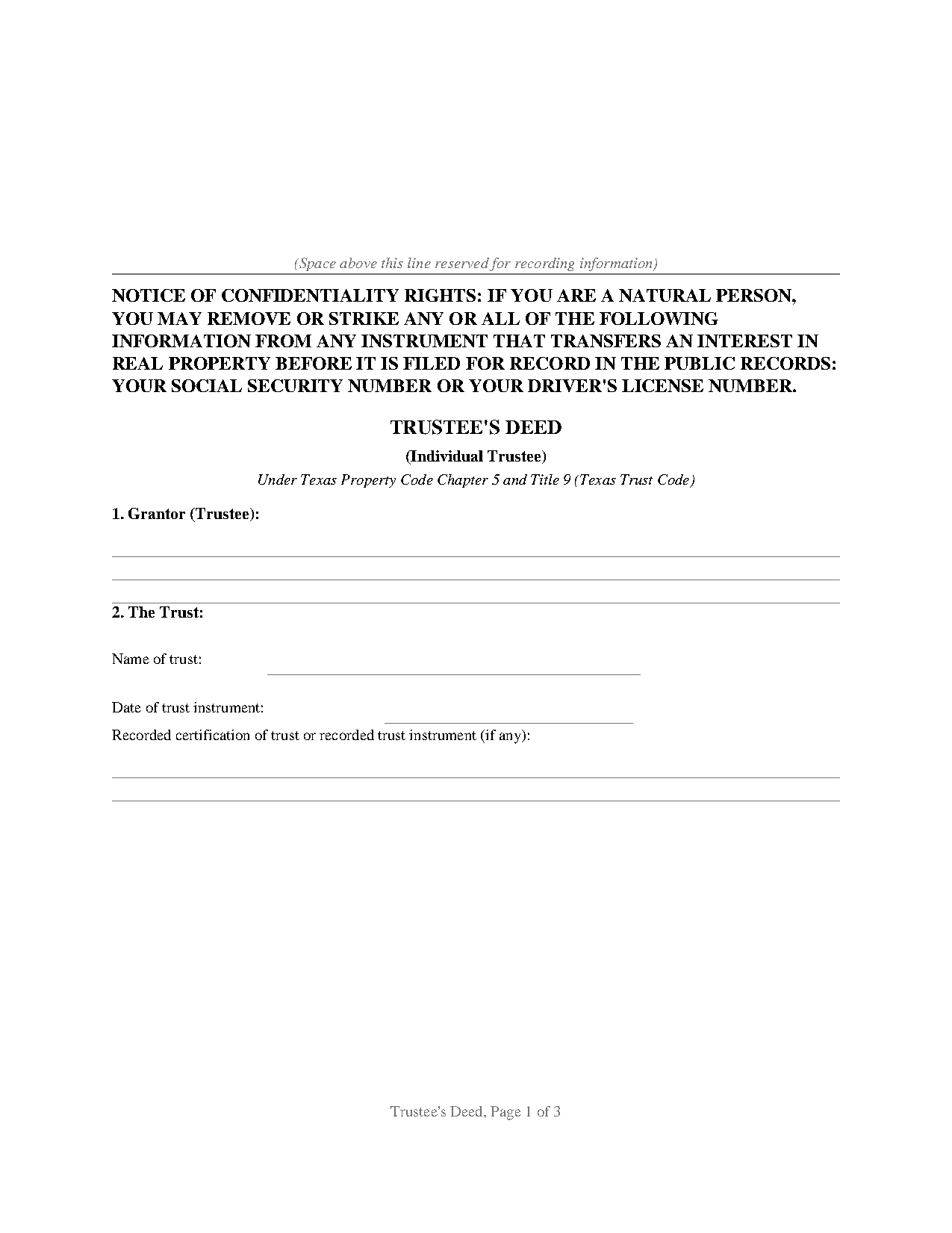
Baylor County Trustees Deed (Individual Trustee) Form
Fill in the blank Trustees Deed (Individual Trustee) form formatted to comply with all Texas recording and content requirements.
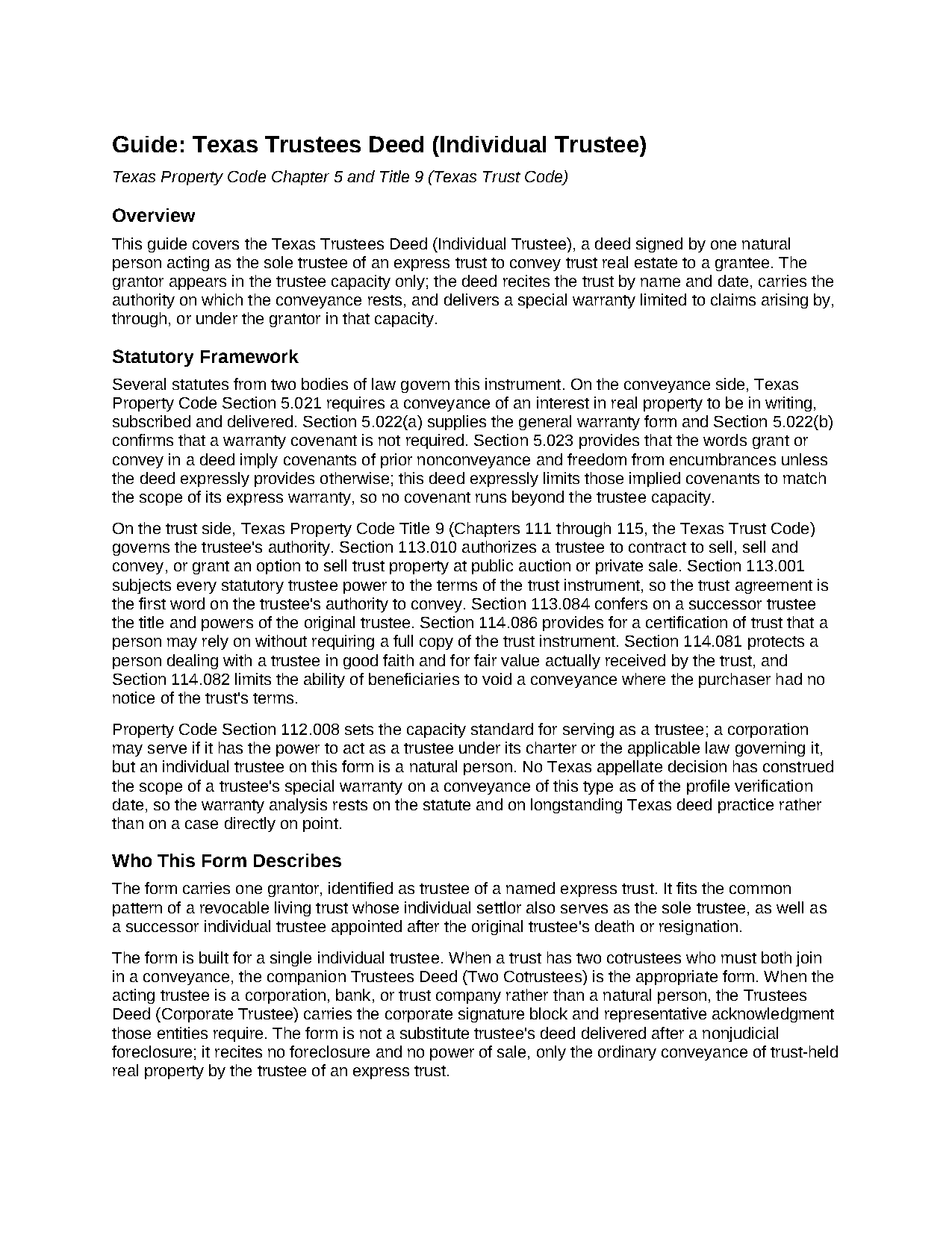
Baylor County Trustees Deed (Individual Trustee) Guide
Line by line guide explaining every blank on the Trustees Deed (Individual Trustee) form.
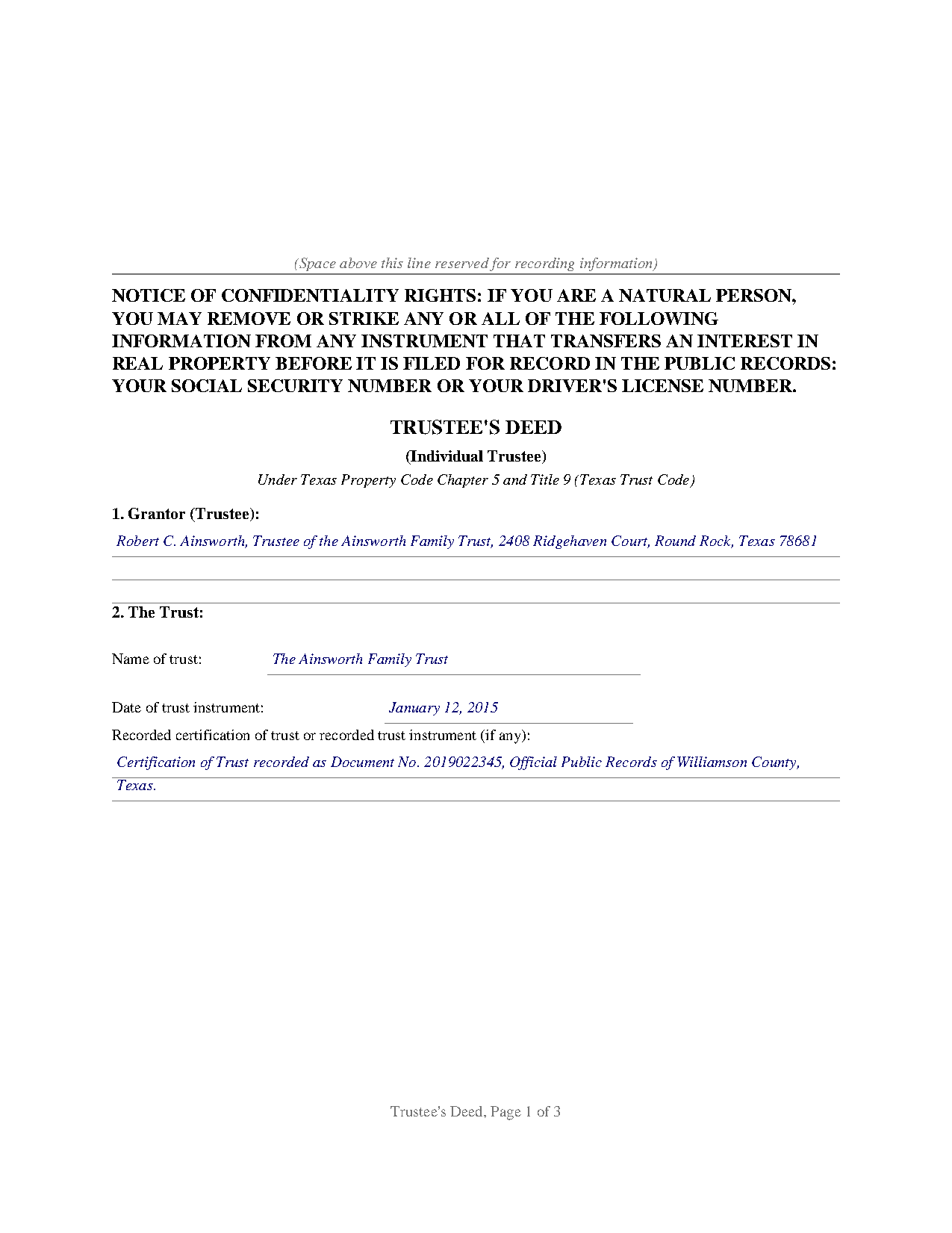
Baylor County Completed Example of the Trustees Deed (Individual Trustee) Document
Example of a properly completed Texas Trustees Deed (Individual Trustee) document for reference.
All 3 documents above included • One-time purchase • No recurring fees
Immediate Download • Secure Checkout
Additional Texas and Baylor County documents included at no extra charge:
Where to Record Your Documents
Baylor County Clerk
Seymour, Texas 76380
Hours: 8:30am to 12:00 & 1:00 to 5:00pm Monday through Friday
Phone: (940) 889-3322
Recording Tips for Baylor County:
- Bring your driver's license or state-issued photo ID
- Ensure all signatures are in blue or black ink
- Ask about accepted payment methods when you call ahead
- Ask for certified copies if you need them for other transactions
- Ask if they accept credit cards - many offices are cash/check only
Cities and Jurisdictions in Baylor County
Properties in any of these areas use Baylor County forms:
- Seymour
Hours, fees, requirements, and more for Baylor County
How do I get my forms?
Forms are available for immediate download after payment. The Baylor County forms will be in your account ready to download to your computer. An account is created for you during checkout if you don't have one. Forms are NOT emailed.
Are these forms guaranteed to be recordable in Baylor County?
Yes. Our form blanks are guaranteed to meet or exceed the applicable formatting requirements used for recording in Baylor County, including margin requirements, font requirements, and other layout standards. This guarantee applies to formatting, not to the legal sufficiency of information entered by the user or the suitability of a form for a particular transaction.
Can I reuse these forms?
Yes. You can reuse the forms for your personal use. For example, if you have multiple properties in Baylor County you only need to order once.
What do I need to use these forms?
The forms are PDFs that you fill out on your computer. The free Adobe Acrobat Reader is recommended, and most PDF apps also work. You do NOT enter your property information online - you download the blank forms and complete them privately on your own computer.
Are there any recurring fees?
No. This is a one-time purchase. Nothing to cancel, no memberships, no recurring fees.
How much does it cost to record in Baylor County?
Recording fees in Baylor County vary. Contact the recorder's office at (940) 889-3322 for current fees.
Questions answered? Let's get started!
Property held in a Texas living trust is titled in the trustee's name, and when the moment comes to sell it or distribute it to a beneficiary, the trustee is the one who signs the deed. This trustee's deed conveys real property out of an express trust under the Texas Trust Code, with the grantor acting solely as trustee and not individually, and with a special warranty measured by the grantor's own tenure in the title.
A conveyance in a fiduciary capacity
The statutory authority sits in the Trust Code itself. Property Code Section 113.010 authorizes a trustee to contract to sell, sell and convey, or grant an option to sell real property at public auction or private sale, and Section 113.001 places the trust instrument above every statutory power, so the instrument creating the trust remains the first word on the trustee's authority. The deed identifies the trust by name and by the date of the trust instrument, recites the trustee capacity in the granting clause and the warranty, and carries the acknowledgment in the same capacity, so the county record shows a fiduciary conveyance from end to end.
The trust stays off the record
Trust instruments are private documents and ordinarily go unrecorded. Texas bridges the gap with the certification of trust of Property Code Section 114.086, a trustee-signed summary of the trust's existence, its date, the acting trustee, and the trustee's powers; a person relying on one in good faith may assume the facts it states without inquiry. The deed provides a line for the recording reference of a recorded certification of trust, and the companion protections of Sections 114.081 and 114.082 shield people who deal with a trustee in good faith and for fair value.
A warranty measured by the trustee's tenure
The deed conveys with the statutory words of grant from Property Code Section 5.022, then states its warranty expressly: the grantor, in the trustee capacity and not individually, warrants and defends the title against every person lawfully claiming by, through, or under the grantor, but not otherwise. That is the classic Texas special warranty: it covers the title during the grantor's tenure and leaves earlier history outside the covenant, narrower than a general warranty and broader than a deed without warranty, which excludes even the implied covenants of Section 5.023.
One name, two very different deeds
Texas practice uses the phrase trustee's deed for an unrelated instrument as well: the substitute trustee's deed delivered after a nonjudicial foreclosure sale under a deed of trust. This form is not that document; it recites no foreclosure and no power of sale, only the ordinary conveyance of trust-held property by the trustee of an express trust.
Recording the deed
The completed deed records with the county clerk of the county where the property is located, and Texas imposes no transfer tax, so the deed and any exhibits are the whole package. The confidentiality notice required by Property Code Section 11.008 appears at the top of the first page, above reserved space for the recording stamp. The download includes the blank deed as a fillable PDF, a completed example on a realistic Williamson County fact pattern, and a guide covering every numbered section; the materials are informational and are not legal advice.
Important: Your property must be located in Baylor County to use these forms. Documents should be recorded at the county recording office listed above.
This Trustees Deed (Individual Trustee) meets all recording requirements specific to Baylor County.
Our Promise
The documents you receive here are guaranteed to meet or exceed the applicable Baylor County recording format requirements. If there is a rejection caused by our formatting, we will correct the issue or refund your payment. This guarantee applies to document formatting only and does not extend to information entered by the user, the selection of the form, or the legal effect of the completed document.
Save Time and Money
Get your Baylor County Trustees Deed (Individual Trustee) form done right the first time with Deeds.com Uniform Conveyancing Blanks. At Deeds.com, we understand that your time and money are valuable resources, and we don't want you to face a penalty fee or rejection imposed by a county recorder for submitting nonstandard documents. We constantly review and update our forms to meet rapidly changing state and county recording requirements for roughly 3,500 counties and local jurisdictions.
4.8 out of 5 - ( 4,824 Reviews )
Gloria R. 5 out of 5 stars
Great system
Thank you!
Robert W. 5 out of 5 stars
With the guide everything went great
Thank you!
Kimberly E. 5 out of 5 stars
This process could not have been made any easier!! Very easy instructions to follow and the response time was incredible! Thank you!
Thank you!
Kathryn G. 5 out of 5 stars
This was extremely helpful!
We are motivated by your feedback to continue delivering excellence. Thank you!
Jennifer O. 5 out of 5 stars
Quick, easy, affordable, eliminated the need for a lawyer.
Thank you for your feedback. We really appreciate it. Have a great day!
Stephanie B. 5 out of 5 stars
Site is SO easy to use. Thank you for such a valuable resource.
Thank you for your feedback. We really appreciate it. Have a great day!
James A. 5 out of 5 stars
Good.
Thank you!
Jamie P. 5 out of 5 stars
Got it next business day in the morning. Saved me phone call and perhaps a trip to courthouse. Very pleased.
Your satisfaction with our services is of utmost importance to us. Thank you for letting us know how we did!
Virginia S. 5 out of 5 stars
Very easy to use. Had my Transfer of Death Designation Affidavit done in no time and filed with the Recorder's Office the next day.
Thank you for your feedback. We really appreciate it. Have a great day!
Nicolette C. 5 out of 5 stars
Deeds.com was a wealth of information and easy to navigate through the myriad of forms to choose from. During a time of family tragedy, this site was a valuable resource to complete necessary paperwork and ensure assets were in proper names and titles.
We are sincerely grateful for your feedback and are committed to providing the highest quality service. Thank you for your trust in us.
LeiLoni L. 5 out of 5 stars
This site was easy to use.
Thank you for your positive words! We’re thrilled to hear about your experience.
Tim G. 5 out of 5 stars
Pretty good all in all. I do wish I could download forms to a word doc instead of a .pdf. Word is more 'accessable'.
Thank you!
Patricia J. 5 out of 5 stars
Easy quick process to download at a reasonable price. Some good info provided.
We appreciate your business and value your feedback. Thank you. Have a wonderful day!
Dan J. 5 out of 5 stars
The paperwork was fine but it was just paperwork. Georgia does not accept a paper form. The form must be transmitted electronically through a registered account. Using an attorney may have been the simple way to file the cancellation.
Thank you for your feedback, Dan. We’re glad the paperwork itself met your expectations. Recording requirements can vary by state and county, including how documents are submitted. We appreciate you sharing your experience and will review our product information to see where we can better clarify the recording process for Georgia customers.
Kevin B. 4 out of 5 stars
It looks like it can be a huge time saver. I did a deed and appeared very professional.
Thank you for your feedback. We really appreciate it. Have a great day!