Wilbarger County Transfer on Death Deed (Unmarried Sole Owner to Individual Beneficiaries) Form
Last validated November 20, 2026 by our Forms Development TeamFormatted for recording in Wilbarger County, for property anywhere in the county: rural and unincorporated areas as well as Harrold, Odell, Oklaunion, Vernon.
- 3 documents included
- Immediate PDF download
- Formatting guarantee
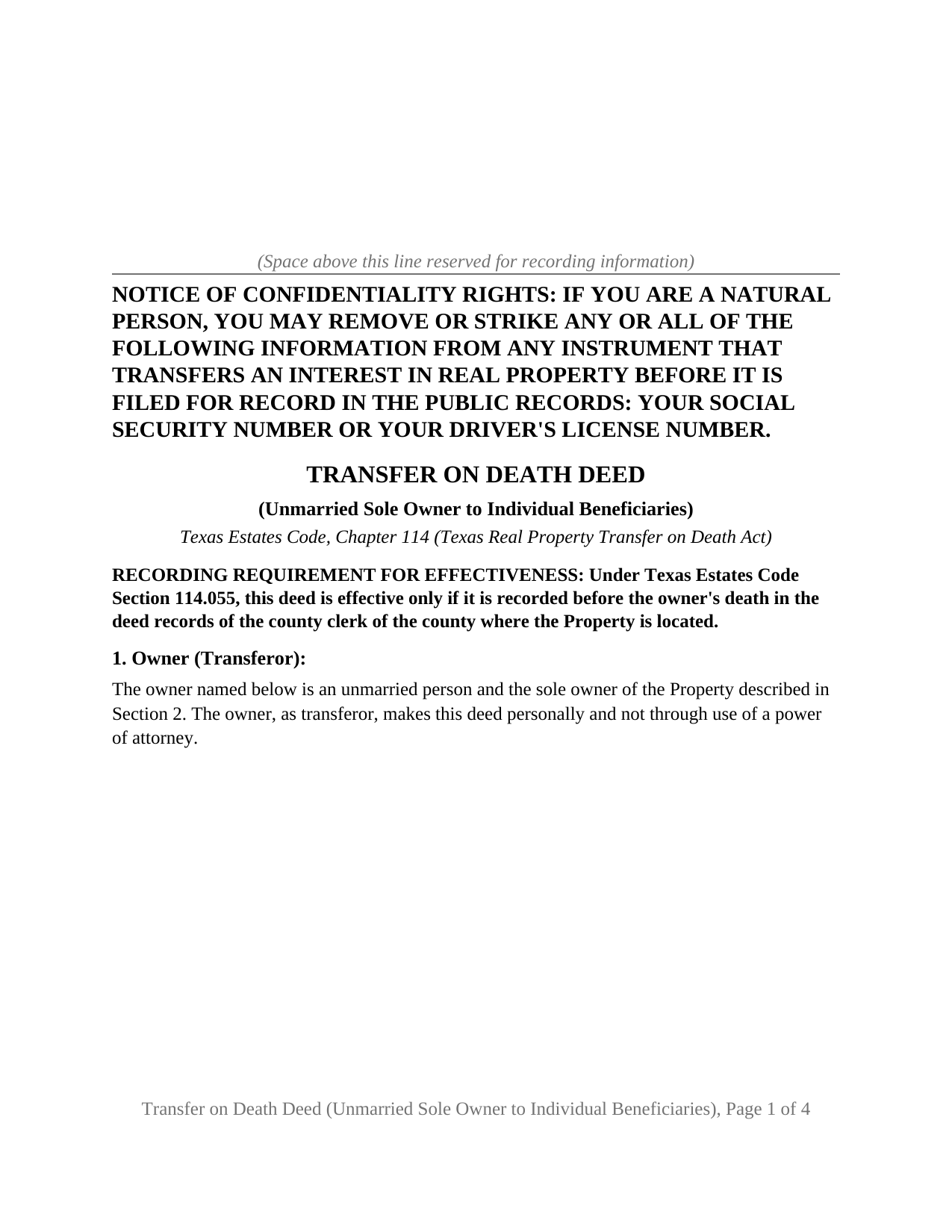
Wilbarger County Transfer on Death Deed (Unmarried Sole Owner to Individual Beneficiaries) Form
Fill in the blank Transfer on Death Deed (Unmarried Sole Owner to Individual Beneficiaries) form formatted to comply with all Texas recording and content requirements.
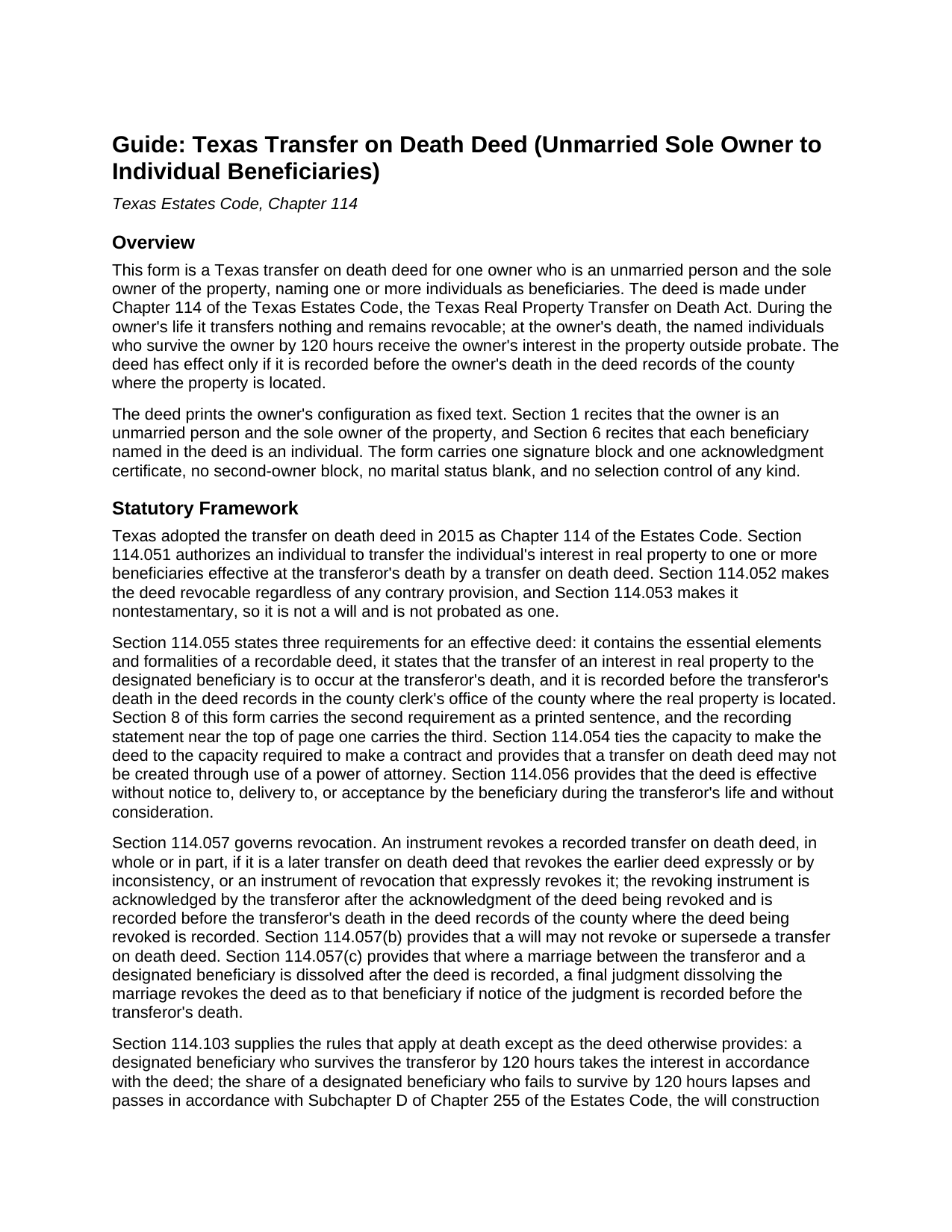
Wilbarger County Transfer on Death Deed (Unmarried Sole Owner to Individual Beneficiaries) Guide
Line by line guide explaining every blank on the Transfer on Death Deed (Unmarried Sole Owner to Individual Beneficiaries) form.
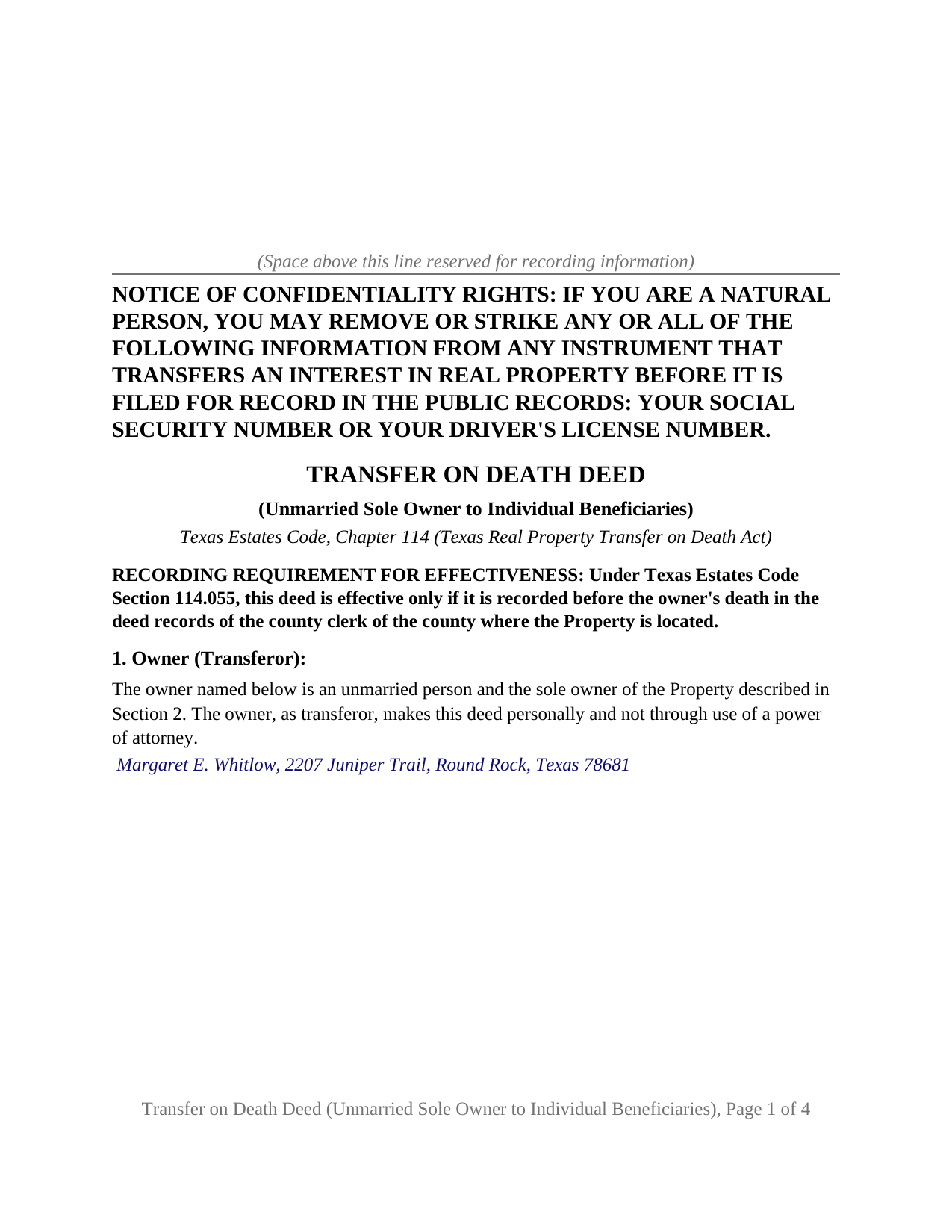
Wilbarger County Completed Example of the Transfer on Death Deed (Unmarried Sole Owner to Individual Beneficiaries) Document
Example of a properly completed Texas Transfer on Death Deed (Unmarried Sole Owner to Individual Beneficiaries) document for reference.
All 3 documents above included • One-time purchase • No recurring fees
Immediate Download • Secure Checkout
Additional Texas and Wilbarger County documents included at no extra charge:
Where to Record Your Documents
Wilbarger County Clerk
Vernon, Texas 76384
Hours: Monday - Friday 8:00am - 5:00pm
Phone: (940) 552-5486
Recording Tips for Wilbarger County:
- Bring your driver's license or state-issued photo ID
- Ensure all signatures are in blue or black ink
- Bring extra funds - fees can vary by document type and page count
- Check margin requirements - usually 1-2 inches at top
- Leave recording info boxes blank - the office fills these
Cities and Jurisdictions in Wilbarger County
Properties in any of these areas use Wilbarger County forms:
- Harrold
- Odell
- Oklaunion
- Vernon
Hours, fees, requirements, and more for Wilbarger County
How do I get my forms?
Forms are available for immediate download after payment. The Wilbarger County forms will be in your account ready to download to your computer. An account is created for you during checkout if you don't have one. Forms are NOT emailed.
Are these forms guaranteed to be recordable in Wilbarger County?
Yes. Our form blanks are guaranteed to meet or exceed the applicable formatting requirements used for recording in Wilbarger County, including margin requirements, font requirements, and other layout standards. This guarantee applies to formatting, not to the legal sufficiency of information entered by the user or the suitability of a form for a particular transaction.
Can I reuse these forms?
Yes. You can reuse the forms for your personal use. For example, if you have multiple properties in Wilbarger County you only need to order once.
What do I need to use these forms?
The forms are PDFs that you fill out on your computer. The free Adobe Acrobat Reader is recommended, and most PDF apps also work. You do NOT enter your property information online - you download the blank forms and complete them privately on your own computer.
Are there any recurring fees?
No. This is a one-time purchase. Nothing to cancel, no memberships, no recurring fees.
How much does it cost to record in Wilbarger County?
Recording fees in Wilbarger County vary. Contact the recorder's office at (940) 552-5486 for current fees.
Questions answered? Let's get started!
This Texas transfer on death deed is built for one owner who is an unmarried person and holds the property alone, naming one or more individuals to receive it at death. The deed prints that configuration as its own text: Section 1 recites that the owner is an unmarried person and the sole owner of the property, Section 6 recites that each beneficiary is an individual, and the instrument carries one signature block and one acknowledgment certificate under Chapter 114 of the Texas Estates Code.
One owner, one death, no spouse to account for
Most of the complexity in a Texas transfer on death deed comes from the people around the owner: a spouse with a community property interest, a co-owner whose survivorship right postpones the deed to a second death. The configuration this deed recites has neither, so there is no community property presumption to work through, no joinder question under Family Code Section 5.001, and no survivorship arrangement that delays the transfer. The deed waits for a single event, the owner's death, and the individuals named in it who survive the owner by 120 hours take the owner's interest outside probate. The ownership patterns that present this shape appear in the record as one name on the vesting deed: a person who never married and bought alone, a widowed owner whose title now stands in one name, and a divorced owner whose decree or a later deed consolidated the property.
Why the deed prints the owner's status
This deed leaves nothing about status, ownership, or a second owner to a blank or a box: the recital in Section 1 is printed, the only entry in that section is the owner's name and mailing address, and there is no second signature block on the instrument. The recital states what the owner asserts on the date of signing; a later marriage is not among the events Chapter 114 lists as revoking a recorded deed, and the guide describes what it changes at death.
Beneficiaries who are people, not entities
Chapter 114 defines a beneficiary as a person and borrows the Government Code definition of that word, so the statute itself allows a trust or a corporation to be named. This deed fixes the beneficiary class to individuals, and Section 6 says so in print. Where more than one individual is named, Section 114.103 passes the property to them in equal and undivided shares with no right of survivorship among them. Section 7 is an optional alternate designation: the individuals named there take only if no primary beneficiary survives the owner by 120 hours, and they carry the same survival requirement. The form carries no share arrangement other than the statute's equal shares and no open drafting box.
What the operative section states
Section 114.055 requires a transfer on death deed to state that the transfer to the designated beneficiary is to occur at the transferor's death, and Section 8 of this deed carries that sentence in the statute's own words beside the transfer itself, effective at the death of the owner. The same section recites the owner's contractual capacity, restates the survival and lapse rules of Section 114.103, states that the deed transfers the property without covenant or warranty of title, and closes with the capitalized statement that the deed is revocable. Revocation during life takes a separately prepared and recorded instrument under Section 114.057, not included in this package; a will does not revoke a transfer on death deed in Texas.
Recording before death is the effectiveness condition
A Texas TOD deed, sometimes searched for as a beneficiary deed, is effective only if recorded before the owner's death in the deed records of the county where the property is located, and the recording statement near the top of page one says so. The deed is formatted for the county clerk: letter size pages within Local Government Code Section 191.007, 12 point body text, the Property Code Section 11.008 notice of confidentiality rights in 12 point boldfaced capitals at the top of the first page, and reserved space for the recording stamp.
The package contains the deed as a fillable PDF, completed on screen or printed and completed by hand; a completed example filled in for a realistic Williamson County fact pattern; and a plain language guide that walks through every numbered section, the acknowledgment, and recording. This description and the guide describe the form and the governing statutes in general terms; they are not legal advice.
Important: Your property must be located in Wilbarger County to use these forms. Documents should be recorded at the county recording office listed above.
This Transfer on Death Deed (Unmarried Sole Owner to Individual Beneficiaries) meets all recording requirements specific to Wilbarger County.
Our Promise
The documents you receive here are guaranteed to meet or exceed the applicable Wilbarger County recording format requirements. If there is a rejection caused by our formatting, we will correct the issue or refund your payment. This guarantee applies to document formatting only and does not extend to information entered by the user, the selection of the form, or the legal effect of the completed document.
Save Time and Money
Get your Wilbarger County Transfer on Death Deed (Unmarried Sole Owner to Individual Beneficiaries) form done right the first time with Deeds.com Uniform Conveyancing Blanks. At Deeds.com, we understand that your time and money are valuable resources, and we don't want you to face a penalty fee or rejection imposed by a county recorder for submitting nonstandard documents. We constantly review and update our forms to meet rapidly changing state and county recording requirements for roughly 3,500 counties and local jurisdictions.
4.8 out of 5 - ( 4,865 Reviews )
Equity S. 5 out of 5 stars
I love the service you provide. Very helpful and saves a ton of time.
We appreciate your business and value your feedback. Thank you. Have a wonderful day!
Anne G. 5 out of 5 stars
I used deeds.com's services for the first time while the Stay at Home Order is in effect and found it to be very user friendly and seamless. I am very impressed.
Thank you Anne, glad we could help.
Patricia U. 5 out of 5 stars
Quick and easy document recording from home! Wish I knew about this before!
Thank you for your feedback. We really appreciate it. Have a great day!
Edward L. 5 out of 5 stars
Excellent web site with just the right documents. Filled a very important need in less tha 2 minutes time.
We appreciate your business and value your feedback. Thank you. Have a wonderful day!
David C. 5 out of 5 stars
Very fast service
Thank you!
donald h. 5 out of 5 stars
good, however, I haven't figured out how to save my filled out form
Thank you for your feedback. We really appreciate it. Have a great day!
Paul A. 5 out of 5 stars
Your service is awesome!
Thank you!
Rick W. 1 out of 5 stars
Hi, I must have done something wrong. I need a QuitClaim North Carolina Dare County form. I don't need the Warranty Claim that appeared in my download list. Can I exchange forms?
As a one time courtesy we have canceled the order and payment you made for the warranty deed in error. Have a wonderful day.
Duncan M. 2 out of 5 stars
Forms are fine, but the inability to download a completed form is not. Nor is the ability to convert to another format. Everytime I went to download, the form erased. I didn't have a printer available, so everything I did was to waste.
Thank you for your feedback Duncan. The blank forms should be downloaded first and then completed on your computer.
Diane S. 5 out of 5 stars
Money well spent. I used the example and filled out with no problem.
We appreciate your business and value your feedback. Thank you. Have a wonderful day!
Shari N. 5 out of 5 stars
Super easy to order and save a document!
We appreciate your business and value your feedback. Thank you. Have a wonderful day!
Sinh L. 5 out of 5 stars
Deeds.com did such a wonderful job that I had to leave a positive review. I did a deed retrieval and ran across some hiccups. Deeds.com was able to help me get my deed and even went beyond to help me have a more in depth understanding of it's title history. They responded quickly to all my messages. Great customer service. Definitely recommend! Thank you Deeds.com and thank you KVH.
We appreciate your business and value your feedback. Thank you. Have a wonderful day!
Sylvia L. 5 out of 5 stars
Very easy...found what I was looking for
We appreciate your business and value your feedback. Thank you. Have a wonderful day!
A. S. 3 out of 5 stars
First, I am glad that you gave a blank copy, an example copy, and a 'guide'. It made it much easier to do. Overall I was very happy with your products and organization... however, things got pretty confusing and I have a pretty 'serious' law background in Real Estate and Civil law. With that said, I spent about 10+ hours getting my work done, using the Deed of Trust and Promissory note from you and there were a few problems: First, it would be FANTASTIC if you actually aligned your guide to actually match the Deed or Promissory Note. What I mean is that if the Deed says 'section (E)' then your guide shouldn't be 'randomly' numbered as 1,2,3, for advice/instructions, but should EXACTLY match 'section (E)'. Some places you have to 'hunt' for what you are looking for, and if you did it based on my suggestion, you wouldn't need to 'hunt' and it would avoid confusion. 2nd: This one really 'hurt'... you had something called the 'Deed of Trust Master Form' yet you had basically no information on what it was or how to use it. The only information you had was a small section at the top of the 'Short Form Deed of Trust Guide'. Holy Cow, was that 'section' super confusing. I still don't know if I did it correctly, but your guide says only put a return address on it and leave the rest of the 16 or so page Deed of Trust beneath it blank... and then include your 'Deed of Trust' (I had to assume the short form deed that I had just created) as part of it. I had to assume that I had to print off the entire 17 page or so title page and blank deed. I also had to assume that the promissory note was supposed to be EXHIBIT A or B on the Short Form Deed. It would be great if someone would take a serious look at that short section in your 'Short Form Deed of Trust Guide' and realize that those of us using your products are seriously turning this into a county clerk to file and that most of us, probably already have a property that has an existing Deed... or at least can find one in the county records if necessary... and make sure that you make a distinction between the Deed for the property that already exists, versus the Deed of Trust and Promissory note that we are trying to file. Thanks.
Thank you for your feedback. We'll have staff review the document for clarity. Have a great day!
Ronald S. 5 out of 5 stars
got what i wanted
Thank you for your feedback. We really appreciate it. Have a great day!